
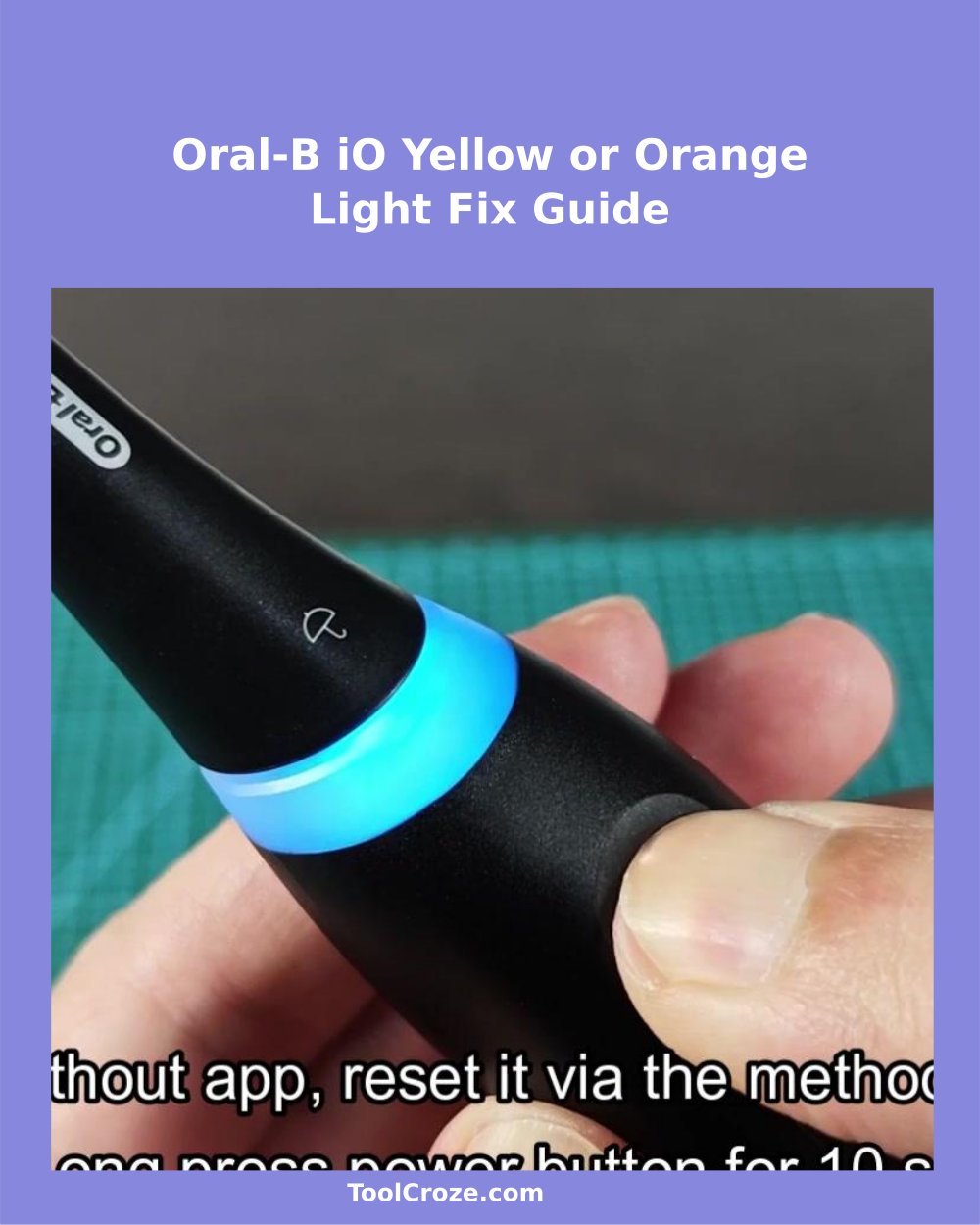
That orange light that sharply flashed above the Bluetooth-icon on my Oral-B toothbrush totally surprised me. First I thought that deal about a casual notice or warning. Something technical, simply.
But no. The toothbrush showed something much more normal than I expected. Showed that that orange glow is only a reminder to replace the brush-head.
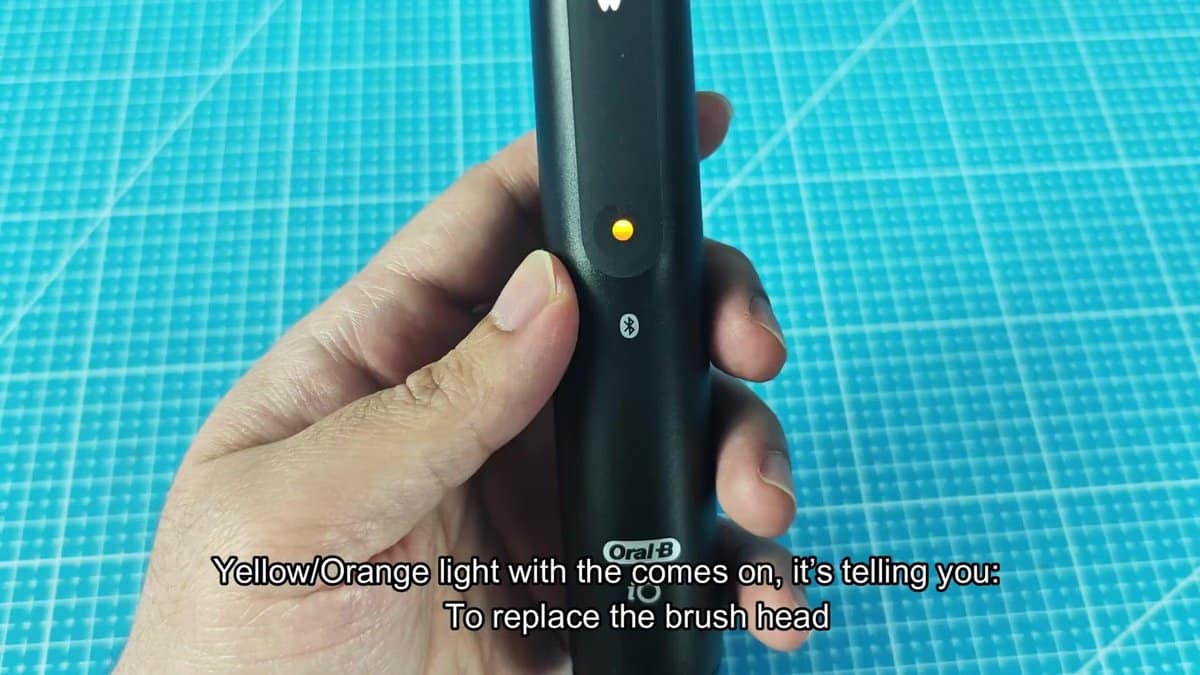
The tiny light sits right on the handle, just above the Bluetooth-icon, and it gives off that orange glow that is hard to miss after you saw it. The shade is somewhere between red and orange, not fully one nor the other… What helps to tell it from the other lights on the toothbrush.
Even so, because the toothbrush has several lights and symbols on the front panel, at first it a bit got lost in the mix. After I turned the handle and looked at it from some angles, the message became quite clear: time for a new brush-head. Removing the old head was simpelr than I imagined.
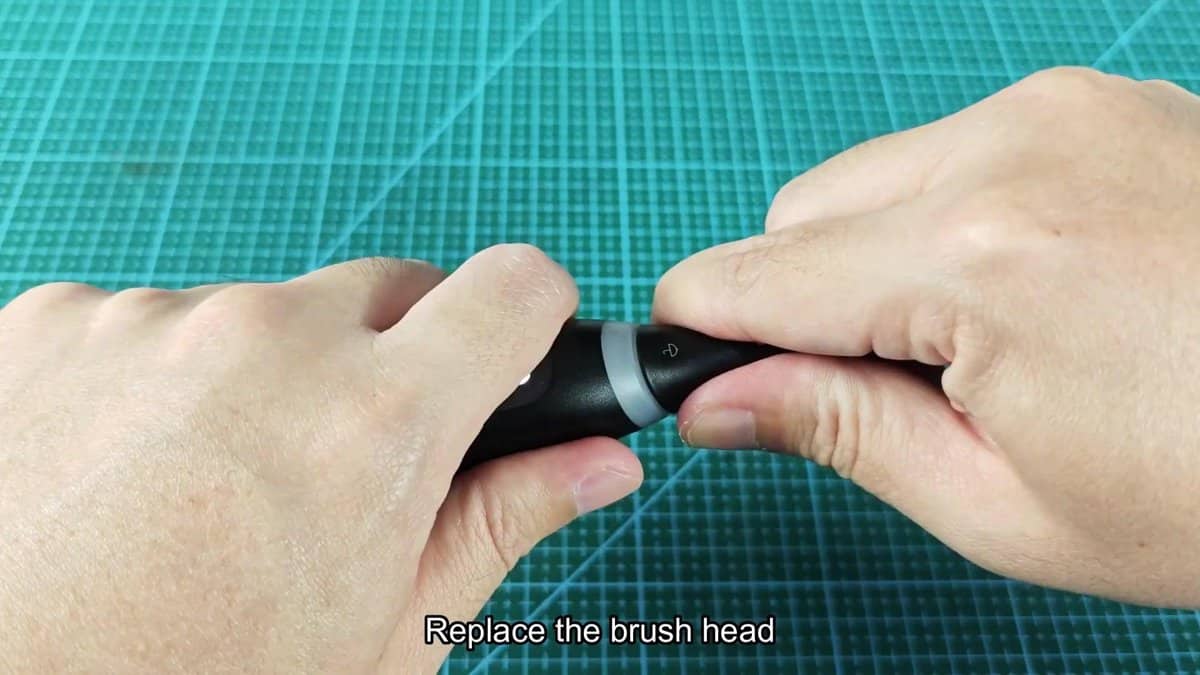
I just firmly held the head and pulled straight, and it slipped free from the handle. No twisting, no struggle. The connection split clean, and below appeared the white metal pole with a little ring joint at the top.
Replace Head & Reset: Fix the Orange Light on an Oral-B iO Toothbrush
When the old head already was off, I could clearly sea how worn the bristles truly were. They stood splayed in all directions, and most of the blue indicator bristles faded almost to white. I passed the recommended limit.
The toothbrush almost begged for a fresh start, and honestly that did not surprise me.
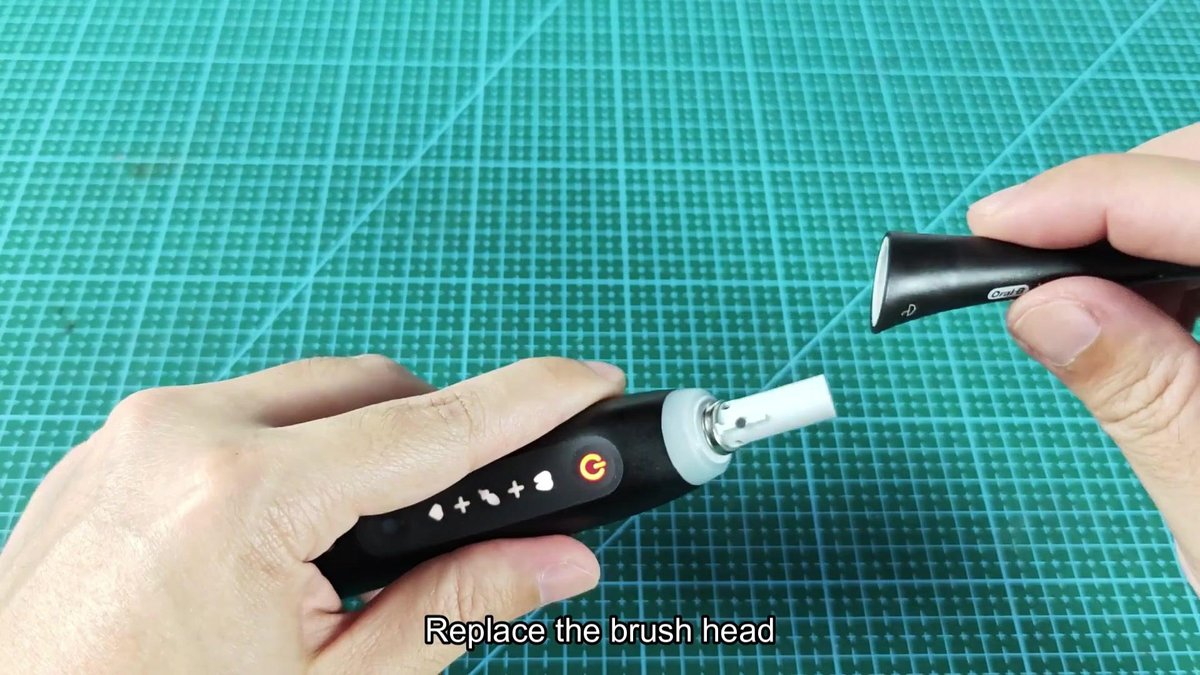
I took a new backup head from the packaging and lined it with the pole on the handle. On the neck of the fresh head clearly showed the mark matching the handle, and also the tiny style icons matching the handle easily showed. Pressing the head down firmly to the connection, I heard a nice click.
It sat tight and safely. No wobble… Once it properly entered, that head did not go anywhere.
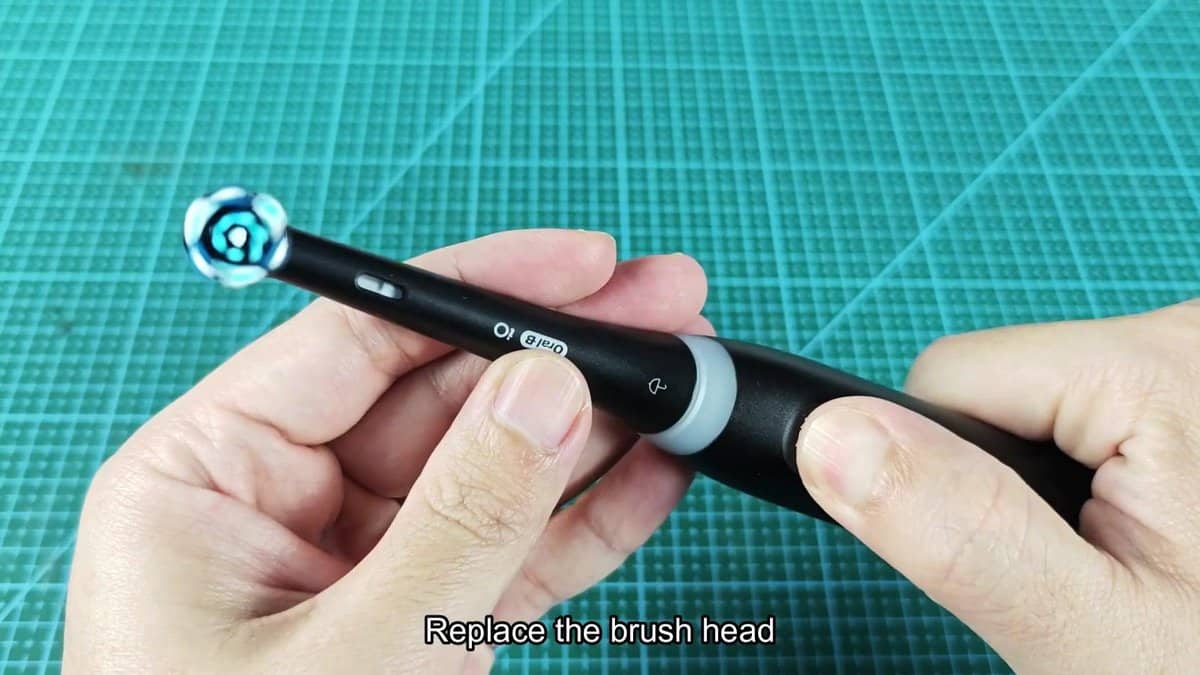
After the click of the new head, I switched the toothbrush on to check if the orange light finally went away. No, it still glowed right there. Turns out that the toothbrush itself only counts the lifetime of the brush-head, but can not know when a physical change actually happens.
One must tell the handle that a refill was done, either through the app or through a manual reset straight on the device. I grabbed the phone and opened the Oral-B app to search the options. The screen showed zero days left for the brush-head, with red warnings spread across the screen.
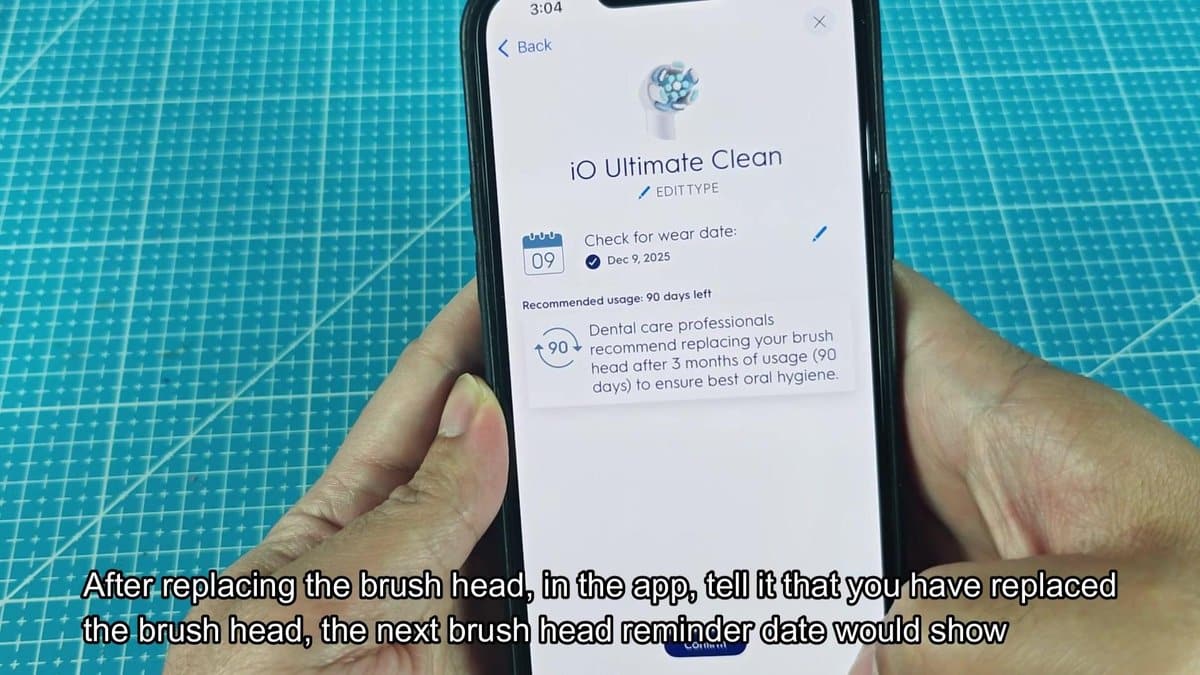
While I scrolled down, the app listed helpful details about brush-head maintenance. Both that clearly happened on my old head, so the timing matched quite well.
I tapped the option “Replace” in the app, and it immediately logged the new brush-head. The screen refreshed and showed a fresh tracking date: 9th of December 2025 with full ninety days in the usage counter. With the reminder updated that nearly ended the whole process.
Below, small images of available brush-heads were shown, nice detail that helps planning ahead and makes shopping for replacements much more useful.
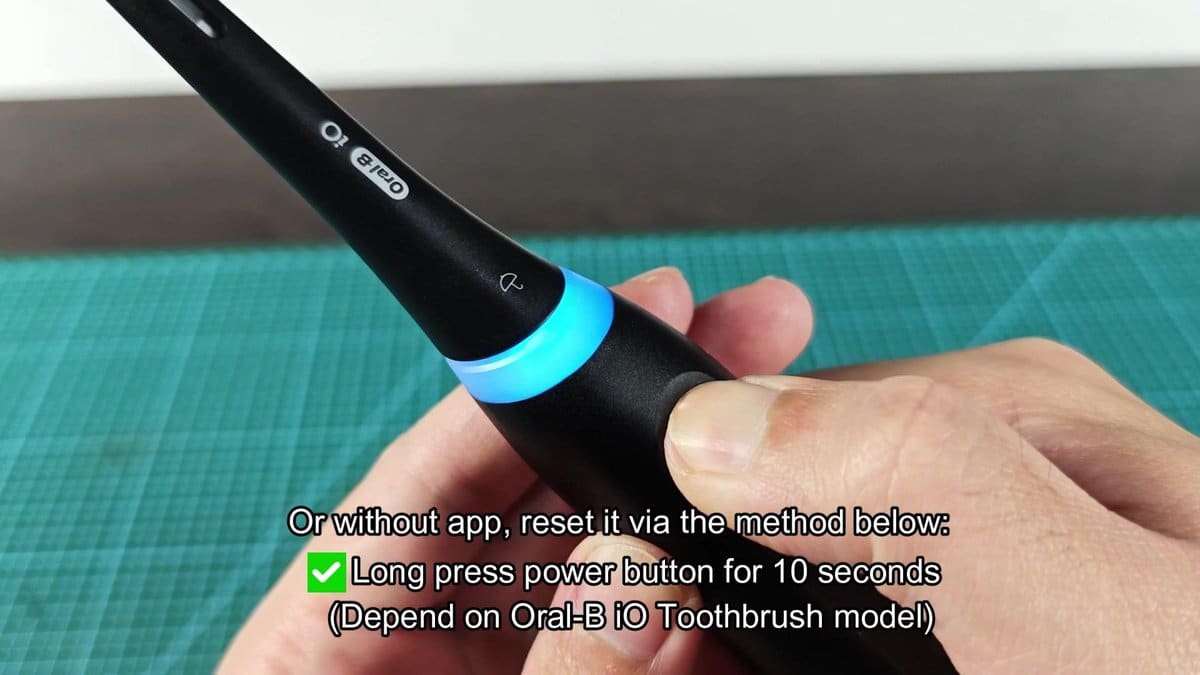
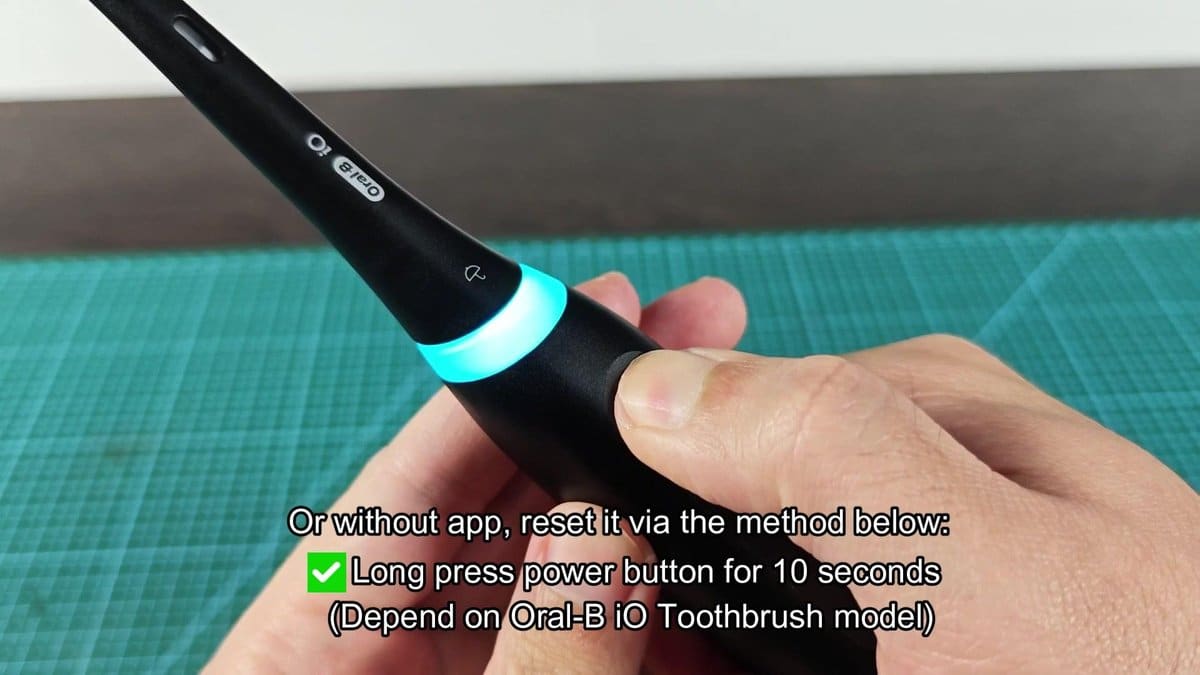
If you’d rather do it manually, there is also a way to reset everything straight on the handle itself. I pressed the thumb on the button and waited, while the glowing ring around the neck of the brush went through various colours.After holding the button for about ten seconds, the ring flashed bright blue and the reset was done. The orange replacement reminder fully disappeared from the handle, and the toothbrush returned to normal mode with the fresh brush-head fully logged.From the moment, when the orange light caught my attention, until when everything was sorted, the whole thing likely took around five minutes.
Once I understood what indeed happens. Truly not hard, when the steps are clear.
