
Makita 7.2V Battery does not Charge: Solution for that annoying problem on the charger. When you lay the battery on the DC10WA charger and both lights blink together that commonly shows that the charger found a fault in the battery and refuses to charge it. Many folks would simply throw away the battery and buy new, but there exists a simple way to revive such batteries.
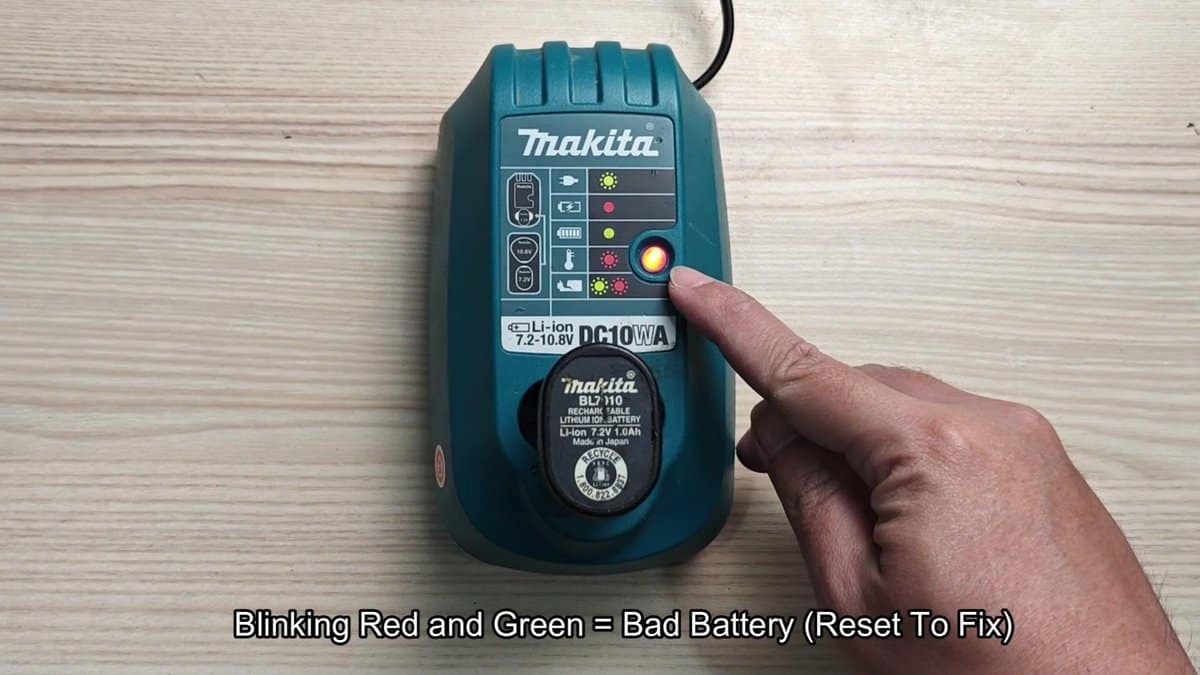
I had the problem with Makita BL1014 battery that simply did not want to charge any more. I tried to sit it well on the charger many times, but always received the same result. The DC10WA charger works for 7.2V to 10.8V lithium batteries, and normally it shows steady red light during the charge later green when the battery fills.
How to Jump-Start and Reset a Makita 7.2V Battery That Won’t Charge
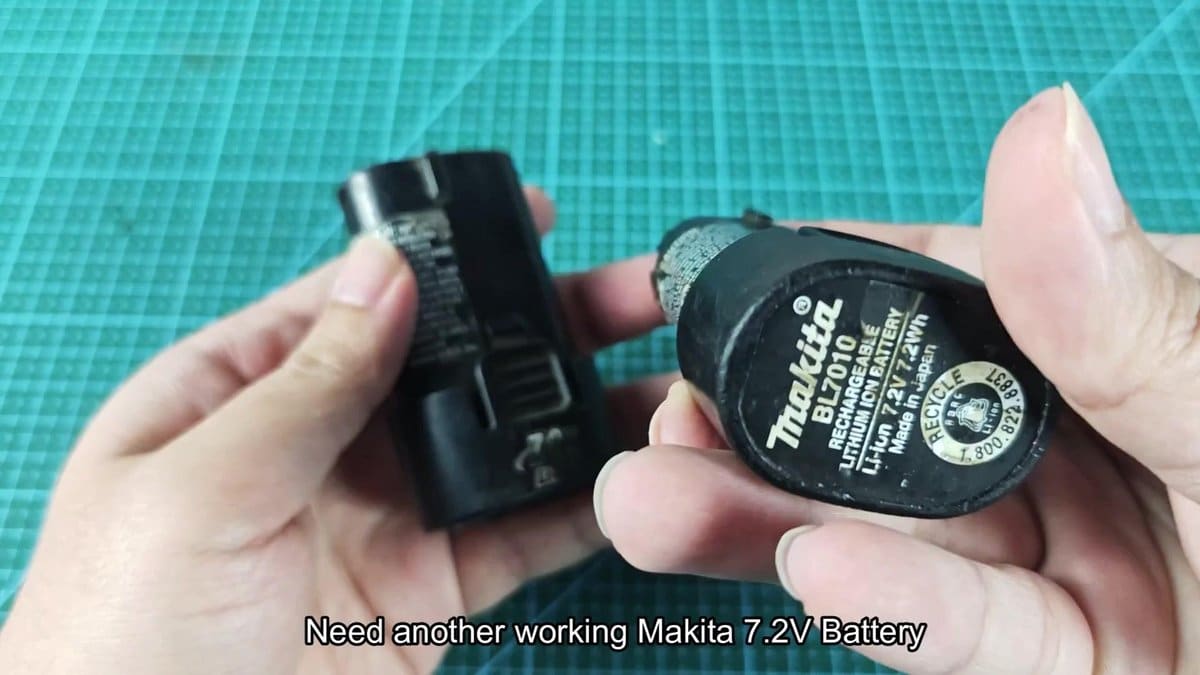
The solution is to use another Makita 7.2V battery that still works to "jump-start" the dead. I found a second battery that still kept charge, and lay them side by side to start. Even so, this method does not work for every battery, both must have the same voltage name.
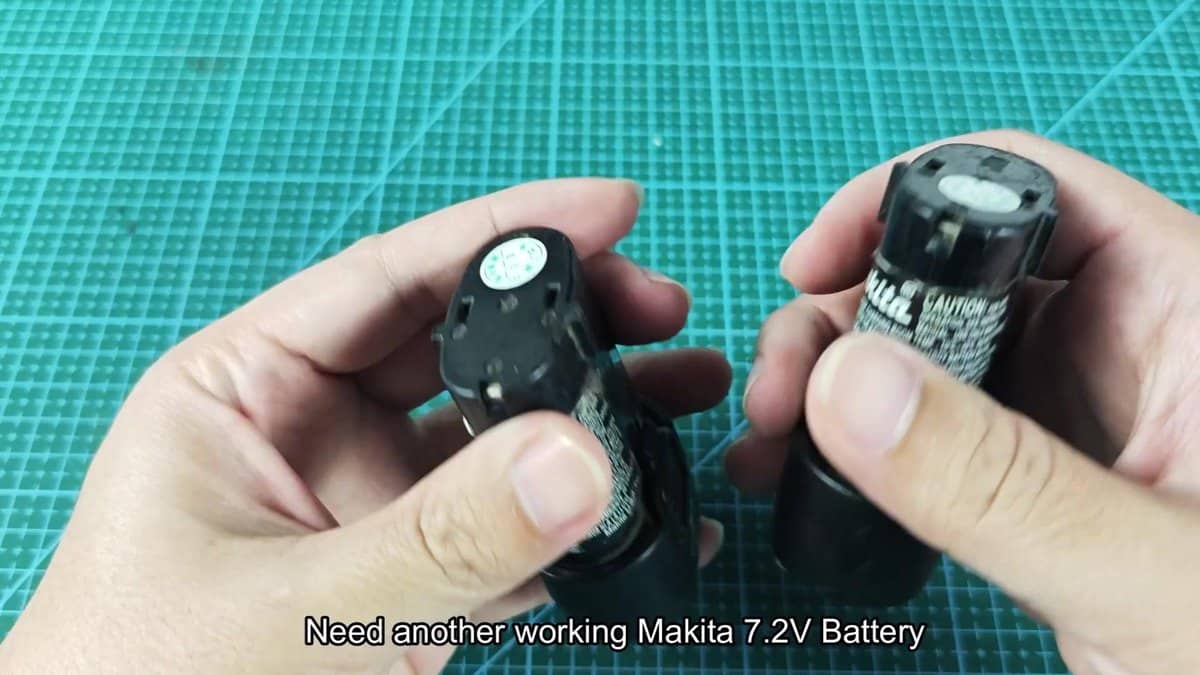
I turned them upward, so that the contact parts face the top, and observed the marks about polarity on the plastic. Every pole has a little plus or minus symbol beside it, although they can be hardly visible without good light. Those contact points are only metallic bits that sit in the body of the battery.
I cared to check everything on both before starting.
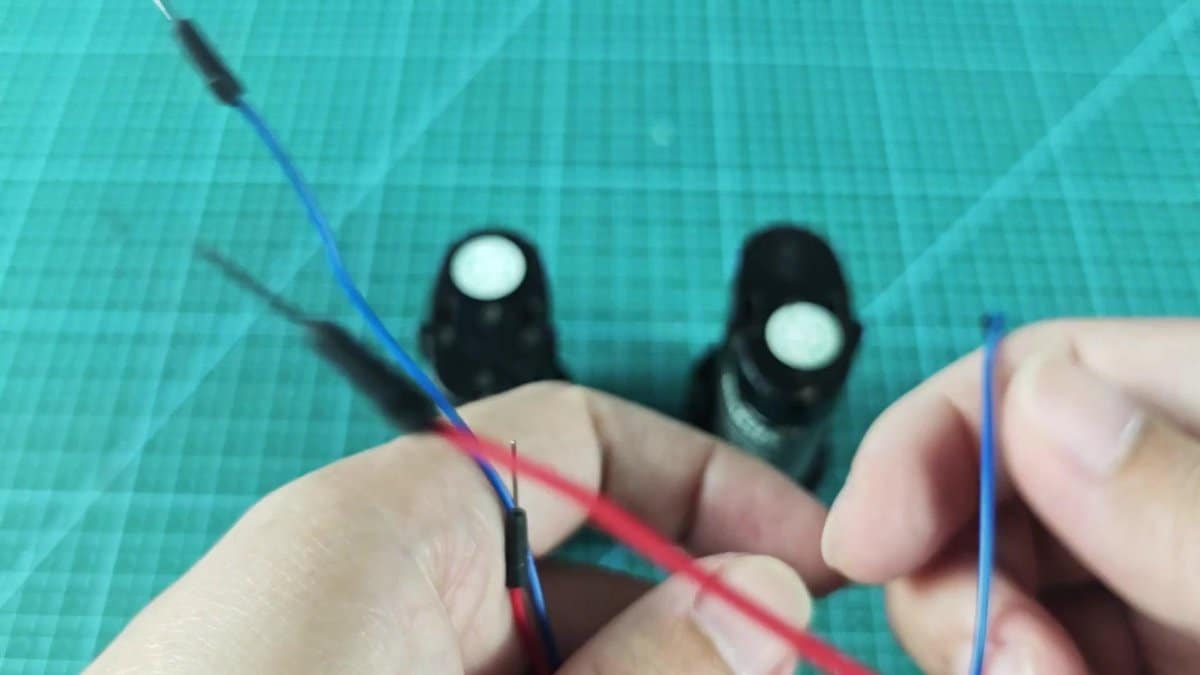
I also prepared two short wire bits to bridge the ties between the two batteries. I used average electrical wire with stripped ends about a quarter inch long. One had red covering, the other blue, to not confuse them during the work.
I lay the wires in hand before starting the real bridging.
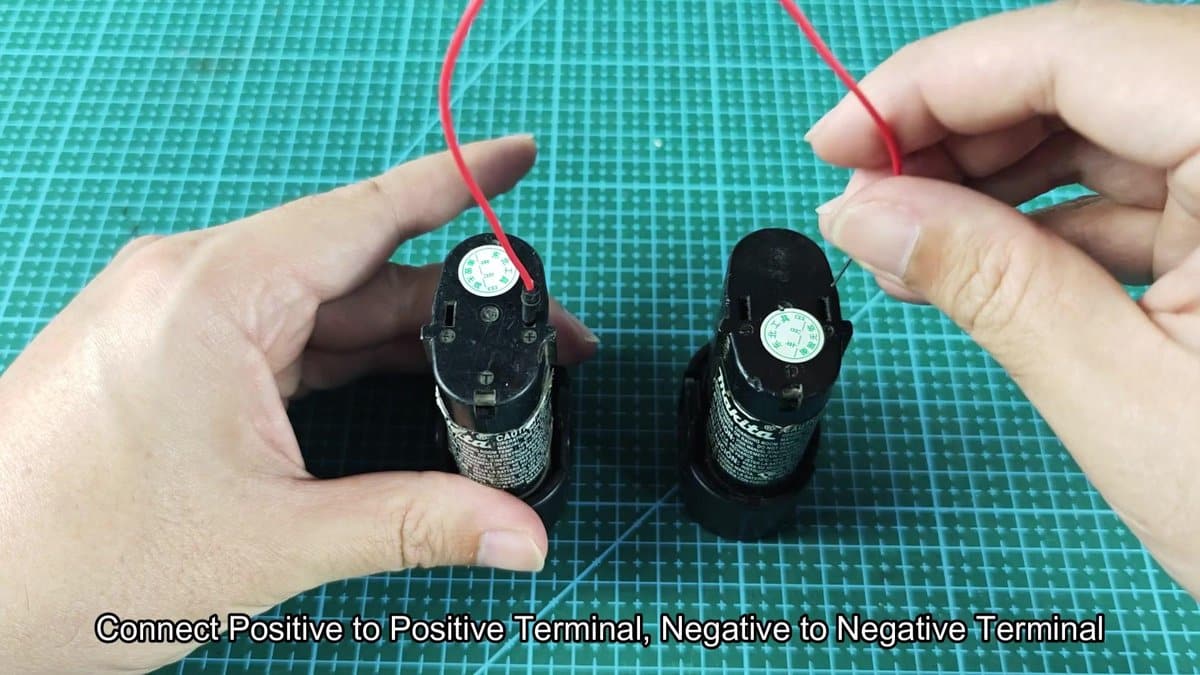
Both batteries stood directly with poles upward and accessible on the table. I took one ready wire and attached it from the positive pole of the good battery to that of the bad. The wire end had to press strongly against every metal for good contact.
The wire touches both poles at the same time, to close the circuit.
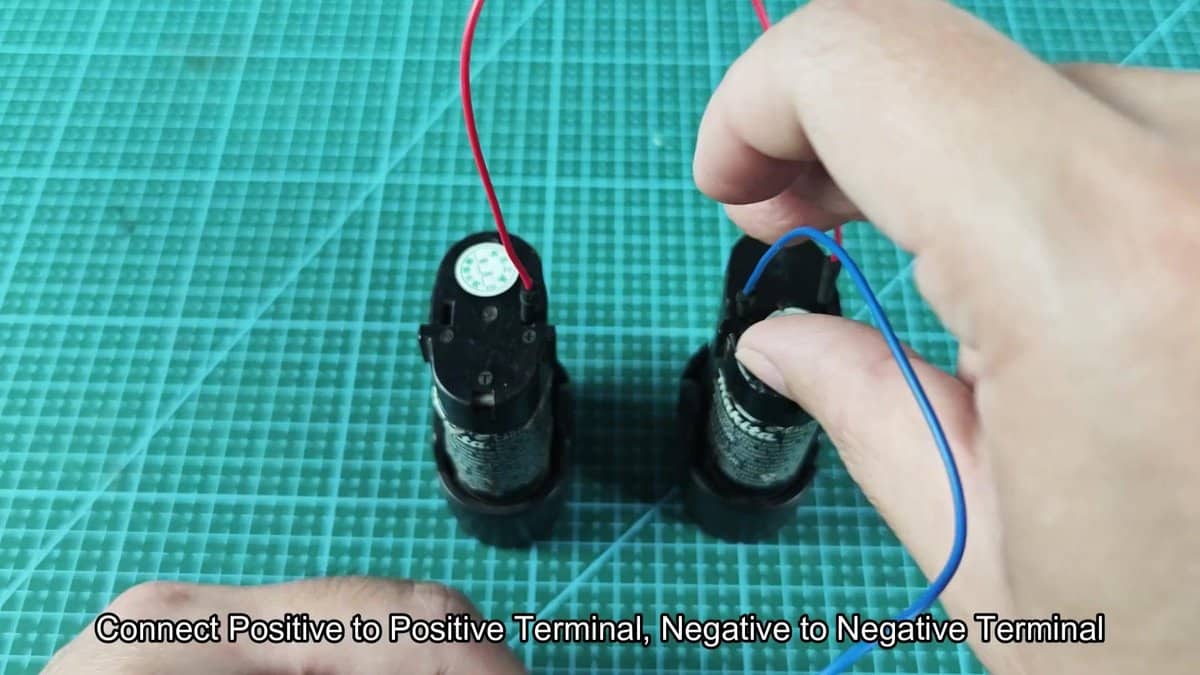
I then bridged the second wire from the negative pole of the good to that of the bad. I pressed both wire ends strongly and kept them for around fifteen seconds. The good battery so passed a bit of charge into the bad, enough to wake the protection and pass the blocked limit.
I did not see smoke or felt burning smell during the process. Really simple solution. Also do not leave it too long, because that stresses both batteries too.
Then I removed the wires and laid them away.
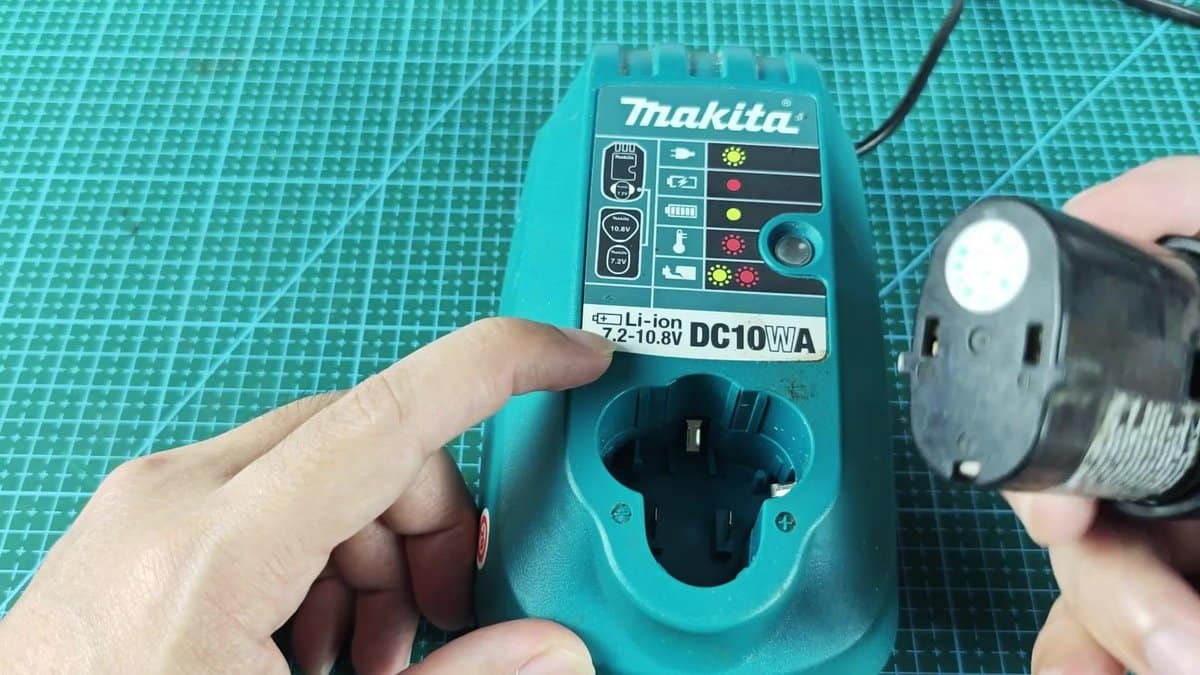
Next, I took the once-dead battery and brought it to the charger to test. The dead battery now had enough voltage for normal charge. I fixed it in the slot of the DC10WA and pushed nicely into position.
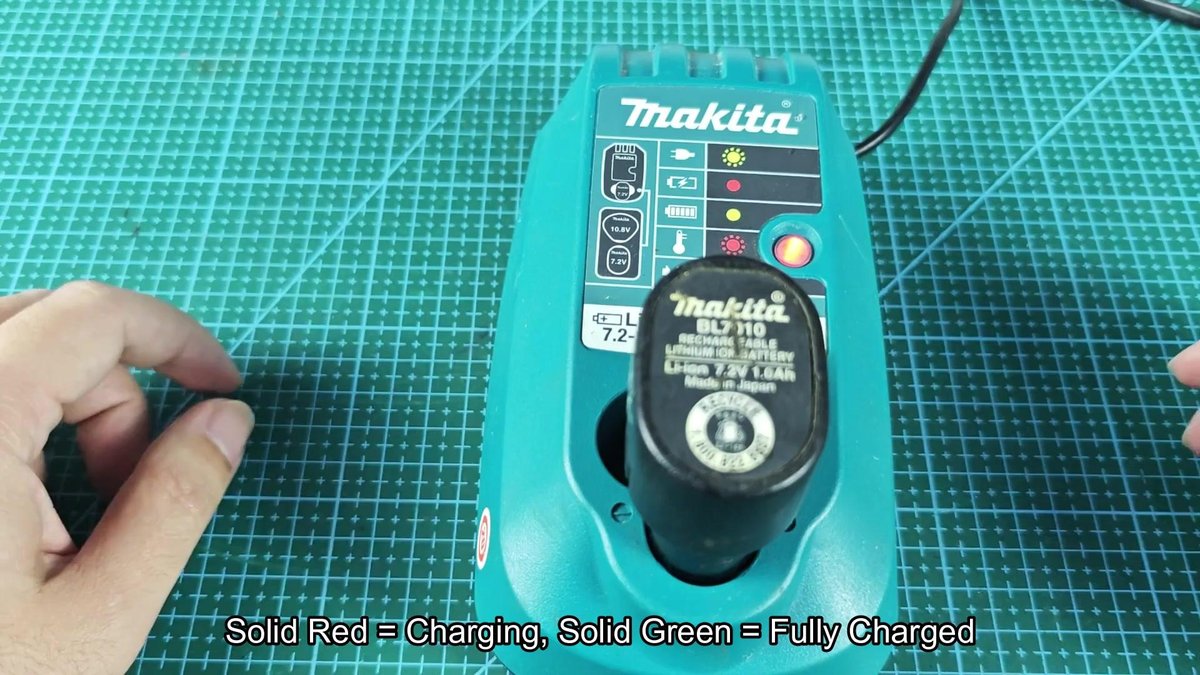
Soon after placing the battery, the charger showed steady red light. It now treated the battery as good and started the charge. The steady red shows that the charge happens and the protection is active again.
I left the battery to end the whole cycle and reach fullness.
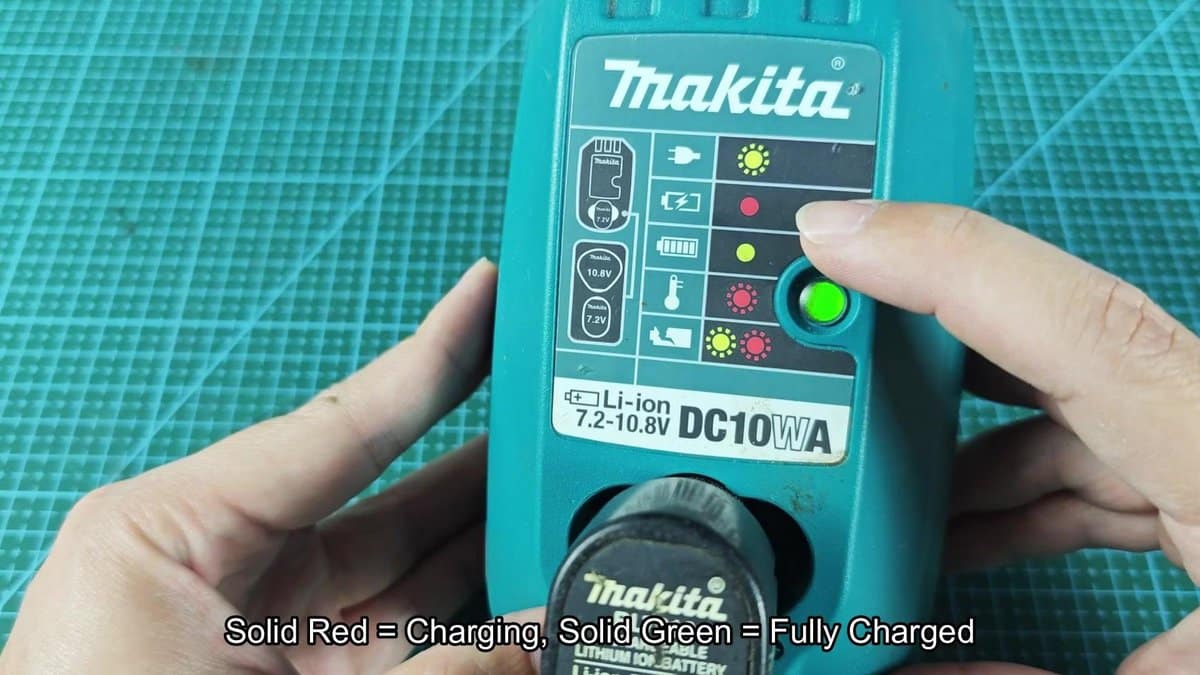
When the light passed from red to green, what signals full charge, I took the battery from the charger. Then I tested it in use, to check whether it keeps power and gives flow correctly. The battery now works well.
The same process helps for other Makita 7.2V batteries with similar charging problems.
