
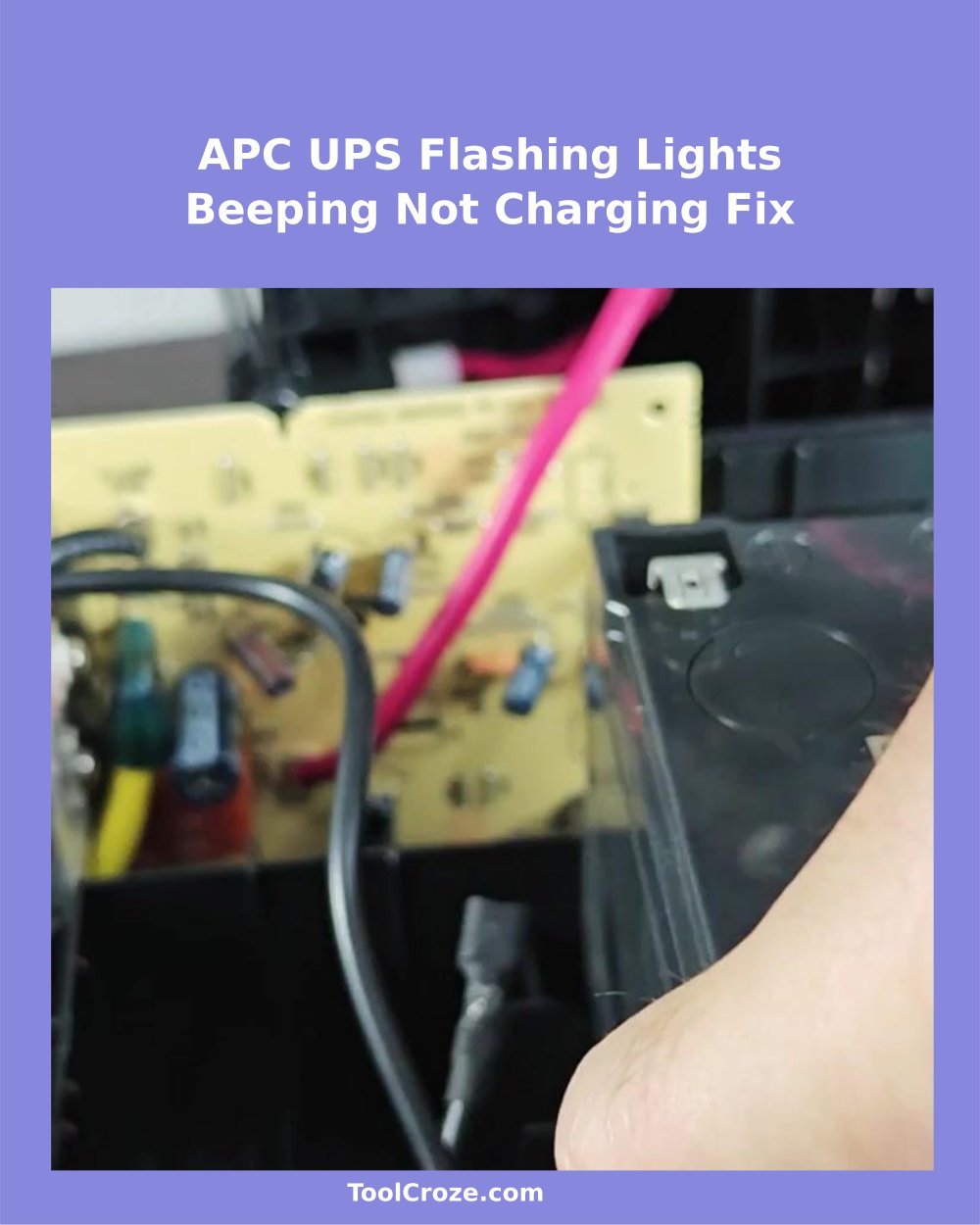
The old APC Backup UPS 1100 flashed wildly and crashed constantly which clearly showed that something messed up. It was time to open it and reach the root of that beeping problem.
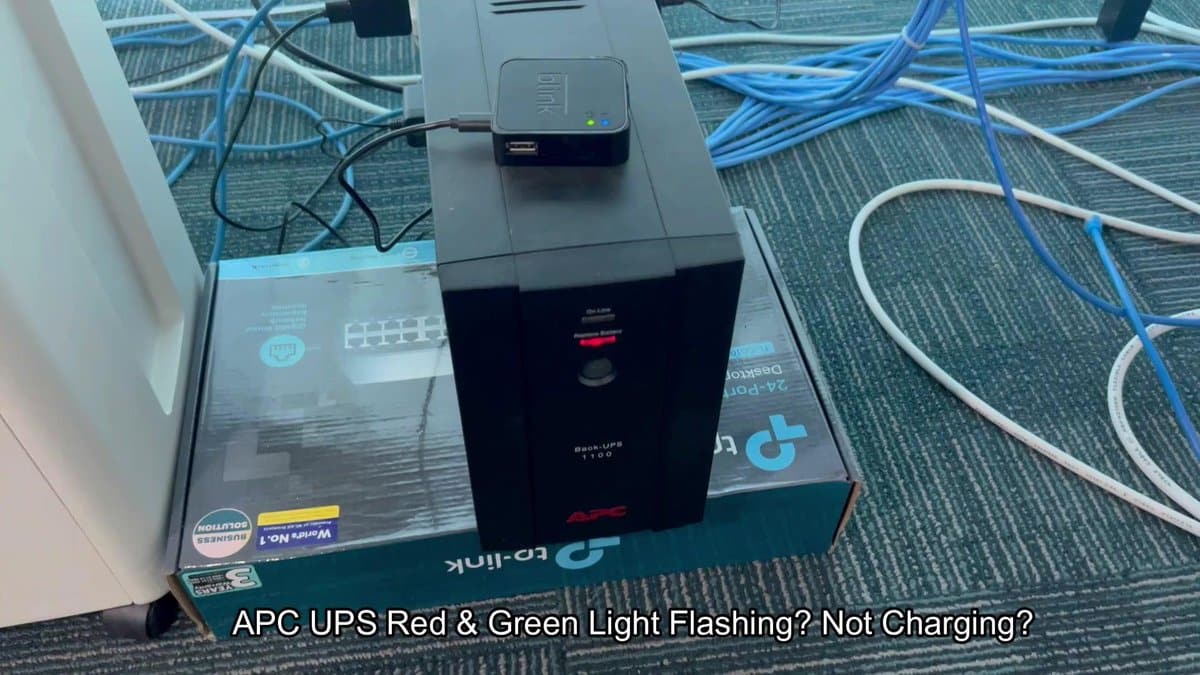
The front panel showed mix of green and red lights together with annoying beeping. That bad sign meant full failure of the battery; the UPS has low energy and could not switch to backup mode.
DIY: Replace a Faulty APC UPS Battery to Stop Beeping and Restore Charging
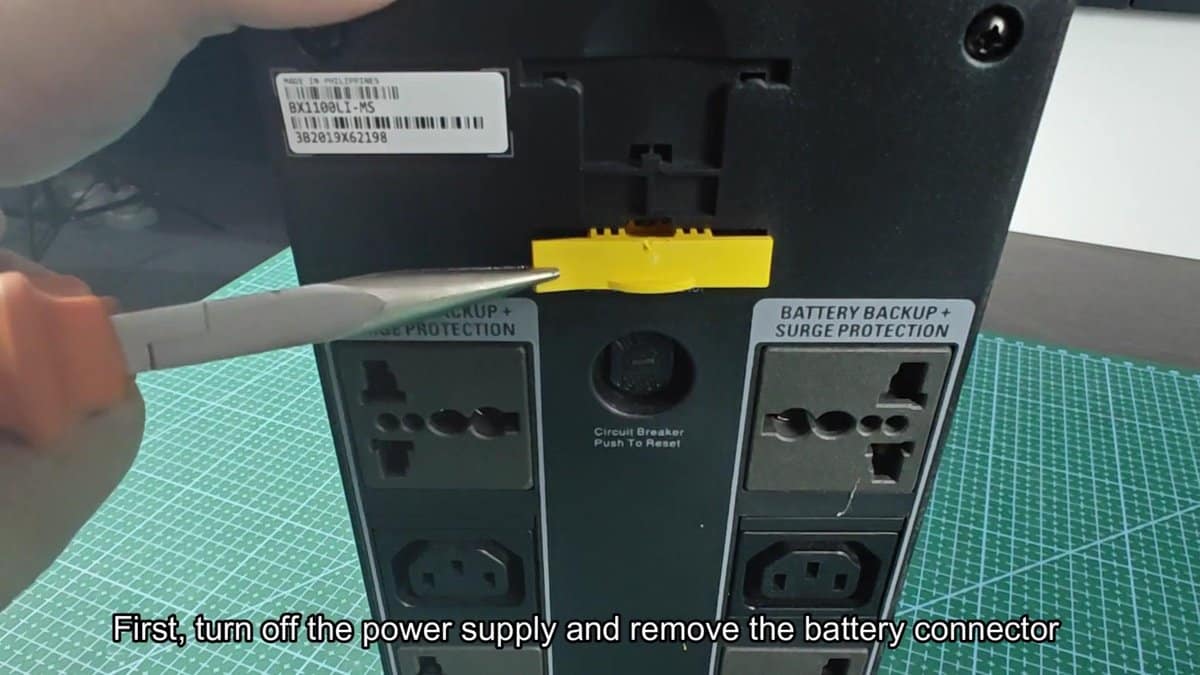
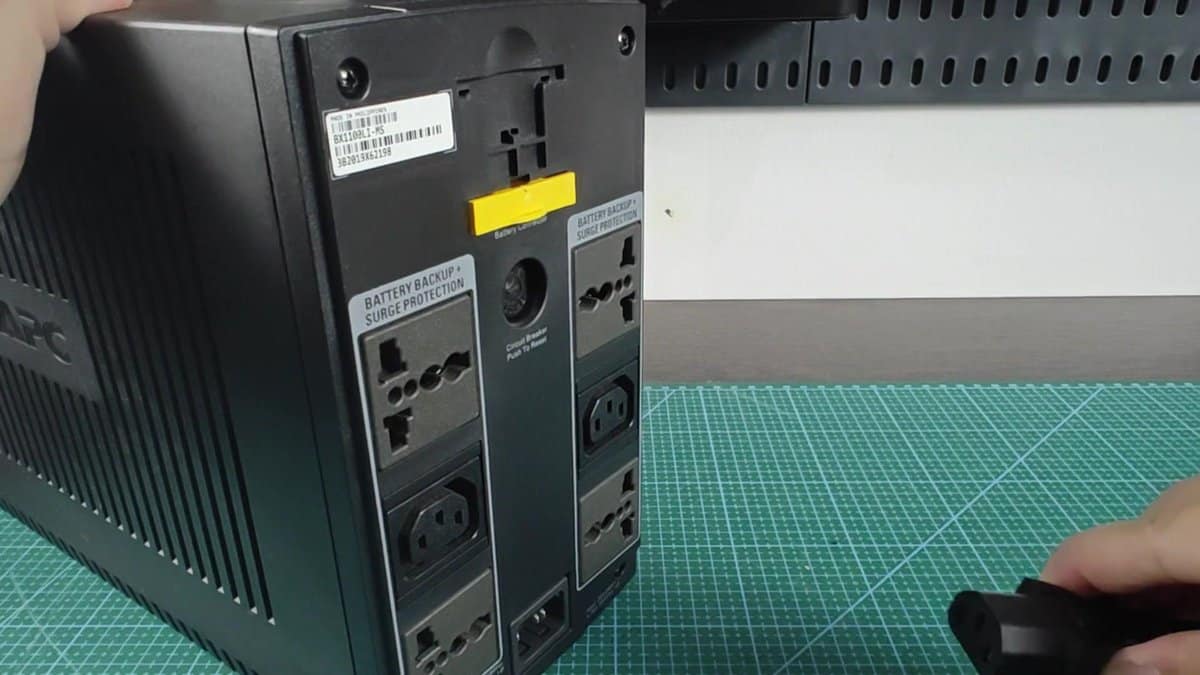
Cutting the power supply, I turned the unit to reach the back panel. Here showed a yellow tab for battery connection, sitting right above the button of lock, between the two sections of outlets marked "Back-up Battery + Protection against Surge." It was time to dig in and strip, to see what I would find.
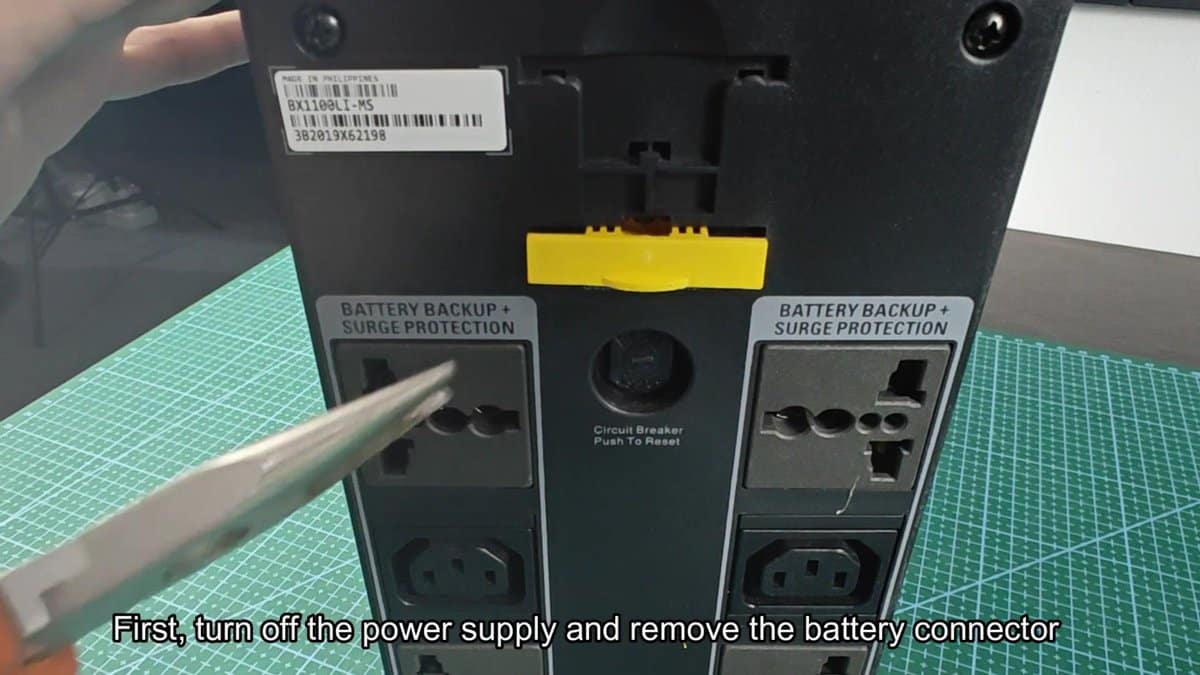
I kept the pliers and pull the yellow tab strongly. It opened right away, showing the metal pins below. Now with the battery safely cut off, I could open the case and reach the real source of energy inside.
Gentle work, but not too difficult.
Taking the drill for screws, I removed the screws one by one.
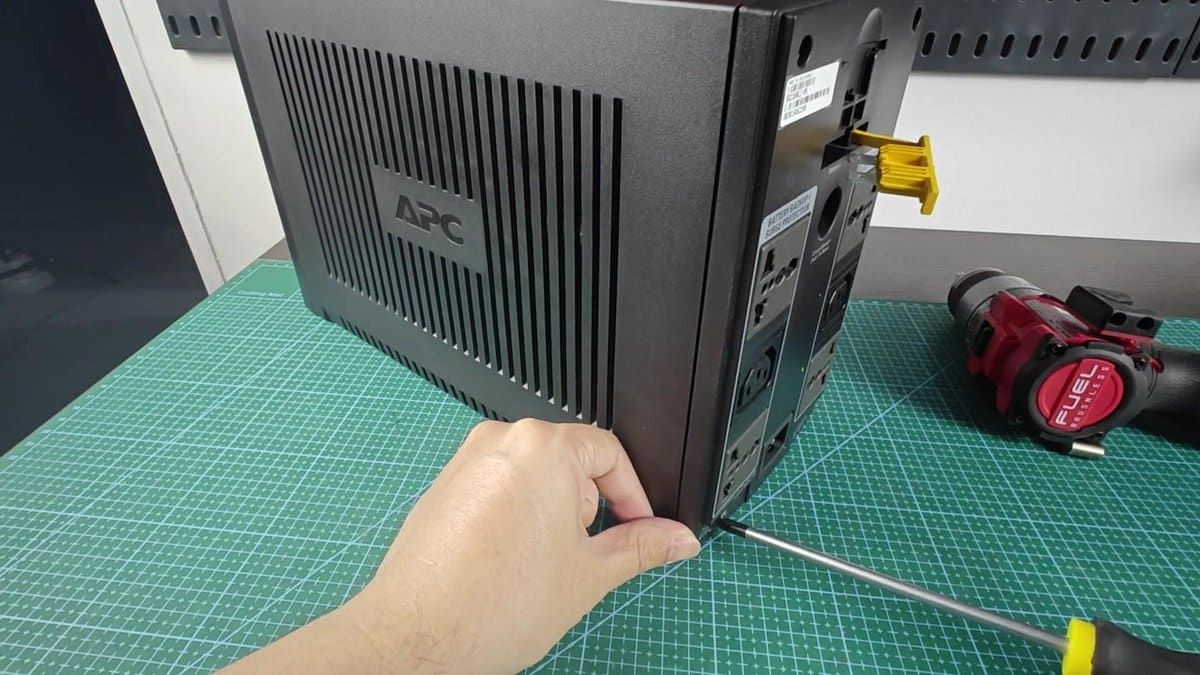
I removed the black cover. Yes, that battery setup was a sealed lead-acid type. No doubt.
Interesting, how they managed to keep it under that.
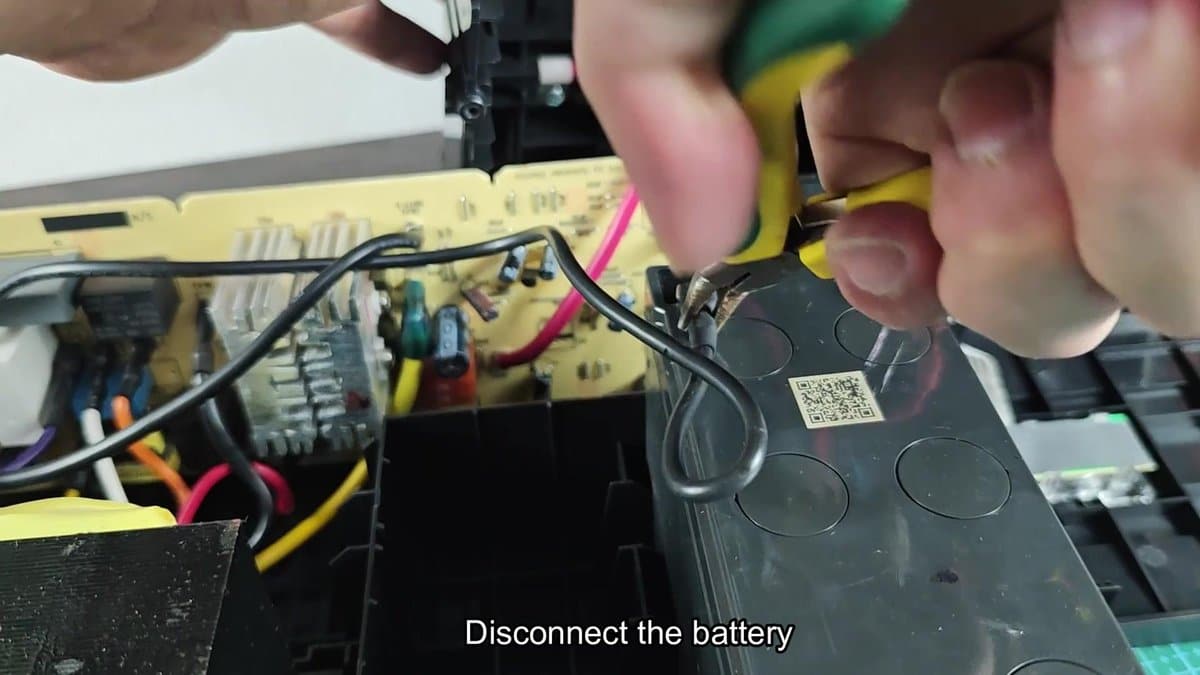
Holding steady, I used pliers to disconnect the battery wires that was folded inside. The pile was held by simple clips, so after freeing the wires, I could raise the whole thing straight out.
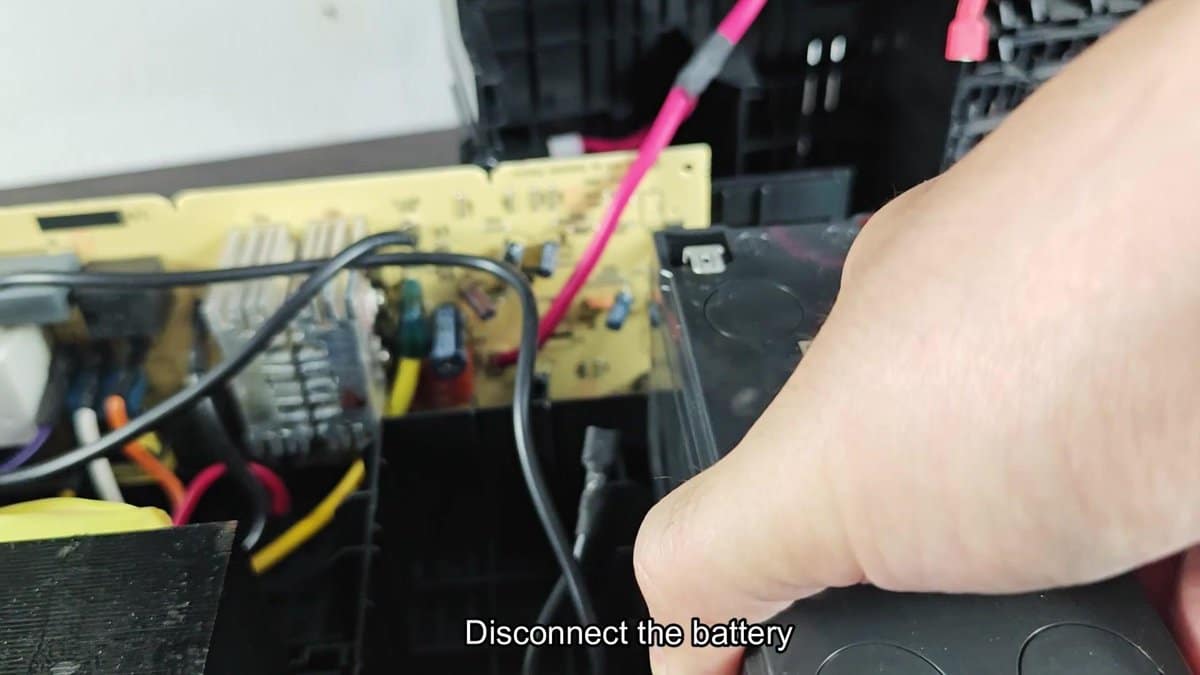
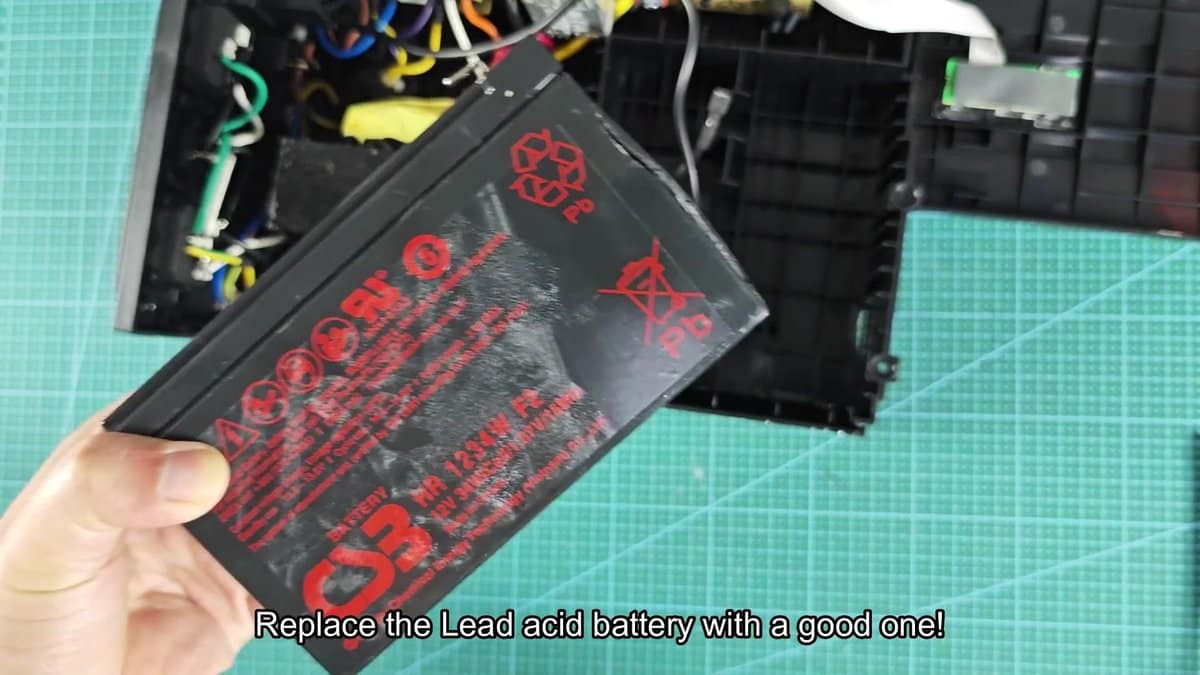
Pulling out the old battery, I saw the problem right away. It was split on the side, with a little crack in the corner. Like physical damage that marked this APC unit.
No wonder that the UPS sent wrong signals and refused to charge, that battery was done. Checking the label, yes, it was the original RBC sealed lead-acid model. At that point, keeping it was dangerous, so I dumped the old and put in the new that I ordered.
I hoped that it would charge the UPS well and would work without trouble.
Size and shape matched perfectly with the original APC battery. Putting the new GP battery in the empty space of the UPS was great, it sat right there, where the old one sat. Making sure that the ends pointed the right way, the wires entered easily without tension.
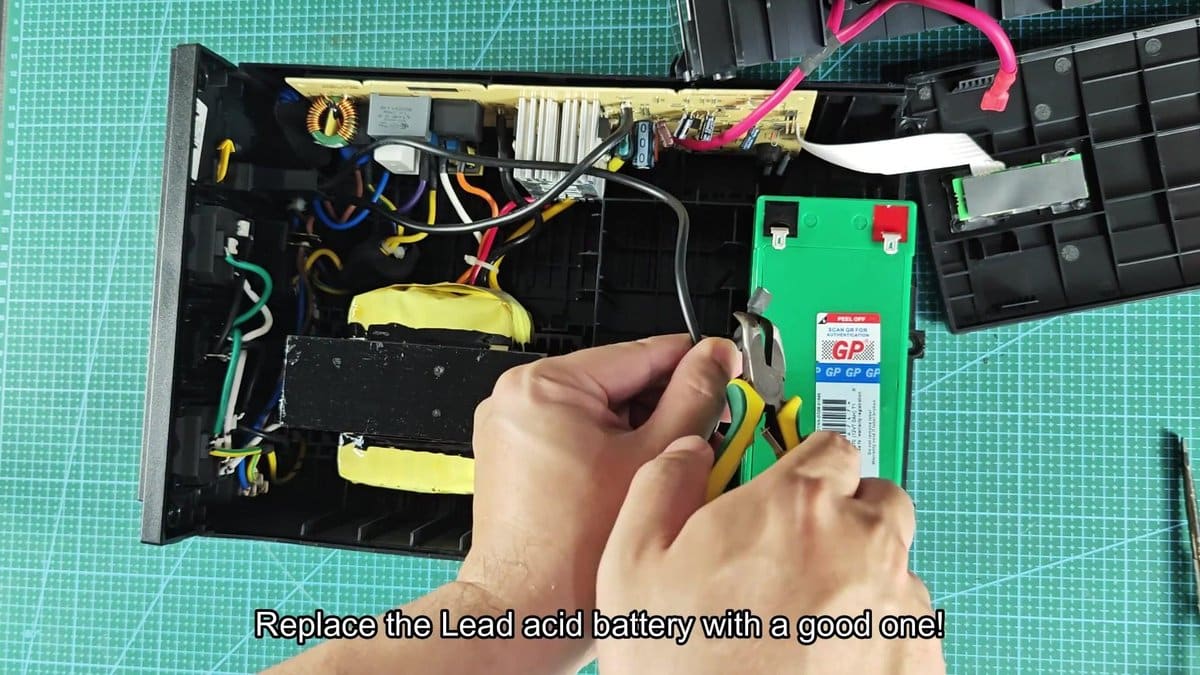
I reconnected the battery, pressing each plug flat until it snapped in. The red and black wires now reconnected, bringing back the energy of the battery inside. I took time to check the connections on both sides.
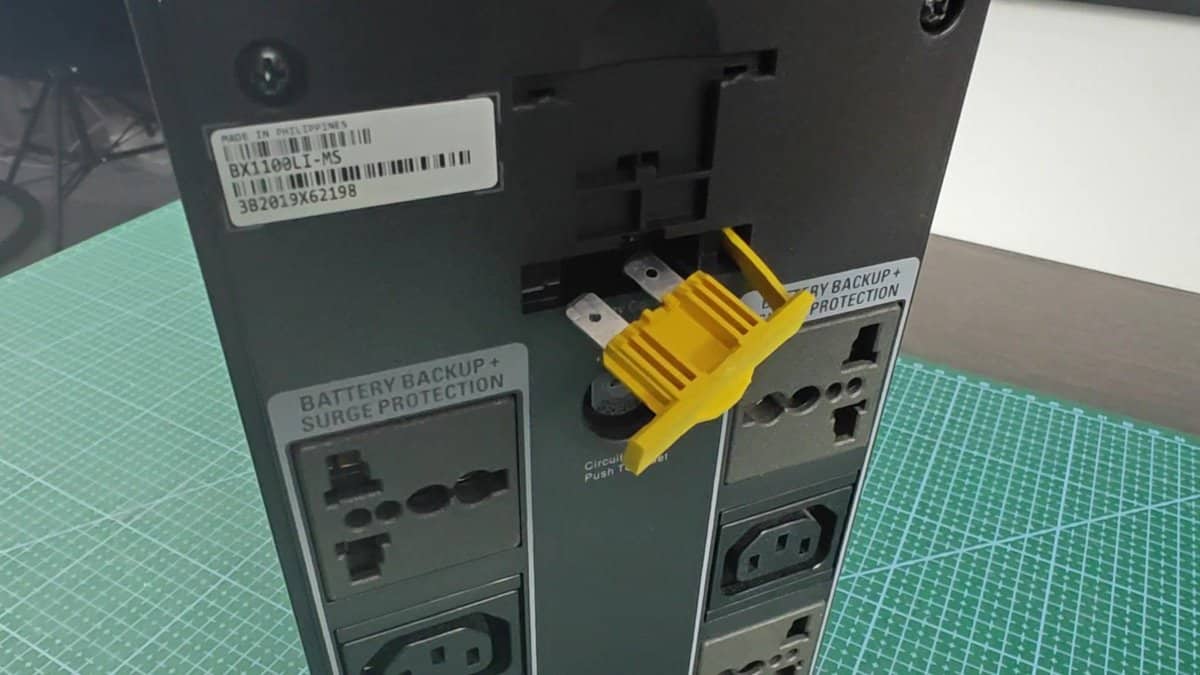
I reconnected the battery to the main circuit board in the UPS, it was ready to try again.
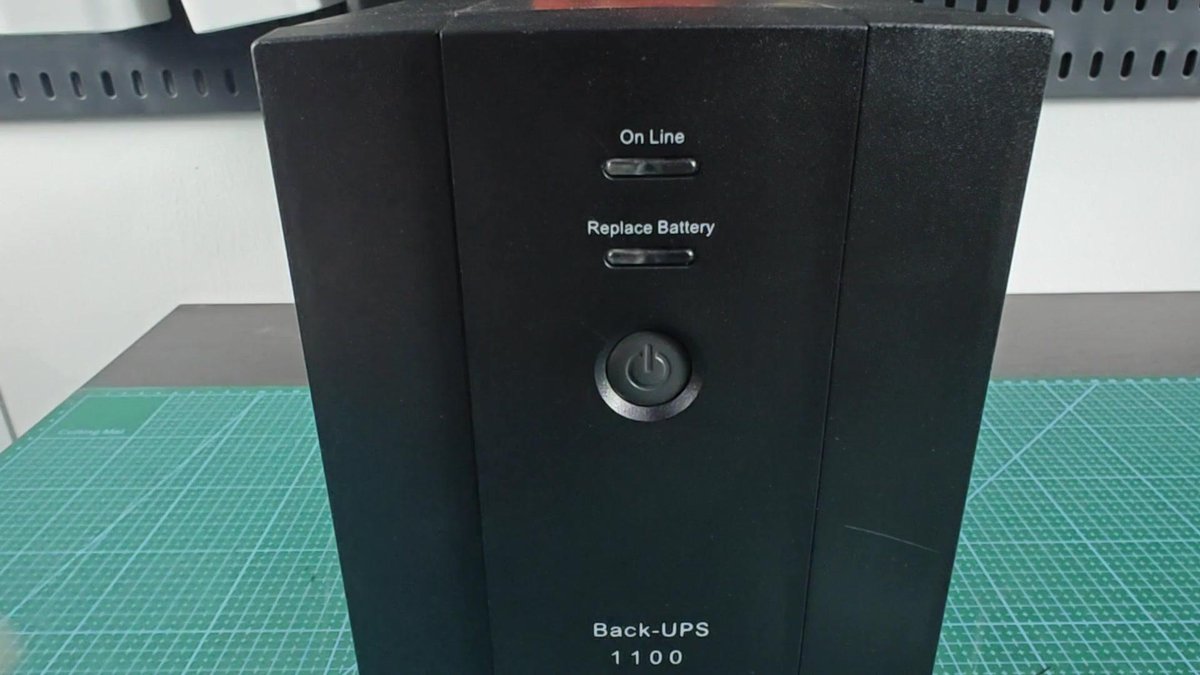
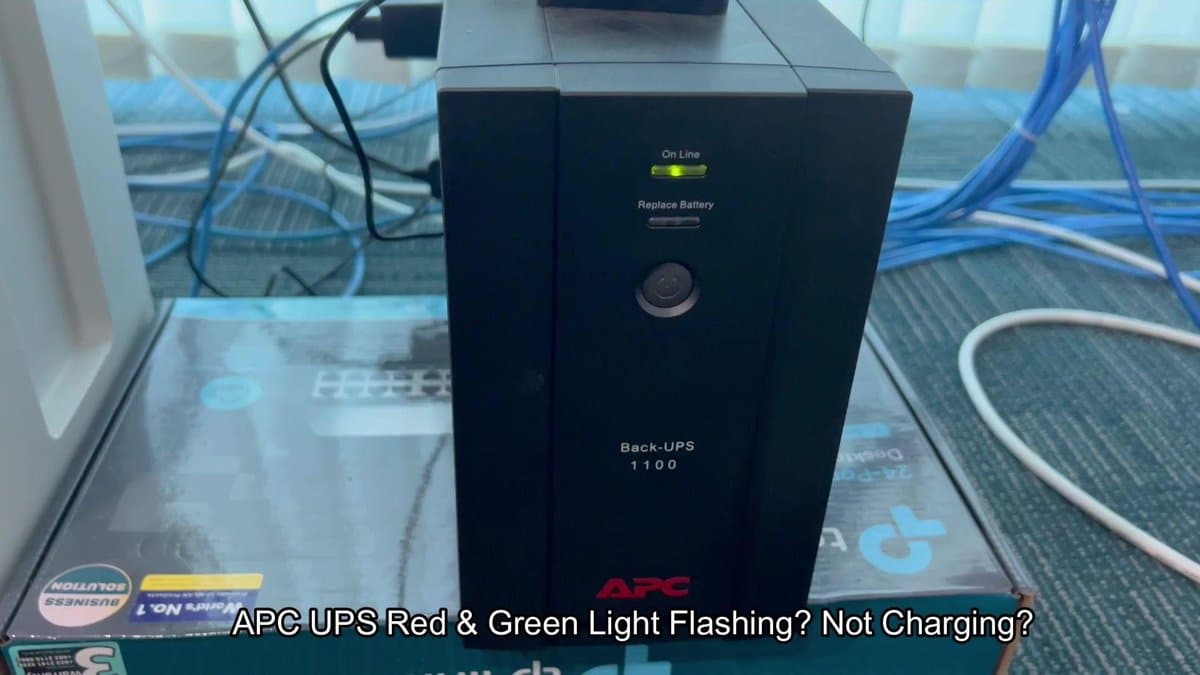
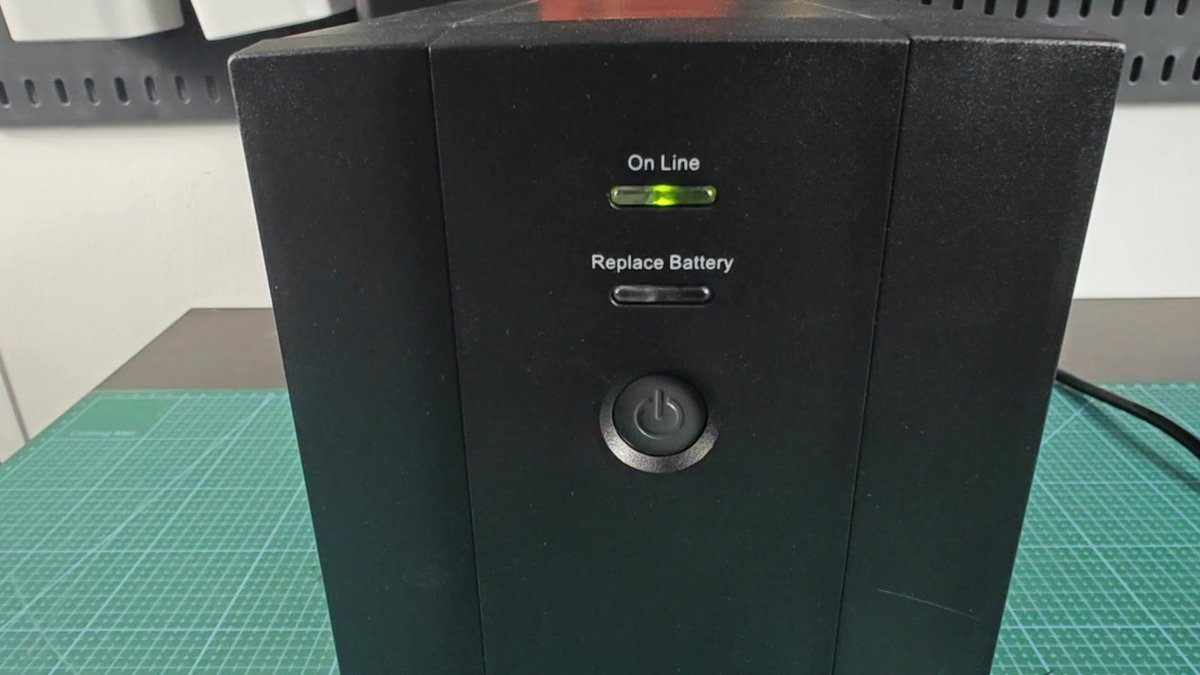
I plugged the power cord into the wall, and the front panel blinks with stable green light. Without beeps or warnings, only smooth restart without problems. It seemed that everything works again.
After a bit of time, I saw that the green light stays stable and the UPS does not make weird noises. The charging clearly restarted, and the battery charges well.
Clearly this would be the best abd cheapest way, I am just glad that it was a simple repair.
