
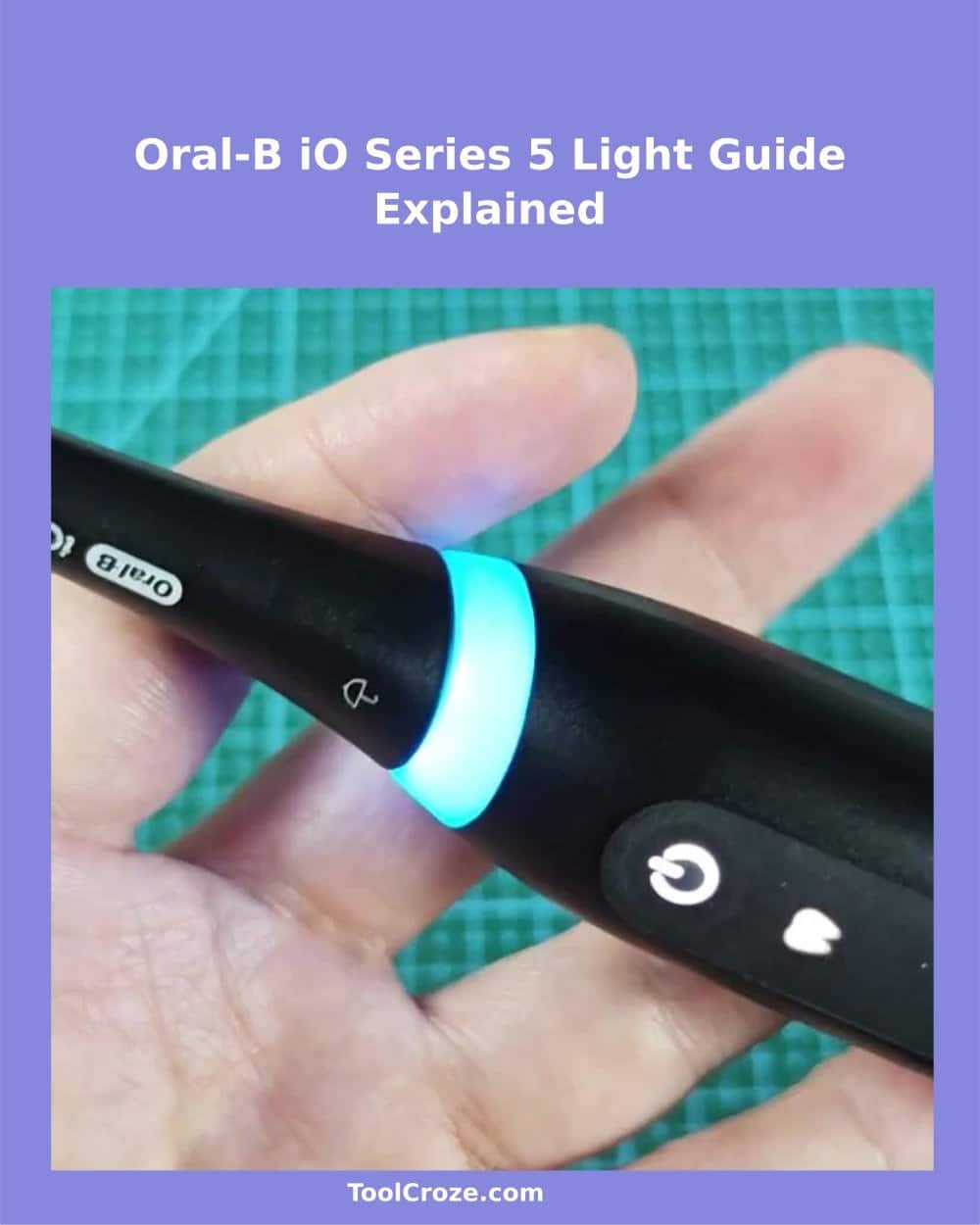
When I first used the Oral-B Series 5, I pretty quickly noticed that this toothbrush "talks" to you with lights. Not with words, but with different colors that show you what happens. It took a bit of time to learn the meaning of every light, but after I understood them, the brushing became much more simple.
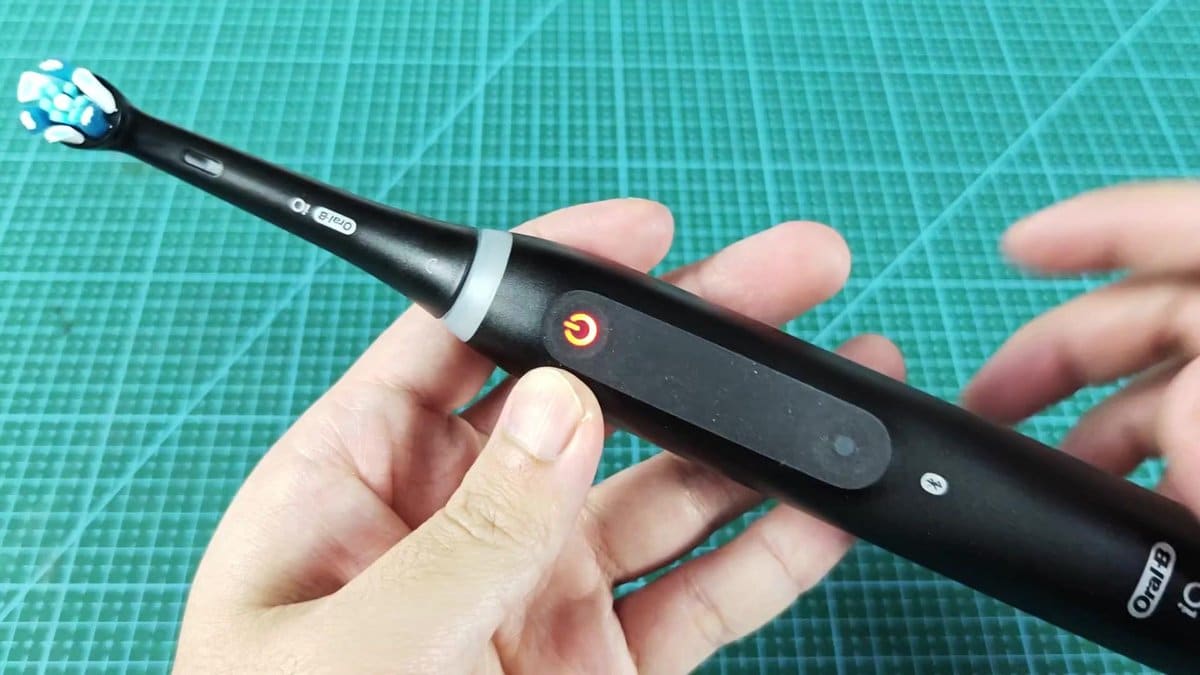
When my toothbrush showed red light on the handle, that meant that the battery was dying. The red spot appears as tiny light on thebody of the toothbrush, and you can hardly miss it when it flashes.
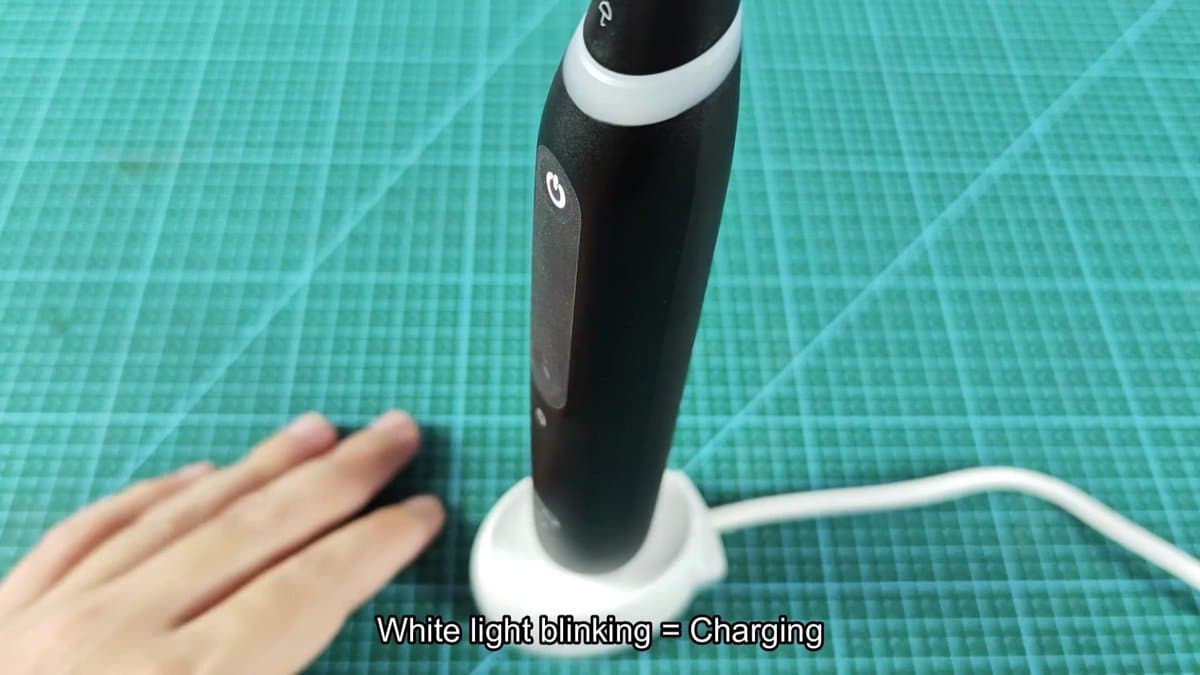
About charging: you will see white blinking light when the toothbrush charges. Lay it on the white charging base, and the light starts to blink white pretty quickly. A full round for the series lasts around three hours, but that does not bother, because you can do that while you sleep.
When the charging edns, the light stops blinking or simply turns off. Like this you know that it is ready for use.
What the Light Colors on the Oral-B iO Series 5 Mean
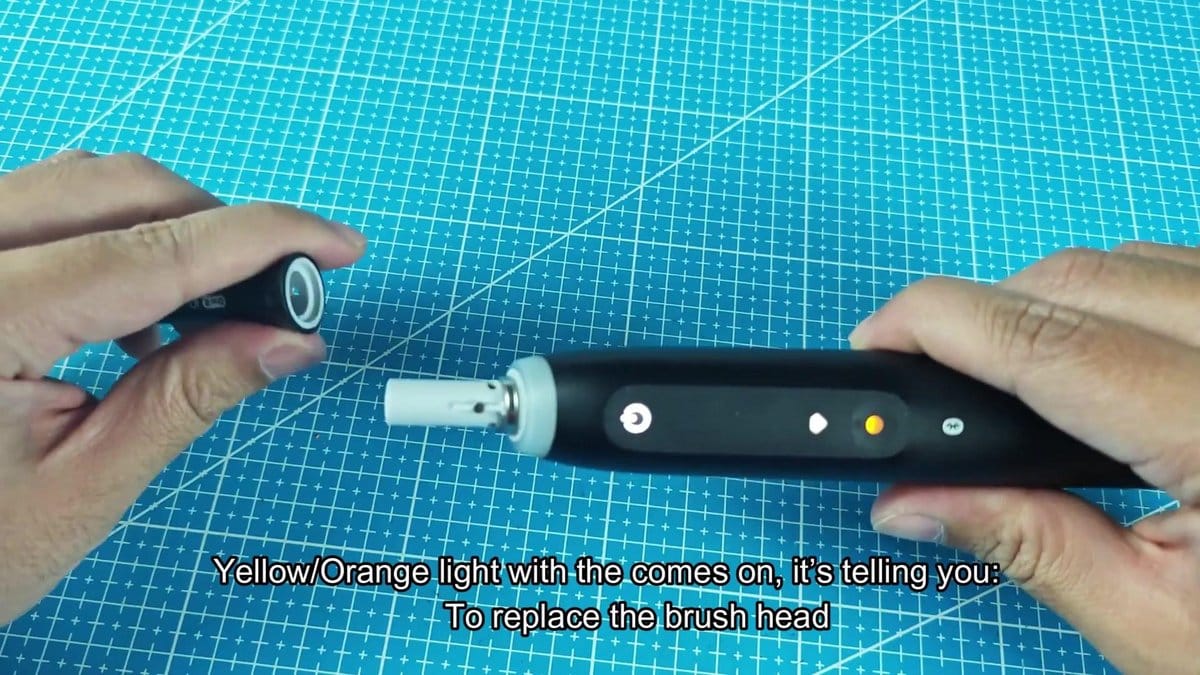
After some months another sign appeared: yellow or orange light. When that light appears, it signals that you must replace the brush head. Together with a tiny icon on the handle, the yellow-orange light shows and pretty clearly points out what you must do.
That feature is really useful, because it removes the guessing about when the brush head is already too worn.
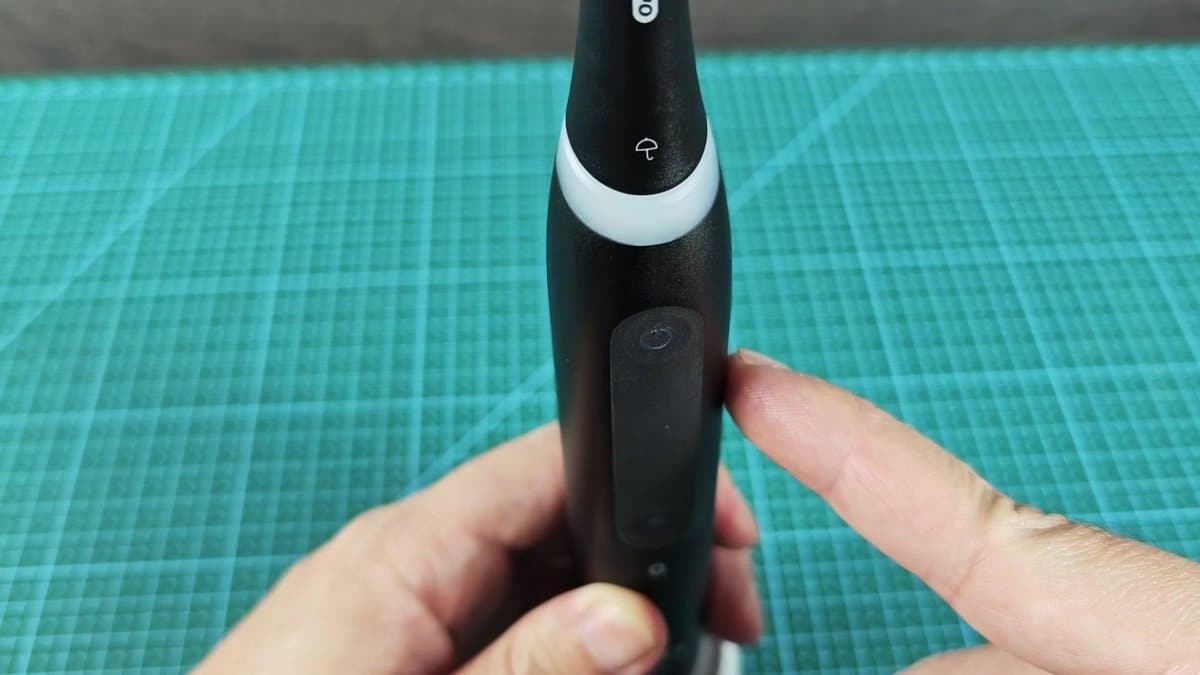
Replacing the brush head is a pretty simple task. I pulled the old brush head off the handle while the yellow light was still on. The neck part pulls off the body without much effort.
Then I lined the new brush head and pushed it back on the handle until it clicked in place.
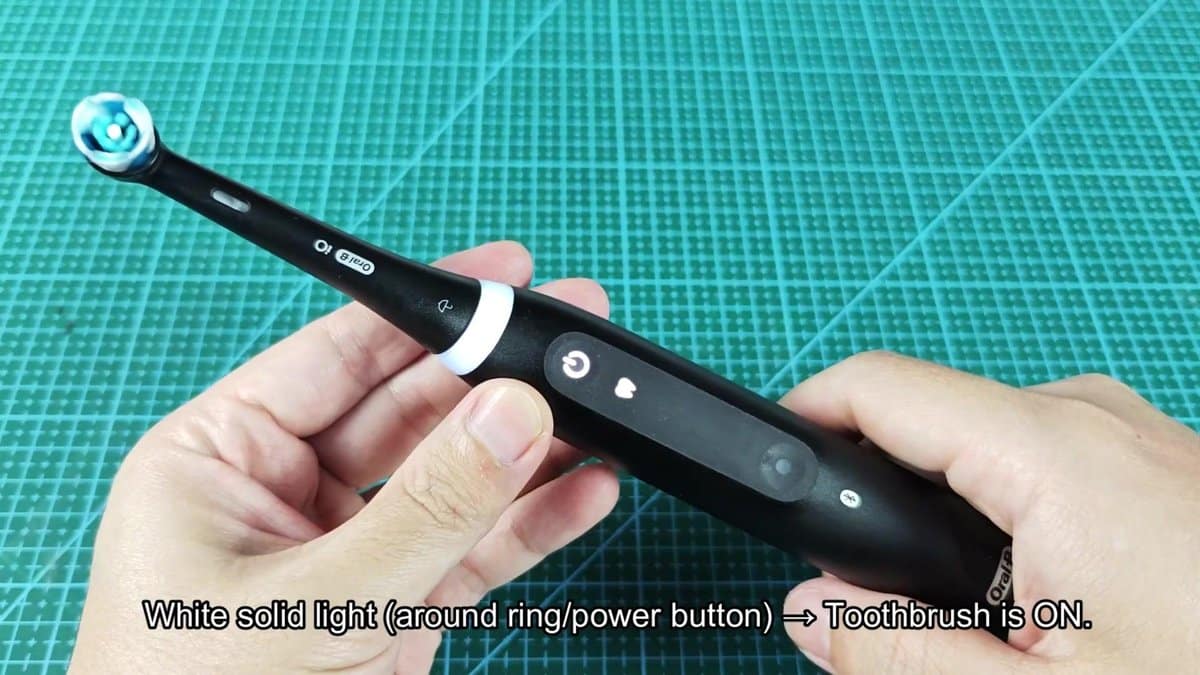
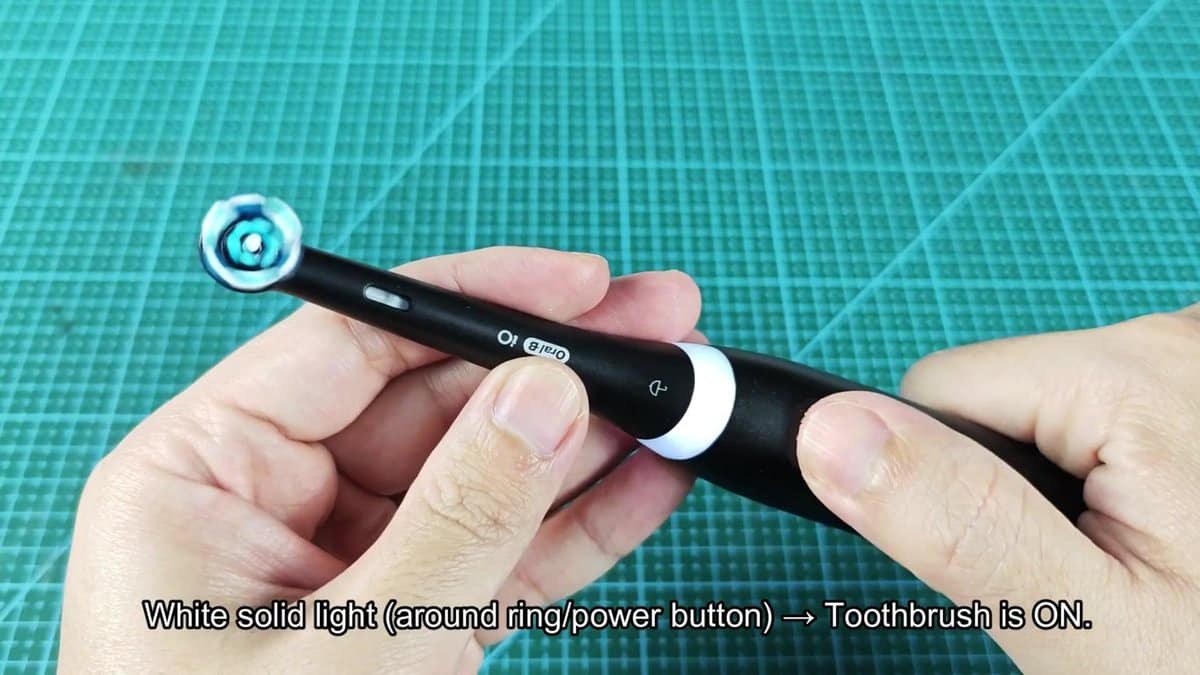
When you turn on the toothbrush, it flashes white around the ring beside the power button. That white ring simply shows that the toothbrush is on and works normally.
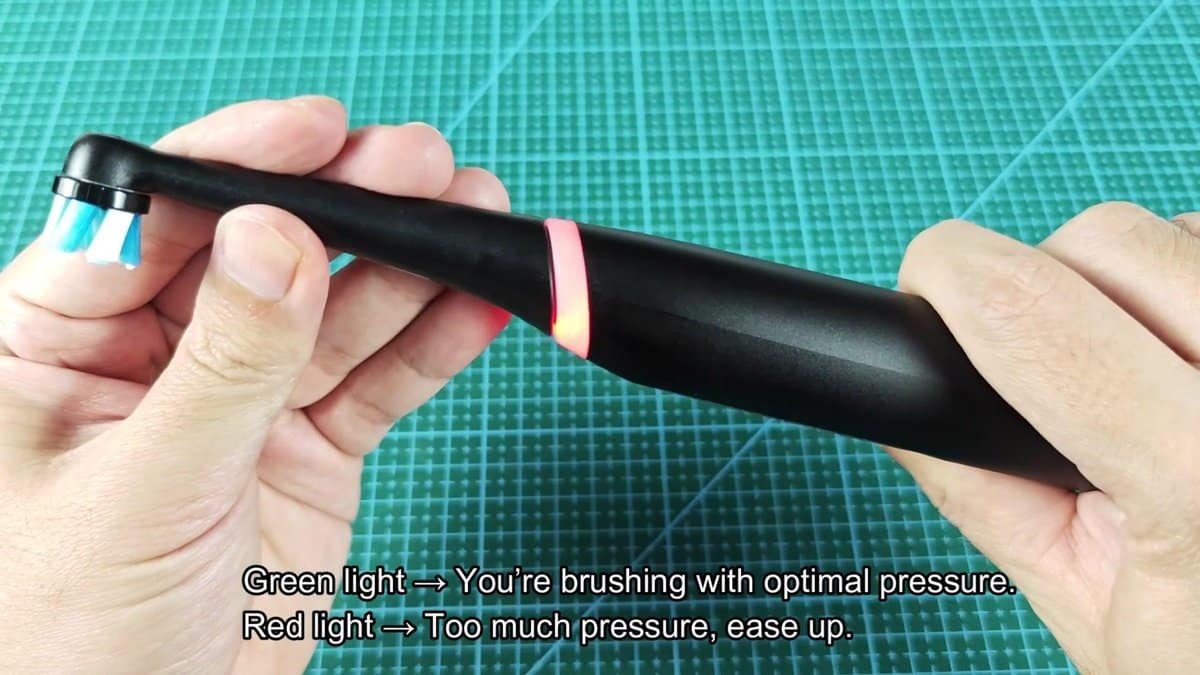
While brushing, the color of the ring around the neck changes based on how hard you press. Green light means that you brush with the write amount of pressure. You want to stay in that "right spot" during the whole brushing.
You can easily notice the green glow even without directly looking at the handle.
But if you press too hard, the ring changes to red. That happened to me while I worked on some back teeth and got a bit too aggressive. The change of color is instant, which helps to fix the pressure right away.
That is an important difference.
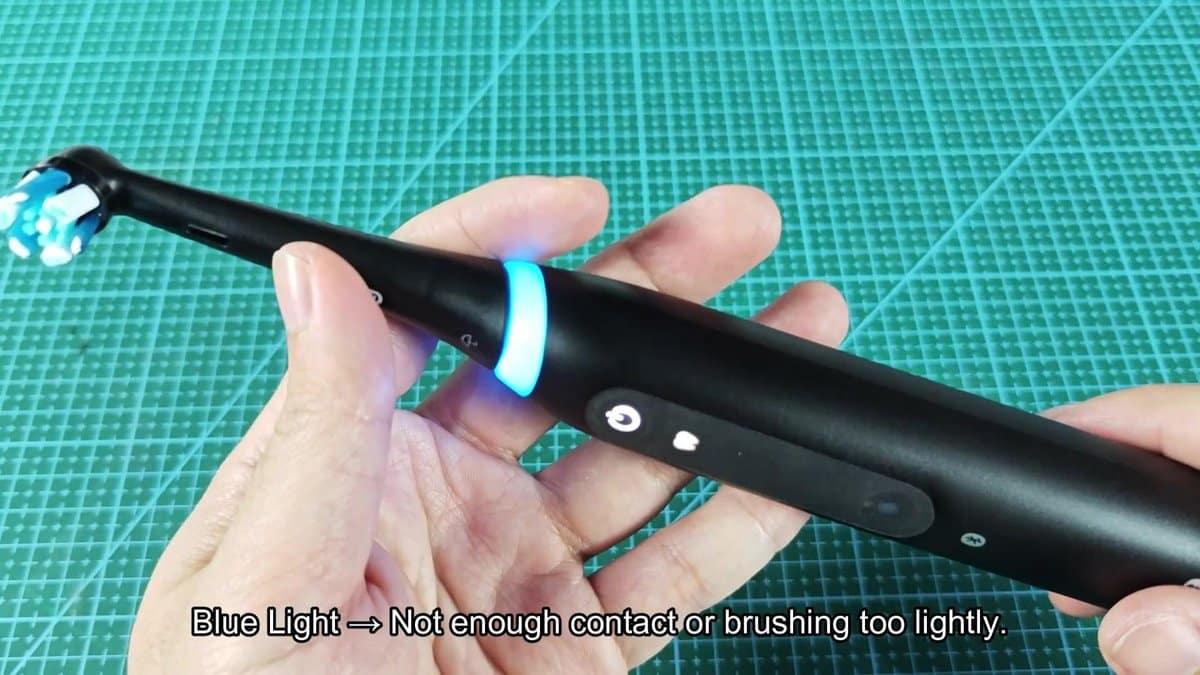
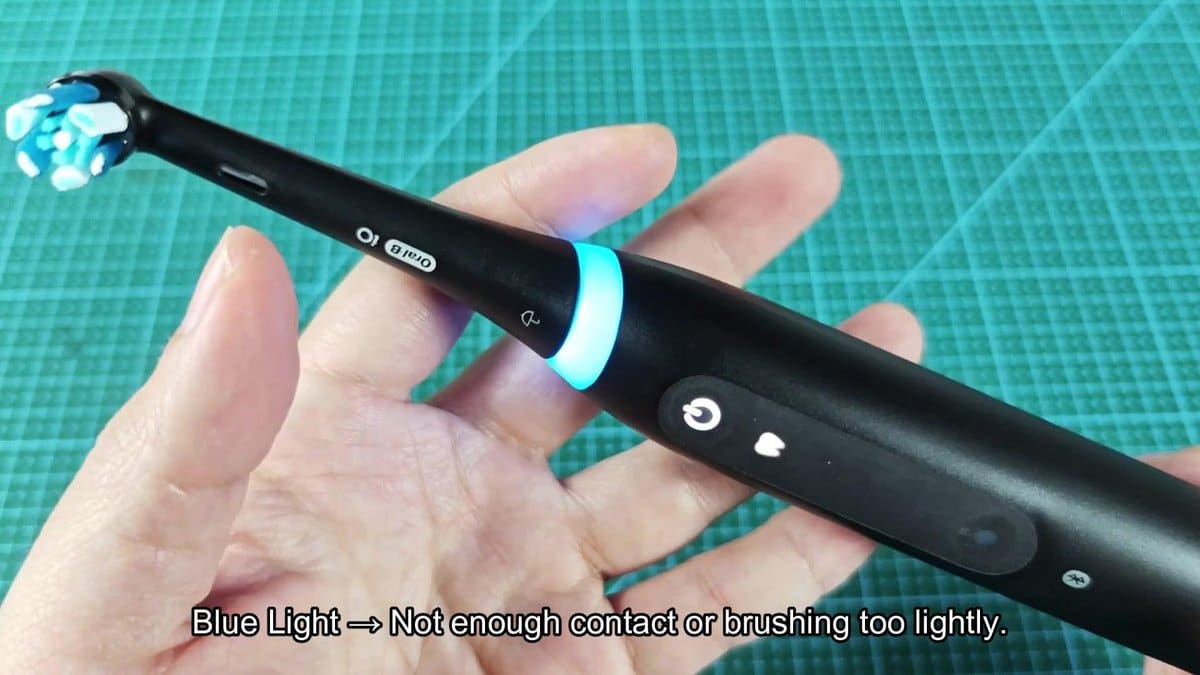
There is also a blue light that appears if you do not make enough contact with the teeth or brush too lightly. That blue light basically says that you must press a bit harder or get better contact between the brush head and the teeth. That feature is pretty helpful during cleaning of the inner surfaces, where you easily just slip over them without real cleaning.
Lastly, there is a multicolor light show that appears after you reset the toothbrush. If you long press the power button to do a reset, the ring cycles through several colors to confirm that the reset worked. During the reset, blue, purple and other colors flash one after another.
It surely improved my brushing routine over time. It is worth keeping in mind.
