
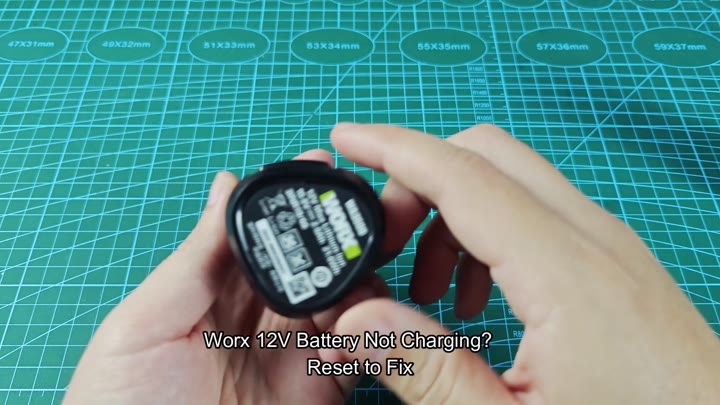
If you see a Worx charger with a solid red light, that means the battery is dead. It won’t take a charge. Don’t throw it away just yet. These batteries can be revived and there are tricks you can use before having to replace them.
Methods to revive your battery
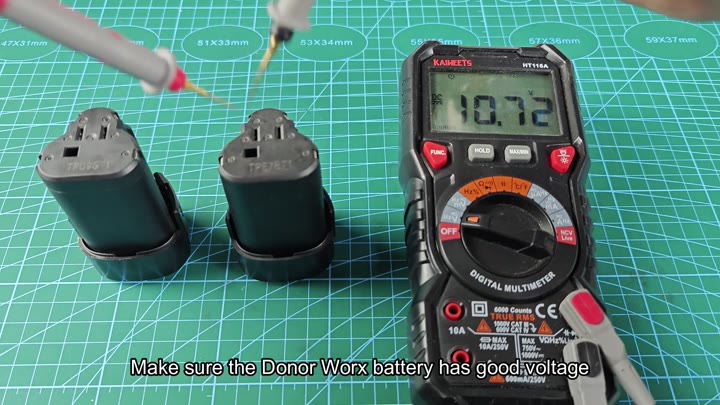
Now the first thing is a donor battery. Use a multimeter to verify its voltage. It needs to have more than ten volts. That will give it enough juice to actualy start a different pack.
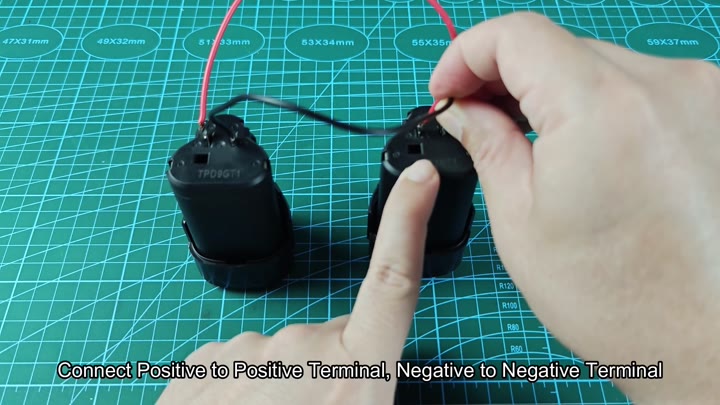
For this step, you’ll need two Worx batteries. A good one and a bad one. Positive to positive and negative to negative.
Get polarity right. Don’t short circuit. Keep it connected for maybe fifteen seconds, that lets a little juice get into the dead cell.
Then unplug ’em. You’re trying to increase voltage a little, and that fools the charger back into thinking there’s a pack there again.
The light turns red on the first try.
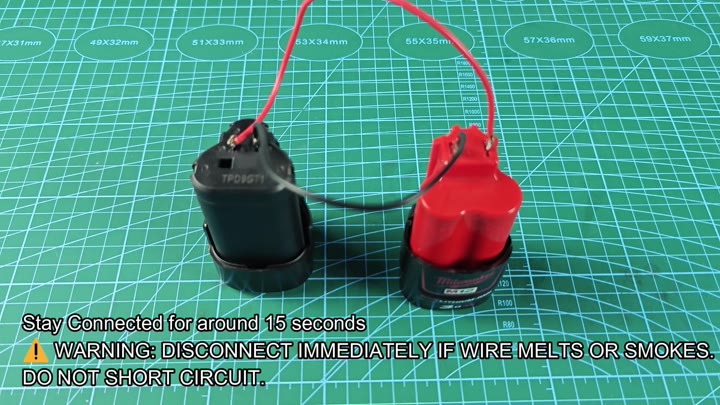
Try another brand if you like. Again, any 12 volt source will do. In this test we use a Milwaukee M12 battery. It has similar chemistry and the same voltage.
Re-connect the wires. Red to red; black to black. Leave it connected for a full 15 seconds. It takes time to pass the charge.
Look out for heat buildup. If your wires is melting, stop now. That shouldn’t happen with this process at all. It is no different then previous methods.
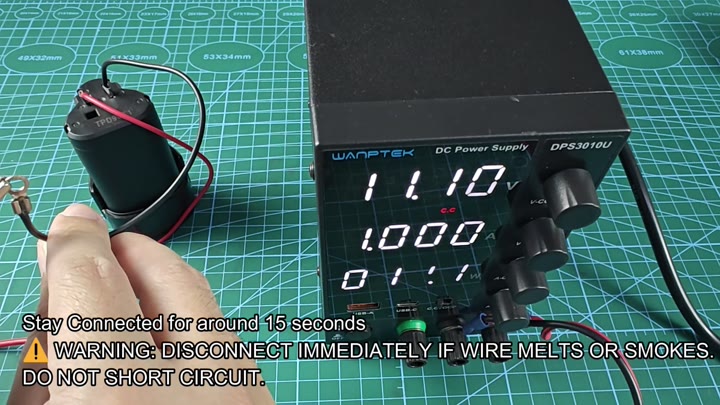
It is the same thing, only with a different power supply. A DC power supply works best here. Output should be set to 12 volts and limited to no more than one amp. That will not damage batteries. Don’t use the charger itself if it indicates a solid red light, but go ahead and do it this way.
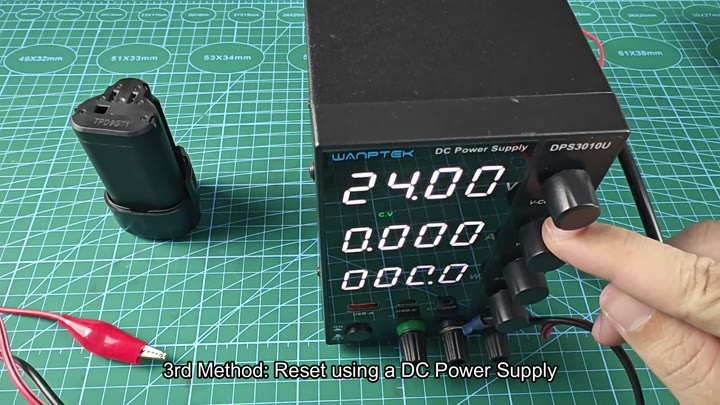
Now plug the leads of the power supply into the battery. Negative to negative, positive to positive. Look at display on the supply. You will see one amp flow.
This is a gentle boost. Much safer than a direct short. Keep it there for a full fifteen seconds and then remove it.
Put the battery back onto the charger. It will turn a different color. Sometimes it turns off and you see a blip of green, it means it is charging now. The battery starts working. No need to replace it yet. This helps a lot.
There are some batteries that becomes locked into this low voltage condition. They appear bad to the charger. Applying more voltage breaks the condition. This resets internal protection circuit.
Seems like it does work on various battery brands. Not just Worx brands. Be careful. Don’t short anything out. Look for any signs of smoke or heat. If you see either, unplug immediately.
After charging, test the battery. It should still have juice and hold a charge just fine. Use the tool on it. It run like normal. The reset worked.
By performing this yourself, you save money. Don’t just toss that dead battery without trying these steps first. You may end up saving your pack.
It doesn’t take long. The tools is simple. Use a multimeter to check voltage. Use a donor battery to do the boosting. Use a power supply for control. All methods has their place. Use what you can get your hands on. Results are the same. The battery works.
