
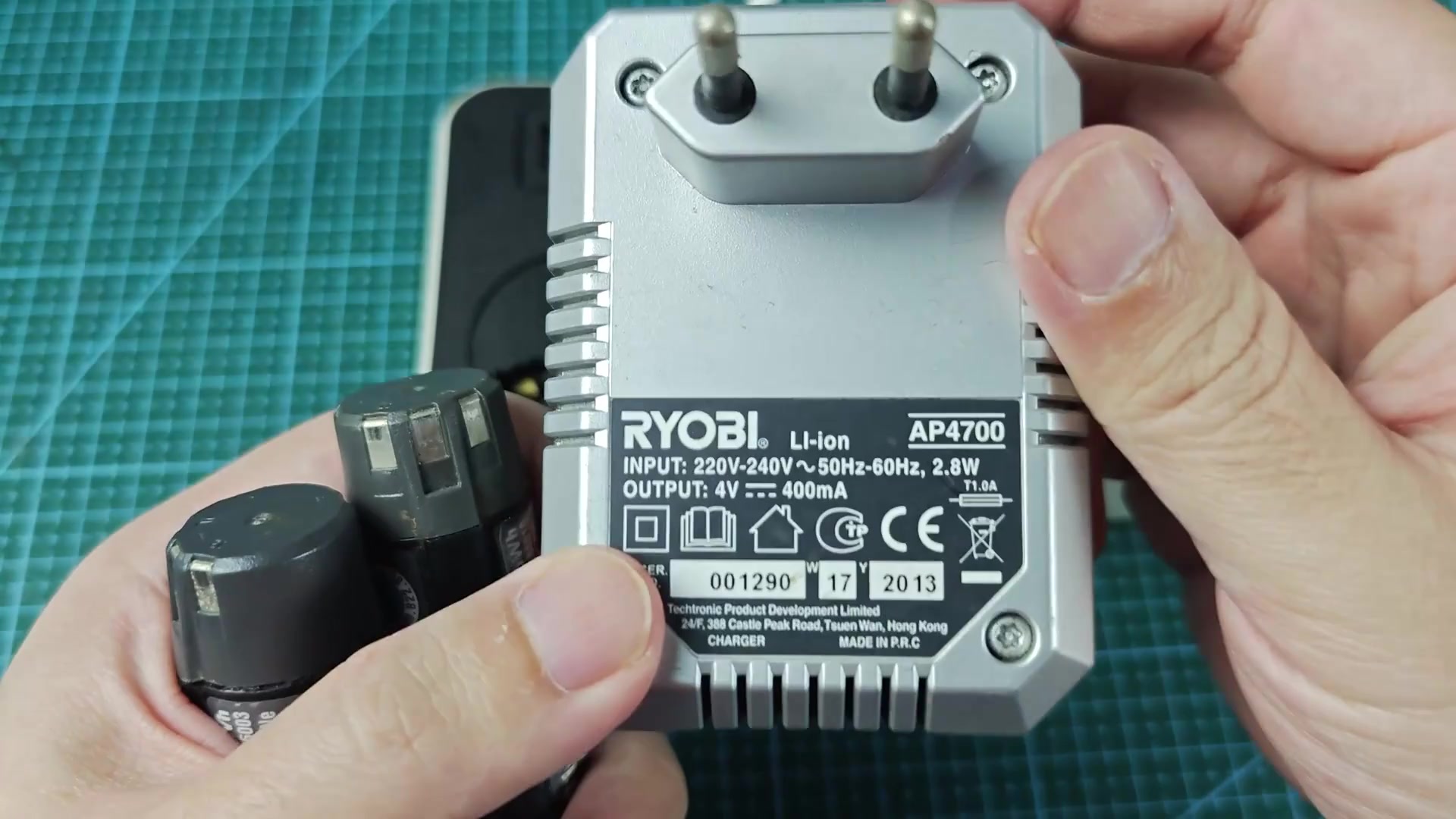
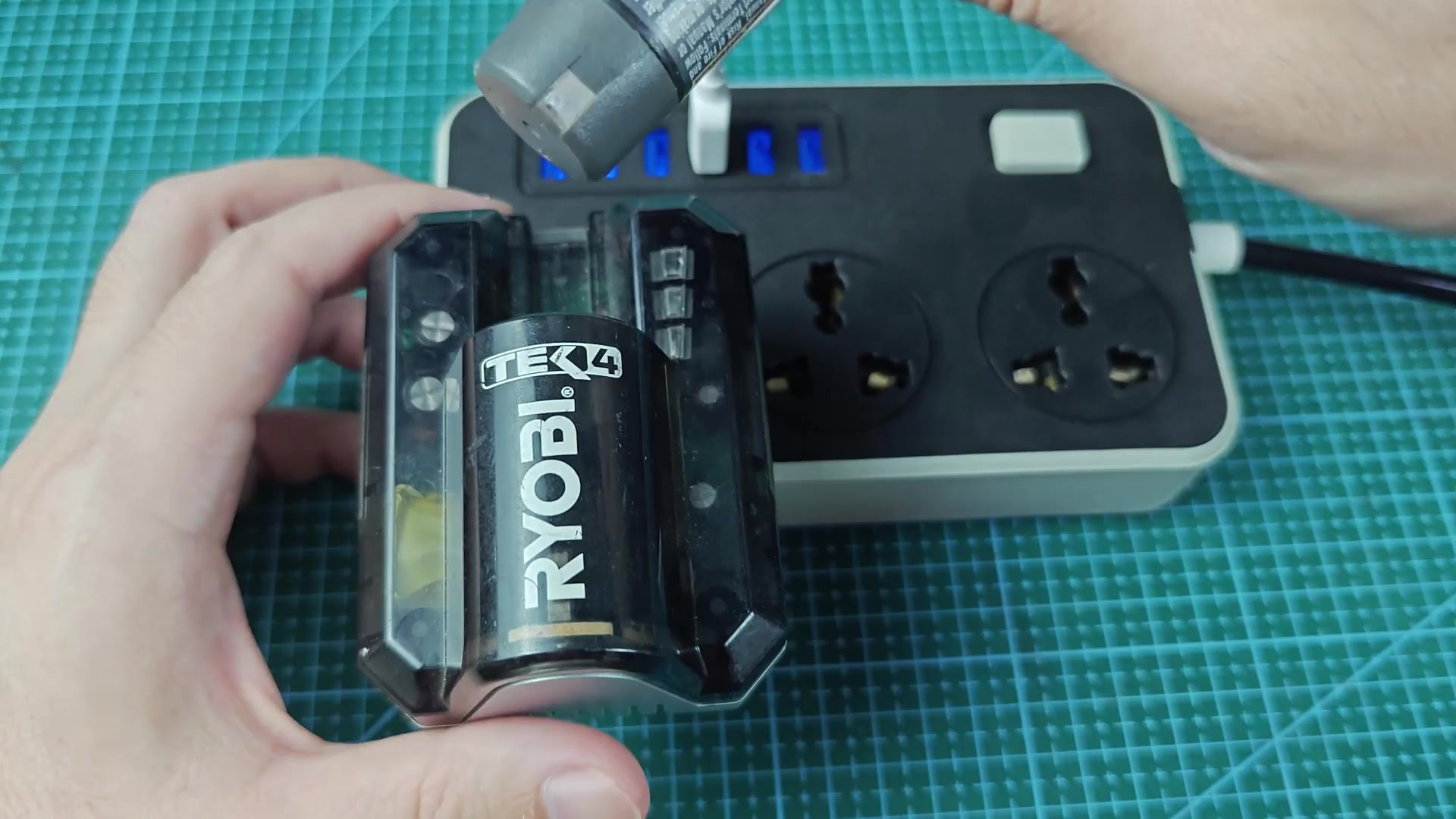
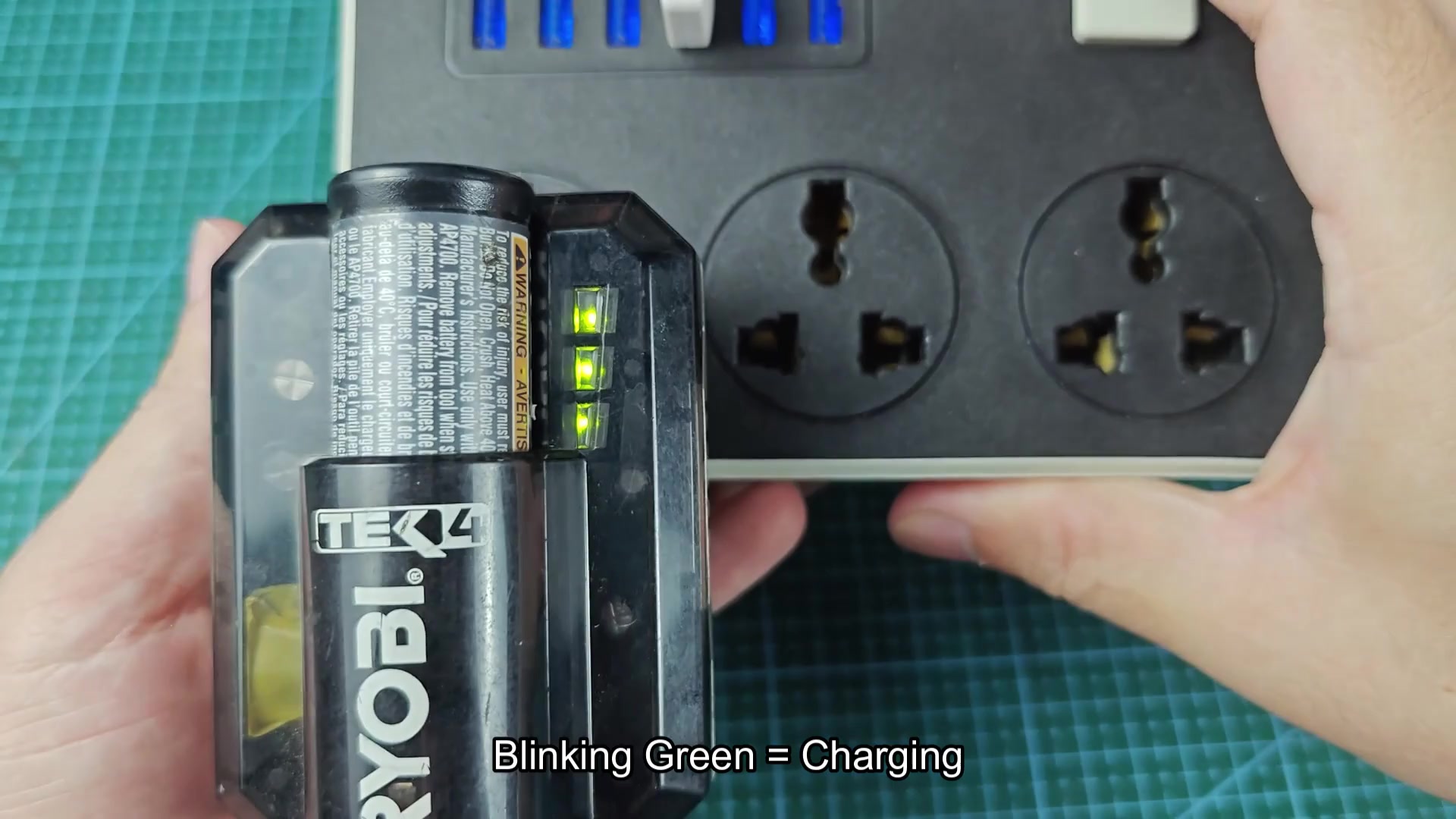
The process of getting the AP4700 charger set up was relatively easy, but there were some getting used to with the LED indicator. There is three green lights that run vertically on the side of the charger indicating different meaning when they are on or flashing.
If you follow the specifications for the LED indicators, if the battery is between 0% and 33% the bottom indicator will flash alone. When I first plugged in the battery that was complete dead, this indicator began flashing by itself.
Once the battery reach 33% or more the bottom indicator will no longer flash but remain solid while the middle indicator begins to flash. This combination of lights indicates between 33% and 66%.
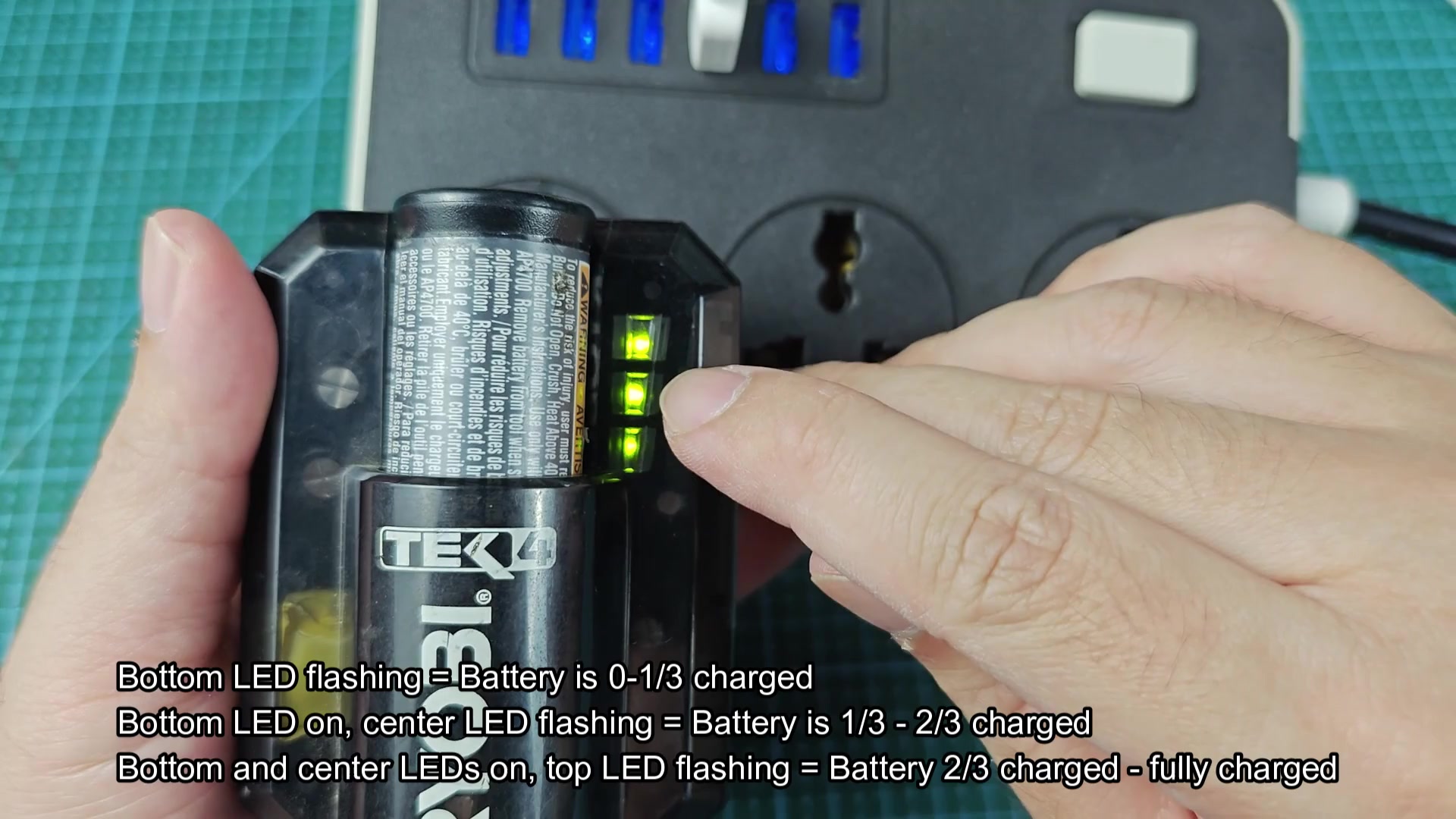
If the battery is between 66% and 100% the bottom and middle indicators will remain solid while the top indicator begins to flash. This mean that the battery is past 66% and is working towards reaching 100%.
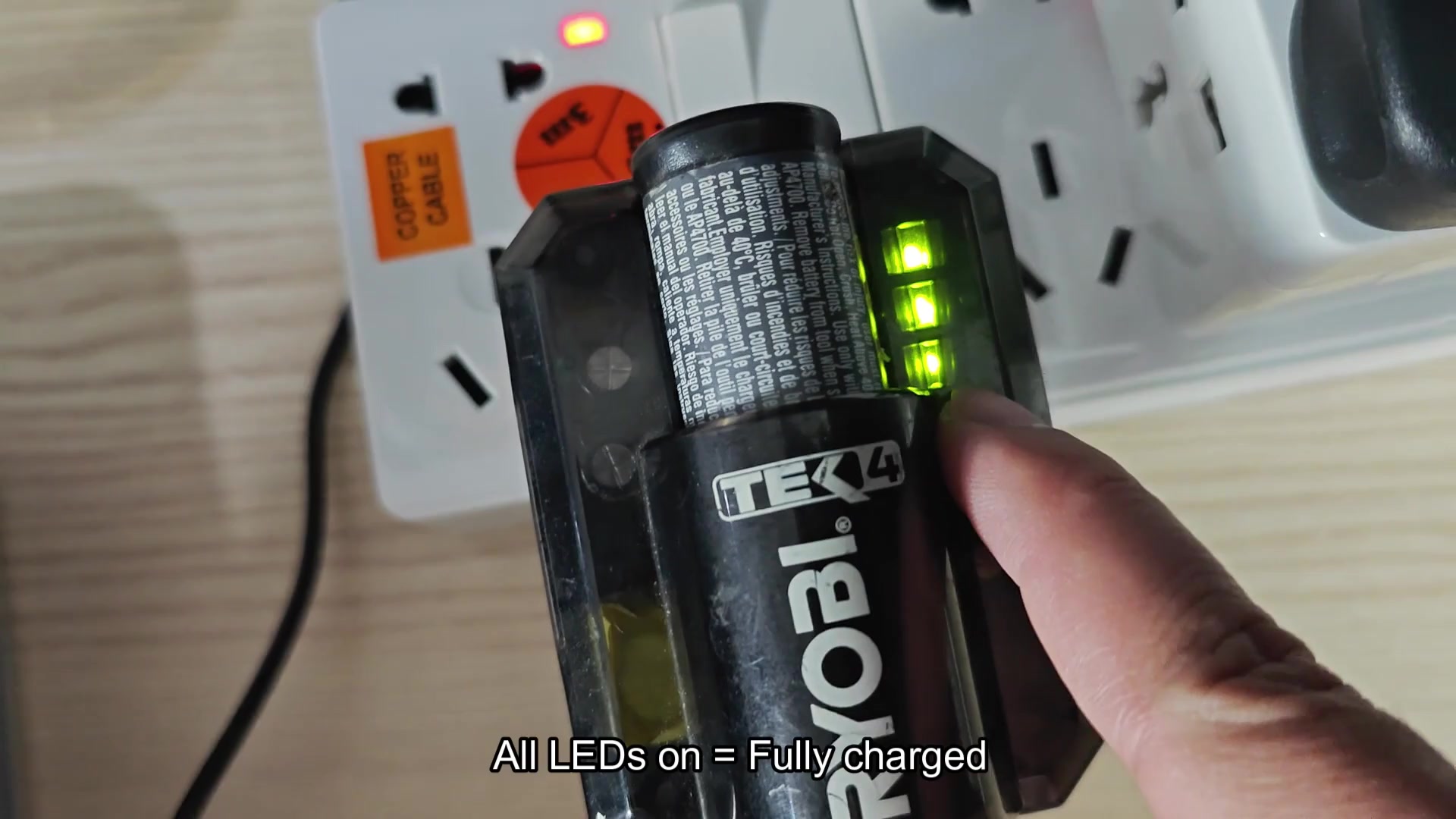
Finally, when the battery is fully charged all three indicator will be solid without flashing.
Reading the LED indicators
Clear indication.
There are also a couple of diagnostic pattern for the LEDs. If the bottom LED flashes once every five second or so, that means the charger has no battery pack insert. This also shows up sometimes when the battery is in sleep mode (not used in a while).
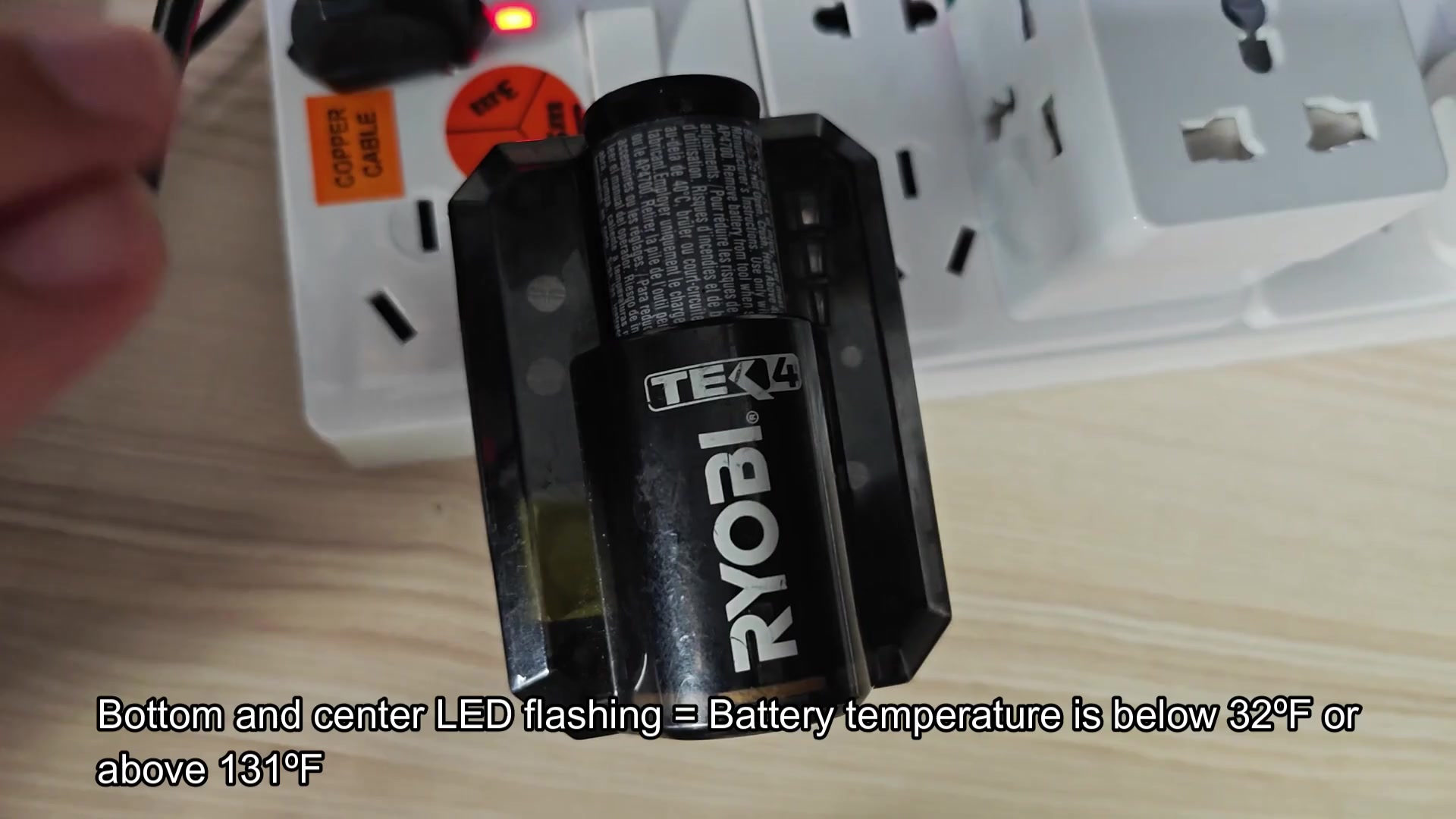
If both the bottom and center LED flash, the battery is to cold or too hot. If the battery is too cold, it will not allow the battery to start charging until it reaches thirty-two degrees Fahrenheit. If the battery is too hot, it will not allow the battery to start charging if it reaches one hundred thirty-one degrees.
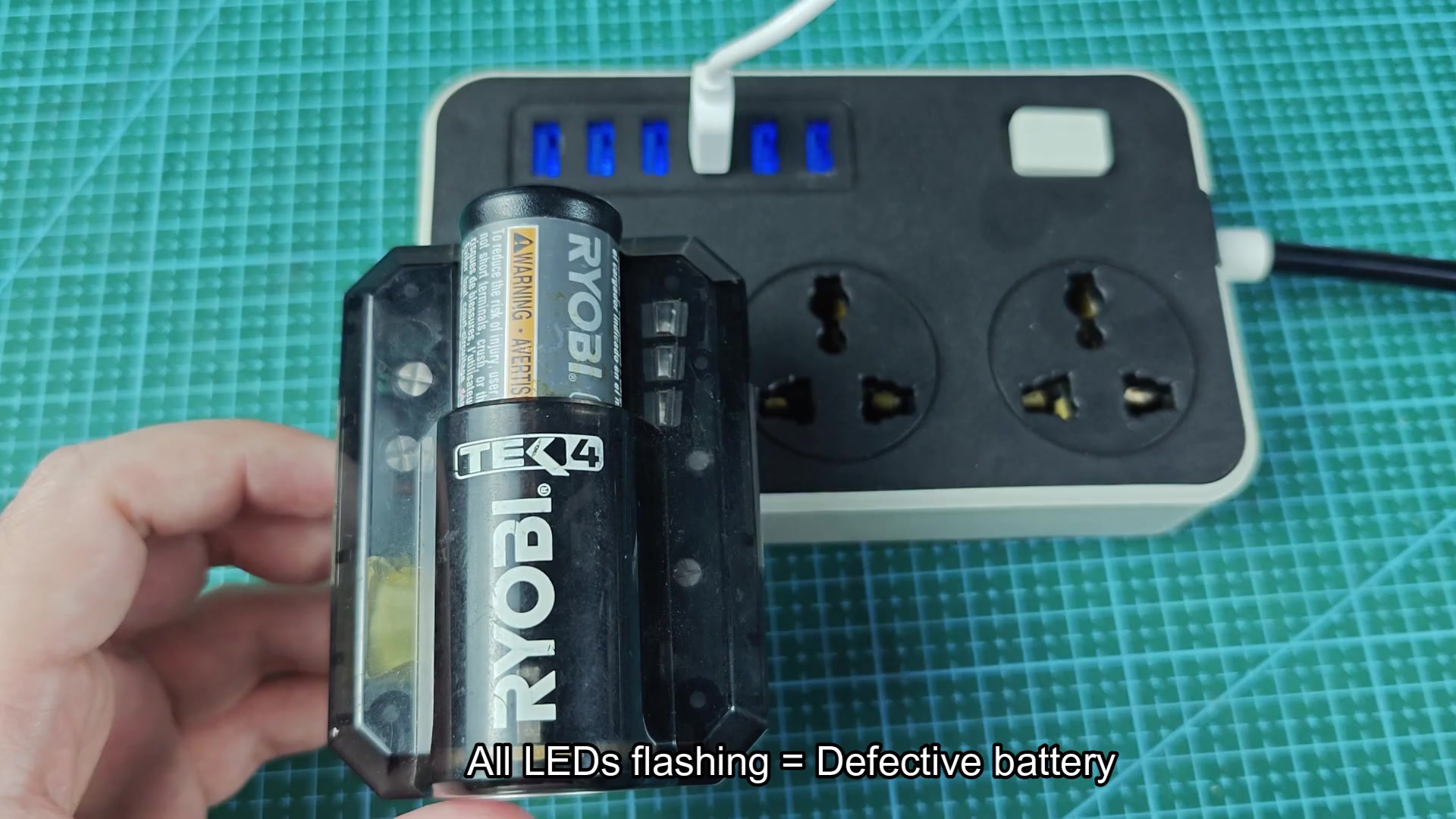
If all three LEDs flash, it indicate that the battery is defective. This have never happened with any of my battery packs. However, the charger sends a message to indicate a problem with the battery.
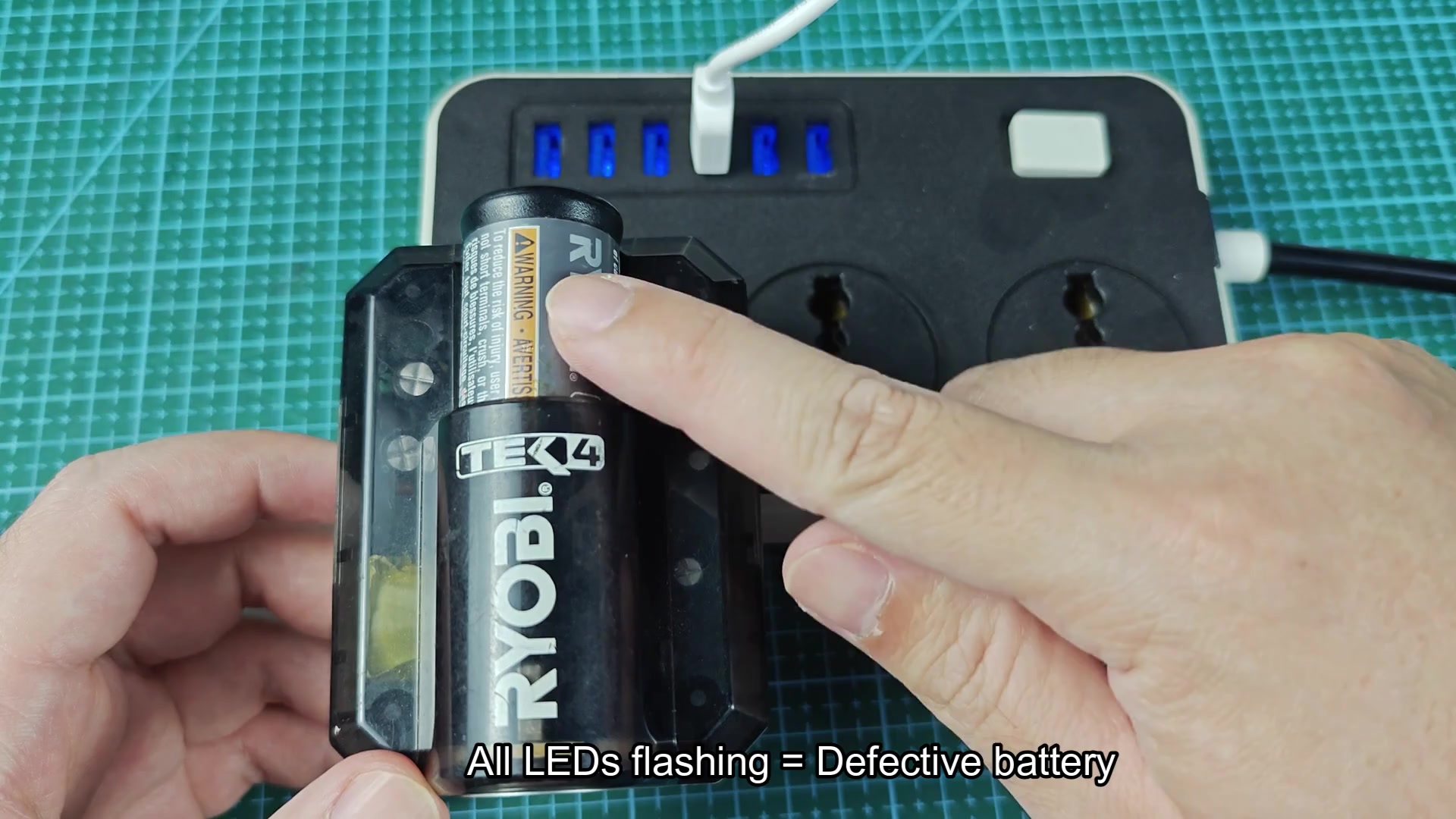
The LED system is an easy way to know the status of the battery. It take a few charge cycles to remember the different LED pattern and the issue they indicate. However, after a few cycles, it becomes second nature to know the status of the battery from a glance at the LEDs. This system is more better than the older battery pack chargers that just had one LED to indicate if the battery was charging or not.
