
First thing to do with the RIDGID 18V battery: Check your charge level so you know how to plan your workday. To begin, pull the pack out of tool. Right here is where you will find the battery indicator button. Push it.
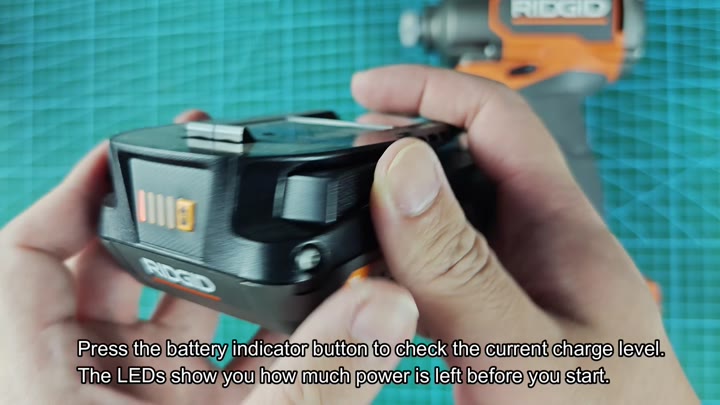
When you push that button, the LED bars lights up. There are four of them and they light up to tell you exactly how much power is left. That way, when you go to plug something in, you have a clear idea rather than guessing. Better to know then to not know.
Understanding the Indicator Lights
Next, move on to charger. The slide-in mechanism are straightforward. Line up your battery and push it in until it lock firmly into place. No need for wiggling. There’s a satisfying click when it’s installed correcty.
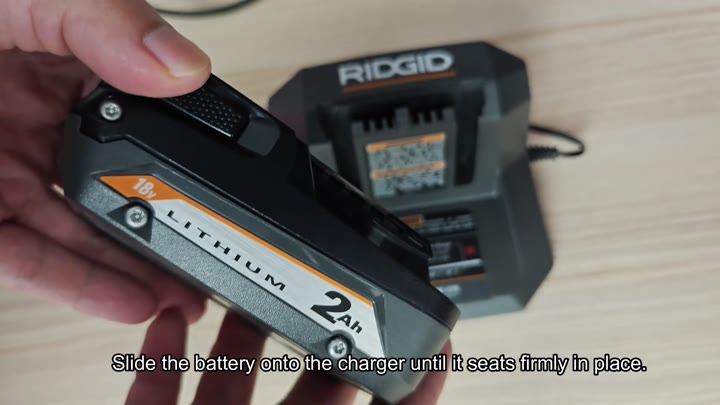
That’s the deal with the charger: Look at it when you put it in. The lighting system do all the talking. If it blinks a green light, that indicate it starts charging. Not erratically but steadily. That’s how it is supposed to work, and it should of always blink each time.
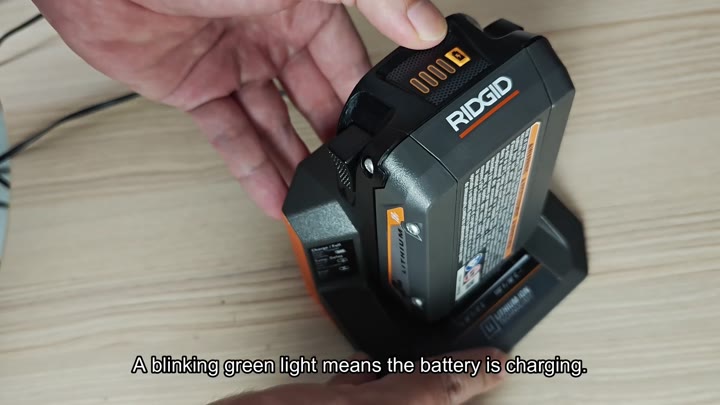
Here is a note about patience. How long will it take? That depends on which battery you’re using.
The 2.0Ah battery typically charge in roughly 30 minutes. While still pretty fast for swapping out, that’s just a little slower than the 4.0Ah battery that charges in about 60 minutes. Finally, big 6.0Ah battery requires just shy of 90 minutes. Since the charging process happen on its own, there is no reason to rush this one either.
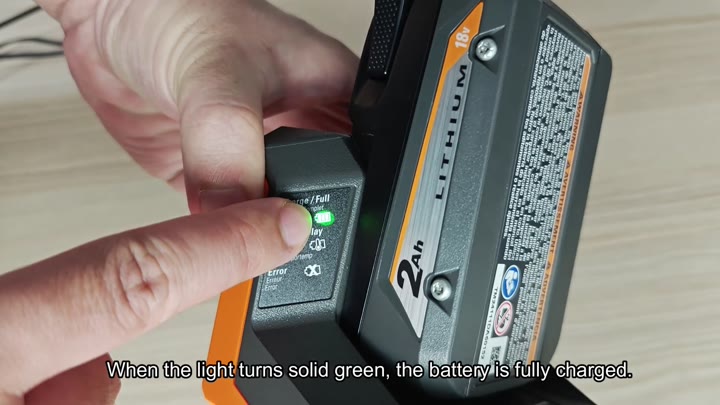
The only thing you do is wait until charge completes. And then there’s that signal. It’s when the flashing LED goes solid green. The charge is complete. The battery are fully charged. Now you can take it out and get it going again. Keep charging it regularly.
Other times, however, temperature issues can cause delays. Delays is sometimes caused by temperature. A battery that is too cold or too hot cause a charger delay. The blinking orange light below the Temp Delay section show this.
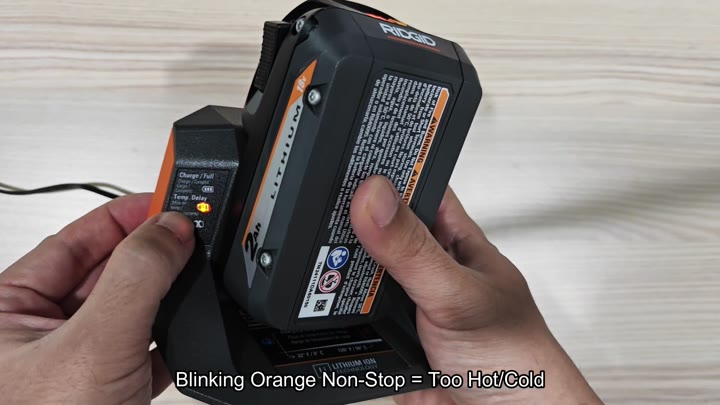
That’s a protective feature on the cells themselves. Lithium-ion batteries cant take extreme temps. So this is a safety feature that waits for the temperature to return to normal. And then you don’t force it; you just let it go until light turns green.
Sometimes there will be an errant solid red light which mean there was some sort of fault with the battery. That’s a hardware issue, not a charging issue. Either the pack is bad or has been corrupted.
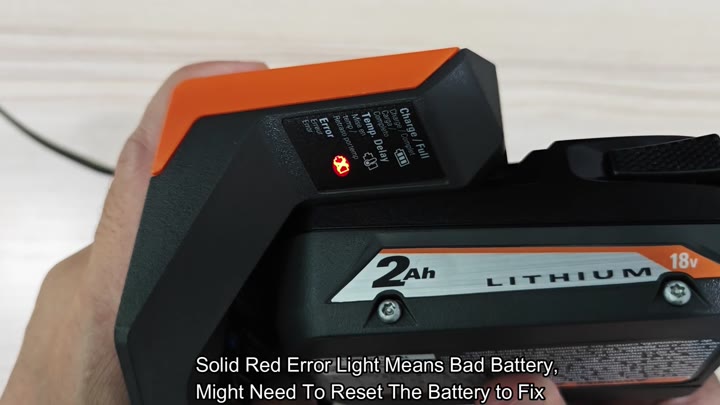
But what about those instances where the battery won’t take? Maybe it need to be reset. And no, it’s not dead forever. Many times, all it takes is a reset to revive the battery. Don’t toss it out just yet.
First, check the battery status. Once you know the status, the rest of the deal is simple. Green: Good. Orange: Wait. Red: Fix. Once you know error code, the rest of the deal is simple. Green: Good. Orange: Wait. Red: Fix.
Every day you depend on these indicators. They help eliminate guesswork. Now, your workflow is a lot smoother. No more wasting time questioning whether a pack is charged or not. Just look at the light. See, simple. Learn the pattern to avoid any frustration.
The charging time remain consistent. You’ll know when your tools will be ready. Helps plan jobs too so you don’t get caught short on a job site.
Chances are you’ve been using RIDGID batteries for years. The indicator system work well and makes sense. You can count on the lights. Because again, the lights tells the truth.
So, you check your charge. Slide it in. Watch the lights. Wait for green. It is a simple cycle but an important one. Get it right each time.
