
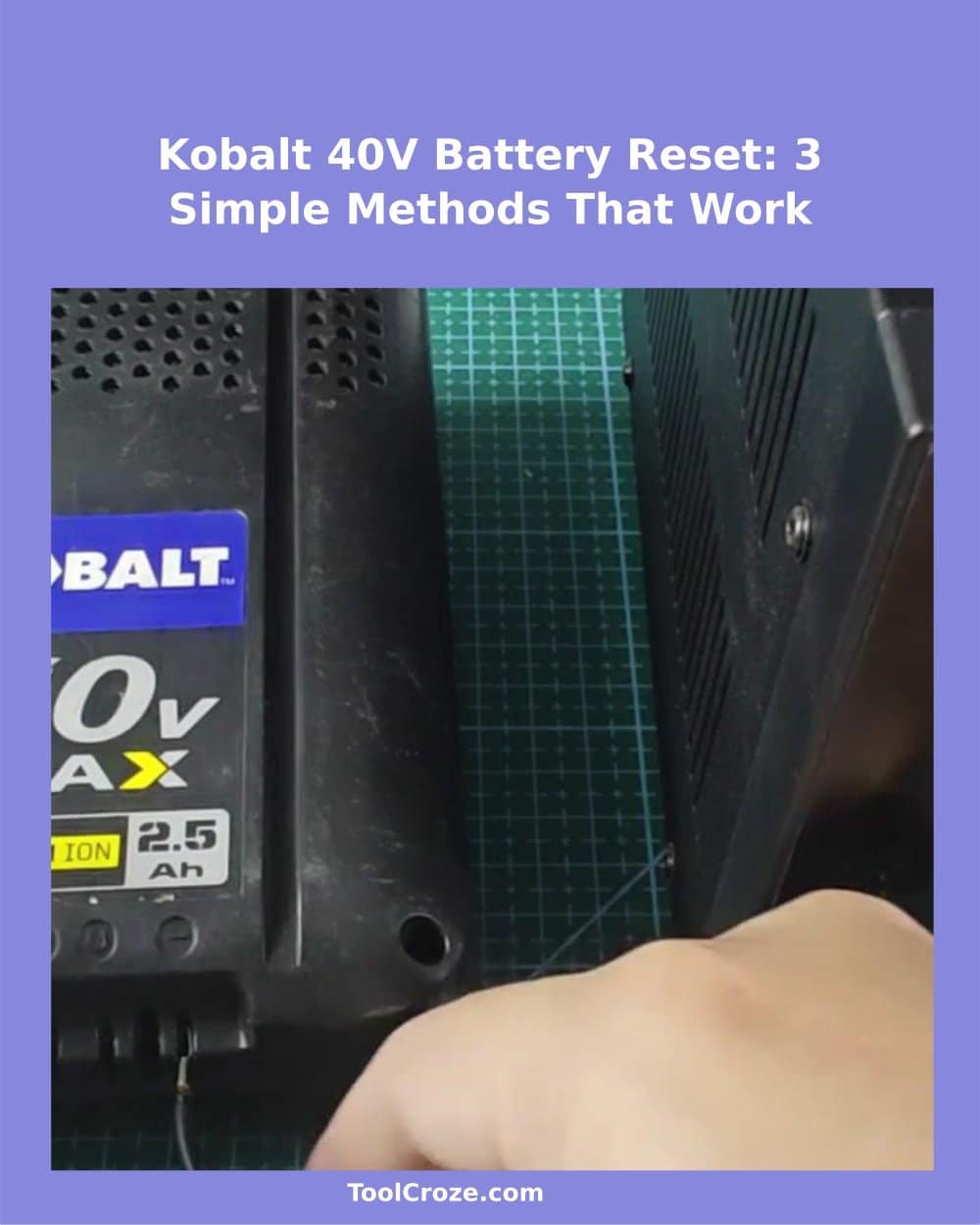
When the Kobalt 40V battery on the charger starts to blink red, many folks believe that it died and must be thrown out. Three different ways to revive it were tested on such a battery that refused to charge, and each of them managed to bring it to life without buying new.
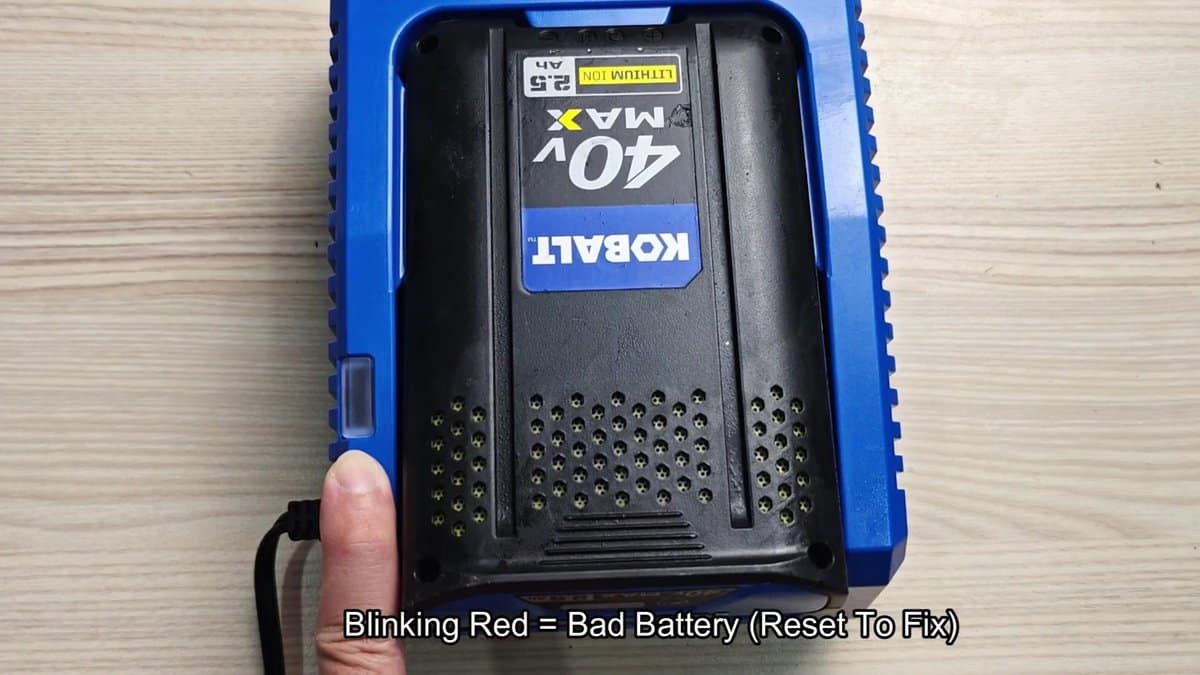
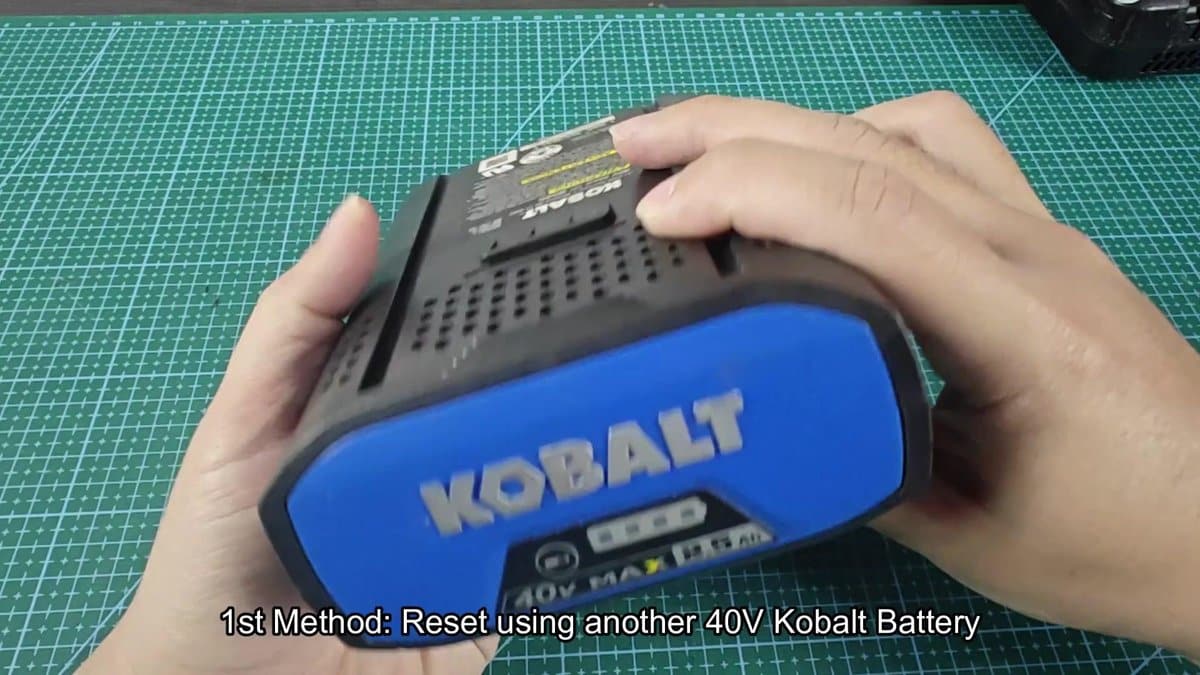
You need another working Kobalt 40V battery. I took my spare 2.5 Ah unit that still kept charge, and put both on the workbench. The idea is simply to use the healthy battery to "jump-start" the dead one.
3 DIY Methods to Reset and Revive a Blinking Kobalt 40V Battery
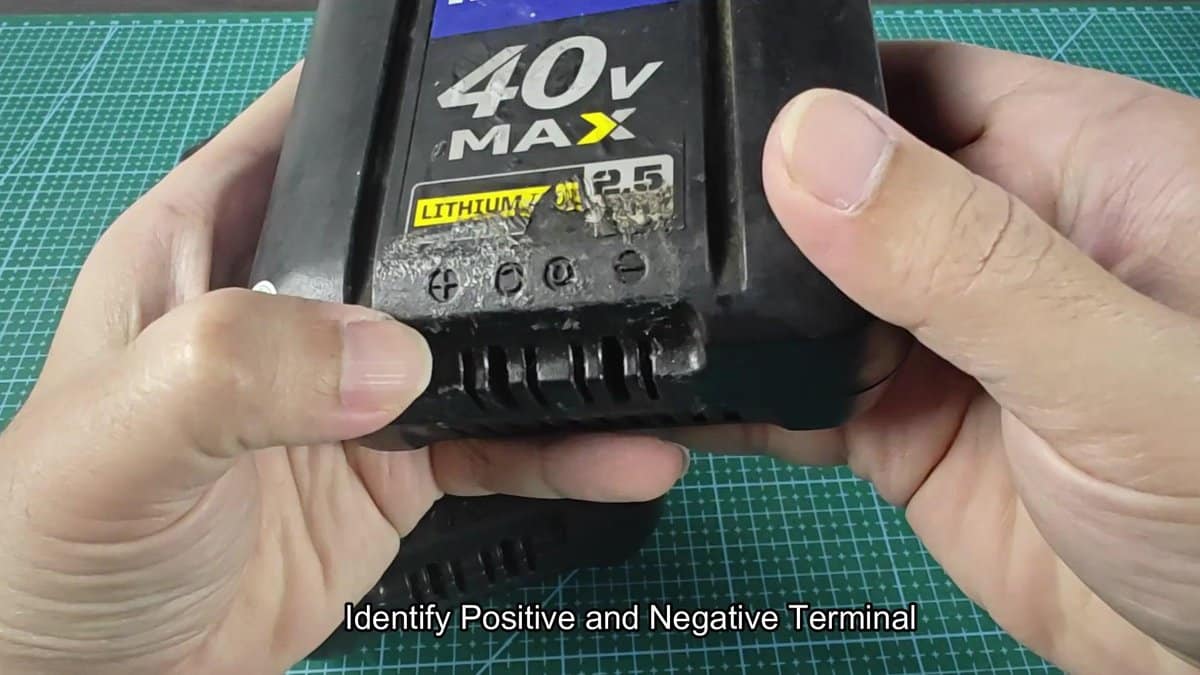
Before doing any connections, you must find the positive and negative terminals on both batteries. They show when one turns the battery unit upward and looks at the contacts.
Two cable with ring connections at both ends served for the hookup. I connected the red cable to the positive terminals and the black to the negative terminals. I checked that the rings seat well on every contact.
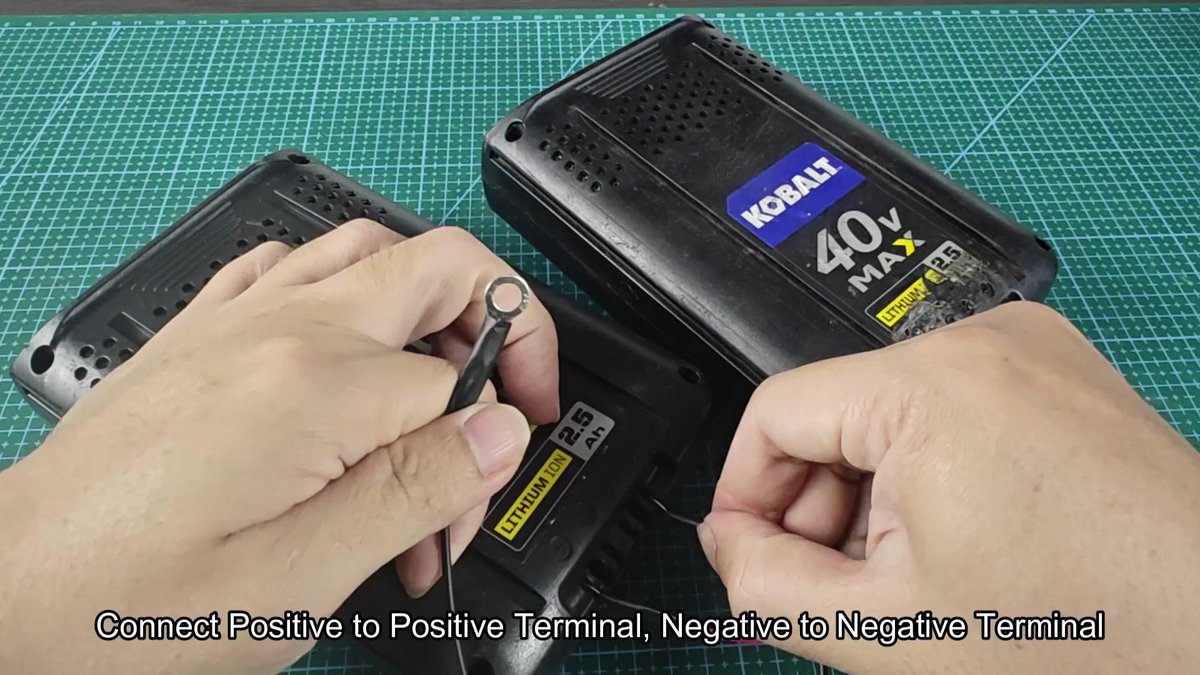
The two batteries stayed connected during fifteen seconds or so. After the wait I removed the cables, and the dead battery entered the charger for a try. This way worked right away.
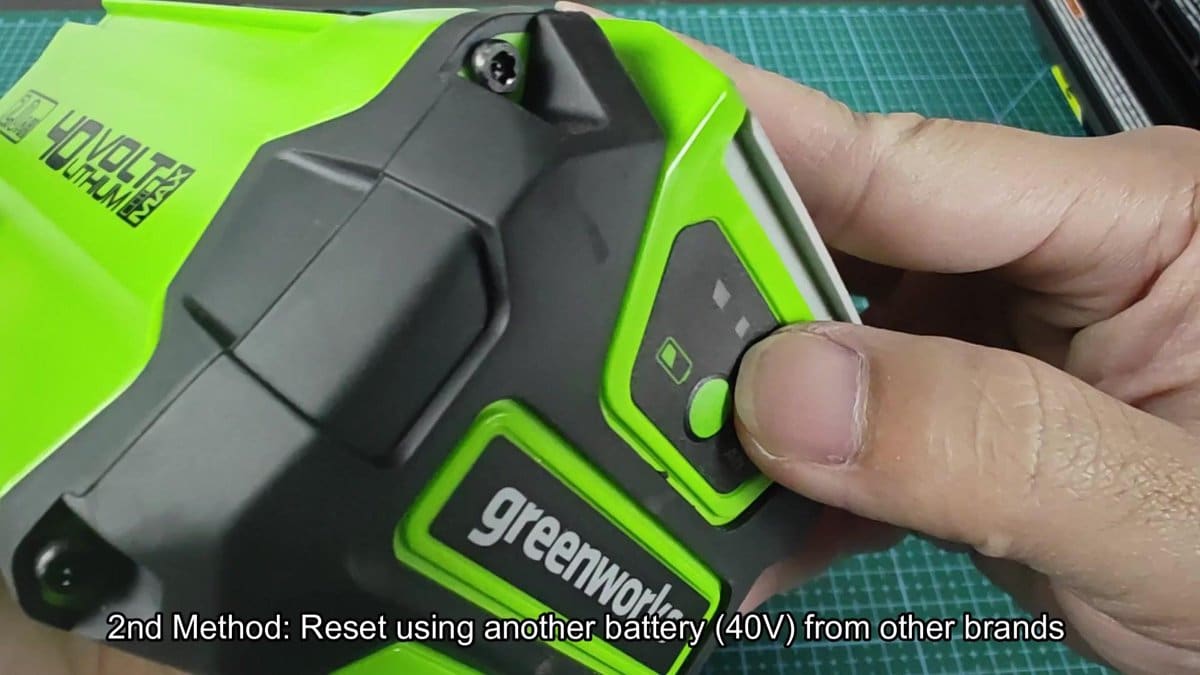
Another option is using a 40V battery of other brand instead of Kobalt. To show it, I choose the Greenworks 40V unit.
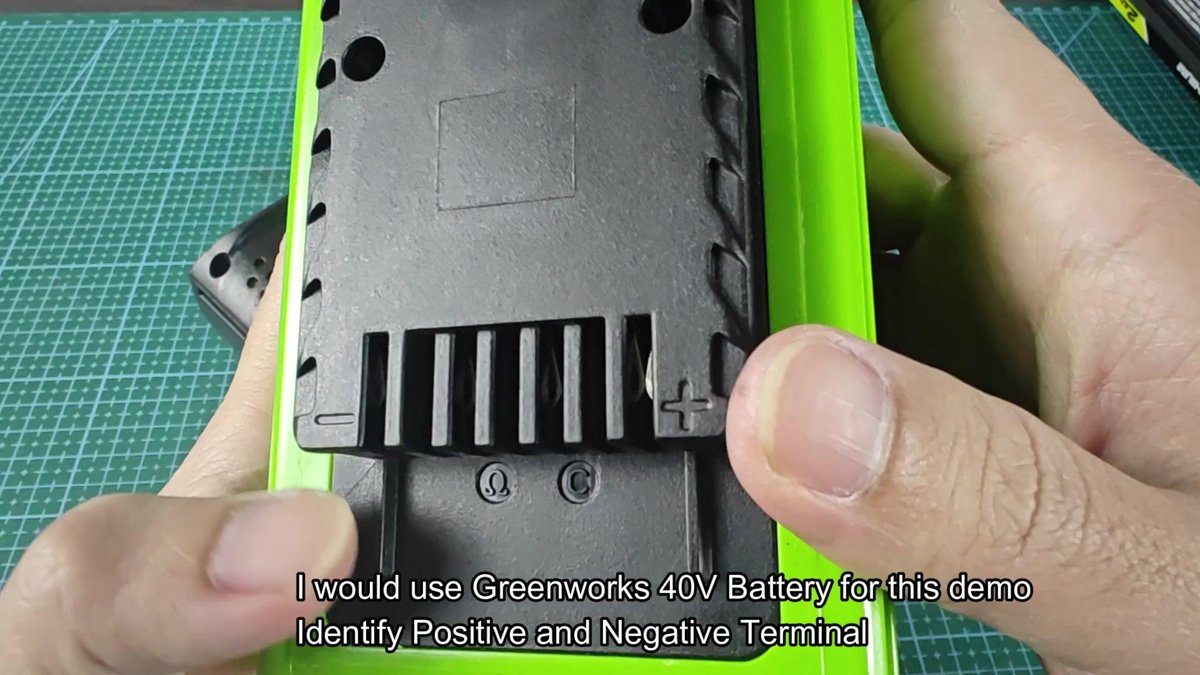
I turned the Greenworks upward, to find the positive and negative terminals. On them were clearly plus and minus symbols beside the output parts.
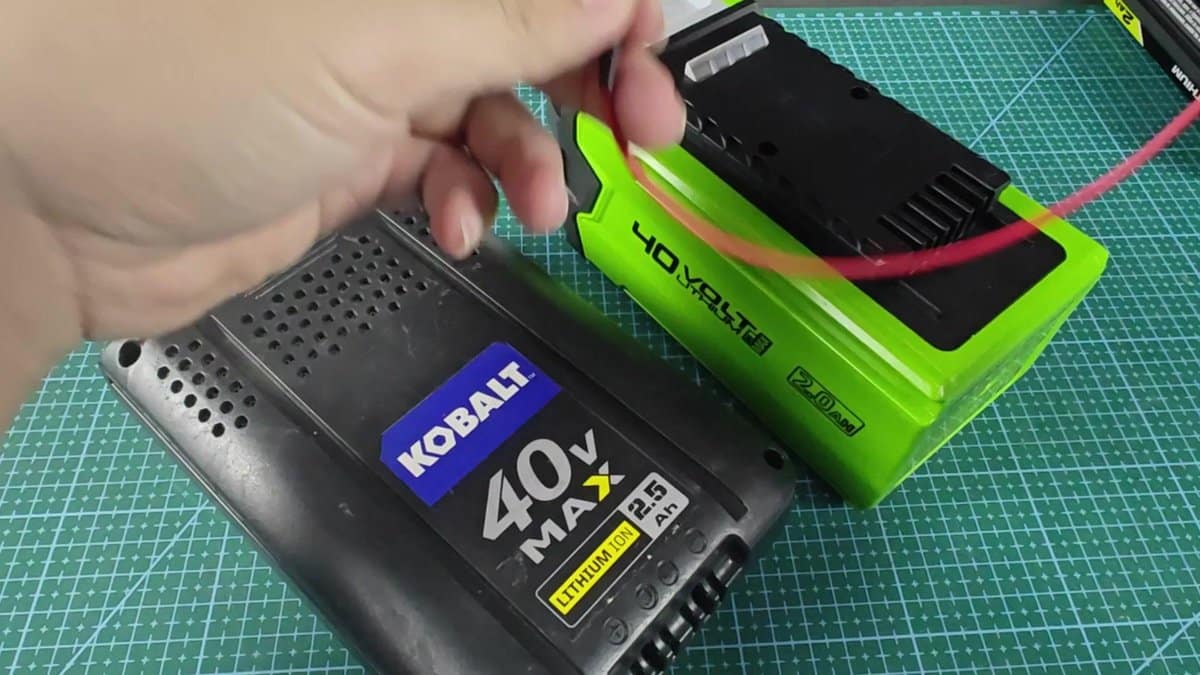
The dying Kobalt was put beside the Greenworks, and the connections were made. I followed the same order as before, but now with units of different makers.
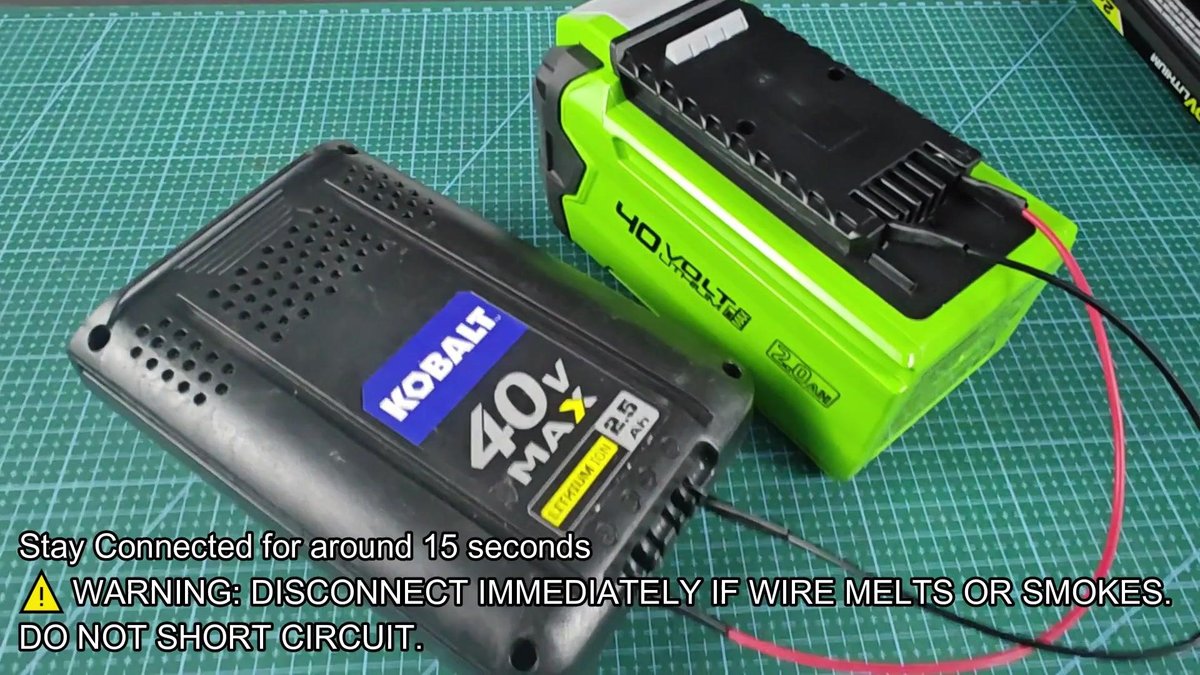
I connected the red and black cables to the matching positive and negative terminals. I made sure that every ring made strong contact with the terminals.
The batteries stayed connected about fifteen seconds. When the time ended, I stopped and tested the Kobalt again. It worked.
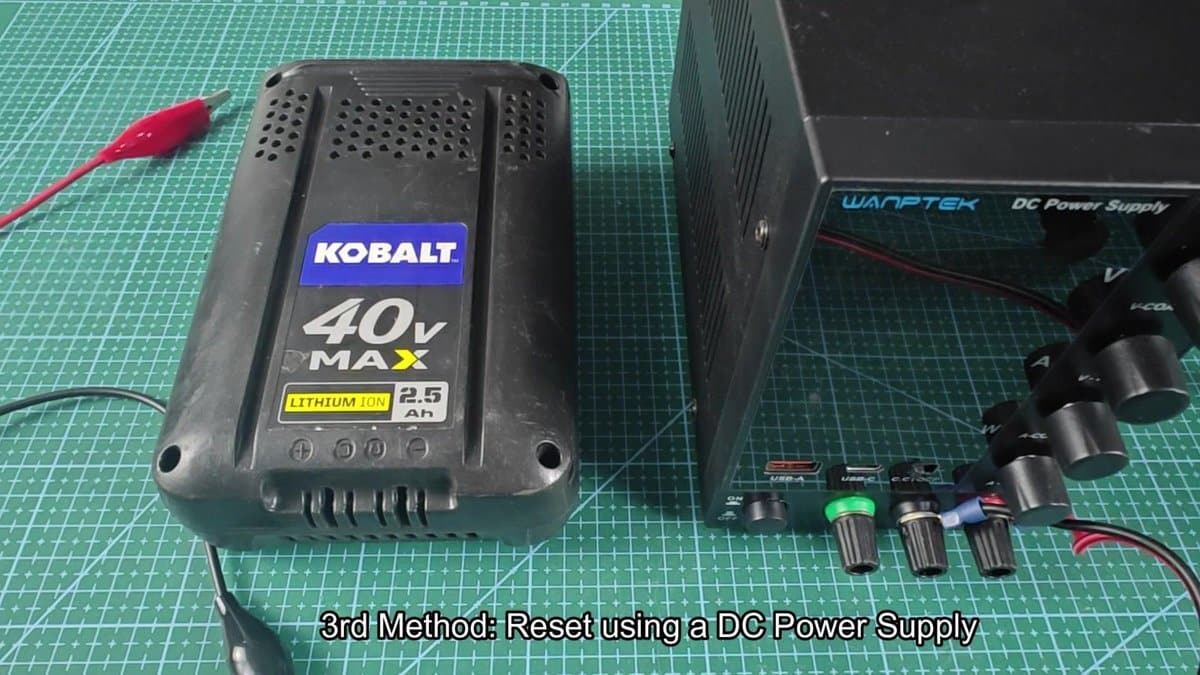
The last option uses a DC power source instead of another battery. The Wanptek unit was set beside the dead Kobalt on the work mat.
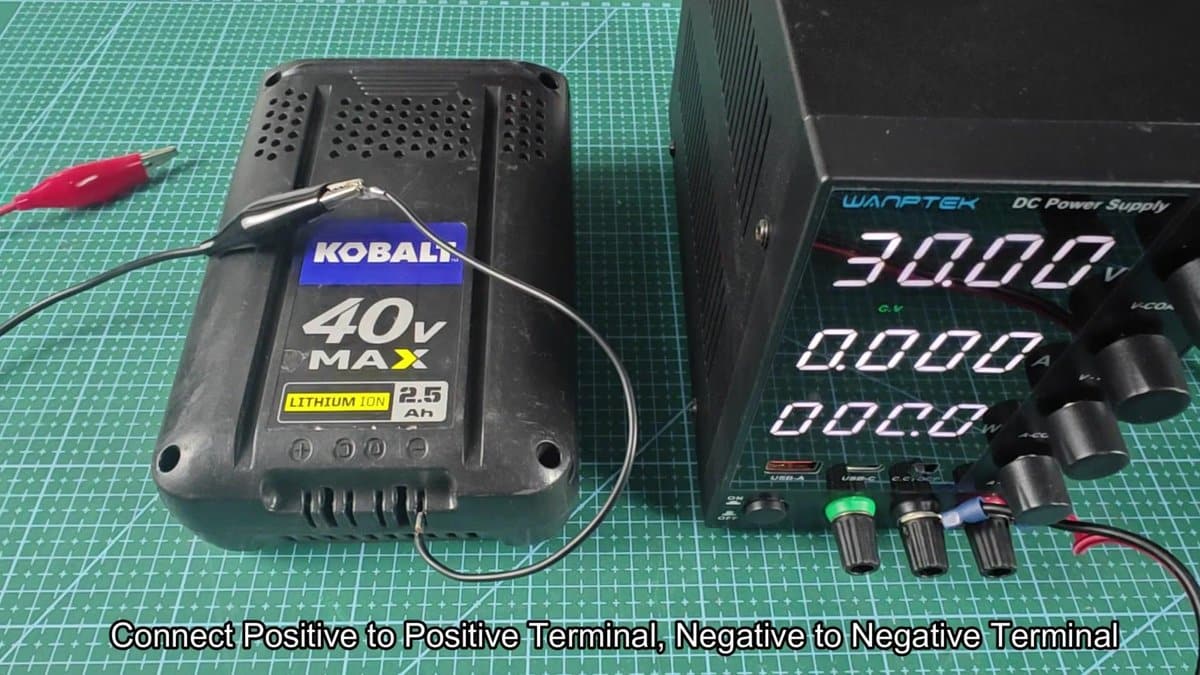
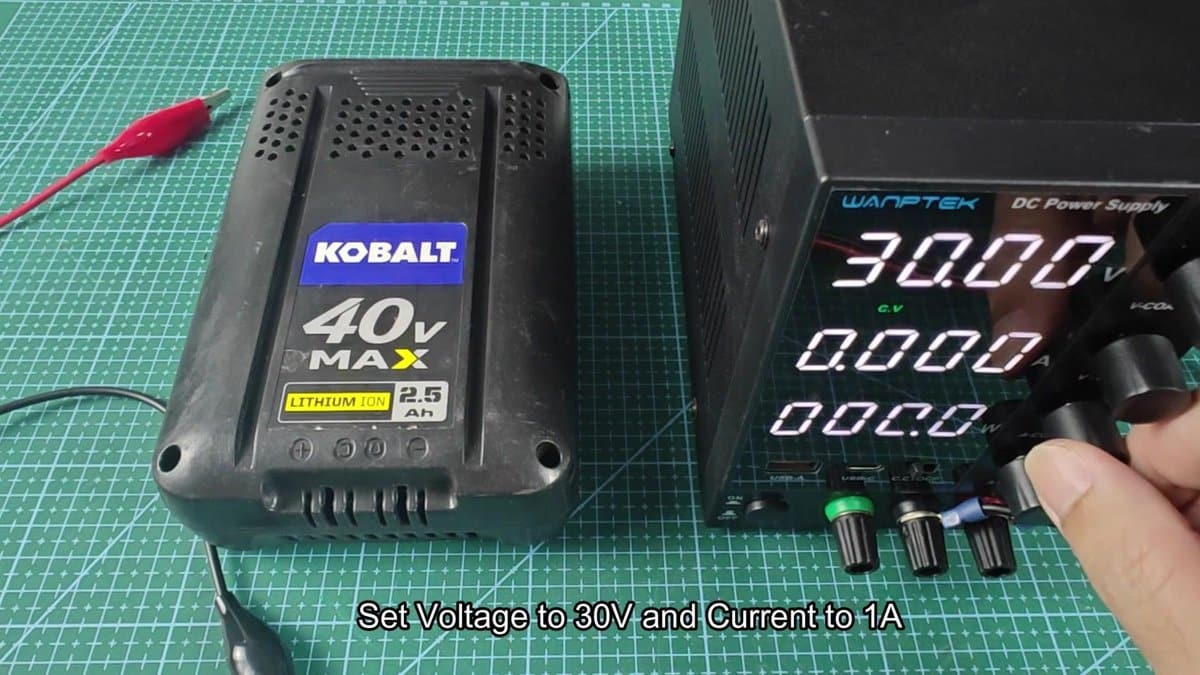
The voltage of the source was tuned to 30 volts by means of the knob on the front side. The current limit was set to 1 amp, to avoid overcharging during the revival. When everything was set, the screen shows 30.00 V and 1.00 A.
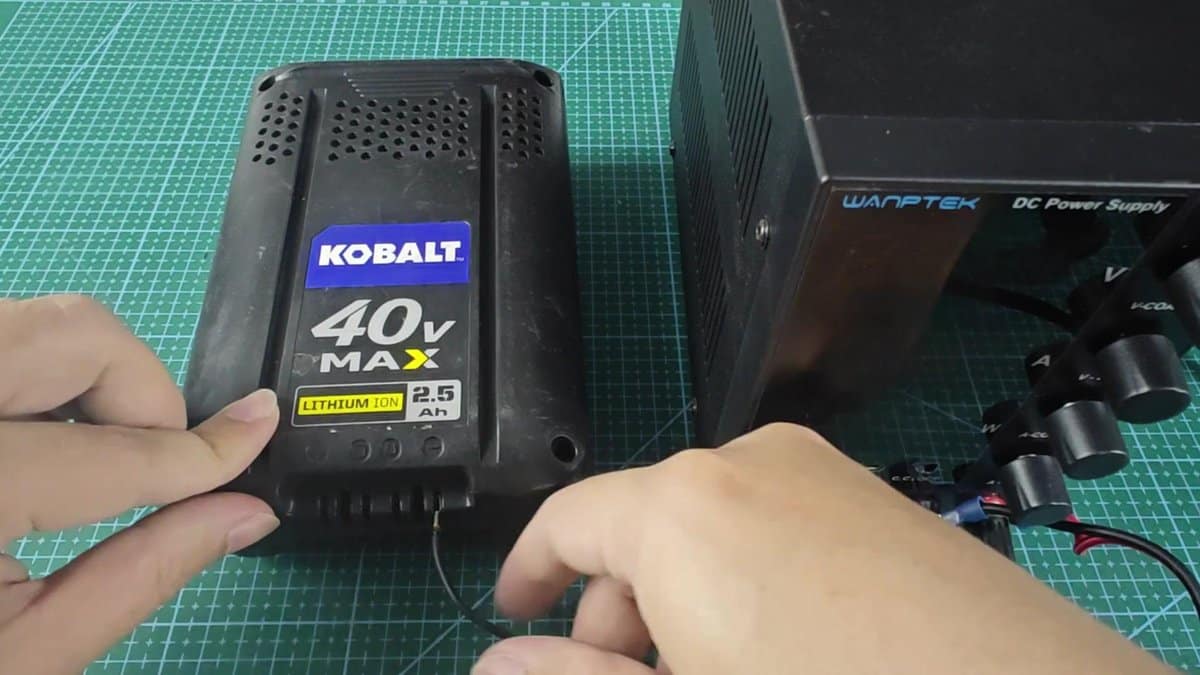
When the power turned on, the voltage jumped to 36.19 V. After about fifteen seconds the source was turned off, and the clips went off from the terminals.After all three ways the battery was put back on the charger for the last check. The charge returned to normal state, as if the unit was new.
