Plywood Sheet Calculator
Estimate sheet count, usable panel yield, saw kerf, edge trim, row and column layout, grain direction limits, and waste for plywood project panels.
Pick a common plywood layout, then adjust the sheet size, panel groups, kerf, grain direction, trim, and waste to match your shop plan.
Enter up to four rectangular panel groups. Leave unused groups at quantity 0.
Calculation Breakdown
| Sheet Format | Actual Size | Best For | Layout Note |
|---|---|---|---|
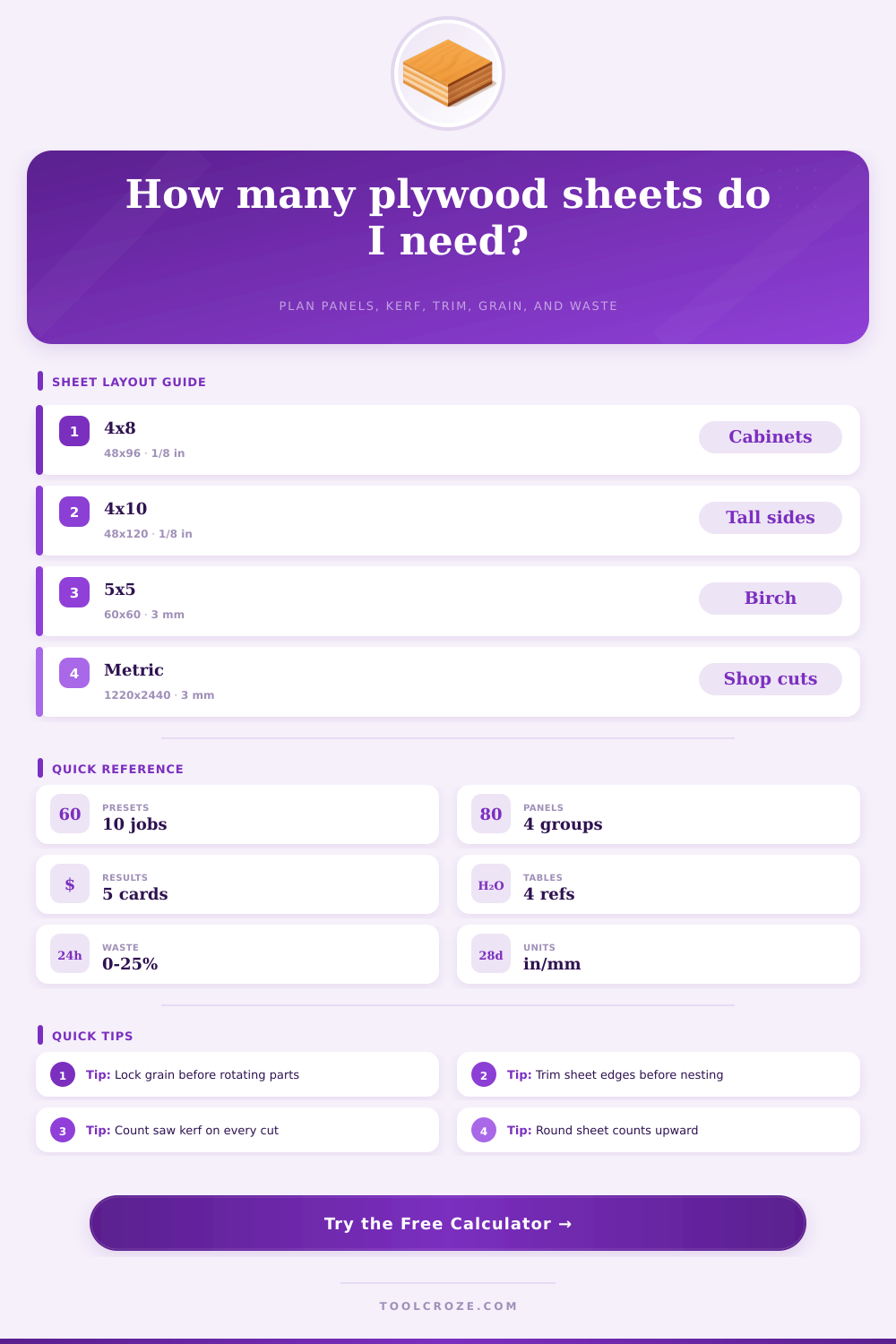
| 4 x 8 ft | 48 x 96 in | Cabinets, shelves, shop panels | Most common full-sheet layout |
| 4 x 10 ft | 48 x 120 in | Tall sides, doors, long shelves | Useful when grain must run long |
| 5 x 5 ft | 60 x 60 in | Baltic birch boxes and drawers | Square format helps small parts |
| 5 x 10 ft | 60 x 120 in | Large tops, signs, platform panels | More area with fewer seams |
| 1220 x 2440 mm | 48.03 x 96.06 in | Metric cabinet parts | Near 4 x 8 with metric labels |
| 1525 x 3050 mm | 60.04 x 120.08 in | Oversize panels and CNC work | Check handling before cutting |
| Sheet Good | Common Thickness | Yield Behavior | Best Use |
|---|---|---|---|
| Cabinet plywood | 1/2 in to 3/4 in | Good balance of stability and face quality | Cabinets, casework, shelves |
| Baltic birch | 6 mm to 18 mm | Dense multi-ply core, crisp small parts | Drawers, boxes, jigs |
| Marine plywood | 1/4 in to 3/4 in | Allow extra trim for clean exposed edges | Wet areas, exterior panels |
| CDX sheathing | 3/8 in to 3/4 in | Defects can reduce usable yield | Rough construction panels |
| MDO sign panel | 1/2 in to 3/4 in | Face quality favors careful edge trim | Signs, templates, painted panels |
| Melamine or MDF | 5/8 in to 3/4 in | Kerf and chip-out allowances matter | Closets, fixtures, shelves |
| Grain Rule | Rotation | Yield Effect | Use When |
|---|---|---|---|
| Free rotation | Parts can turn 90 degrees | Highest row and column fit | Hidden parts, drawer bottoms, shop jigs |
| Length grain | Long dimension follows sheet length | Moderate yield reduction | Cabinet sides, doors, visible panels |
| Width grain | Wide dimension follows sheet width | Useful for cross-grain faces | Wide fronts, horizontal show panels |
| No rotation | Use entered panel direction only | Most conservative estimate | Matched veneer or labeled cut diagrams |
| Kerf / Trim | Typical Value | Calculator Effect | Planning Check |
|---|---|---|---|
| Thin-kerf circular saw | 3/32 in to 1/8 in | Reduces cut-path area | Measure actual blade plate and teeth |
| Table saw plywood blade | 1/8 in | Good default for shop cuts | Use same kerf for rip and crosscuts |
| CNC compression bit | 1/8 in to 1/4 in | Kerf equals tool diameter | Add tabs or onion-skin waste separately |
| Edge trim | 1/8 in to 1/2 in | Shrinks usable sheet size | Increase for chipped or factory edges |
A plywood sheet calculator are a tool that helps a person to determine how many sheet of plywood is required for a specific project. Planning a plywood project can be difficult due to the loss of plywood that is created during the cutting process. A person must account for the thickness of the saw blade that will be used to cut the plywood, as well as the loss of plywood that is created when the factory edges of the plywood is trim.
A plywood sheet calculator allows a person to input various measurements and rules for the plywood into a calculator to determine a specific number for the sheets that should be purchased for that project. The accuracy of the number that is provide from a plywood sheet calculator is dependent upon the inputs that are provide to the calculator. The size of the plywood sheets is one of the necessary inputs to the calculator.
How to Use a Plywood Sheet Calculator
The thickness of the plywood is another of the necessary inputs to the calculator. The kerf width of the plywood is an important input to the calculator; the kerf width is the thickness of the plywood that the saw blade cuts. An important input to the plywood sheet calculator is the edge trim of the plywood; this is the amount of plywood that are lost when the factory edges of the plywood sheets are trim to create square edges.
An important input to the calculator is the waste allowance for the plywood; the waste allowance for plywood sheets is used to account for any potential mistake in the plywood. Without providing for waste when inputting measurements into the sheet calculator, it is possible that a person may not have enough plywood sheet to complete there project. Another factor to consider when using a plywood sheet calculator is the grain direction of the plywood.
Plywood sheets can have free grain or locked grain rotation. Free grain rotation allow for the parts of the plywood to be placed anywhere on the sheet, which allows for the creation of a higher yield of the needed plywood parts. Locked grain rotation require that the plywood sheets stay in one direction.
This may result in the purchase of more sheets of plywood to obtain enough plywood with the desired direction of the grain of the plywood. Locking the grain rotation is an option that a person may choose for projects that require all of the parts to have the same direction of the grain in the plywood sheets. When cutting plywood sheets, a person may lose a significant amount of the total area of the plywood sheets.
During the cutting process, plywood sheets may lose material due to trim loss, kerf loss, and waste allowance. These three types of plywood loss may remove twenty percent of the area of the plywood sheets or more. A plywood sheet calculator help to provide a breakdown of how much plywood will be lost to trim, kerf, and waste; this breakdown can help a person understand how much plywood will be lost to the scrap bin during the cutting process.
A person needs to understand the plywood loss to decide whether or not additional rows or columns of plywood sheets are to be created in the project layout. Plywood sheet calculators require different settings for different types of plywood. For example, plywood made of Baltic birch typically cuts very well and clean, but plywood sheets made of CDX may have voids within the plywood that are not seen until when the plywood sheets are cut.
Plywood made of melamine or MDF may require a wider kerf width when cut due to the tendency of the melamine or MDF to chip when cut. Reference tables exist for different types of plywood that show the settings that should be used for each type. By adjusting the settings of the plywood sheet calculator before beginning to use the calculator, a person can avoid problems when cutting plywood.
The plywood sheet calculator will provide a number to a person as to how many sheets of plywood will be required for a project. However, that number isnt a guarantee that the plywood will be successful in its required tasks. Additional plywood sheets may be required if one sheet of plywood is damage during transportation or while setting it up in the project.
The plywood sheet calculator will round the number of sheets of plywood that will be required upward to ensure that there is enough plywood for the project; it is better for a person to have too much plywood than too little plywood for their project. This number allows a person to decide how much material they will need to purchase for their plywood project. Additionally, this number allows a person to decide how much time they will need to dedicate to their plywood project.
By using the plywood sheet calculator, a person can determine any trade off that must be made in the project before beginning to cut any plywood.