
Ran into an issue with my NOCO Genius 5 where it would not cooperate with charging a battery. The battery would be stuck and the charger would refuse to allow it to charging.
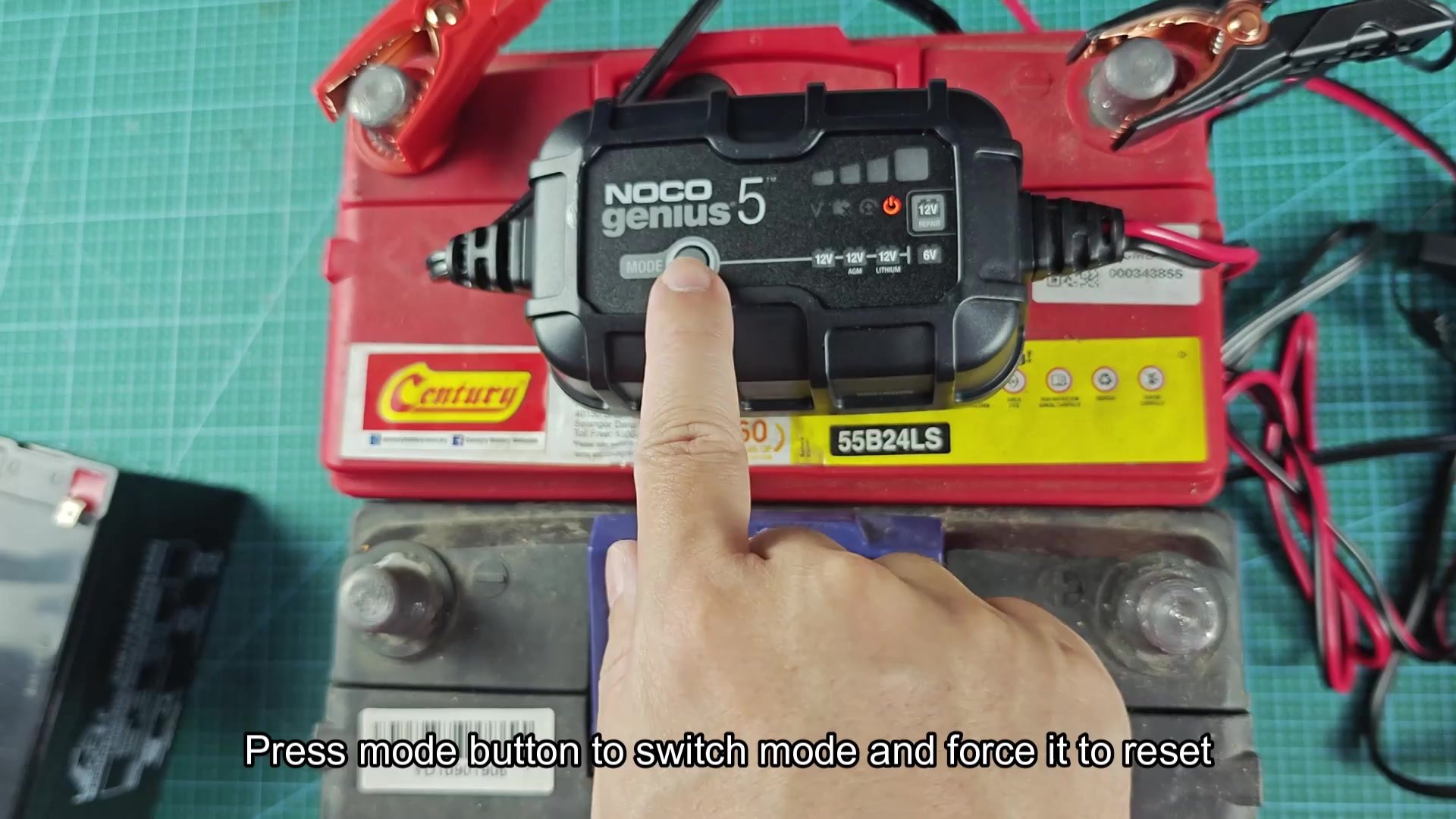
Changing the mode on the battery charger will typicaly forces the unit to reset for the battery. This will clear any glitch on the charger that may be preventing it from cooperating with charging the battery.
If this dont fix the issue with the battery charger, trying disconnecting the battery clamp from the battery terminal. Allow a few second for the battery charger to reset, then reattach the clamp to the battery terminal.
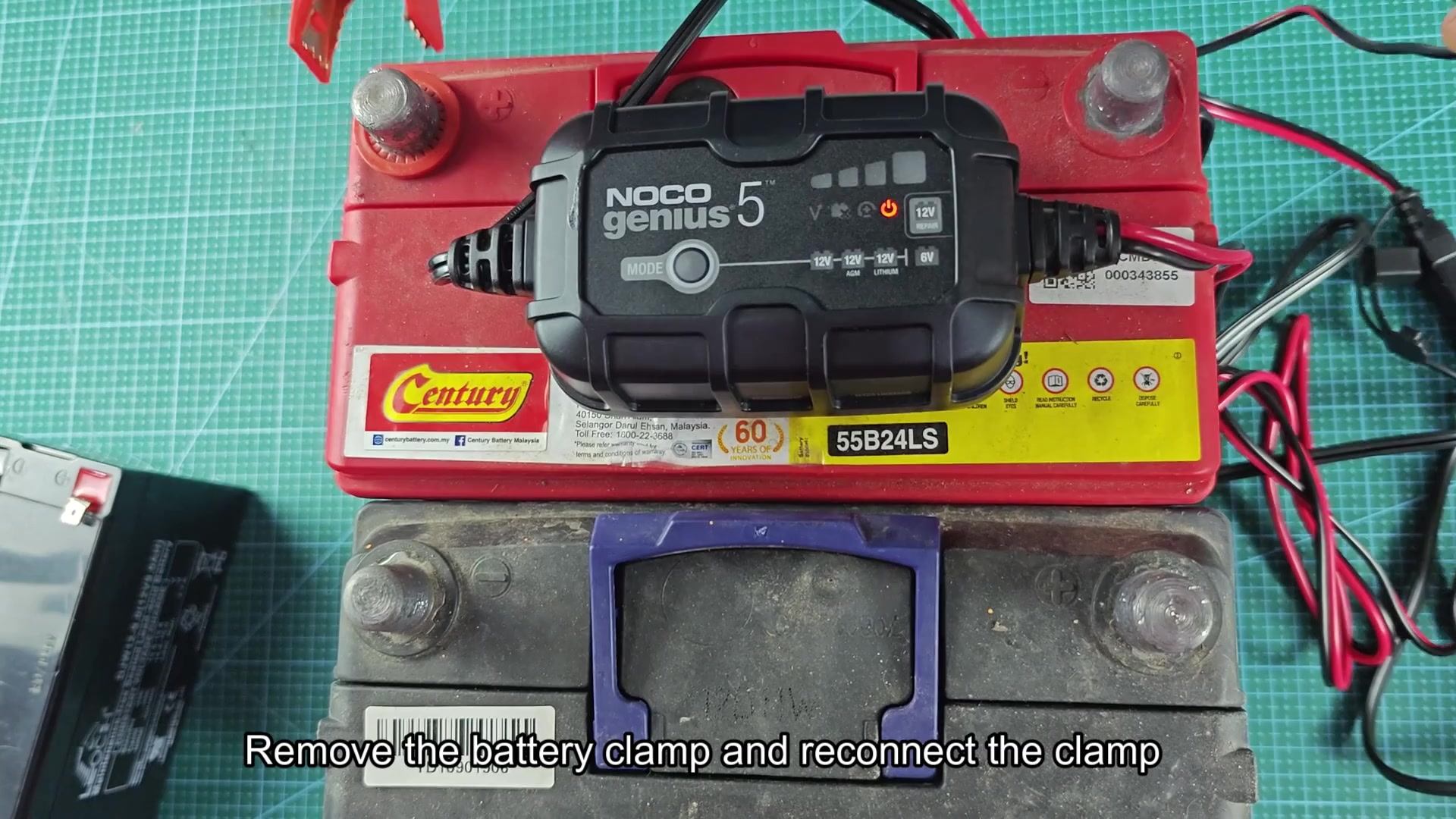
I disconnected the clamp from the battery terminal and reattached it. This helped alot with getting the battery charger out of error state.
Quick troubleshooting steps
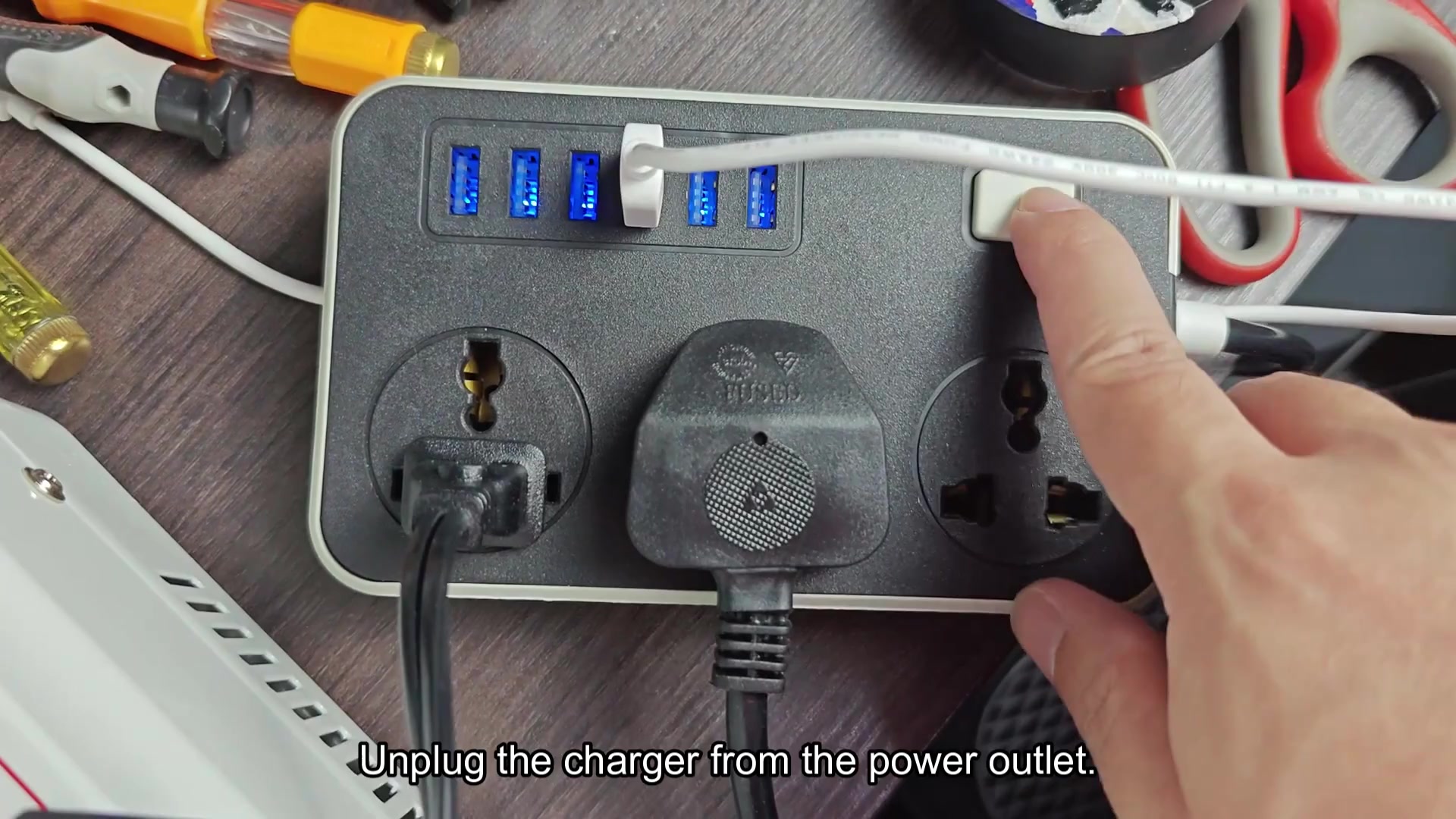
Perform a full reset on the battery charger by disconnecting it from the power outlet. This will allow each component within the battery charger to reset it self.
Allow the battery charger to remain unpluged from the power outlet for roughly thirty second. This allow the components within the battery charger to fully discharge. Fewer seconds than this did not seem to work for resetting the charger.
Attempt to re-plug the battery charger into the power outlet after this thirty-second wait. The battery charger should power back up and run through its initial startup sequence.
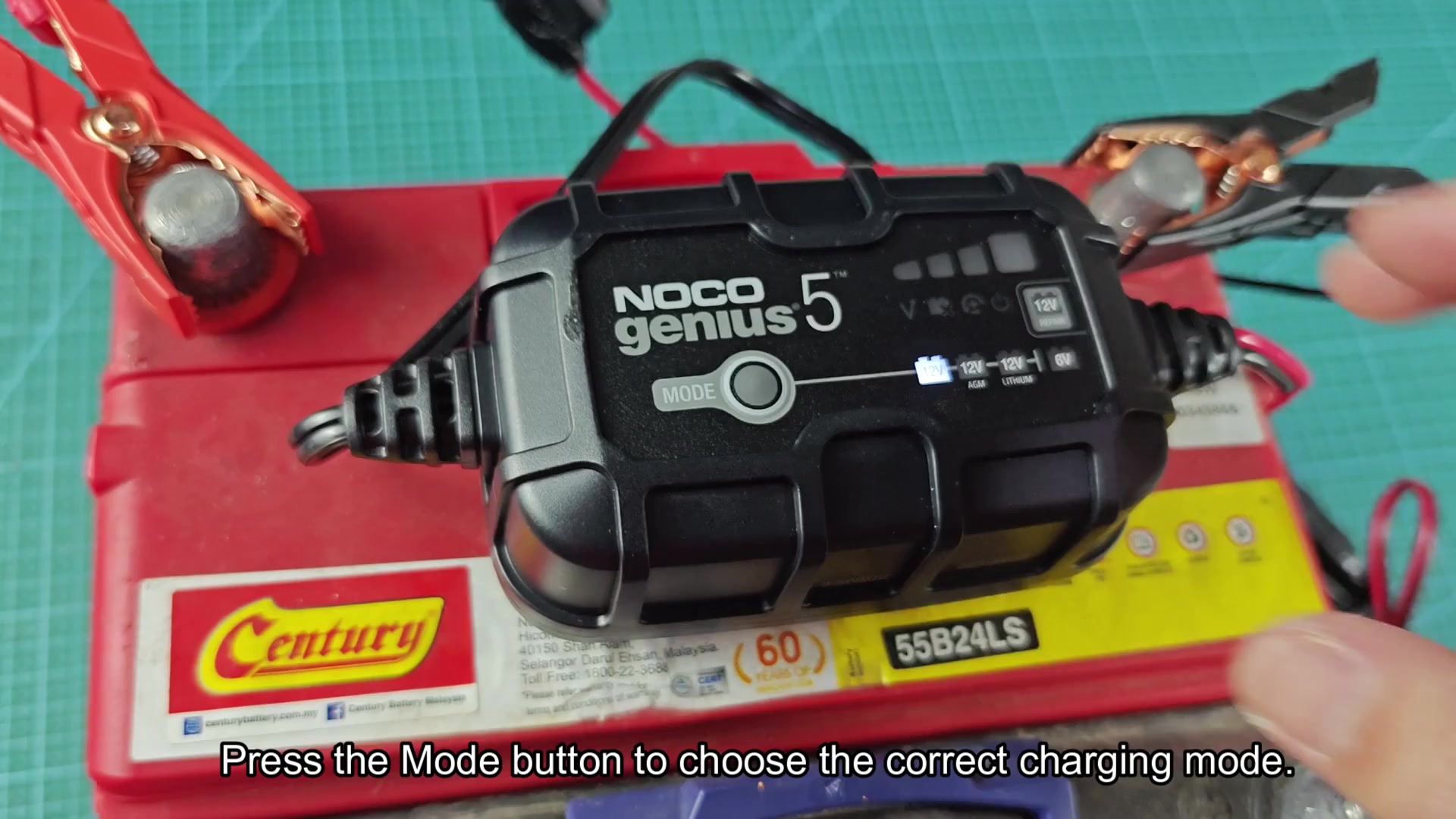
Once the battery charger come back online, ensure the charger is in the correct mode to charge the battery. Press the mode button to cycle through the charging mode. The NOCO Genius 5 can charge standard battery, AGM batteries, lithium batteries, and six volt batteries.
I used all three method within the battery charger. The mode button will reset the battery charger if the battery is in an error state during normal operation. Disconnecting the clamp will help if the battery charger becomes confused as to the state of the battery. Finally, disconnecting the battery charger from the power outlet will help if it becomes stuck in a problem state that the other two methods do not get resolve.
Depending on how stuck the battery charger becomes, any of these method can be used. The mode button and clamp method are the quickest to try, but you can use the full power cycle method if the other method dont work.
