
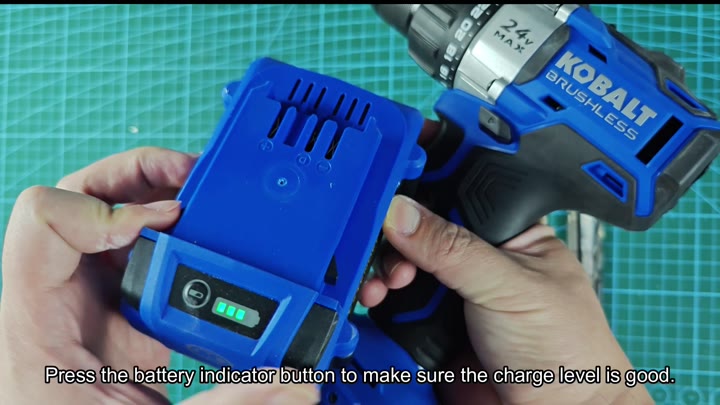
The 24V battery slide into base of the drill and locks in snugly. To check the charge, you simply push indicator button on the battery pack.
A nice feature is that three green bar come on to let you know there’s still a lot of juice left. That way you don’t run out when you are testing.
Testing Performance on Wood and Concrete
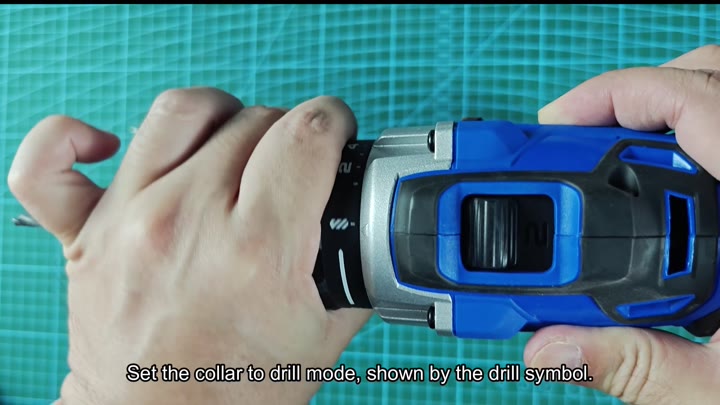
Before you pick up a bit, you know that area around the chuck called the collar. That is where mode and torque setting is controlled by this spinning ring.
The modes is numbered 0-8 which correspond to screw-driving clutch settings. Use these to control how much or how little you drive screws into wood without stripping their head out.
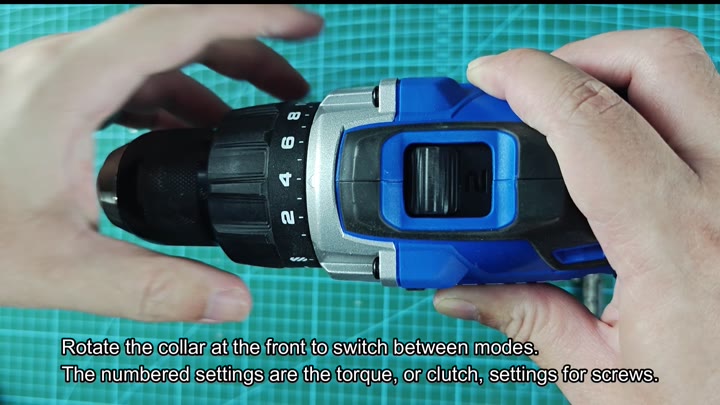
Learning which one is best for various materials takes some time
Likewise, there’s a mode switch on the collar. To change modes, you turn the collar counter-clockwise beyond the numerals and see the symbols for each mode (forward), reverse, and drill.
As you can see, no hammer mode symbol exist on the KDD 524B. That tells you the tool is a drill-driver only (not a hammer drill).
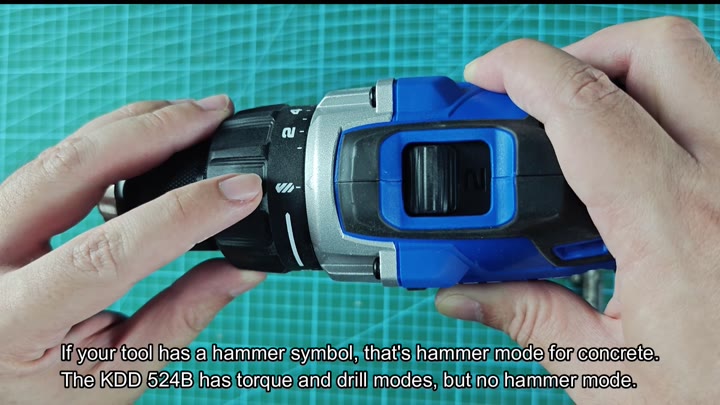
That will save you a bit of frustration when you’re working on the tougher stuff, which is good to know in advance.
Just behind the chuck, there’s a two-speed switch on top of the drill body. When you set it to Position 1, it delivers low speeds with high torque. When set to Position 2, you get higher speed for faster drilling.
For most screwdriving tasks, leave the switch in position 1. The lower speed allows you to get good control, and less chance of stripping out the screw head.
Insert a screw bit that matches the screw head. Then, twist the chuck clockwise to tighten it firmly.
Why? If the bit isn’t tight enough, it will cause the bit to wobble and not drive well. Tightening the bit secureley ensures good direct power transfer.
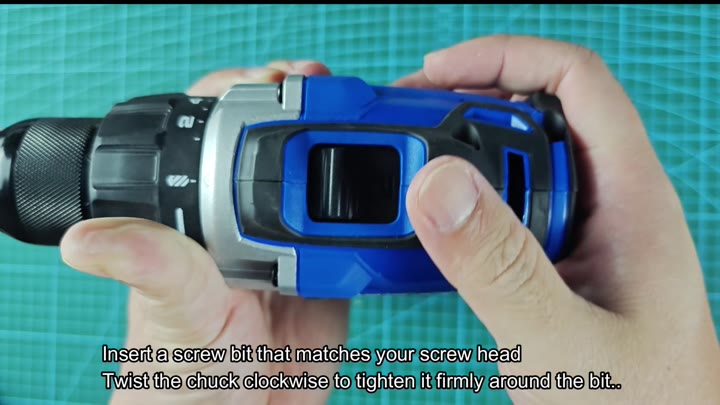
It is obvious, but important.
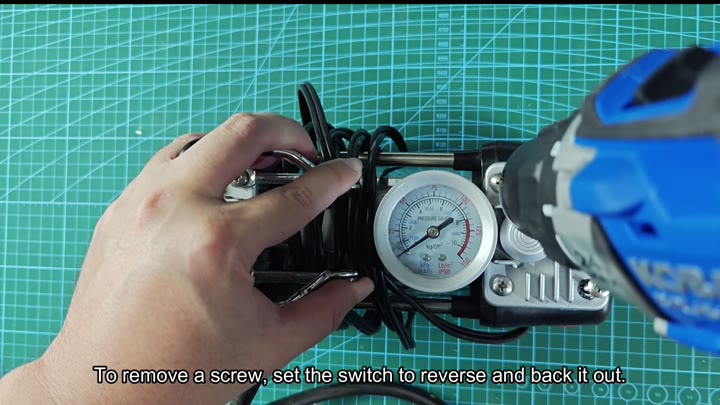
Using an air compressor is a great tool, and here’s how you get started: First you drive in some screws on a portable air pump housing. This is a small, careful job that works well with the low-torque setting.
When it comes time to pull a screw, turn direction switch to reverse. The screw backs out smoothly as the drill pulls it loose. Extraction jobs are also where reverse mode can come in handy.
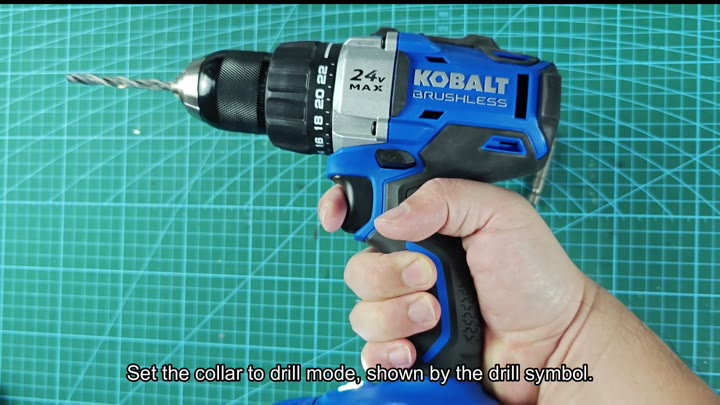
When you want to bore holes in wood, you put the collar into drill mode by switching it over. A drill icon appear on the collar when in this mode. This disengages the clutch so the drill will turn freely. For this test we used a standard twist drill bit.
Great for Wood and Screws, Not for Concrete
This is a powerful tool, thanks to the 24V MAX motor. It delivers constant power and the drill handles the wood easy without binding or stalling out. The cutting on the bit are clean.
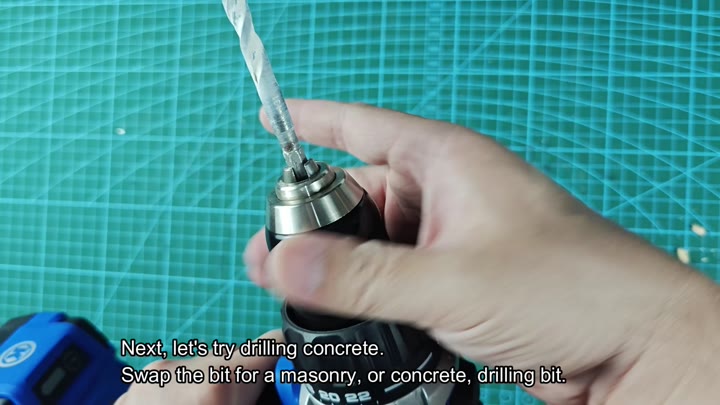
Instead, you replace the twist bit with a masonry bit and try drilling into concrete. What happens then? You notice there is no hammer functionality.
When using standard drill mode, the tool only rotate. To cut through concrete, you need some kind of impact to break it down. You press the bit against the concrete. Because its spinning without penetrating deeply, the bit isn’t able to really get anywhere.
On concrete, however, the lack of mechanical action prevent the KDD 524B from fracturing the concrete enough. To be fair, that’s the nature of this drill, not a fault with the tool.
If you want to drill into concrete, get yourself a hammer drill. For screwing and wood drilling, though, the KDD 524B really shines. Don’t expect heavy masonry duty out of this guy.
