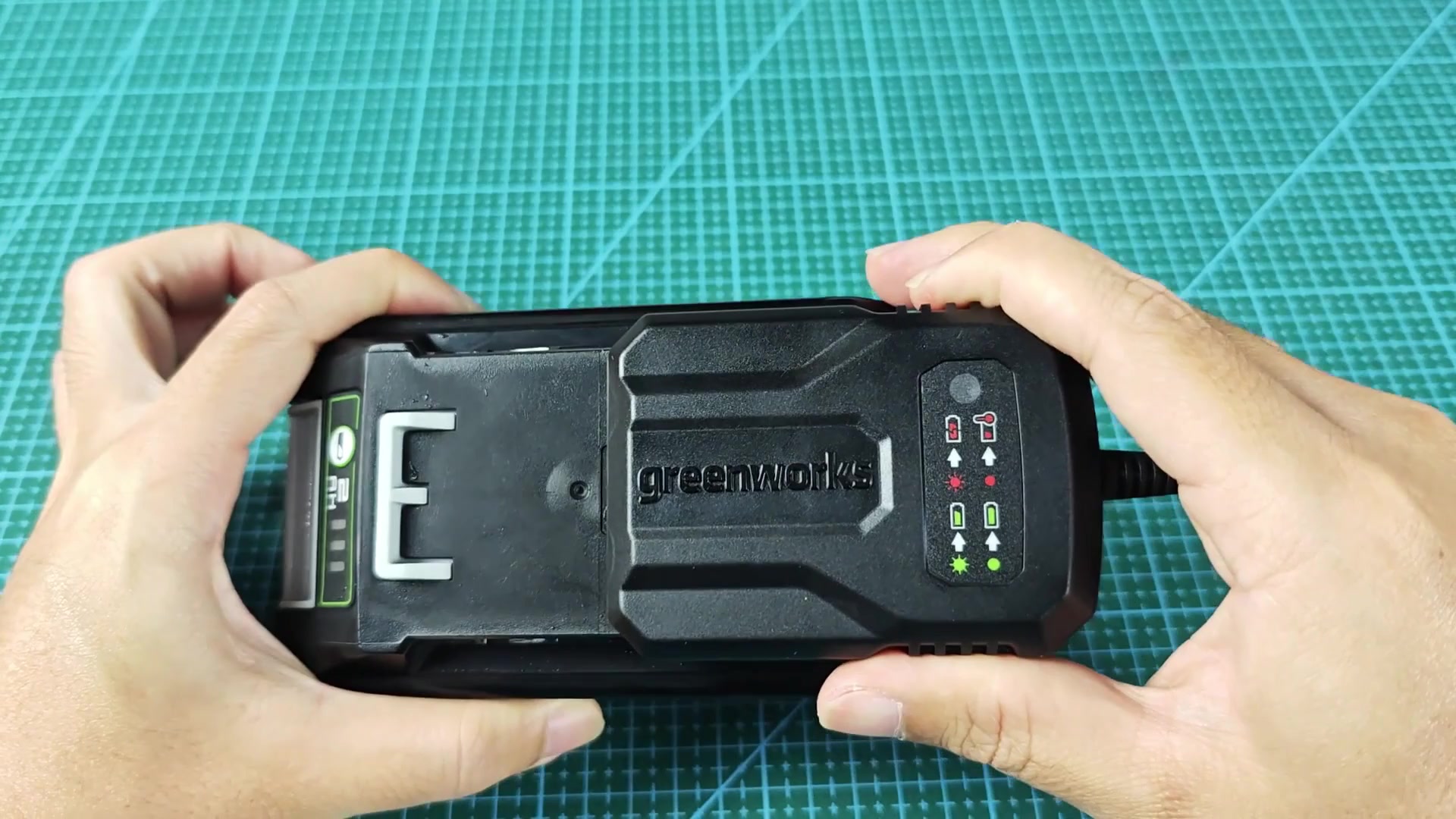
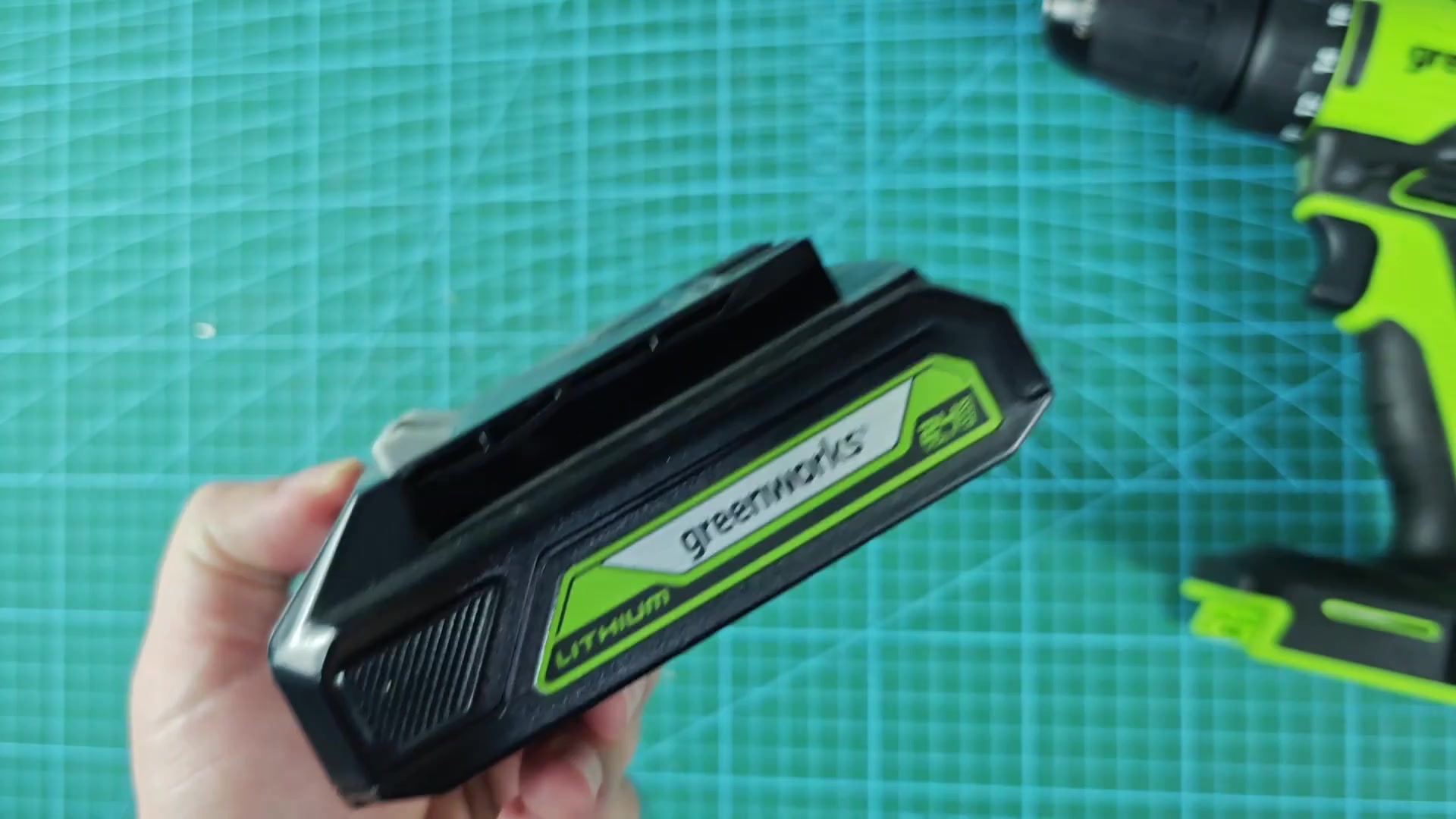
With a solid pull, the battery pack pulls free of the tool and feels loose. Time to take it out, as doing so should of been part of any charging routine anyway.
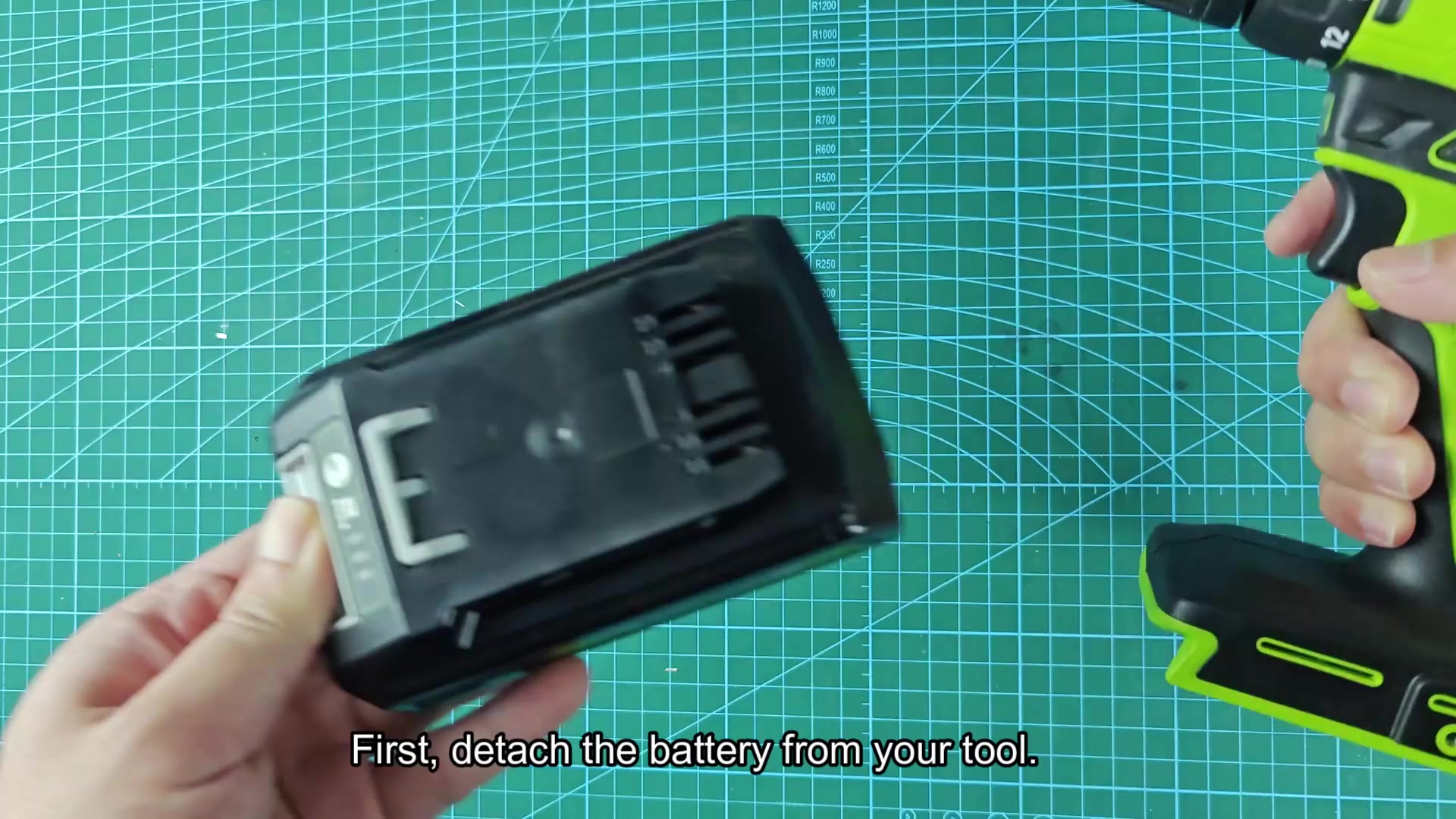
The individual pack has a little button on its side that indicates charge level when pressed. On mine, three green bars were illuminated (no guessing required).
Monitoring Charge Status
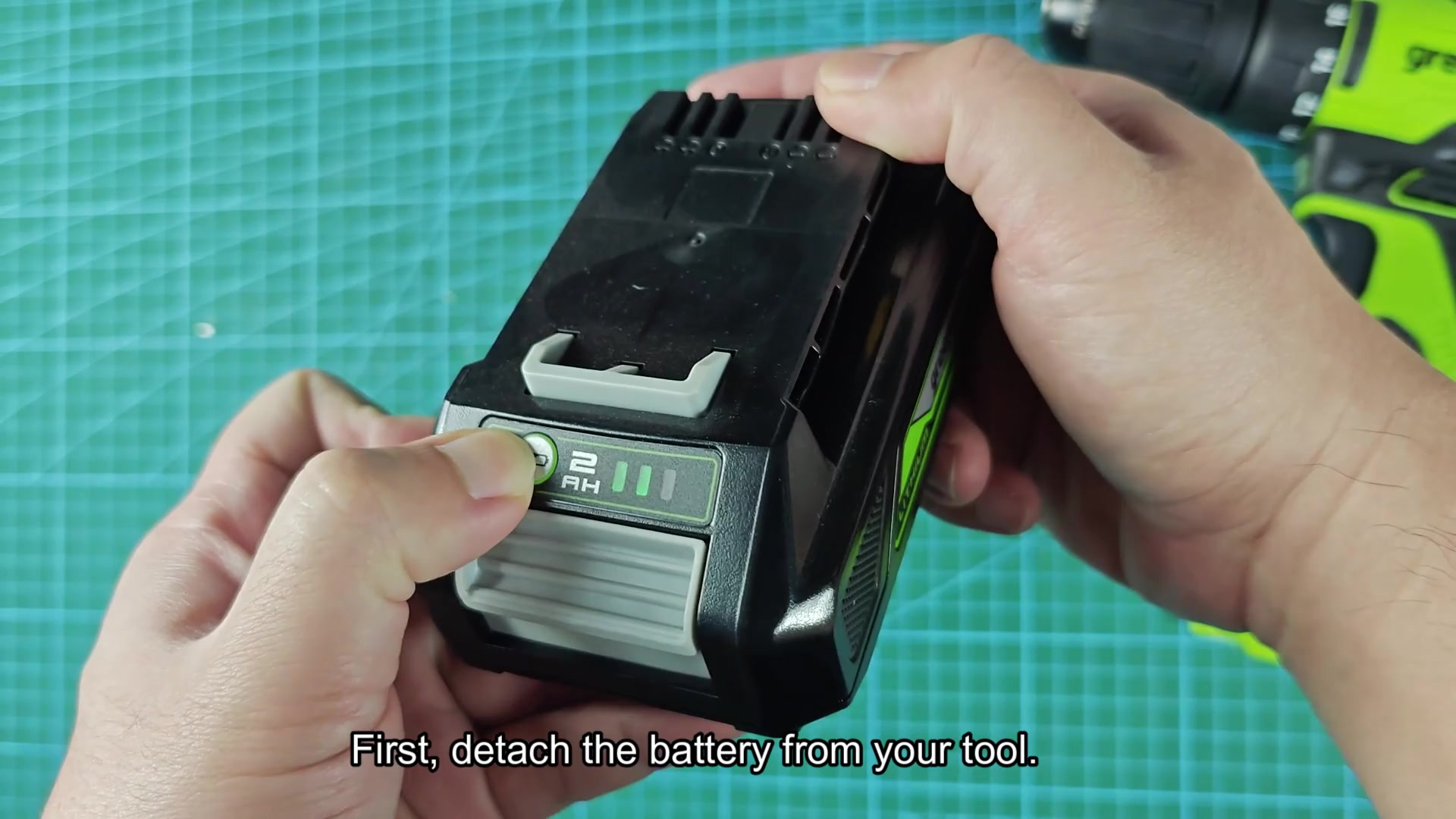
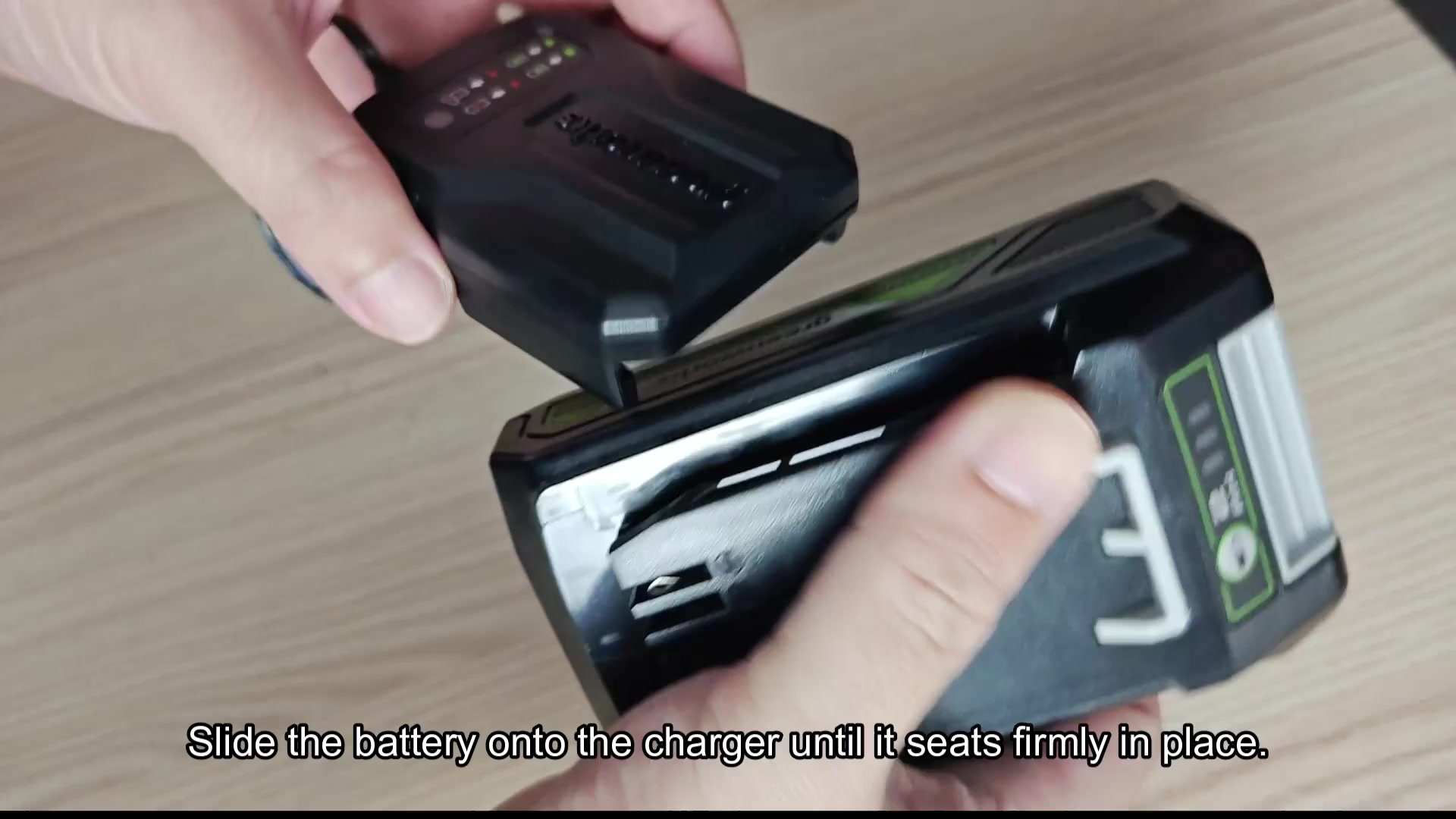
On one of those sturdy work surfaces such as a wooden bench, you set down your charger. Then you line up the battery with the contacts in the bottom socket and push it forward until it clicks and latches secure in place. You want good contact for safety.
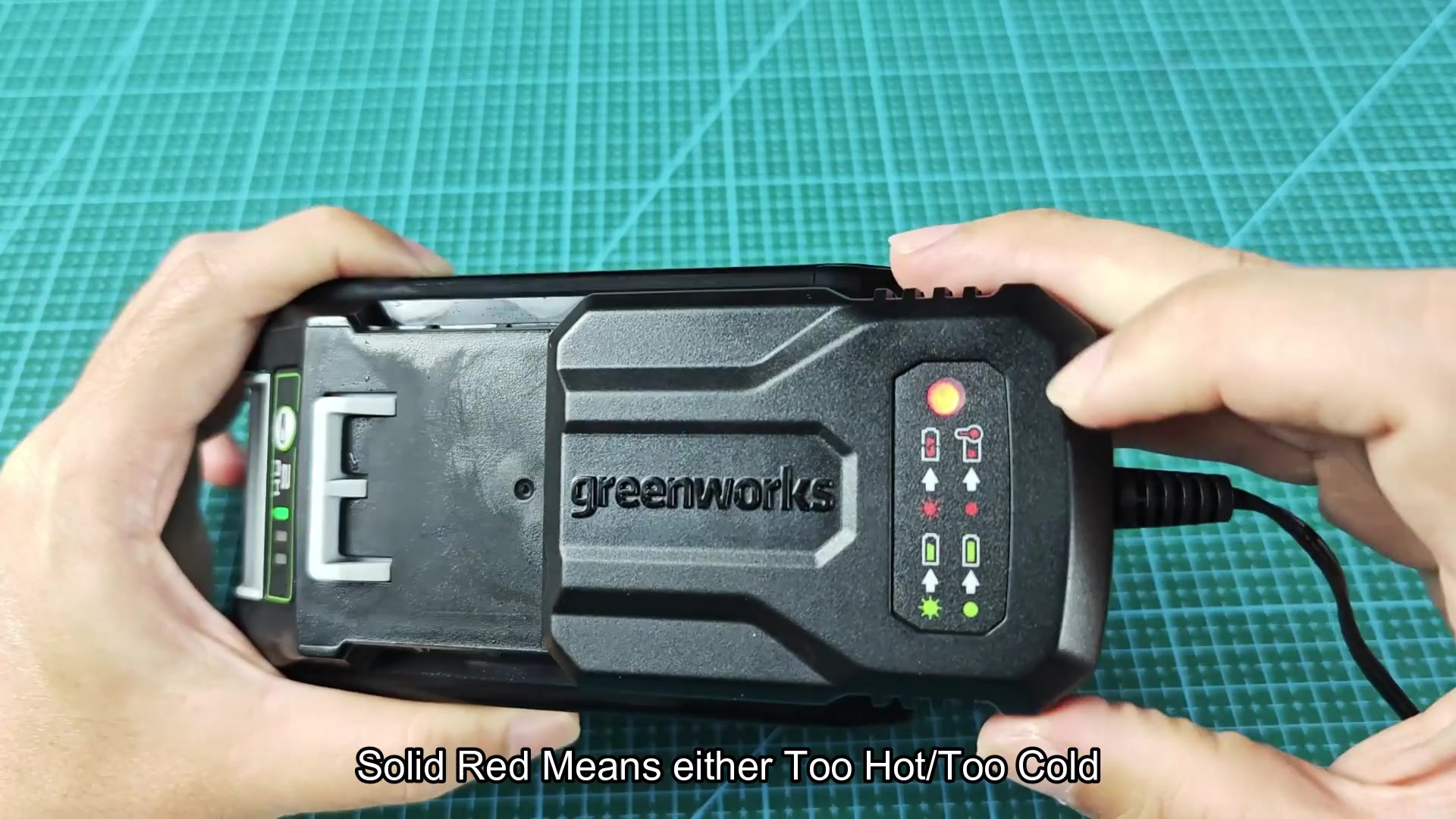
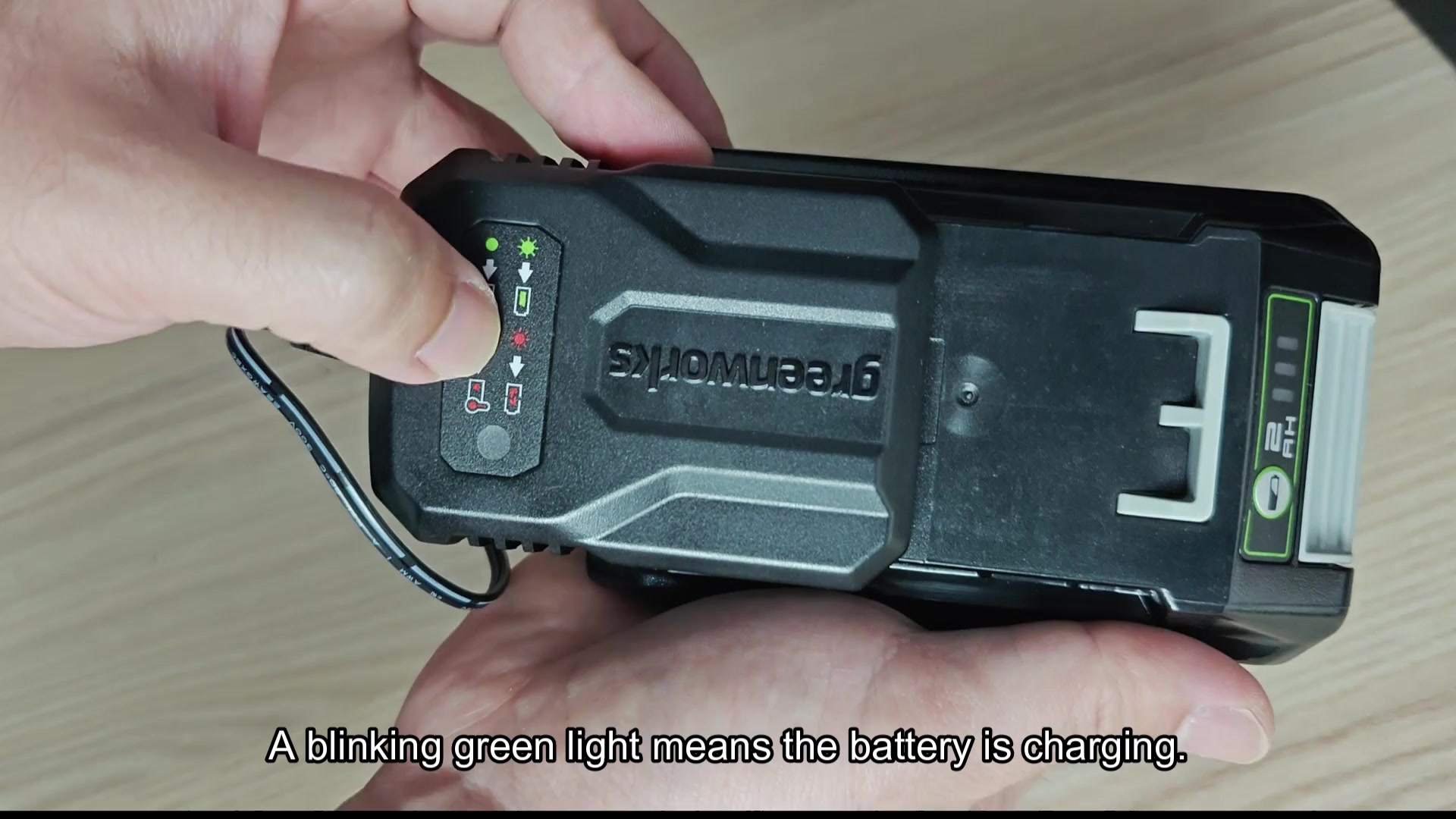
As soon as you do that, power rushes through the system and the electronics starts talking to each other. So you look for instant feedback from the panel. Immediately a green LED blinks. This tells you energy are flowing to the cell. It is your visual signal that nothing is stalling.
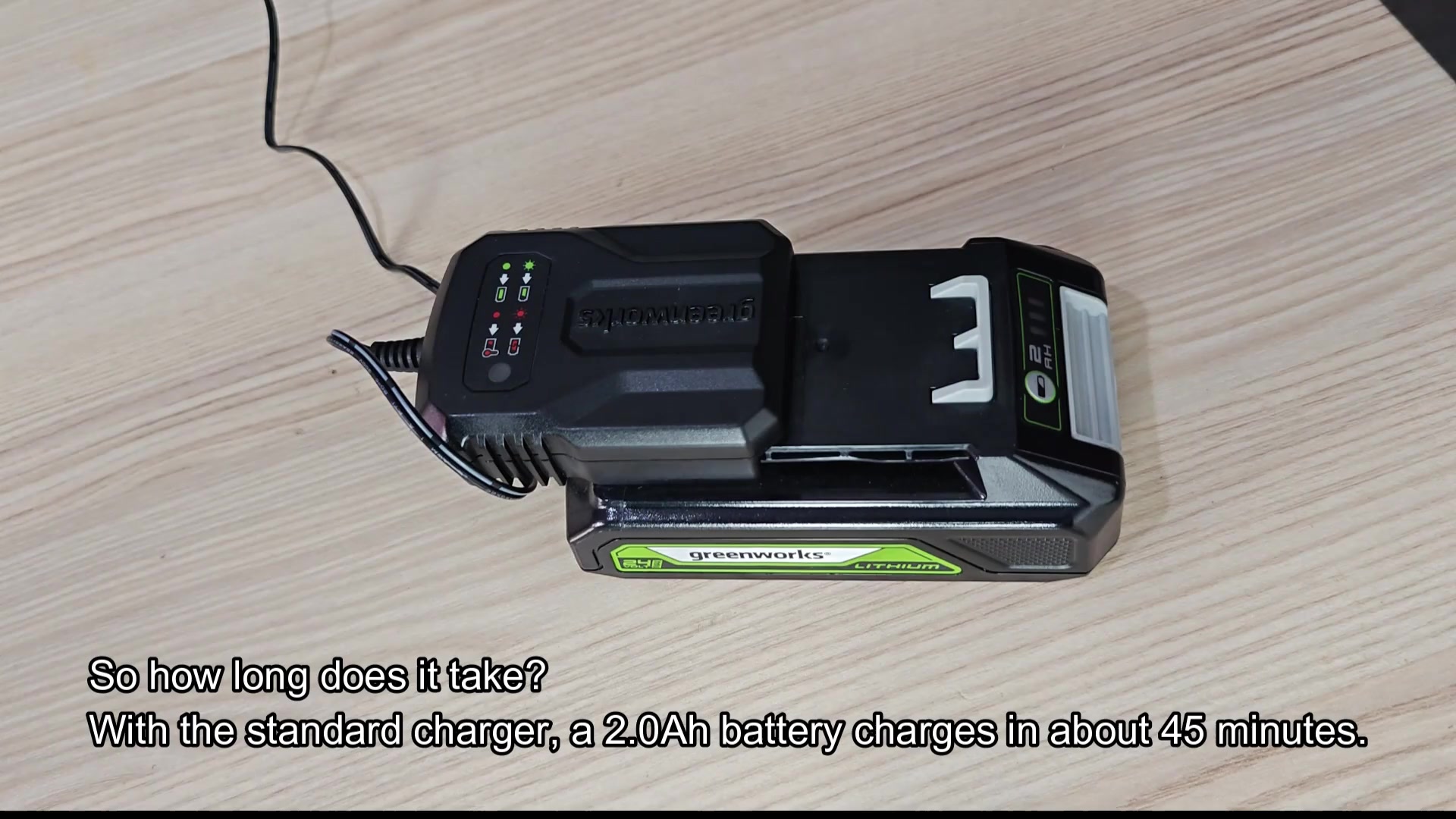
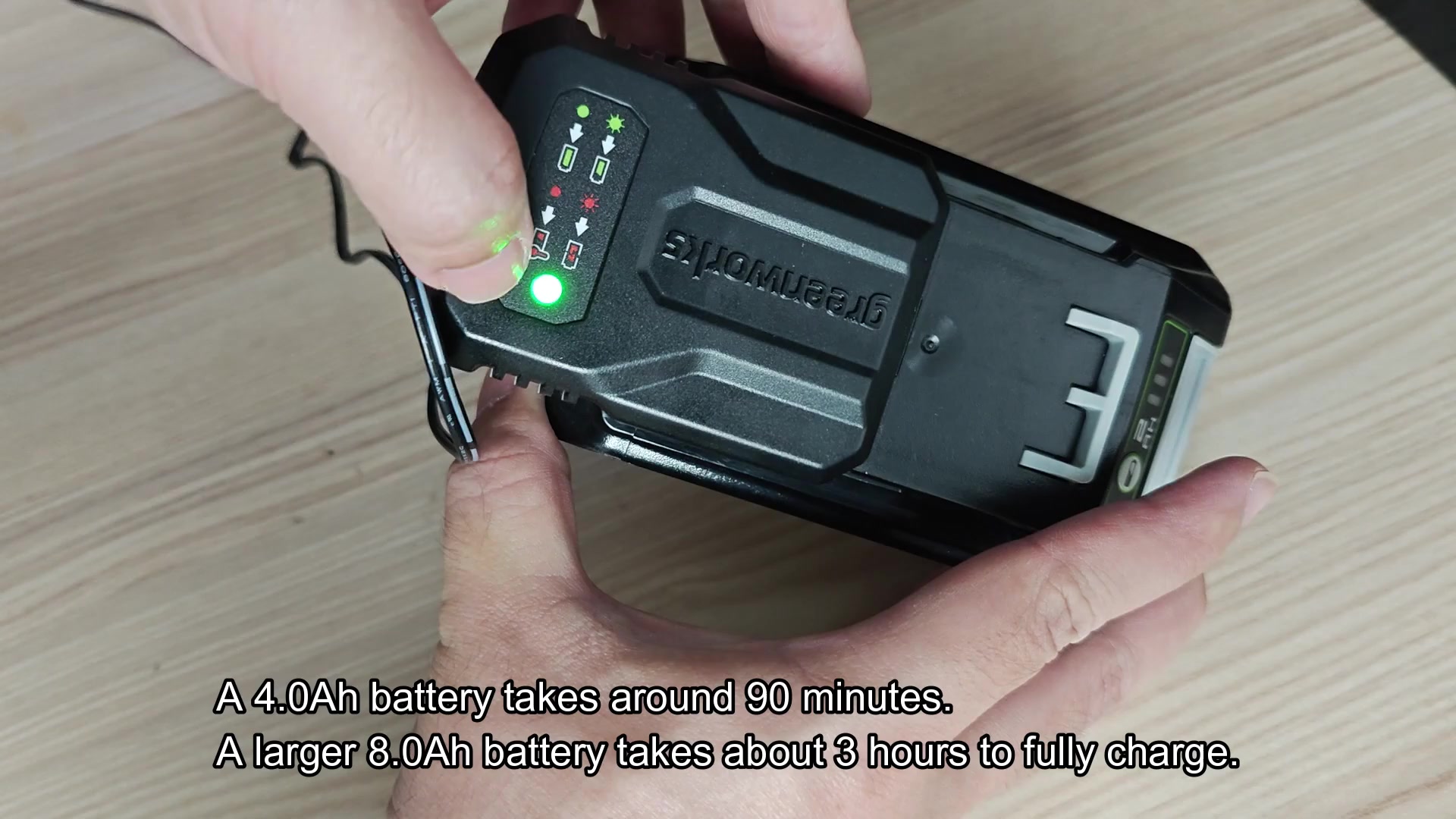
Of course it all comes down to the size of the battery you’re using, but with a 2.0 Ah cell, the charging process will take approximately forty-five minutes. For comparison, a normal 4.0 Ah battery should only takes around an hour and a half to fully recharge. The biggest one will obviously take much longer then, needing nearly three hours to be completely charged from empty.
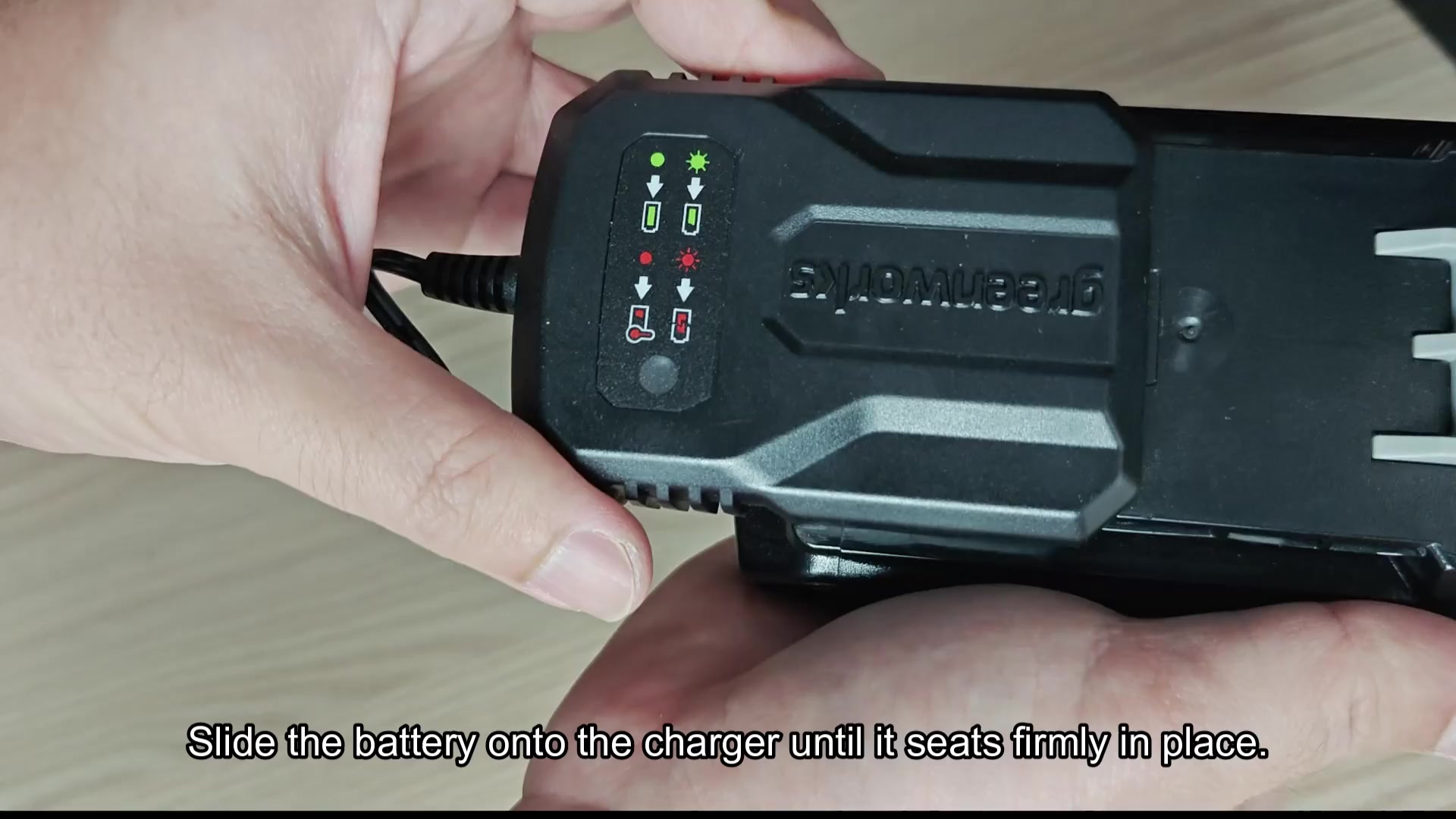
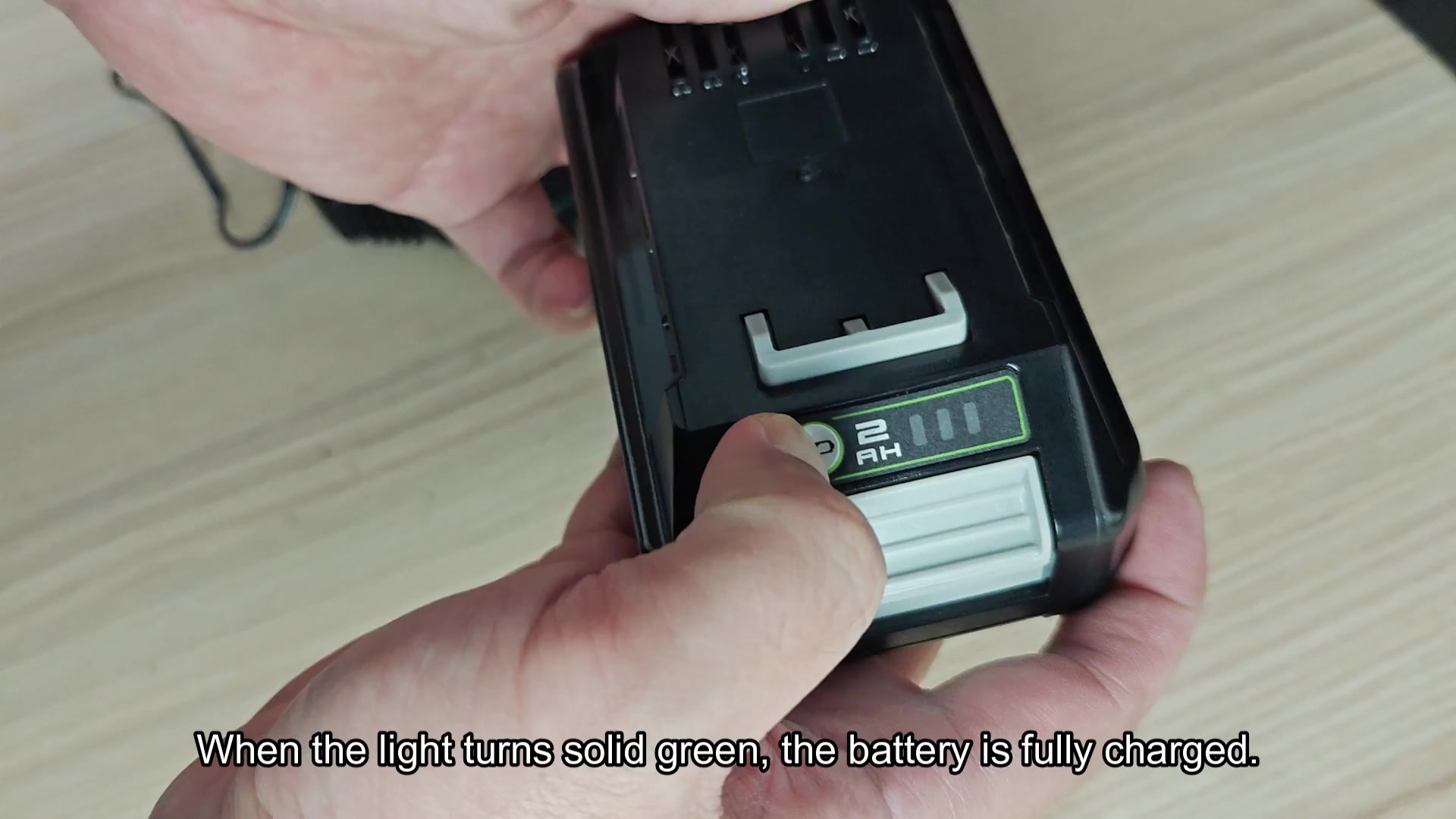
When the charging cycle has completed, a solid green light will show it. To check to make sure, look at the battery itself which shows four bar indicator. When they’re all lit up bright green, you know you’ve got juice.
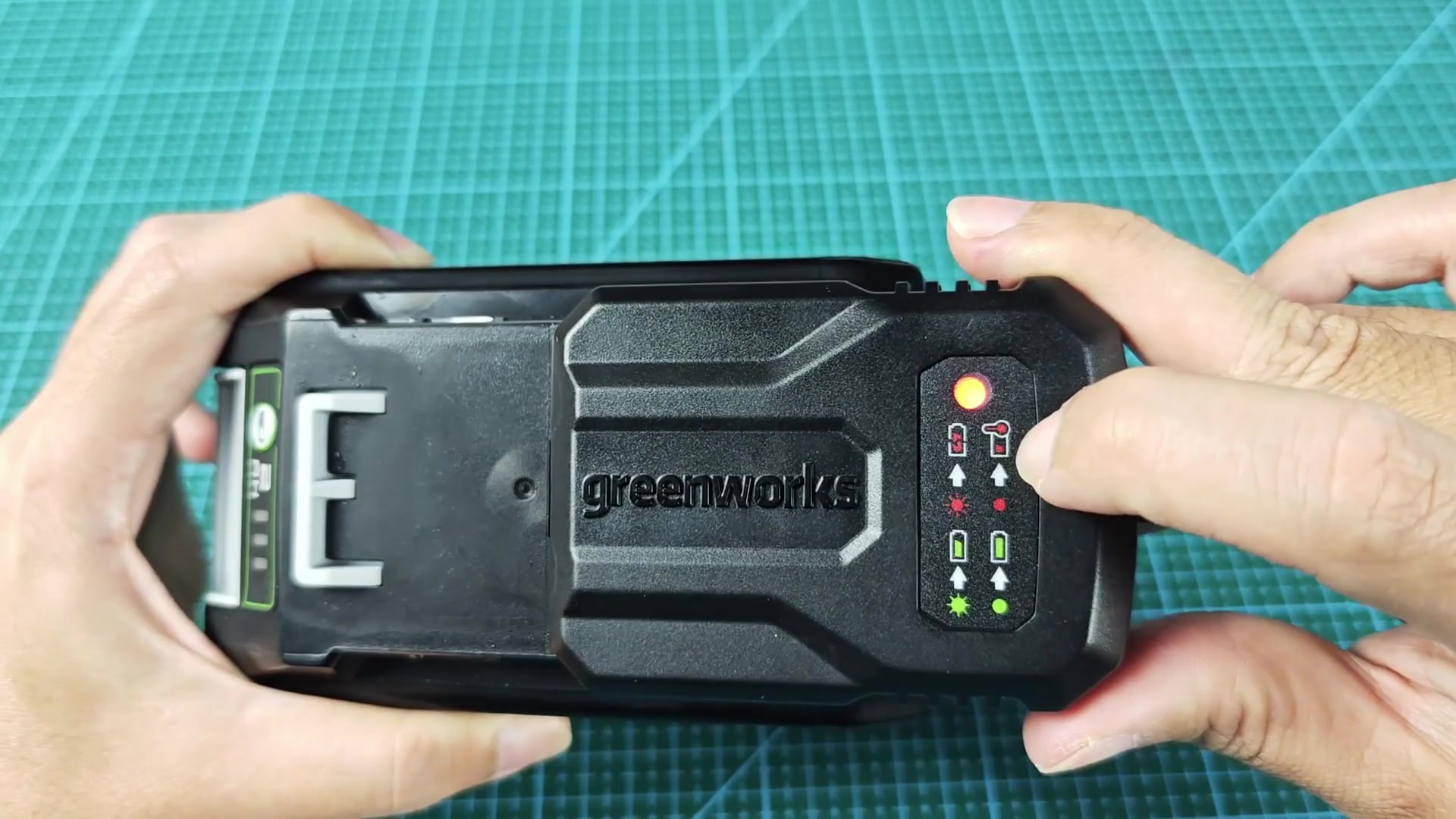
To ensure maximum protection against extreme heat and cold, charger incorporates sensors that watch what’s happening around them and engage safety features when necessary.
If you see the solid red light show up on the panel, this means the charger has detected extreme weather and paused the charge for your protection. The red light remains lit until the temperature is back in an acceptable range. At that point, you must wait for things to stabilize before retrying.
If it’s not just a matter of charging, but the battery is in a bad state, you might see more than just a green pattern of blinks, maybe it’ll start flashing a red light. That means your internal control system are telling you it wants a reset, usualy due to being stored with the voltage too low.
Fortunately, resetting your unit will solve this problem and return it to regular working order. It feels more comfortabley to just let it sit. Actually, the moddern battery is quite smart.