
With the TCL 3 charger from Festool, their communication are handled via LED indicators. No screen required here. It is simple yet effective. All you need to do is understand what the light signals mean which saves you the guesswork later on.
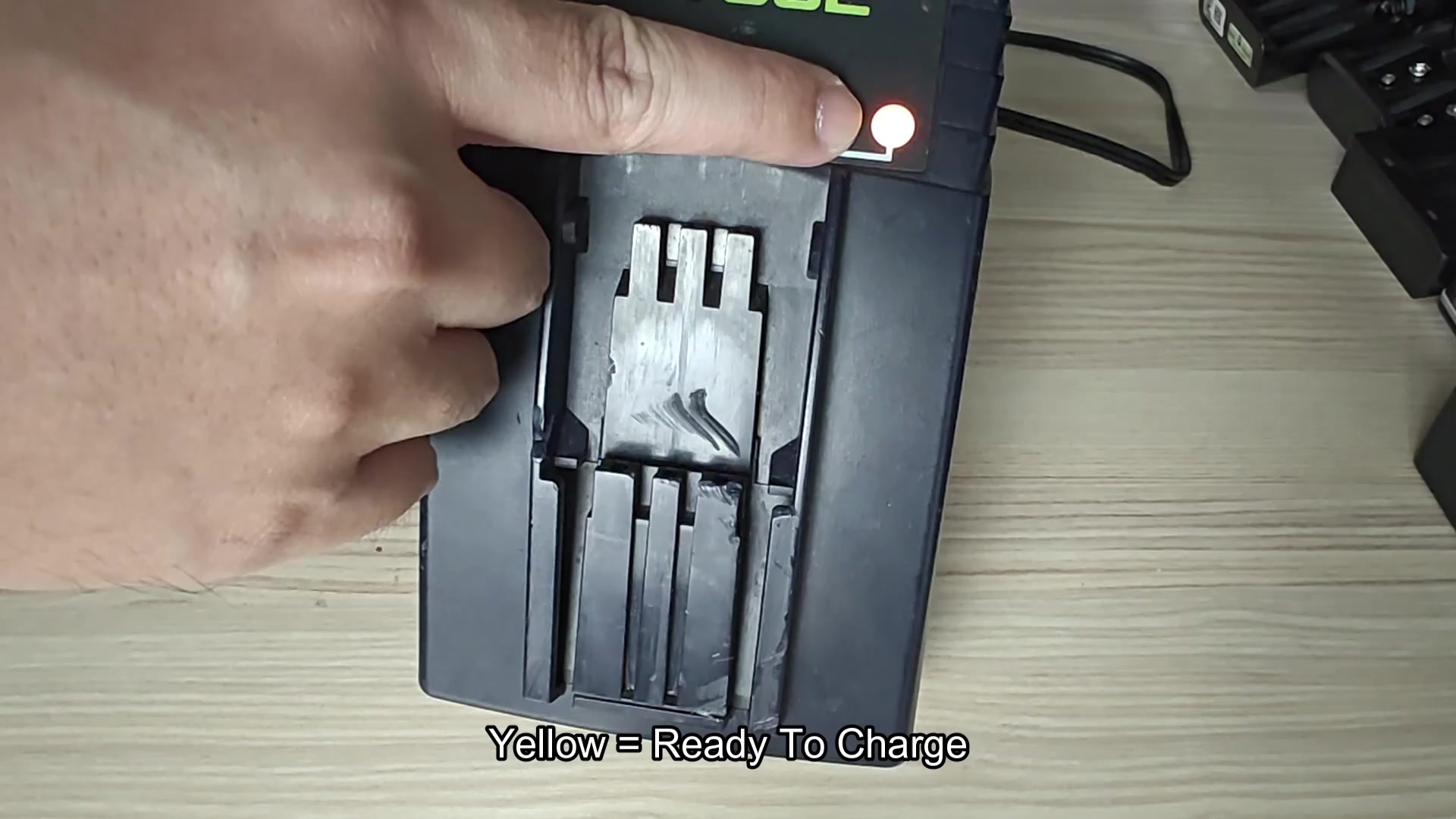
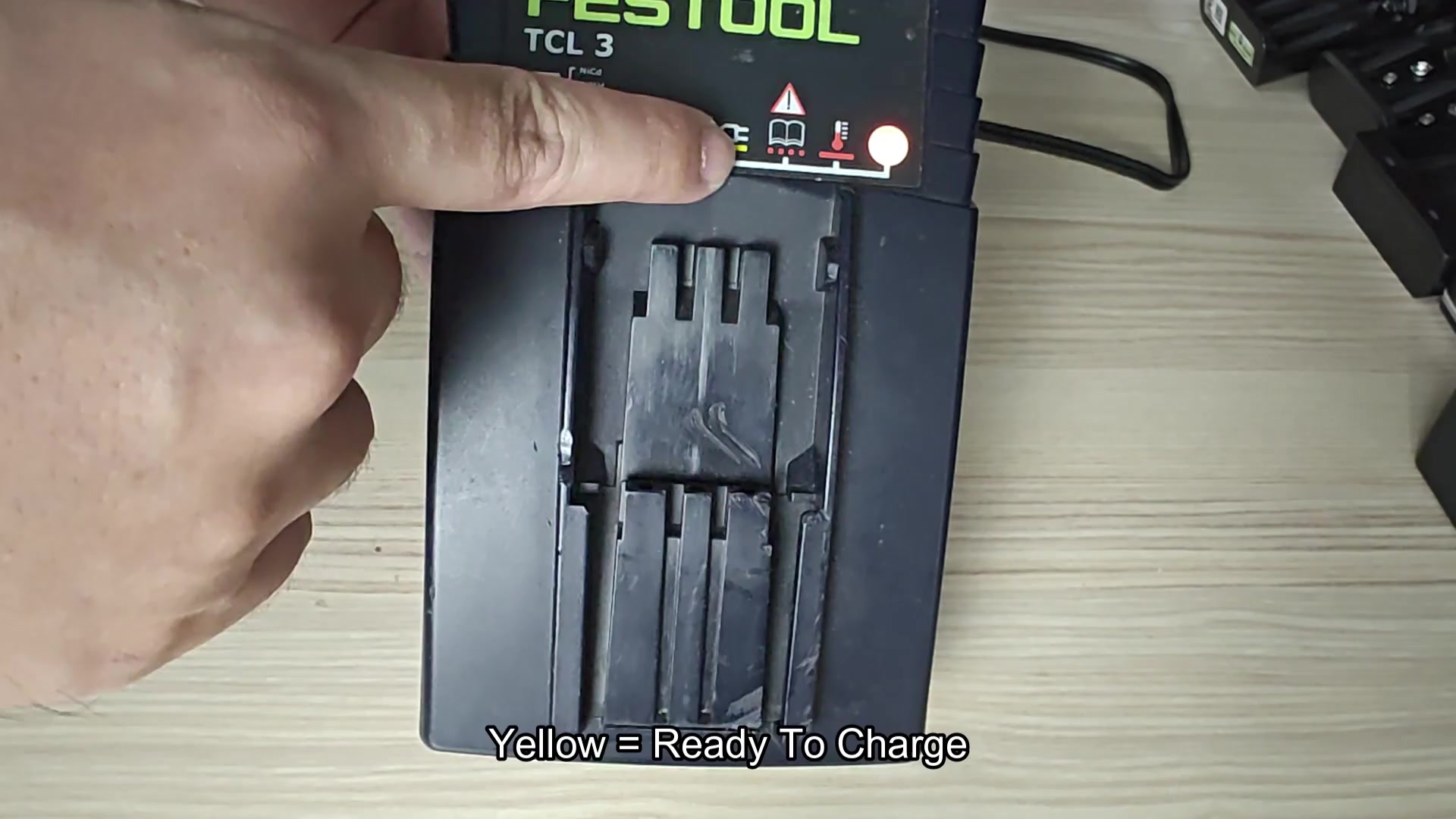
Plug the unit in and you’ll immediately see a steady yellow light. This indicate that there’s no battery connected and it’s in standby mode, waiting to charge once one are plugged into it. It’ll remain in standby mode until called upon.
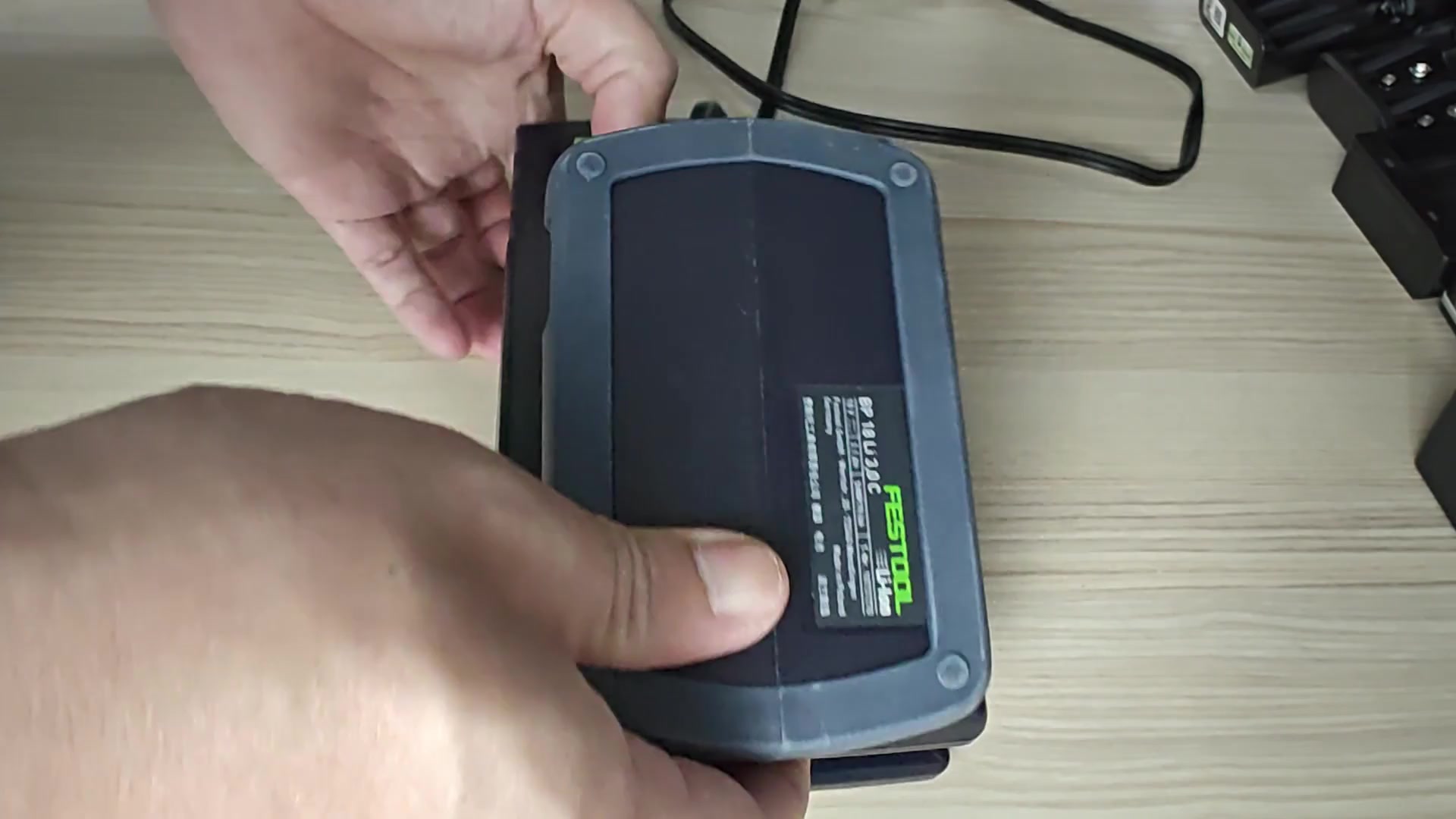
If you set the battery down on pad, it will instantly turn from yellow to a quick flash of green indicating that the battery is connected and charging. You then has the option to observe the charge as it’s happening. It blink rapidly and continuously without any guessing required.
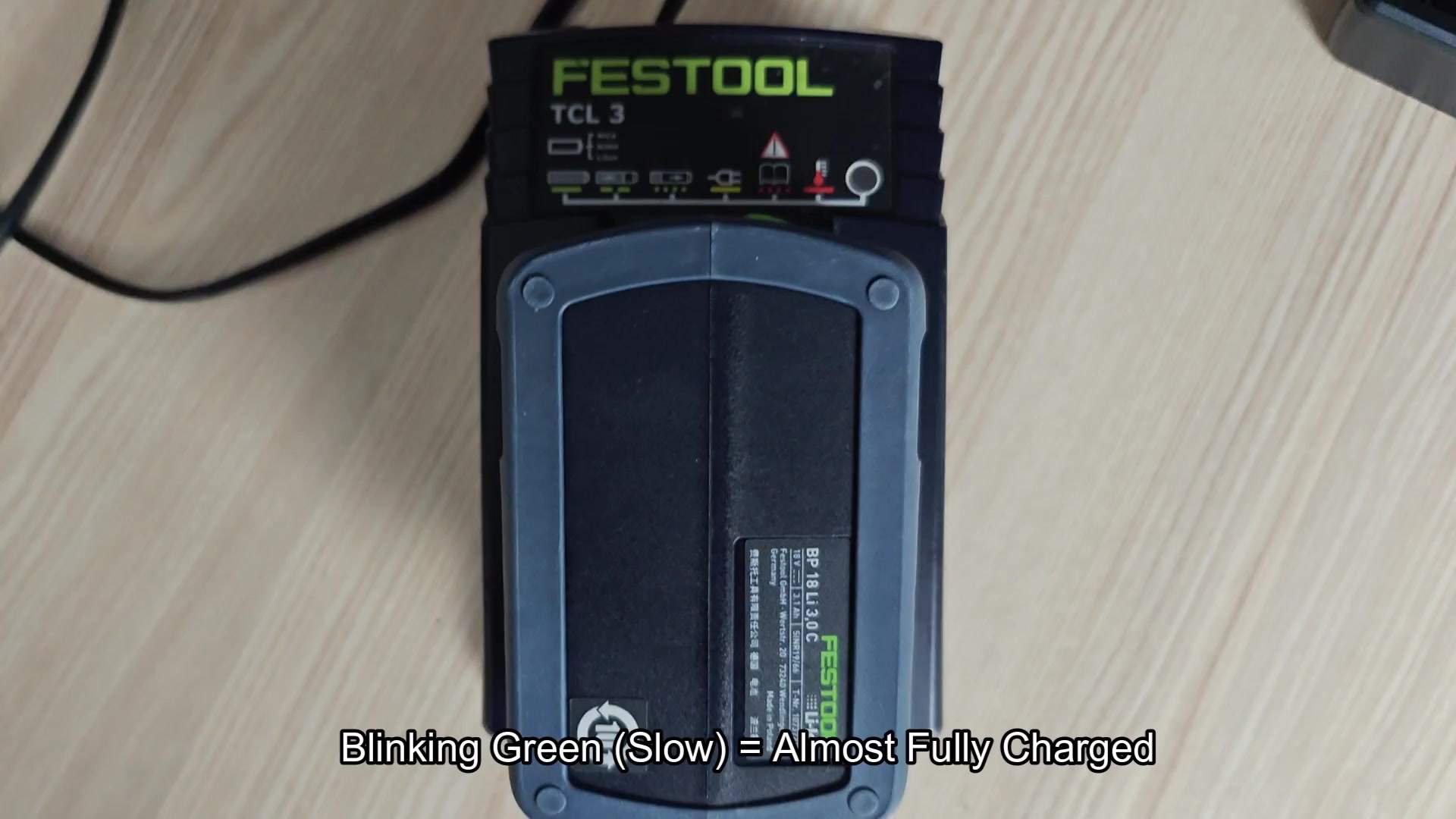
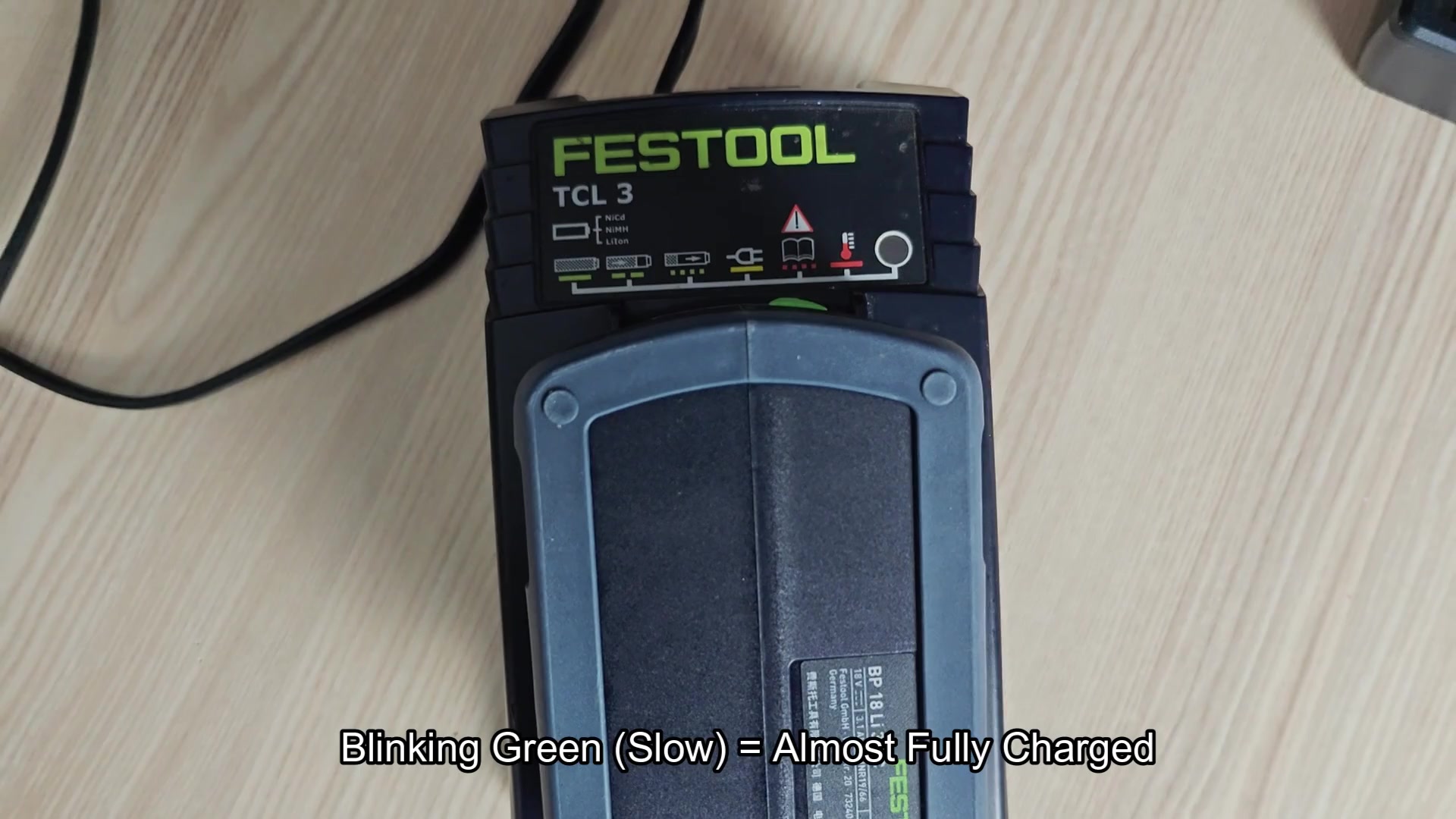
Eventually the green slows and begins to slowly blink, that means it’s almost done charging, but not all the way just yet. It will take a bit longer than you might expect so you will need to be patient. At this point the charger is being kind to cell chemistry.
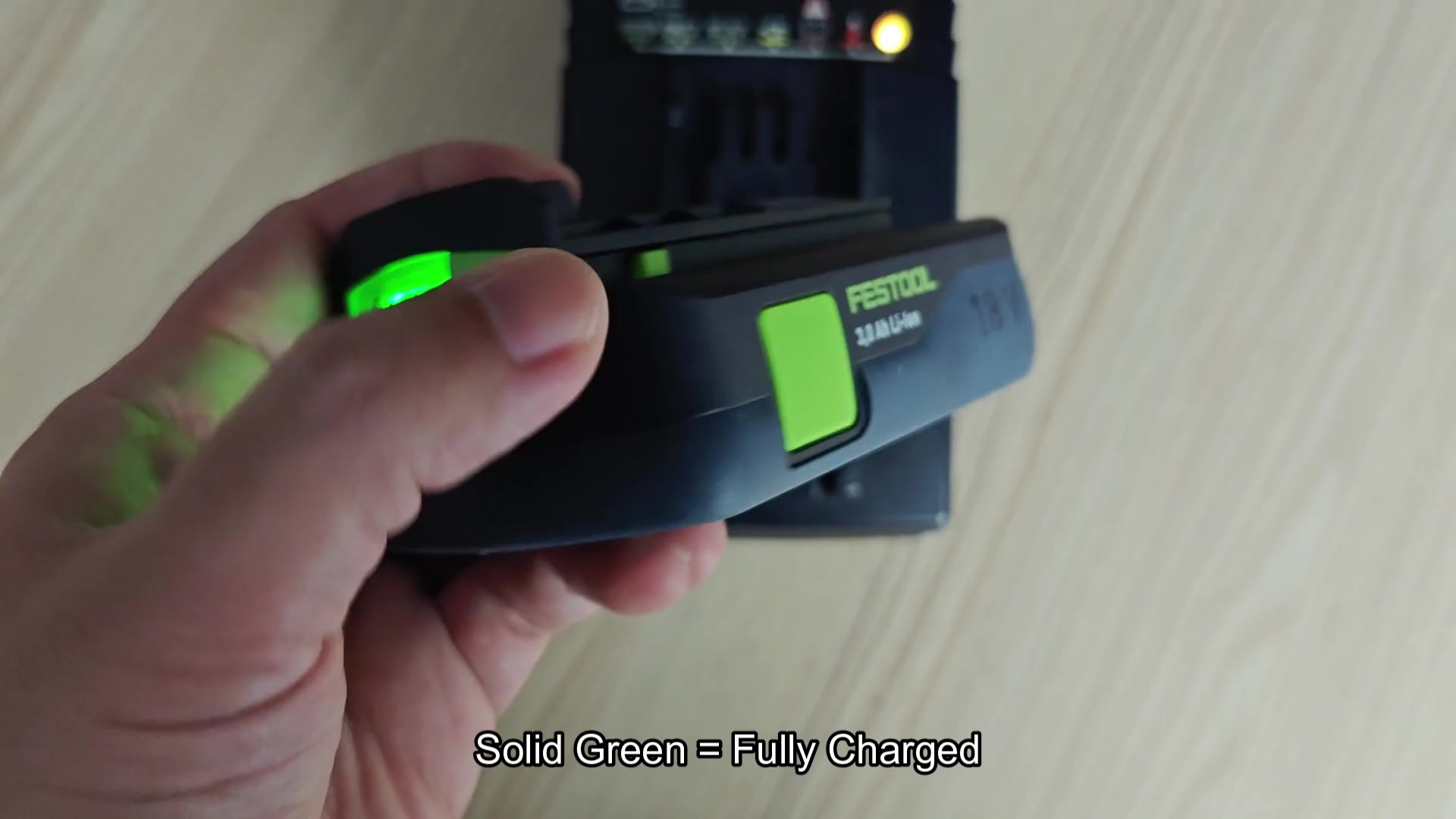
Then finally, the light simply stops blinking and a solid green light appear instead. It’s now fully charged and you can unplug the battery charger, take the battery out and put it wherever you need to use it.
You tested your tool right after and it delivered full power. You don’t have to worry about overcharging because you will see a solid green light.
Understanding Temperature Safety Protocols
If you attempt to charge your battery when it’s cold from the outside, you’ll notice that there is no red blinking light, just a solid red one. That indicates that your battery is either too hot or too cold for charging which starts the “temperature protection delay” mode.
It won’t mess with your safety limits, so it won’t even begin the cycle. In fact, you might of need to wait several hours before the battery warms up.
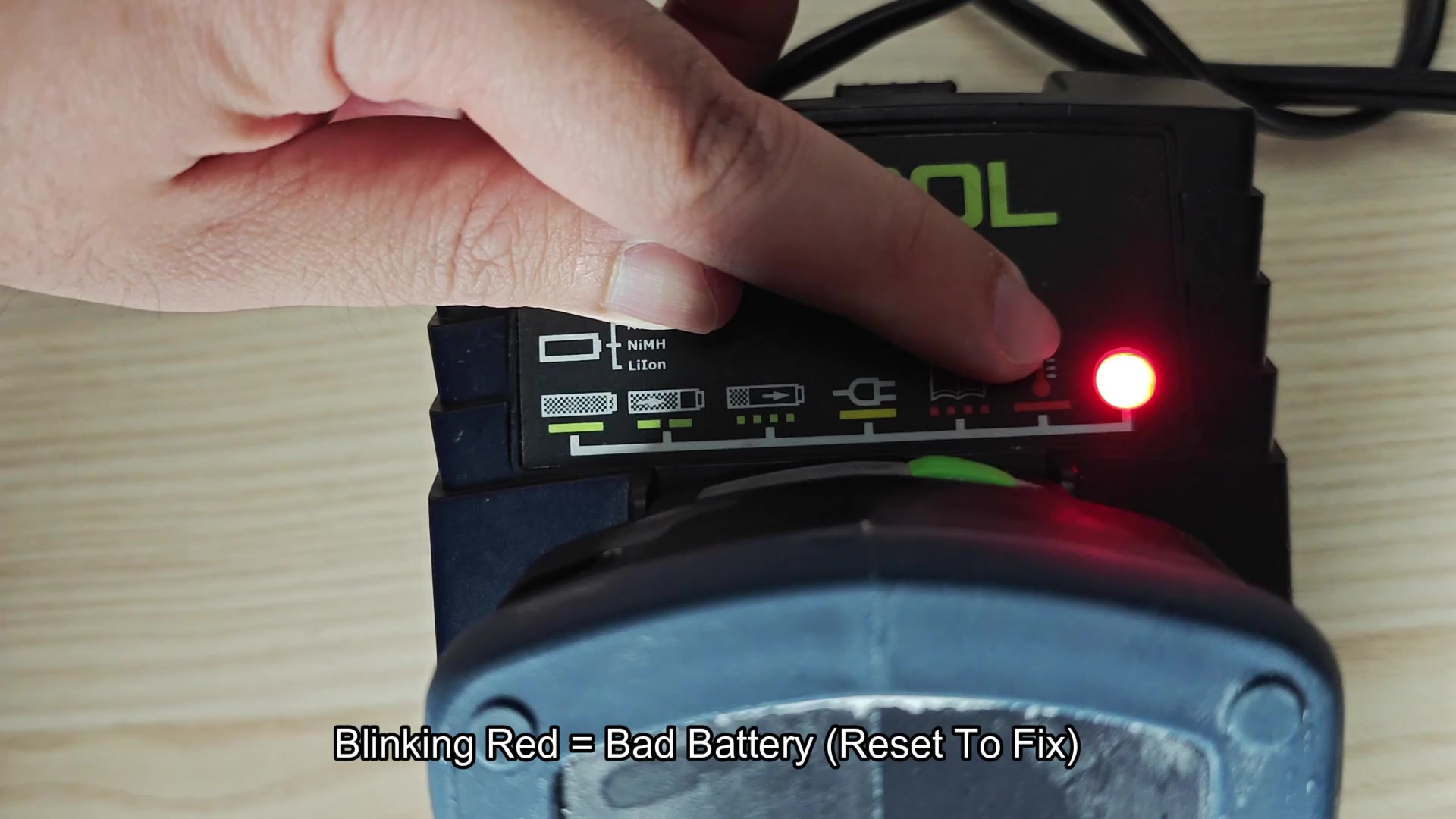
The system found a battery fault which is indicated by a red blinker. Something has happened to either the battery connection or the battery pack. You do not know the cause at first but the unit stop all charge functions completely. Pulling in and out of charger doesn’t resolve it. What now?
Fortunately it’s an easy fix. Simply unplug the charger from wall, wait a few seconds and then plug it back in. After that, the battery returns to life and the red light stops blinking. That way you don’t have to troubleshoot for hours on end.
The lights tell you everything: yellow means it is ready, red means there is a fault or temperature issue, and green means it is charging. And they’re all colors that speak for themselves.
Once you read it once there’s no need for a manual. It gives confidence in the process and you find yourself checking the LED more frequent.
Failing to pay attention to them misses the message. Slow green is nearing completion; fast green is on-the-job now. Blinking red requires immediate attention; solid red freezes things momentarily. Knowing what each of these patterns mean helps you understand them.
But there’s no guessing by weight, which is a bad practice in my opinion. You just believe the lights and that’s it with the TCL 3. Green means solid pack, red means something isn’t right. It doesn’t lie to you.
The lights aren’t going to tell you when your battery is at 50%, so step back and evaluate the situation once you see red.
I like a clear feedback mechanism in my tools; I think your buddies will too. When it’s time to recharge, those visual indicators ease the strain on your brain so that work goes smoother than before. You won’t have to wonder, “uh-oh…did the battery run down?” All you do is check the light color and poof, there it is staring you in the face.
