
A cordless drill is an tool that you hold in your hand. A cordless drill can perform several tasks. A cordless drill can drive screw, bore holes, stir paint, and remove bolt.
A cordless drill dont have a cord. As a result of the cordless design, there is no risk of tangling the drill’s cord. While many peoples use a cordless drill, few understand the tool that they rely upon.
If you understand the parts of a cordless drill, you will change the way that you use the drill, the lifespan of the drill, and the difficulty of your project. A cordless drill contains several components that allow it to function. If you understand these components, you will find that you no longer have to fight the drill; instead, you will have a better understanding of the different way to use a cordless drill.
Furthermore, you will be able to prevent the drill from failing during projects while you are on a ladder. The following list will describe the component of the cordless drill, what the components do, and why the components are important in the use of a drill whether performing task on a 2×4 or performing delicate trim work. The motor is the part of the drill that function as the heart of the cordless drill.
Key Components Of A Cordless Drill
1. The Motor
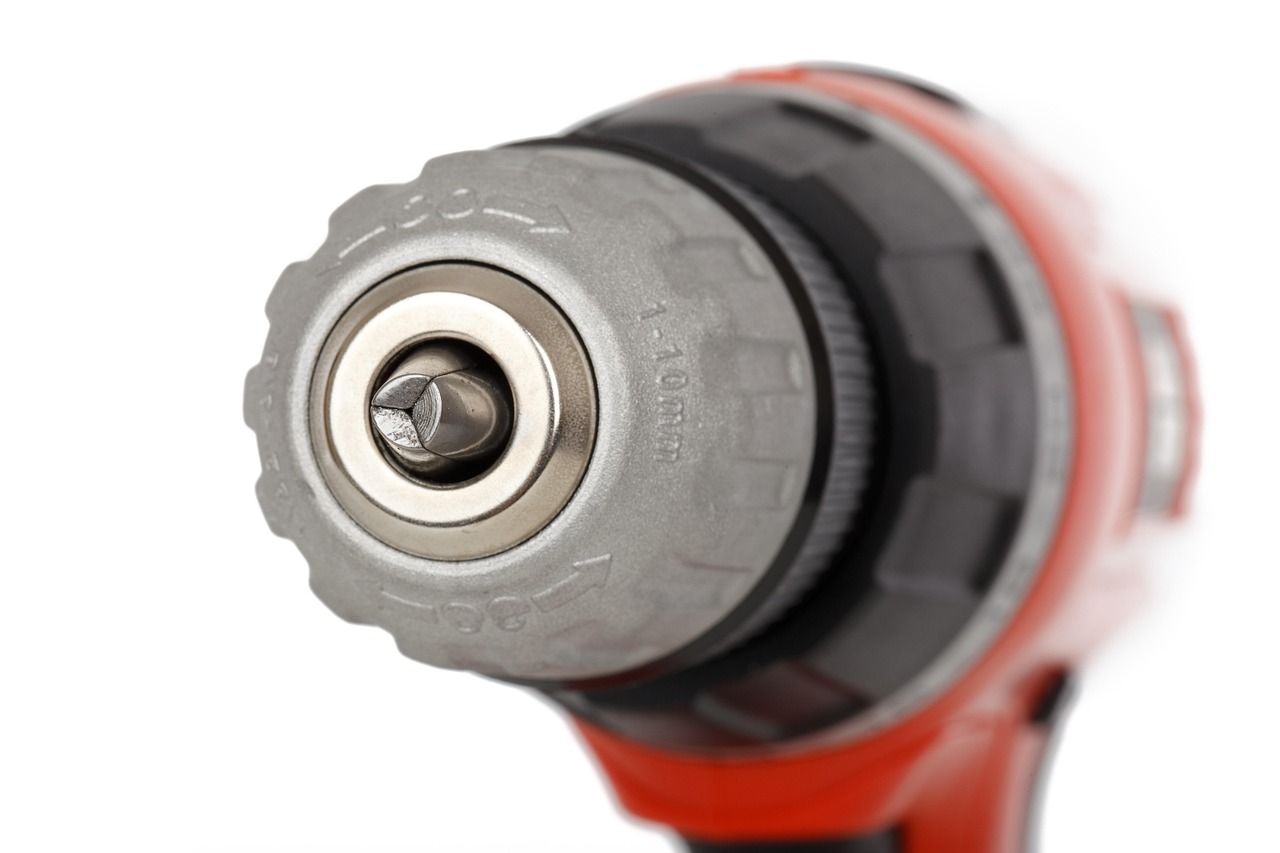
Most cordless drills use a compact brushed motor or a brushless DC motor that is located behind the grip of the tool. When the user squeeze the trigger, current moves from the battery to the motor. The current activates the motor to spin at thousands of revolution per minute.
Brushless motors are considered to be better than brushed motors because they run coolly, they draw less energy, and they provide more consistent torque. Therefore, manufacturers use brushless motors in higher-end tool lines. Brushed motors will wear down the brushes over time, as well as lose power when the battery level is low.
The size of the motor is also important in that it will determine if the cordless drill has high speed or high torque.
2. The Gearbox
The gearbox is located directly behind the motor. The gearbox contains a set of planetary gear that reduce the high speed of the motor to a usable torque and allow the cordless drill to have multiple speed settings.
By flipping the selector switch on the top of the drill, the user can choose the speed setting desire by the project. For example, low gear setting allow the drill to provide more torque to allow the user to insert large lag bolts into wood. High gear settings allow the chuck to spin at high speeds for drilling tasks or for driving finish screws that will not strip when inserted into the workpiece.
The gearbox creates the whining sound from the drill. Cheap cordless drills use plastic gear within the gearbox that will strip when heavy use is placed upon them. Higher-end drills use steel gear with lubricant that will last longer during demanding projects.
3. The Chuck
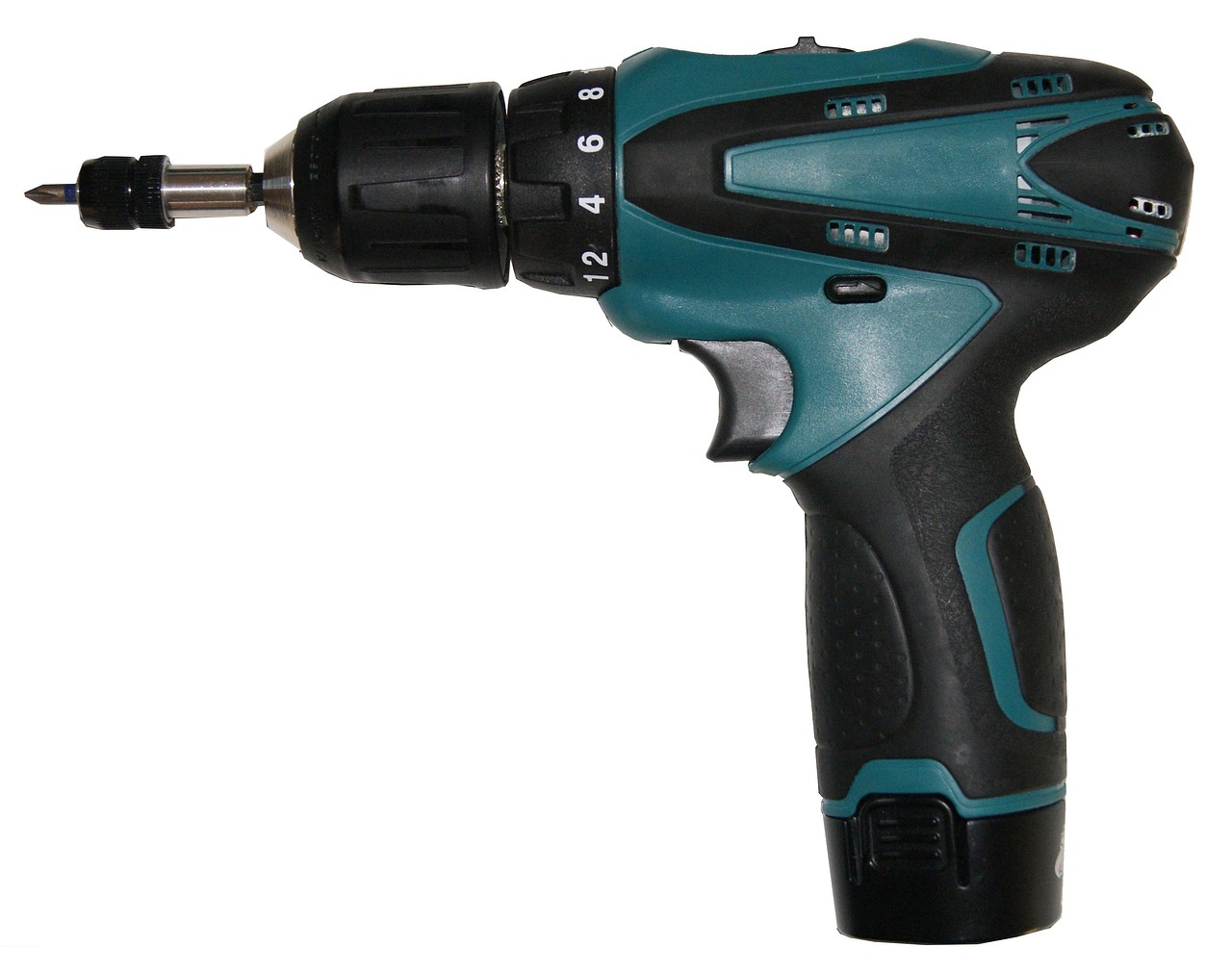
The chuck is the part of the cordless drill where the drill bits is inserted. Most cordless drills have a keyless chuck that allow the user to tighten and loosen the bits without tools. Most chucks use three jaw made of hardened steel.
These three jaws can move in and out to allow for different size of drill bits. Some chucks use metal, but others have plastic bodies with metal jaw. One important specification is the runout of the chuck.
Runout refers to how the drill bit is centered while it is spinning. If there is excessive runout, drill bits will wear out fast. Higher-end drills have tighter chucks that stay centered.
Some drills have a hammer mode that allow them to function similarly to a jackhammer for masonry projects. However, this mode puts more stress on the jaws of the chuck.
4. The Clutch
The clutch is located between the gearbox and the chuck.
The clutch is the ring of number that the user twists to adjust the torque of the drill. For example, lower number will allow the drill to drive screws into drywall and wood without the bits camming out. High number or the drill icon will provide full power to the bit when heavy drilling tasks are performed.
By understanding how to adjust the clutch, users will be able to reduce strain on their wrists, protect their delicate fastener, and ensure that the motor does not slow during tasks. Once the user understands how to set the clutch for different screw size, they will no longer strip the heads of screws or break their drill bit.
5. The Battery Pack
The battery pack of a cordless drill is what make it cordless and also the component that will fail the most over time.
Most battery pack use lithium-ion cell that are rated at either 18 or 20 volts. However, compact drill may run at 12 volts. The battery pack slides onto the base of the handle of the drill and clicks into place when it is inserted.
The battery capacity is measured in amp-hour. Higher number will allow the drill to operate for longer periods before having to recharge the battery. Two amp-hour batteries will run for fifty lag bolt before the drill stops, while a five amp-hour battery will run for double that many drill.
The batteries also contain a small circuit board that prevent the battery from being over-discharged, overheated, or having the cell become unbalanced. With proper care for the battery, it will last the user for years. However, if the battery is often subjected to high temperature, like in a hot truck bed, the battery will fail every month.
6. The Trigger
The trigger is the part of the drill that the user pulls to activate the cordless drill. Within the drill, there is a variable-speed switch that activate with the pull of the trigger. The more the user pulls on the trigger, the more power will be provided by the drill.
For example, if the user pulls the trigger lightly, the motor will spin at a slow rate to allow the user to start the screw without it moving on the workpiece. However, if the user pulls the trigger hard, the drill will provide full power to the bit. Many drill also have a brake on the trigger that will stop the chuck from rotating when the trigger is released.
The more expensive the drill, the better the trigger will feel when it is used. Cheap drill may lunge to full speed or feel mushy when the user pulls the trigger. A mushy trigger will allow for difficulty in performing fine tasks with the drill bits.
7. The Handle
Another important part of the cordless drill is the handle in which the user holds the drill. This part of the cordless drill is important in that it allow the user to operate the drill for long period without getting tired. Rubber overmolds are located on the handle that absorb the vibrations that the drill create.
Furthermore, if the cordless drill is balanced properly, it will take less strain on the wrist of the user. Some cordless drills also have a second handle or a hook that allow them to be attached to a ladder. These extension allow the user to have the drill within their reach during projects.
These feature may seem small and insignificant, but they do matter in projects that last for several hour.
8. LED Work Light
Finally, some cordless drills have an LED work light located on the drill above the trigger. Work lights are helpful for those who need to see the area in which they are drilling into.
Early model of LED lights were less bright than moddern cordless drills with LED lights. Most LED light follow the drill bit and do not create shadow on the workpiece. Furthermore, LED lights will stay on for ten or twenty second after the trigger is released from the handle.
This allows the user to see the hole they created without needing to use a flashlight. Additionally, many LED light have a separate button to turn on the LED without moving the bit. This allows the user to use their cordless drill to perform inspection task in areas that are hard to see, such as under a sink or in an attic.
These component are what allow the cordless drill to operate. The next time that you are using a cordless drill, take ten second to examine the drill. Consider the different part of the drill.
If you do, you will begin to read the tool rather than just using it. This will pay off each time you make a perfect screw mark with the drill bit on your first attempt with the project. Furthermore, this will pay off for you when you complete your project without having to change the battery in your cordless drill.
The drill will no longer be a mystery to you and it will feel like an extension of your own hand.
