
Insert the 18V battery into the drill’s base and ensure that it locks in place. Push the battery indicator button to check status before powering on. Avoiding an unplanned stop mid-project is best with a well-charged battery.
Key Features and Controls
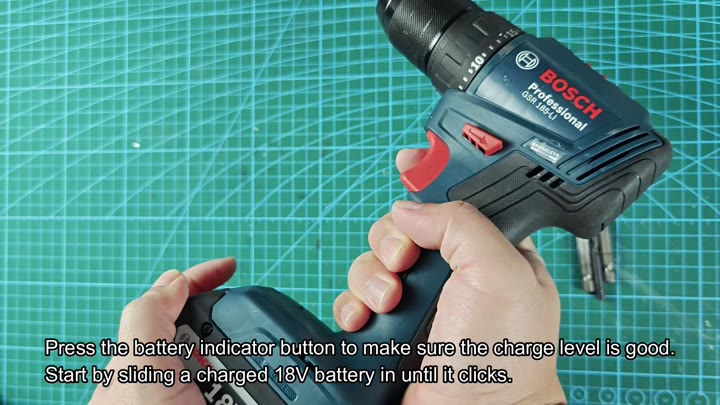
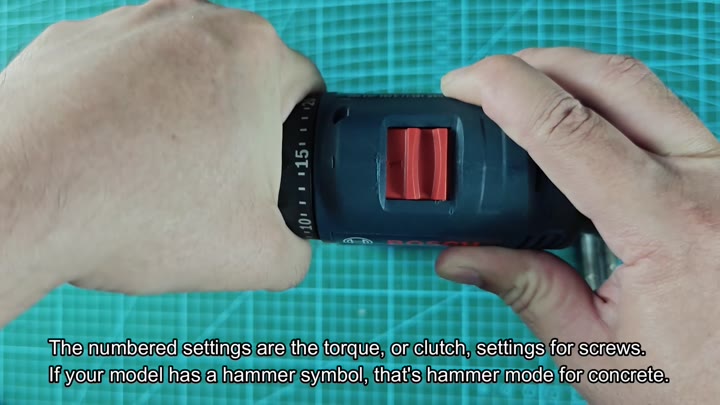
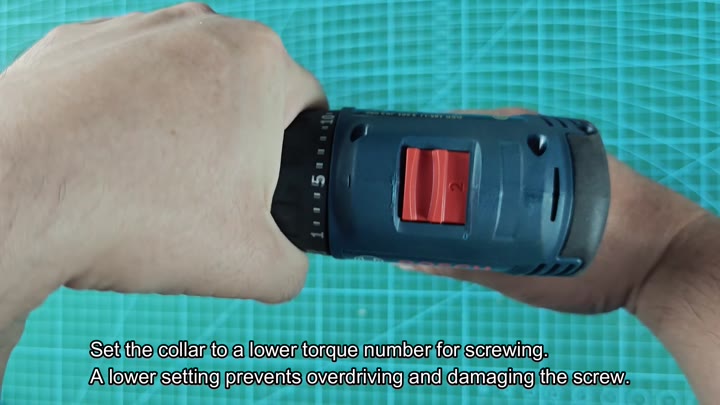
Now take note of the chunk around the chuck. That’s a torque clutch that are controlled by the ring. The numbered settings determines how much force applies before the clutch slips.
So if you set it all the way at 1 and you have your torque setting high, then there will be a lot of pressure applied before it will slip. Set it where needed for whatever you’re doing.
Control is everything
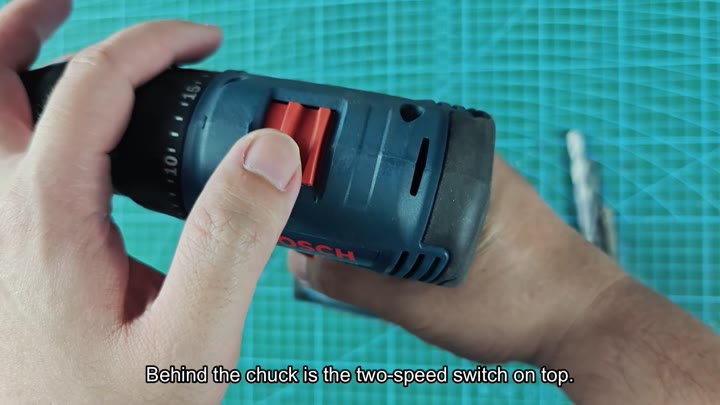
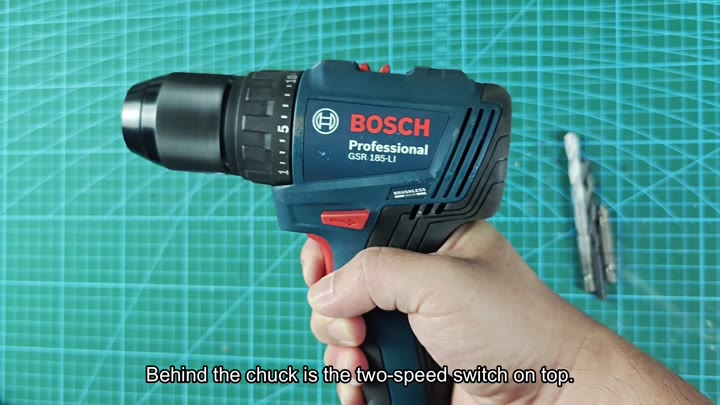
Behind the chuck, you’ll find the two-speed selector switch. Use this to toggle between low and high speed. For example, use low speed for screw-driving applications where more torque are needed. High speed is best used when drilling holes.
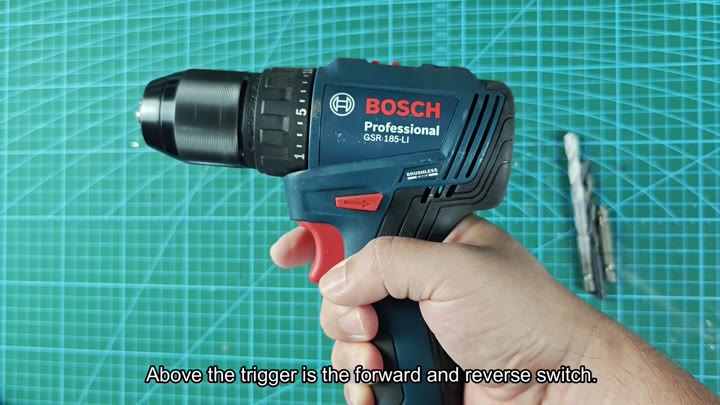
Above the trigger, you will see a forward and reverse switch.
It lets you choose rotation direction. The Bosch models has a hammer mode (for working on masonry). Other models don’t. Always know what you’re using. This might be an option on a given model.
It can be drilled through concrete too.
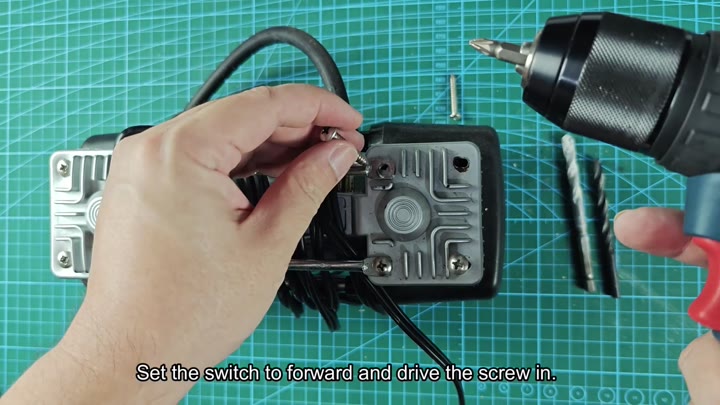
A good initial test is screws. Position the torque collar on low. You shouldn’t of damage the screw head by over driving it. Switch it to forward mode. Start turning the screw into your test piece. At the appropriate time, the clutch will slip.
Screw removal is equally easy. Just flip the switch and it goes in reverse. The drill rotate backward to pull fastener out. It’s a nice, smooth operation.
The drill bit felt nice and well-controlled.
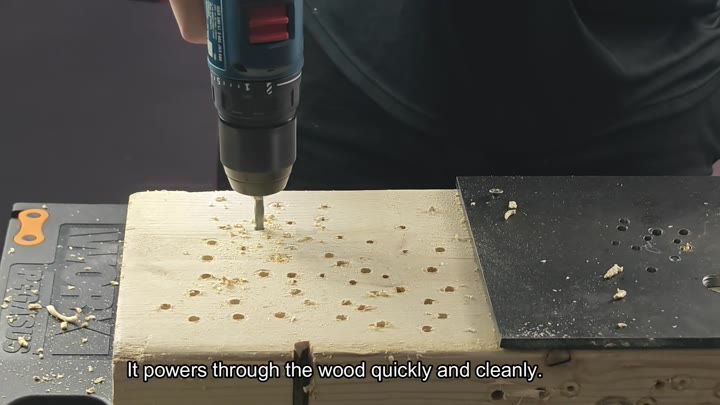
Next we move to the dull work of boring holes in wood. Change to a wood drill bit. Again, it works well through the wood, clean and quick. The shavings is easy to remove. The holes look professional and clean.
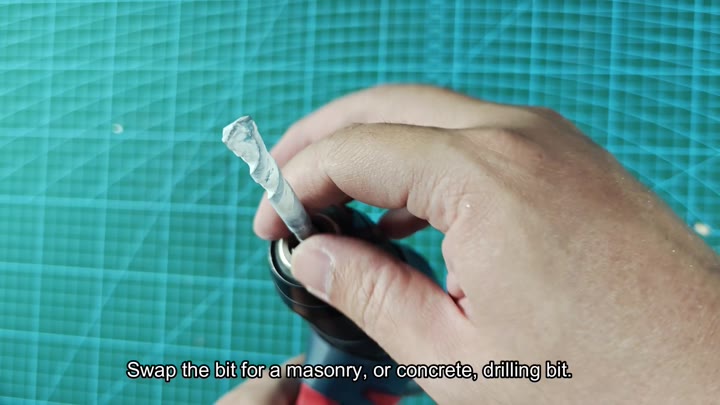
Finally, drill holes in the concrete. Replace the bit with a masonry drill bit. It will cut through even harder materials like concrete.
Swap the bit for a masonry drill bit and engage the hammer mode. The rotation of the bit combined with the hammer action will break up the concrete.
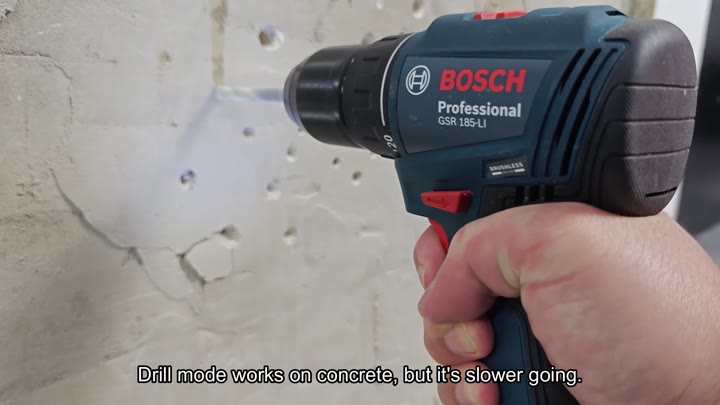
Punches through the wall with no problem. For reference I also tested it in plain drill mode on concrete. It works, but takes longer. Hammer really speeds things up.
With masonry jobs, don’t skip this part.
The operation of the Bosch 18V drill driver is easy with knowledge of its controls. It has a battery check button. This helps you verify the charge level to prevent unexpected stops during a project. And it has a torque ring that keeps your material protected.
With the right mode and speed you work efficienty. This thing can do many jobs well. Whether it be screws or concrete it does the job every time. This is probably due in part to its brushless motor.
The switch layout makes sense. No confusing menus here. Simply good controls.
For extended use, the tool is comfortabley to hold
It feels well-balanced.
The 18V platform provides plenty of power for most DIY uses.
Cordless doesn’t hamper performance
Freedom of movement is a nice change.
Before beginning a task, know what it’s capable off. Some tasks require specific capabilities, such as hammer drilling. It will save time knowing what your tools can accomplish.
You get clean results every time.
