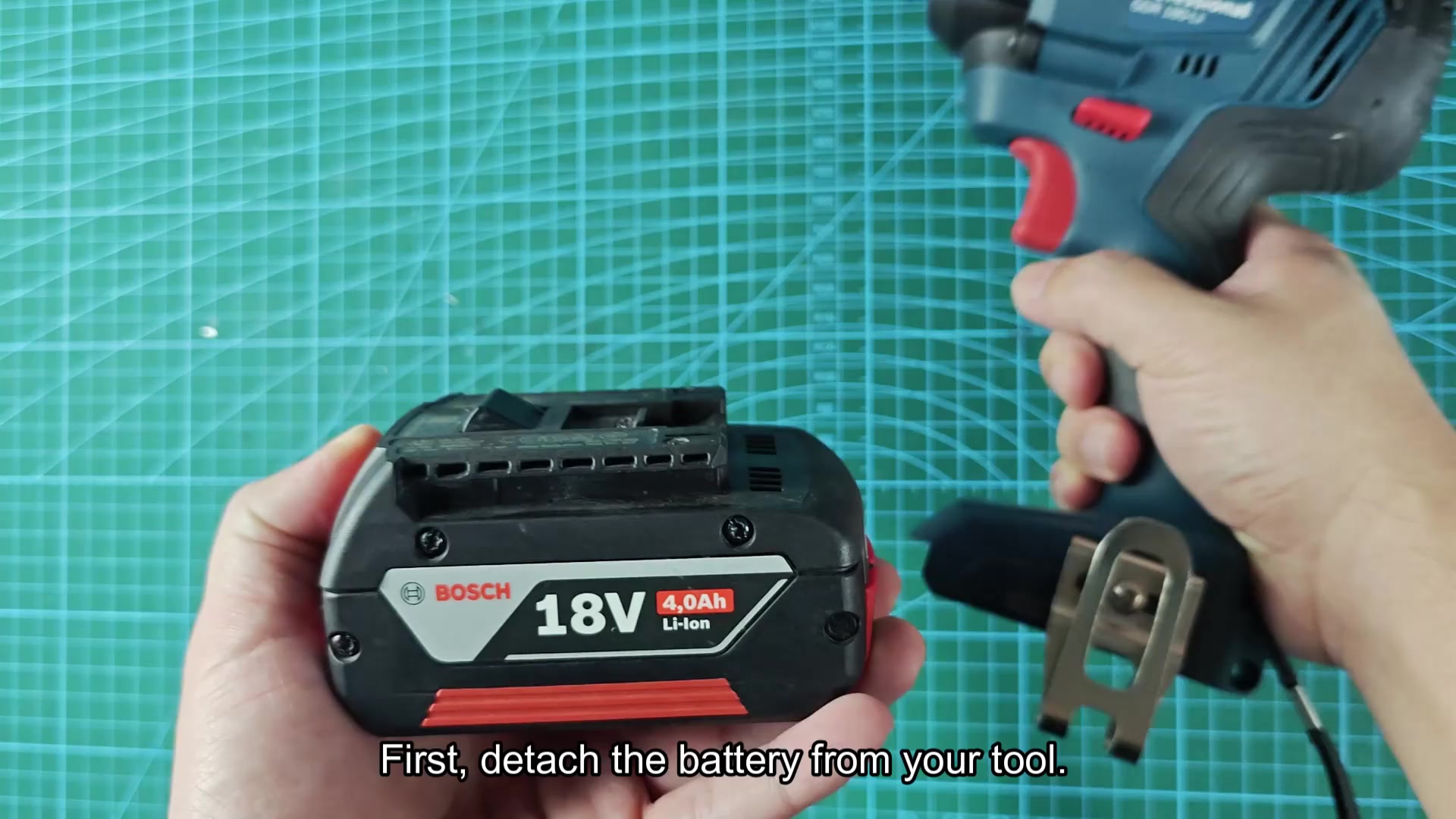
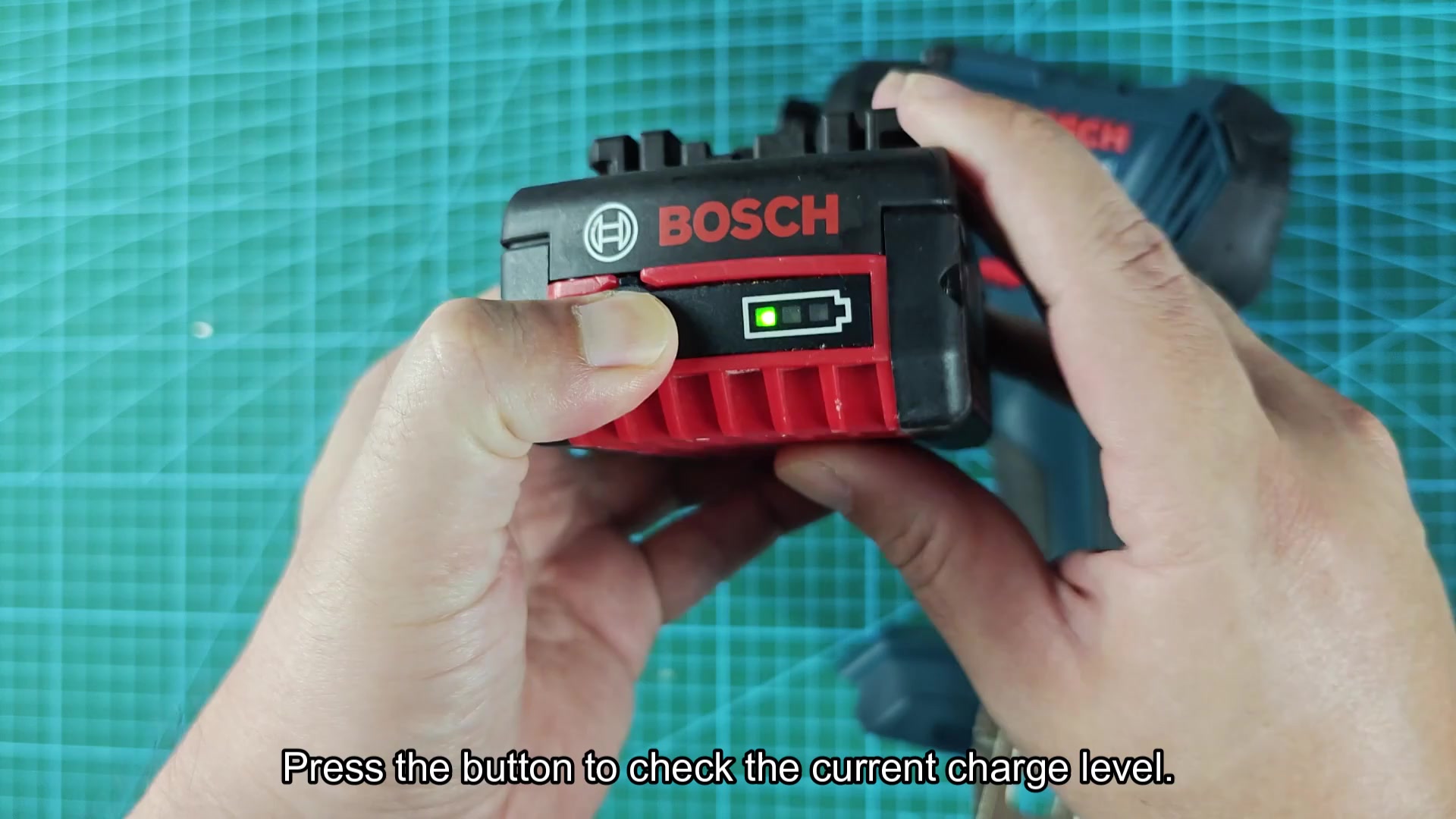
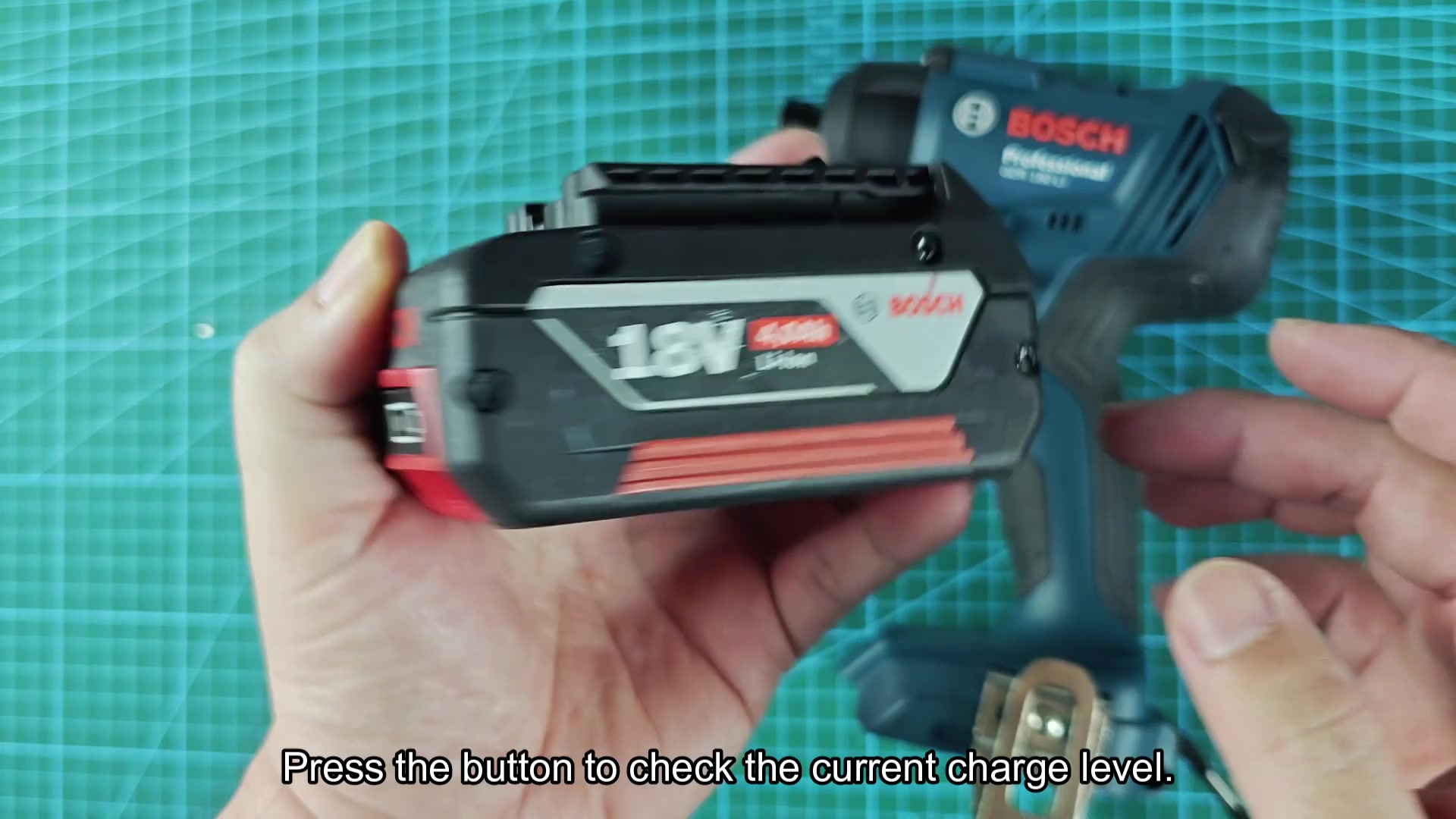
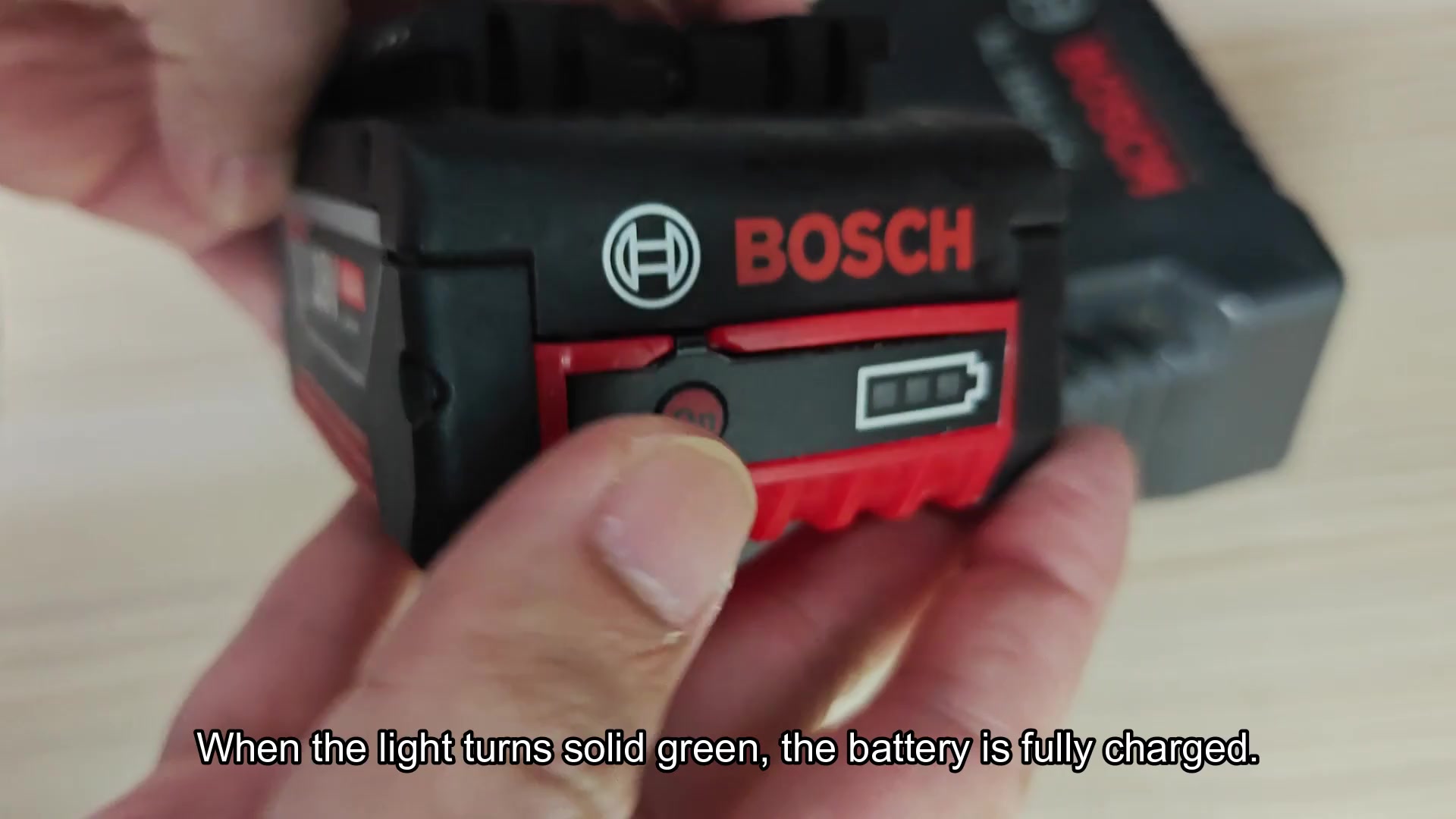
Take the pack off of the tool. It’s lighter now. Press the little button on side of the pack which will light up the bars.
The bars indicates how full it is. If all the bars are lit, then it has a lot of power left and can used some more. If only one bar is lit, it won’t last very long. A few bars mean it’s almost empty.
Charging Process and Times
Check it first so you know what to expect and don’t guess when to change battery. Charger: I used the GAL 18V-40 charger for it. I just leave it on bench with all my other stuff. It is a nice clean, easy system.
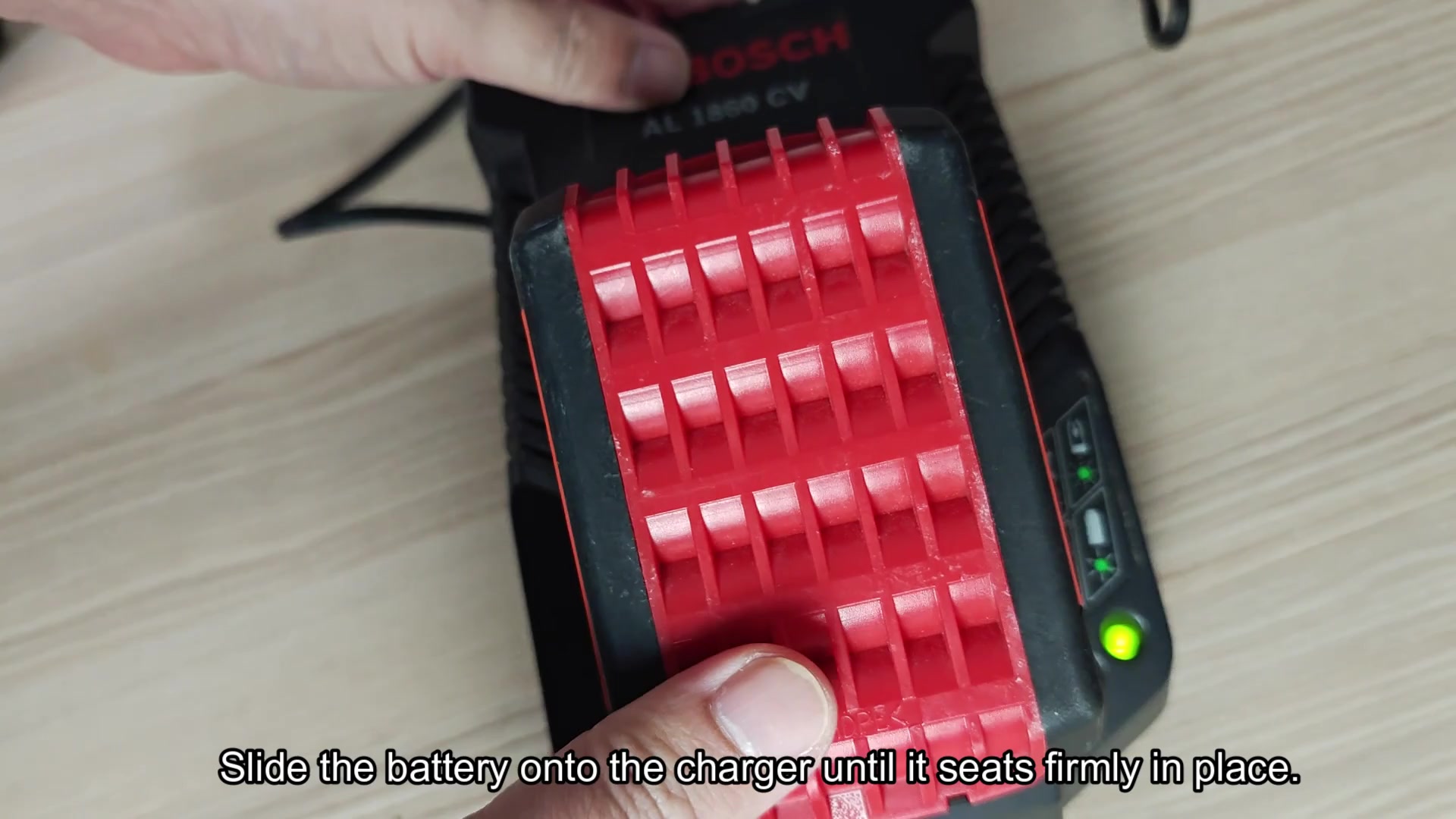
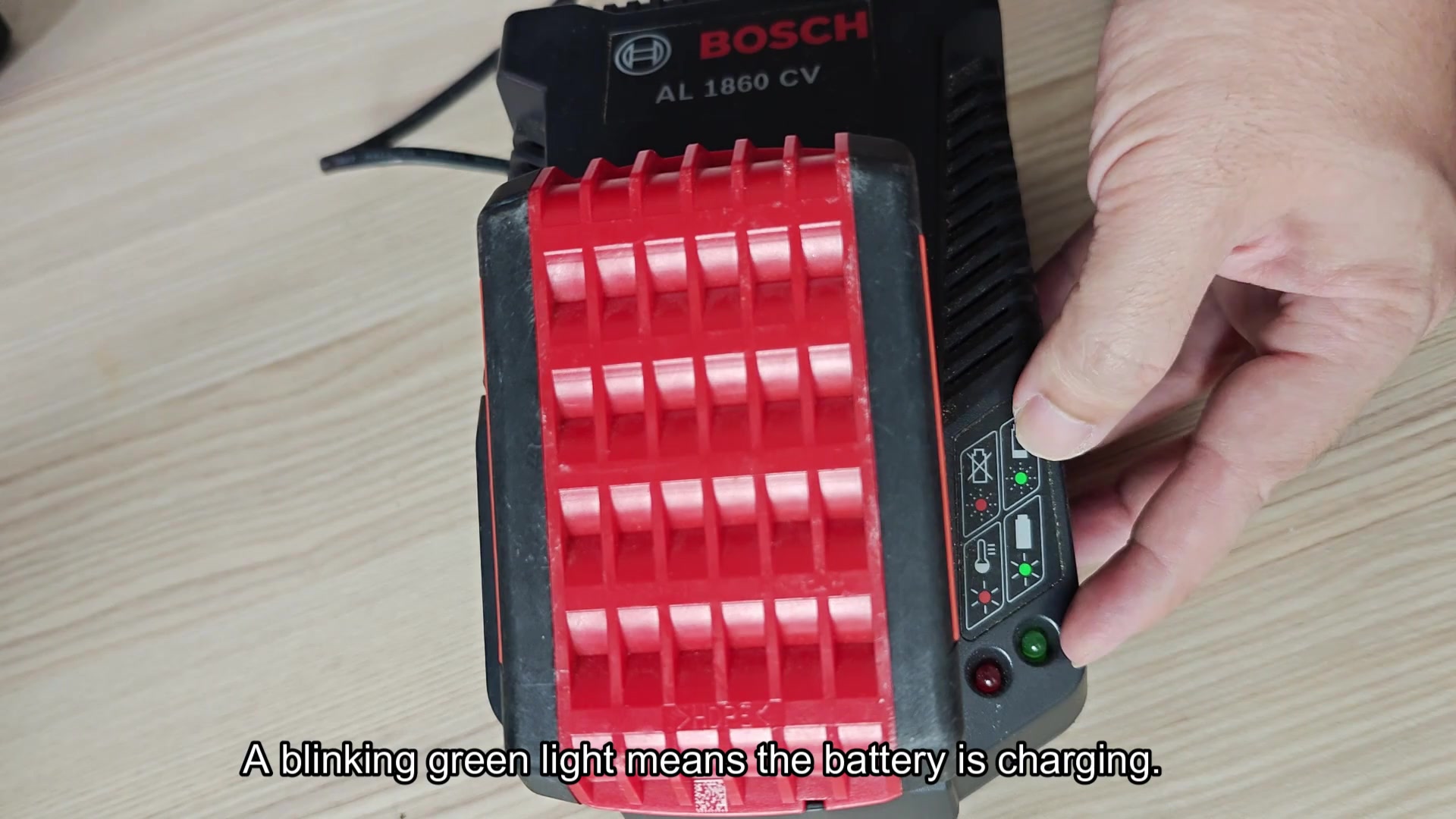
The little lights on the right status panel indicates charge level as well. It is a simple but good way to organize shop. Put the battery on charger base, slide it on until it clicks in position. It must have solid fit or the charge will not work. Good electrical contact with both unit and terminals is required for best charging.
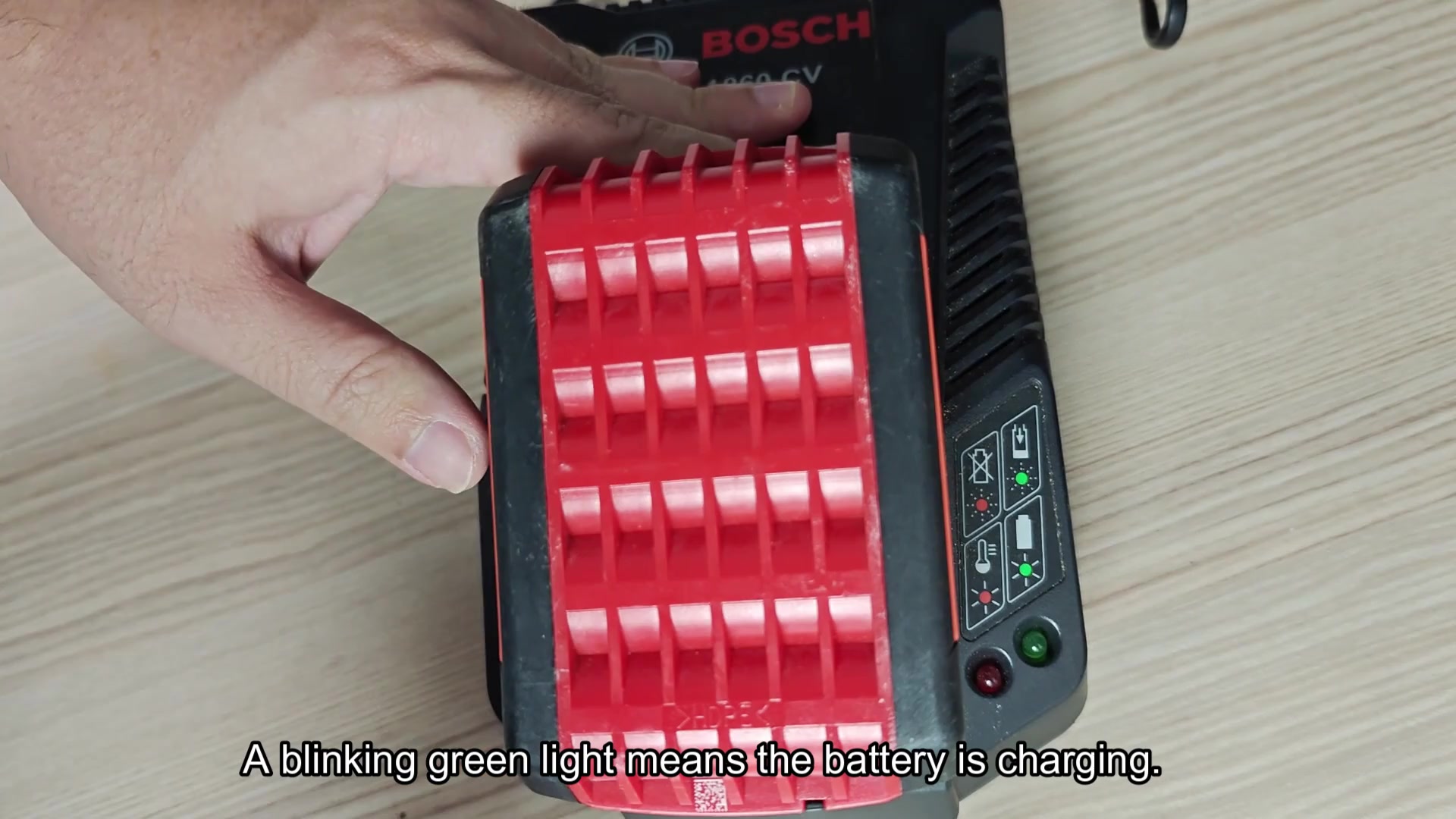
Once the battery’s in, check out indicator light. If it’s flashing green, that’s good because a blinking light indicates charger is delivering juice to your battery. The flash shows power moving into cell within the pack.
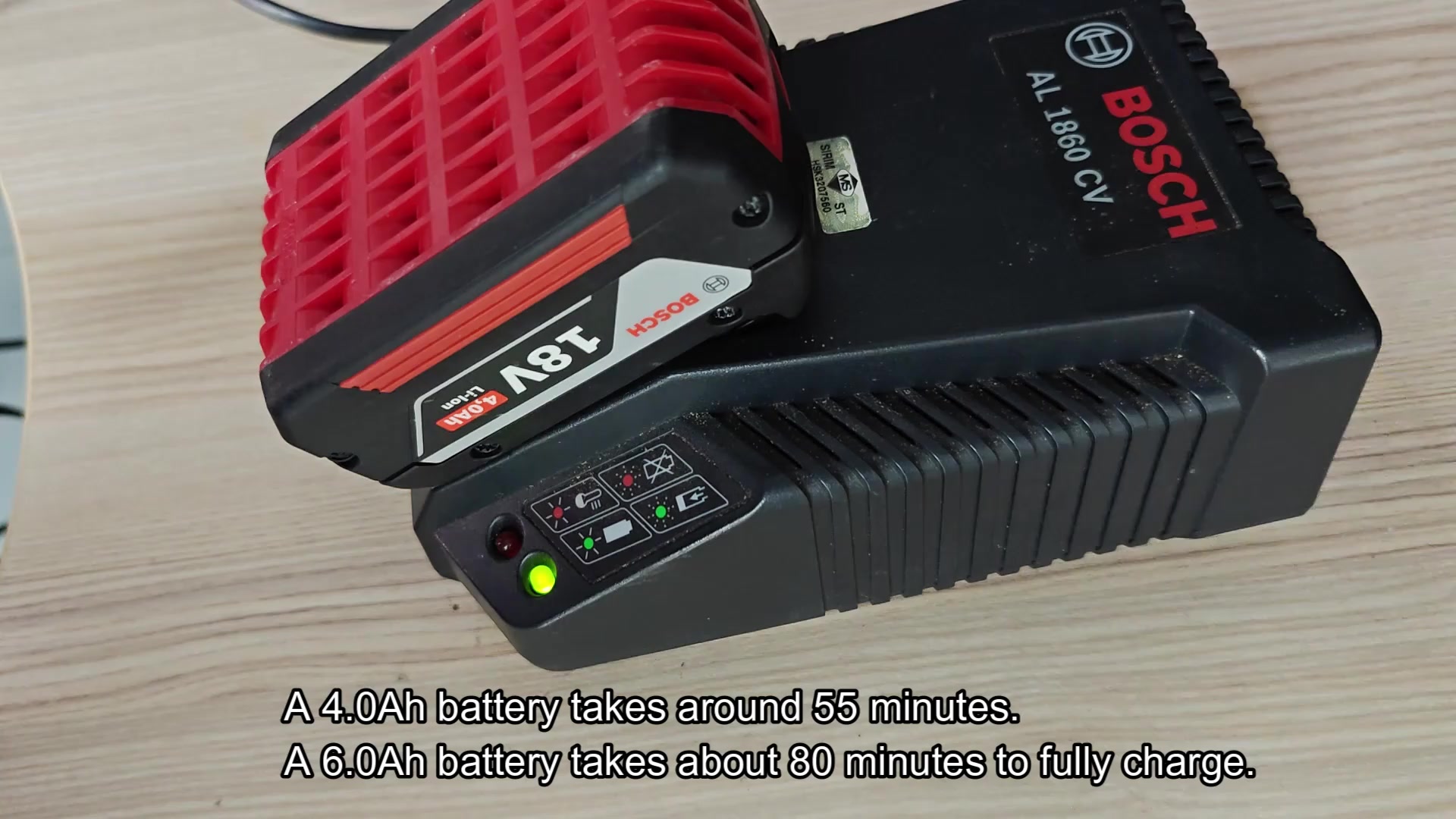
Everything’s quiet as you go about your business on other jobs. The pack’s capacity determine how long it will charge. The smallest 2.0 Ah battery charges in approximately half an hour from zero to a full charge. That’s fast enough that I can work without much delay. Top-ups are also nice when taking regular breaks.
Naturaly larger packs will take more time. For instance, a 4.0 Ah will take closer than fifty-five minutes; a 6.0 amp-hour pack will charge for roughly eighty minutes total. If you plan accordingly, you’ll always have a charged one available for big jobs. Keep an eye out for when light turns solid green. This indicates that charging has stopped and your battery has reached its maximum potential.
At this stage, you can remove it without damaging cell life over time (and many charges).
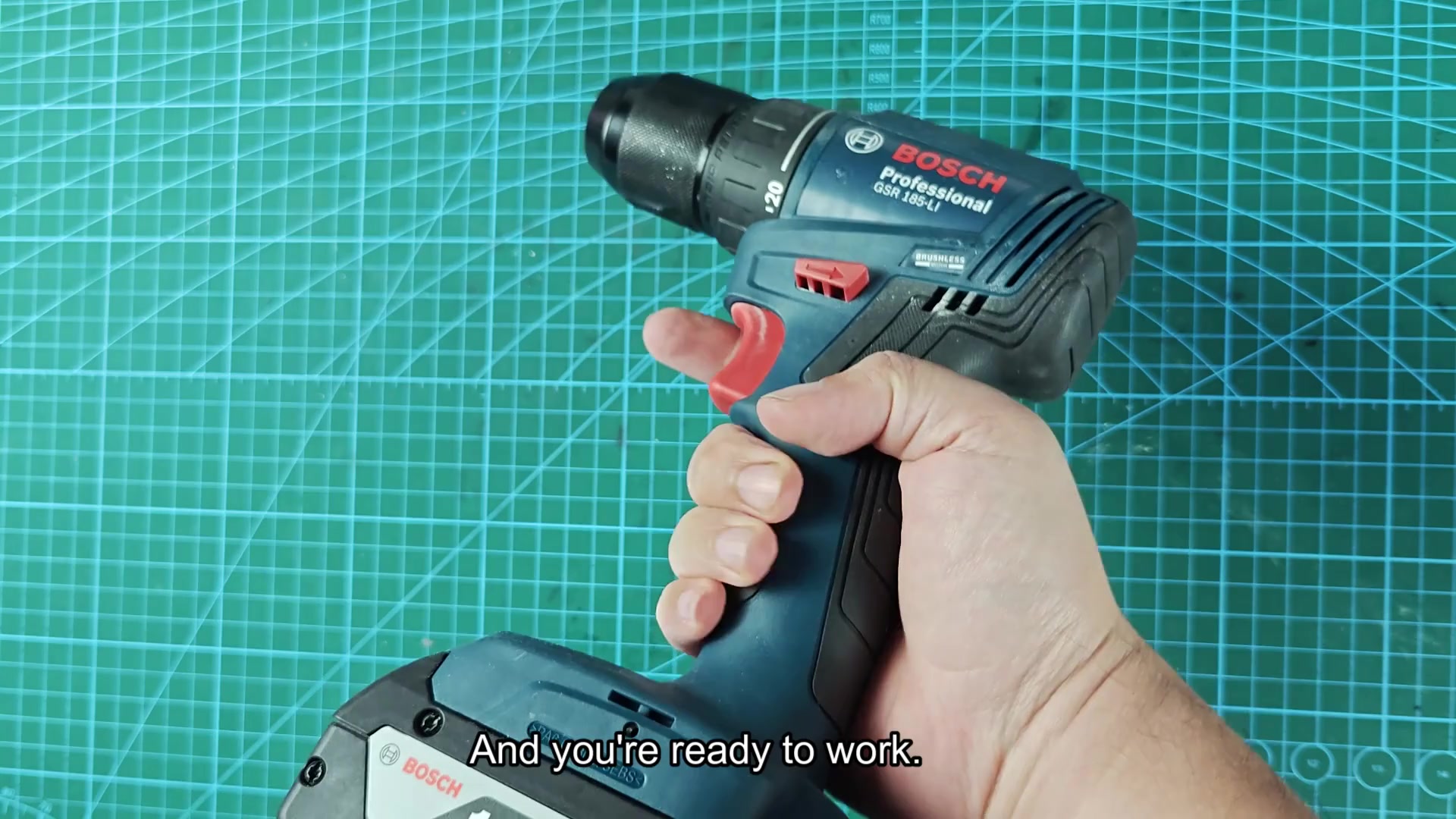
Remove the battery pack from tool. The drill feels lighter without weight attached.
Slide the fully charged pack into position on the drill. It locks on tight. A nice solid click lets you know that it’s secure.
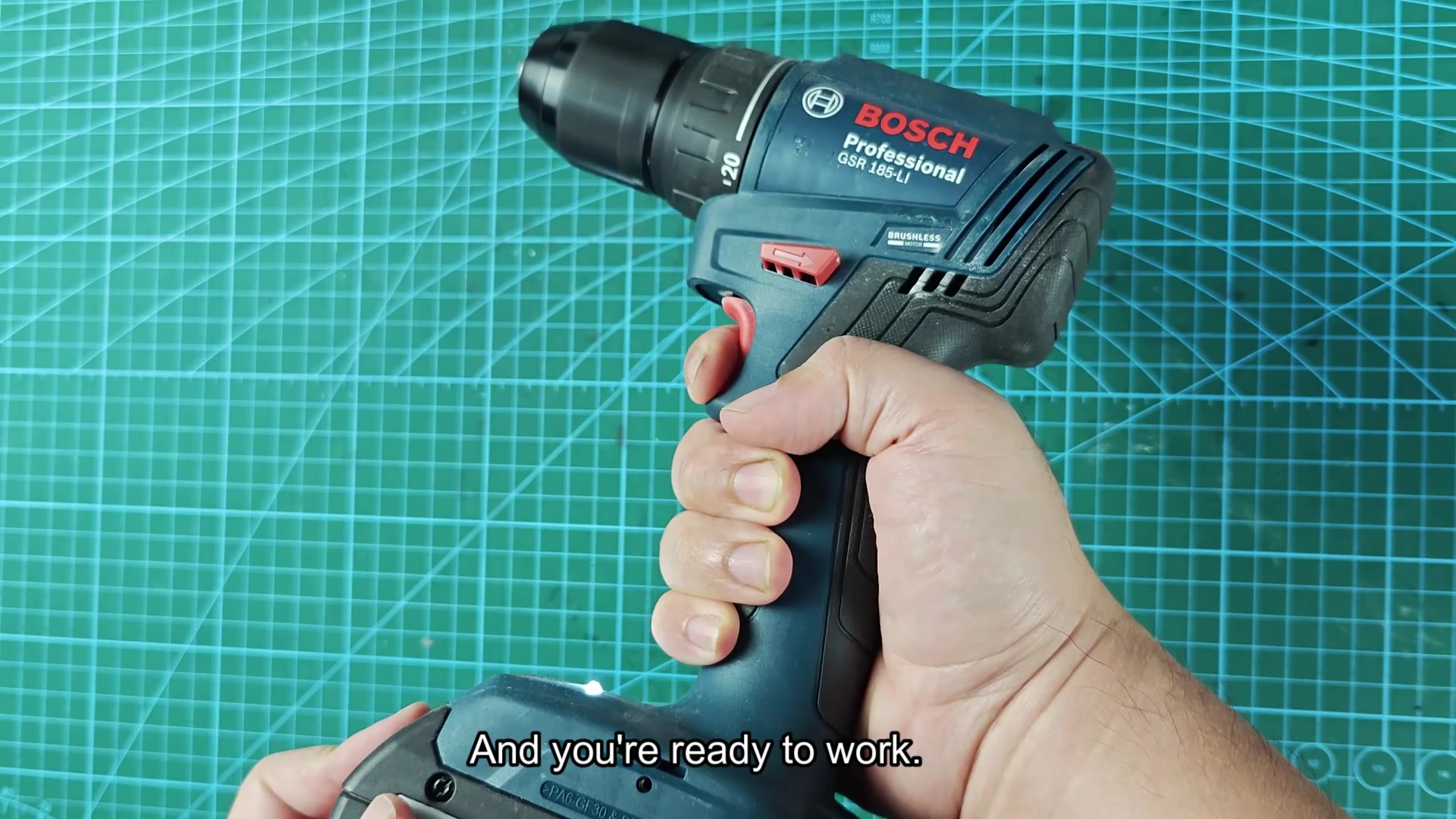
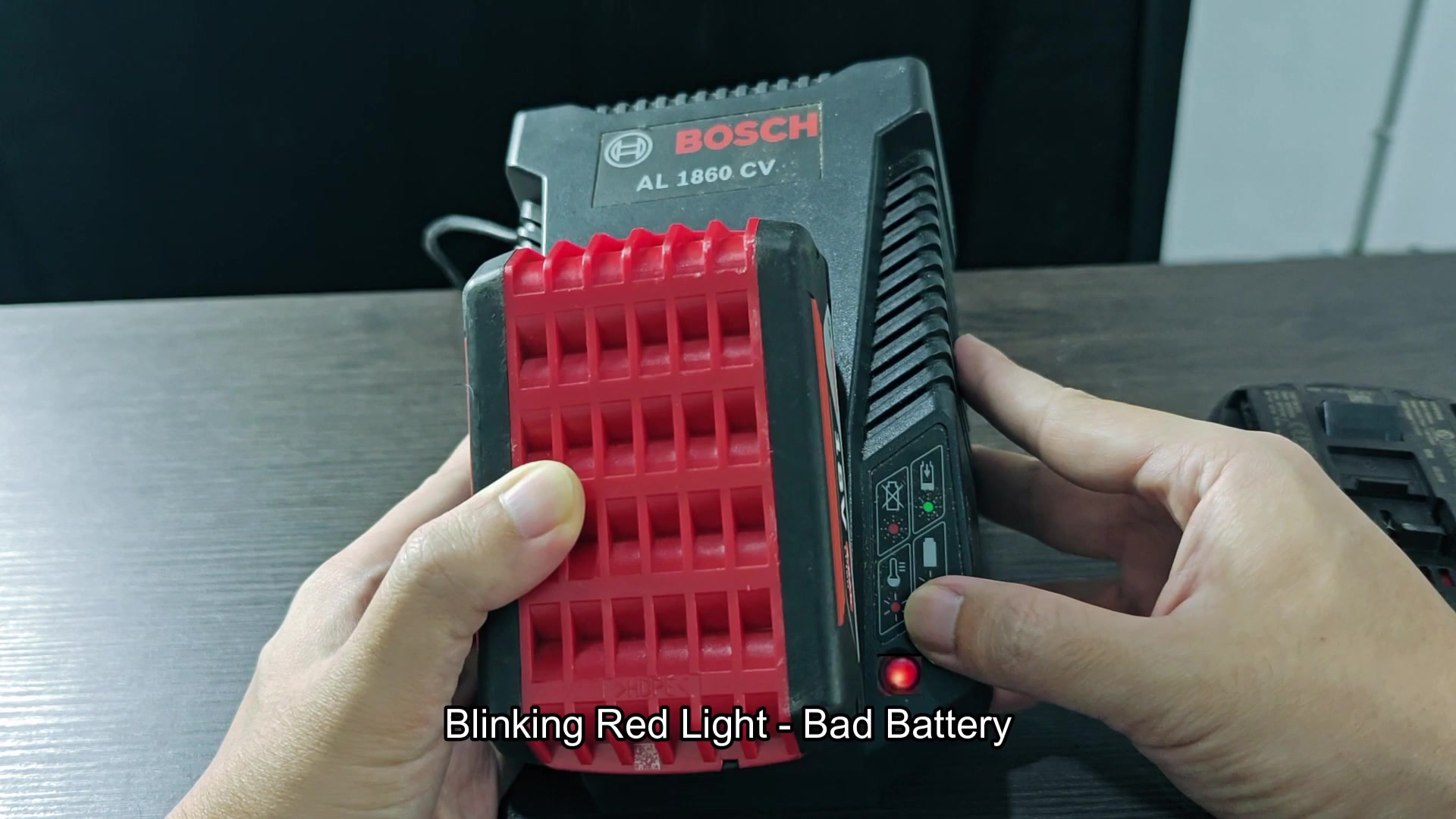
The drill picks right up and the transition between charging and using the tool is smooth, this system gets you back at work quick. Other lights let you know about other conditions as well. If the unit appears to be unresponsive and “stuck” in a mode at some point, don’t get frustrated because you will understand what it’s trying to tell you. You should of checked this earlier. The drill feels much more comfortabley to use when charged. It acts better then empty ones. I recive many questions about this. The moddern chargers is good. If the unit appears unresponsive and “stuck” in a mode at some point, dont get frustrated because you will understand what it’s trying to tell you.