3D Printer Filament Calculator
Estimate print grams, filament meters, spool coverage, support material, purge allowance, and layer/nozzle fit from real filament density data.
Use a real-world starter setup, then tune the volume, infill, support, purge, and spool fields to match your slicer.
Calculation breakdown
| Material | Typical density | Common print role | Planning note |
|---|---|---|---|
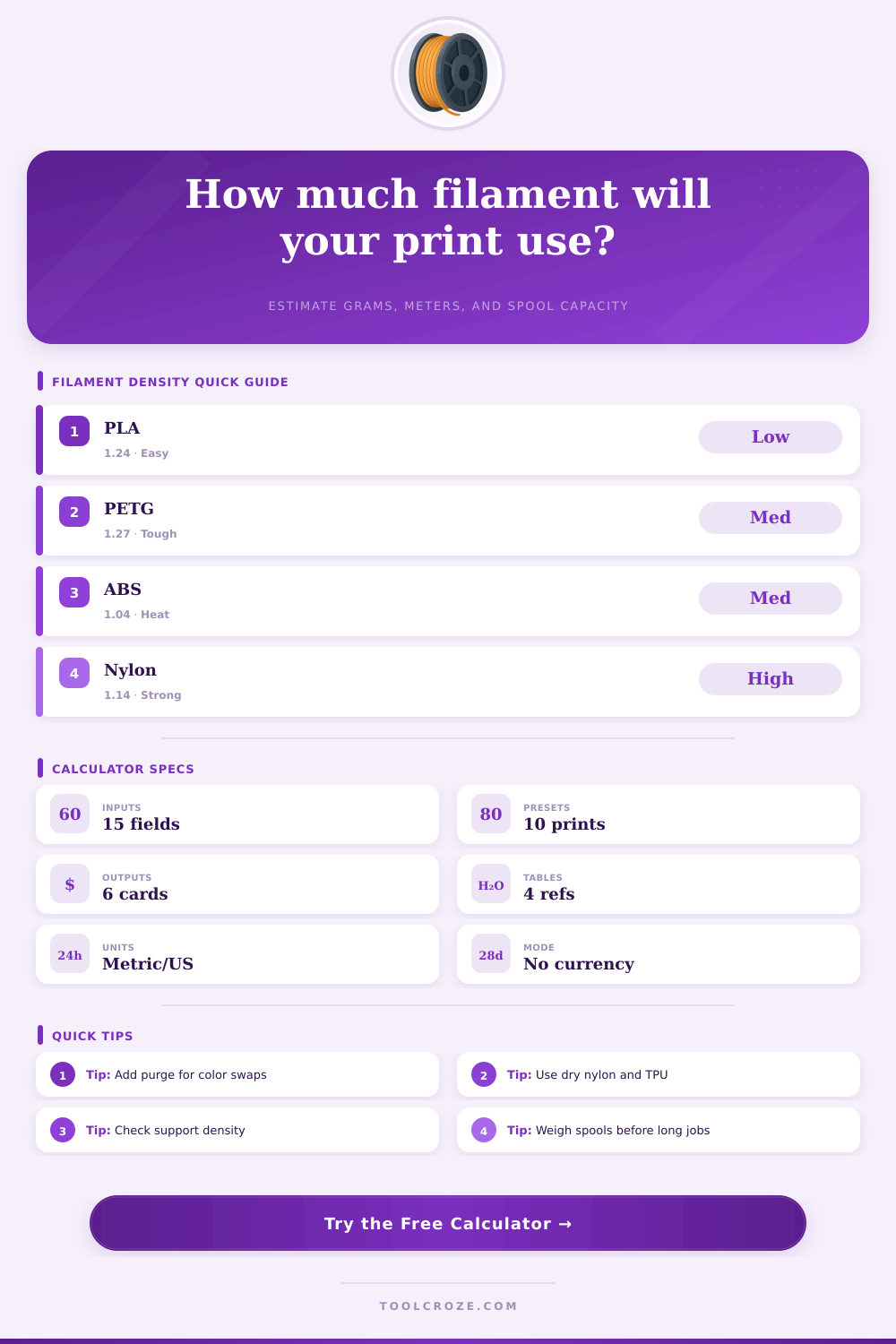
| PLA | 1.24 g/cm³ | Fixtures, models, visual parts | Good baseline for estimates. |
| PLA Plus | 1.25 g/cm³ | Stronger PLA-style parts | Close to PLA for length math. |
| PETG | 1.27 g/cm³ | Brackets, clips, outdoor covers | Slightly heavier per same volume. |
| ABS | 1.04 g/cm³ | Heat-tolerant enclosures | Lighter per cm³ than PLA. |
| ASA | 1.07 g/cm³ | UV-resistant exterior parts | Plan brim and enclosure waste. |
| TPU | 1.21 g/cm³ | Gaskets, feet, flexible covers | Slow prints may need purge tests. |
| Nylon | 1.14 g/cm³ | Wear parts and strong arms | Moisture can change print success. |
| Polycarbonate | 1.20 g/cm³ | High-temp functional parts | Use extra allowance for tuning. |
| Material | 1.75 mm length per 100 g | 2.85 mm length per 100 g | Why it changes |
|---|---|---|---|
| PLA, 1.24 g/cm³ | 33.6 m | 12.7 m | Density and filament cross-section. |
| PETG, 1.27 g/cm³ | 32.8 m | 12.4 m | Higher density shortens length. |
| ABS, 1.04 g/cm³ | 40.0 m | 15.1 m | Lower density gives more meters. |
| TPU, 1.21 g/cm³ | 34.4 m | 13.0 m | Flexible blends vary by maker. |
| Nylon, 1.14 g/cm³ | 36.5 m | 13.8 m | Dry filament gives steadier results. |
| Print type | Typical infill | Support density | Waste allowance |
|---|---|---|---|
| Decorative model | 5 to 12% | 0 to 10% | 5 to 8% |
| General fixture | 15 to 25% | 10 to 15% | 8 to 12% |
| Load-bearing bracket | 35 to 60% | 12 to 20% | 10 to 15% |
| Cosplay or large shell | 8 to 18% | 8 to 18% | 12 to 20% |
| Multi-color purge job | 10 to 25% | 0 to 15% | 15 to 35% |
| Nozzle | Layer range | Line width range | Best use |
|---|---|---|---|
| 0.25 mm | 0.06 to 0.16 mm | 0.25 to 0.32 mm | Miniatures and tiny text. |
| 0.40 mm | 0.12 to 0.28 mm | 0.40 to 0.50 mm | Default balance of detail and speed. |
| 0.60 mm | 0.18 to 0.42 mm | 0.60 to 0.72 mm | Strong functional prints. |
| 0.80 mm | 0.24 to 0.56 mm | 0.80 to 0.96 mm | Large objects and quick drafts. |
| 1.00 mm | 0.30 to 0.70 mm | 1.00 to 1.20 mm | Vases, molds, and coarse parts. |
A 3D print can fails because the filament ran out before the 3D print was finished, and a 3D print can fail due to the user not accounting for all the filament that will be consumed during the 3D print process. While 3D print slicer will show an estimated time that it will take for the print to complete, that does not necessarly indicate whether the filament will run out during the print job. The total amount of filament that will be consumed during the 3D print job must be accounted for, and that total filament consumption include the filament consumed by the model, the supports, and the waste material.
The volume that is displayed in the 3D print slicing software is only an initial estimation of the amount of filament that will be consumed. The amount of filament that the 3D printer will actualy consume may be different from the volume shown in the slicing software, especially if the 3D print includes infill material instead of printing the entire object in solid sections. In such a case, it is possible to use the calculator included in the software to find a more realistic amount of filament that will be consumed during the 3D print; the calculator takes into account the volume of the model being printed, the percentage of solid walls that will be printed, and the density of the infill material that will be printed.
How to Calculate Filament Needed for a 3D Print
Furthermore, changing the density of the infill will change the total weight of the object that will be printed. In addition to the model and the supports that are printed, some 3D prints requires additional amounts of filament to print supports for overhang sections of the model. Such printed supports will consume additional filament, but the printed supports will not become part of the 3D print that is delivered to the user.
The amount of filament that the 3D print supports will consume can be accounted for by adjusting the support density settings for the print job. For example, tree supports will require less filament than grid supports for the same model, so adjusting the settings to use tree supports instead of grid supports will save filament for that 3D print job. In addition to the supports that are printed for overhang sections of the model, other filament will be consumed during the 3D print job for actions like performing a multi-color 3D print, or simply for the skirt and brim that are printed prior to the start of the print job.
The filament for these print jobs can be accounted for in the 3D print filament calculator by manually entering the amount of filament (in gram) that will be consumed for these actions in the purge and waste fields for the print job. The purge field will account for the filament consumed by any color changes within the model, while the waste field will account for the amount of filament consumed by the skirt and brim. Another variable that must be accounted for is the density of the filament.
The density of the filament will change the amount of weight of a given length of filament. For instance, two filaments can have the same diameter, but the densities of each filament can be different. Filaments of high densities will weigh more per meter of filament than low density filaments, which will reduce the length of that amount of filament that can be purchased for the same weight of filament.
Such different filament densities are indicated in the reference table included in the print job settings for the 3D print job. It is also necessary to weigh the remaining filament on the remaining filament spool prior to the start of a 3D print job. The weight of the remaining filament can be used to determine the actual amount of filament that is remaining.
By entering the estimated weight of the 3D print into the 3D print filament calculator, the calculator will automatically subtract the weight of the print from the remaining weight of the filament to determine how many prints can be made with the amount of remaining filament. Otherwise, if the print job is started, the print job may fail due to a lack of filament to complete the 3D print. Another factor that can influence the amount of filament that will be consumed is the settings of the print job.
Settings like line width and layer height will influence the amount of filament consumed during the 3D print. Such settings will have to be accounted for in the print job settings; the settings cannot be purely theoretical with regard to the diameter of the nozzle that will print the 3D print job. The 3D print filament calculator will account for these settings to ensure that any problematic settings is recognized prior to the start of the 3D print.
Overall, the goal of the 3D print filament calculator is to treat the filament to be used in 3D printing as a limited resource. Filament resources must be accounted for when performing a 3D print; the filament is utilized to print the model, to print the supports, and to print the purge and waste material. By accounting for each of these sections of the 3D print, 3D print jobs will not fails due to running out of filament.