3D Print Time Calculator
Estimate print duration from layer height, model volume, wall count, infill, nozzle size, support load, travel motion, acceleration, and machine tuning factor.
1 Print presets
Load a realistic starting point, then adjust volume, motion settings, support, and machine factor to match your slicer and printer profile.
2 Geometry, slicer, and motion inputs
Calculation breakdown
3 Printer and material grid
4 Preset time reference
| Scenario | Typical volume | Layer height | Motion profile | Planning note |
|---|---|---|---|---|
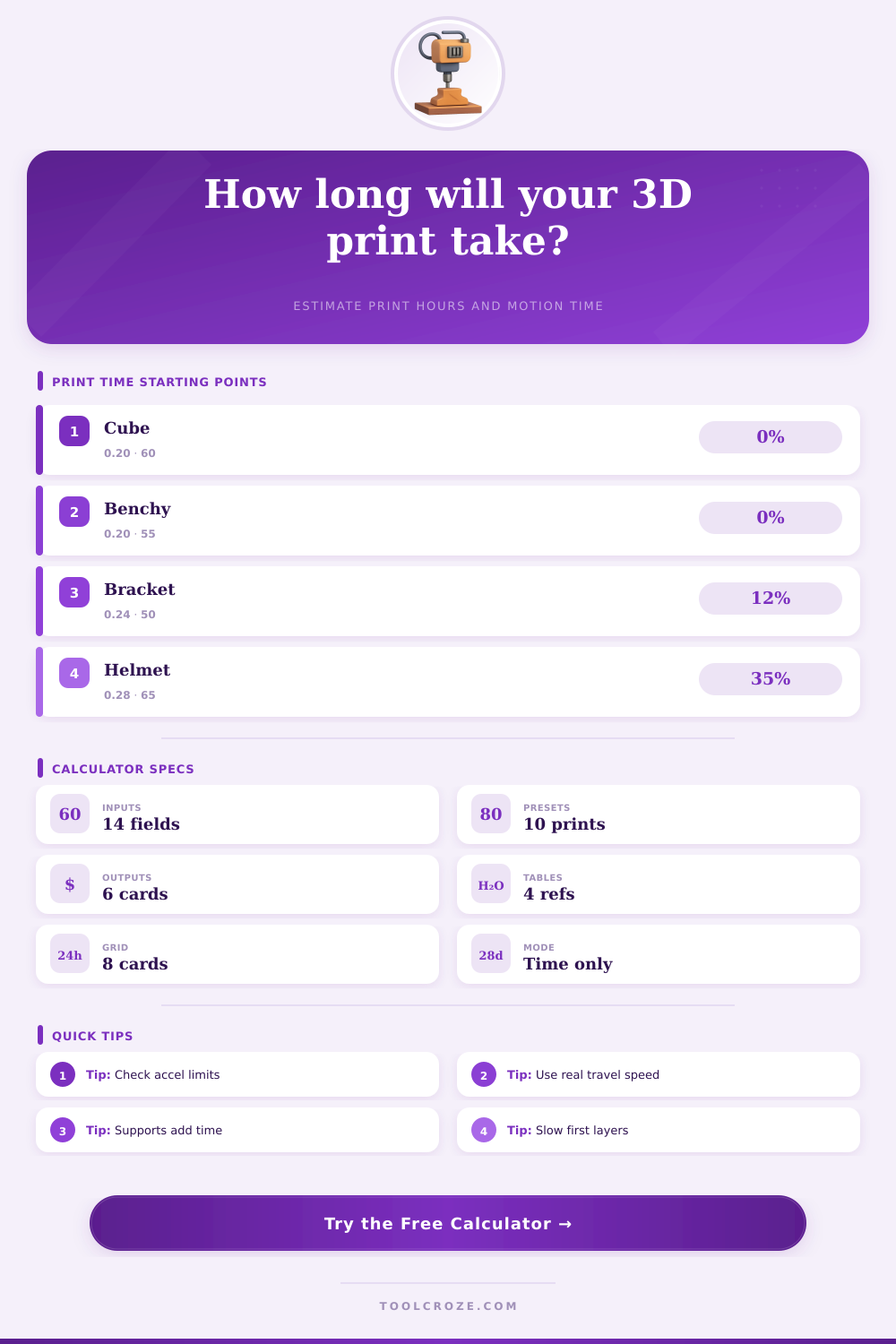
| 20 mm cube | 8 cm³ | 0.20 mm | 60 mm/s, no support | Short print where overhead matters. |
| Standard Benchy | 38 cm³ | 0.20 mm | 55 mm/s, small layers | Travel and cooling can affect finish time. |
| PETG bracket | 115 cm³ | 0.24 mm | 50 mm/s, 4 walls | Perimeters dominate a strong part. |
| TPU bumper | 42 cm³ | 0.20 mm | 24 mm/s, low accel | Flexible material speed limits matter. |
| Cosplay helmet | 980 cm³ | 0.28 mm | 65 mm/s, 35% support | Support and tall-layer travel add hours. |
5 Printer motion reference
| Printer profile | Print speed range | Travel range | Acceleration range | Machine factor |
|---|---|---|---|---|
| Bed-slinger FDM | 40 to 80 mm/s | 120 to 200 mm/s | 800 to 2500 mm/s² | 80 to 95% |
| CoreXY FDM | 80 to 180 mm/s | 220 to 350 mm/s | 3000 to 10000 mm/s² | 95 to 125% |
| Delta FDM | 60 to 140 mm/s | 180 to 300 mm/s | 2000 to 7000 mm/s² | 90 to 115% |
| Direct-drive detail | 25 to 70 mm/s | 100 to 180 mm/s | 600 to 2000 mm/s² | 75 to 95% |
| High-flow nozzle | 70 to 160 mm/s | 180 to 300 mm/s | 1500 to 6000 mm/s² | 90 to 120% |
6 Nozzle and layer time table
| Nozzle size | Common layer height | Typical line width | Time behavior | Best use |
|---|---|---|---|---|
| 0.25 mm | 0.06 to 0.14 mm | 0.26 to 0.32 mm | Many layers, low flow | Miniatures and fine labels. |
| 0.40 mm | 0.12 to 0.28 mm | 0.42 to 0.50 mm | Balanced time | General prints and fixtures. |
| 0.60 mm | 0.18 to 0.42 mm | 0.62 to 0.72 mm | Shorter road length | Functional parts and brackets. |
| 0.80 mm | 0.24 to 0.56 mm | 0.82 to 0.96 mm | Flow-limited at speed | Large shells and drafts. |
| 1.00 mm | 0.30 to 0.70 mm | 1.05 to 1.20 mm | Very high flow demand | Coarse molds and big objects. |
7 Infill and support time table
| Print type | Infill range | Support amount | Wall count | Time planning note |
|---|---|---|---|---|
| Display model | 5 to 12% | 0 to 10% | 2 to 3 | Layer count and travel often dominate. |
| General fixture | 15 to 25% | 0 to 15% | 3 to 4 | Walls drive strength and time. |
| Load-bearing bracket | 35 to 60% | 5 to 20% | 4 to 6 | Slow perimeters may dominate. |
| Cosplay shell | 8 to 18% | 15 to 45% | 2 to 4 | Support removal zones add travel. |
| Flexible TPU part | 10 to 40% | 0 to 10% | 3 to 5 | Material speed factor is the limit. |
8 Time estimate tips
Estimating the times it will take to 3D print a model involve considering various variable. Accurately estimating 3D print time allows for better planning of the printing schedule. 3D printing software often include an estimate for the print time.
However, the 3D printing software might not estimate the print time the same than the time that the 3D printer actually take to complete. This is because 3D printing software often only consider the print speed of the nozzle. However, the 3D printer must also account for travel moves for the print head to travel from one print area to the next.
What Affects 3D Print Time
When changing the direction in which the print head is moving, the print head have to slow down to ensure that it prints the design with the necessary accuracy. These movement of the print head that occur at a slower rate than the printing rate take up part of the total 3D print time. Another factor that can contribute to the print time is the amount of support material require to print the 3D model.
Support material must be printed at a slower rate than the main 3D model because the support material must not fuse with the model as it is printed. Furthermore, the support material printing require additional travel moves for the print head to move to the areas where support material is needed. The volume of support material that is printed increase the print time.
The type of filament used to print the model can also impact the 3D print time. For filaments that are more flexible, the print head has to move more slow to avoid the filament grinding within the nozzle. These slow print speeds add to the total print time.
Additionally, using filaments that contain filled materials increase the 3D print time. This is because the filled materials has a higher viscosity, which limits how easily the material move through the nozzle. 3D printing calculators ask for the type of filament that will be used.
The calculator utilizes a speed factor associated with each filament type to make adjustment to the estimated print time. The type of 3D printer that will be used also impact 3D print time. For example, a bed-slinger 3D printer can have more mass than a CoreXY 3D printer.
This means that the print head of a bed-slinger printer will have different acceleration limit compared to a CoreXY printer. In general, the print head of a bed-slinger printer will have a lower acceleration ceiling than that of a CoreXY printer. This will lead to print head movement at a slower rate, which will impact 3D print time.
One of the main variable that impact 3D print time is the layer height of the print. 3D print time will be shorter for a layer height of 0.28 mm than for a layer height of 0.16 mm. However, a layer height of 0.16 mm will produce a more detailed three-dimensional print.
Using a layer height of 0.16 mm will result in the printer creating more layers for the model to be printed. Thus, the additional movements that the print head must make will impact 3D print time. Another factor that can impact 3D print time is the nozzle size.
A nozzle size of 0.6 mm will allow the print head to print wider road of the model. This can lead to a shortening of the print time. However, a nozzle size of 0.6 mm requires a higher flow rate for the filament to be properly extruded from the nozzle.
If the hot end of the printer cannot maintain the flow rate required by the nozzle size, the print head will have to slow down during the print job. The size of the nozzle will have a small impact on 3D print time. The first layer of the 3D model can also have an effect on the print time.
The first layer is usually printed at a reduced speed to enable the print to adhere well to the print bed. For short and wide three-dimensional model, the first layer will take up a significant portion of the total print time. For tall and skinny three-dimensional models, the first layer will take up only a small portion of the total print time.
3D printing also involve additional times outside of the 3D print time. These additional times include the startup time, homing time, and cooldown time for the 3D printer. These times will need to be included into the 3D print time schedule for the job.
In addition to the various factors that affect the 3D print time, there is additional uncertainties in the 3D printing process that will affect the print time. These uncertainties can include the diameter of the filament, the level of the print bed, and even the wear and tear on the print head. These variable have the potential to impact the print time.
Thus, it is best to treat the 3D print time as an estimate only. A small buffer of extra time can be added to the estimated print time. By doing so, you will be prepared should the 3D printer take longer than the estimated print time.