
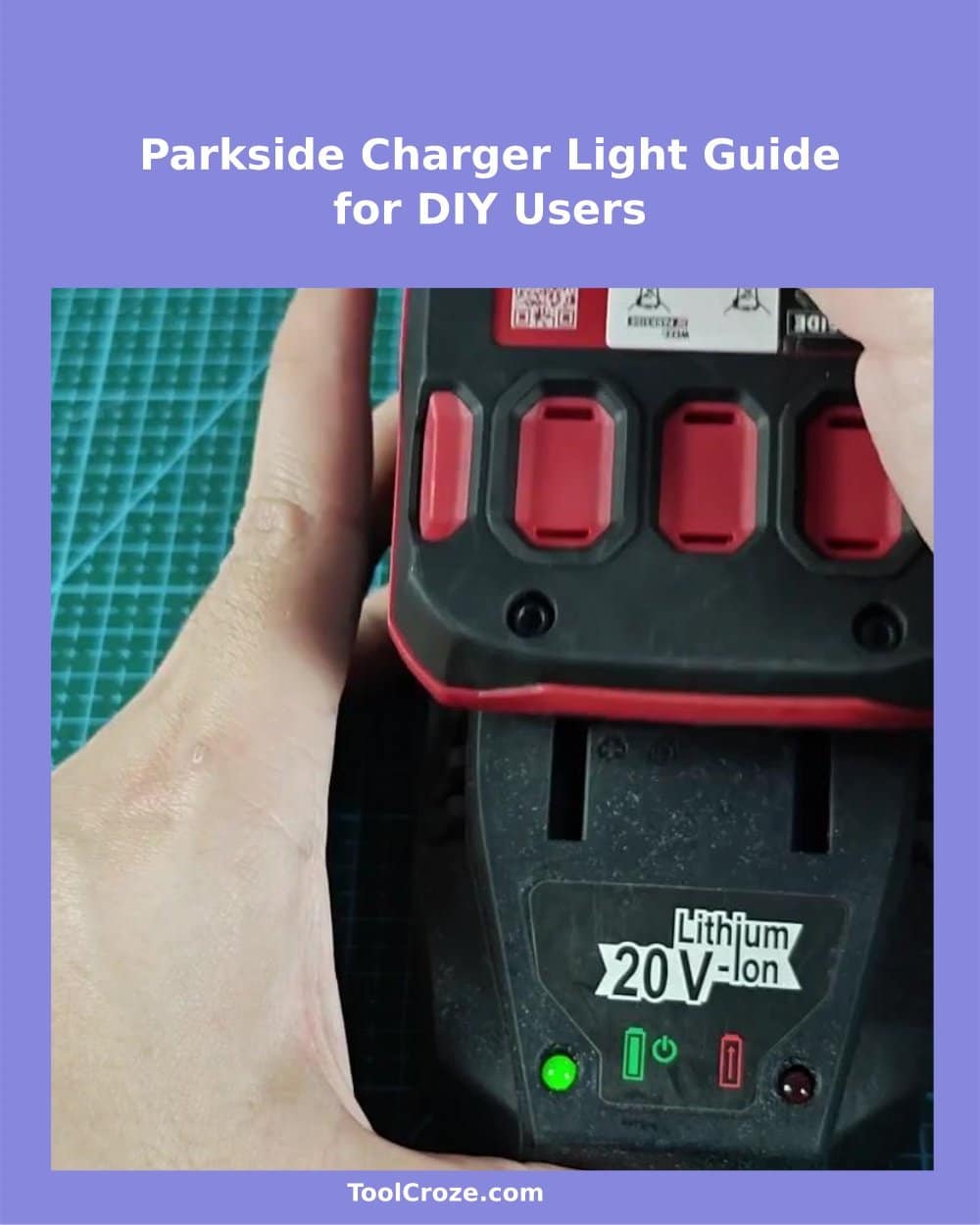
When there is only green and red light on the Parkside charger, checking the status of your parkside batteries becomes really easy. Start with the charger itself… When it is switched on and ready it shows a solid green indicator.
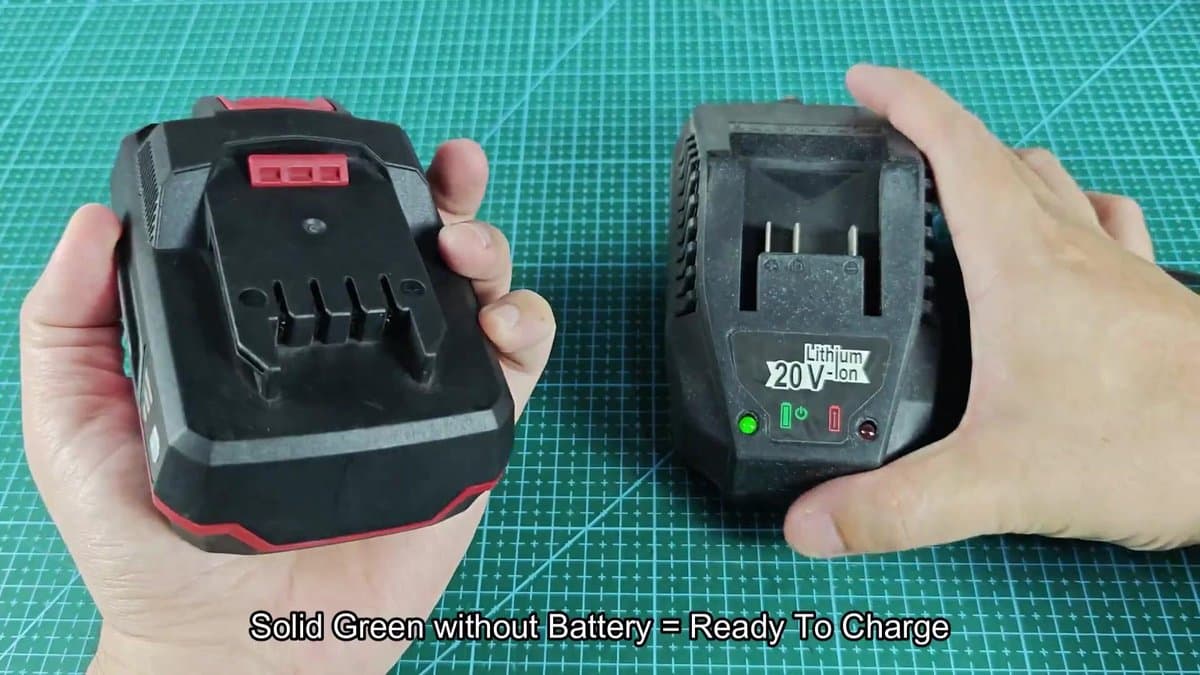
If we go a bit deeper, the green indicator of the charger shows that everything works well and the charger waits for your battery.
How to Read Parkside Charger Indicator Lights
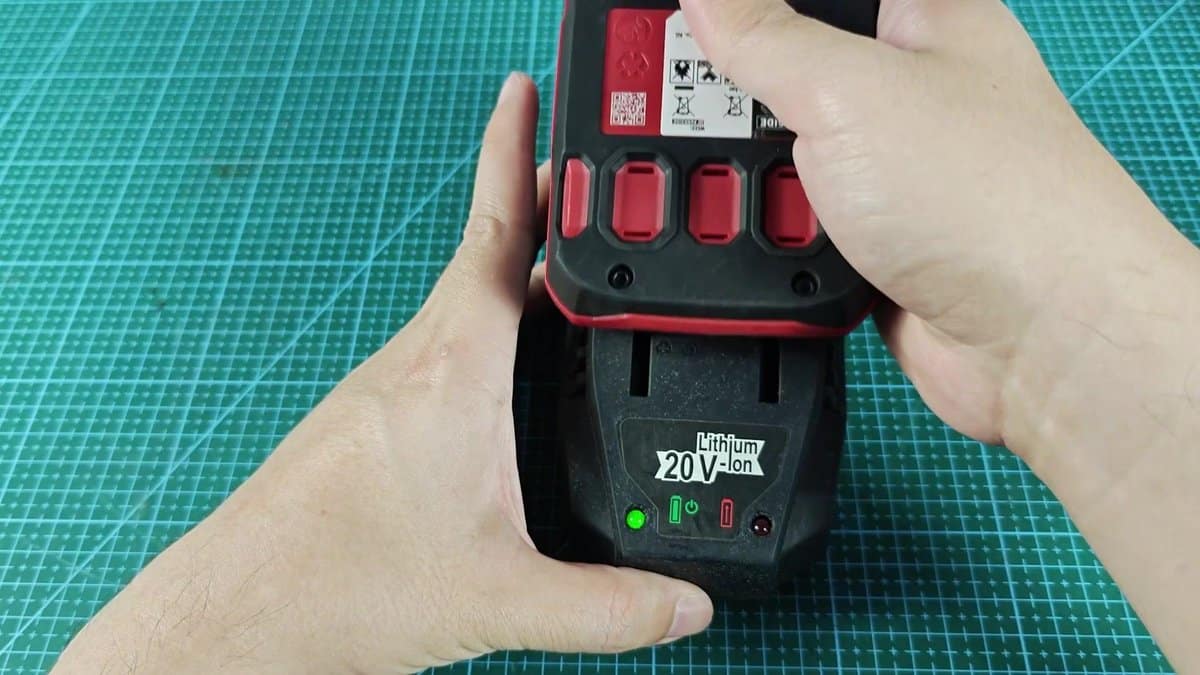
When you put the battery in the charger, the green indicator quickly disappears, replaced by a firm, steady red. No clicking, no blinking, only constant red that signals the connection and charging process started. It is a clear, simple sign.
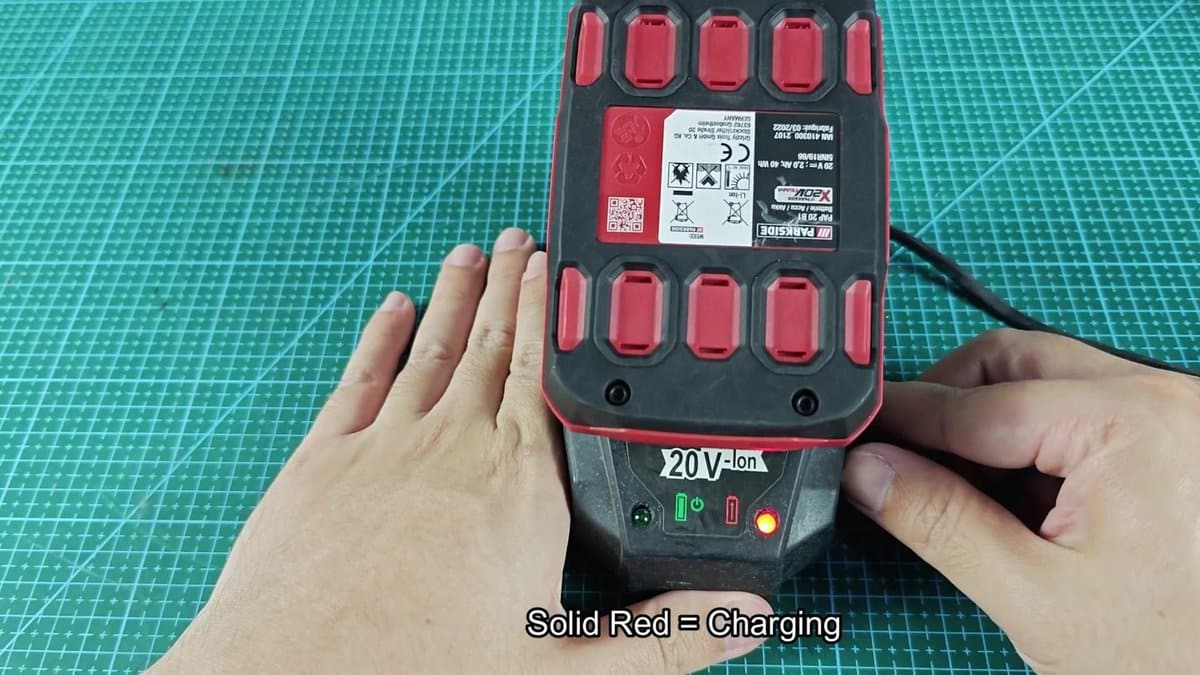
The red LED on the battery clearly shows that it charges. No need to guess… The stable light says that it does its task, whether the battery power is low or almost full.
I left mine on for some minutes during the first full round, watching the constant red while it charged.
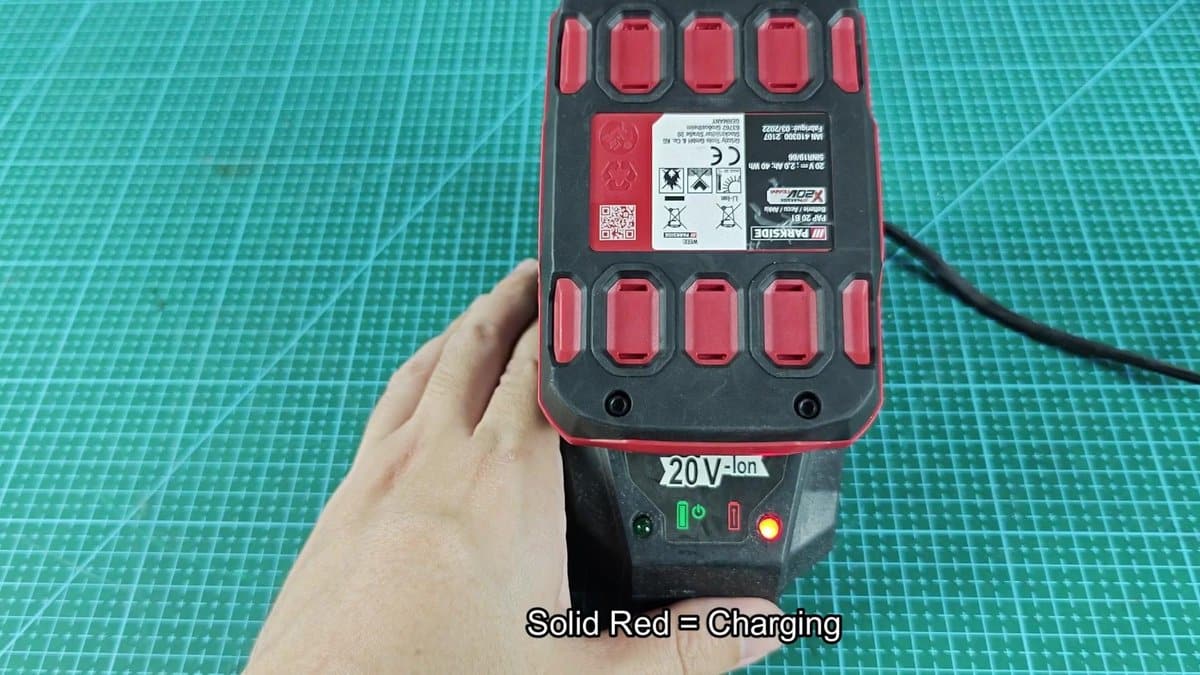
This parkside charger is simple, with only two indicator to tell you about the process. No complex indicator displays or status updates here (only red during the whole time), until the battery is fully charged and the color changes to green. One look says everything.
When it changes back to green, you know that everything is ready.
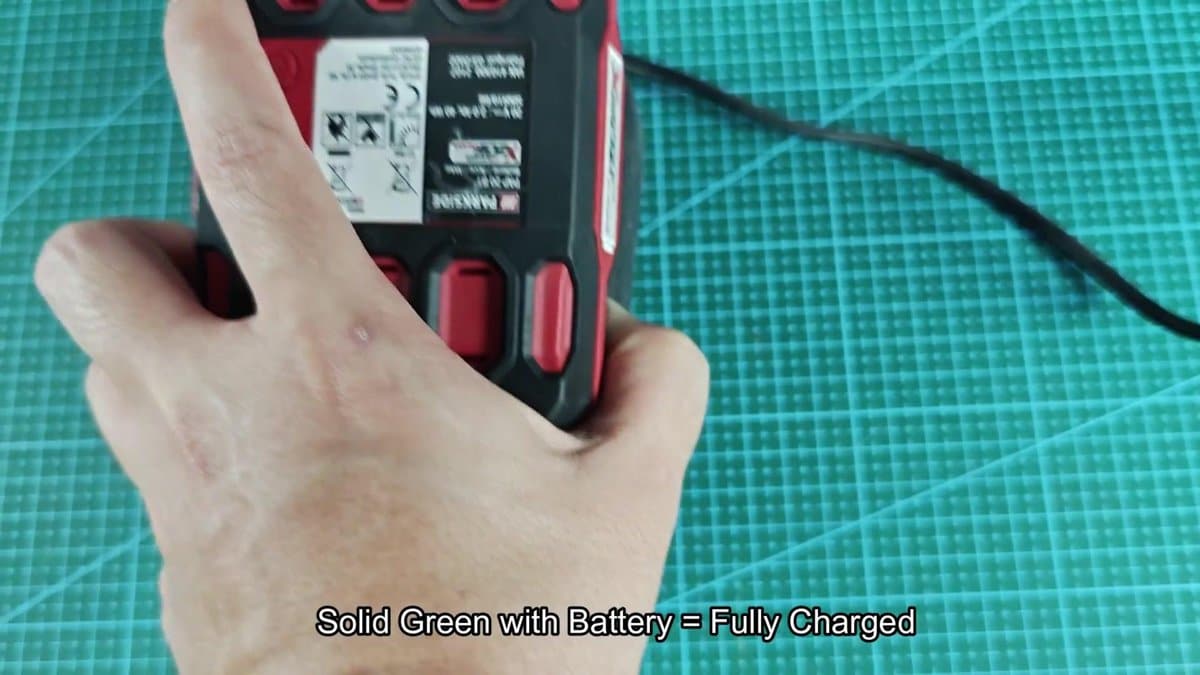
When the battery reaches the max and you remove it from the charger, that solid green indicator shows that it is at full power. The 20V, 4Ah battery that I used has a label showing 80 watt hours and 75-amp max discharge; everything written right on the body of the battery.
