
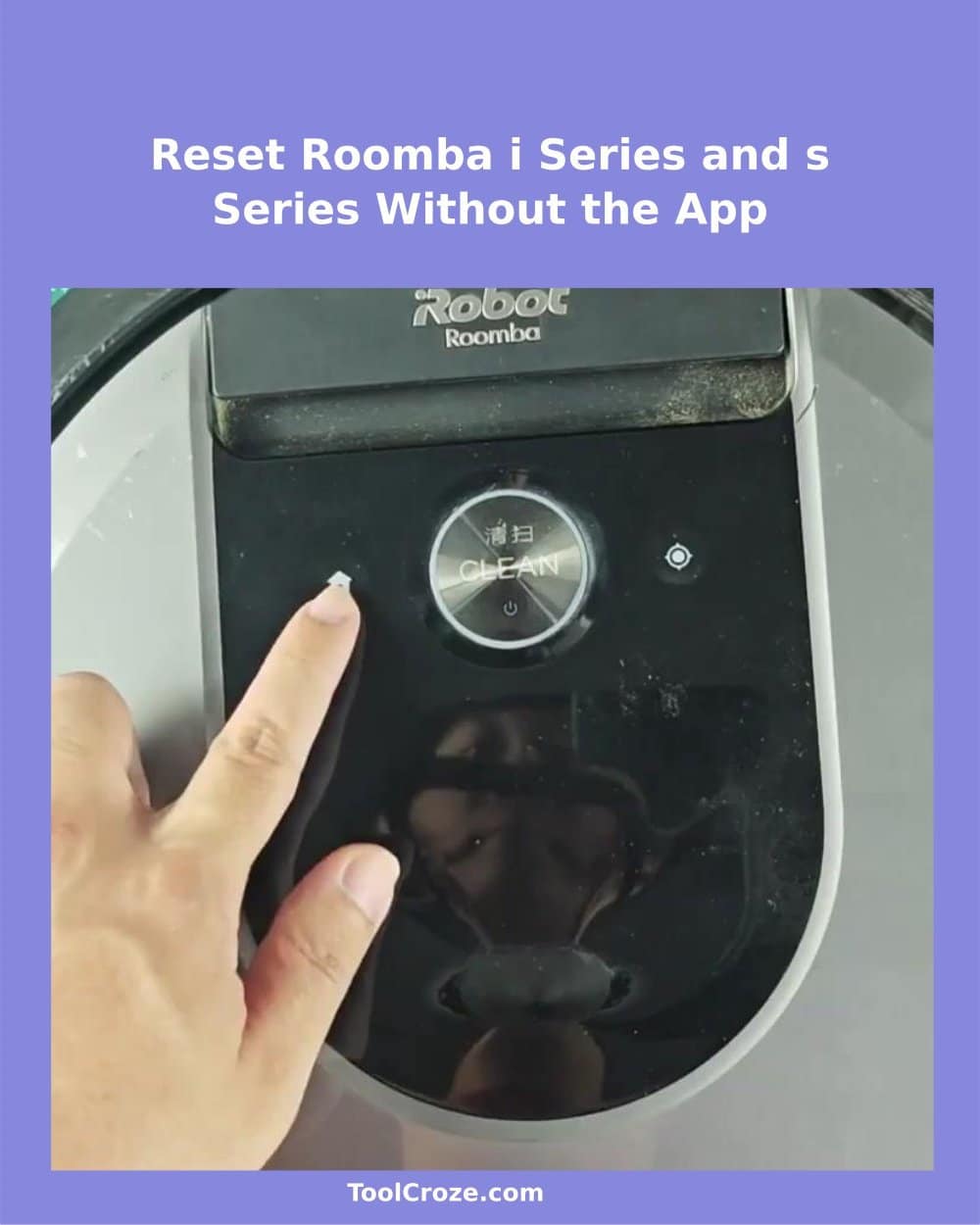
Resetting Roomba from the i-series or s-series without the app was much easier than I expected. I used the Roomba i7, but the same method works for all models in the i-series and also in the s-series. Everything is about pressing the right combination of buttons and keeping them pressed until signs appear.
The app does not need to be part of the process.
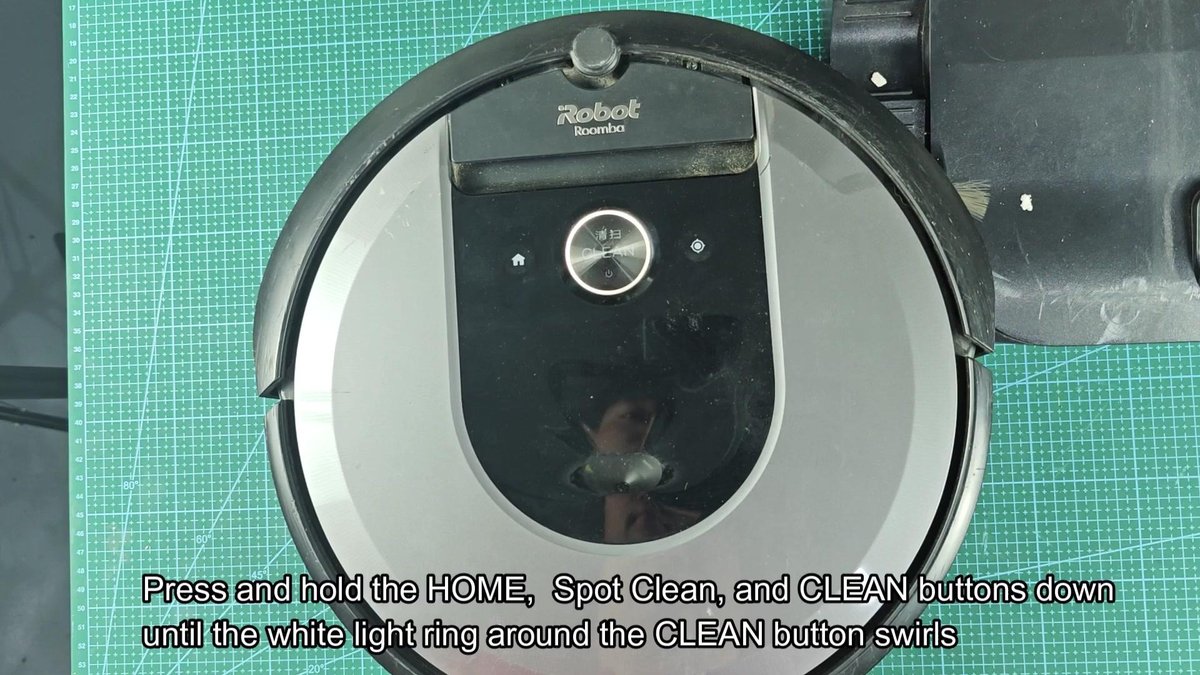
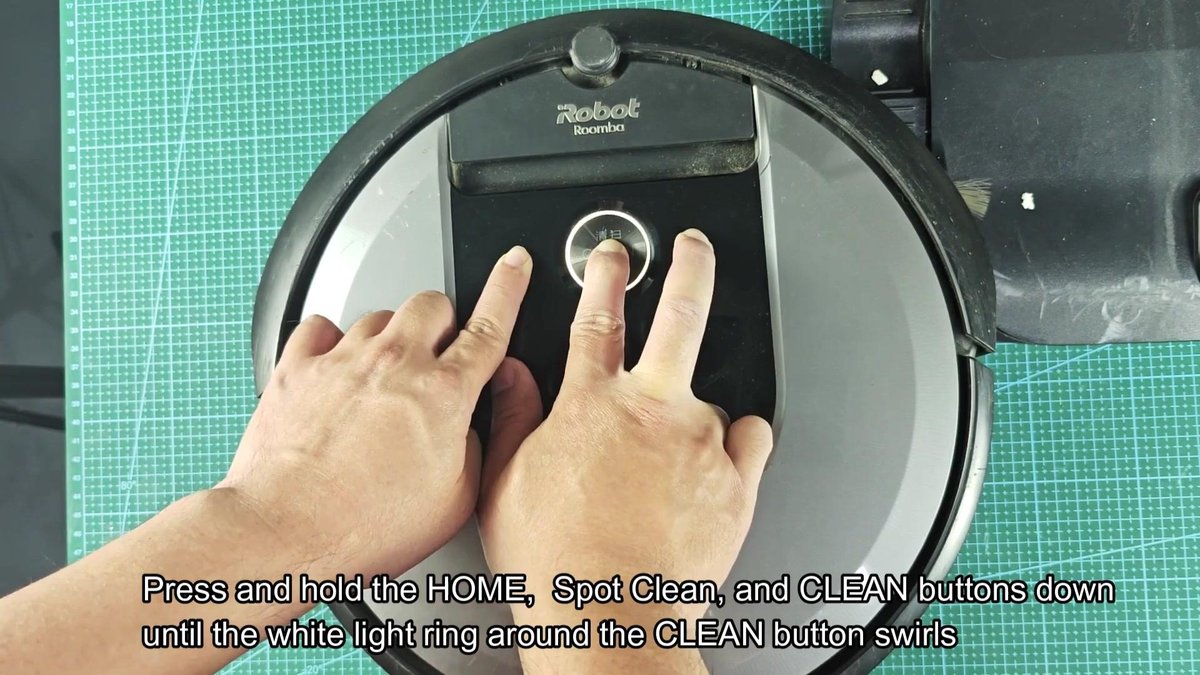
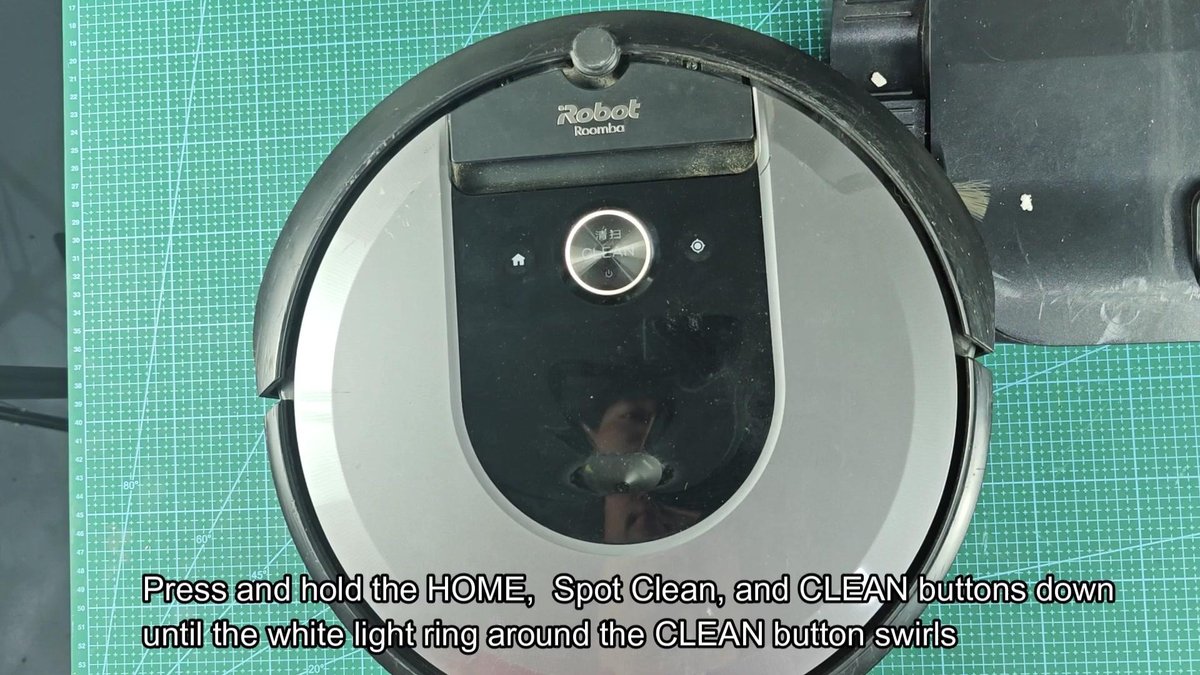
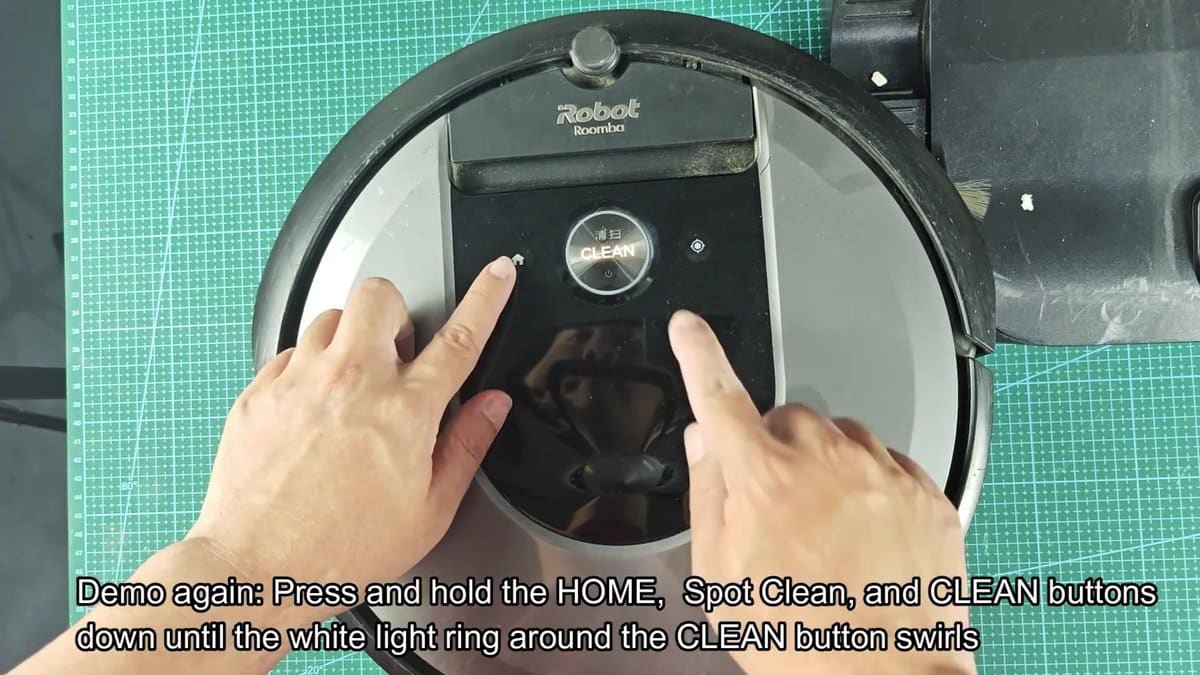
On the upper panel of the Roomba are three buttons that lead the reset sequence. The HOME button, the SPOT button and the big CLEAN button in the centre must be pressed together. That sounds quite simple, right?
The trouble is that you must keep all three pressed until the device clearly reacts. Laying the fingers across all three buttons feels a bit awkward, like trying to play a weird chord on a piano, but with a bit of patience it is totally doable.
Factory Reset Roomba i-Series and s-Series Without the App
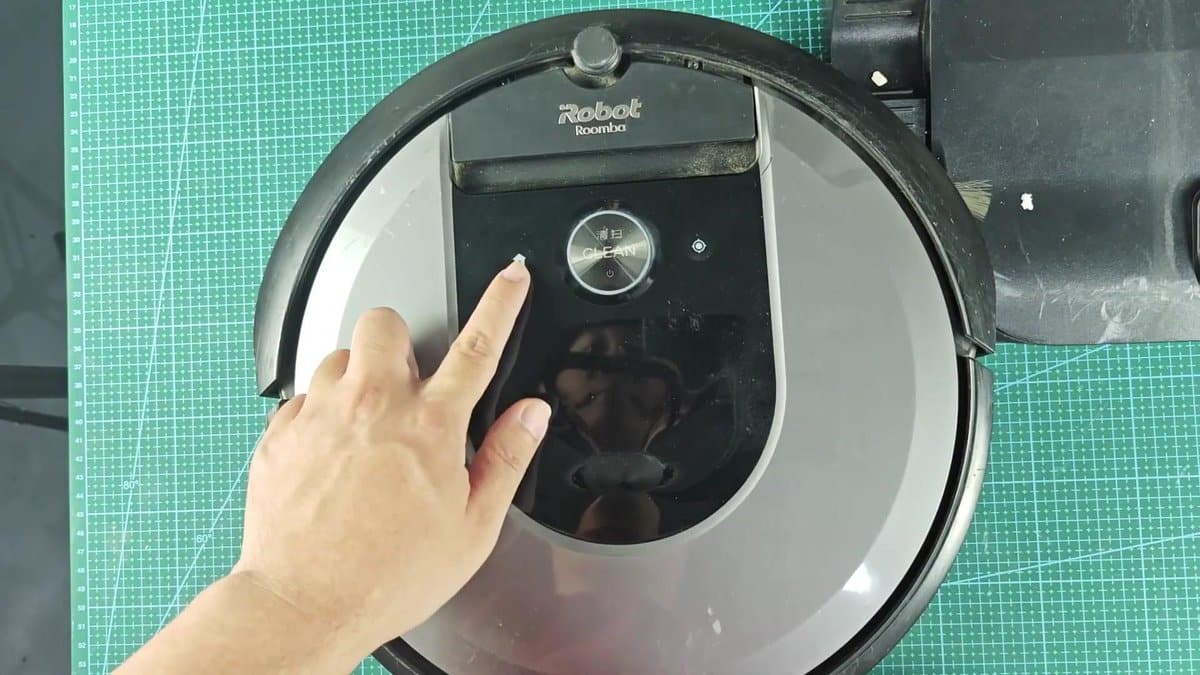
When I pressed all three buttons, the wait started. For a moment nothing happened, the Roomba simply sat there, not giving any sign that something was happening. Later, after some sceonds of waiting, the white glowing ring around the SPOT button started to spin.
That spinning move is basically the sign that the Factory Reset truly started. For me that became clear as soon as I saw it happen in real time.
While the glowing ring spun, I still kept the buttons pressed and let the Roomba go through its reset. The message “Resetting… ” expected during the whole process.
The wait lasted longer then I expected; somewhere around 15 to 20 seconds of constant button-pressing before something new happened. Honestly, my fingers already started to hurt because of the awkward hold, but giving up was not an option.
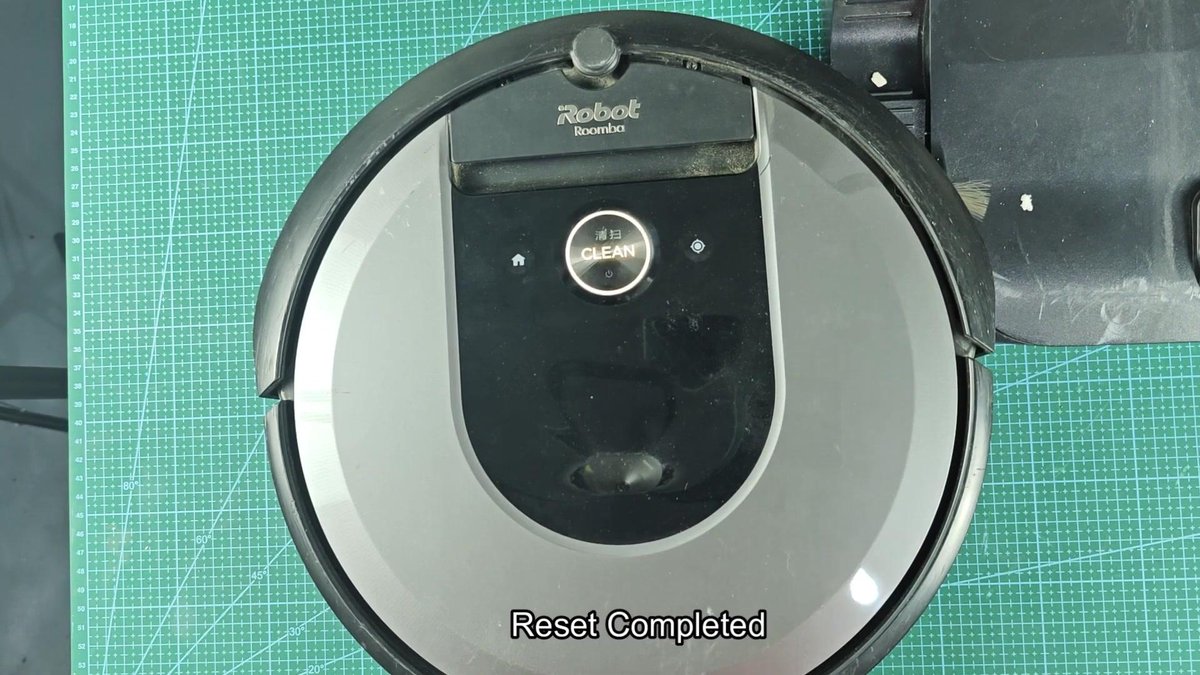
The reset ended on its own after a bit of waiting. The message “Reset completed”, which confirmed that everything went well. After that I released the buttons and just like that, the Roomba was restored to its original factory state.
All saved settings… WiFi networks, planned cleaning routines, custom settings; were fully removed during the process.
I thought I should go through the whole thing one more time to make sure it works the same way. The same three-button combination, held until the white glowing ring spun around the SPOT button. The second attempt went almost the same as the first.
The routine stays simple: press and hold, wait until the spinning starts, and then do not let go until the full reset ends.
The most important part is truly getting the button combination right, because that makes or breaks the whole process.
