
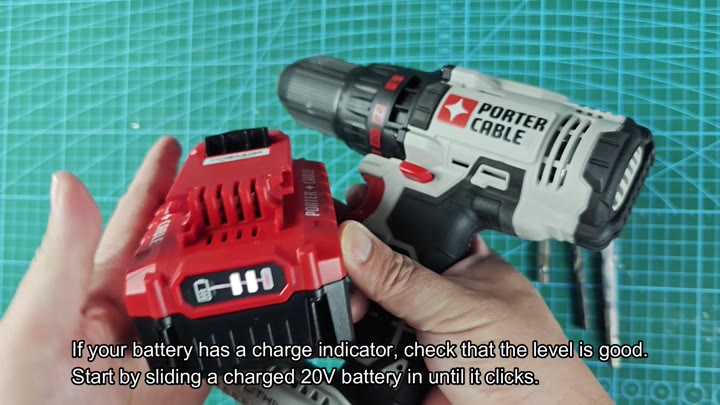
The first thing you do is slide in 20 V battery into the Porter‑Cable PCC601. Before getting down to some actual work, you look at charge indicator. That way you know that you have enough power for whatever job you want the tool to do. Once it’s locked in, it stays put and doesn’t slide around while using the tool.
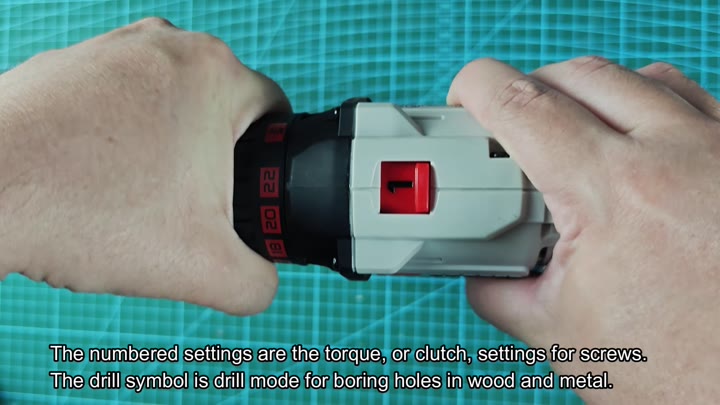
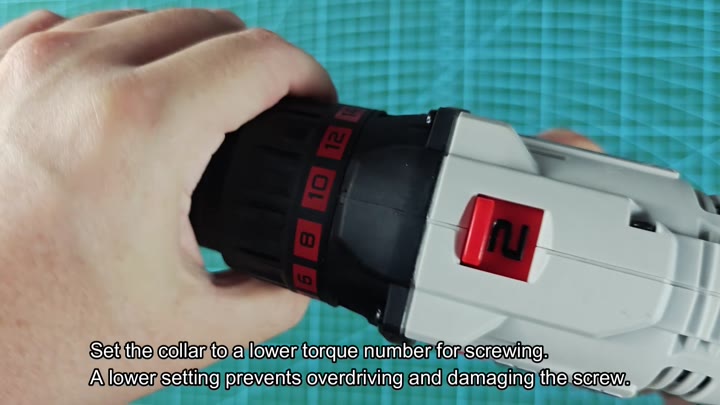
Next, you check out the collar settings for torque. The collar offer drill and screw-driving settings in numerical order. When it’s time to put in a bit, you choose the right mode for your task. Choosing the proper clutch setting ensures that you won’t strip a screw head down the road.
Drilling into Concrete Limitations
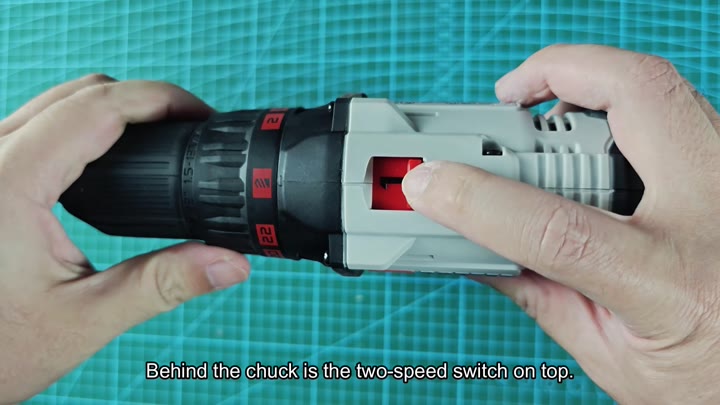
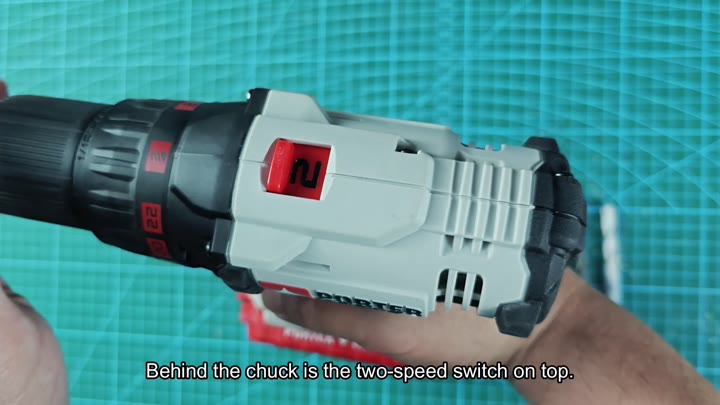
Behind the chuck, you’ll notice a two‑speed switch. If you’re not familiar with this particuler model, this switch simply toggles back and forth from reverse to forward, changing the rotation of the spindle. It’s an easy feature to overlook but it is very simple.
To tighten the chuck onto the bit, just turn the chuck clockwise while inserting your screw bit into the chuck. Once it is tight against the bit, check that it is holding firm by applying some pressure to it. A loose fitting bit will wreck bits and fasteners.
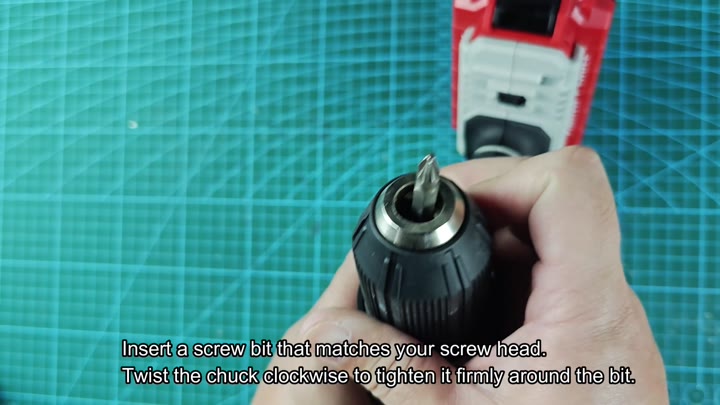
When you are driving screws, the lower the number on the collar, the less torque there is. You don’t want to drive it so hard that you tear up wood around the screw head or even damage the screw itself. The lower torque help you insert it into place easily and doesn’t leave as much of a mess behind in the surface.
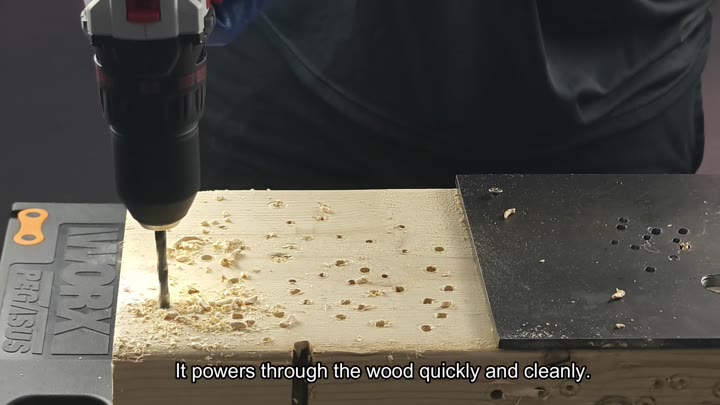
You switch to drill mode when boring holes in wood.
When you bore holes into wood, you go into drill mode. With very little vibration, it quickly and cleanly goes through the wood. When boring through standard lumber, there is plenty torque available from the tool. It operate smoothly.
Not Hammer: If you are drilling into concrete, however, this is not your tool. The PCC601 doesn’t have hammer mode, which make it difficult for masonry.
Once you have a masonry bit installed, just use a standard drill; it works, but much slower than in wood. It will of get it done, but slowly.
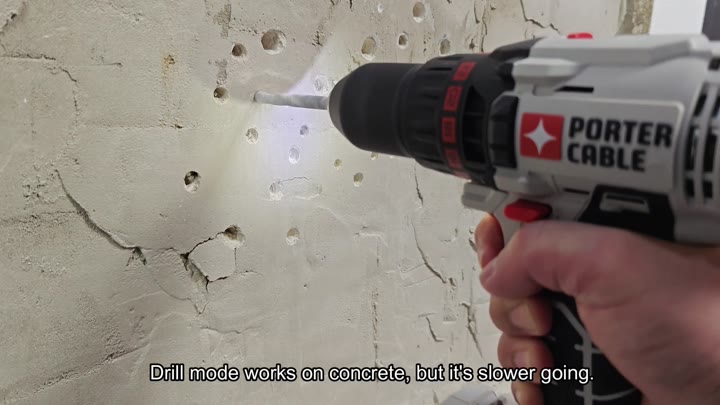
Drill: Drilling into concrete requires a little more patience because this tool lack a hammer function. It doesn’t chip away at the material as much as it does with hammer action.
For occasional things, this will be fine, but if you are doing heavy masonry work, I’d prefer something dedicated to it. If you’re doing a lot of concrete, you’ll want a dedicated hammer drill.
The PCC601 is a good all-around choice for general use. Screws goes in easily enough, and so does wood.
Where it does show its weaknesses is with concrete. The torque control are useful for delicate screw jobs. Battery life is solid for day-to-day usage.
Finding the controls and getting used to switching modes is simple. While I wish there was a hammer option, that feature just adds weight and complexity to this tool for infrequent applications. But if you go slow and steady, your initial concrete job will be successful.
It is a good addition to the toolbox for general around-the-house use. If you don’t have a hammer drill yet, this isn’t a replacement for that but it will handle screws and wood just fine.
Save some time by checking your batteries first. Find the speed switch and learn the torque settings to avoid frustration and tool damage. Doing those things will extend the life of the tool over the long term.
