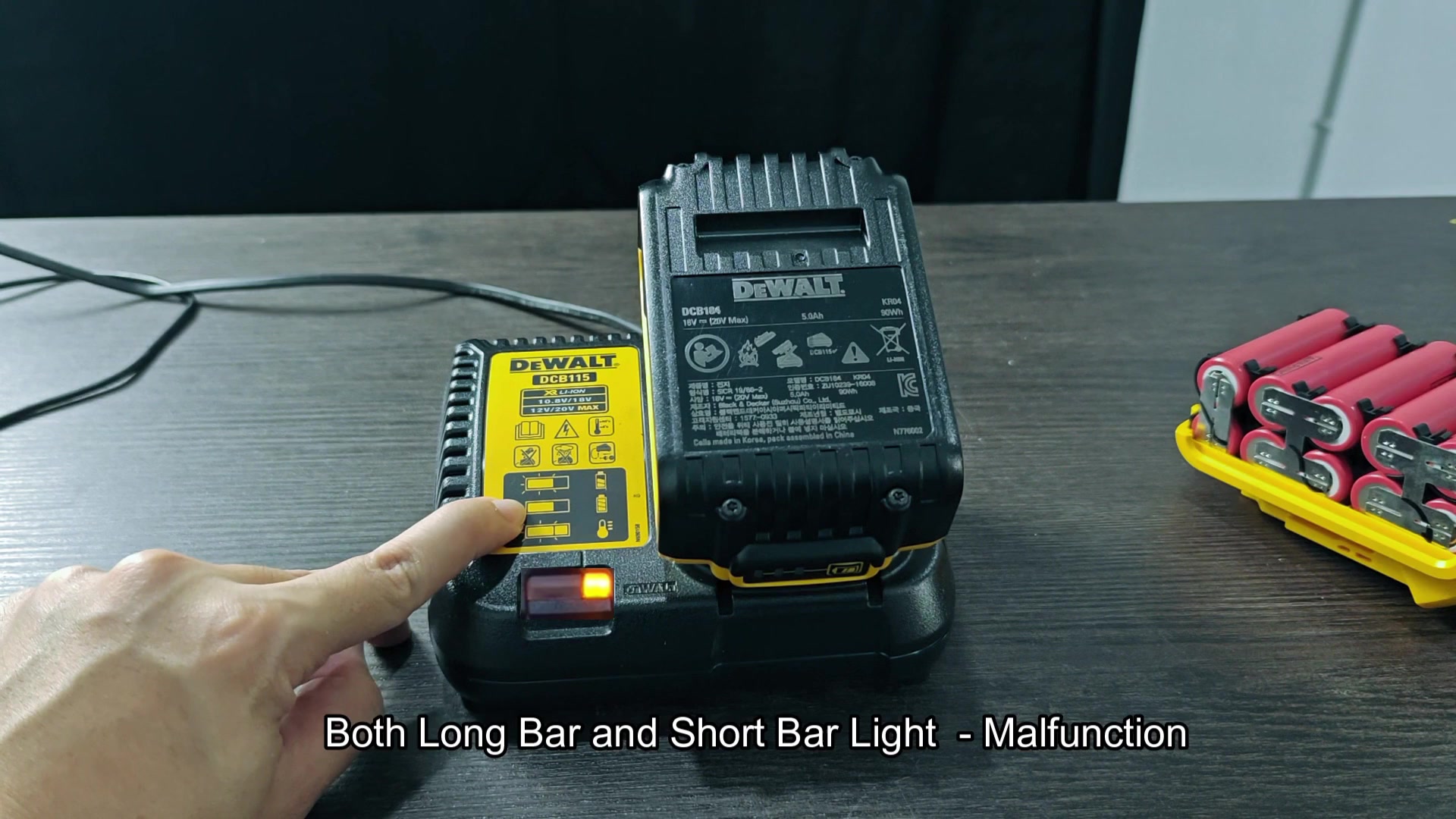
This way you don’t waste time waiting for your DeWalt FLEXVOLT battery pack to charge. Just plug it in and then check it to find out how much life remains.
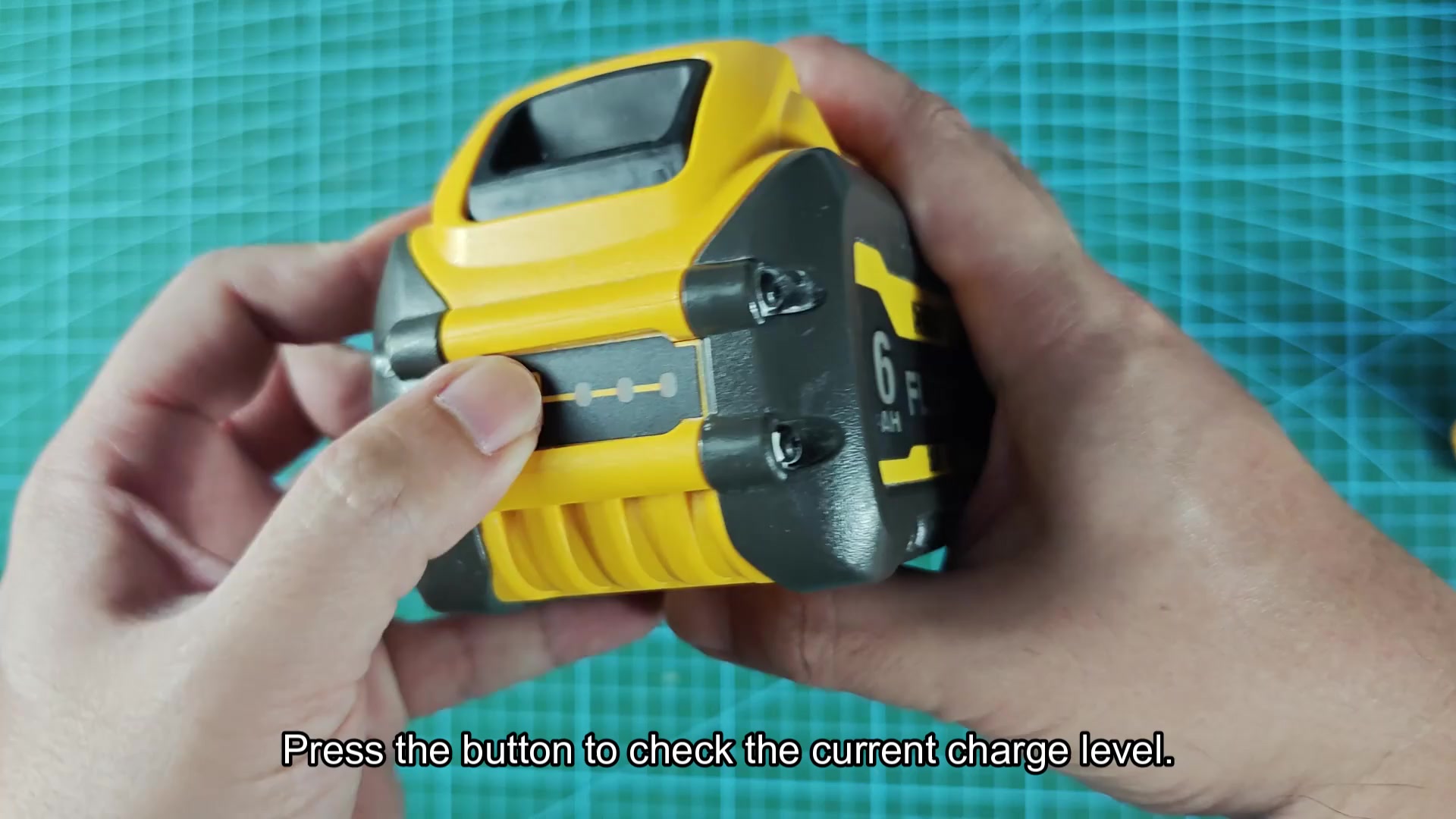
Simply press that little button located on the side of the battery pack and it show you what’s going on with each cell. So you get a quick read on whether the pack is dead or not. That can save precious minutes on a job site where you need to know exactly what’s going on with your gear.
Managing Charge Times By Capacity
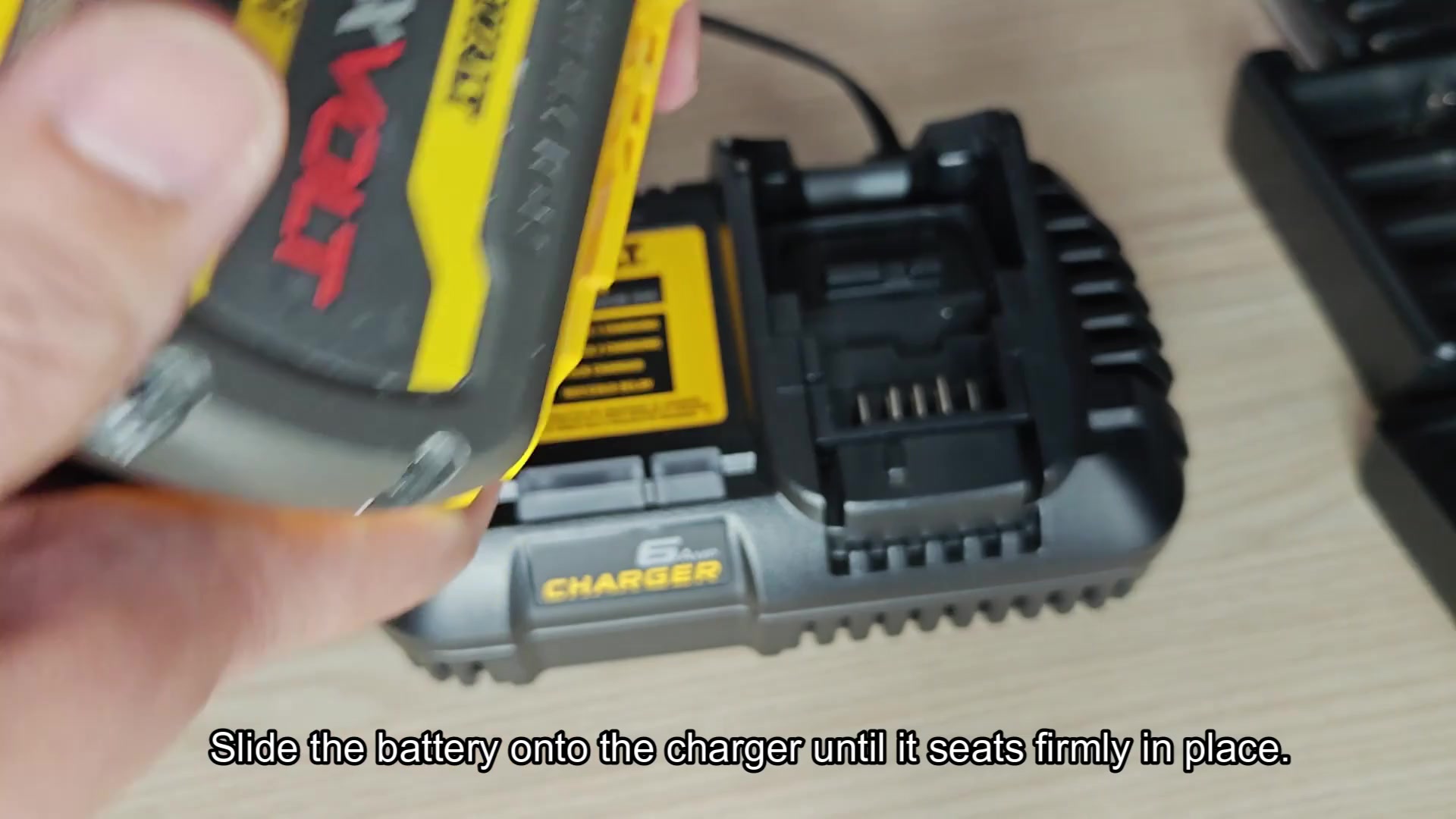
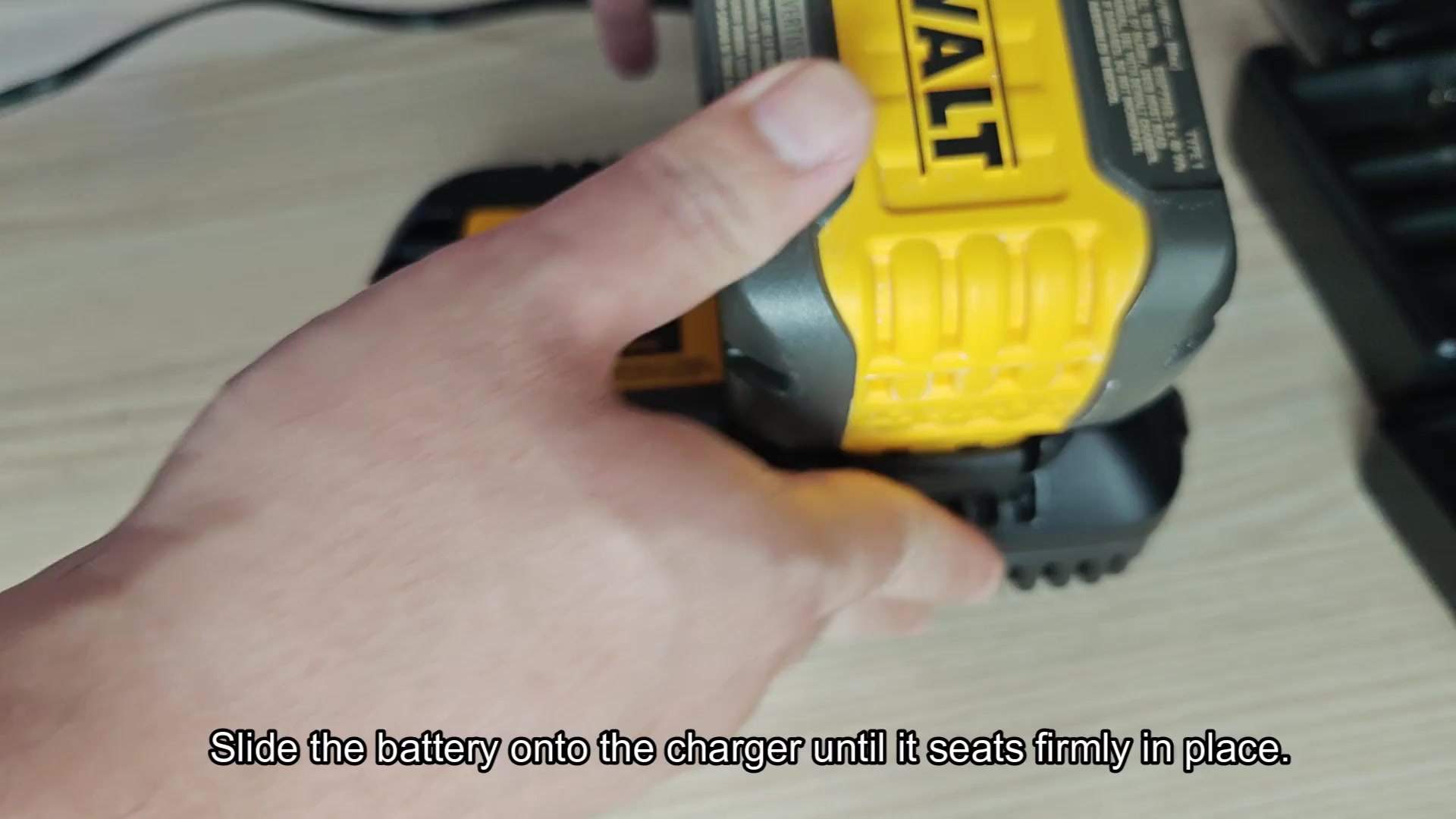
The batteries will also charge on both 60V MAX and 20V MAX chargers, which is nice since you don’t have to hunt around for a FLEXVOLT only charger or anything like that. Just slide them onto your charger of choice and it should snaps into place. It has to feel solidly connected before it begins charging, and that’s all there really is to it. The system know the battery is in there and will begin the process.
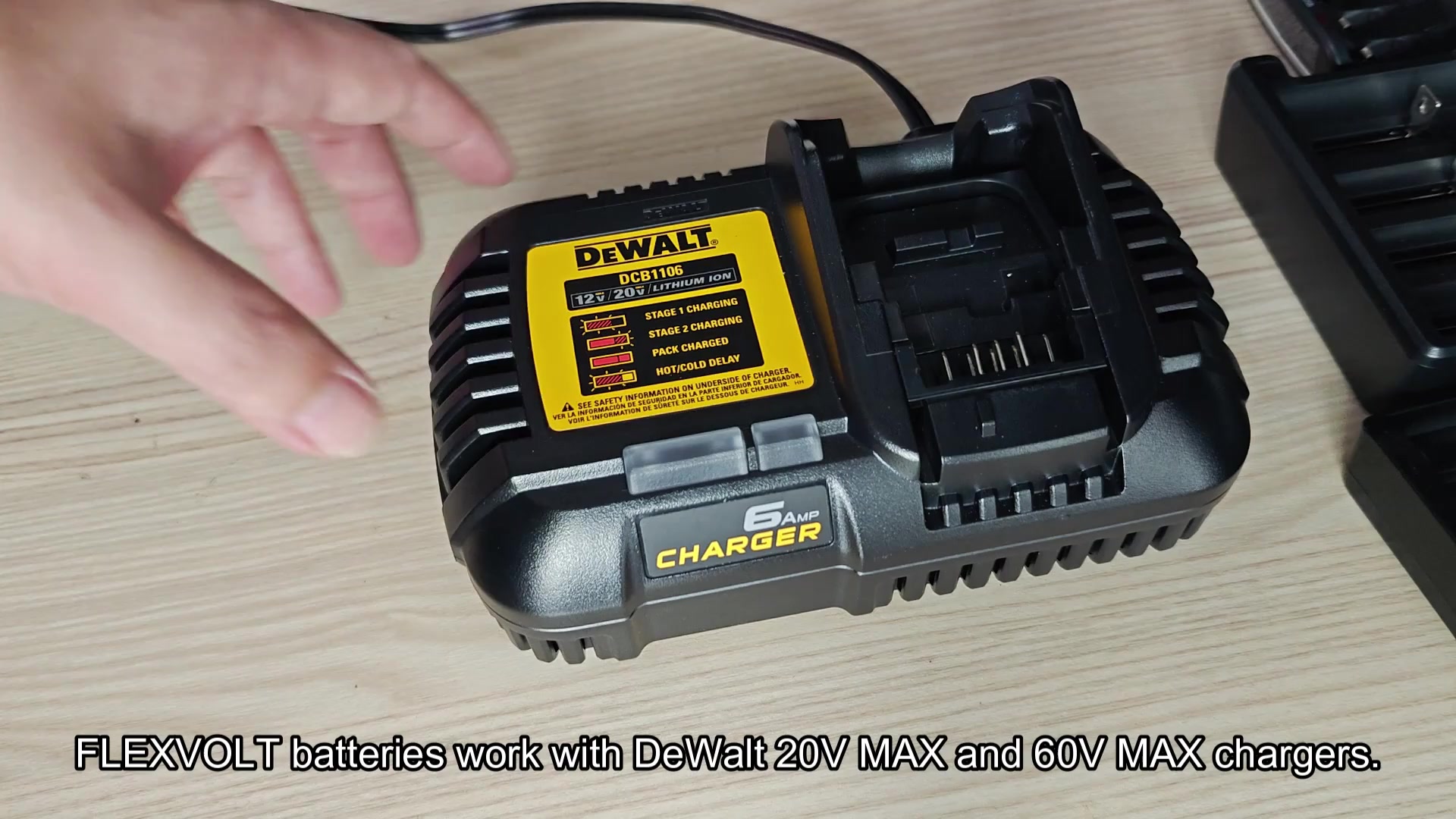
If time allows, you’ll use the DCB118 quick-charger because it has the fastest charge cycle time of all the chargers at your shop. In a rush? You go with that one.
Want to wait and do a regular charge? No worries; the included 20V MAX charger can handle it but it will take longer. If you’ve got several pack to charge, the minutes saved by going faster really add up. You select the charger based off how much time you want to spend.
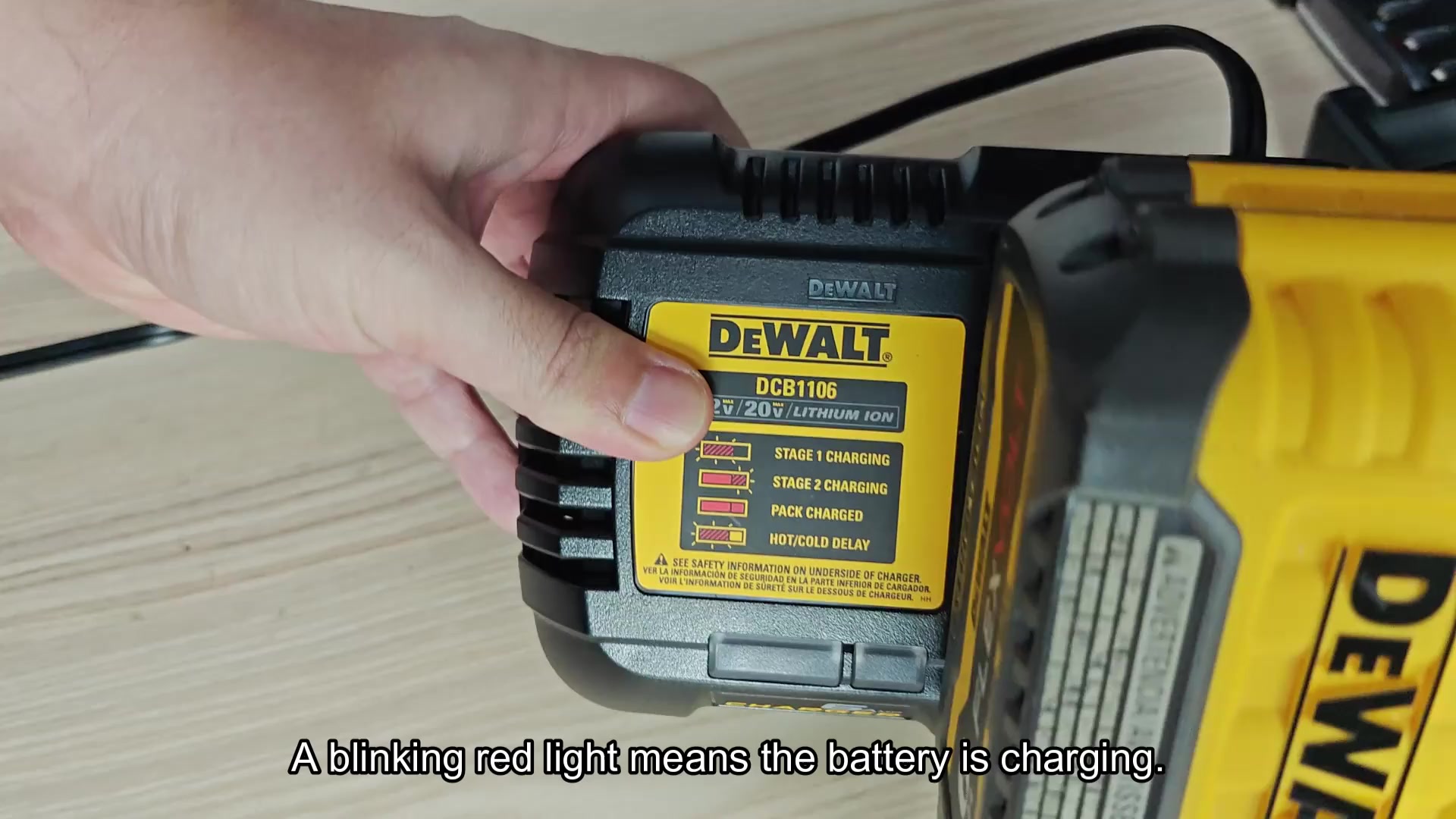
Once the battery is hooked up, however, you’ll want to keep an eye on those lights, which indicate state of the charge. If the red light is flashing, it means that the battery is still in the charge cycle. This means the battery are being charged with a flow of energy into the pack. This is the time when you let it be, no moving or unplugging the charger while it’s actively working.
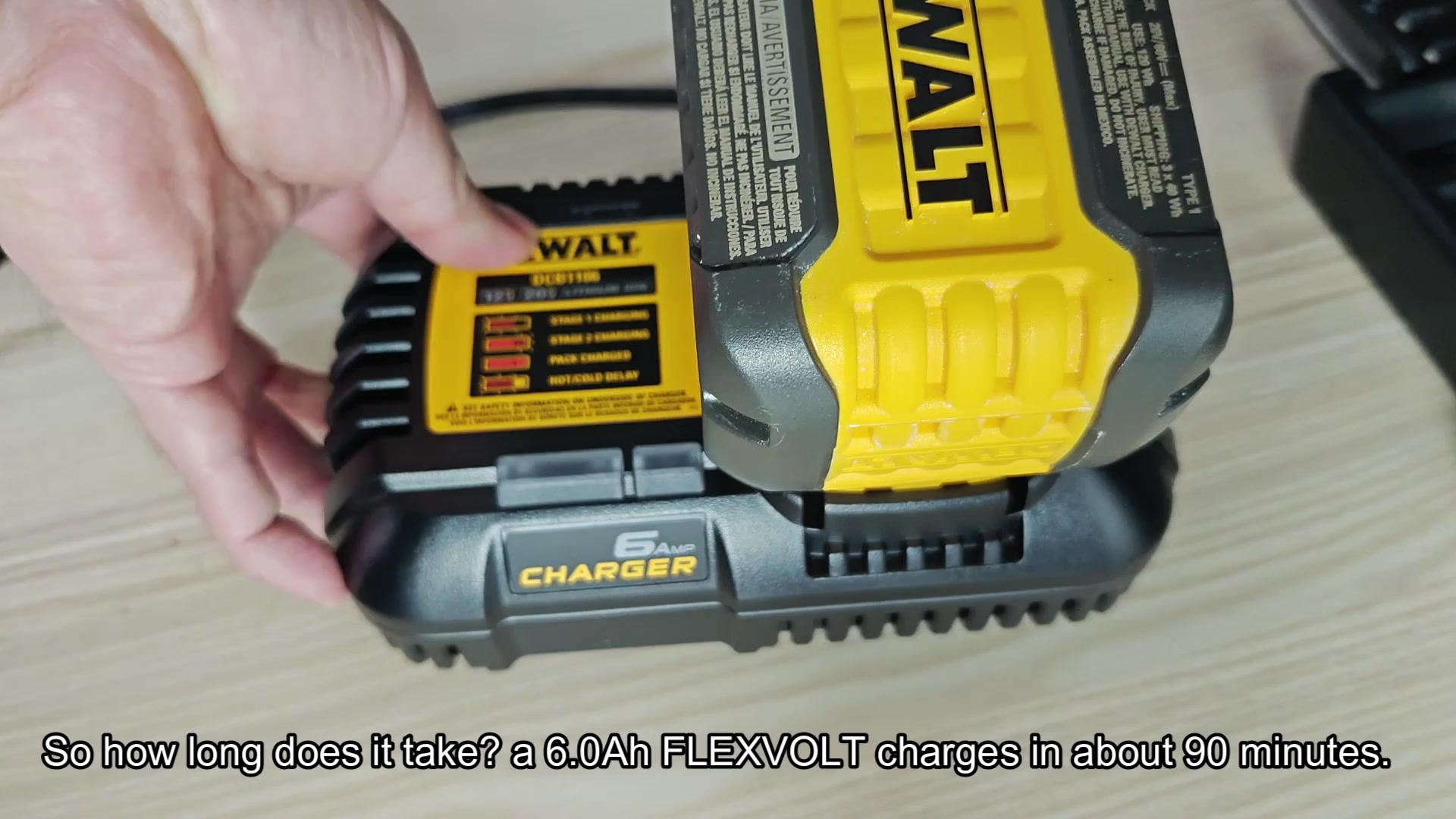
So it depends on which size pack you’re running in terms of timing, but the 6.0 Ah will be about an hour full charge and a 3.0 is quicker obviousy. But either way, it’s pretty darn quick. It actualy charges faster than old tech too.
So you’re charging, get back to work. Charge until done. How long does it take? Once is all it takes to know that your tool is good to go. No more sitting around waiting.
But when you step up to a 9.0 Ah battery, expecting about 90 minutes of run time before it needs charging, you know that this bigger capacity will need longer to take in all that energy.
It’s just a simple matter of size and time: the bigger the size, the more time it takes. And knowing this, you manage your workday to match. This ensures continuous production and keeps you from getting stuck in the middle of something with a dead tool.
On a heavy-duty task like this, using the biggest 12.0 Ah pack will require nearly 2 hours of charging time to get fully topped off. When you’re there, though. The lights are all on and solid green… You’ll know you paid your dues in the charging booth and got what you paid for.
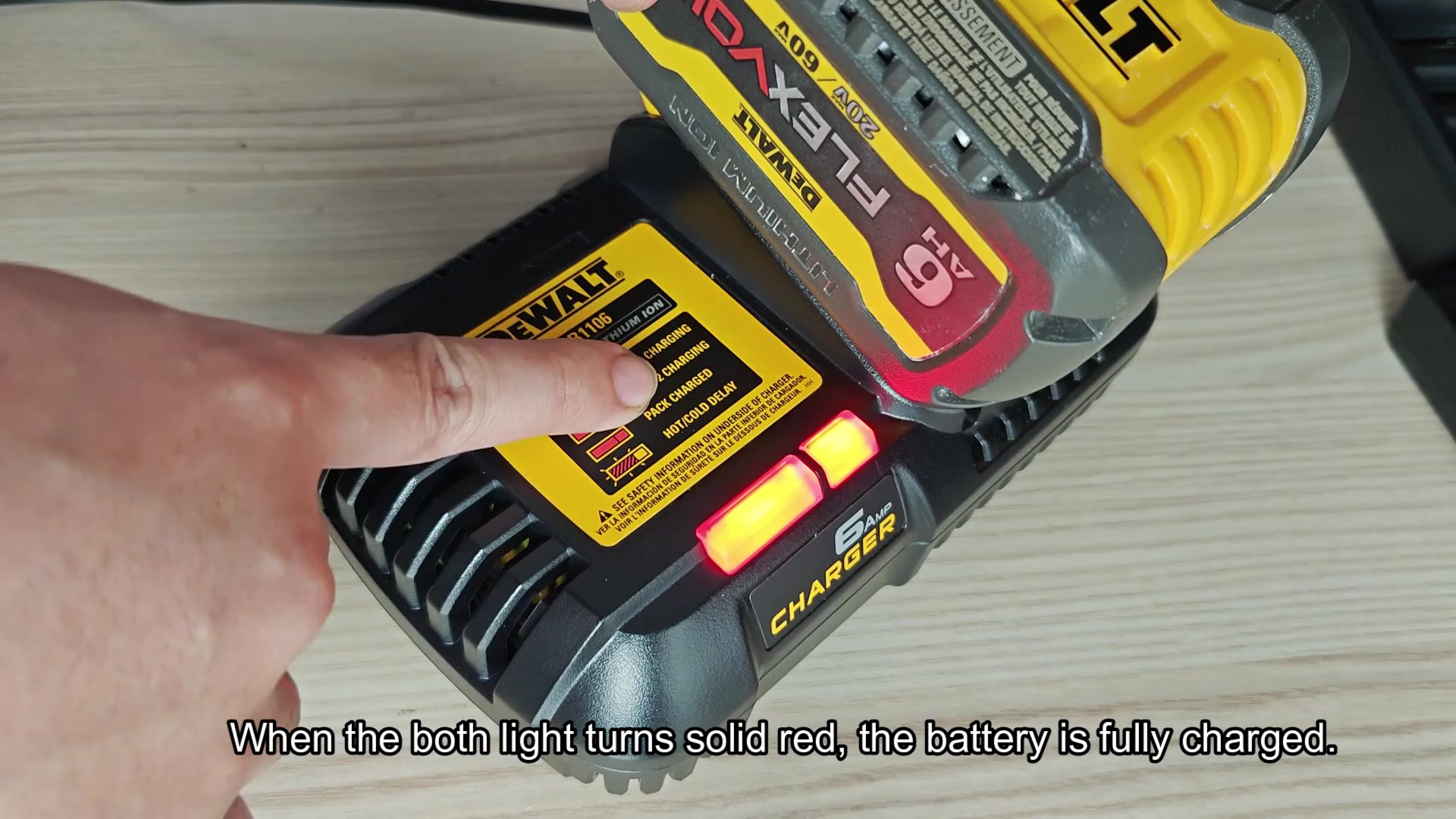
On some chargers, a solid green light mean it is charged, while others might show two solid red lights. Whatever model you have, the trick is to wait until the blinking stops and the light stays steady. At that point, you can unplug your battery. Leaving your battery charging overnight or even for days isn’t necessary, and doing so actualy shortens its life.
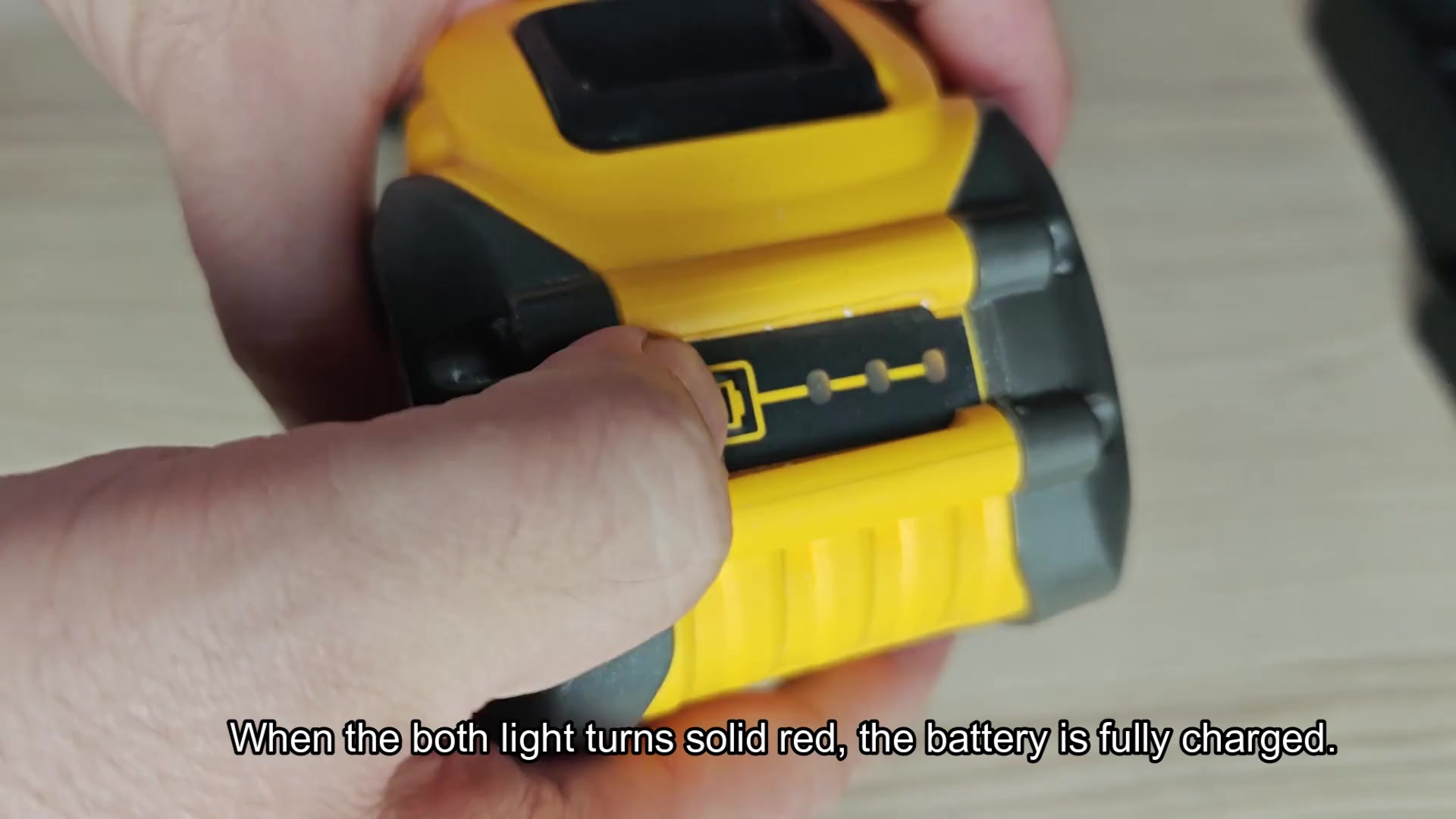
Charging the battery
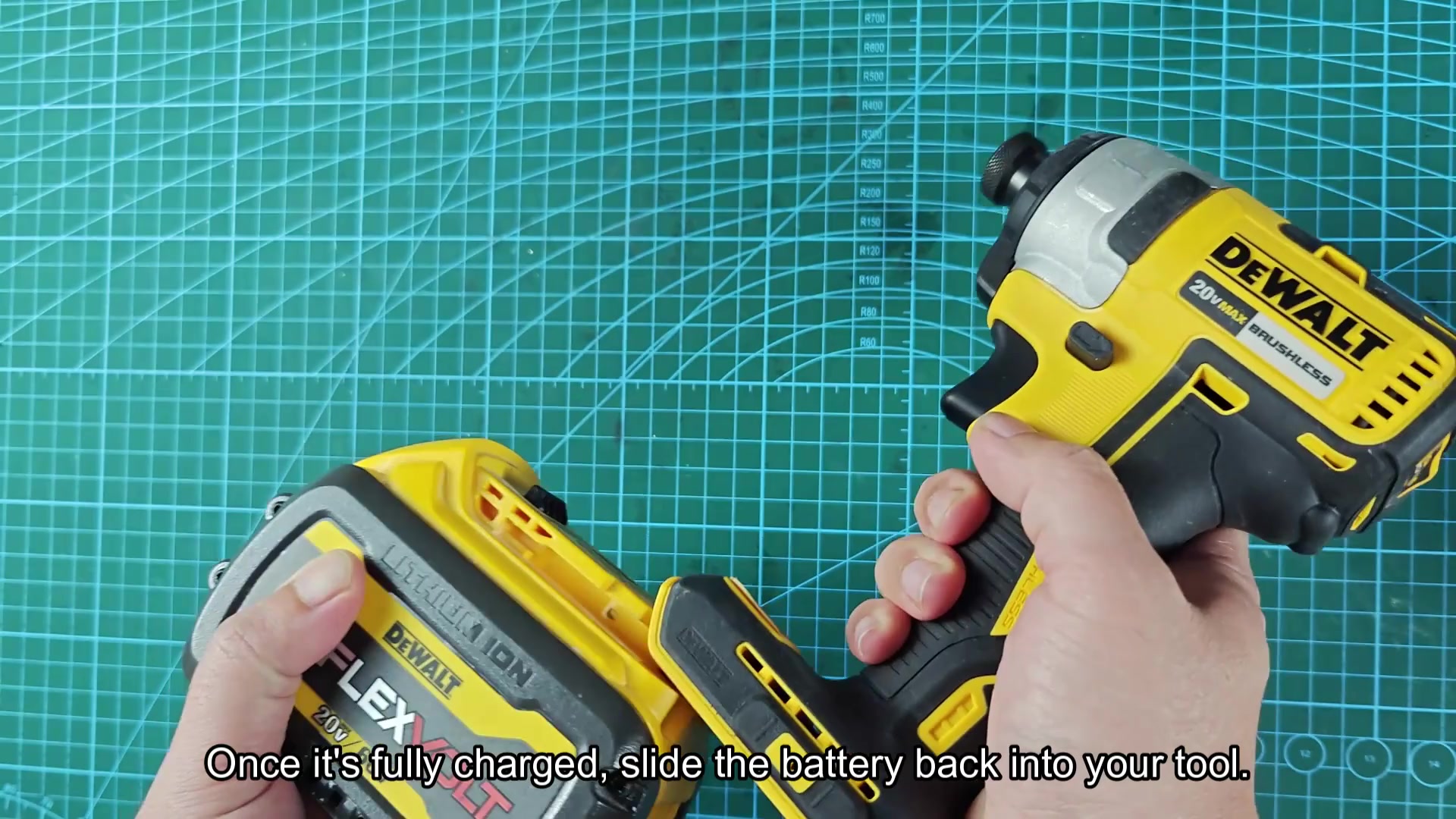
After charging up, the battery slides right back into the tool. There is no complicated set-up or pairing; simply click it in and go. Pull the trigger and you’re off to work. This system is incredibly convenient for everyday use. You wouldn’t of had to wait around to get back to work.
Other than reporting other statuses, you may also notice there are indications of hot-cold delay times. Those occur when the battery temperature fall outside of its safe operating range and prevents the cells from being damaged due to extremes in cold weather temperatures. Safety is important in your work so you watch out for those alerts.
When the display screen shows that the malfunction conditions exists, it tells you whether your temperature is too low, or too high. So you take care of it before it becomes a serious problem and you know why it’s happening. This allows you to avoid a failure in the field without warning.
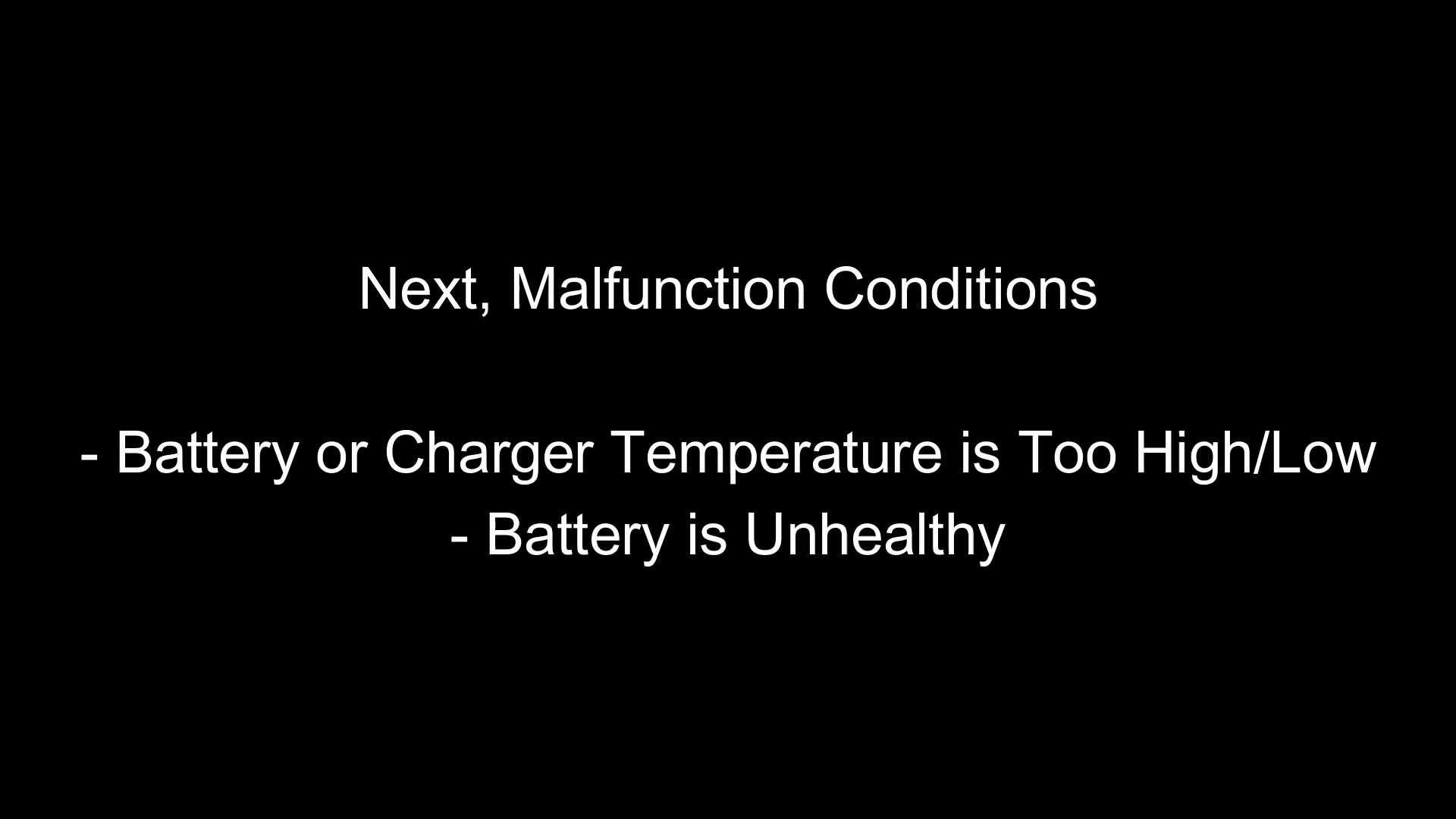
A battery may have a bad cell internally that’s causing its decline; in either case the battery itself is no longer healthy and sending out a fault alert. You can’t avoid noticing this type of warning signal. Finding a bad pack early avoids being left in the dust on a jobsite. Avoiding this age-old mistake means having a battery serviced/replaced before it halts your productivity.