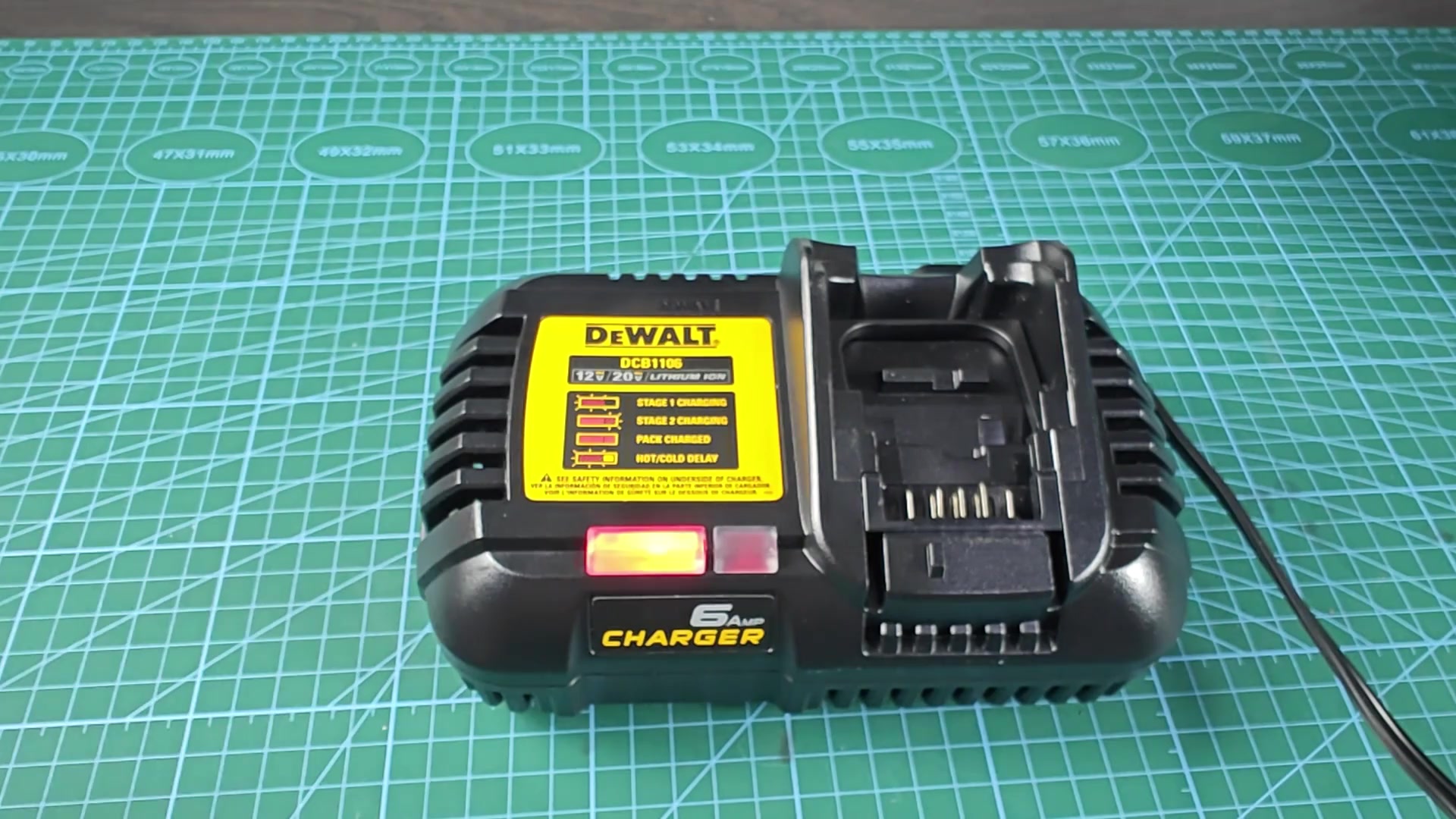
One day I had 12v DeWalt battery pack that wouldn’t charge. And it wasn’t being recognized by the charger. Plug it in as many times as you want, nothing.
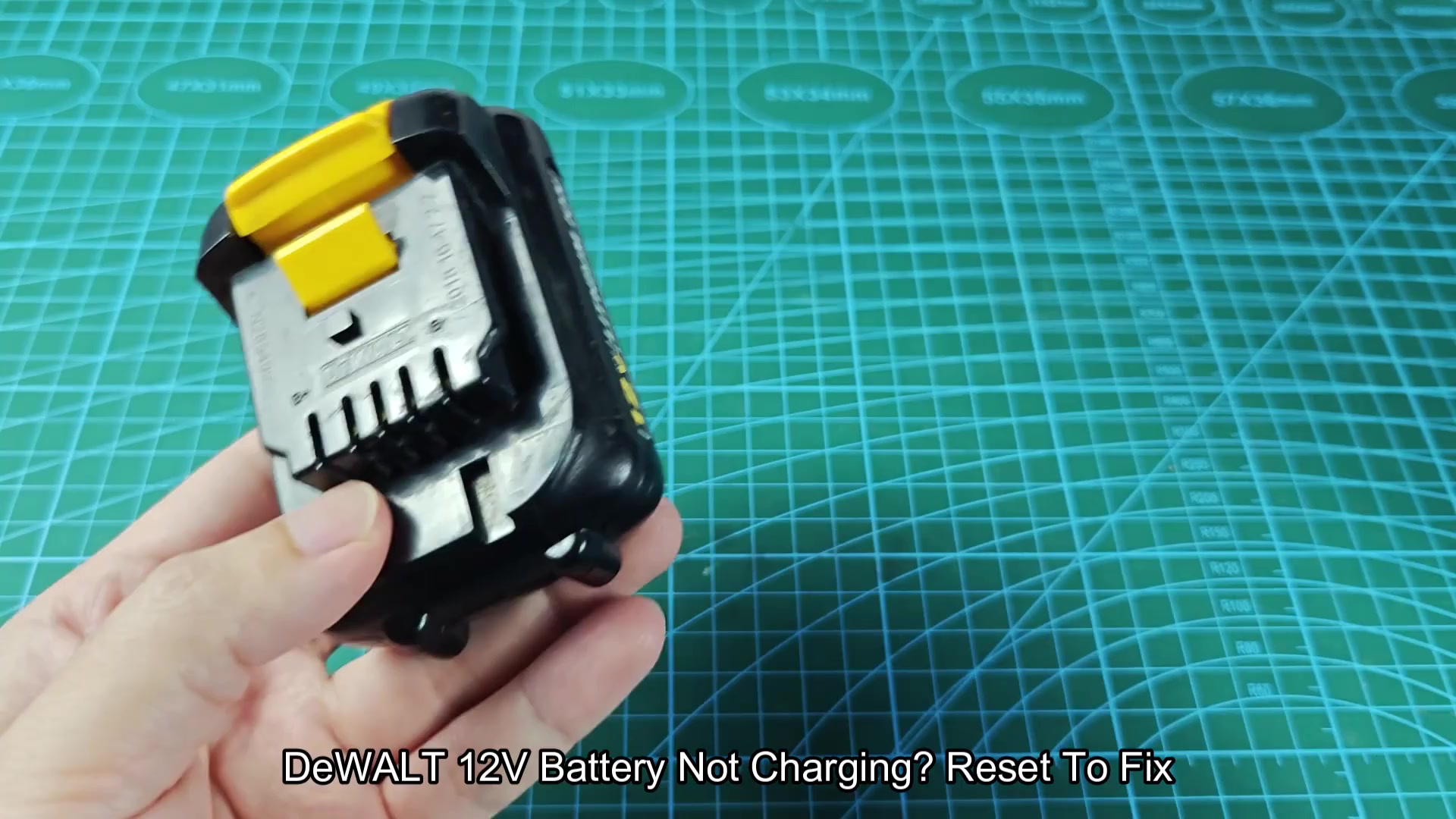
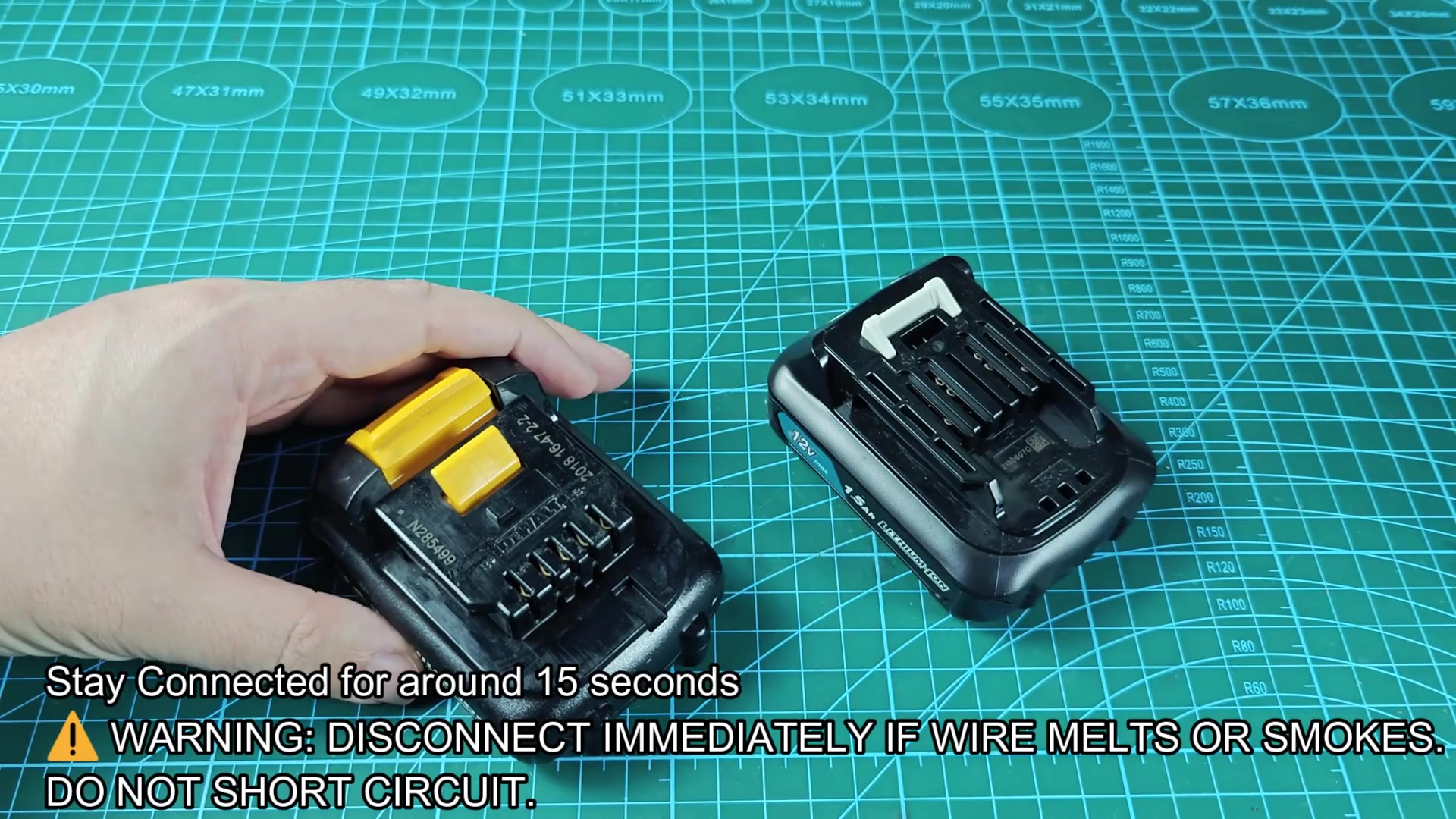
It’s a shame to throw away such a small battery because of some kind of internal circuitry malfunction. These lithium-ion packs is often brought back from the dead with a simple reset. One option was to actualy jump-start with another battery. This does not require a fresh new DeWALT pack. In fact, I used a spare Makita 12V battery that worked just fine.
Using a Power Supply Instead
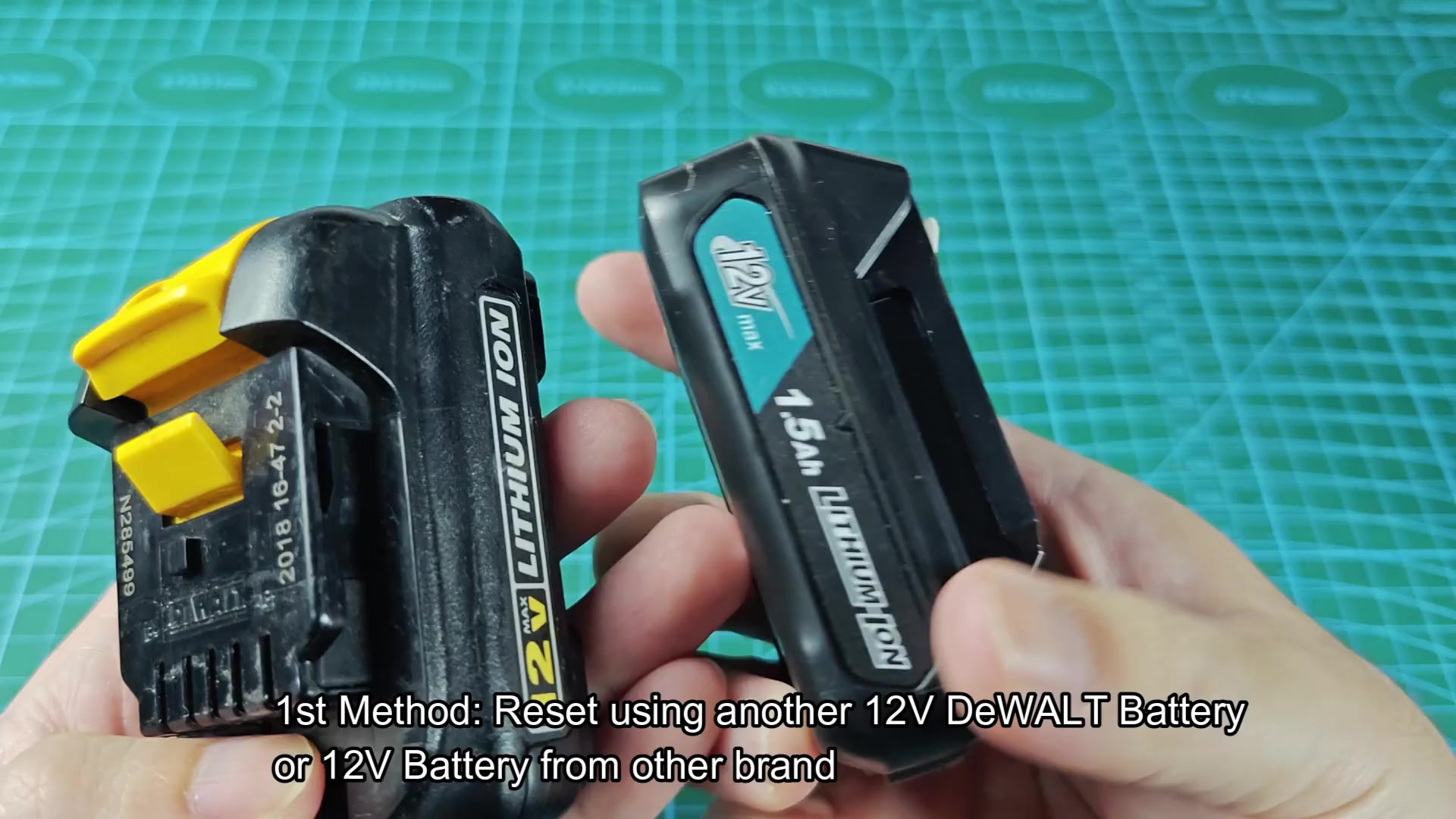
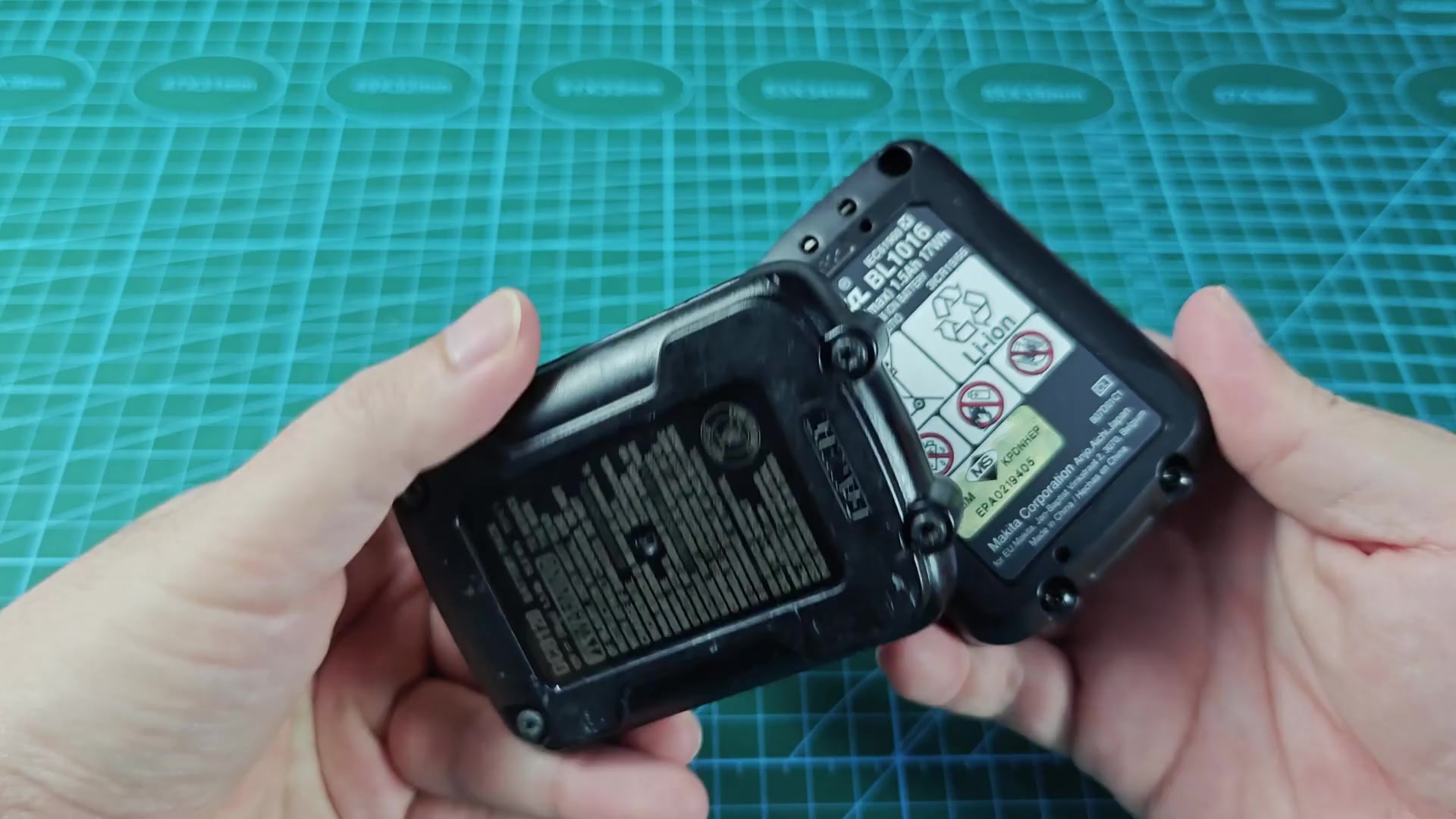
The trick are having a donor battery that still has some power in it. That is, if the donor is completely depleted, there’s no way to get power into the dead pack. Before beginning, test the voltage of your spare battery. Anything over 11 volts is good and will work. The second thing to find are the right terminals, those that are positive and those that are negative. The ones marked B+ and B- on the DeWALT pack and similarly marked on the connector end of the Makita battery is correct.
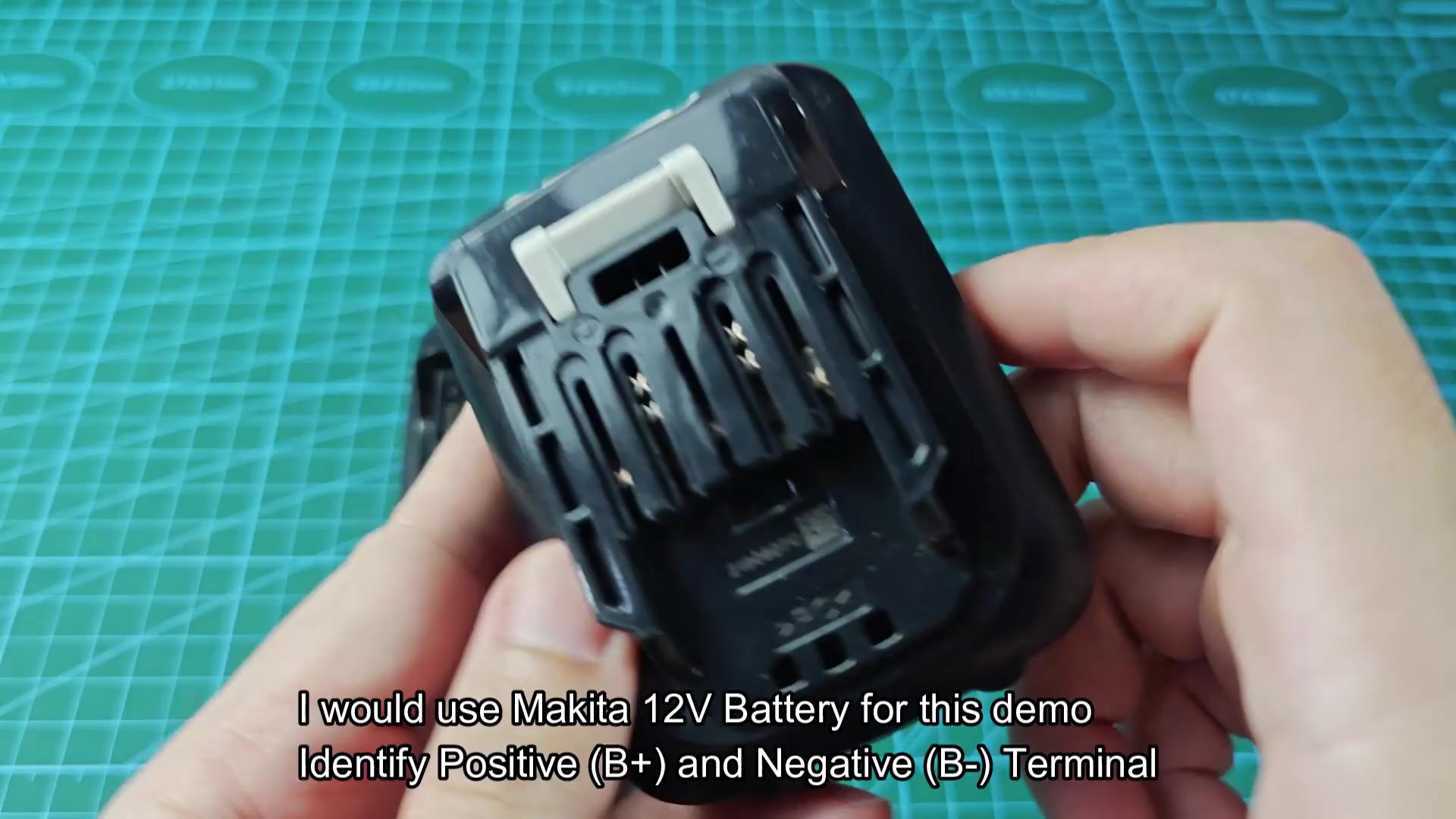
Run your positive lead from the donor to the B+ on the DeWALT. Your negative lead goes to the B- terminal. Do not reverse polarity or you will destroy both batteries immediately. Know which is which before connecting them together. After securing the connection, we left it sitting there long enough to let some current run through it for about 15 seconds. That jump starts its protection circuit in the DeWALT battery. About 15 seconds should of do it.
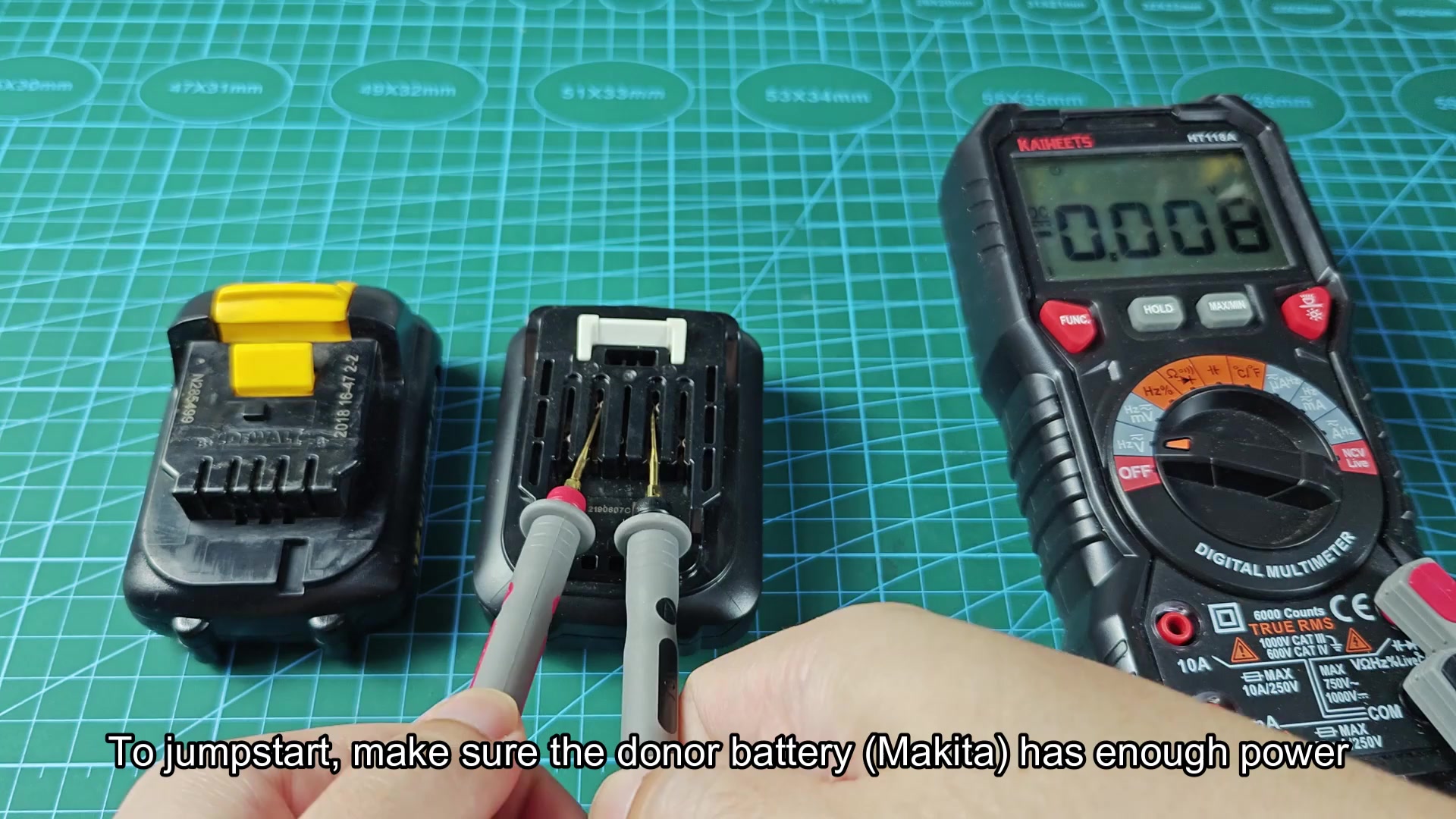
If you go a little longer, it doesn’t hurt anything because it only has to register it got a charge. Carefully unplug the leads after that period of time. You do not need special equipment for this first approach; just use a few simple tools and it is a snap.
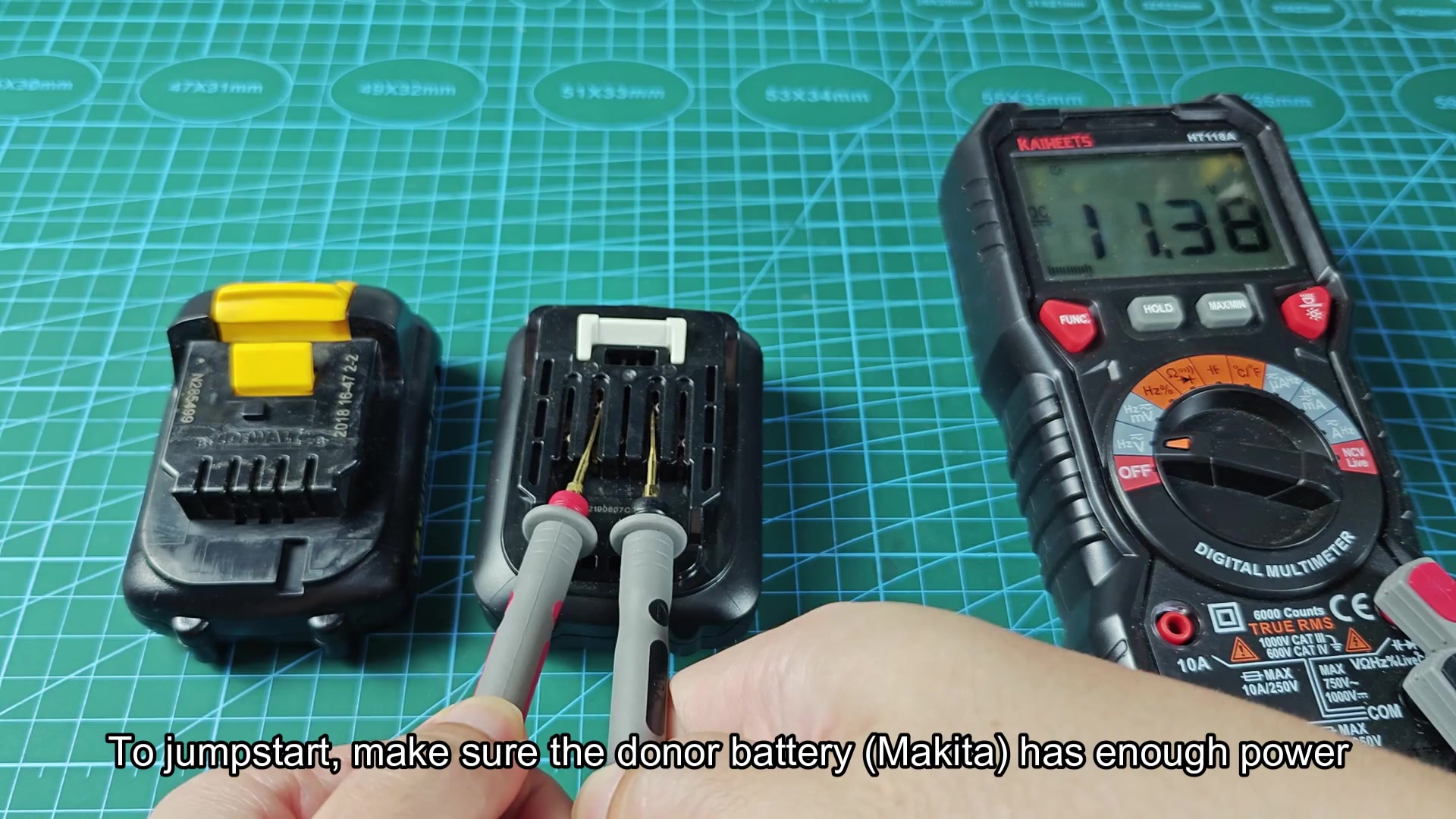
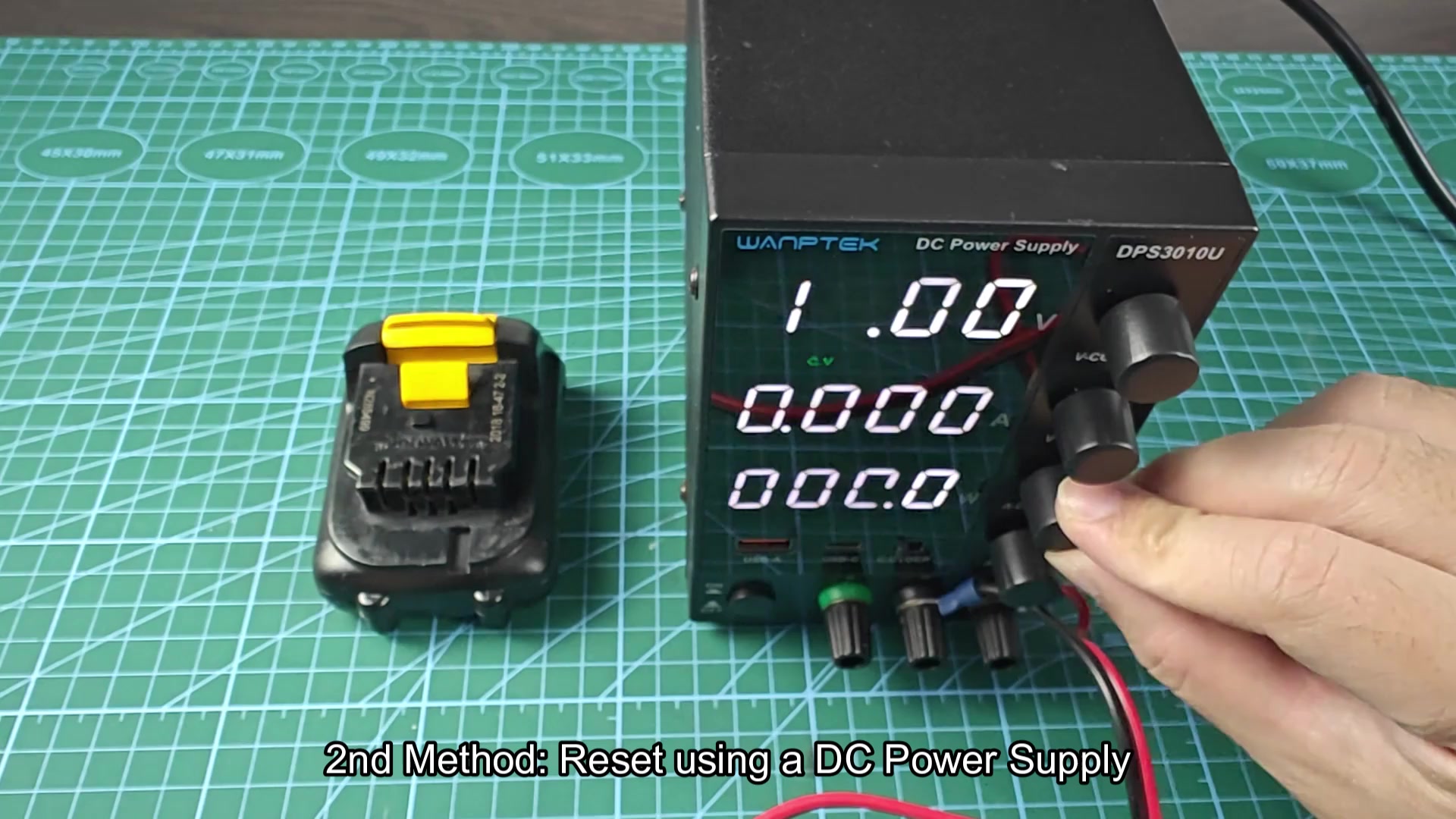
Alternatively, if you don’t have a spare battery handy, you could connect it to a regulated DC power supply instead. That gives you more control over what’s coming into the battery.
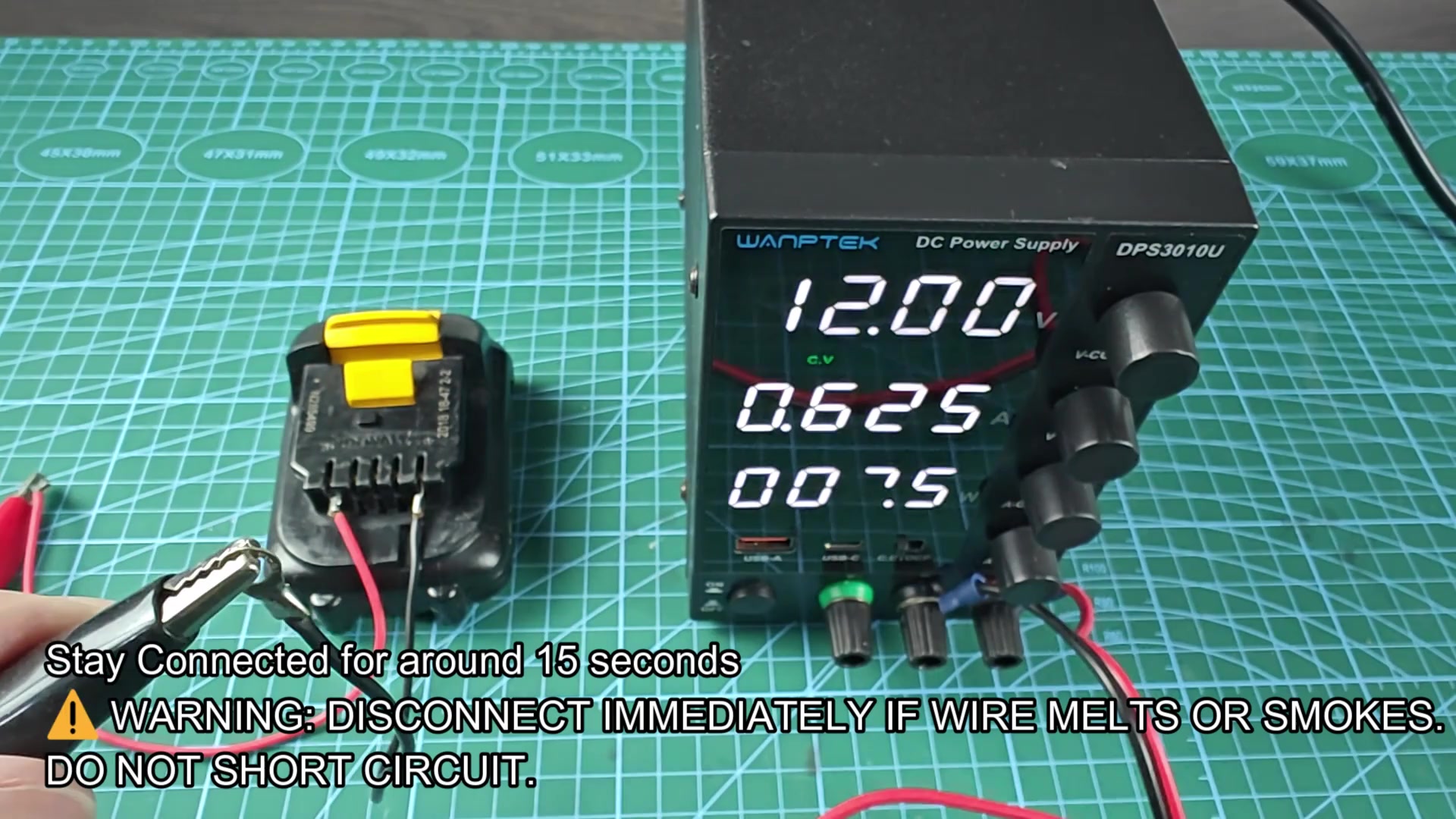
For safety reasons, you want the power supply set to 12 volts at 1 ampere (which is fine for most 12V lithium-ion packs). Something higher in amperage may cause your safety cut-off to engage once more, while something lower in voltage may not be high enough to wake the board.
Plug the output leads from the power supply into the same two points on the battery: one marked B+, the other marked B-. Wait for the same period of time as before which should be roughly 15 seconds. Now plug in and keep an eye on your power supply’s screen while you do so. It should register some current flowing back into the battery, which means the circuit are taking the charge.
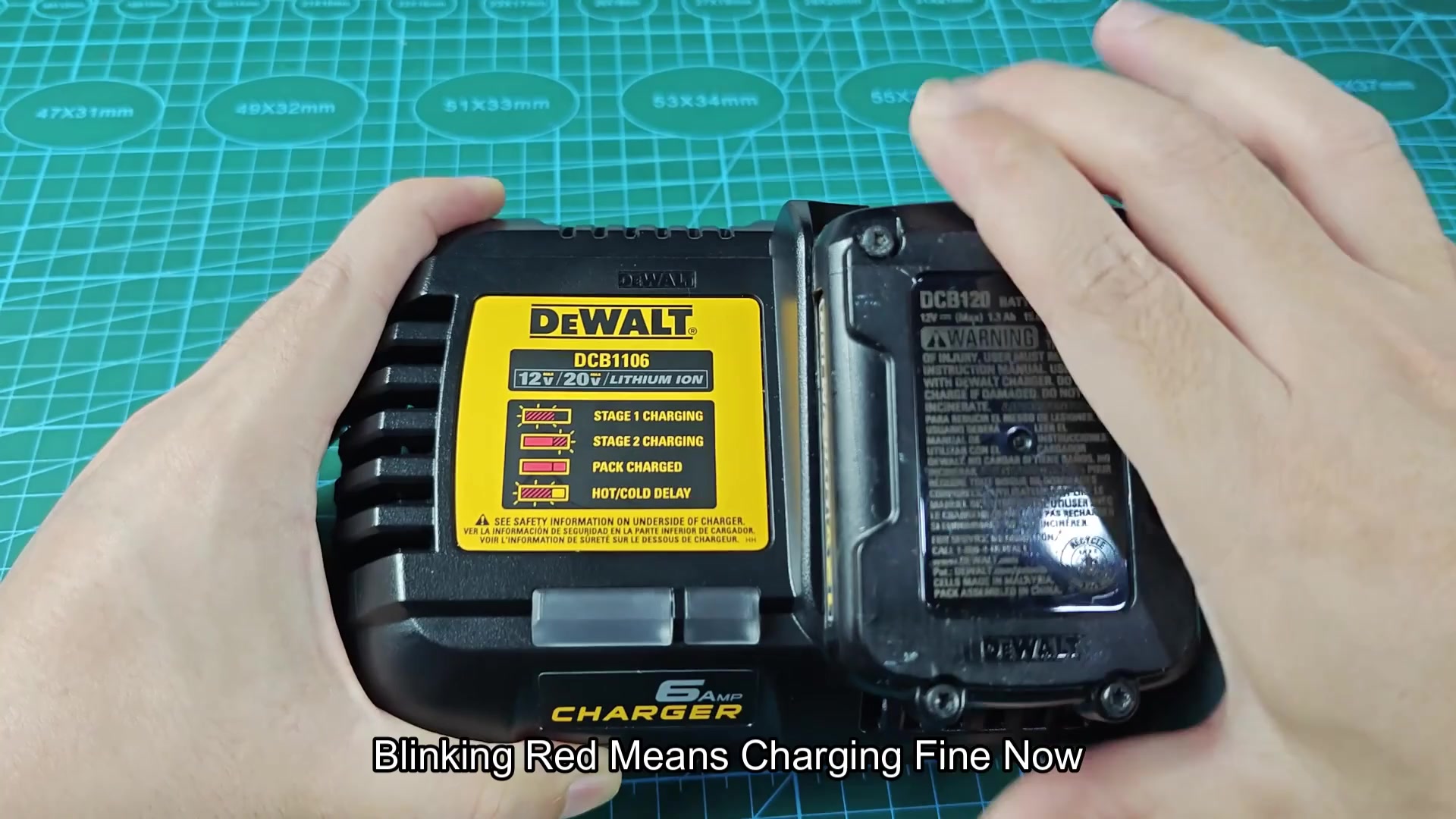
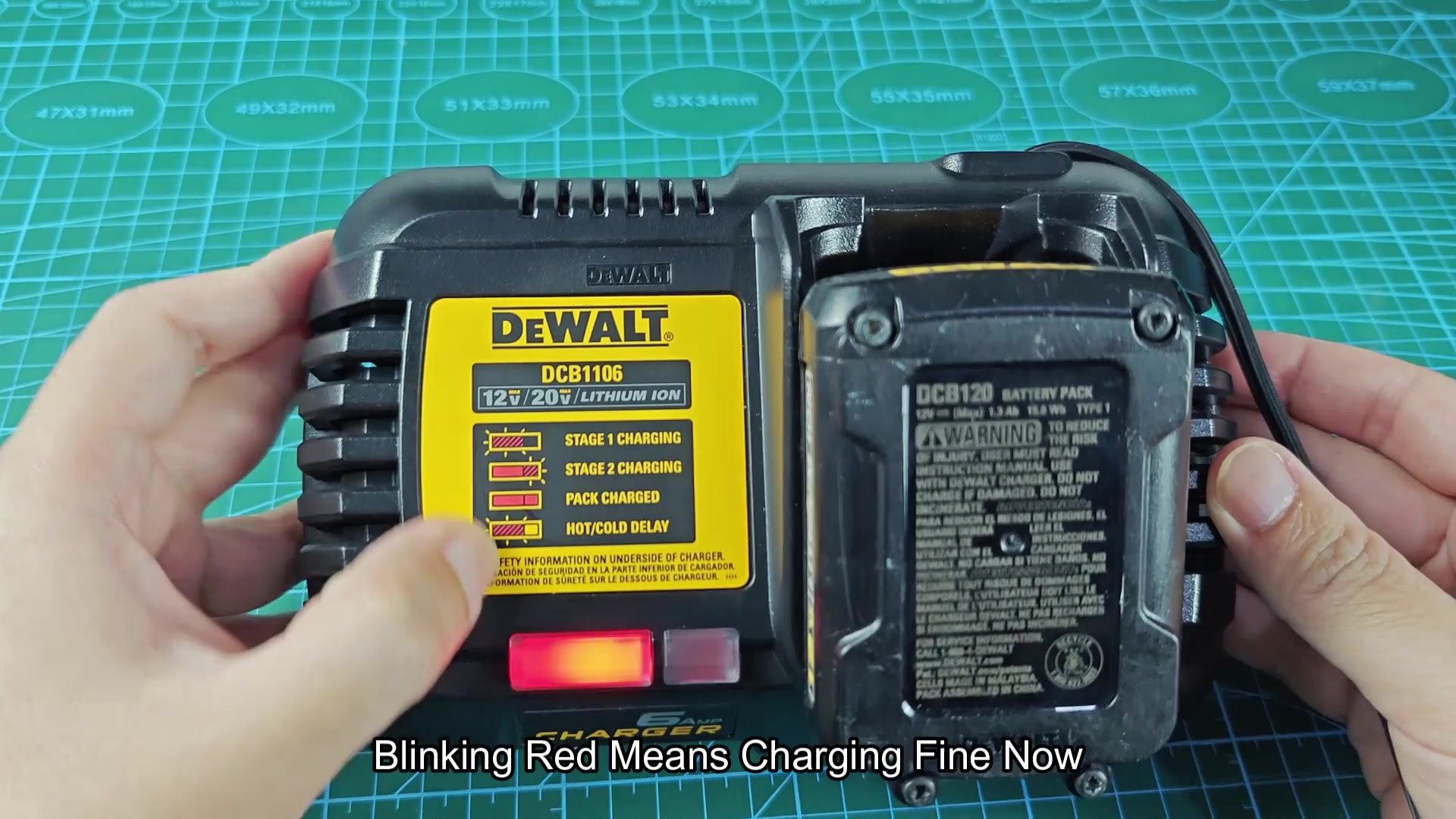
Nothing? Check your connections again; no flow if contacts aren’t tight enough. Leave it plugged in a bit longer just to be sure. After the set time has passed, unplug the leads. Now your battery knows where to look for its charge when it doesn’t have any spares handy. It is a good fallback anyway. Once done with the reset, I put the battery right back on my DeWALT charger and tested it out to see what happens. Well, in this example the charger started flashing a red light at me.
That’s good news as that indicates that the charger is not ignoring the pack anymore and the charging cycle has restarted. It stopped making a fuss. Frustration gave way quickly to relief and in a few minutes the tool was charging away. So after hooking everything back up, the red light began blinking, which was a new development signifying that Stage 1 charging had begun. Just like you’d expect with a brand new battery, it started filling up.
It only took roughly an hour for this particular pack, but it could be longer or shorter different than your battery size. Just get it going and wait until the light switches over to “full.” Problem totally solved, meaning no need for a trip to a professional repair shop for expensive repairs.