Stud Count Calculator
Estimate common studs, corner packs, tee backing, plates, blocking, and opening framing for straight walls, partitions, garages, sheds, and basement layouts.
📌Framing Presets
📐Wall Inputs
🧱Material and Spec Grid
📋Reference Tables
| Stud spacing | Use case | Studs per 8 ft | Notes |
|---|---|---|---|
| 12 in on center | Heavy finishes or stiff walls | 9 including ends | Useful for tile backing or high loads |
| 16 in on center | Typical interior and exterior framing | 7 including ends | Most common layout for gypsum board |
| 19.2 in on center | Engineered layouts | 6 including ends | Works with 8 ft sheet module when specified |
| 24 in on center | Some non-bearing or engineered walls | 5 including ends | Confirm sheathing, finish, and code requirements |
| Opening item | Added pieces | Calculator rule | Framing purpose |
|---|---|---|---|
| Door opening | 2 kings + 2 jacks | 4 vertical pieces each | Side support for header and trimmer bearing |
| Window opening | 2 kings + 2 jacks | 4 vertical pieces each | Side support for header and rough sill |
| Header cripples | Based on opening width | One per spacing interval | Transfers layout above header to top plate |
| Sill cripples | Windows only | One per spacing interval | Supports rough sill below window |
| Wall type | Typical stud | Typical plates | Layout factor |
|---|---|---|---|
| Interior non-load-bearing | 2x4 at 16 in or 24 in | Bottom plus single top | 5% to 10% waste |
| Interior load-bearing | 2x4 or 2x6 at 16 in | Bottom plus double top | 10% waste typical |
| Exterior wall | 2x4 or 2x6 at 16 in | Bottom plus double top | 10% to 15% waste |
| Garage or shop wall | 2x4 or 2x6 at 16 in | Bottom plus double top | 15% for doors and bracing |
| Project preset | Length | Openings | Typical output |
|---|---|---|---|
| Bedroom wall | 12 ft | One door | About 20 framing pieces |
| Garage long wall | 24 ft | One wide opening | About 36 framing pieces |
| Basement wall | 18 ft | No openings | About 27 framing pieces |
| Window wall | 14 ft | Two windows | About 32 framing pieces |
💡Calculation Tips
When you buy too much lumber, there’s a certain kind of frustration that sets in. It is a feeling like you’re standing in the home center parking lot with a set of three more eight foot two by fours strapped on top of your car, wondering where all that wood went because the wall required hardly any. Buying too much lumber happens when you guess rather than calculate. And while it might not seem like a big deal. Until after you’ve picked up a pencil.
Guessing can be the distinction between a project that looks clean and one that look cluttered. Framing is as much about the space between studs as it is about number of studs you throw into a wall. It is about waste, spacing, and the unseen bits that connect it all together when no one is watching.
Why You Should Calculate Before Buying Wood
To calculate exactly how many pieces you need, use calculator up top. It’ll take your approximate measurements and spit back a detailed shopping list.
It is also important to know why those figures is there. Here’s the thing: There’s more to a wall than just vertical studs. You also needs plates for the top and bottom, corner packs at each end, and blocking in all the nooks where you plan to hang something heavy, like a mirror or cabinet doors. Otherwise, you’re going to be halfway through your project with not nearly enough wood. That’s what everyone seems to overlook. We get hung up on the surface frame and never think about underlying structural glue that makes it rigid.
Spacing is the primary variable here and make all the difference. For instance, why sixteen inches on center? Because that’s what the majority of drywall panels come in. Typically they’re four feet wide (48″). So when you nail them into place, every single stud fall directly where the panel ends, no more hunting for backing material later to cover your ass.
Of course, you can space them further apart if you want, such as 24″. However, you’re just asking for sagging drywall unless you increase the thickness of your panels or install some extra blocking along the way. Spacing closer together at something like 12″ will make for a more rigid wall, and works great for tiled walls where you want the entire area behind tiles to be solid, but runs you out of lumber pretty quick.
With this tool, you’re able to quickly switch between different spacings to understand how much of a difference even small adjustments have on your final board count. The truth is, things gets complex at openings. That window/door opening isn’t just a hole. It’s a structural puzzle. It requires king studs to bear the load from overhead, jack studs to support header, and cripple studs to fill in around both of those. All told, there are a few more studs per opening that aren’t represented in a straight-up-length divided by spacing calculation. Luckly, the calculator will take care of all that for you… But you have to tell it what you’re building.
Adding a door plus two windows result in a huge increase in stud count, each opening calls for a mini-framework of its own. Ignoring this can leave you with those “on-site” head-scratchers when you discover the last few studs won’t fit or line up propery.
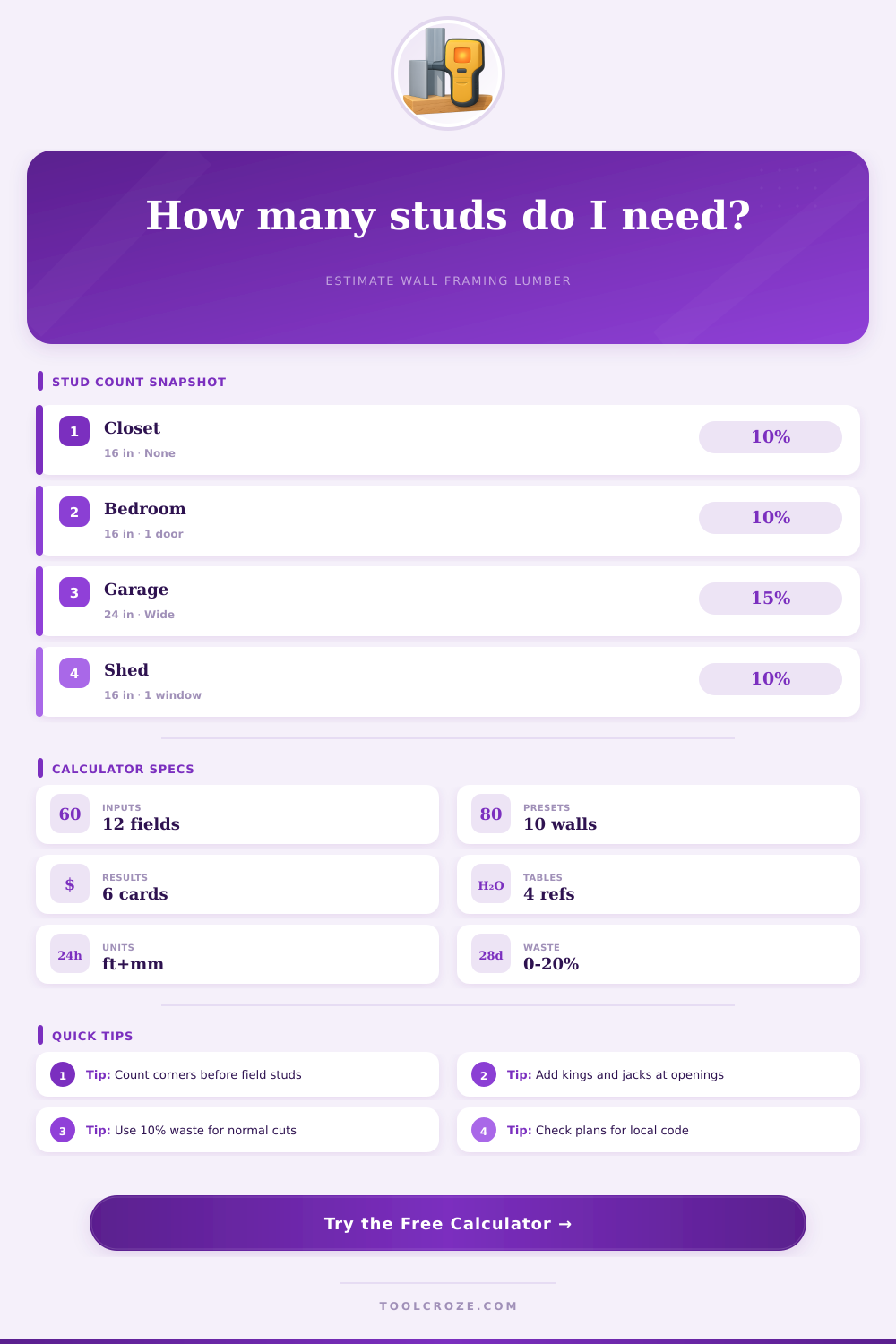
And then there is always waste. Always! A bit of waste is good. I add 10 percent for ordinary cuts and misses. You might want to increase it to 15 or even 20 percent if your wall features a lot of openings, and if the intersections are particulary complicated. Better to have some scrap lumber left over than to run back out to the lumber yard again just as everything’s closing at four in the afternoon. Those reference tables on the page explains this waste allowance by type of wall, from easy interior partitions to heavier exterior loads.
So instead of thinking of it as a bunch of parts to a frame you start to think of it as a system. Where does the weight go? What will attach to what? You’re no longer counting sticks but laying out the plan for your frame. The more accurate your count, the smoother everything else falls into place. Fewer cuts, fewer purchases, faster completion. Turns out being precise is the biggest time saver there is.