
If you look at the LED indicators on the Fein ALG80 charger interface, it’s obvious what’s going on. No more guessing; no reading the manual. It have lights that are used for display purposes. They indicate status with light sequences, they tell you something different each time they flash.
The Fein ALG80 charger interface is clear once you observe the LED indicators.
Understanding Charging Status Lights
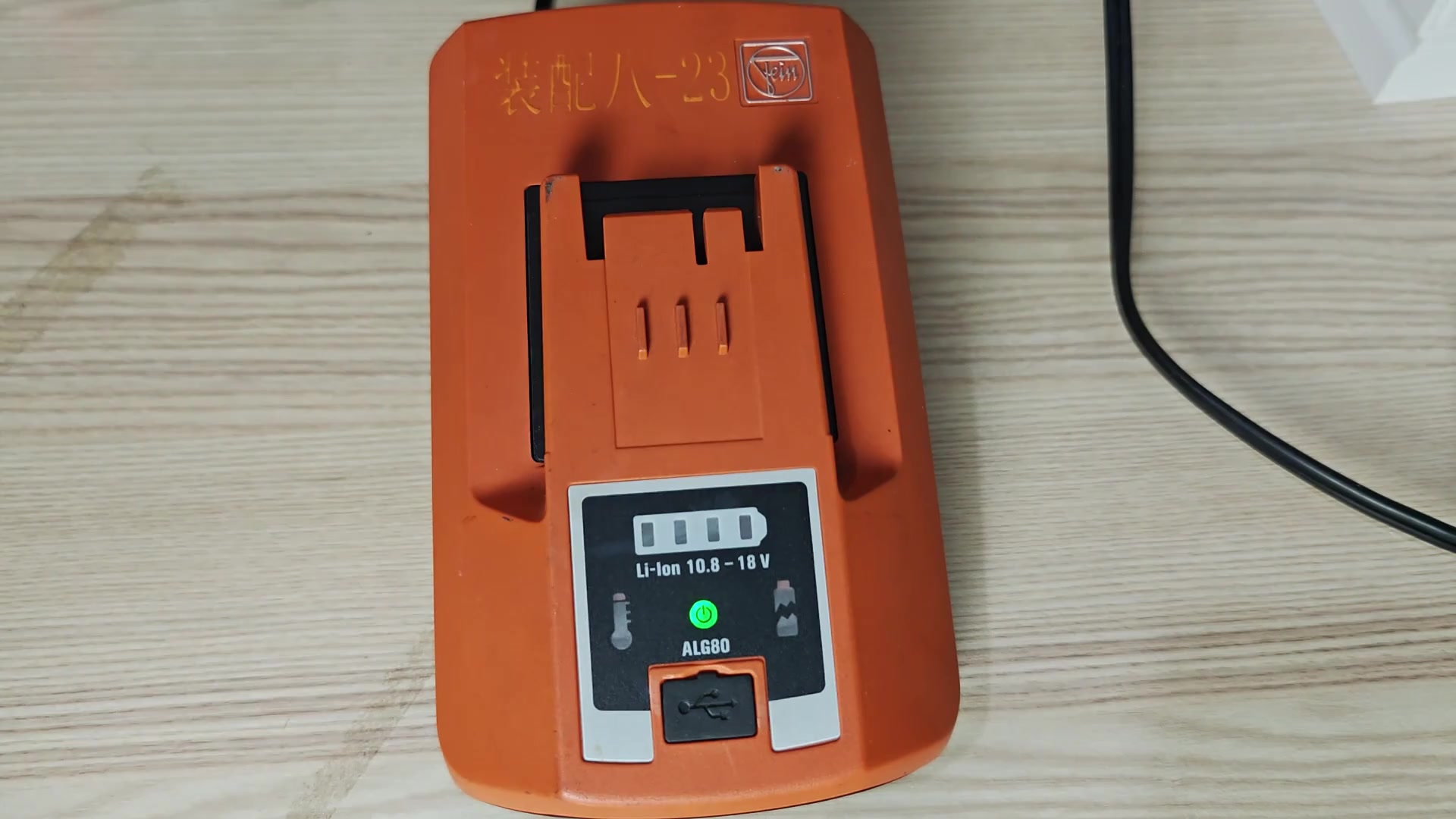
The first thing you do is plug it into a wall. Just above where it says “Charger” you see a solid green light. That mean it’s on, it’s ready, and you can now insert a battery.
As long as there’s no flashing when you stick a pack in there, it’s good to go. So if it doesn’t blink don’t be concerned. It tells you right away the charger is operating properly.
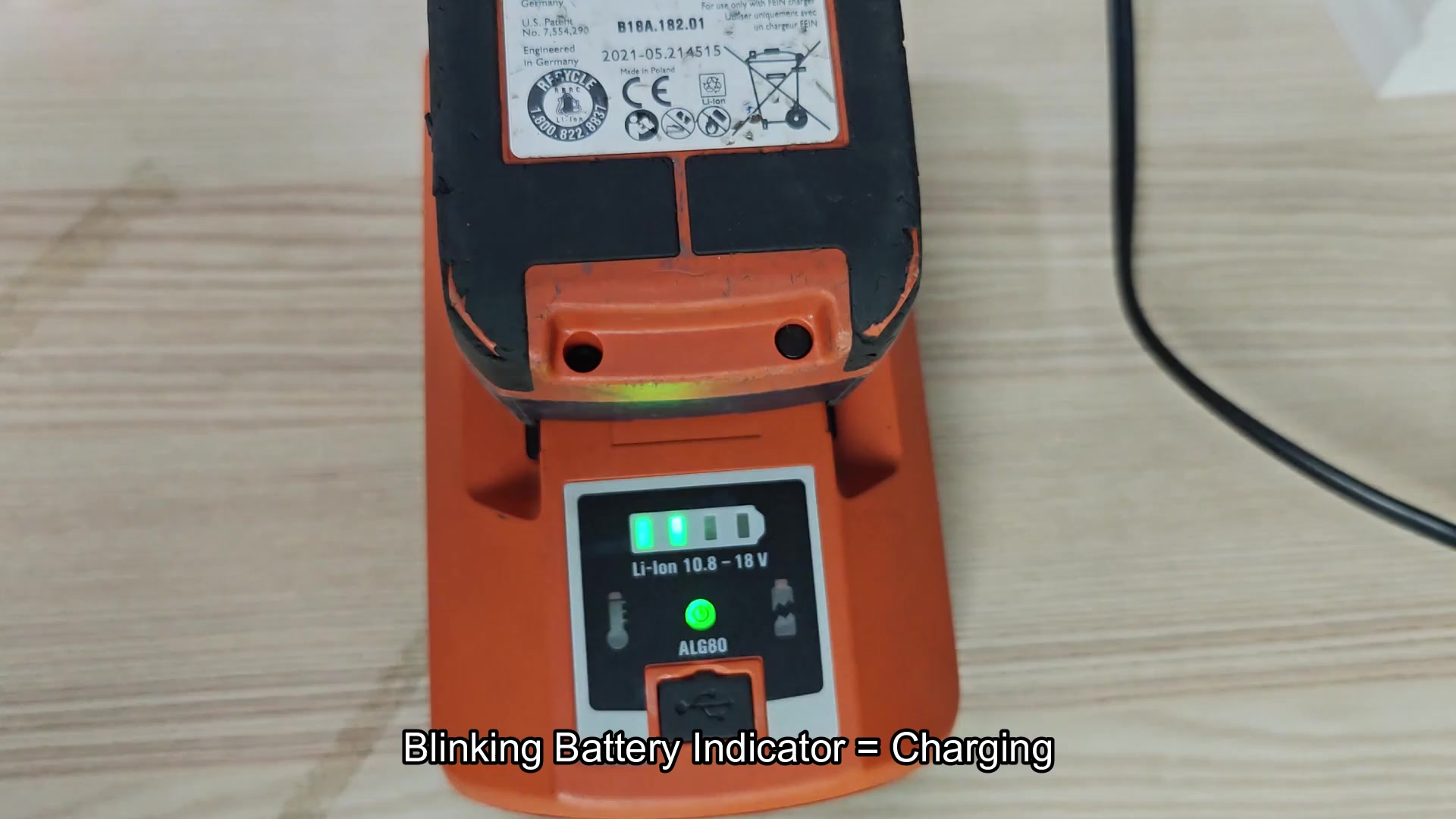
Place an 18V Li-Ion battery into the slot. It fits secure. Right away, the battery indicator bars start flashing. They blink in a rhythmic pattern.
Blinking indicate it’s charging. No guesswork; you’re able to watch the power being moved. The signal is unmistakable and easy to follow. Everything proceeds smooth with no strange vibrations or sounds.
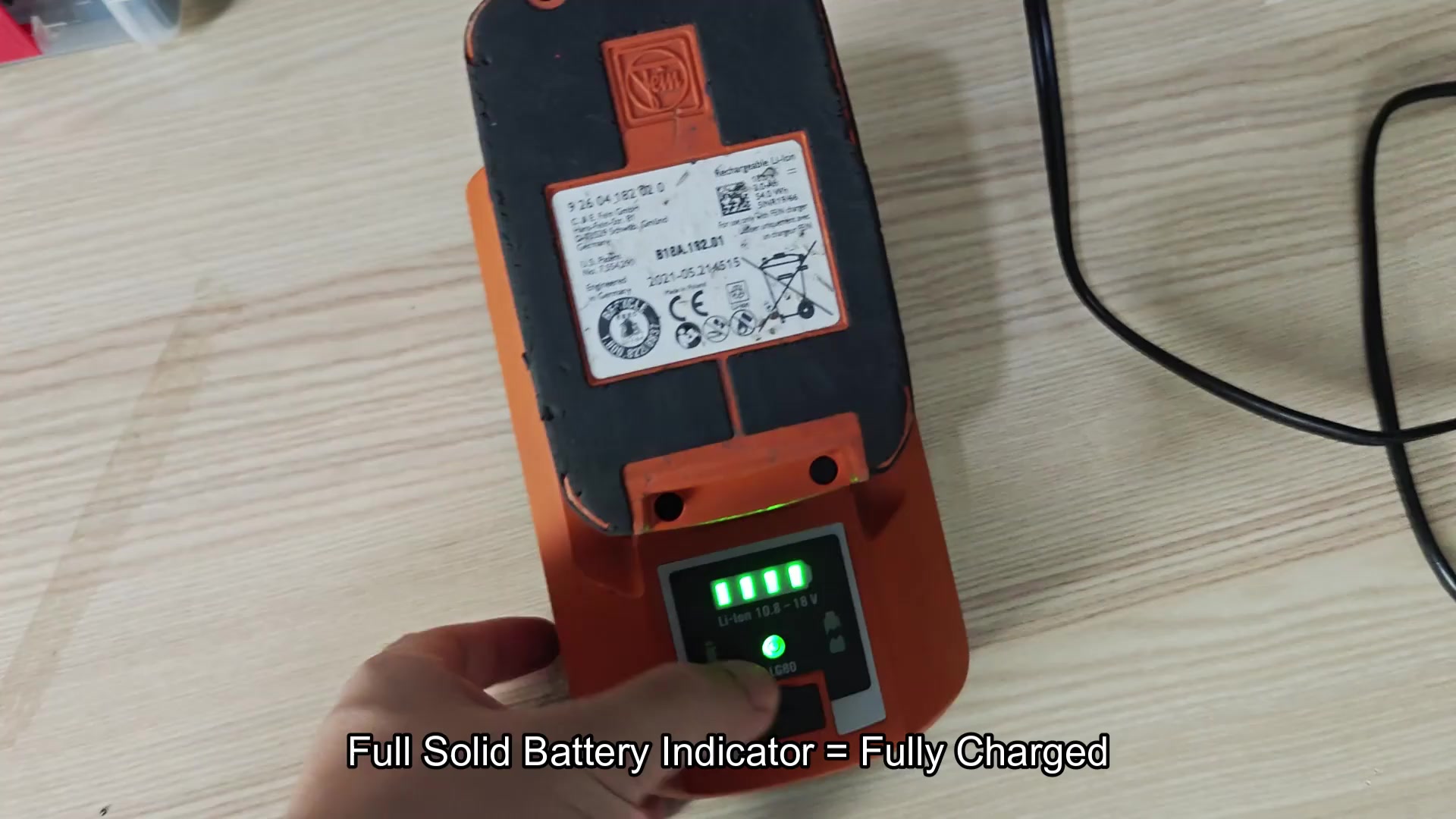
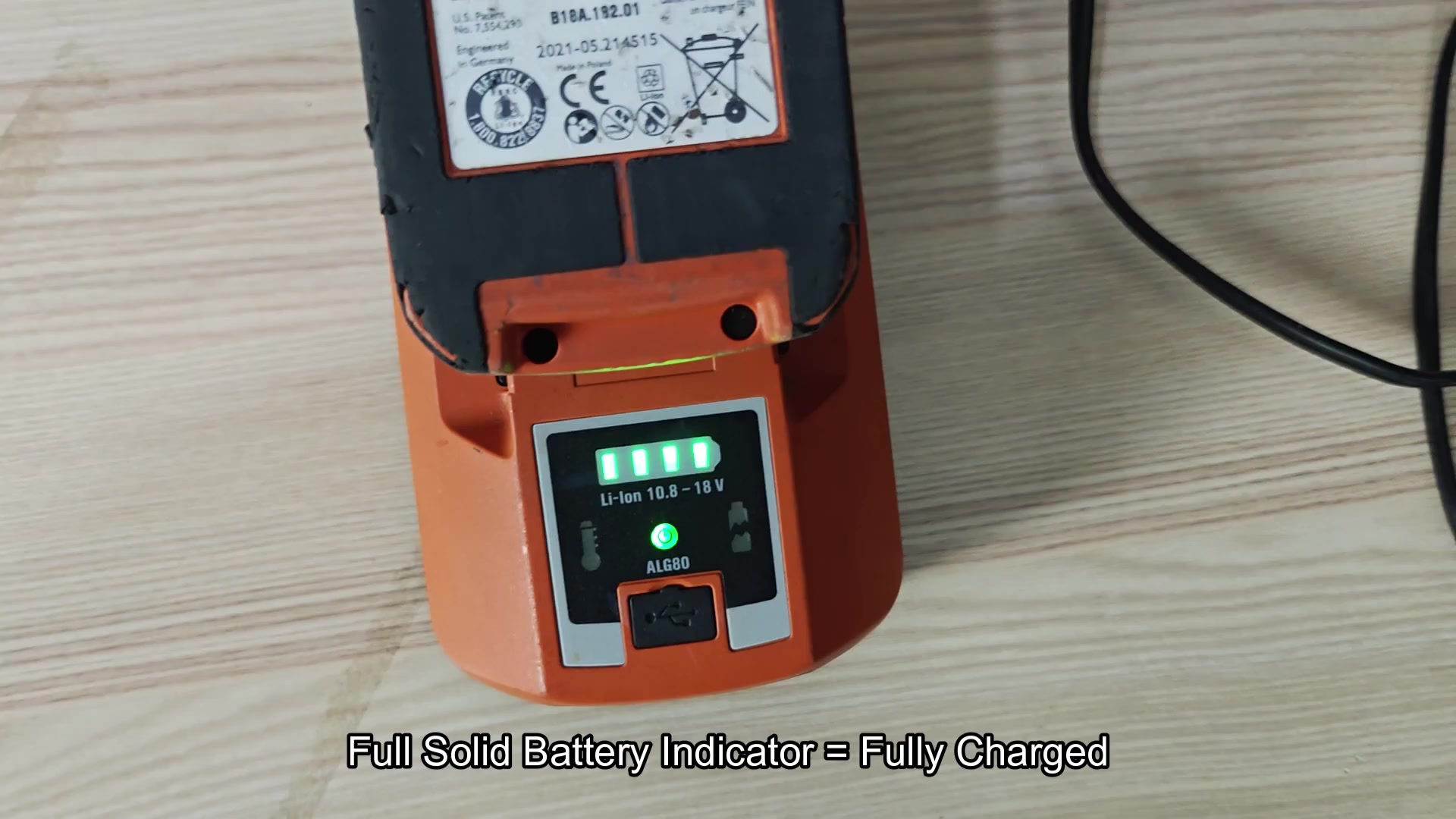
Several hours later, you go back and check. All four of the green bars is lit up and steady. There’s no more blinking whatsoever.
This tells you that the battery is fully charged, a solid state. No more guessing about amount of time. The visual confirmation take out any doubts. Take the pack off and go right to work with it. The battery’s waiting for you to use it on whatever comes next.
Try charging a pack that sat in a hot car. No go. Bars are no longer green, they’re empty bars. On the right hand side of the screen, you see a yellow thermometer icon.
The yellow thermometer mean there’s a delay due to temperature protection. If battery is too warm or cool it will stop charging. This prevents damage from extreme temperatures.
It takes a second to realize what happened and why it paused but it’s a nice safety mechanism. Let the pack get back down into a normal range and off it goes again.
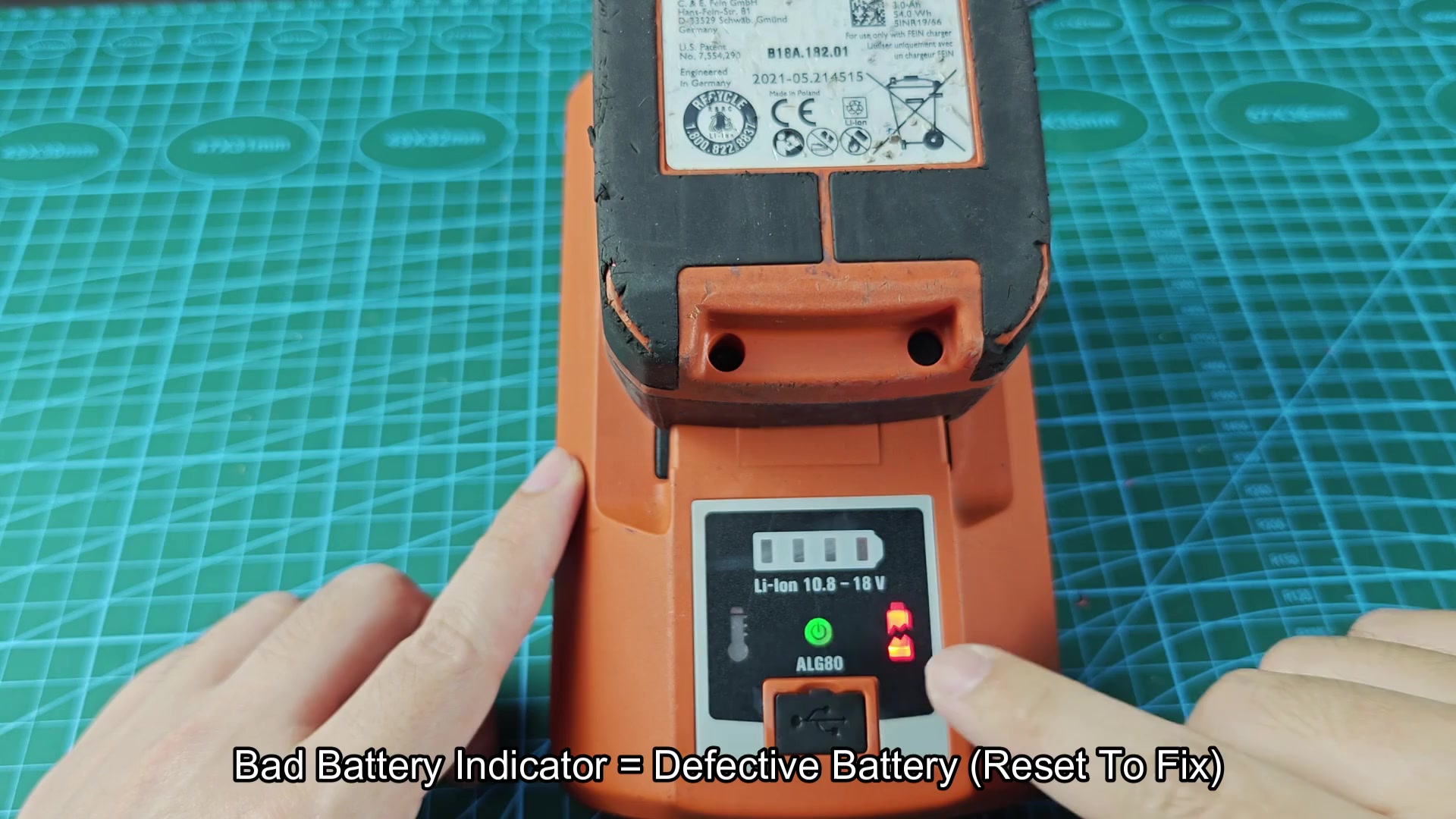
Plug in an older battery with problems. The display lights up and you see a red warning icon. That indicate there’s something wrong with the unit itself. It tells you one of the cell might not retain a charge as well anymore.
So you remove and reinsert the battery, hoping the system would of reset. But the red light doesn’t go away. It is time for a new pack. Toss the dead battery.
