
Nothing feel worse than removing a Festool battery from the charger only to see the red LED on the battery blink slowly. This happened to me last month with one of my 18V batteries when I charge it with my TCL 3 charger. The battery didnt display an standard green LED that meant it was charging, but instead displayed the red blink indicating that the voltage of the battery have dropped below the threshold that the charger recognize as a valid charging battery.
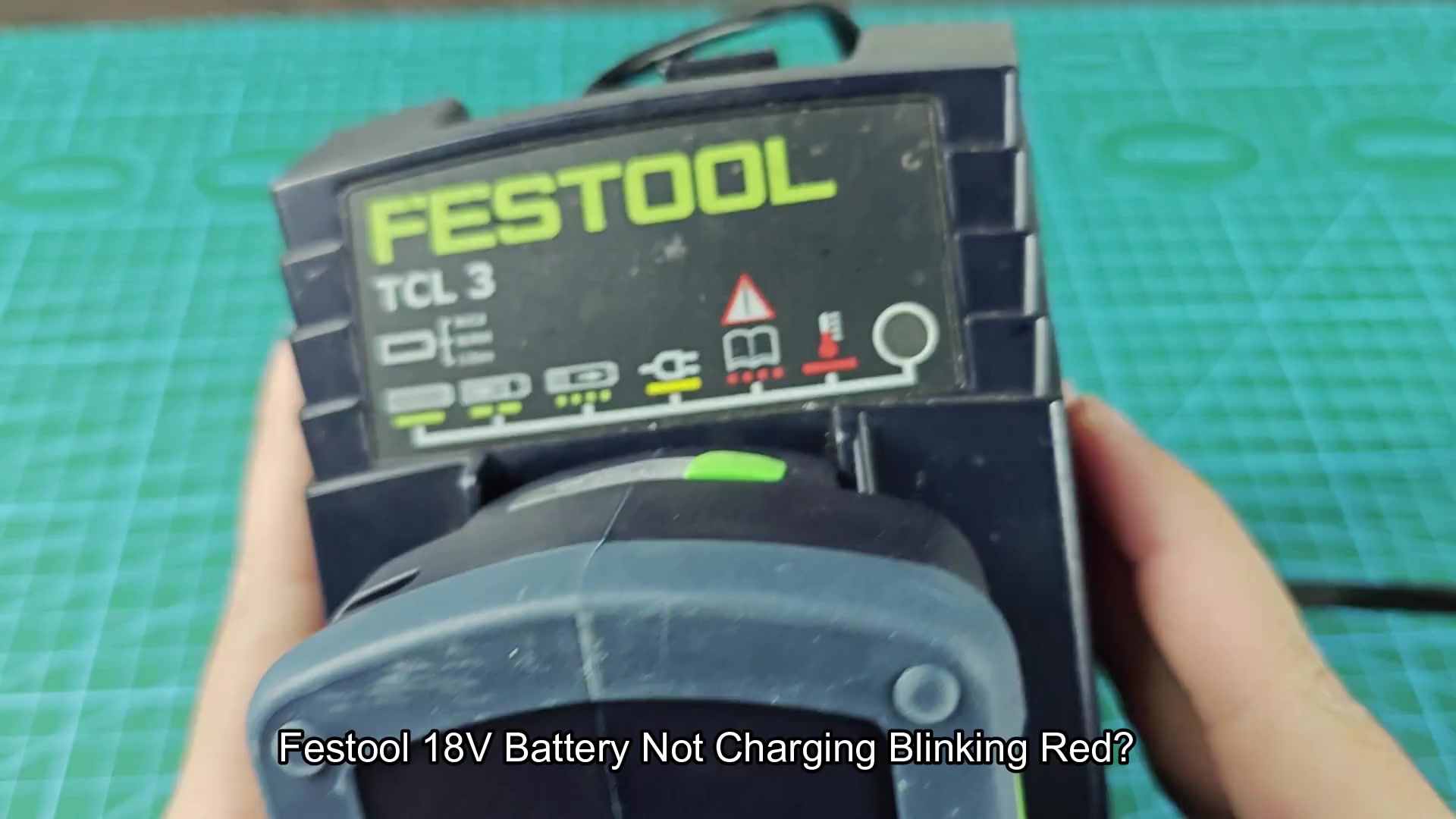
There are three solid methods for jump-starting a dead Festool battery back to life. The first use another Festool battery that still has some charge in it.
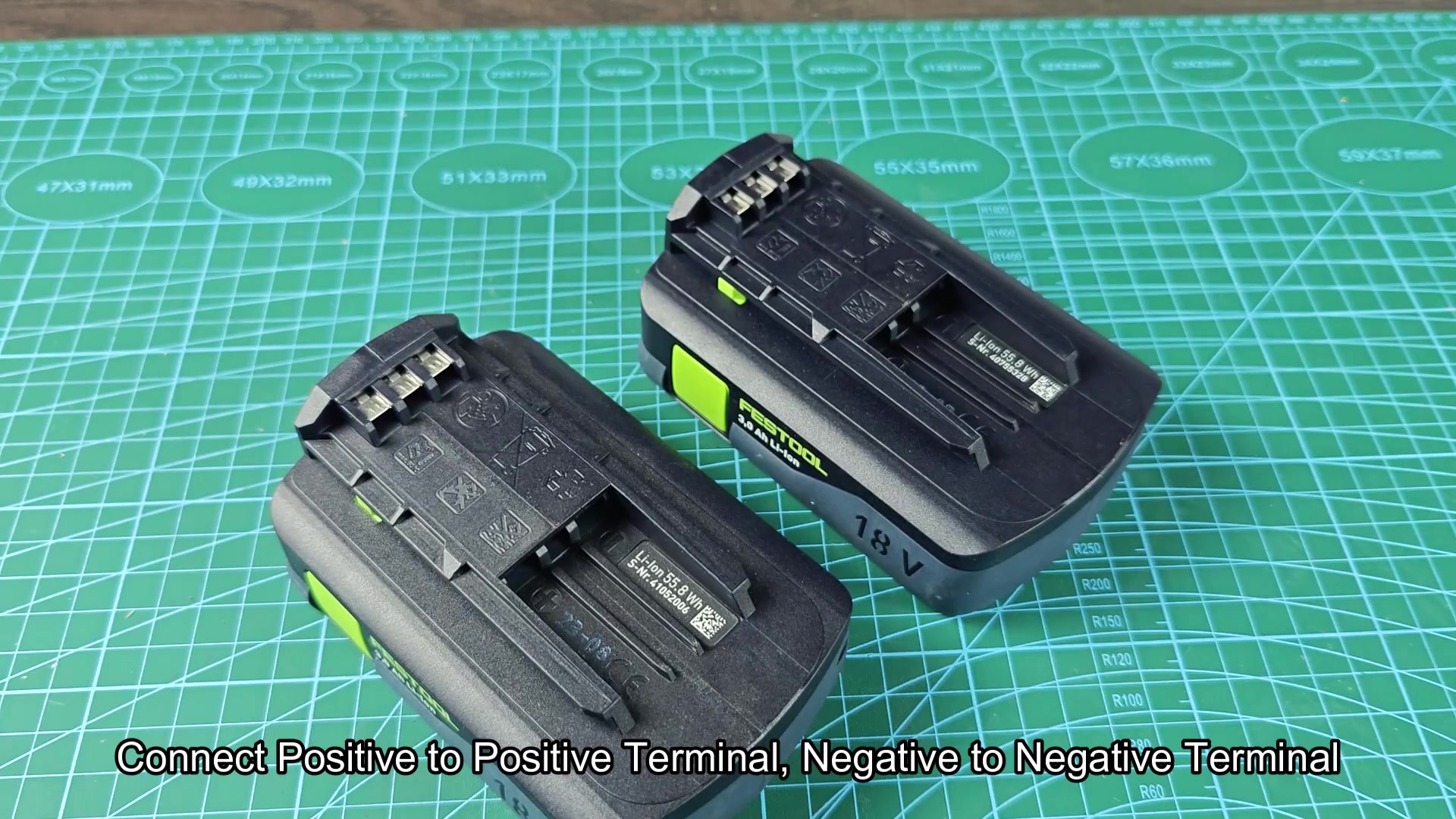
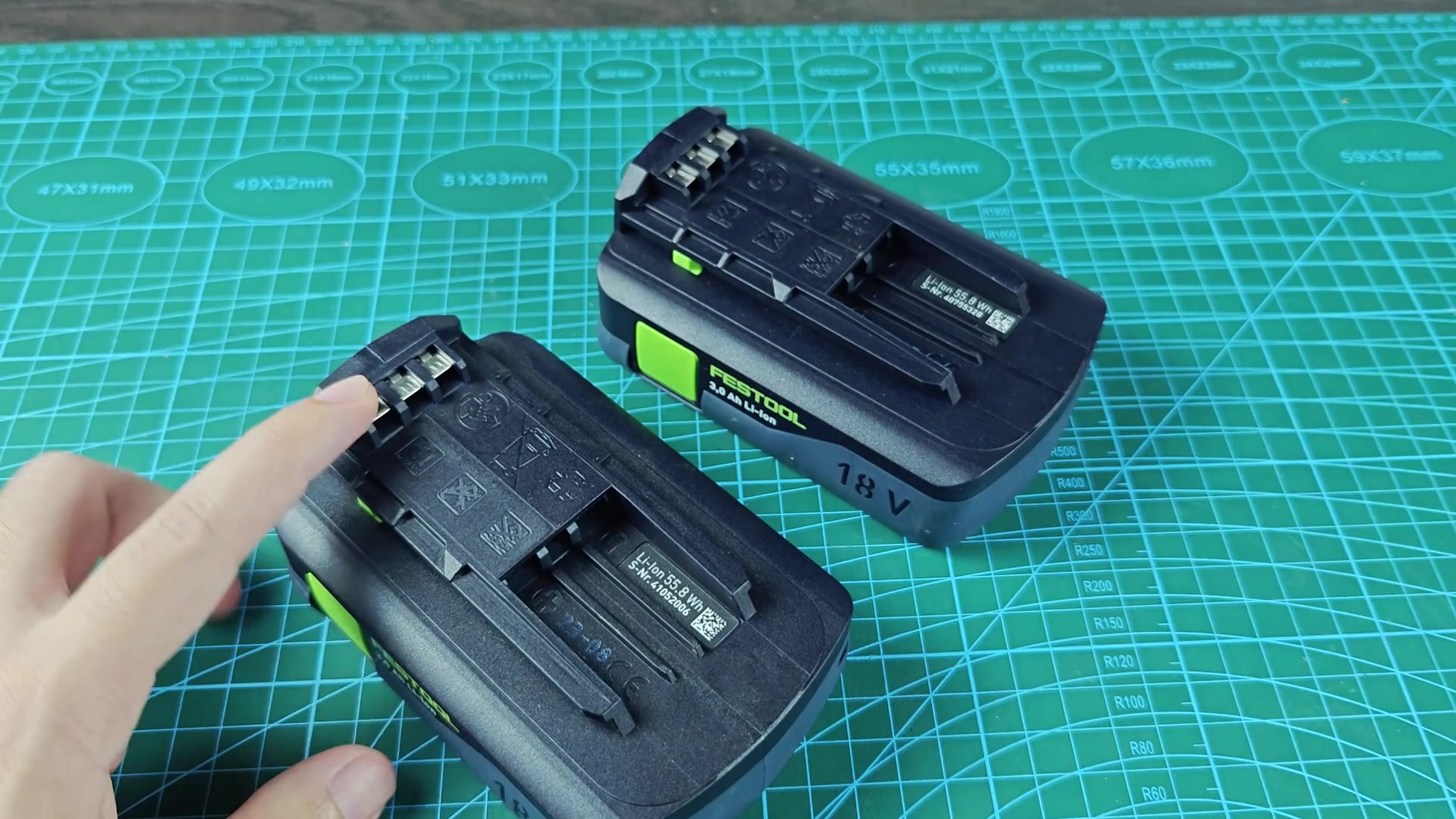
To start, you have to identify the positive and negative terminals on both the dead battery and the good battery. Most Festool batteries has the positive and negative markings printed direct on the battery.
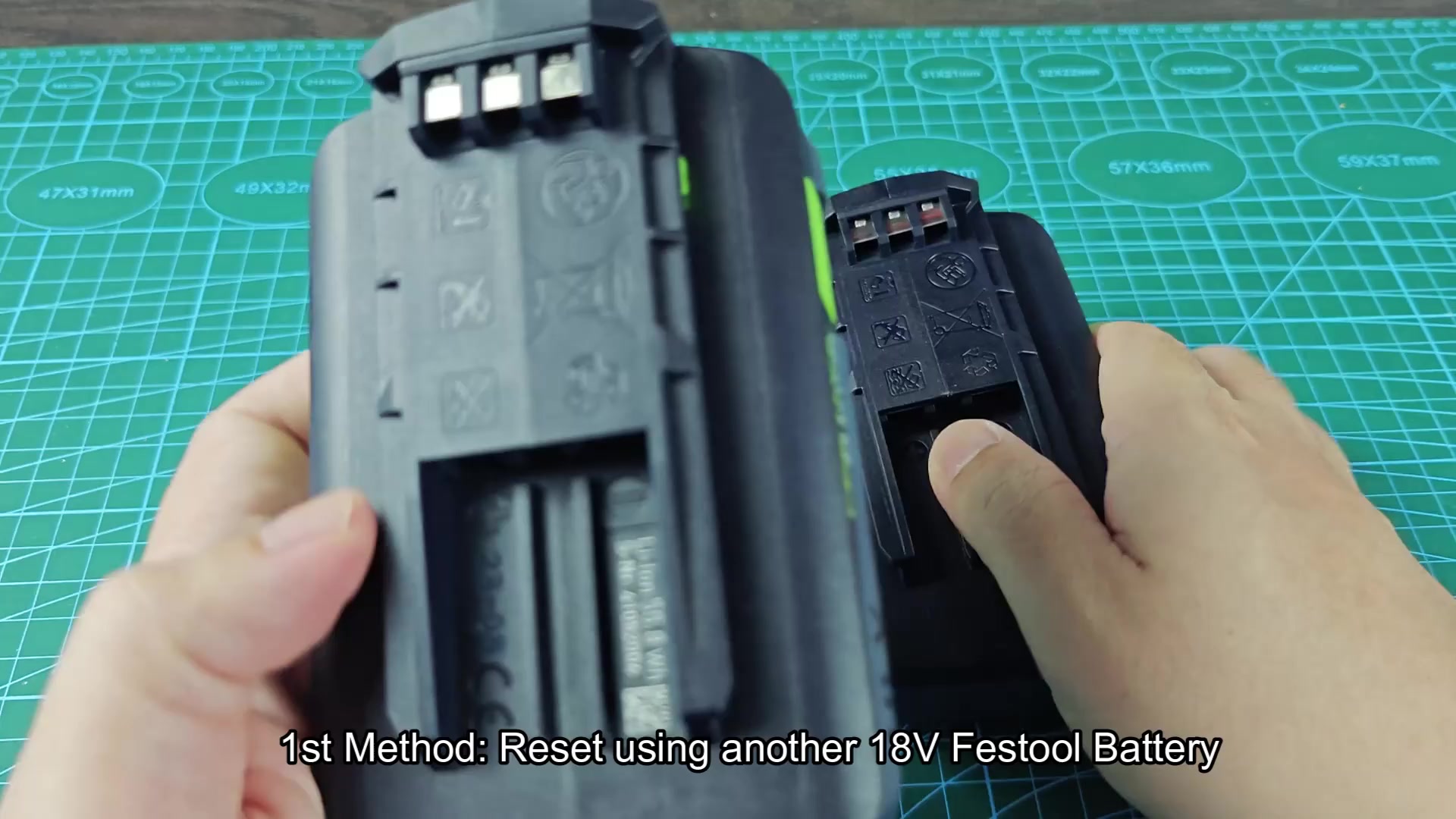
With the positive and negative markings identified on each battery, connect the positive terminal on the good battery with the positive terminal on the dead battery, and the same for the negative terminal on each battery with jumper wires.
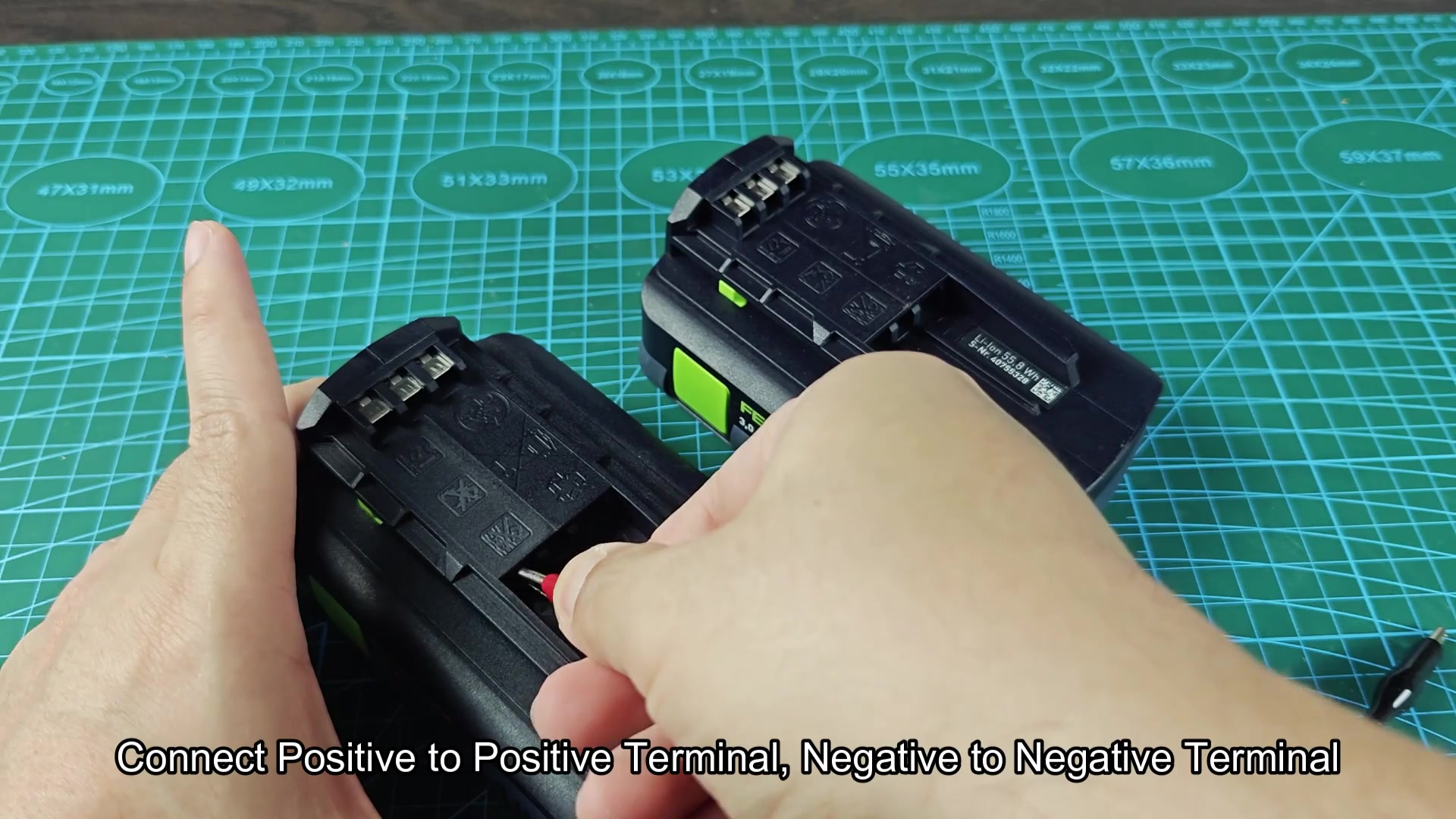
Allow the batteries to remain connected to each other for at least fifteen second. During this time, the good battery should warm the wires that connects the two batteries, as current will begin to move from the good battery to the dead one. Dont disconnect the batteries during this start phase.
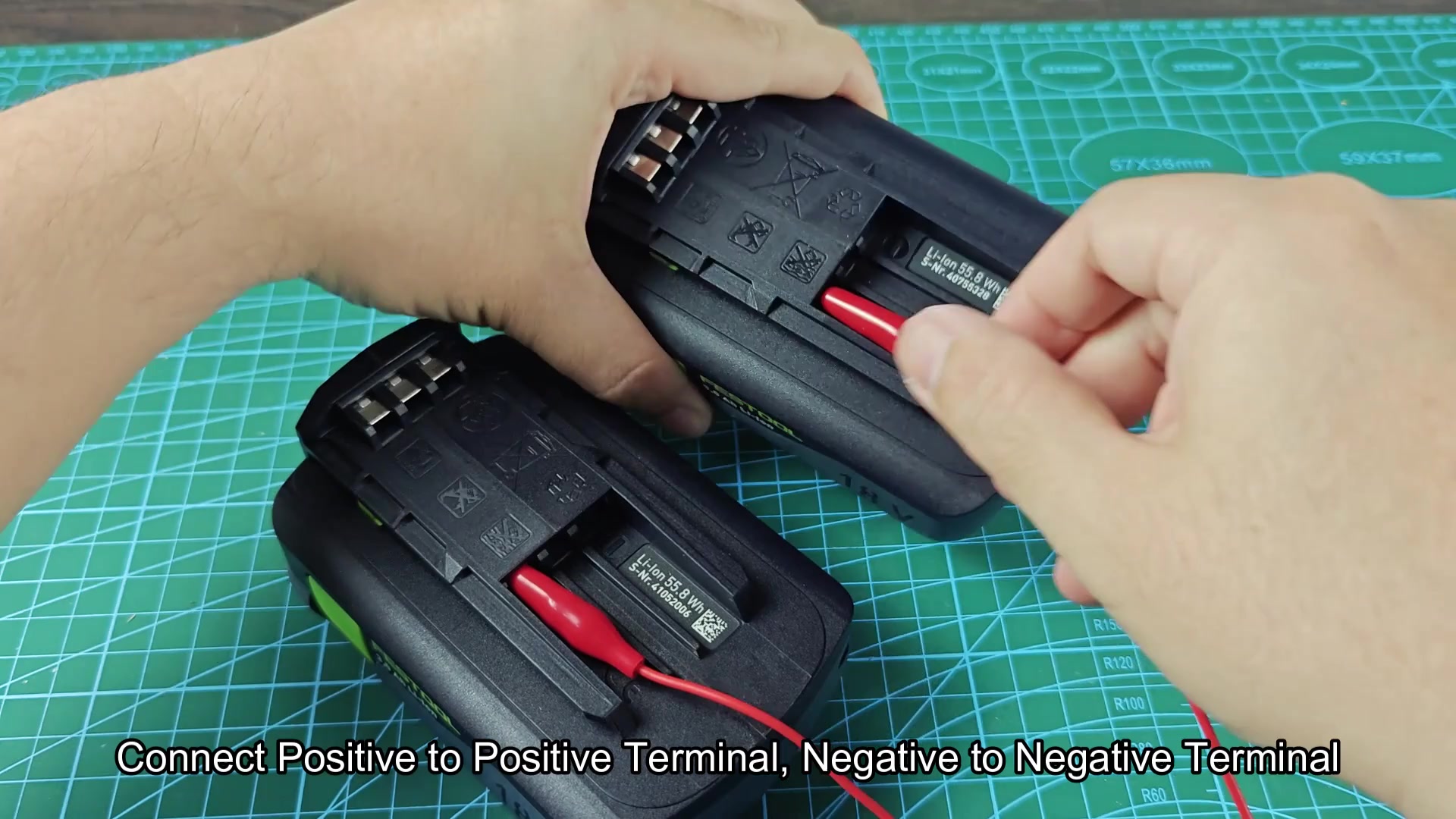
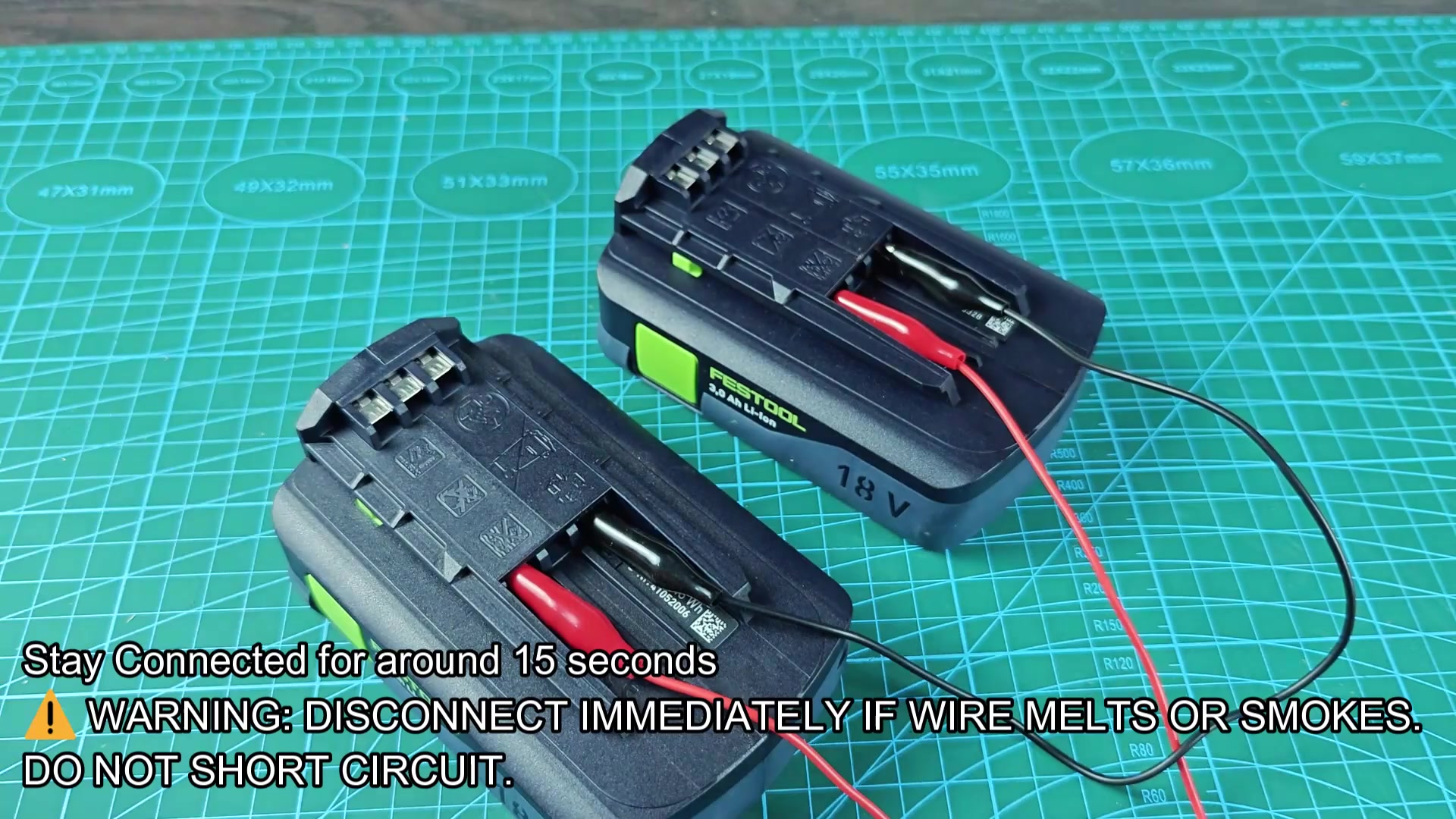
Once you jump-start the dead Festool battery, remove it from the good battery and place it back on the charger. The red blinking LED should dissapear from the battery, and it will blink green to indicate that the charger is charging it again.
Safety and setup tips
The second method for jump-starting a dead Festool battery use a battery of a different brand. For the example used here, I used a 20V Ridgid battery because Ridgid batteries runs in the same voltage range (18V to 20V) as Festool batteries.
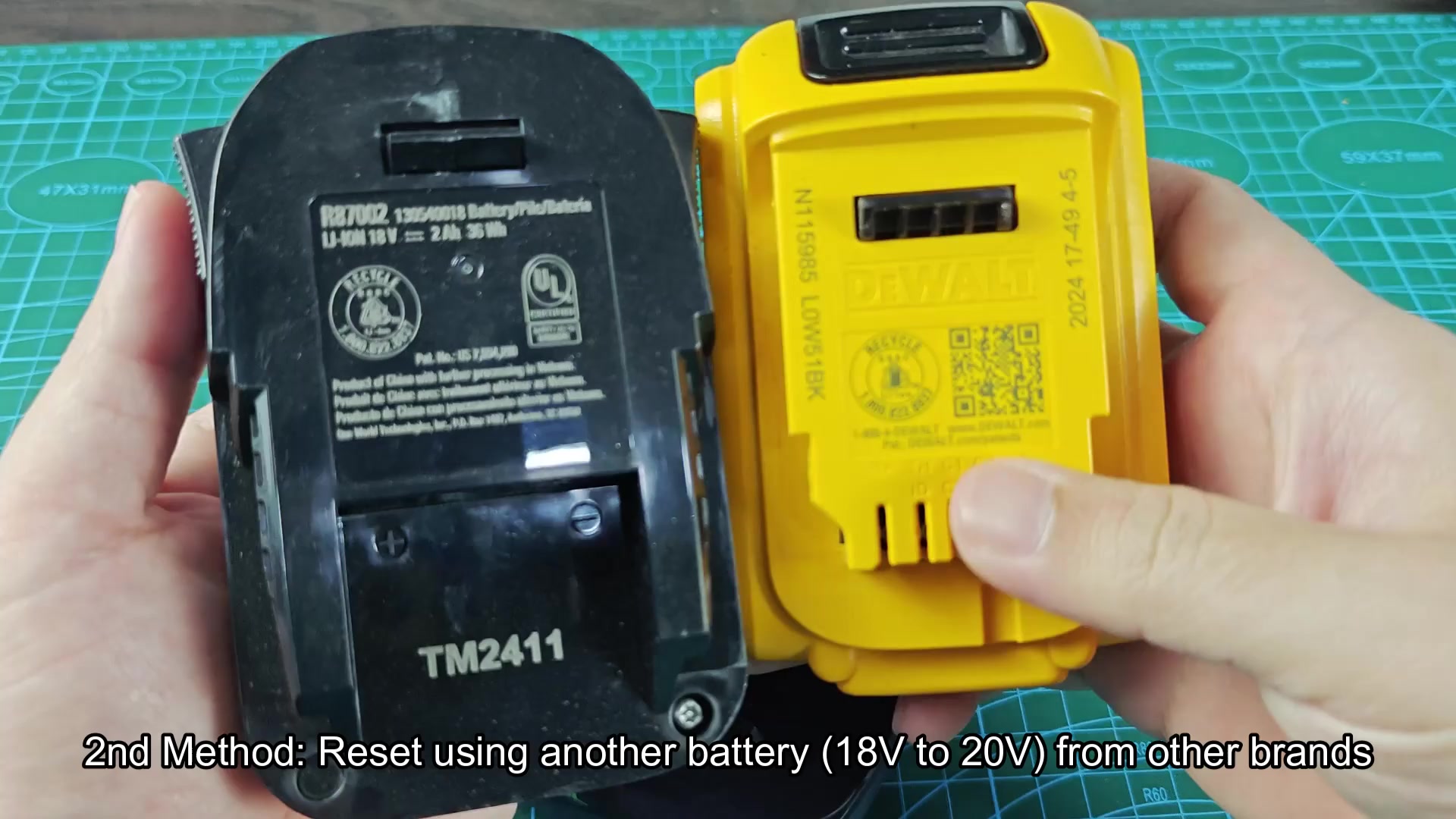
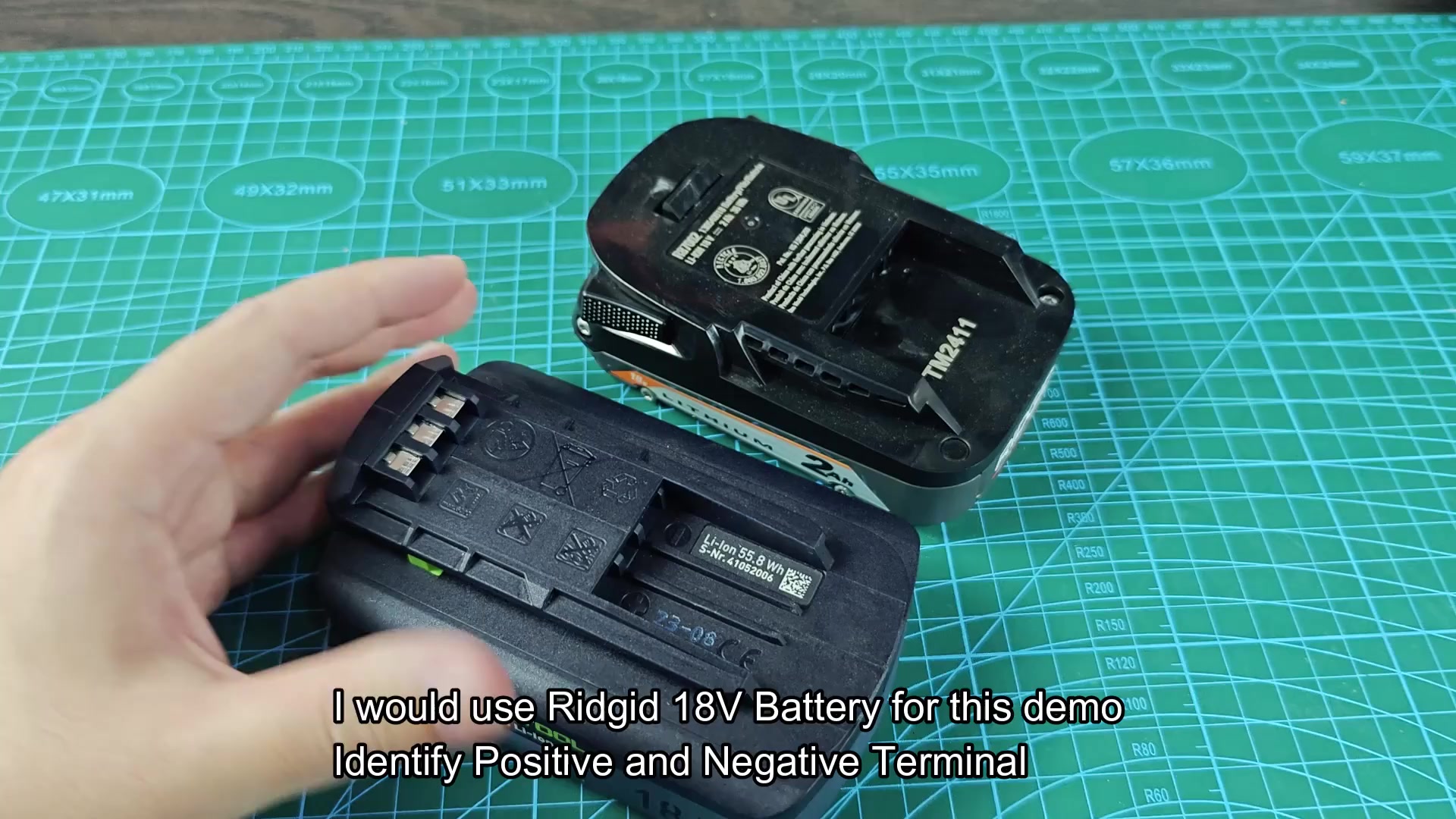
Like the other method, you will jump-start the Ridgid battery to the dead Festool battery by connecting the positive and negative terminal of each battery together with jumper wires.
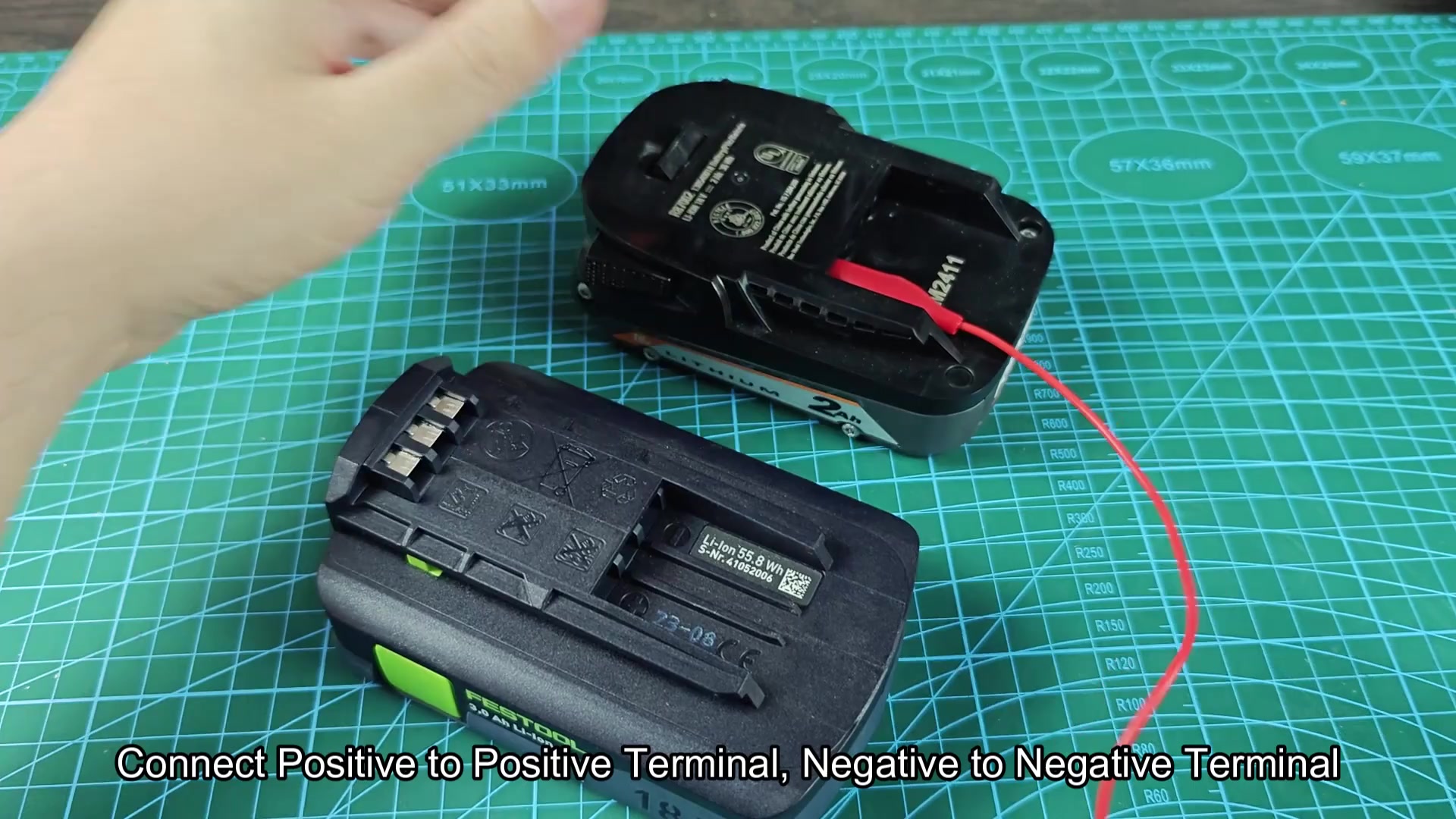
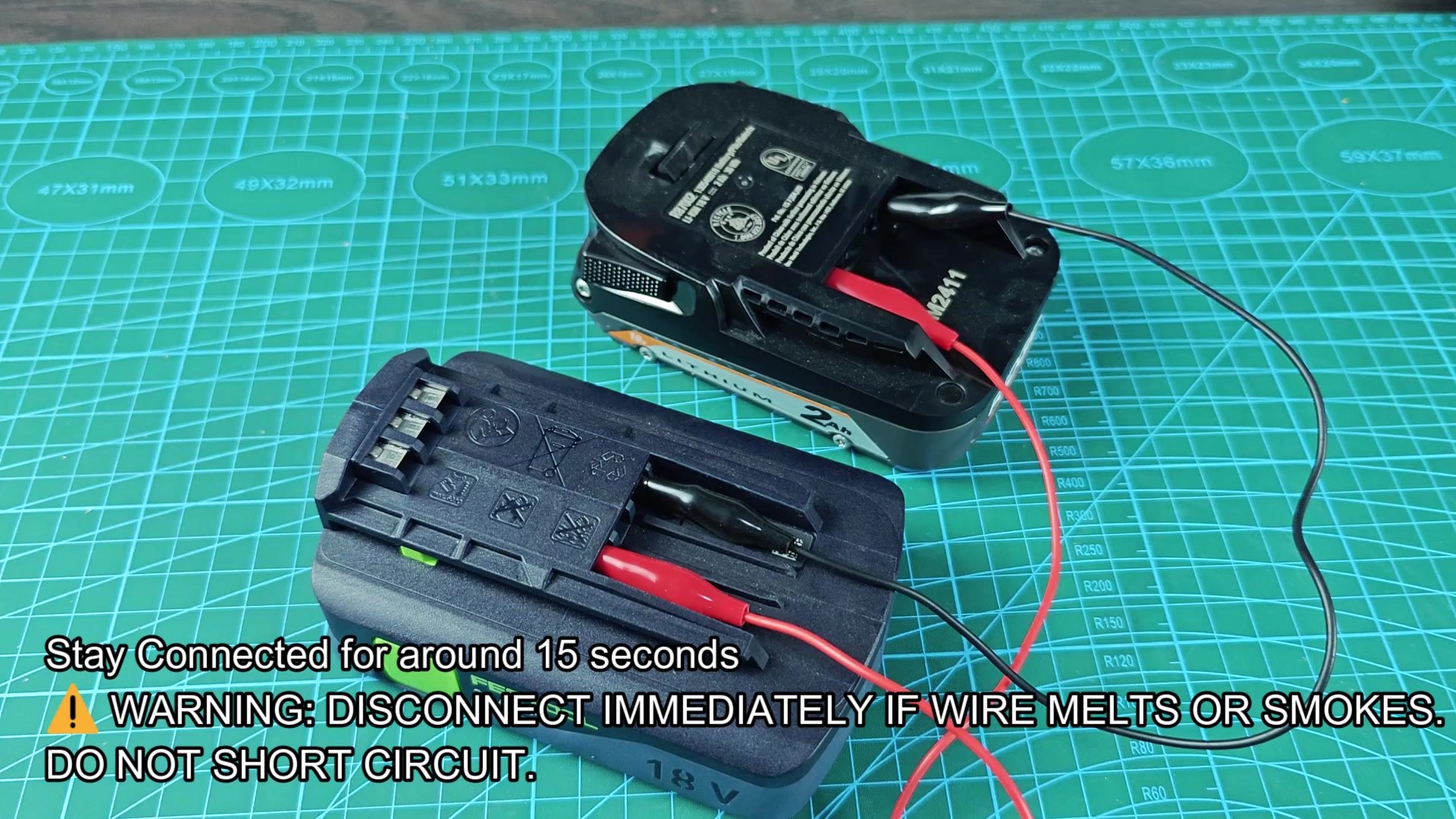
The Ridgid battery has enough voltage and charge that it can jump-start the Festool battery. Again, allow the batteries to remain connected for fifteen seconds to allow the current from the Ridgid battery to charge the dead Festool battery.
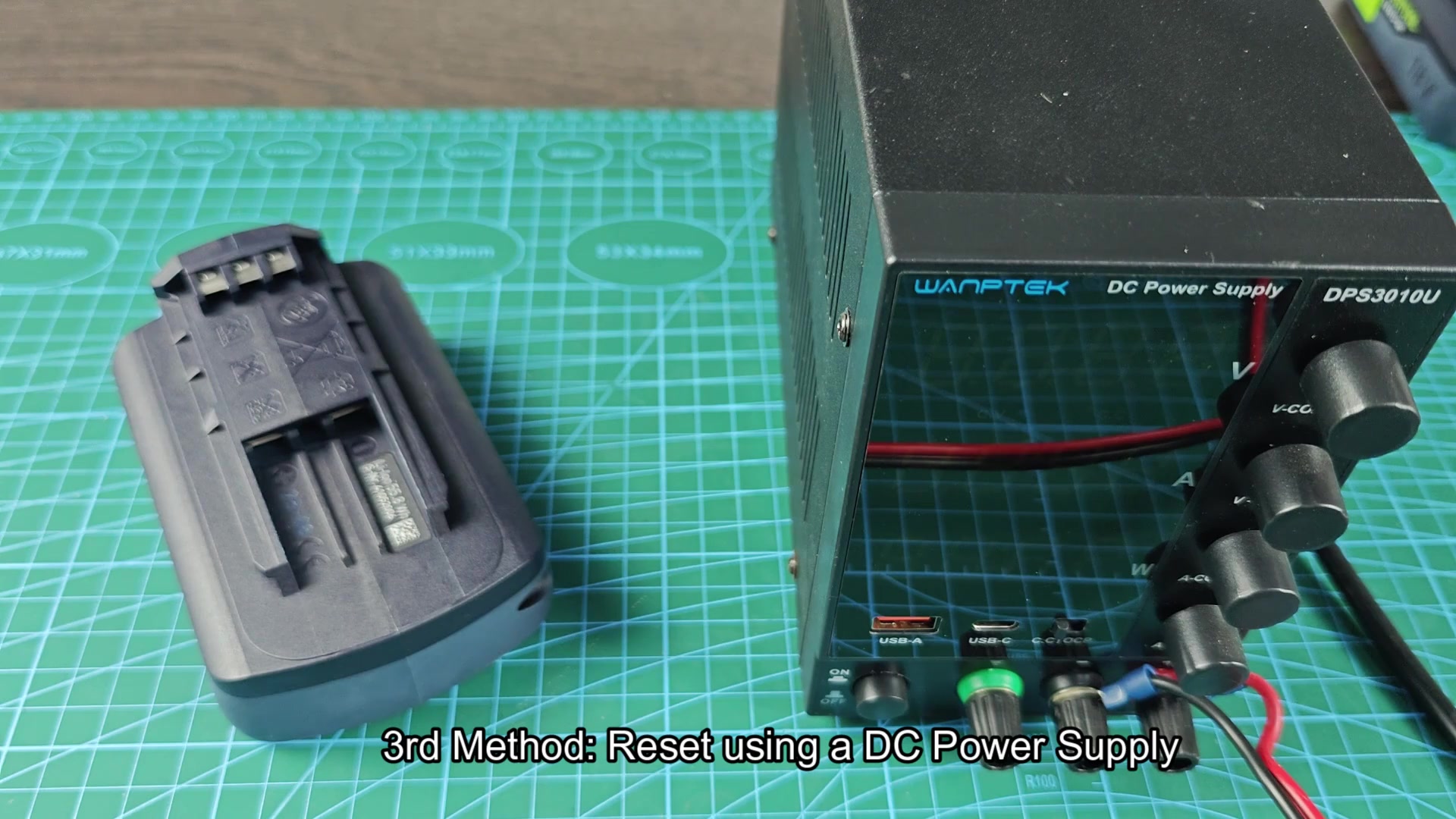
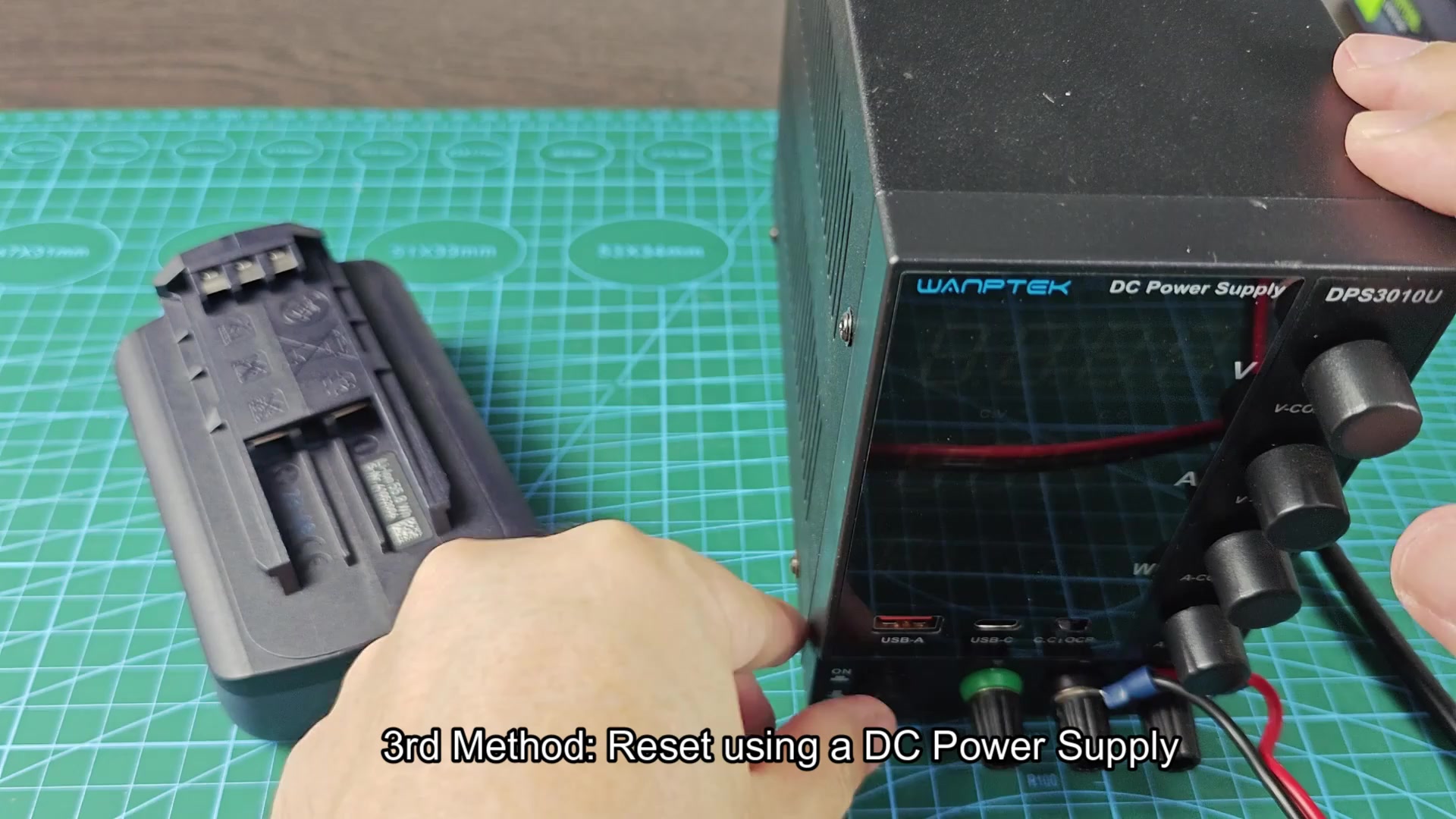
The third method dont use any batteries at all but instead uses a bench power supply.
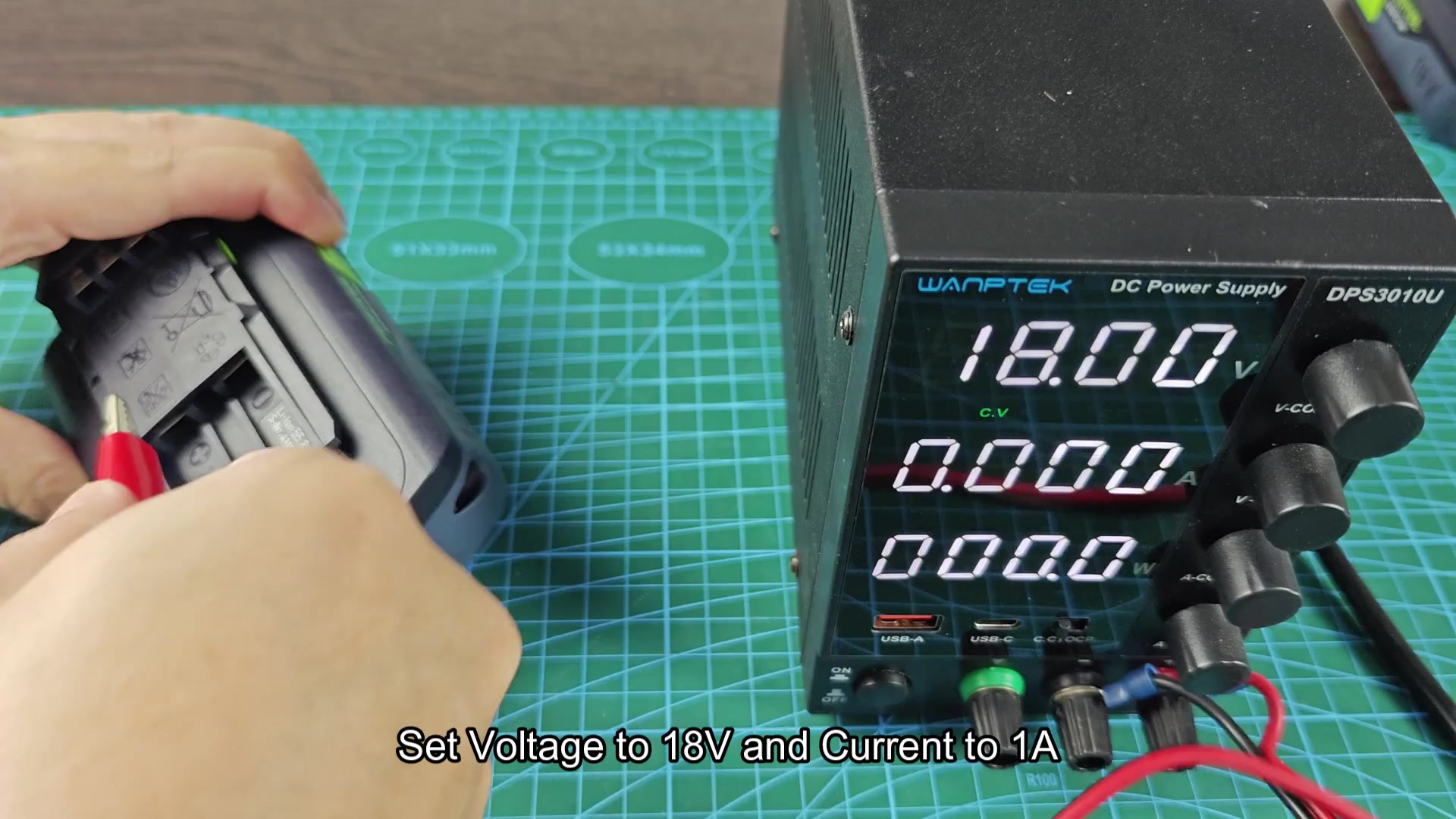
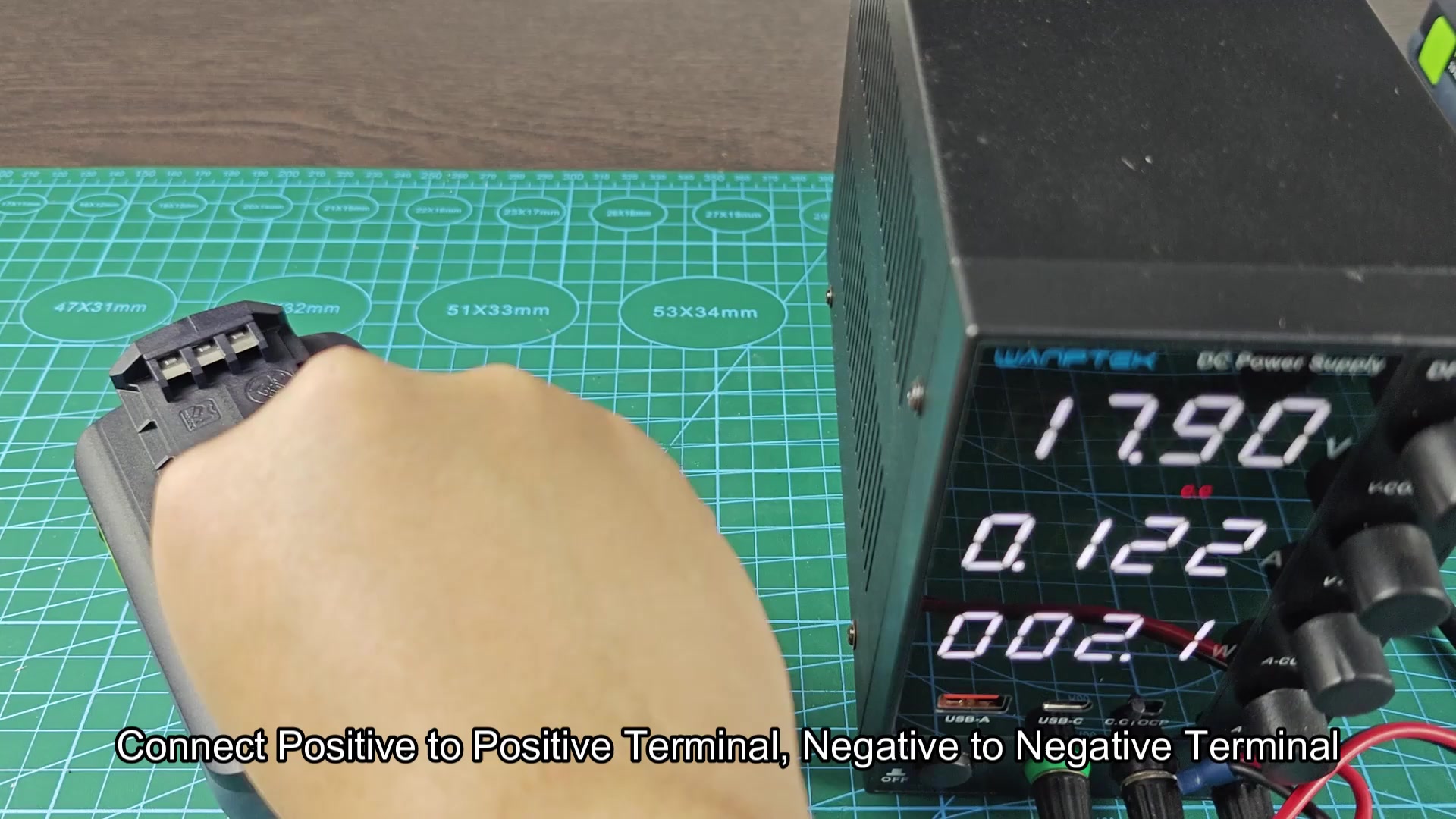
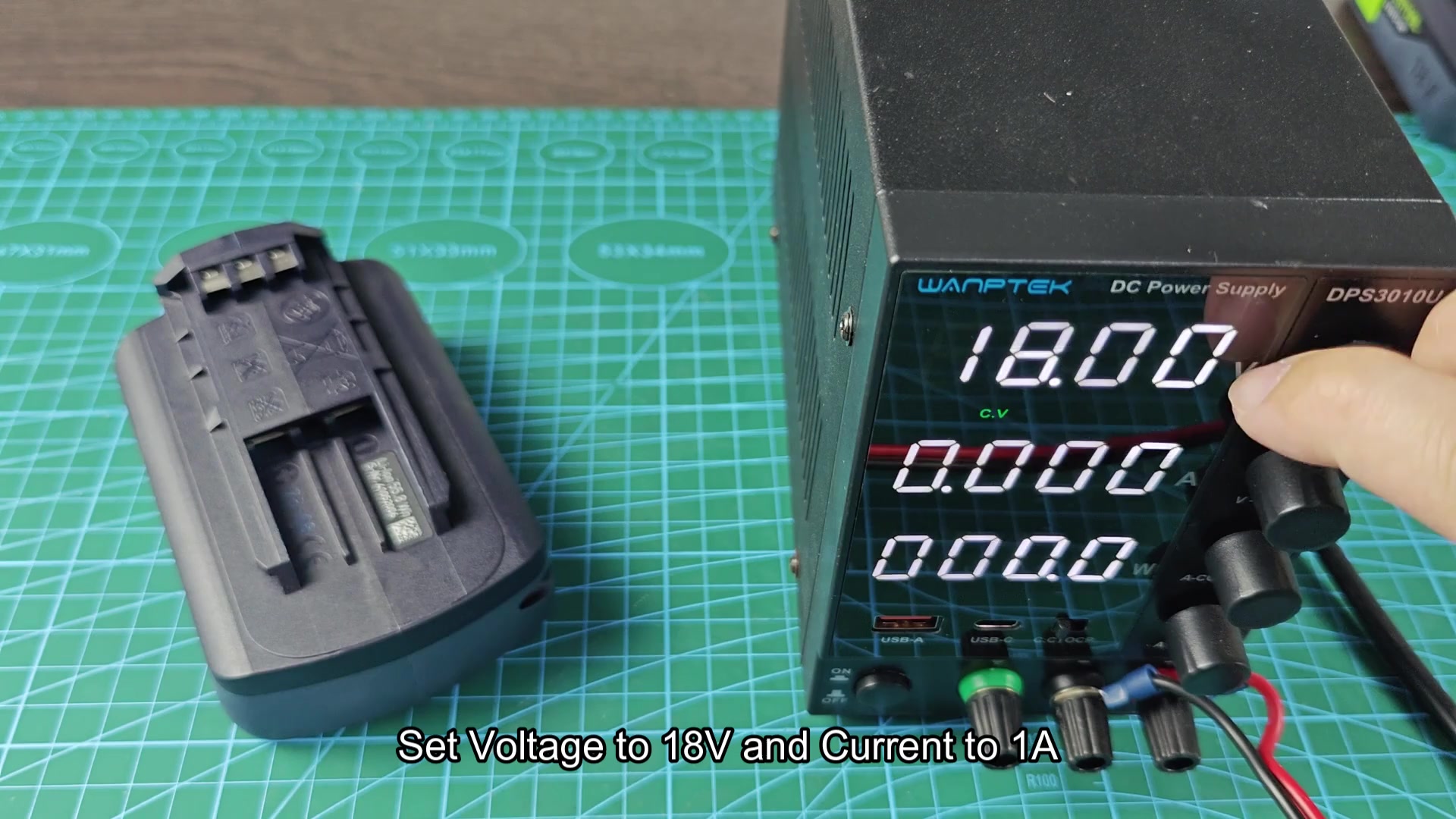
Set the voltage on the bench power supply to 18 volts (V) and set the current limit to 1 amp (A). Using a lower voltage and current allow the battery to charge slow instead of shocking the battery cells with a high voltage or current.
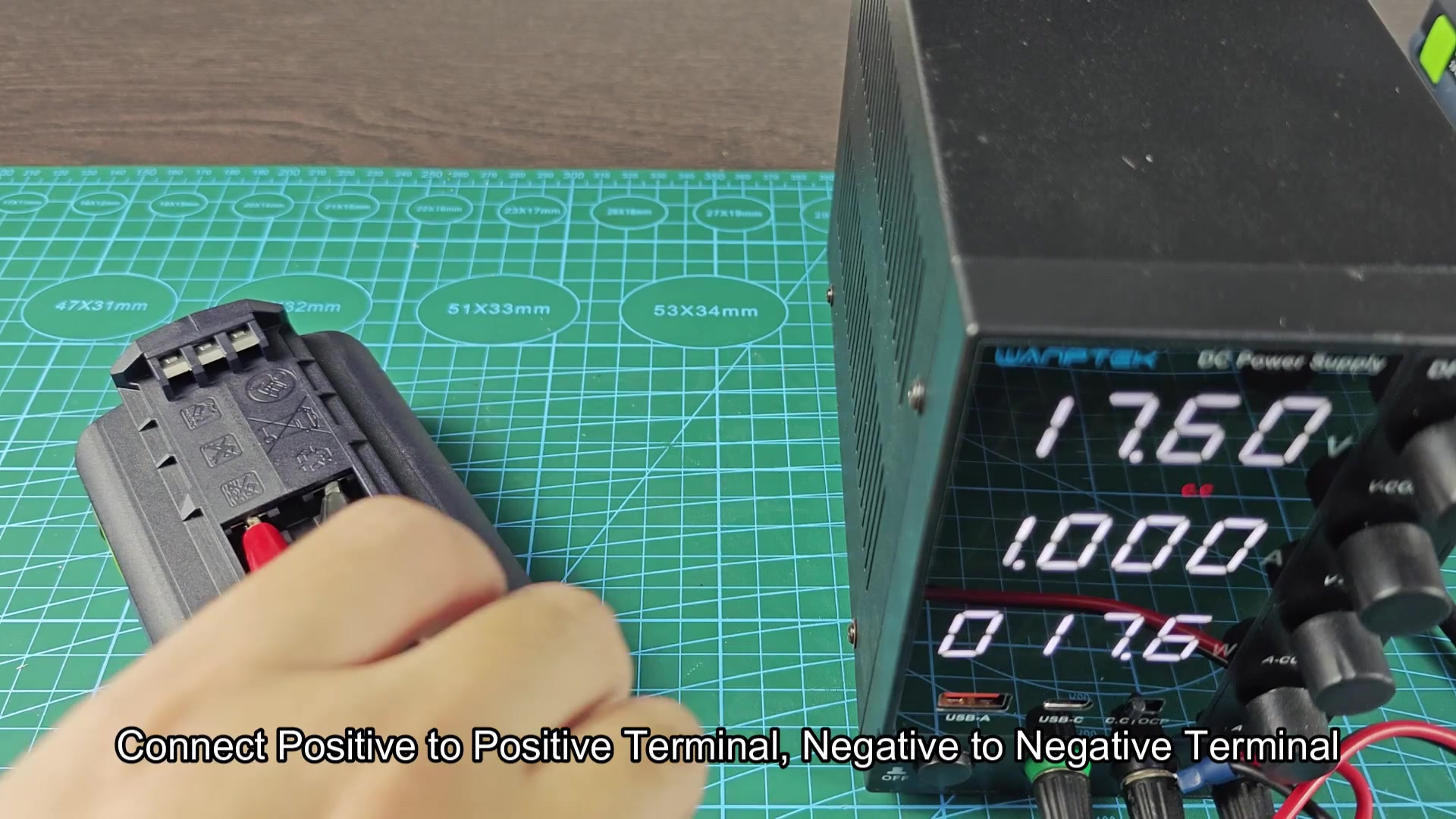
Connect the lead from the power supply to the battery terminals of the dead Festool battery. Again, make sure that the positive lead from the power supply is connected to the positive terminal of the battery, and the same for the negative lead. The power supply should display current as it begin to charge the battery. The battery voltage should display as 18V, but the amperage should slowly increase to the 1 amp limit that was set on the power supply.
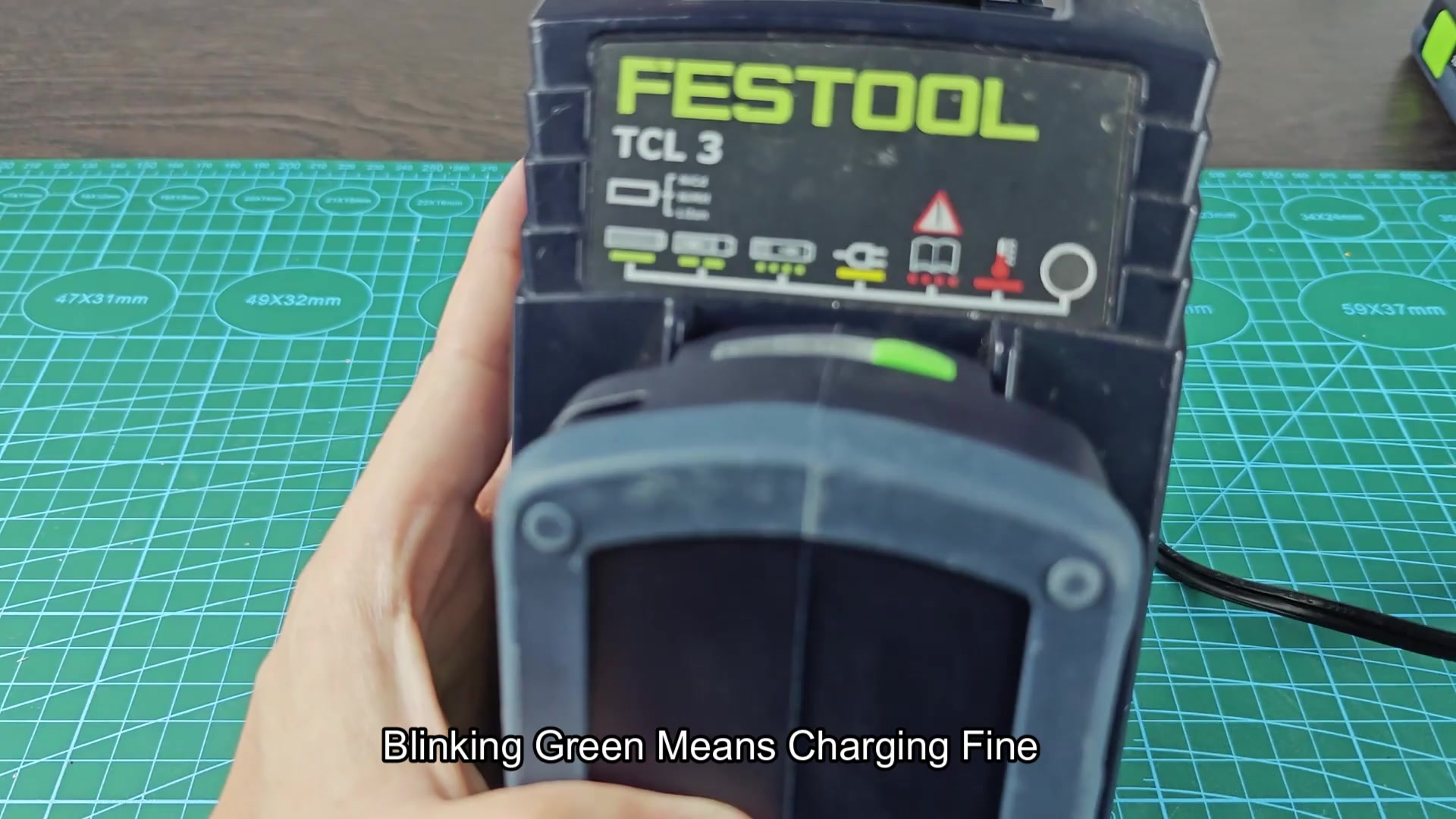
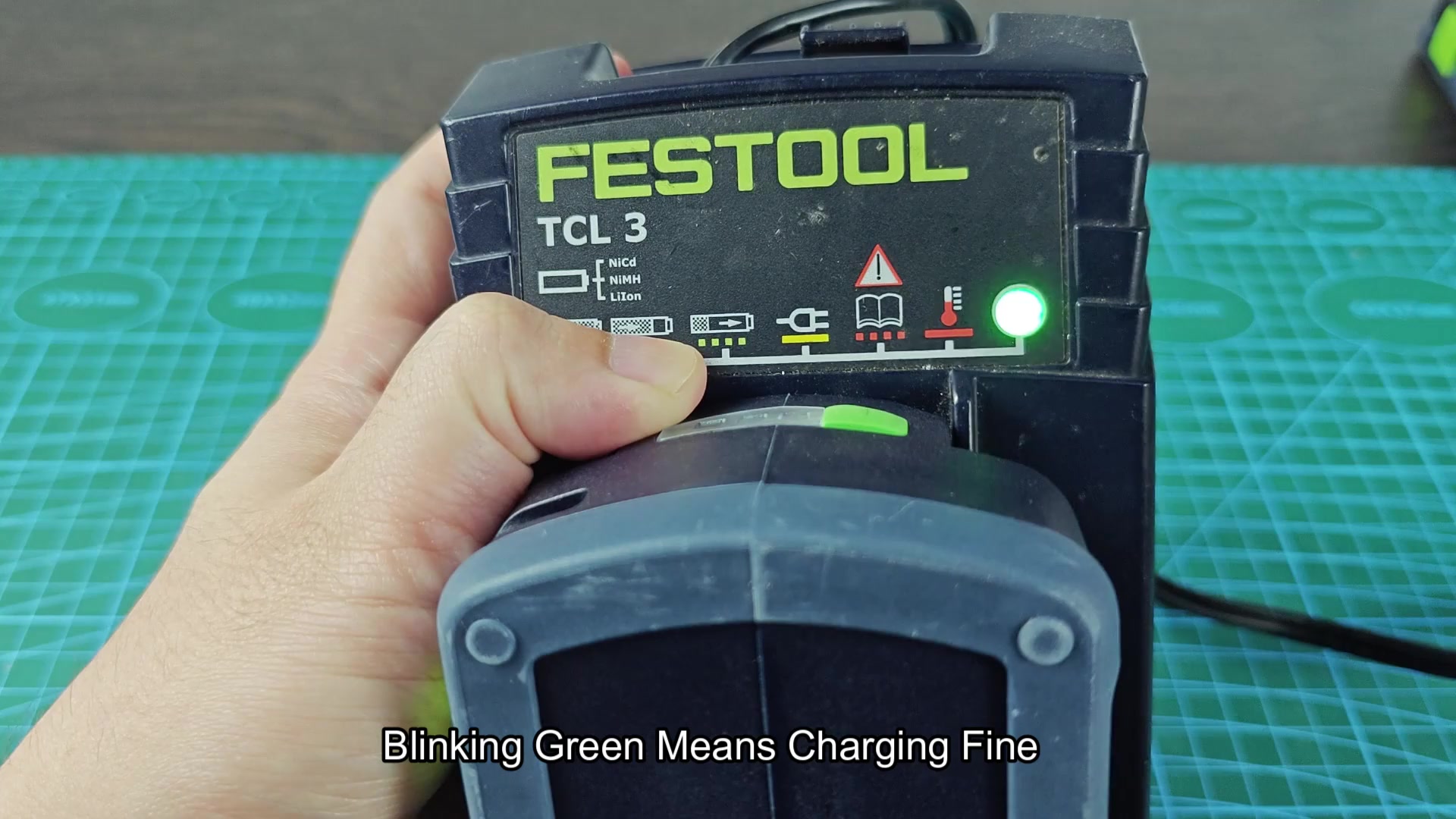
Allow the dead Festool battery to remain connected to the bench power supply for fifteen seconds. During this time, the battery should draw some power from the power supply, indicate on the power supplys display.
Pull the dead Festool battery from the bench power supply and place it on the charger. The blinking red LED should go away, and the LED on the battery should blink green to indicate that the charger is charging it again. All three methods performs the same task of providing the dead Festool battery with enough voltage to be recognized by the charger. Once the charger recognize the battery again, it manage the charging of the battery. This could of saved me from having to replace a Festool battery that still had some life left in its cells.
