
Plugged into the NOCO Genius 5 and figured it would start up and begin to charging the battery. However, the light on the unit didnt do anything. Initially figured it was an issue with the battery itself. However, upon inserting the AC cord into an outlet, I discovered the cord was not proper seated into the outlet. Once the battery began to charge, it was evident that the issue were resolved.
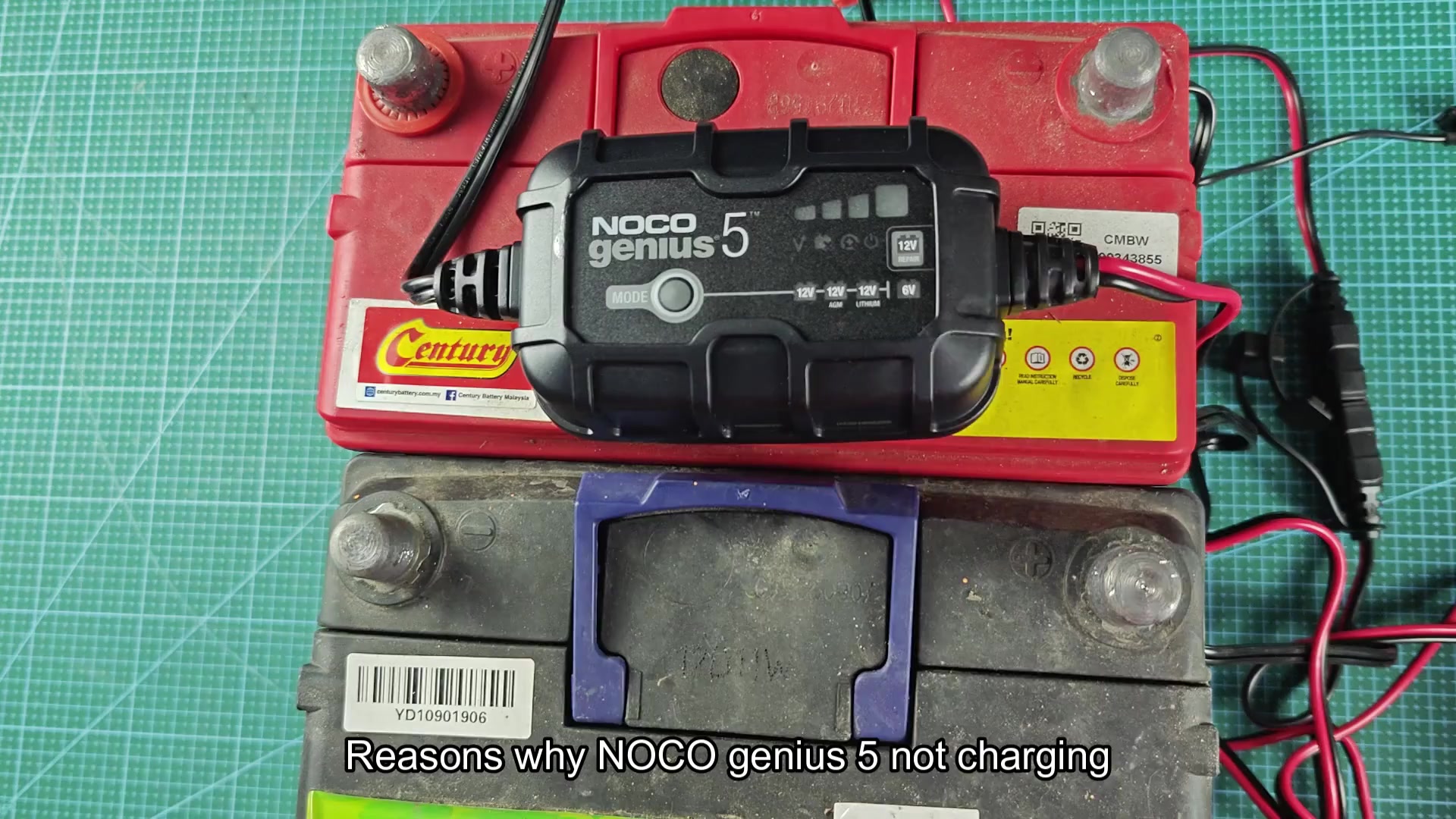
Another issue with the Genius 5 is with the battery clamp connector itself. The inline battery connector that join the charger to the battery needs to be clicked together proper; otherwise, the battery will not recieve the charge from the charger. Ensuring that the two half of the inline connector are properly snapped together fix the issue.
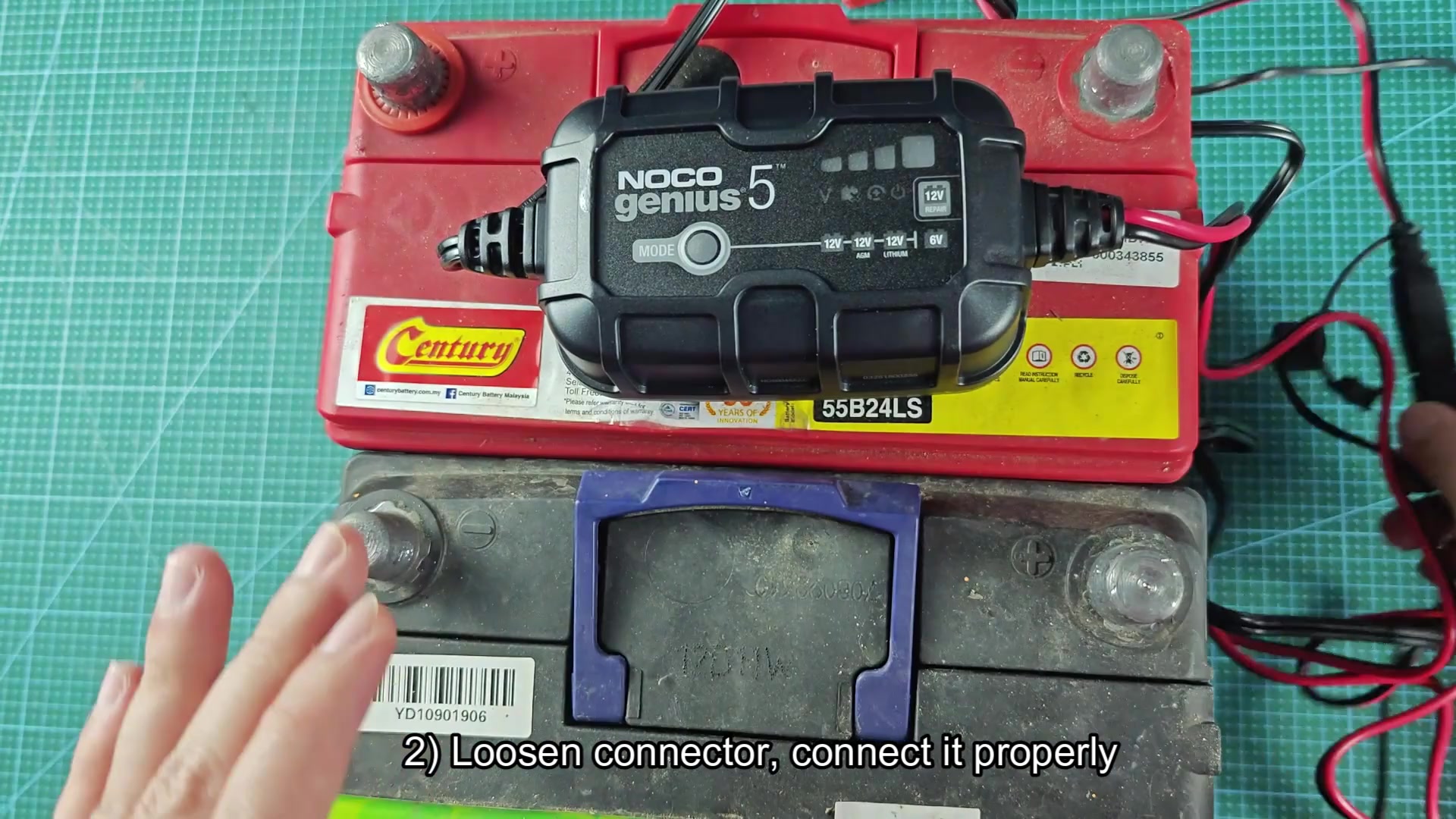
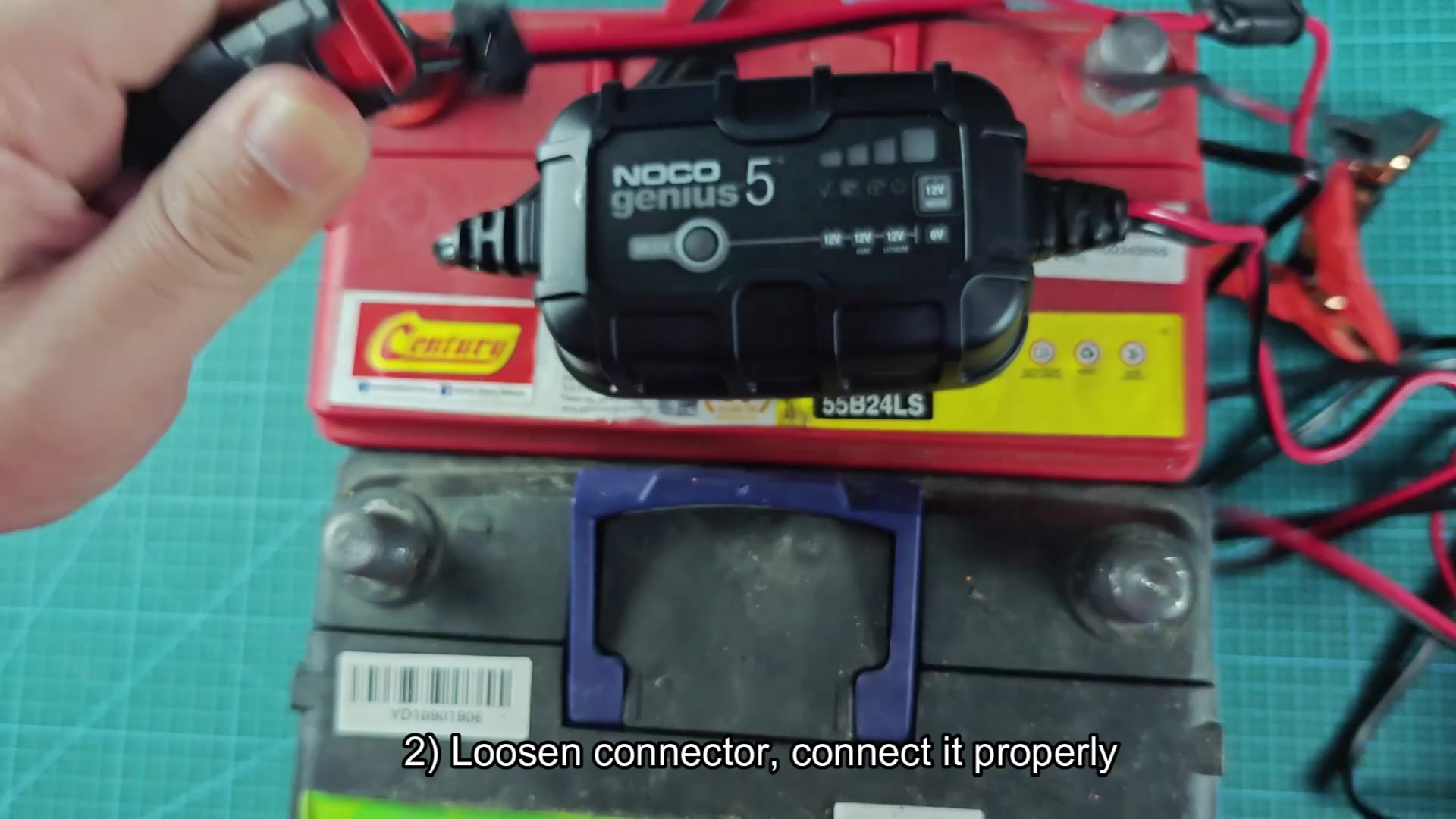
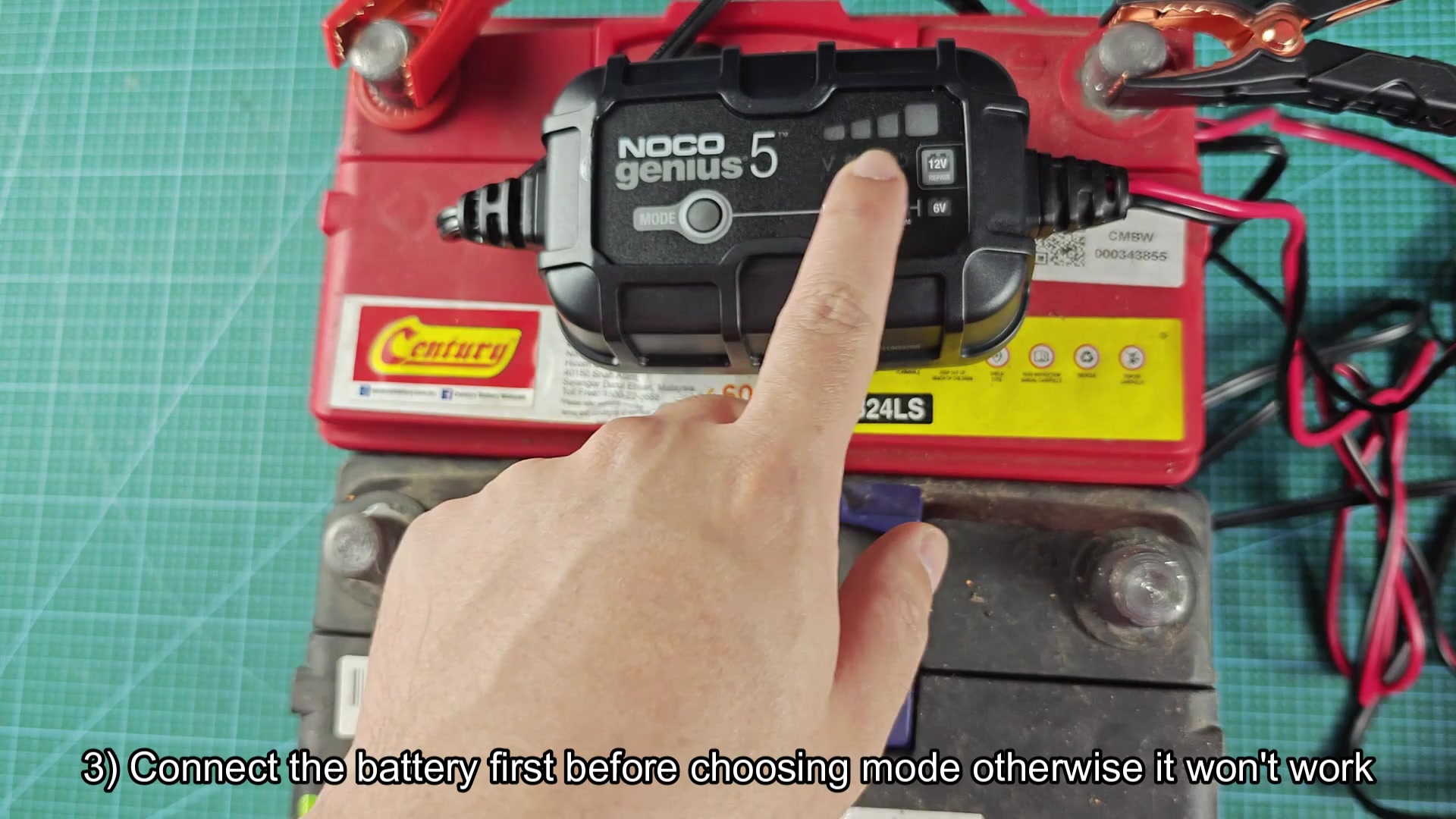
Another issue I encountered was attempting to select a charging mode prior to connecting the battery clamp to the battery. The NOCO Genius 5 will not begin to charge the battery until it detect that the battery is connected. After connecting the battery clamp to the battery, you can select the mode button to choose the desiredly charging mode for the battery.
Troubleshooting charging problems
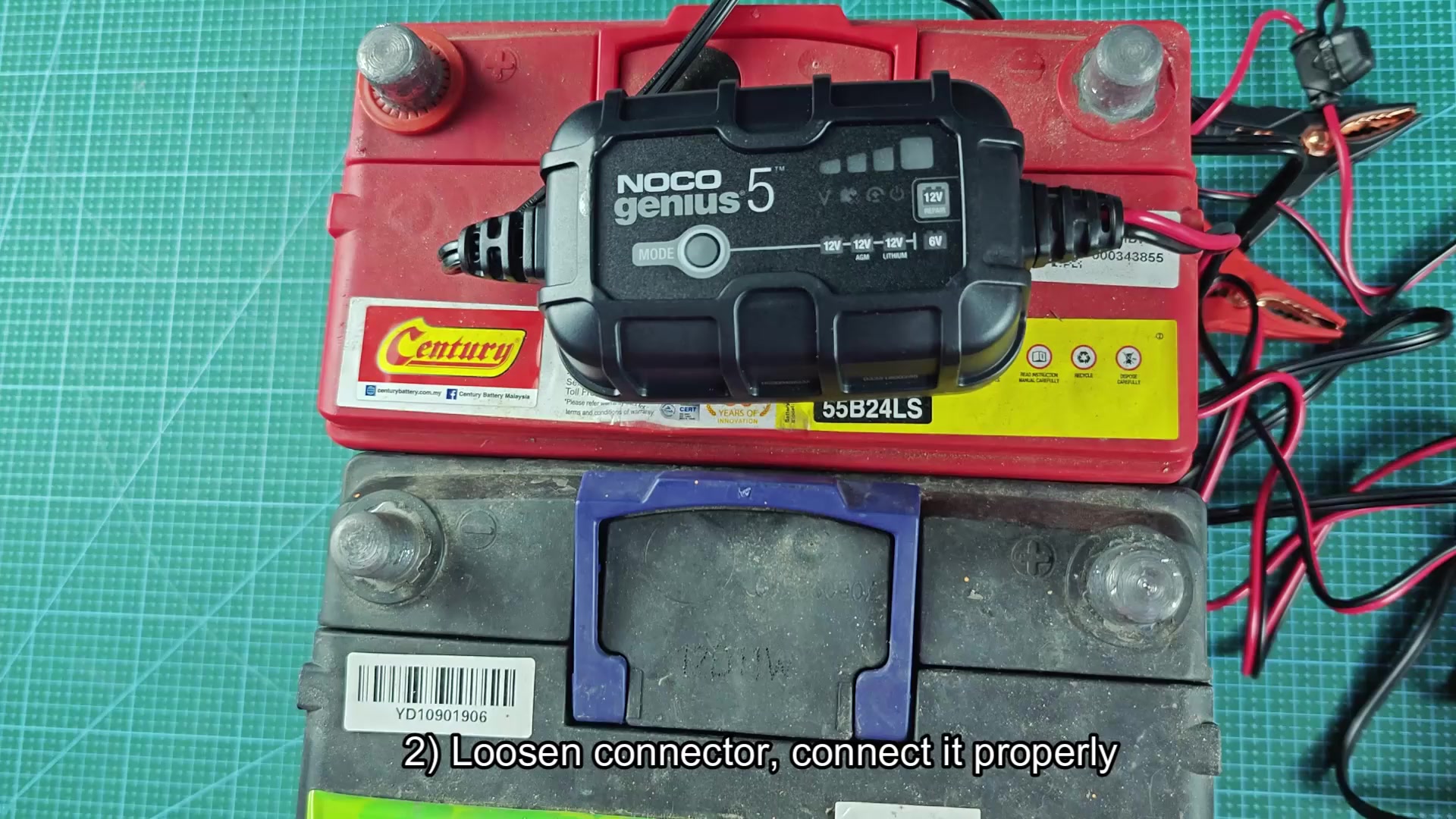
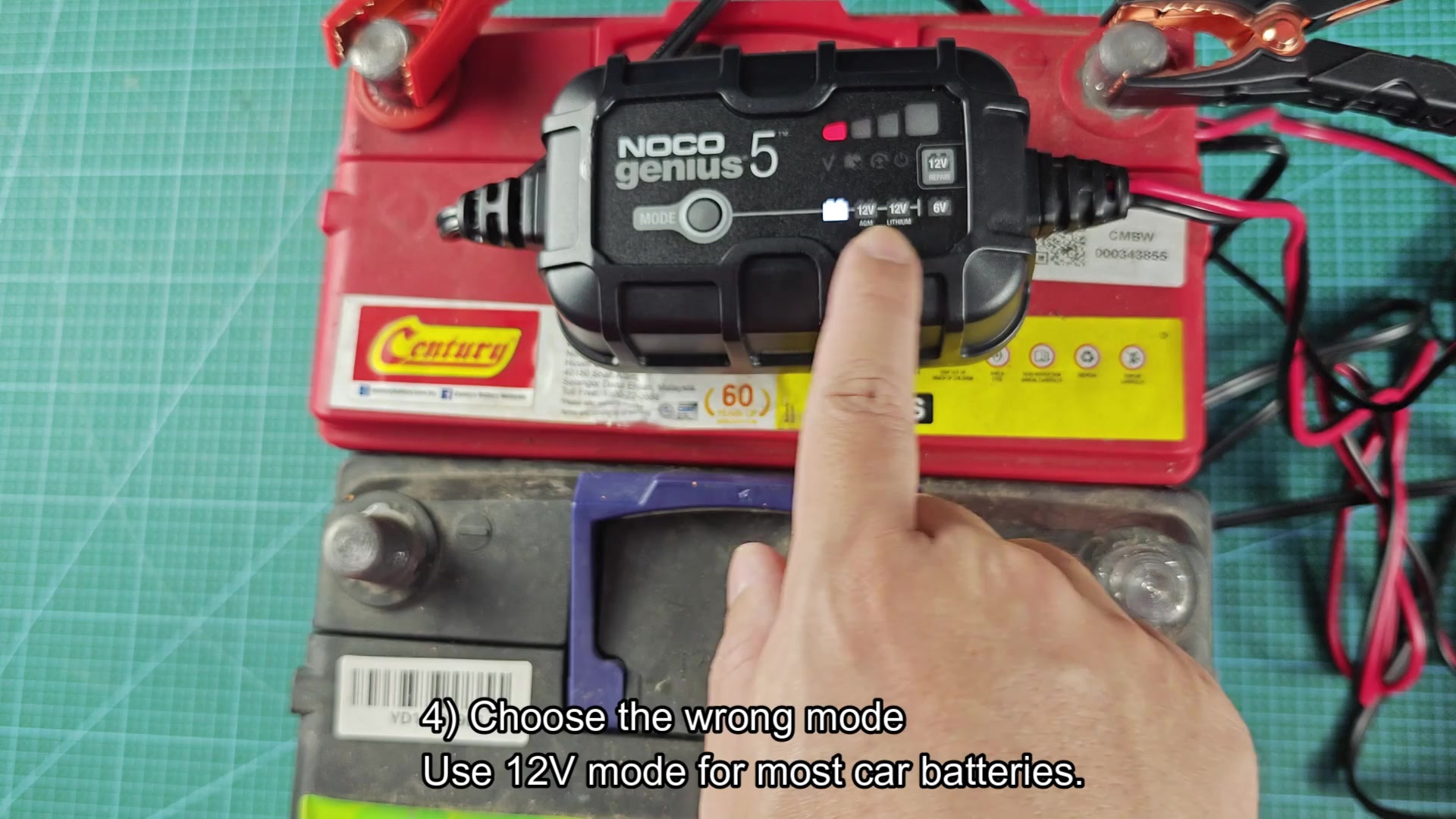
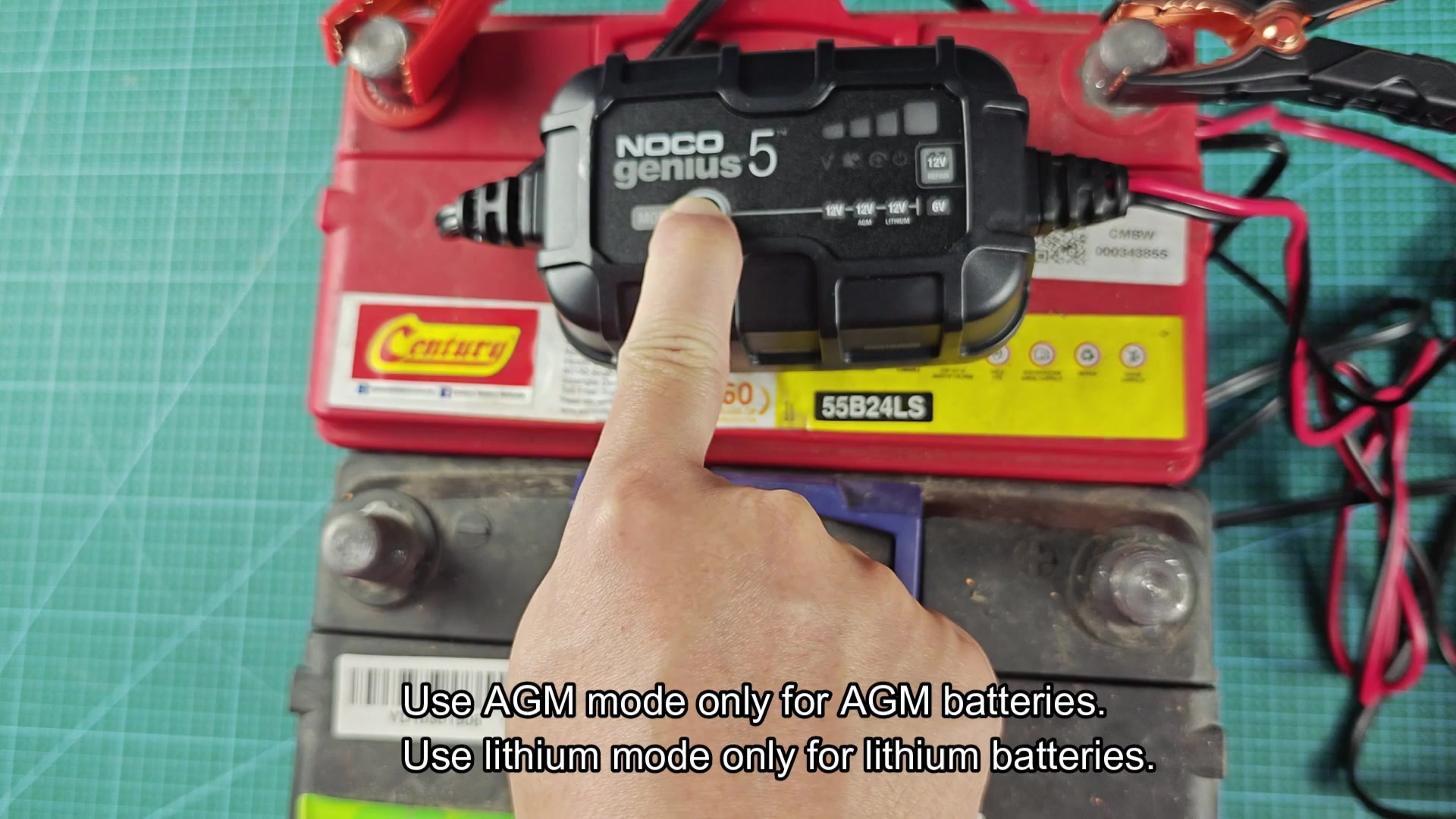
Selecting the wrong charging mode created some confusion as to why the battery was not charging. Most batteries will require the 12V mode, though there are settings for AGM batteries, lithium batteries, and 6V batteries. Attempting to start the 6V mode on a standard 12V car battery created an error message from the Genius 5. Charts within the user manual shows that the 12V mode will charge batteries to 14.5 volts at 5 amps for batteries up to 120 amp hour. The 6V mode will charge batteries to 7.25 volts. Attempting to use the 6V mode on a 12V battery did not make sense to the Genius 5.
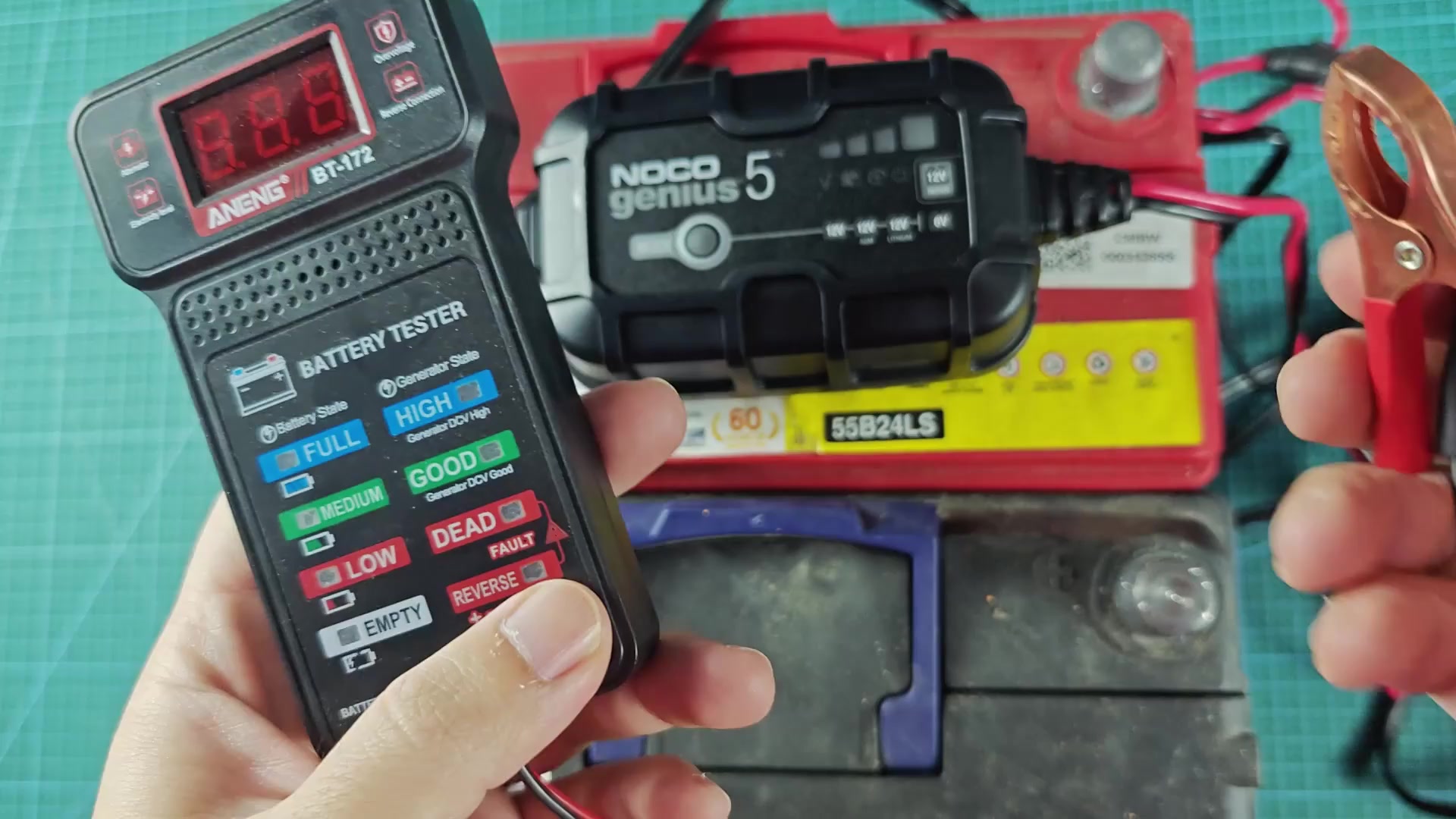
Another issue that can arise is when the battery voltage drop too low for the Genius 5 battery charger to detect. Using a battery tester confirmed that the voltage was indeed low on some battery. Batteries that are dead will register 0 volt on the Genius 5 battery charger display.
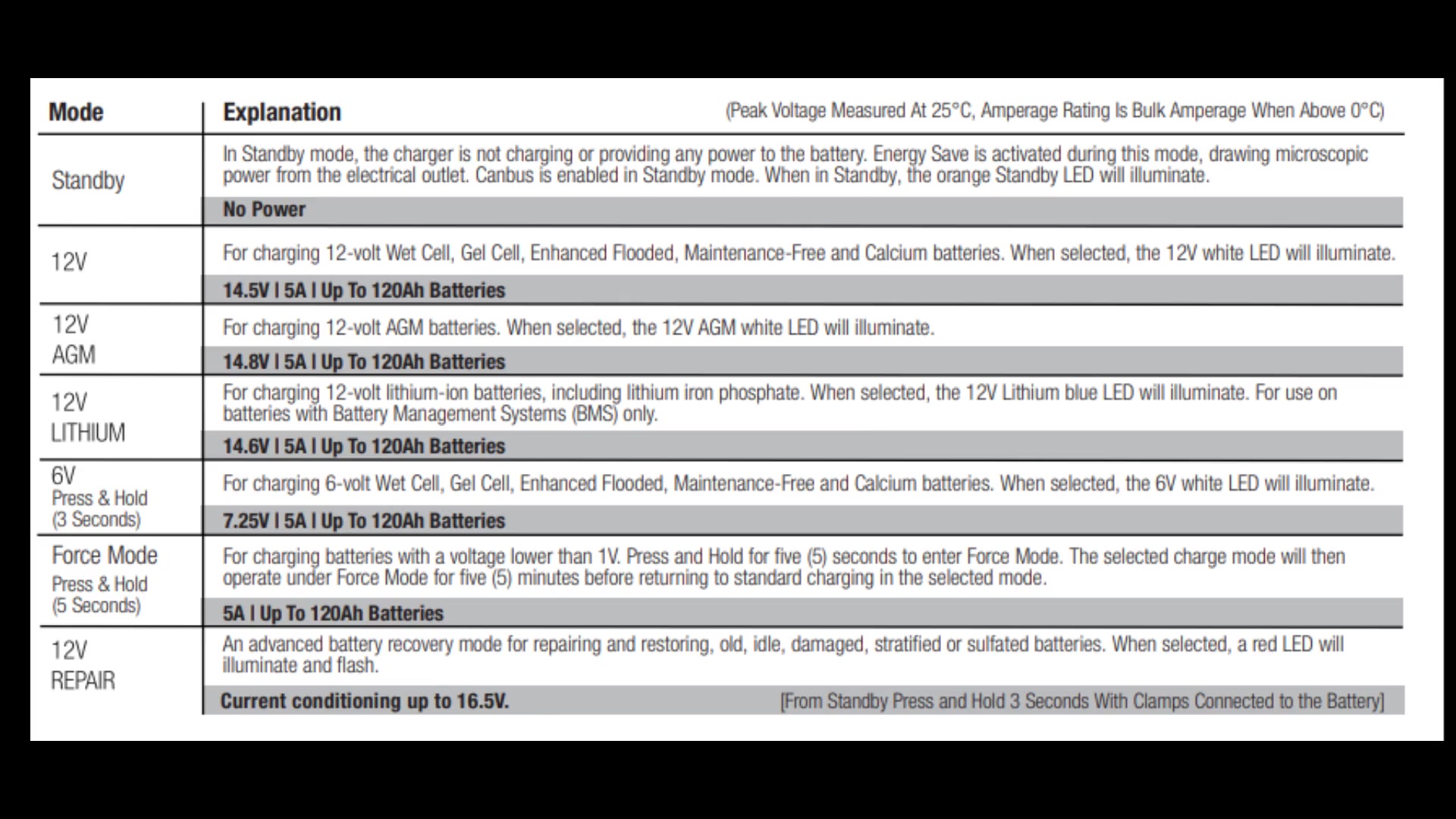
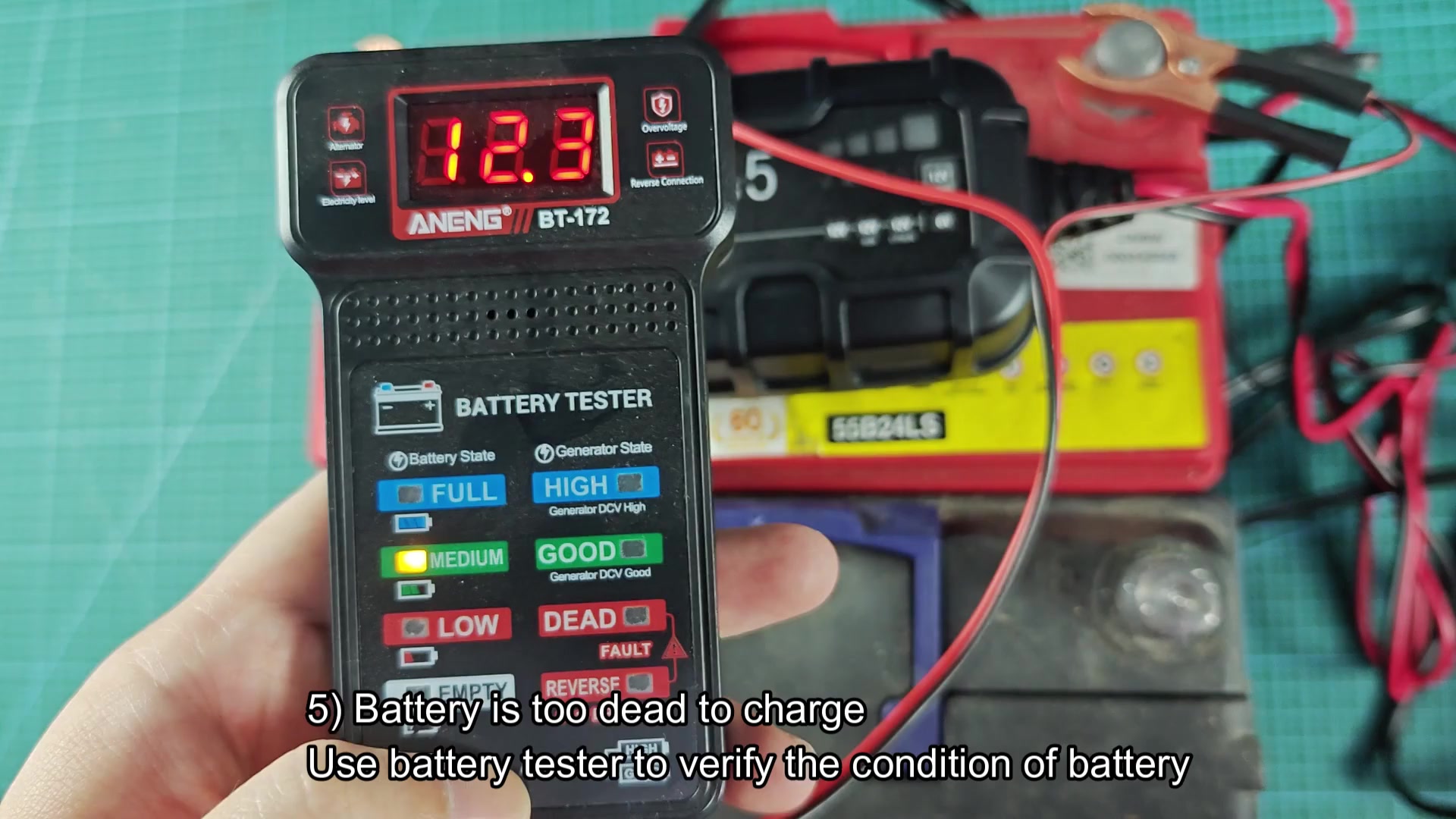
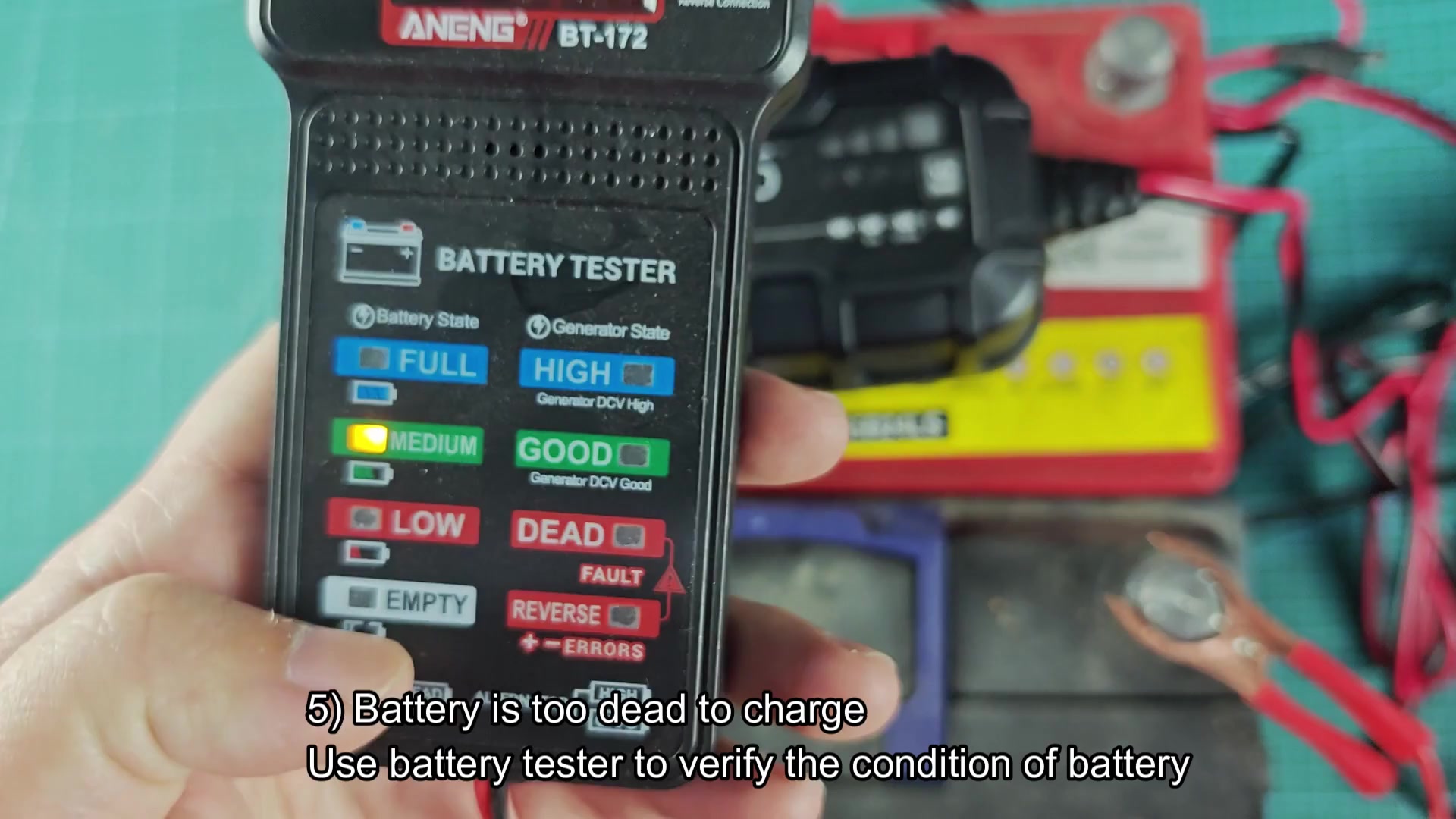
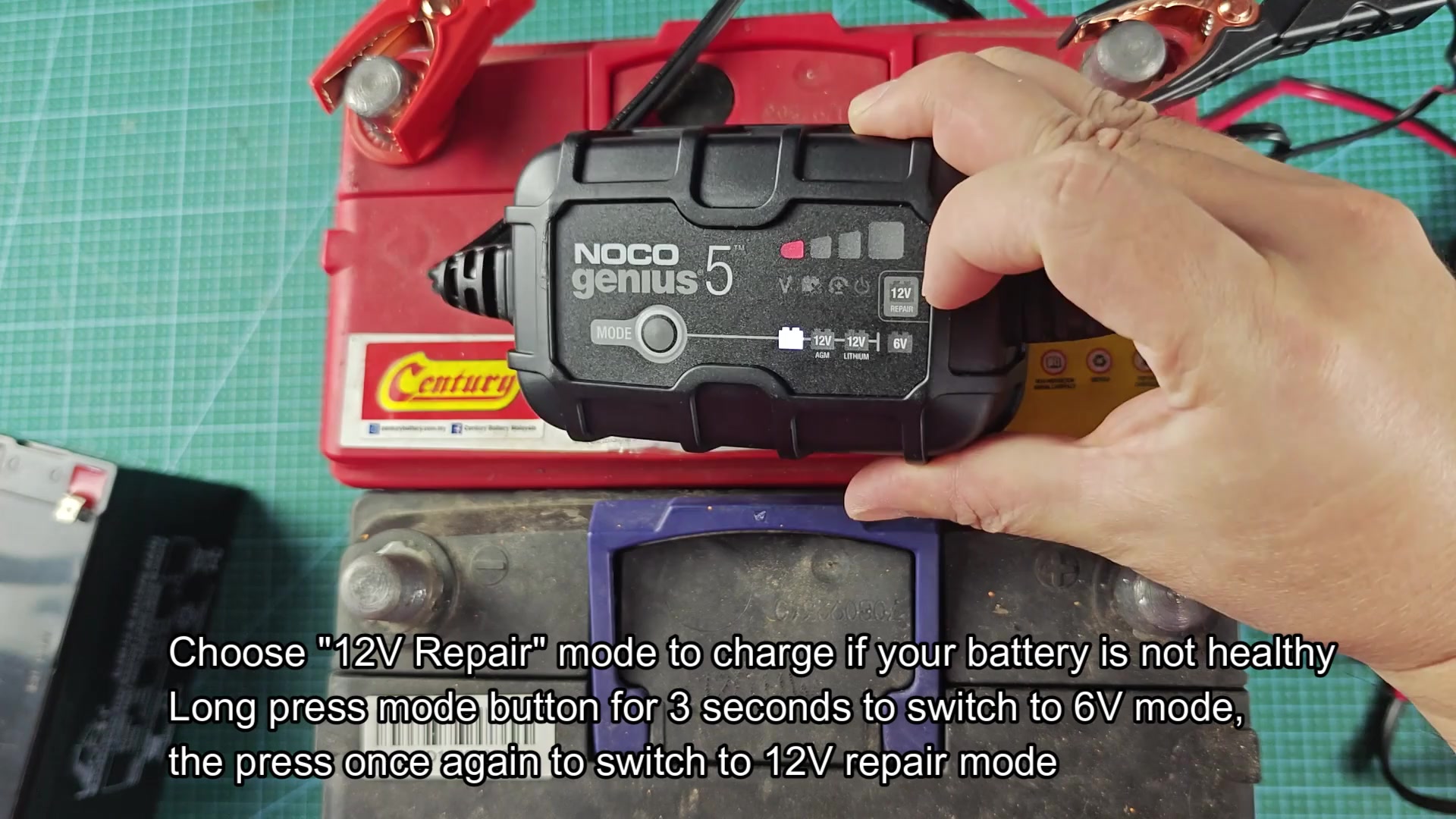
For batteries whose voltage has dropped to a level that is severe discharged but still above 1 volt, the 12V Repair mode will charge the battery. In order to activate the Repair mode, you must hold the mode button for approximately three second while the battery clamp is connected to the battery. After cycling through the different charging modes, the display will change to indicate the Repair mode has been successfully activated. This mode can push up to 16.5 volts into the battery.
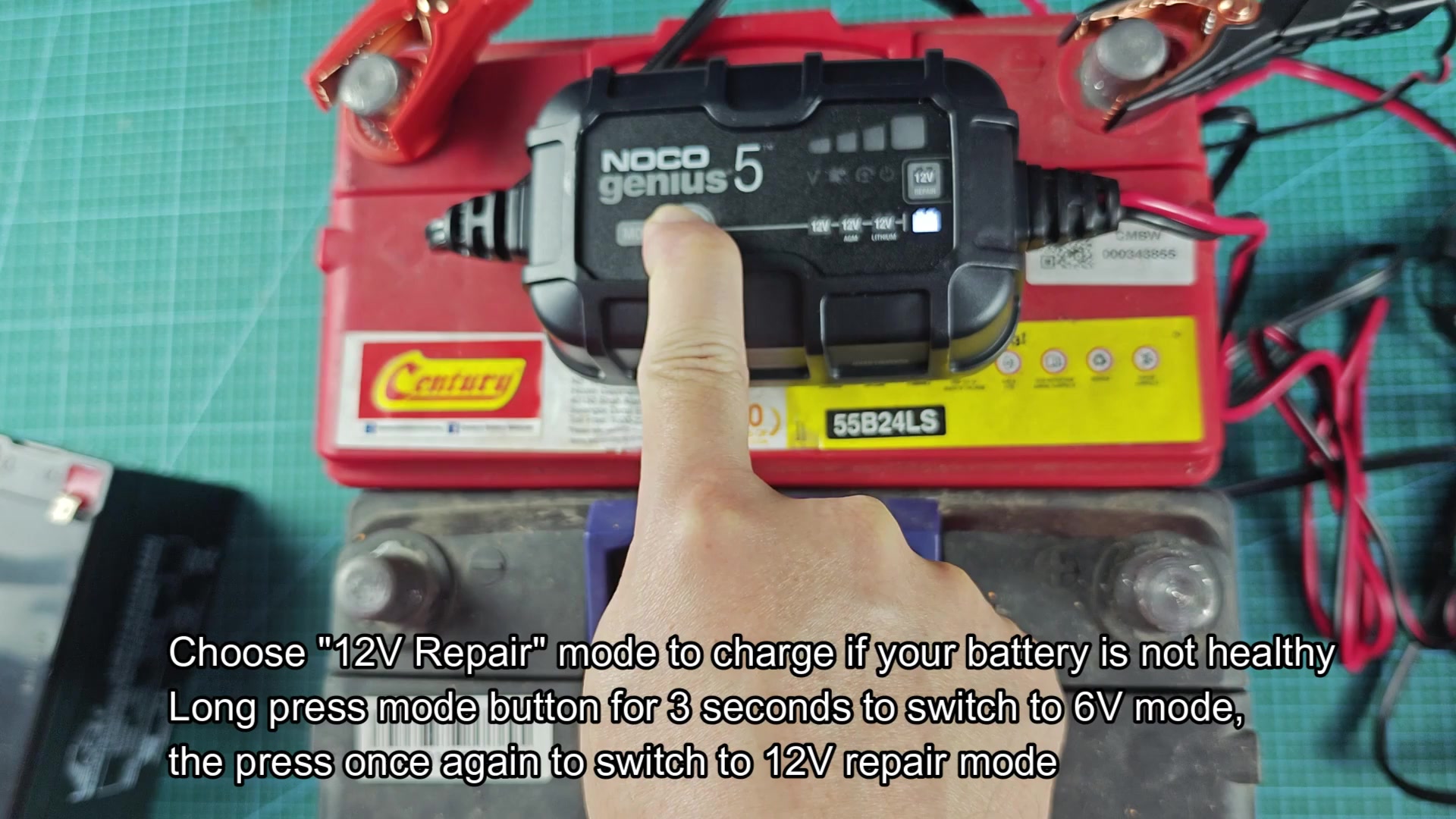
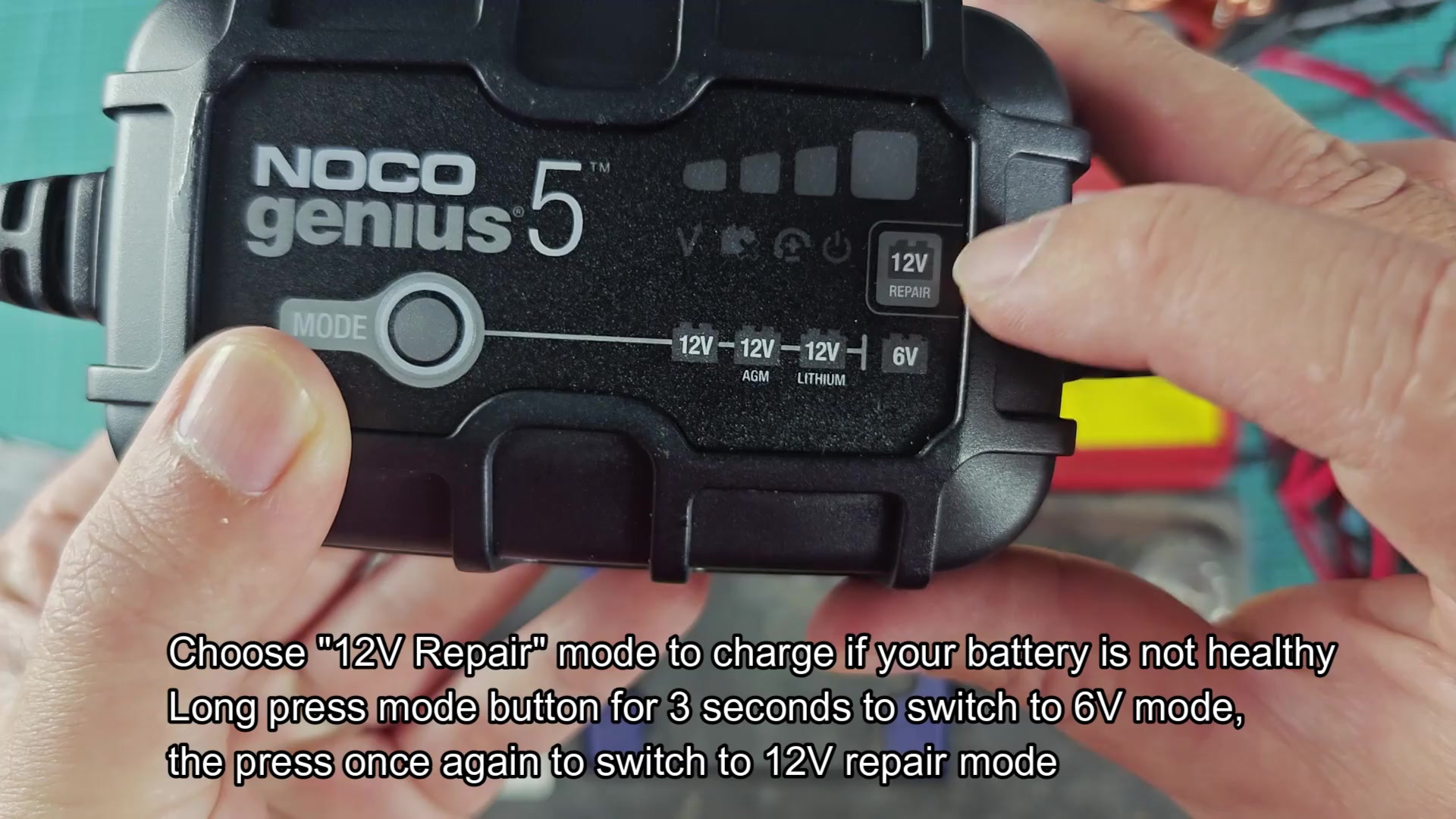
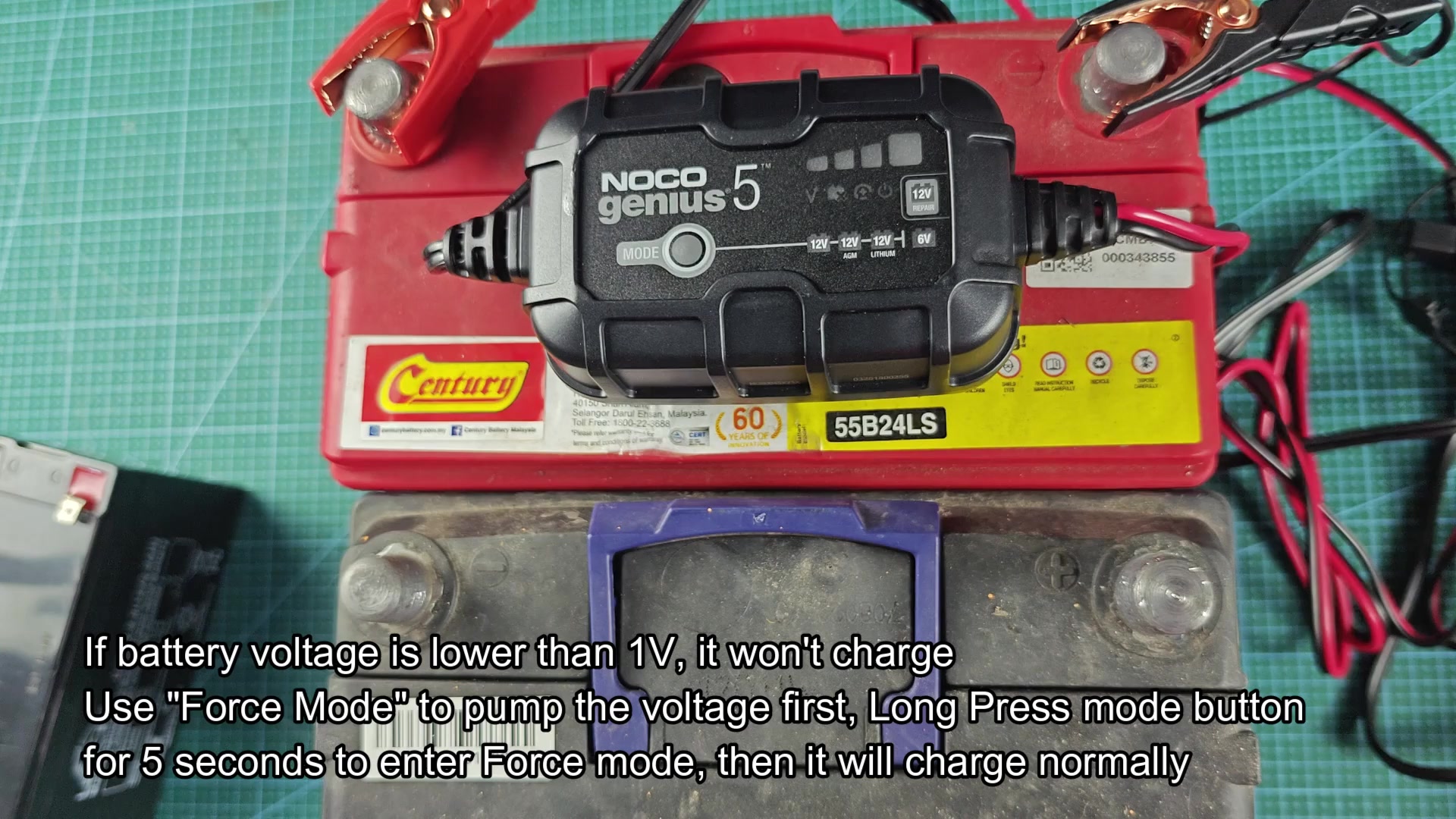
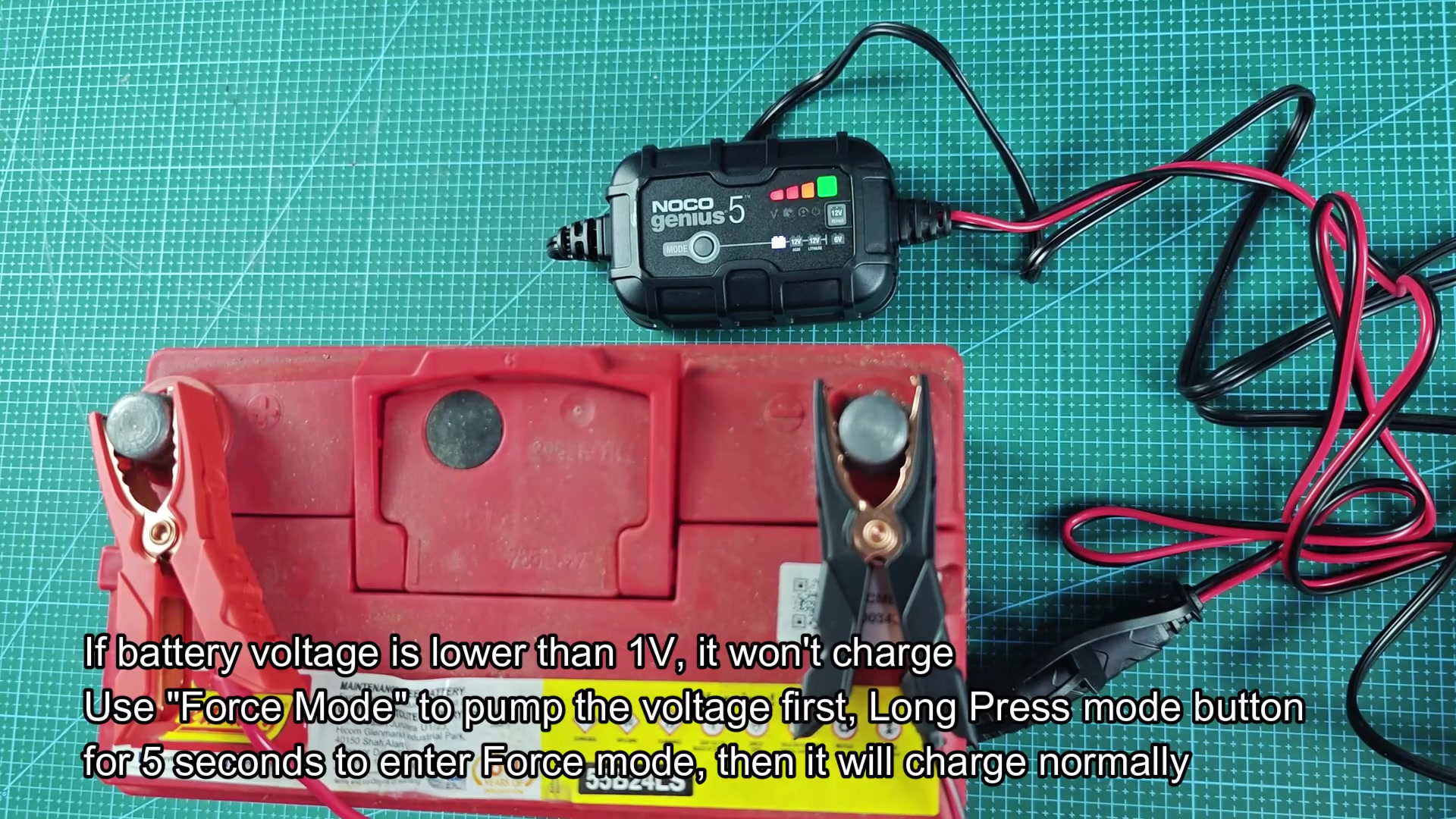
For batteries whose voltage dropped to a level that is severely discharged to the point of being under 1 volt, the Force mode will charge the battery. In order to activate Force mode, you must hold the mode button for five full second while the clamp is connected to the battery. Genius 5 charger will dump the current into the battery to charge the cells. Force mode can be used to charge dead batteries to 12 volt and above so that the charger can recognize the battery and begin to charge it normal.
Each of these five issue created problems with the Genius 5 battery charger during the first few weeks of ownership. None of the issue, however, were with the battery charger; each solution was related to the battery itself.
