
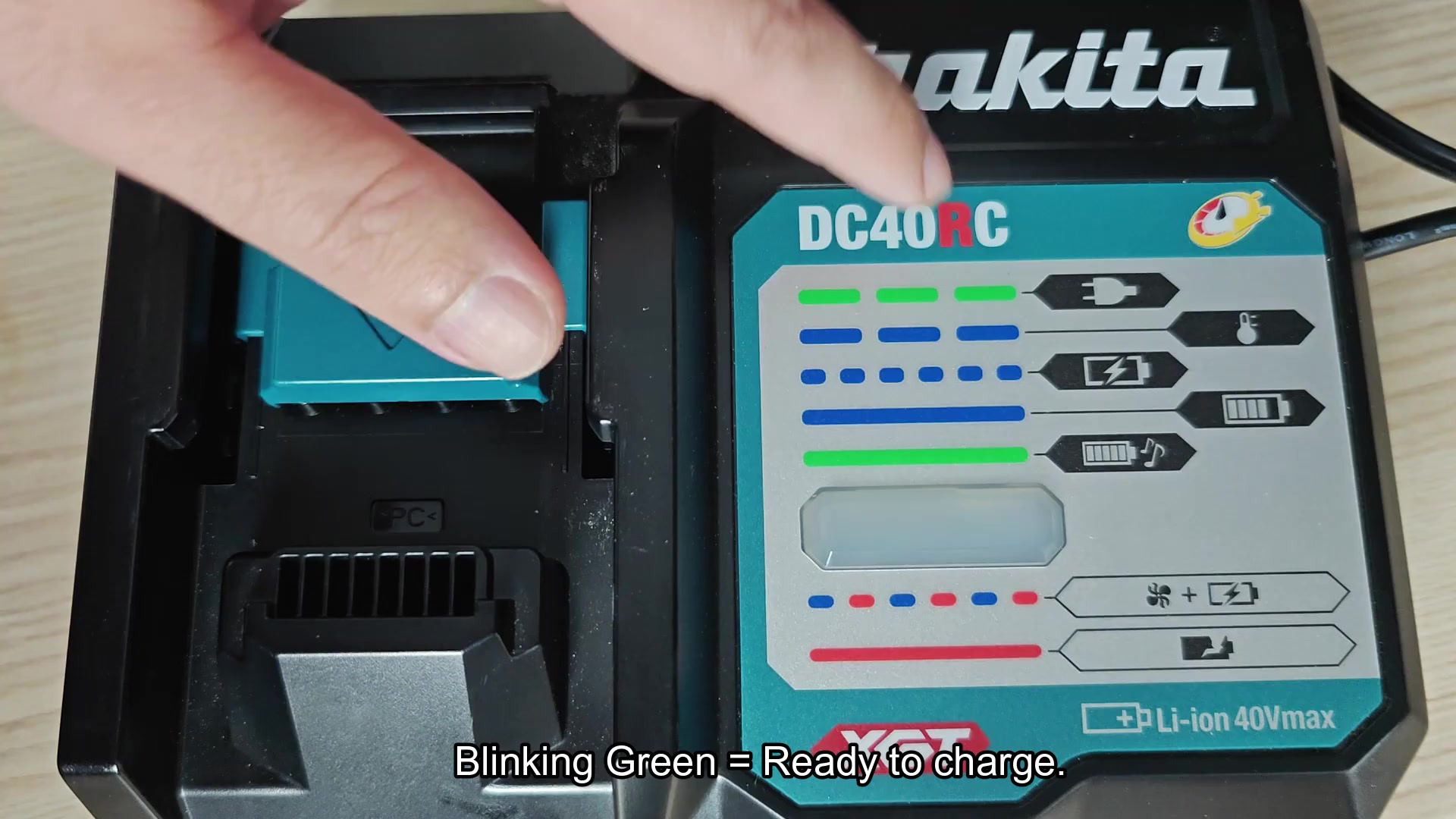
Getting starting with the DC40RC, you’ll find that it utilize a single LED that change colors rather than employing multiple color lights on the charger. It take a bit of time to figure out what each color on the LED mean but I did discover very quick that the charger will blink green while it is waiting for a battery to be placed into the charger.
Understanding LED signals
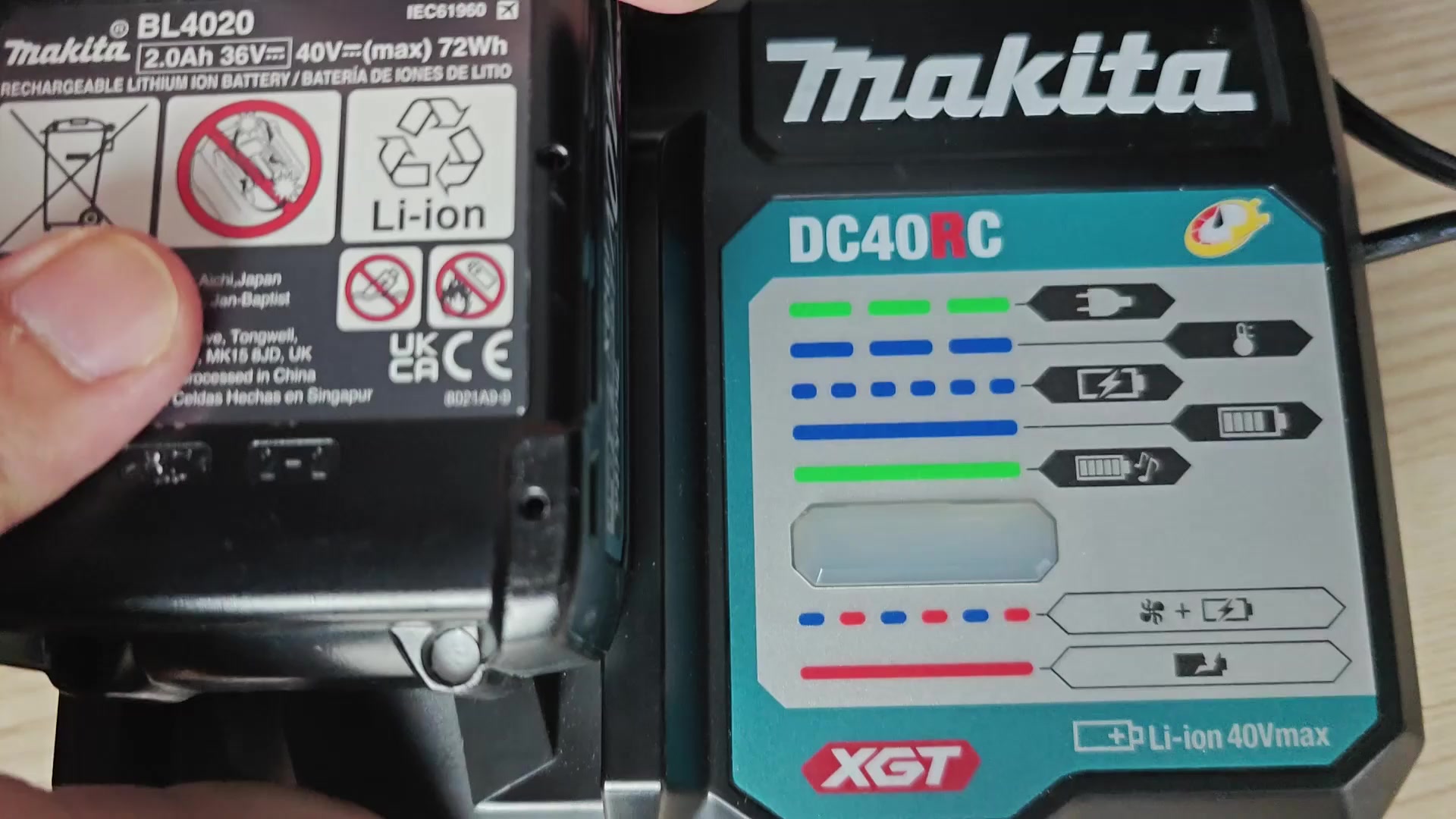
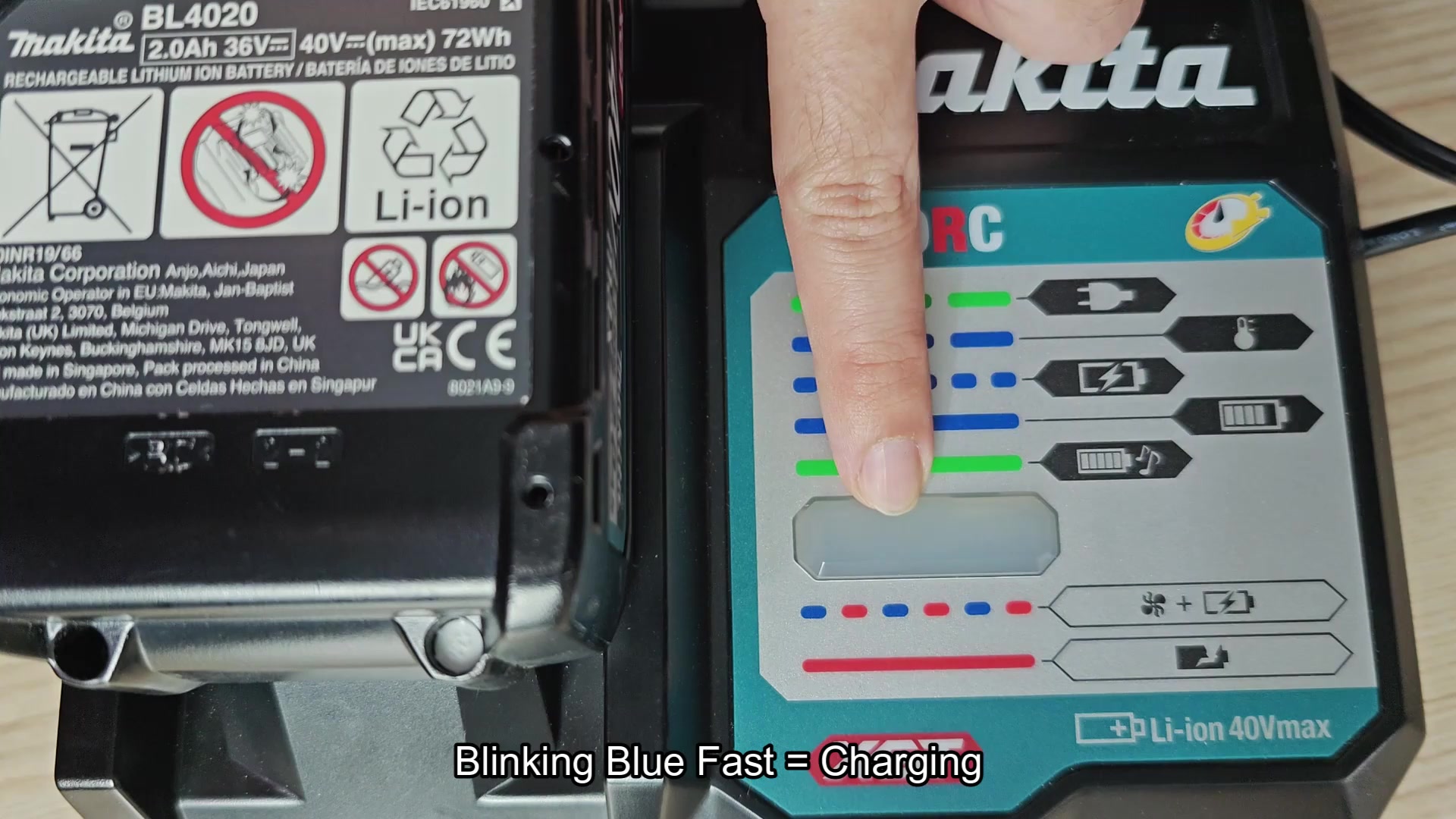
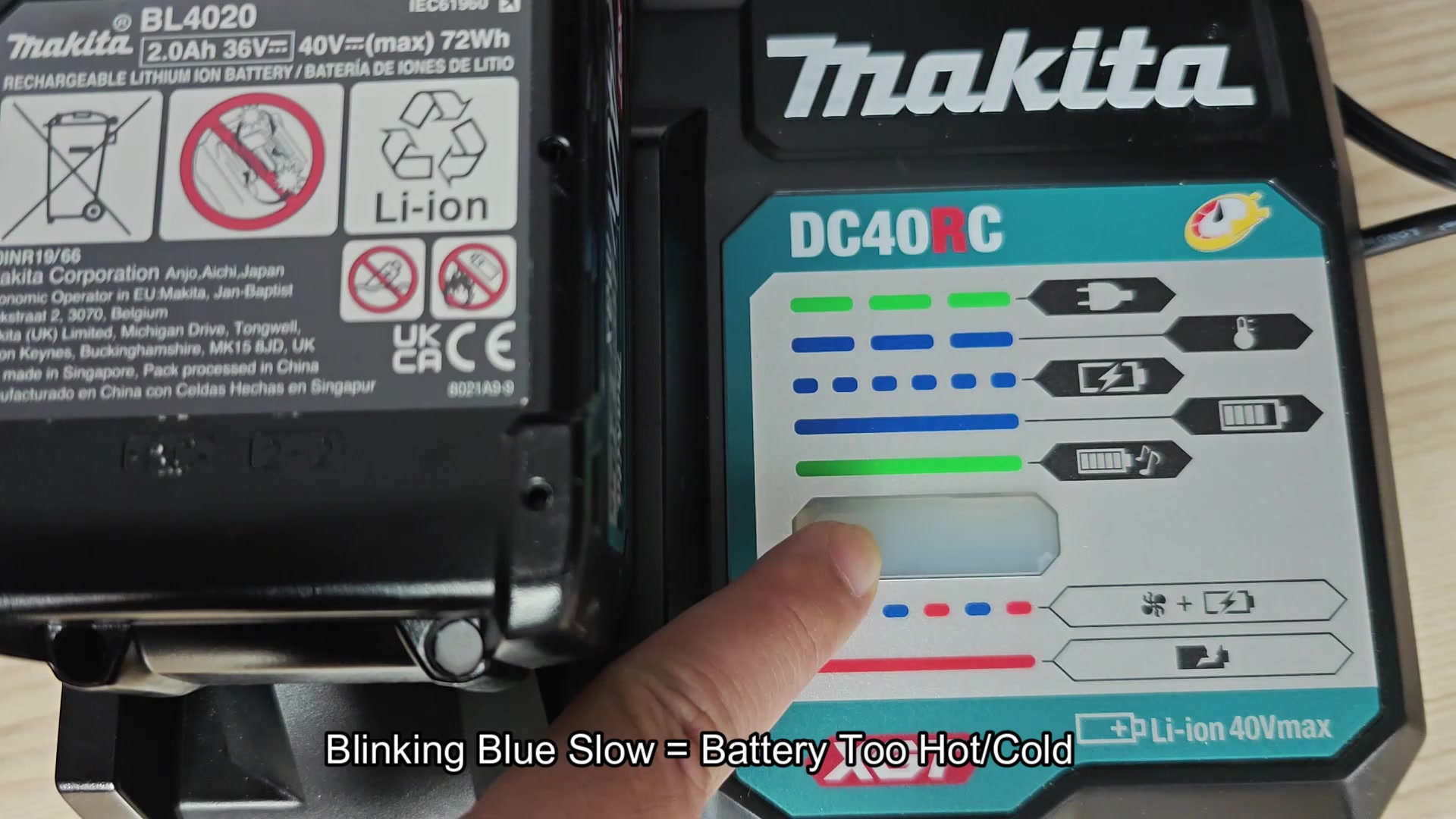
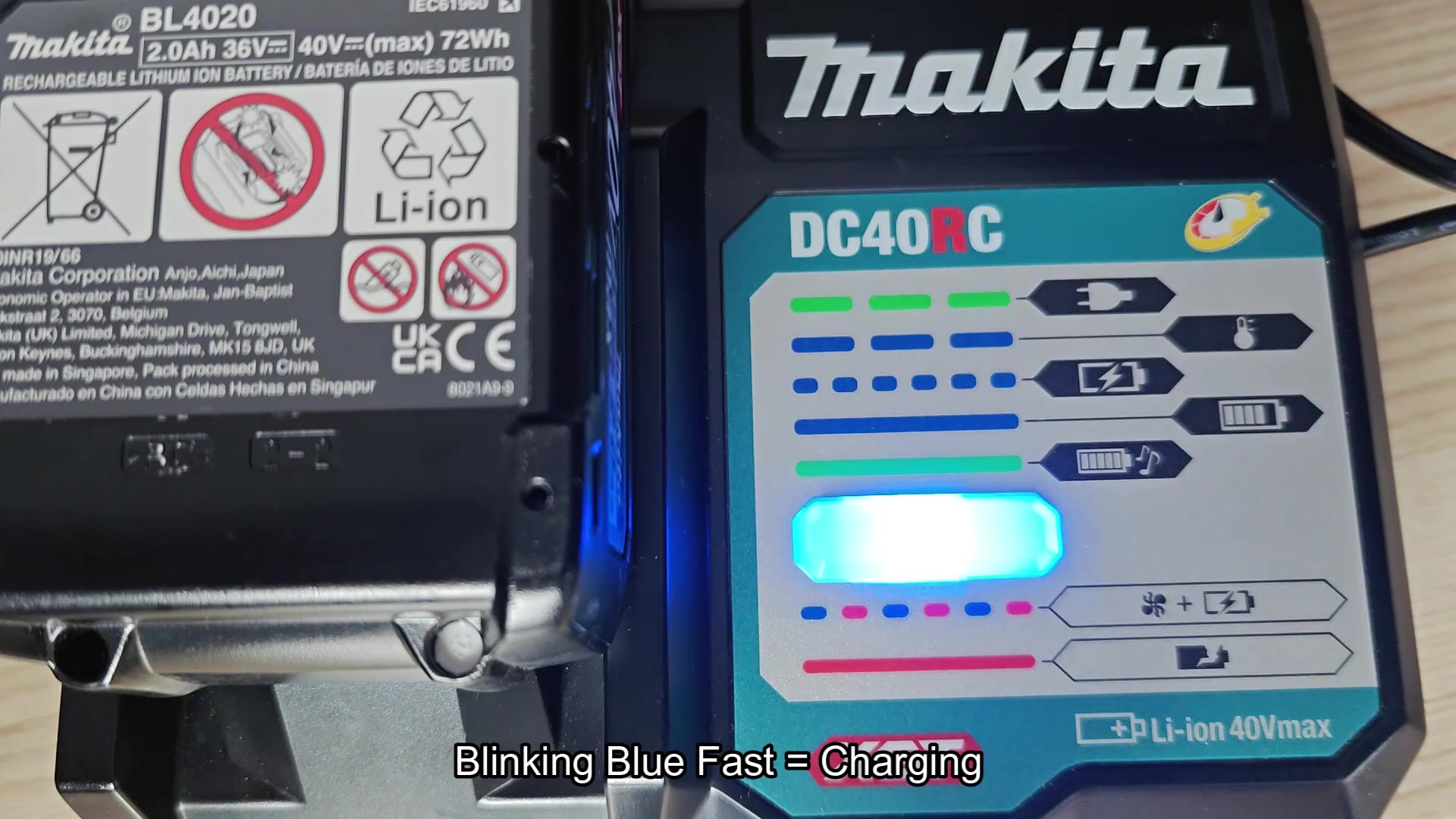
Once I placed my BL4020 battery into the DC40RC charger the LED changed to fast blinking blue which is an indication that the battery are charging. After placing the battery into it’s charging station for some time, however, the LED stayed blue but began blinking at a slower rate which did not make sense to me at first.
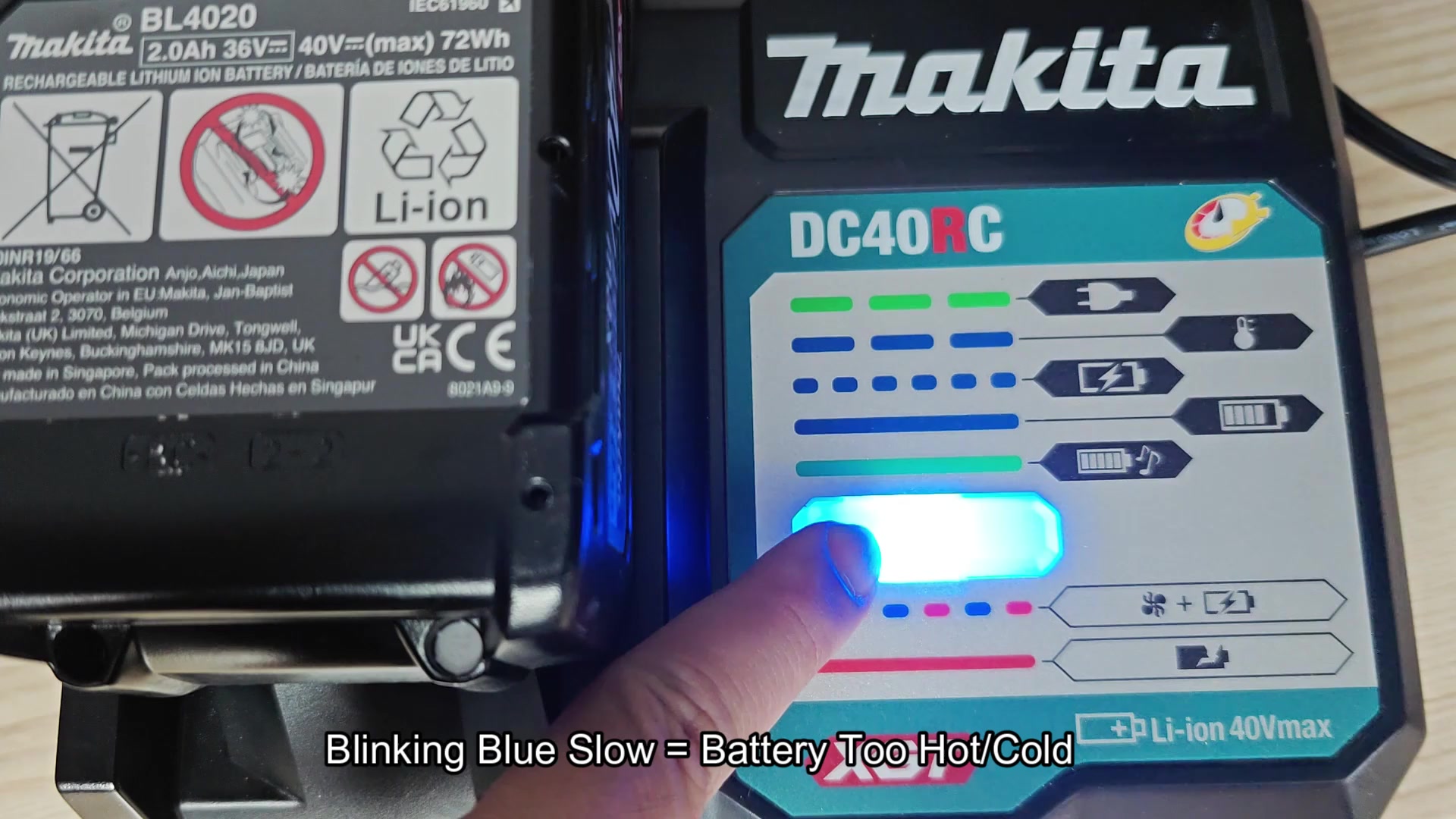
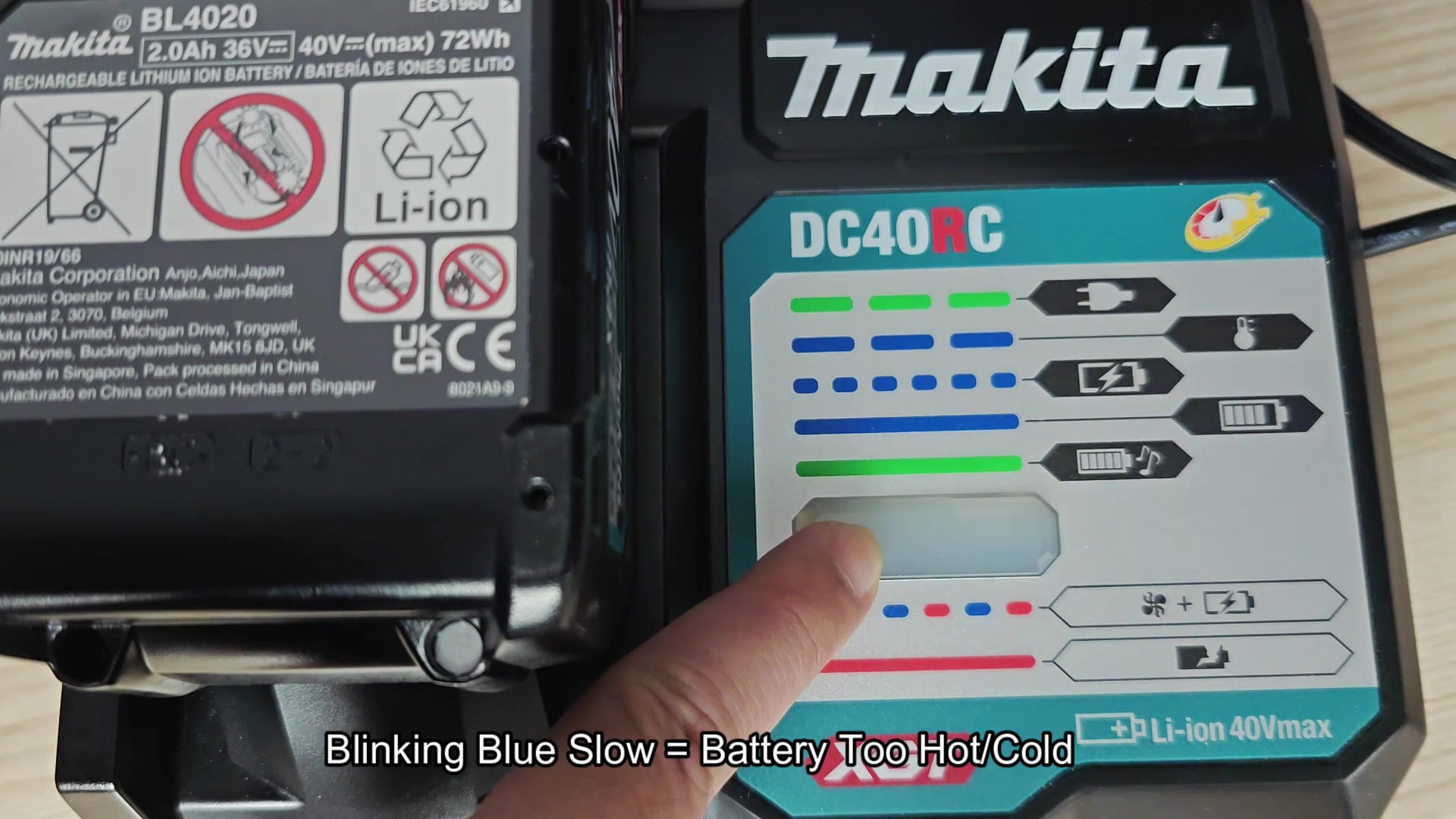
The slow blinking blue LED indicates that the batterys temperature are outside the normal range. The battery has to sit and return to it’s normal temperature for the charger to reestablish fast blinking blue indicating that the battery is charging again. It’s annoying to have to wait for the battery to return to it’s normal temperature but it’s an error-handling process the charger implement.
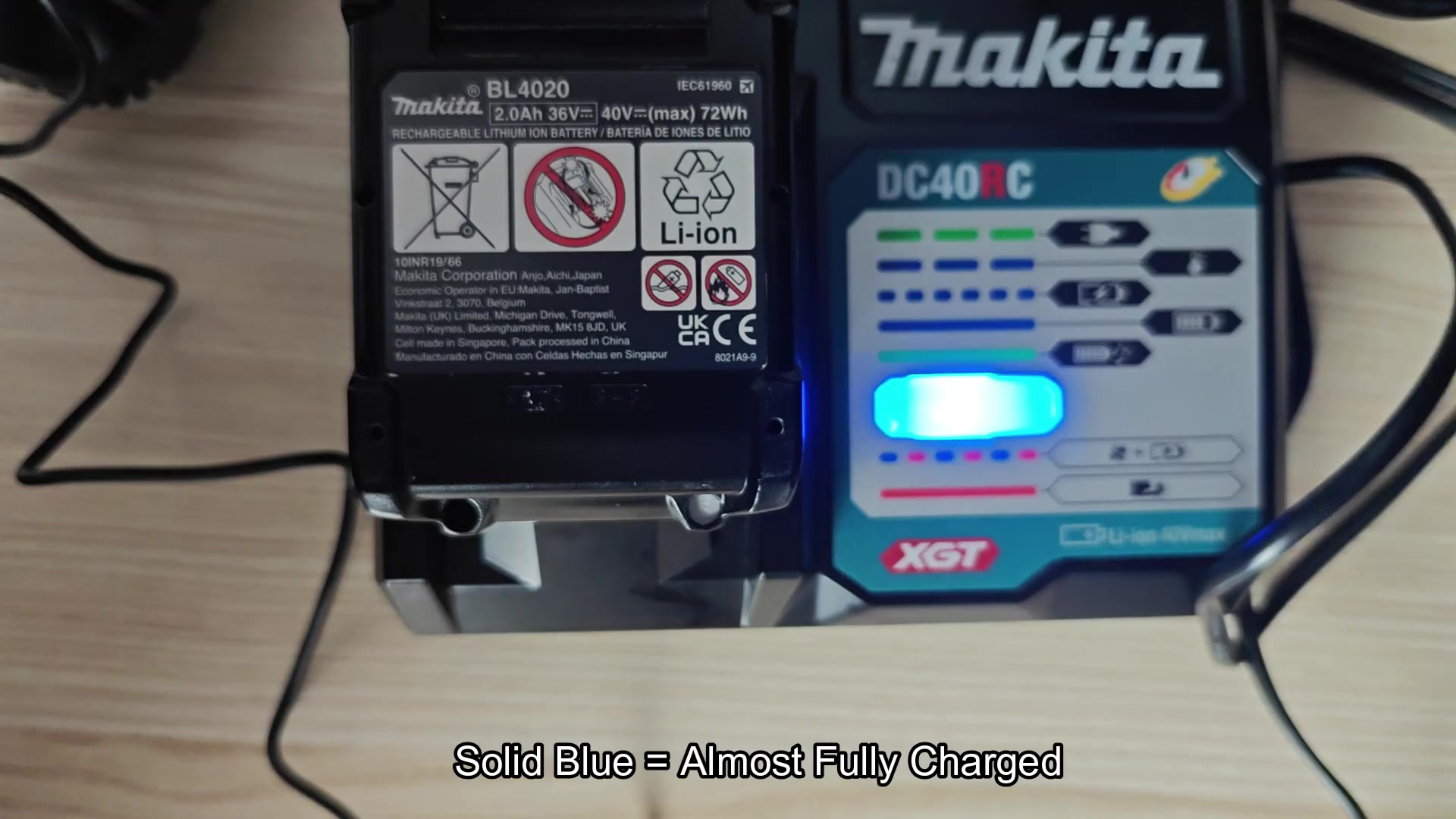
When the battery reach it’s full charge level of around 80% to 99% the LED will change to solid blue with no blinking. It will maintain that color for a few minutes until it change to solid green and emits a beep which indicates that the battery is now fully charged and ready to be utilized.
The solid green color with the beep is an indication of a fully charged battery so it’s nice to know the charger utilize such a simple means of letting me know when the battery is ready to be pulled from the charger. After going through the process a few times I had memorized the colors the charger utilize from blinking green while awaiting the battery to be placed into the charger until it reach solid green after the battery is fully charged.
When the charger began blinking both blue and red at the same time it mean that the battery is charging but the cooler on the charger is not functioning proper. Most likely the fan is faulty and not able to properly cool the battery while it is being charged. It will charge the battery but the cooling system are an issue.
The last signal to know about with the DC40RC is solid red. Solid red with no other colors mean that the 40V Makita battery itself is faulty and cannot charge proper. When I performed a reset on the battery, however, the solid red light returned to normal operation. This was somewhat of a relief because instead of returning to the shop to purchase a new battery I simply had to replace it which is good enough for me as a user of these batteries.
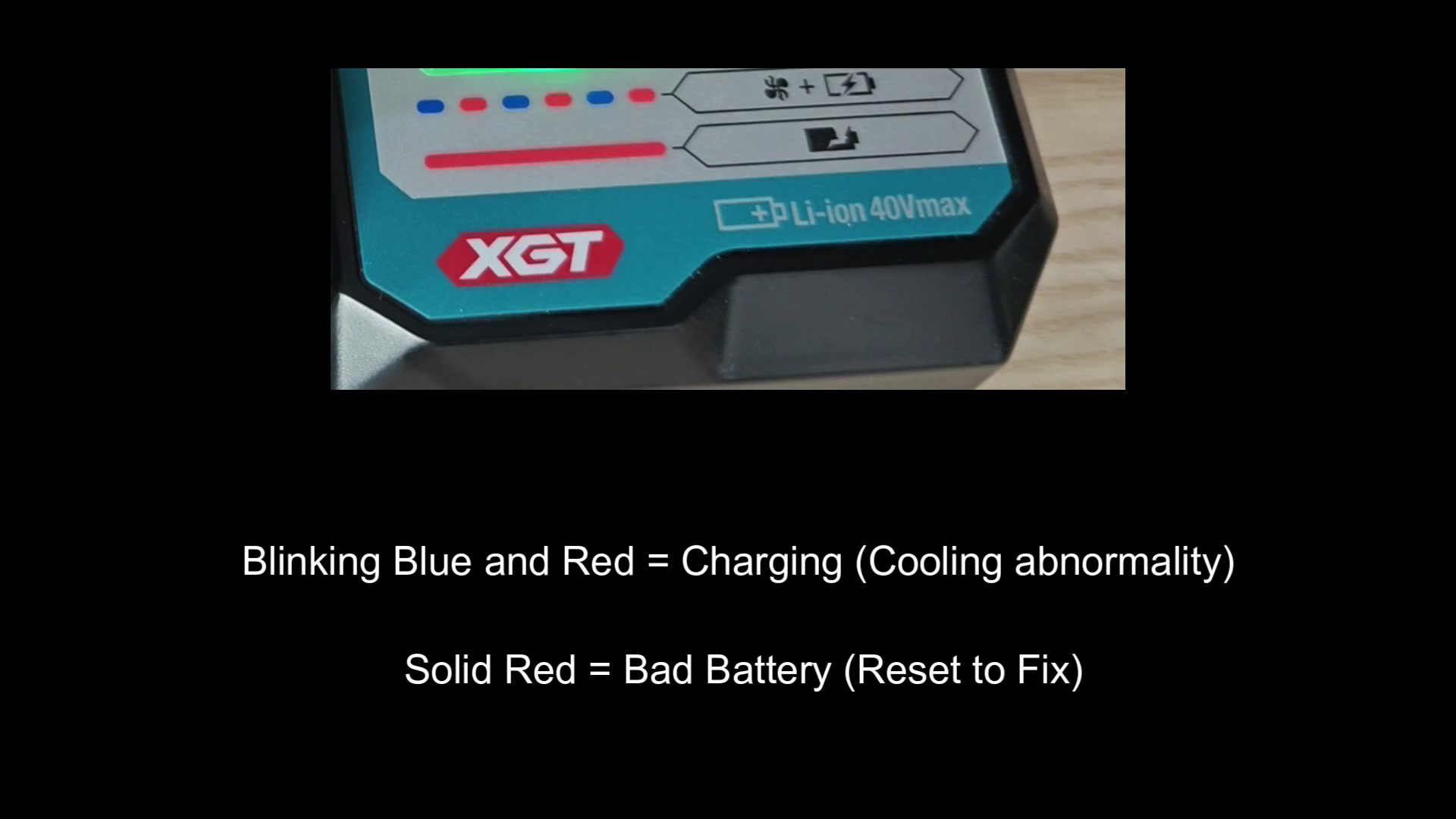
Getting started and learning how to utilize the DC40RC was alot easier once I became familiar with the color code that it utilize. There is not much information on the charger but the battery is provided with enough information to know the status of the battery during it’s charging cycle. I even wrote out the color codes on a piece of tape that was stuck to my workbench so they would stick in my head. The blinking green, fast blinking blue and solid green with beep are the most common colors during the charging process. Slow blinking blue and blue red blinking is less common but necessary to know about. Finally, solid red color mean the battery is faulty and is a process that help me not to throw a battery into the bin just because it won’t charge but instead to simply replace it.
