
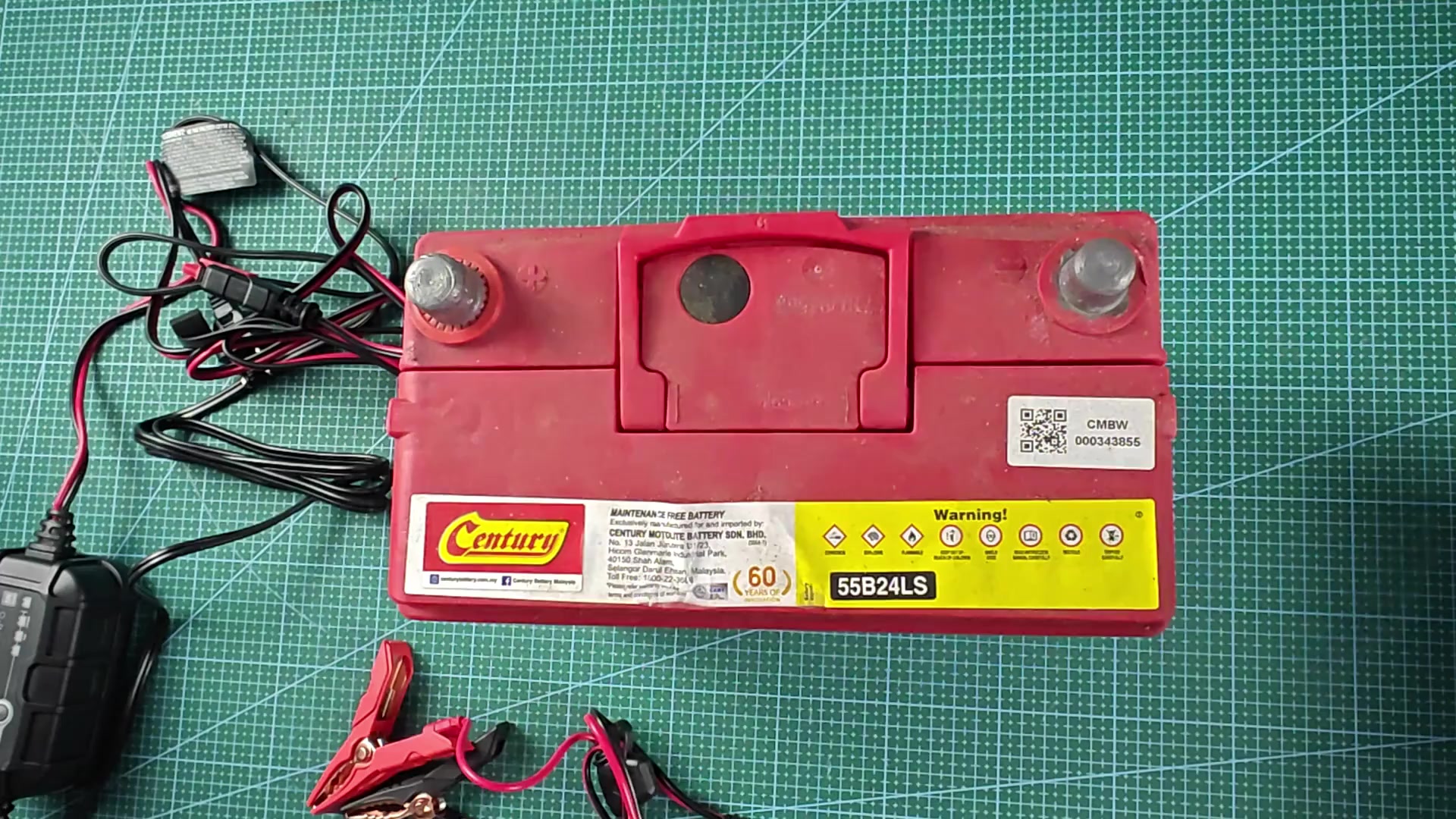
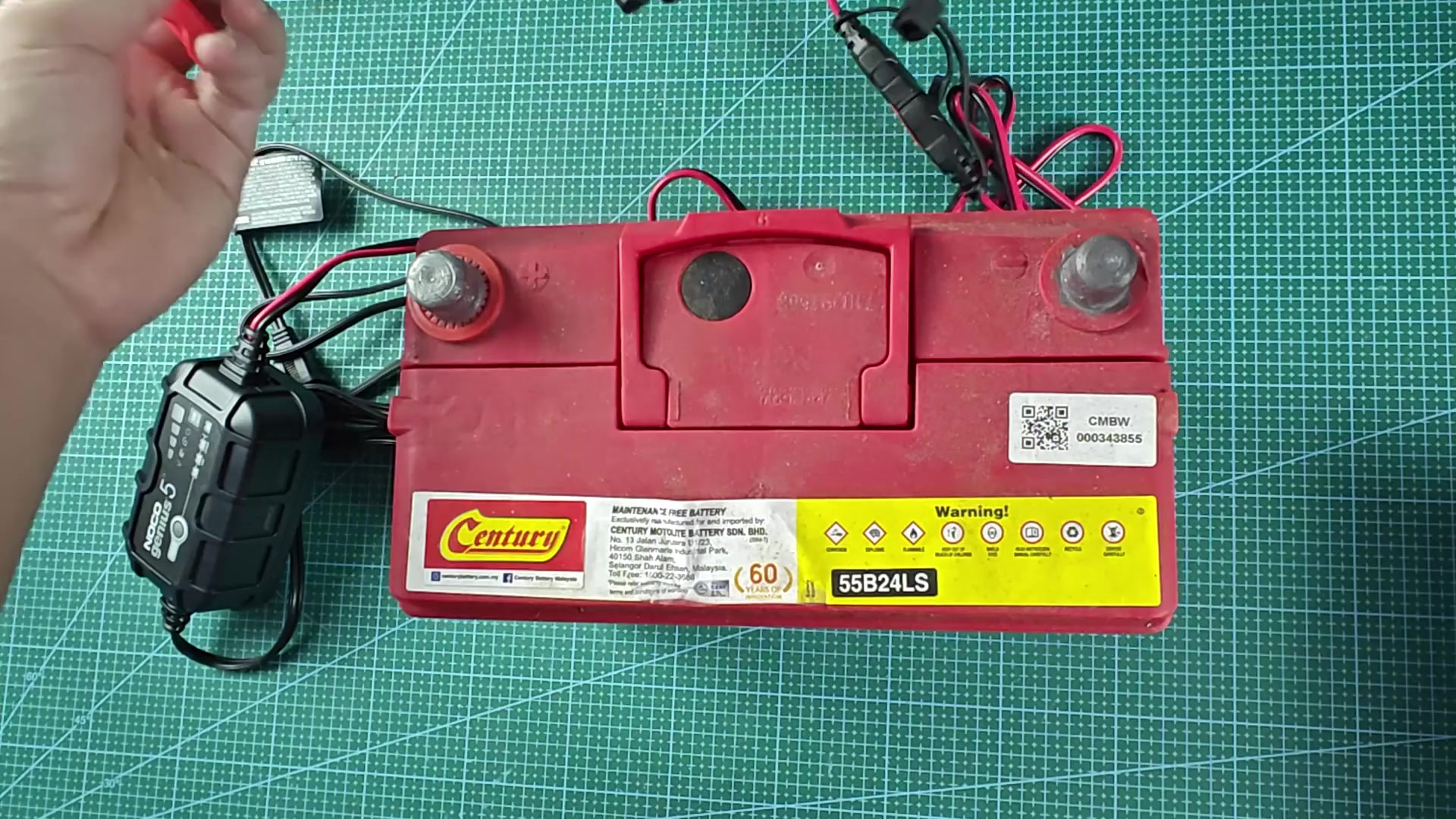
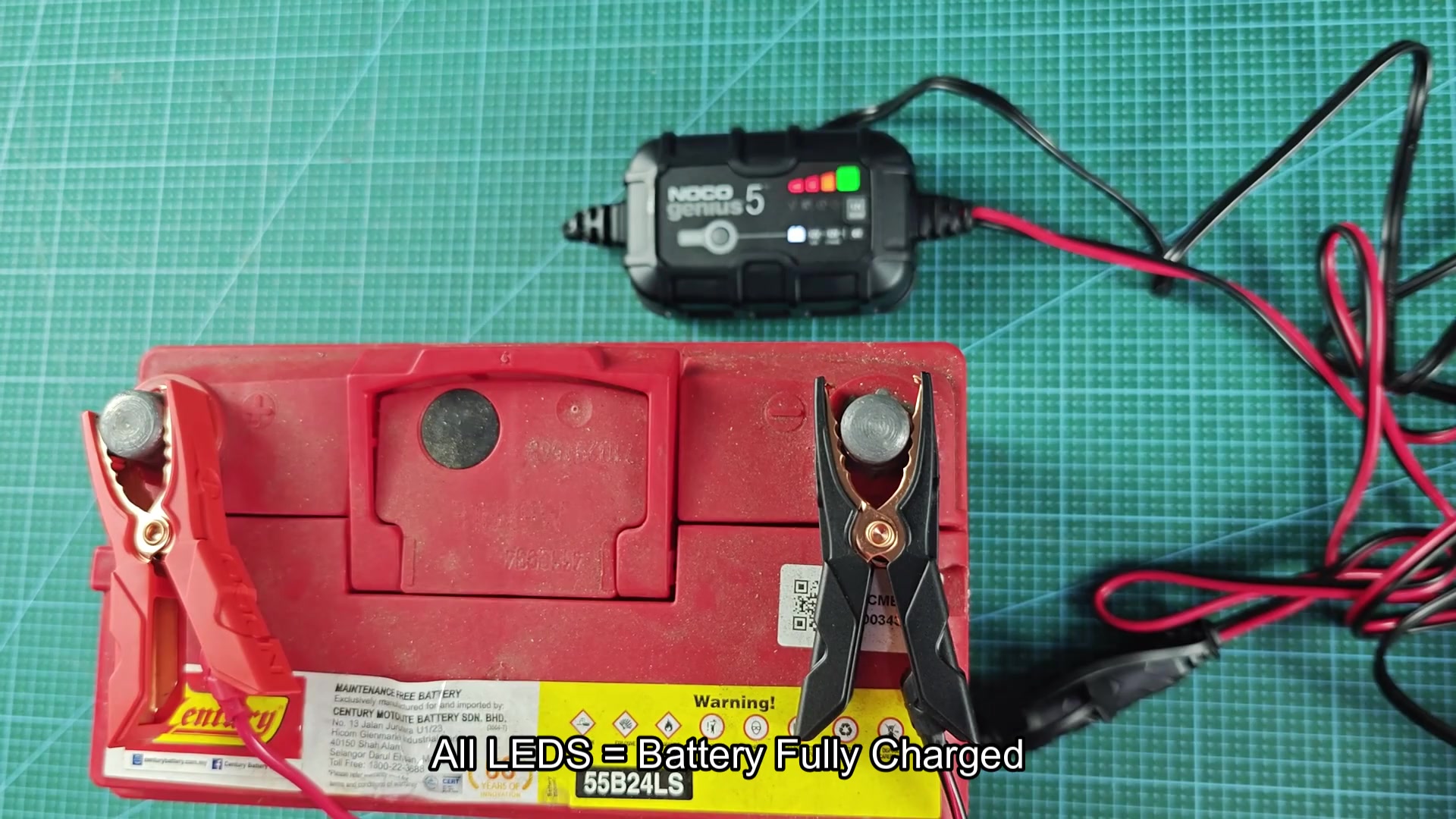
Decided to try out the NOCO Genius 5 battery charger on my old car battery. Started by making the connections between teh charger and the battery. The red positive clamp went onto the battery terminal of the same name, and the black clamp went onto the negative terminal of the battery.
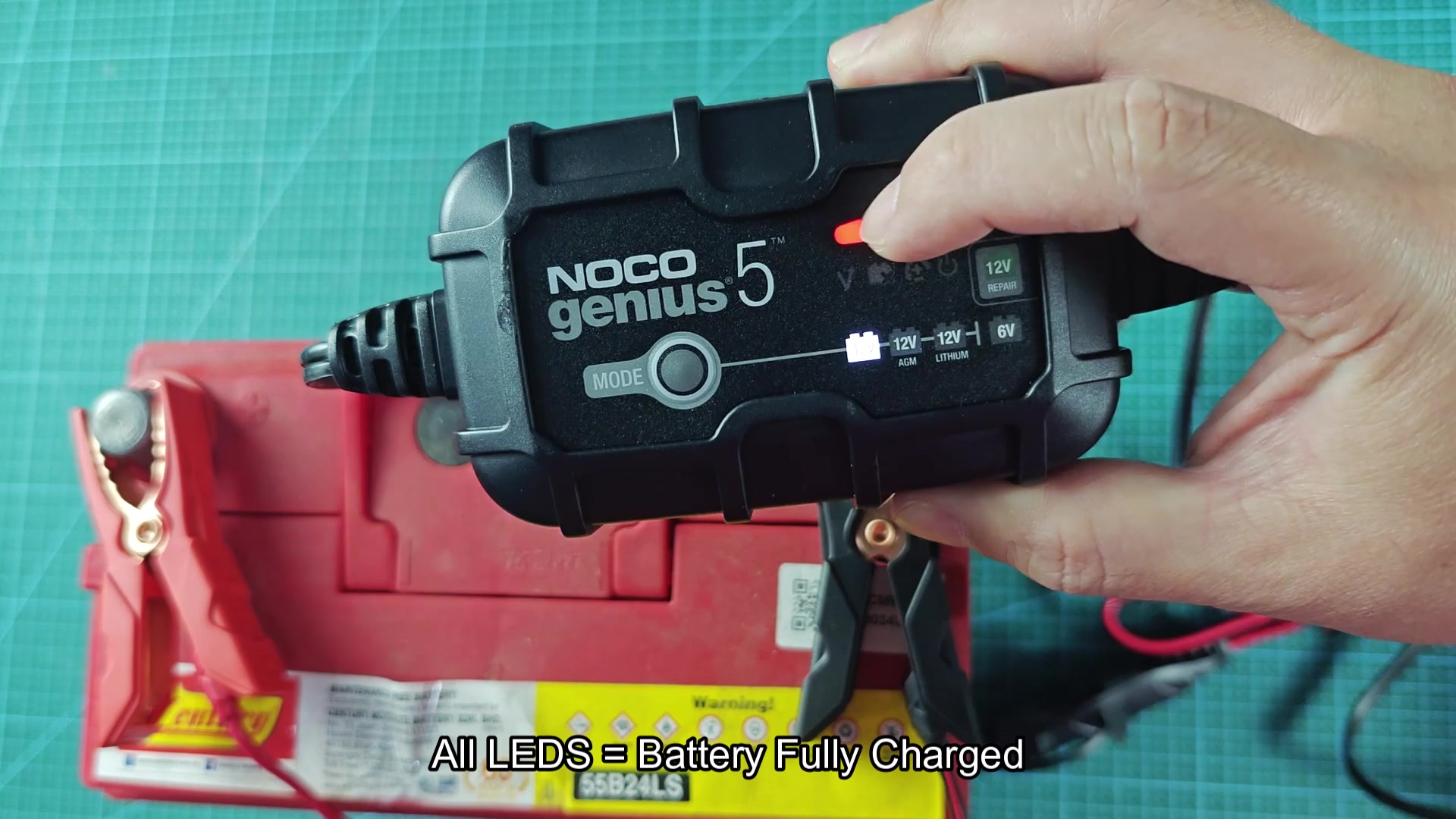
Next was turning on the charger and selecting the charging mode. The Genius 5 offer several different modes for charging batteries of different types. For cars, the standard 12 volt battery mode is the one that you select.
Choosing the right mode
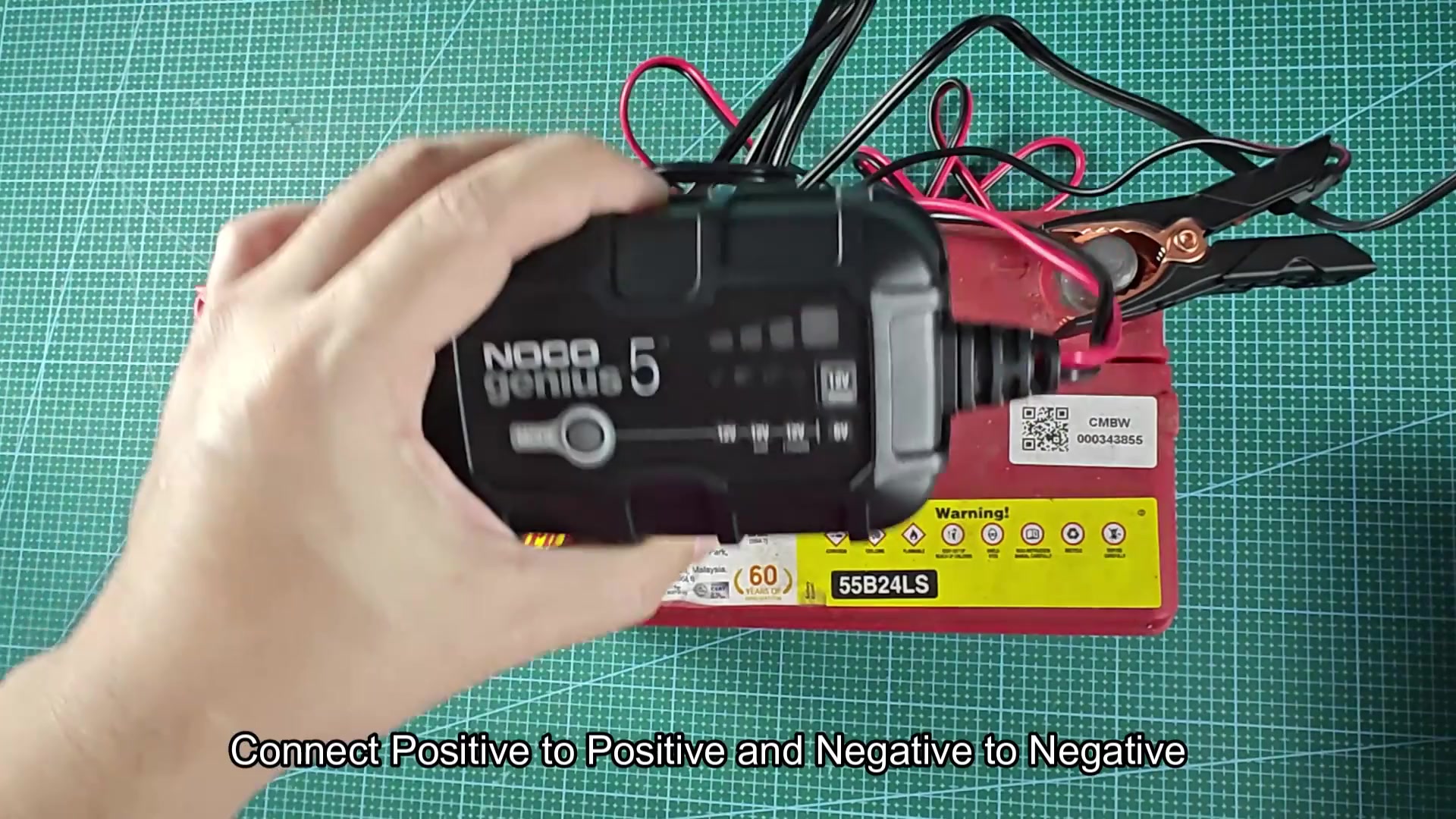
The charger also offers modes for 12 volt AGM batteries, 12 volt lithium batteries (though I didnt need that mode for my old car battery), and 6 volt batteries for applications like boats or RVs.
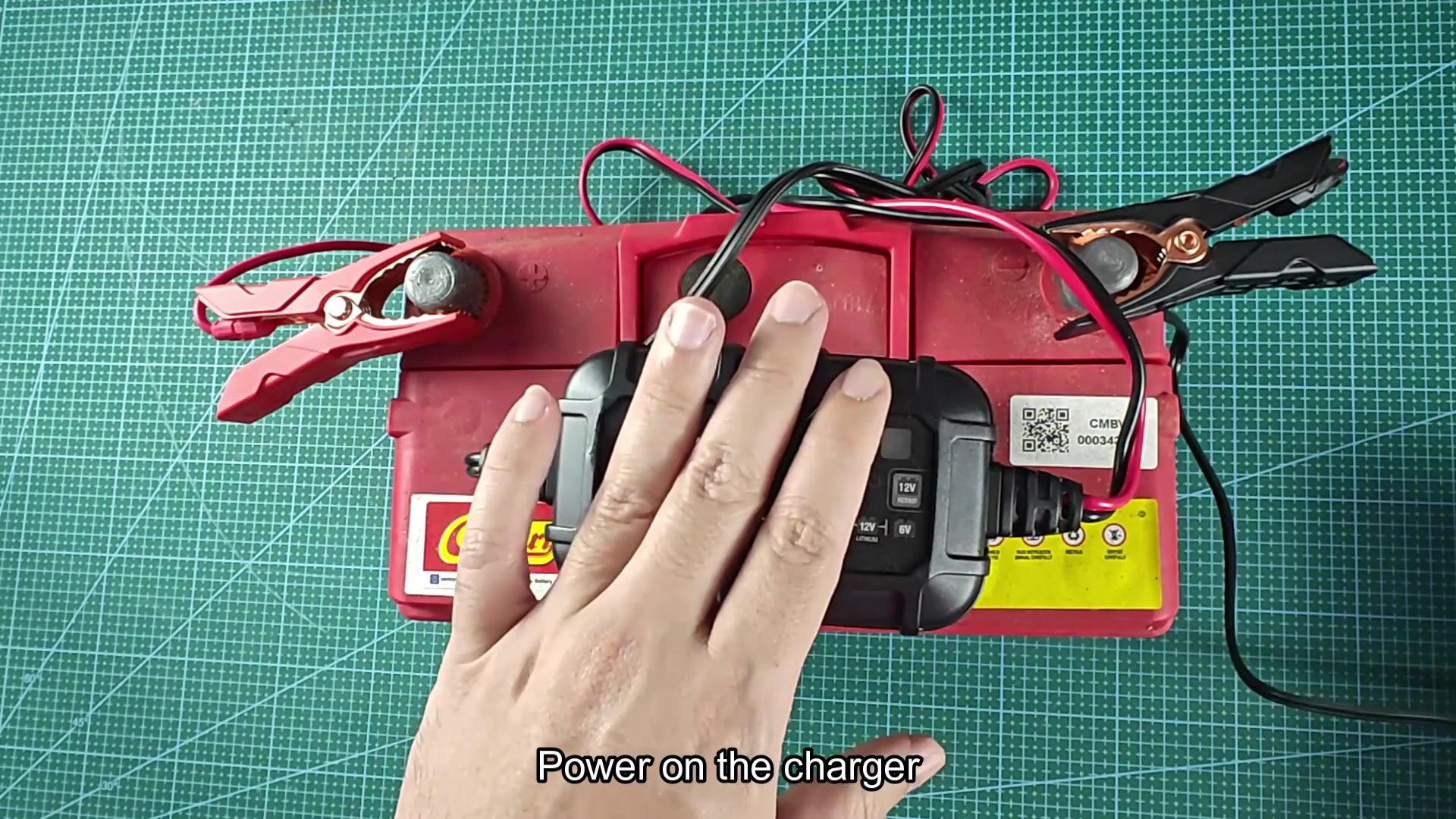
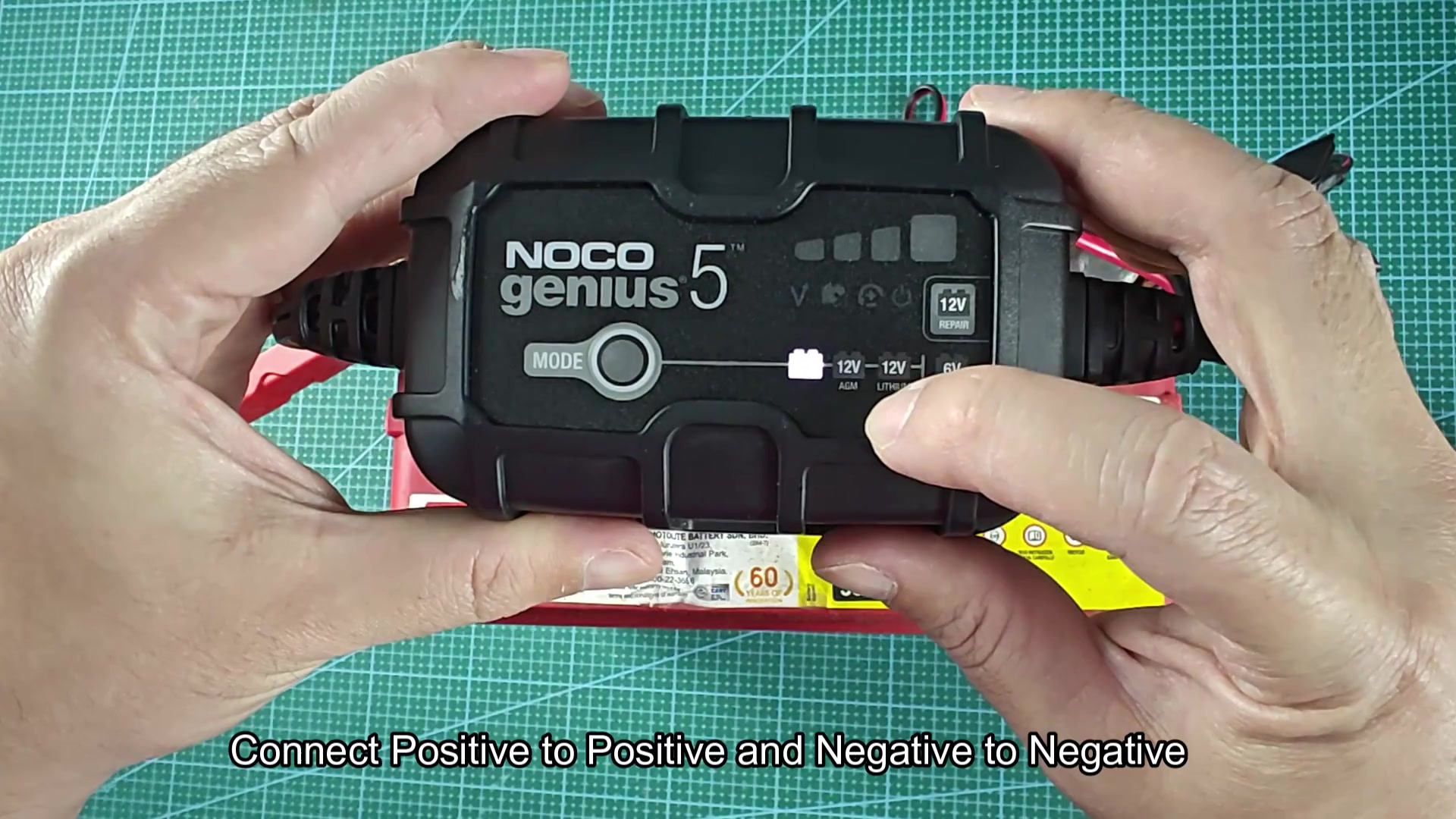
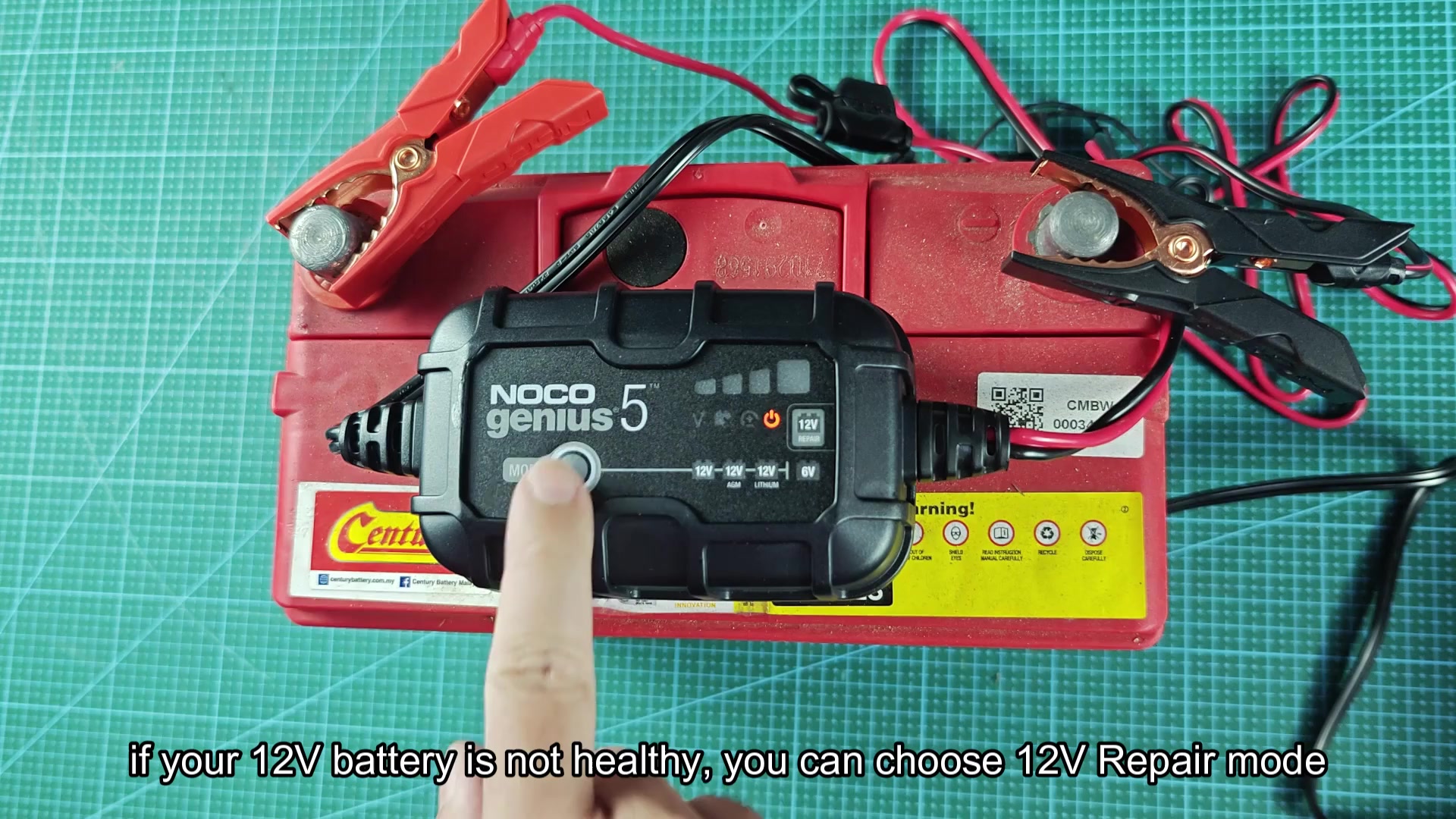
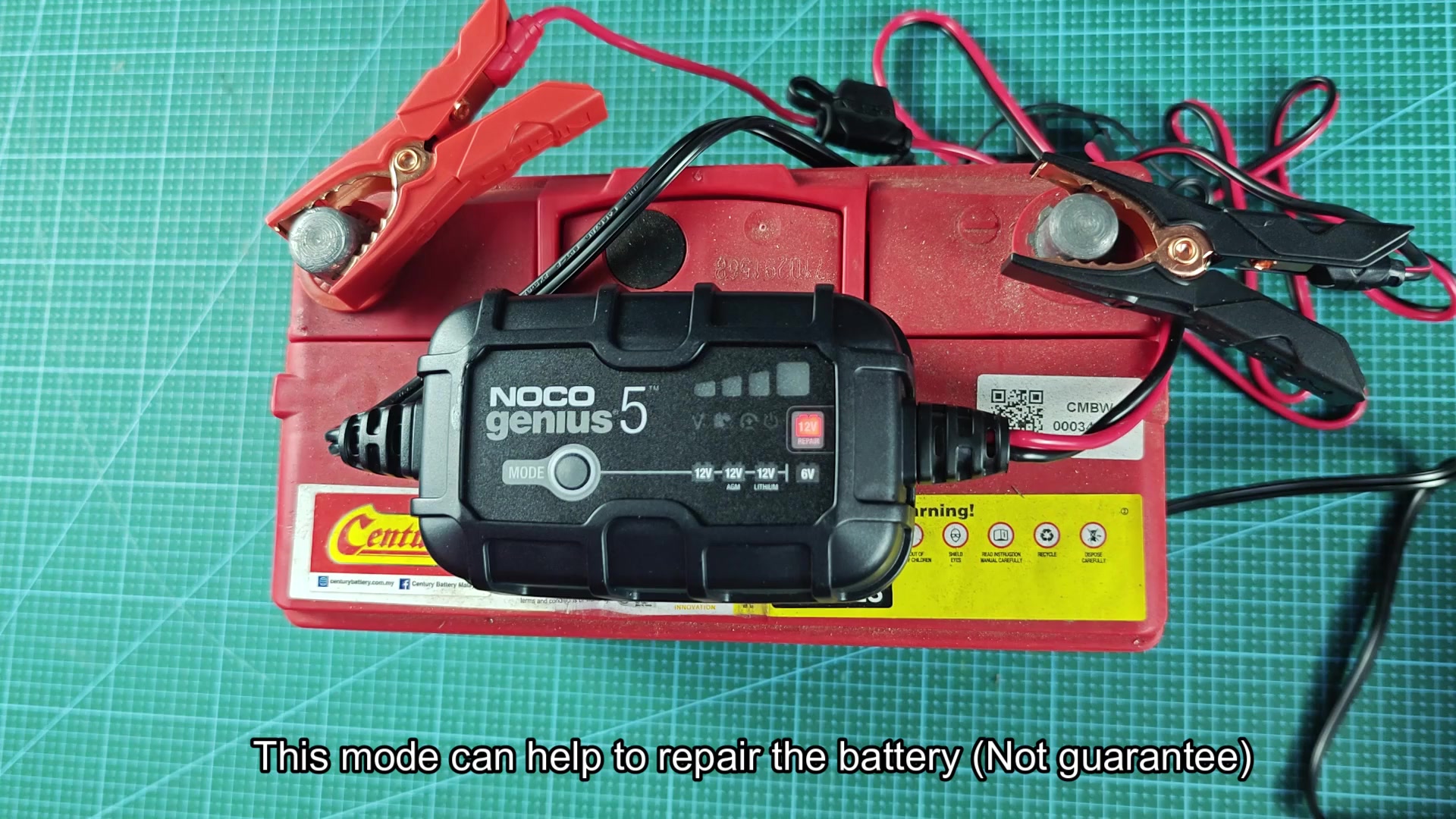
There are also two additional modes that can be helpful for specific situations with the battery. You can use the 12 volt repair mode to attempt to revive batteries that has weakened over time. The Force mode is used for batteries that have dropped to below 1 volt.
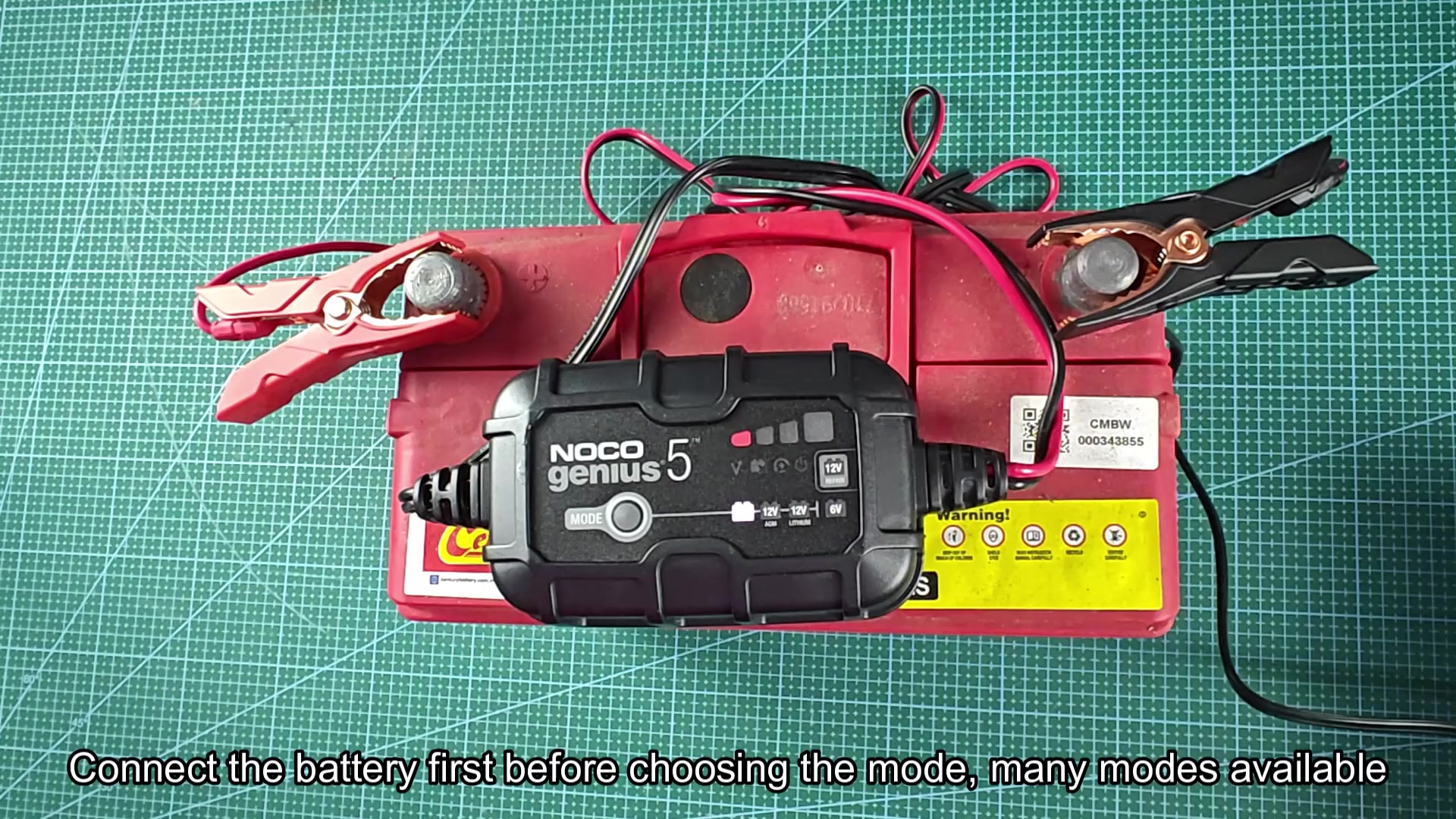
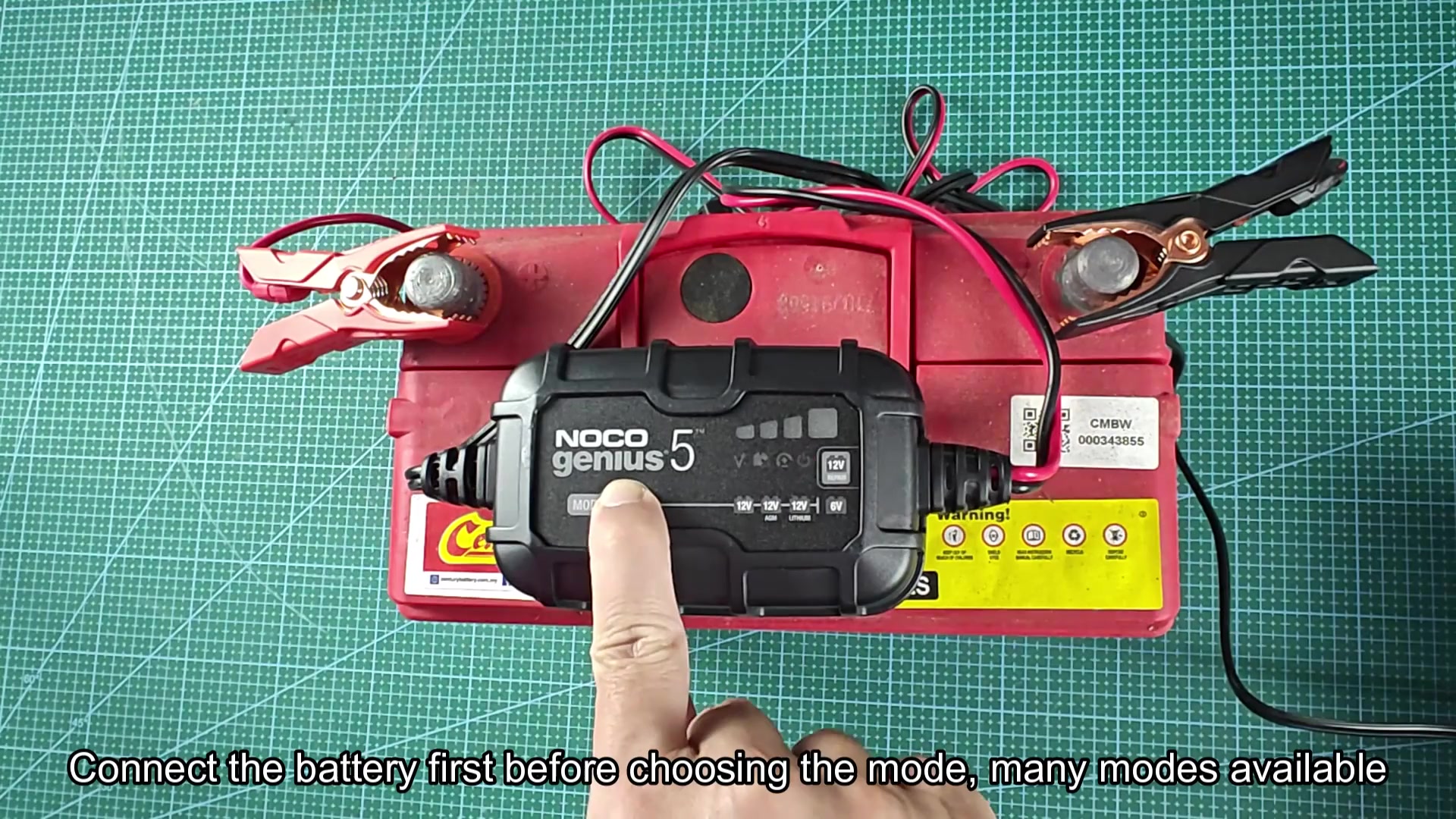
For my old car battery, I selected the 12 volt mode and the charger begin working after I made my selection.
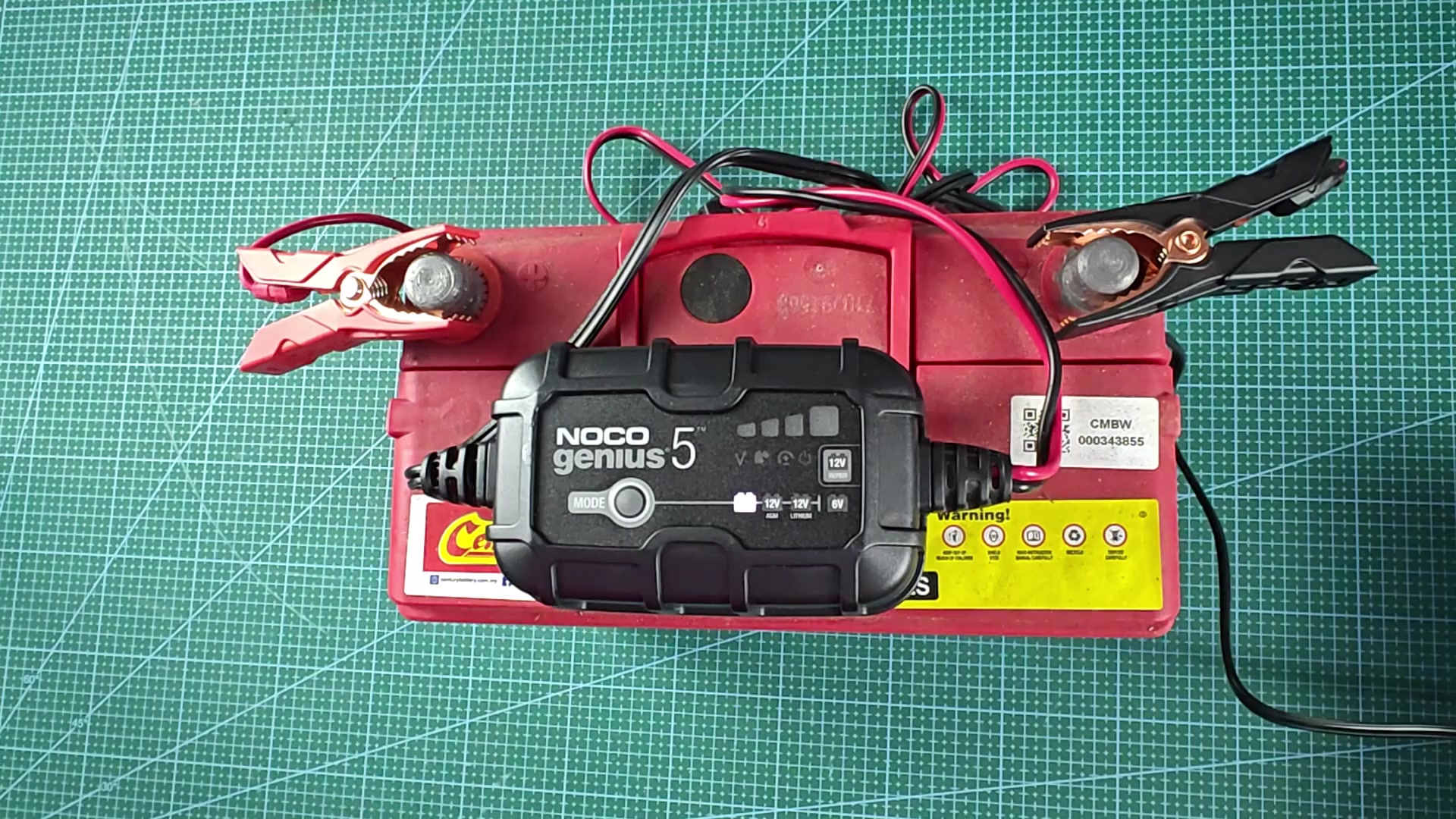
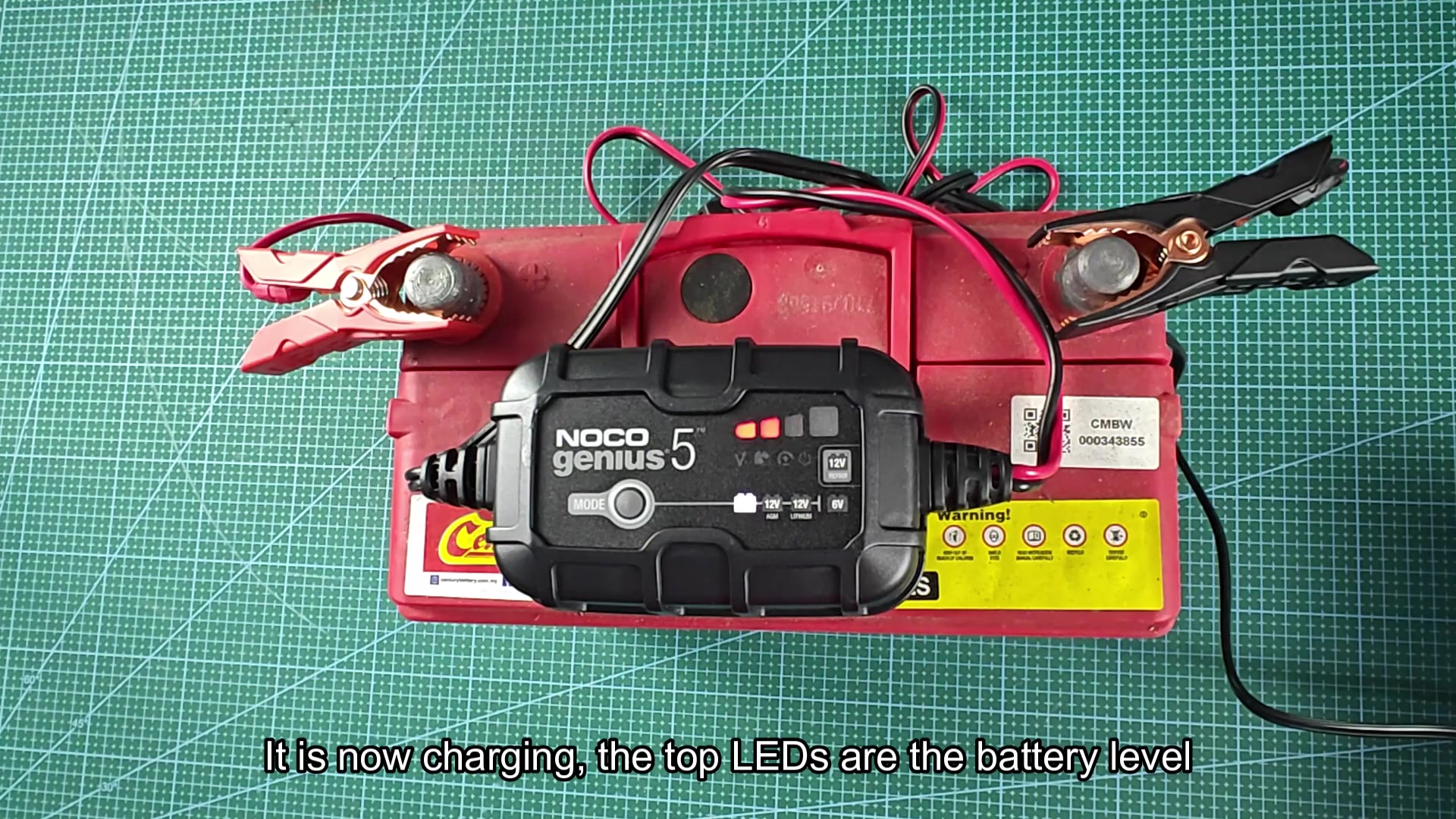
When I turned on the charger, the upper LED indicator on the charger indicated the charge level of the battery. The pattern of illumination indicated the charge level, and continued to change as the battery charged.
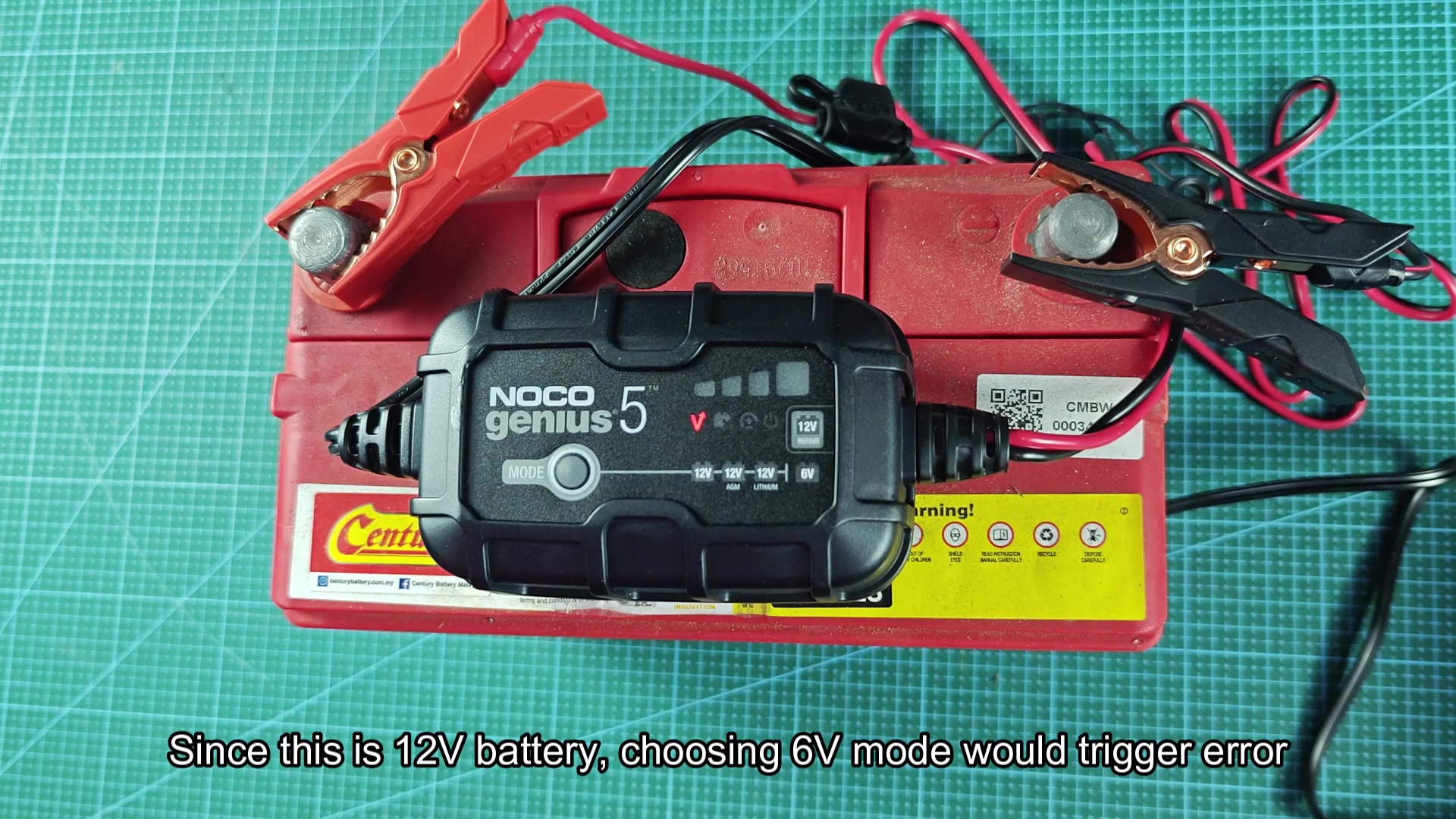
I also attempted to switch the charger to the 6 volt mode. This resulted in an error message from the battery charger indicating that the battery and the selected mode were not compatible.
I switched back to the 12 volt mode and allowed the battery to charge for a while. The repair mode could of been used if the battery was weak, but there is no guarantee it would help any failing car battery. It is worth a try before replacing the battery.
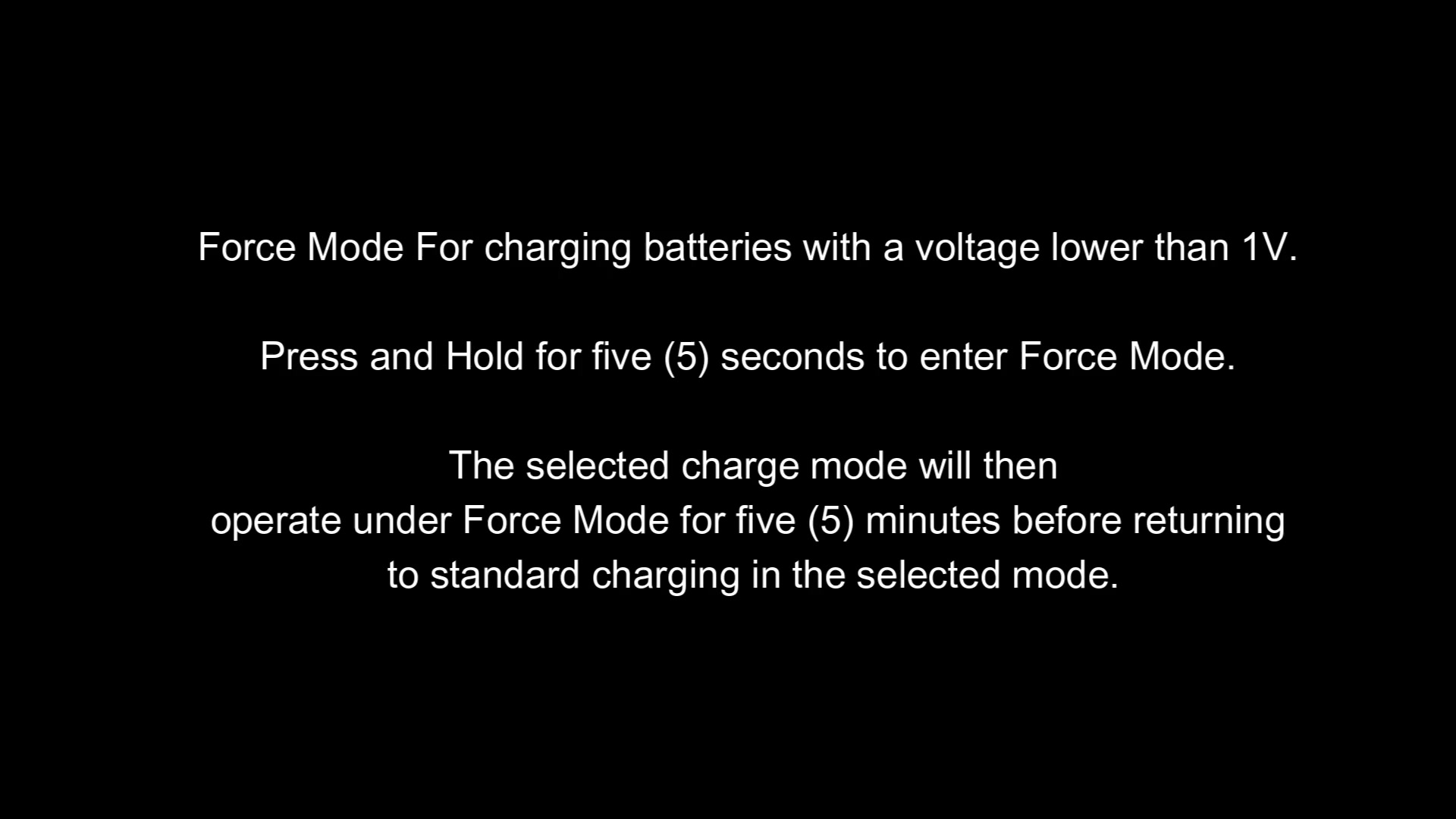
The Force mode requires holding the button for five seconds to engage the mode. The mode will engage for five minutes and then return to the charger mode that you previously selected. This mode is useful for deeply charged batteries to give them a boost of voltage so they can accept the charge.
The battery charged to 100% as the LEDs on the upper LED indicator all lit up.
It was easy to understand the different modes on the battery charger. There was no problems with charging the battery. The battery charged successfuly and without any problems.
