
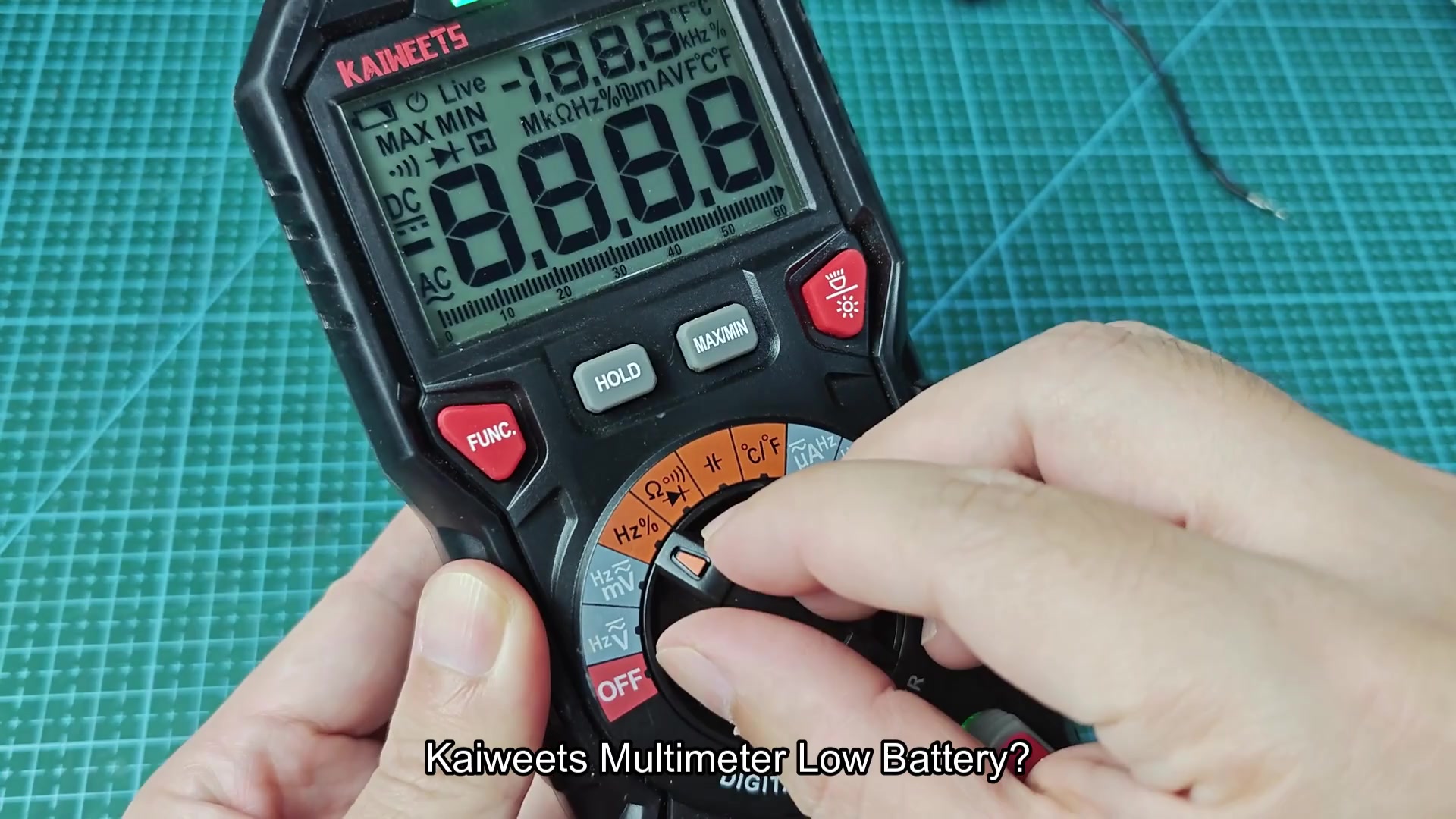
My Kaiweets multimeter were displaying signs of a weak battery. Time to replace the battery cell. This is an device I didnt have to refer to the manual for or watch tutorial video to accomplish. Just a few fresh AA battery and two minute would be all that was required.
https://www.youtube.com/watch?v=tkTjfWSfWX4
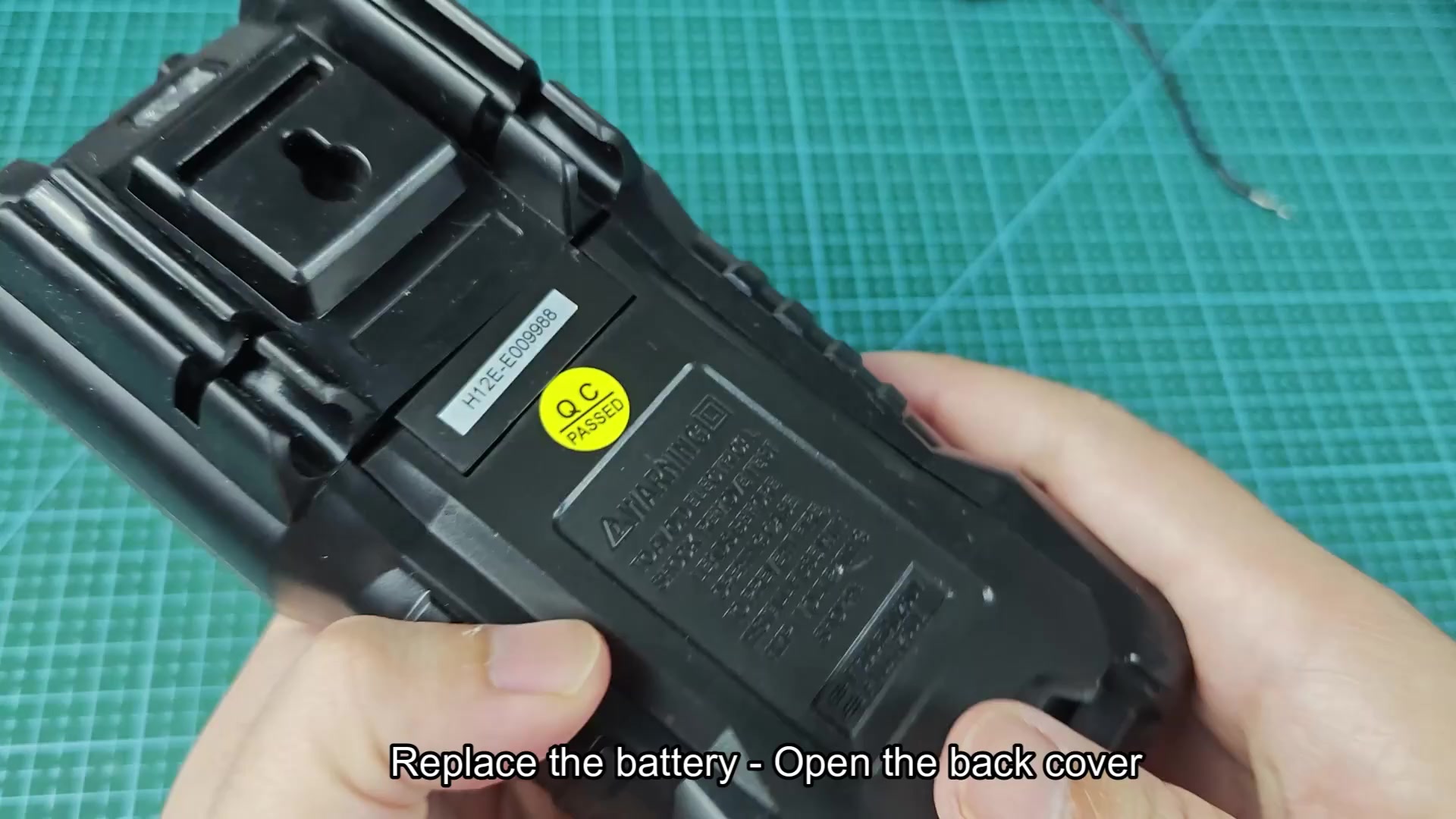
Begin by flipping the multimeter over. Access the back panel of the device. There is a single fastener securing the unit; unscrew the fastener to access the back panel.
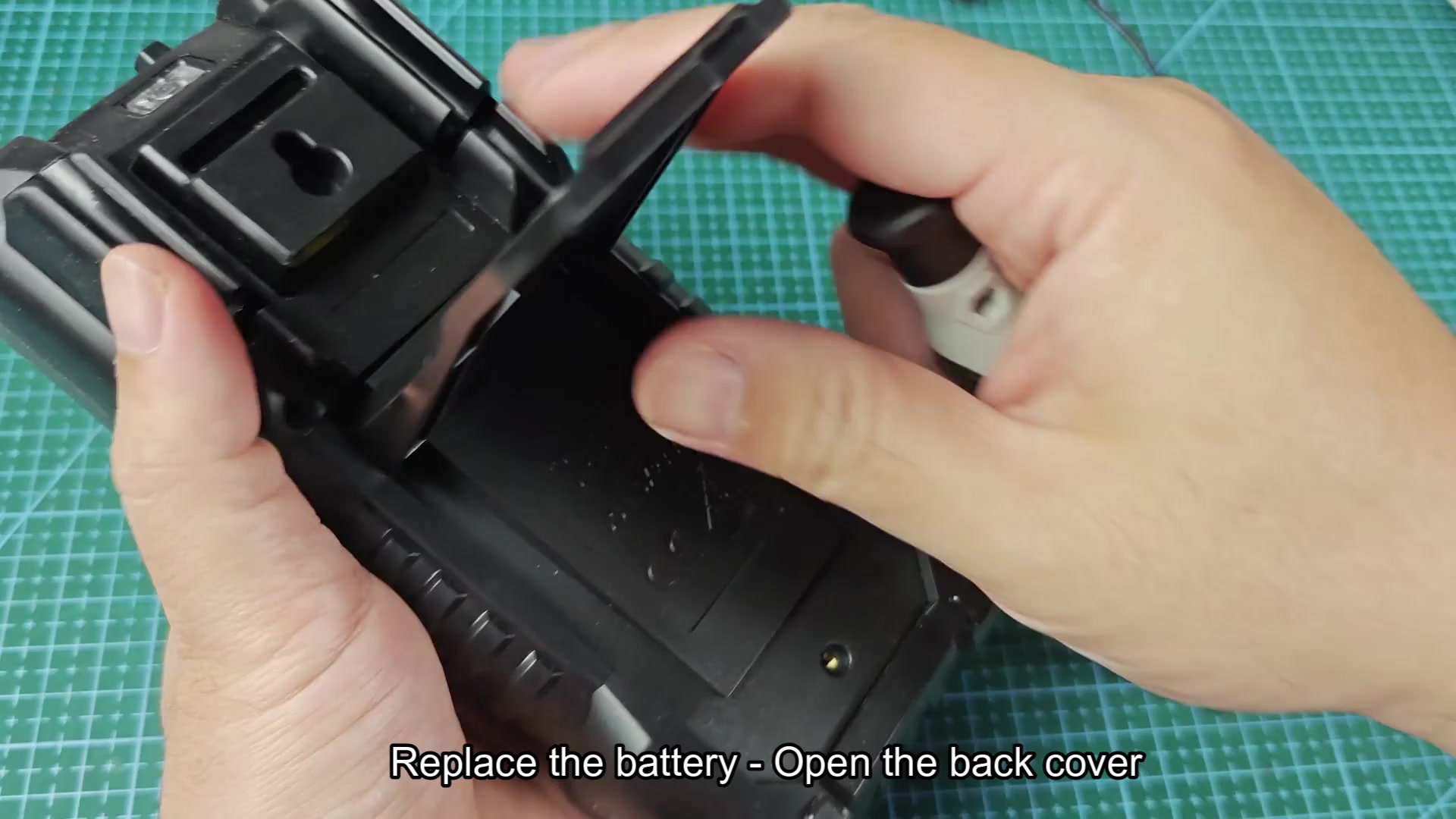
Within the device is the battery compartment. The original batteries is included and the two AA batteries; you will replace these. Confirm the compartment is clean and does not exhibit signs of battery corrosion.
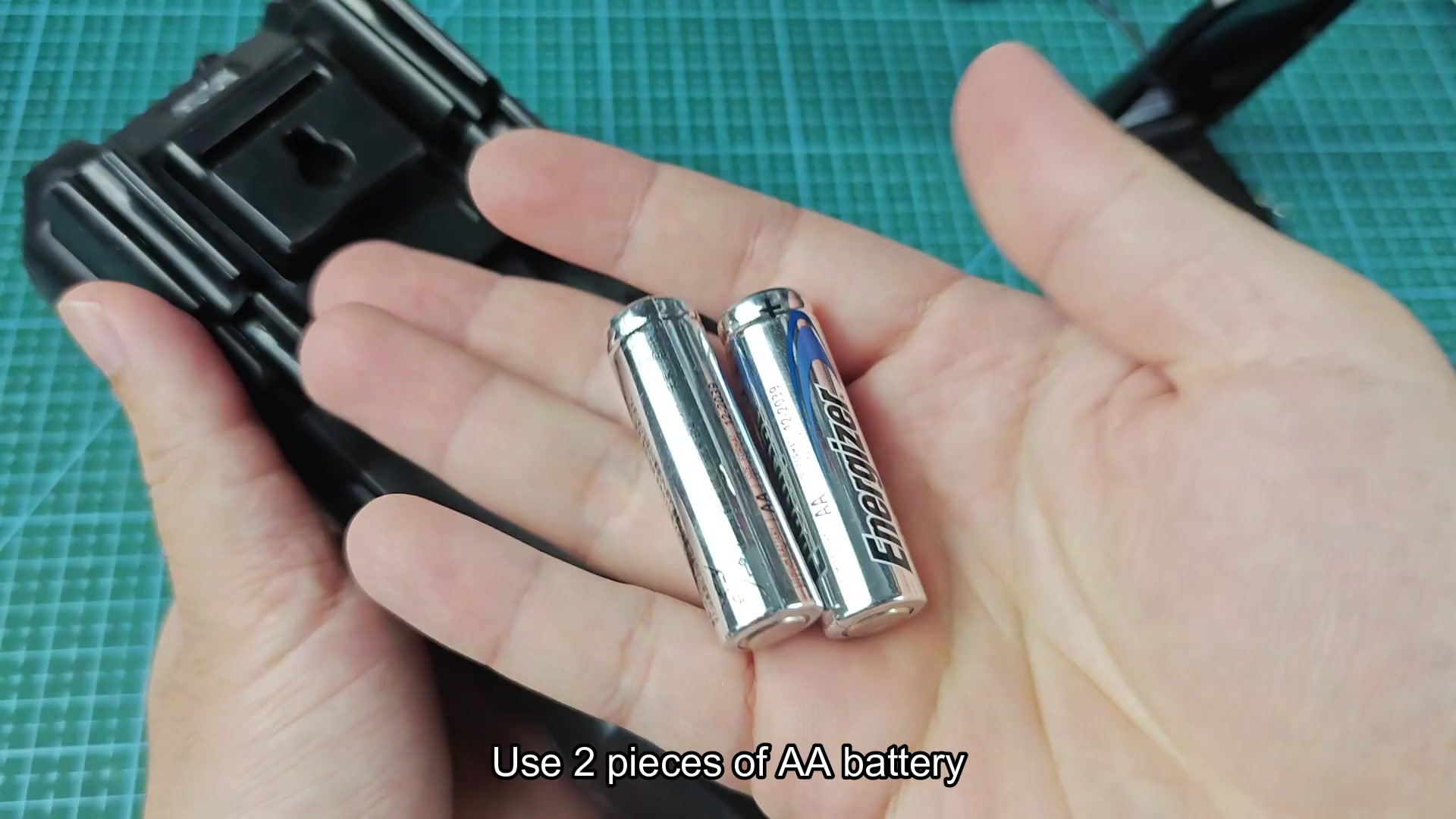
Access fresh AA batteries from wherever they was stored. Note the positive and negative indicator on each battery; insert the first battery into the compartment and then the second battery.
You will reinsert the back panel of the multimeter into the device after the batteries are inserted; line up the back panel of the multimeter with the device and press the back panel until its flush with the body of the device. Once flush, reinsert the screw that was removed earlier and tighten the screw.
Reassemble and test
Place the device back onto the workbench and press the button to turn on the device; the battery replacement should of fix the issue.
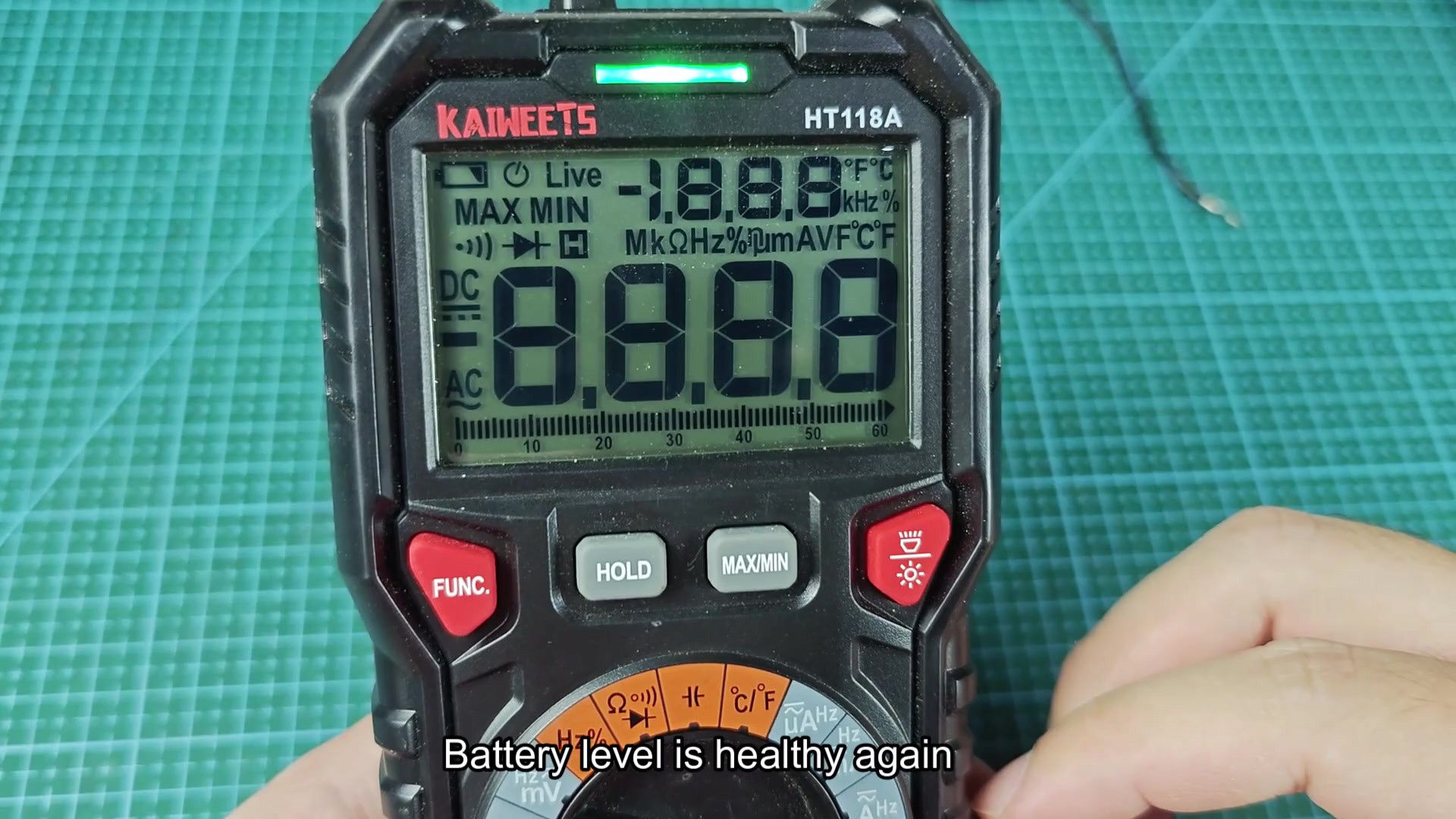
The device should now display a reading of zero on the screen. The screen should not flash at all indicating a low battery and all of the digit should remain bright on the screen. The battery indication on the screen should also display a full battery charge.
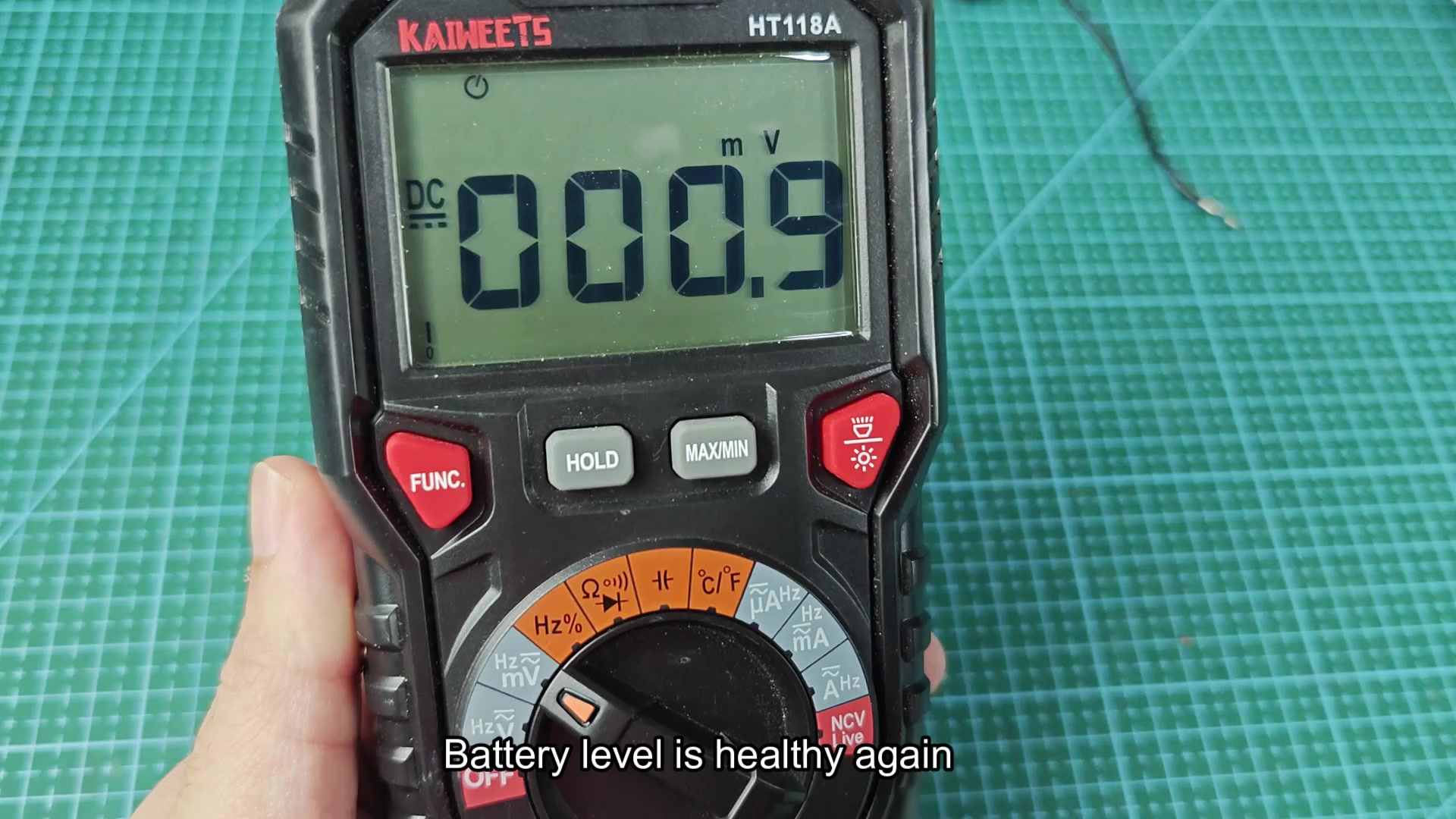
The entire process took less time than I had estimated and no special tool were required in the process. I was finally able to return to my actual work.
