
The DeWALT DCB107 were actualy quite simple in it’s operation compared to some other model of DeWALT chargers. It work with three different voltage of DeWALT’s lithium-ion batteries: 10.8V, 14.4V, and 18V.
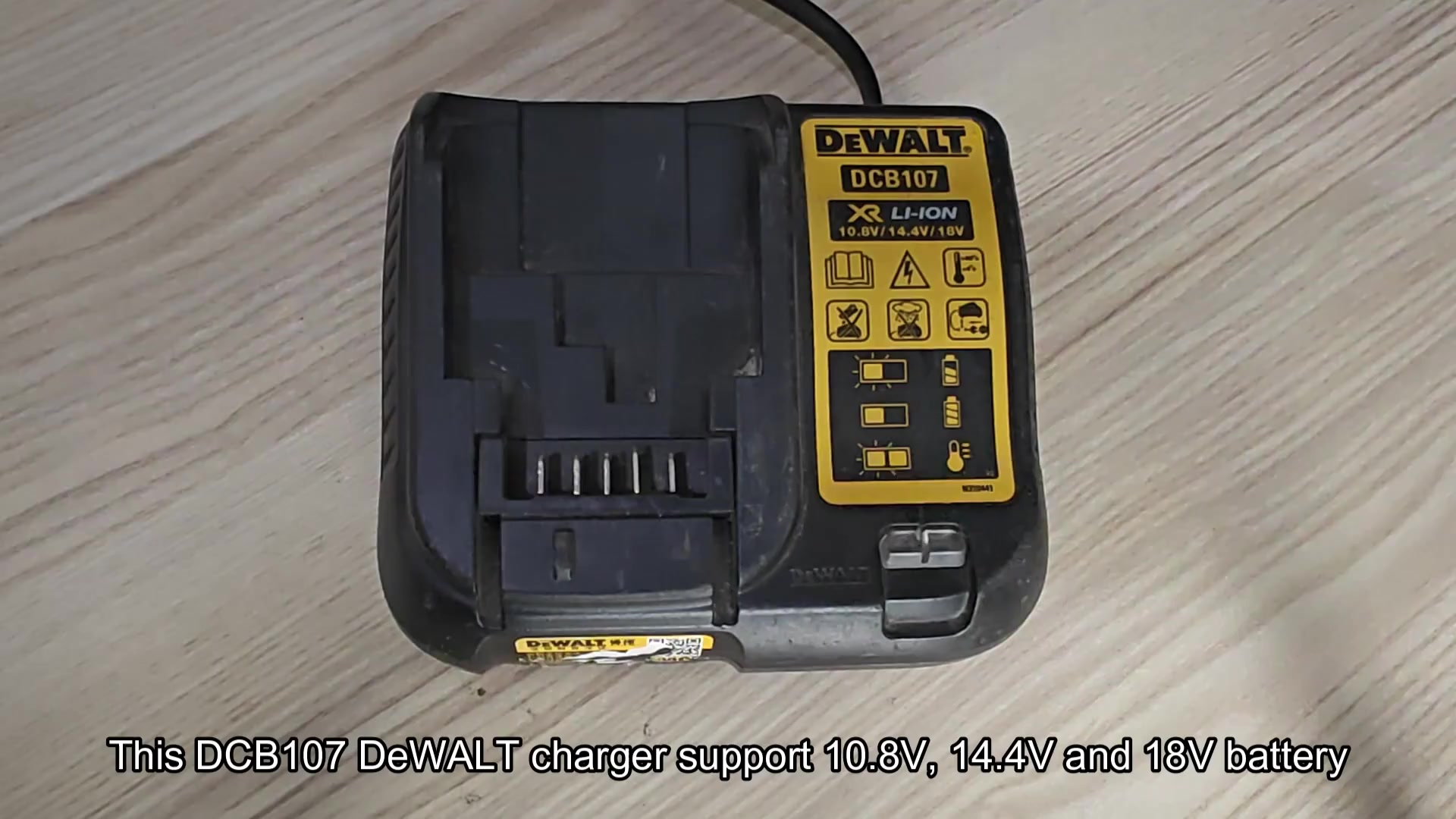
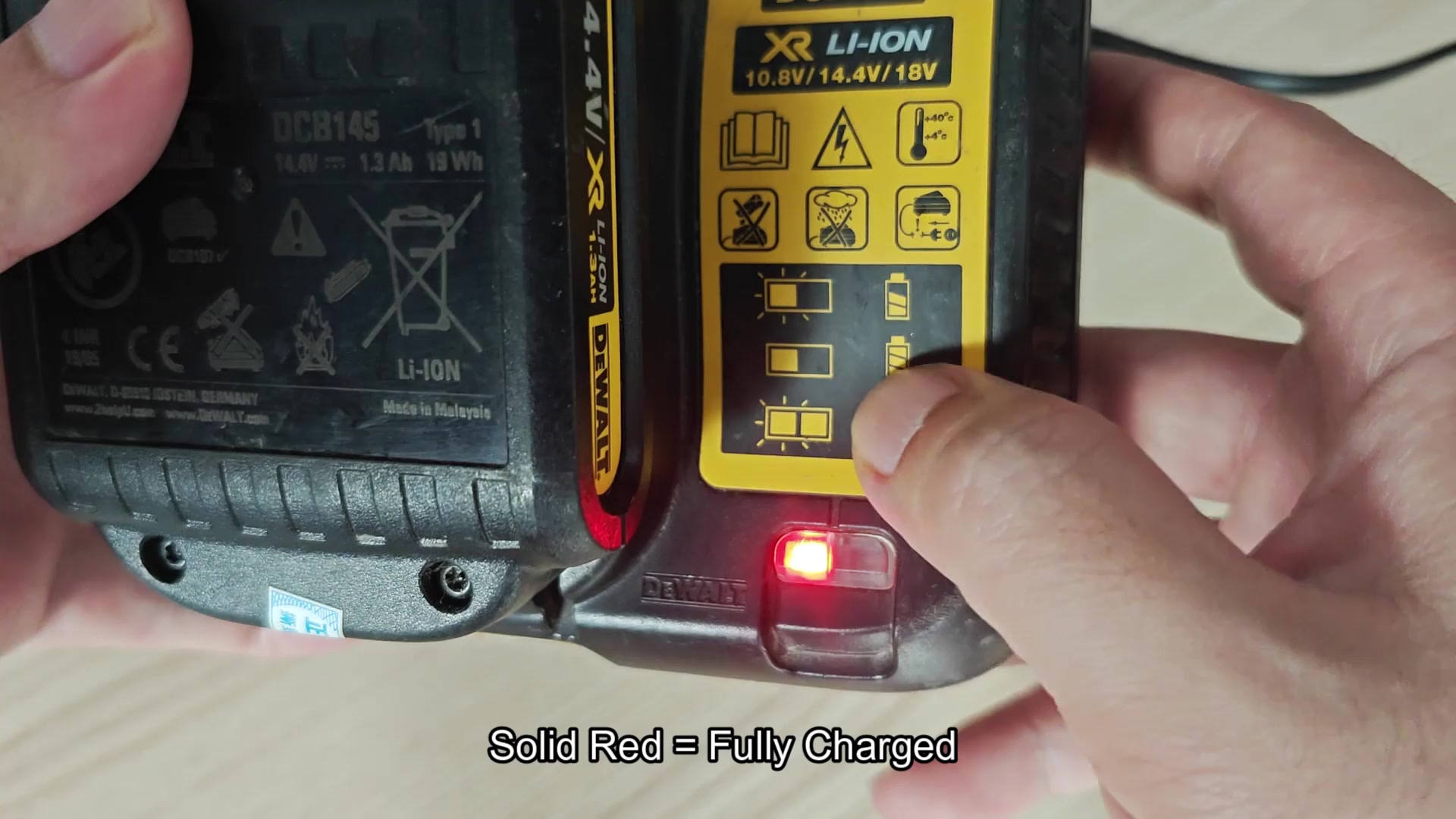
The difference between the DCB107 and the higher end models from DeWALT is that it dont display indications for both Stage 1 and Stage 2 charging.
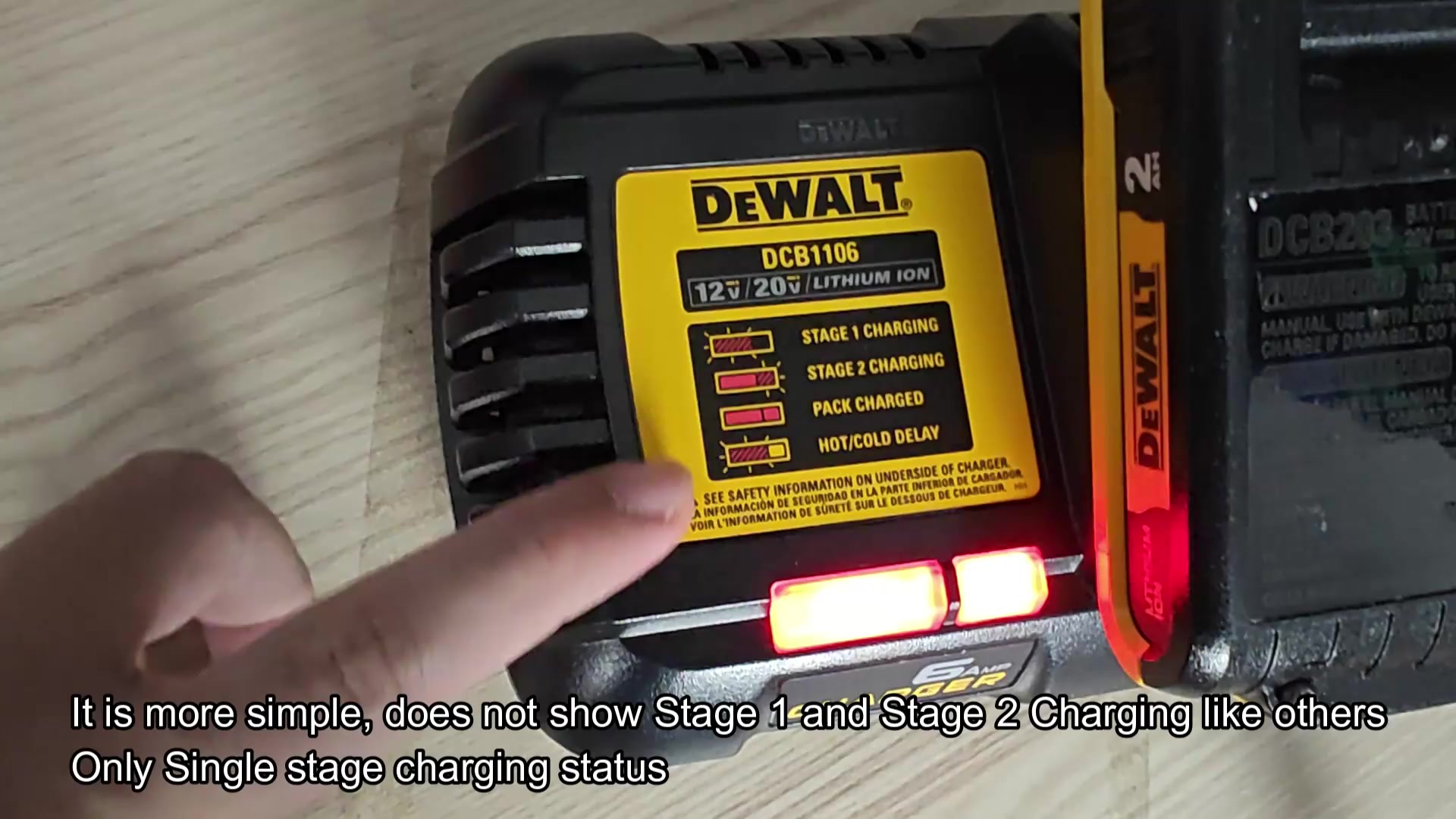
The charger displays a blinking red light when it detect that the battery is in the process of charge. This is the primary light display that you should see when placing a battery onto a charger.
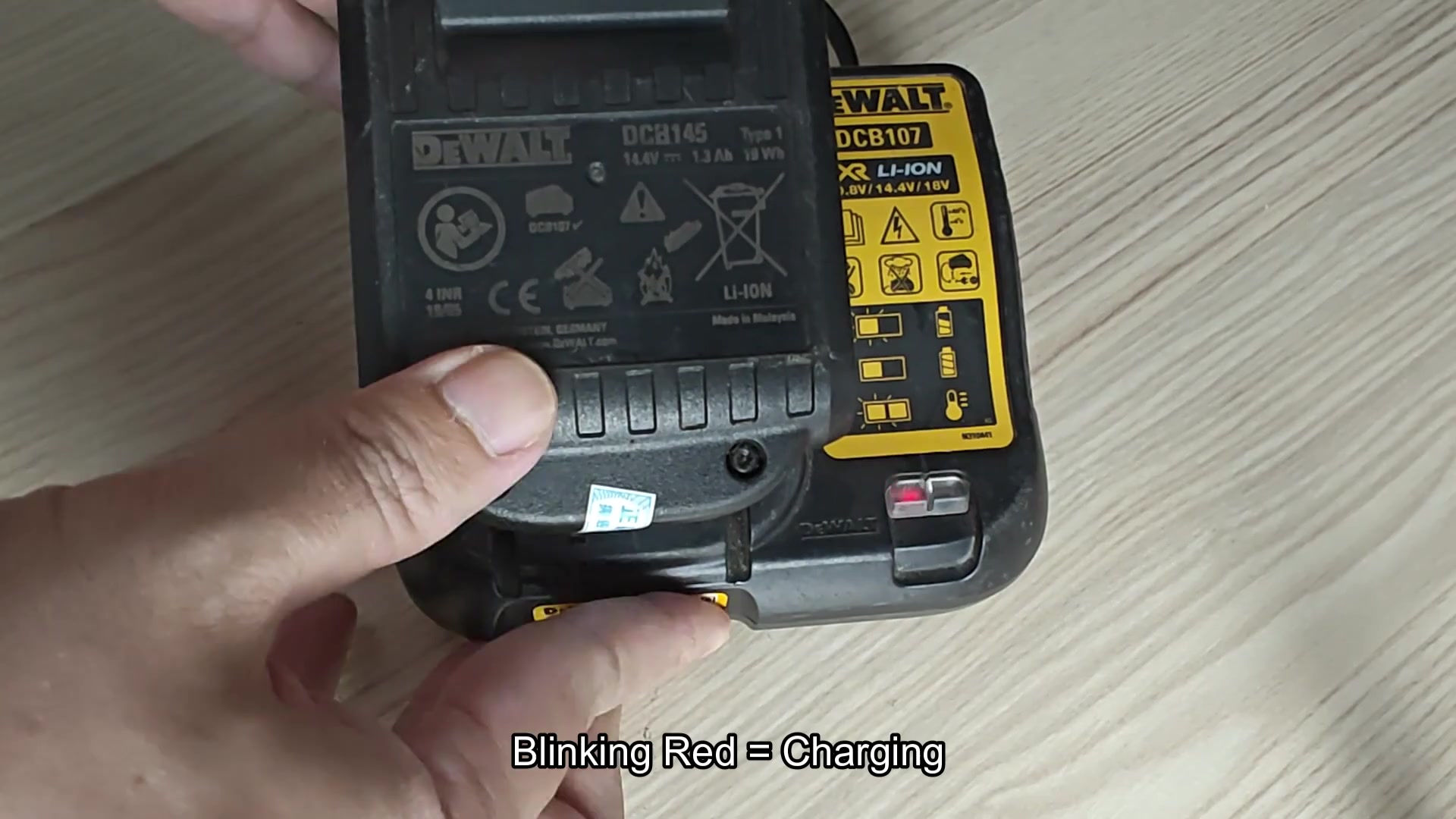
After placing the battery for some period of time, the blinking lights will cease to flash and the red light will become solid. This display mean that the battery is now fully charge.
Light status explained
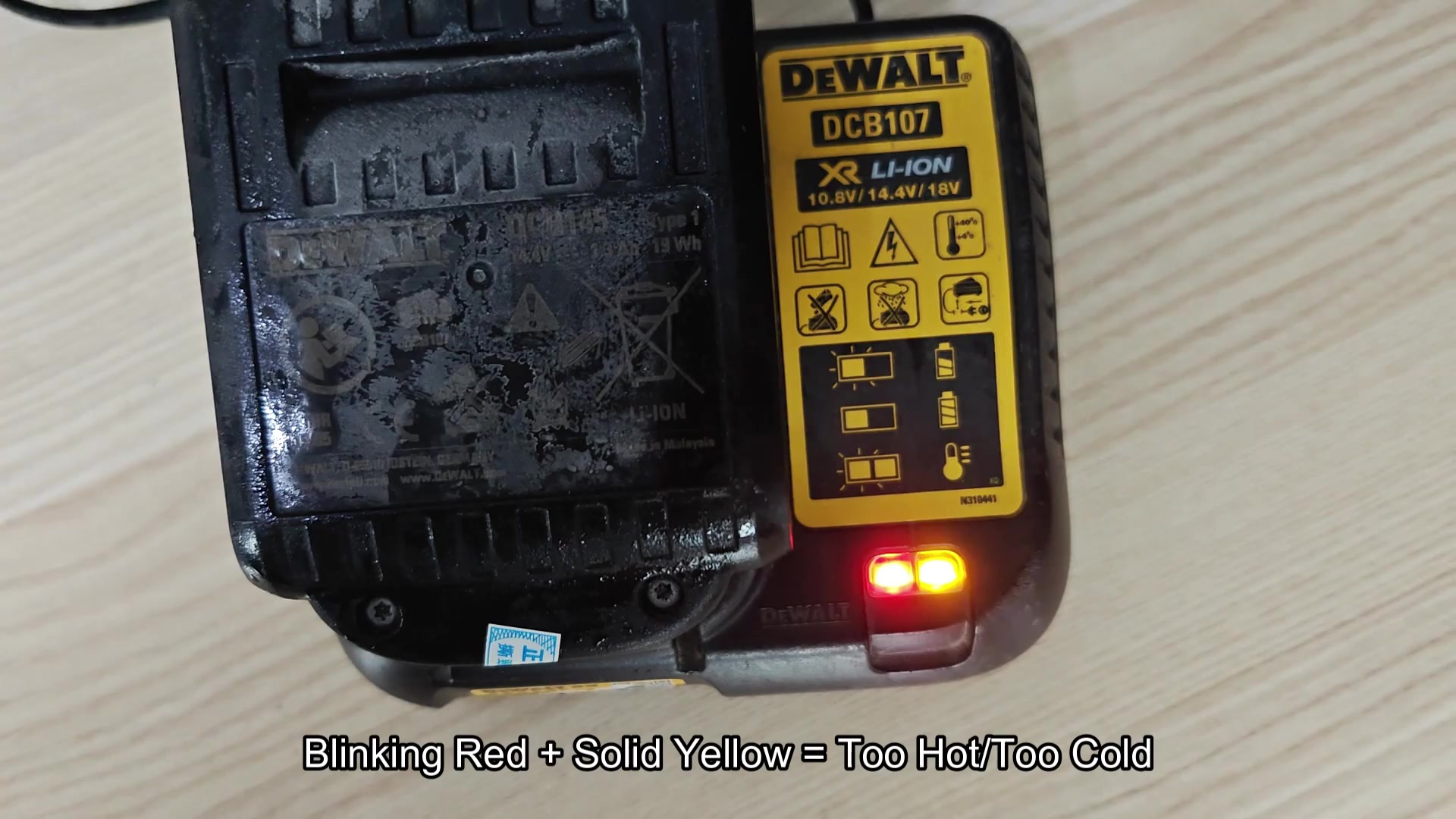
If you place a battery that is exposed to cold temperature onto the charger, such as when you first removed it from your truck, the charger will display both blinking red and solid yellow light. This means that the charger is in hot or cold delay mode; it doesnt like to charging a battery that is outside of its parameterated charging temperature range.
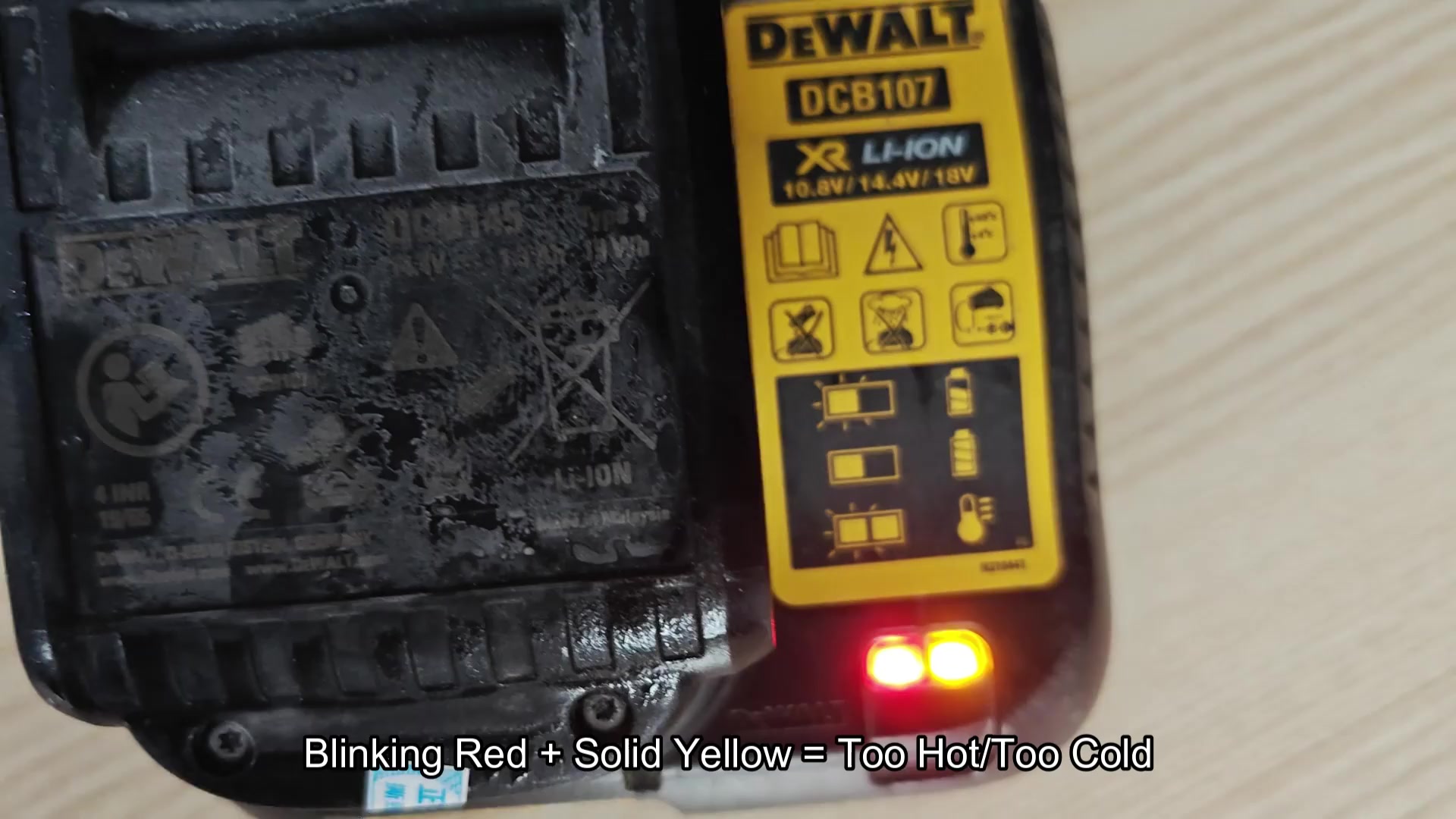
Again, the blinking red and solid yellow lights is an unusual display for the charger. The charger is program to not charge the battery to avoid damaging it.
Finally, if none of the light on the DCB107 come on when you place a battery onto the charger, this could indicate that the battery or the charger itself are faulty.
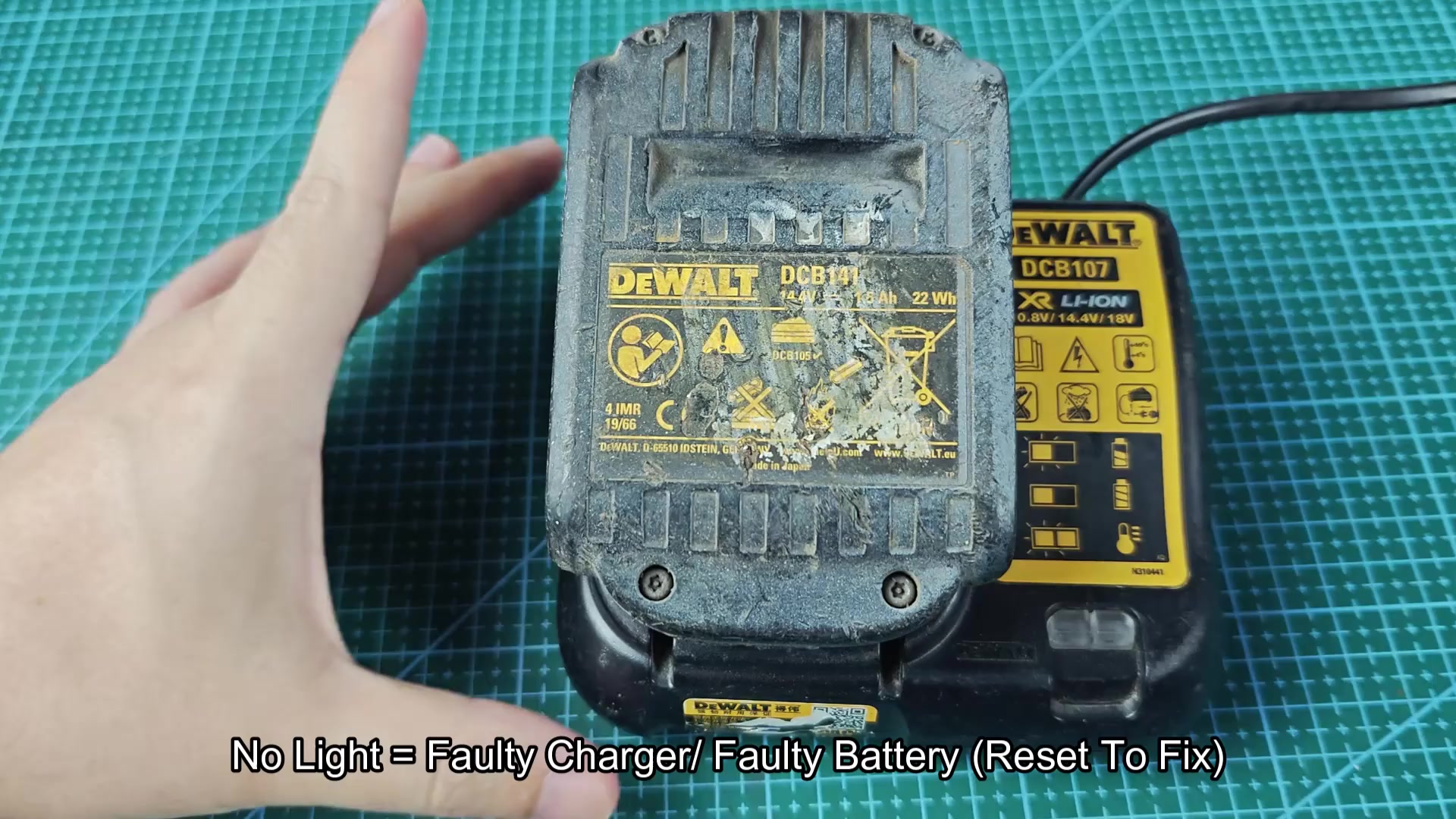
Now that I have gone through each of the light displays, I understand what each of them indicate. This model of charger display blinking red for charging, solid red for charged, blinking red and solid yellow for battery temperature problem, and no light at all if there is some kind of charging fault. This covers all of the potential scenarios with which I will encounter these batteries when charging them with this more better model of charger.
