
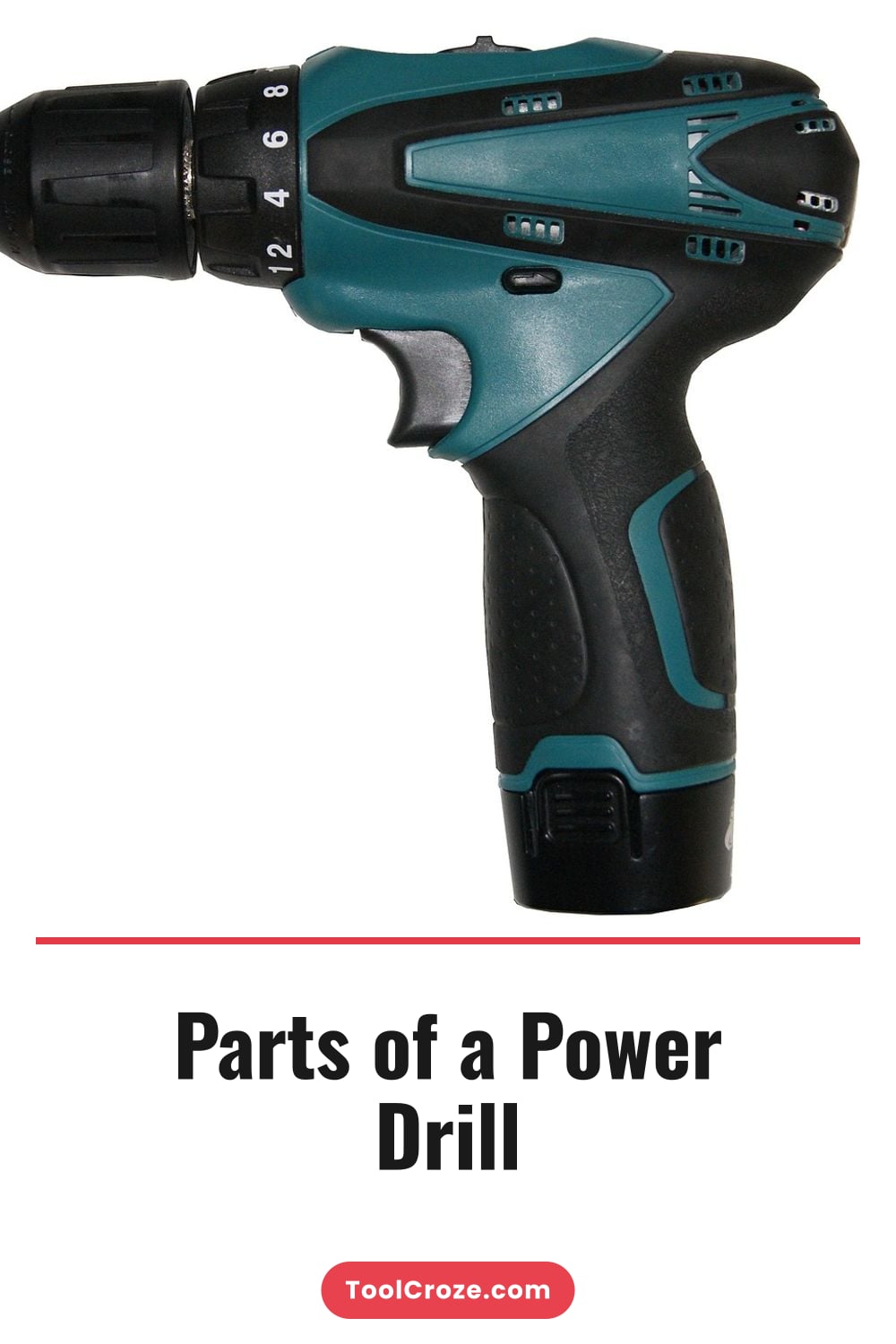
A power drill is a simple tool; however, when you need to use the power drill for a specific task, the power drill becomes complex. Every part of the power drill is important to the task you are performing with the power drill because each of these parts are unfamiliar to you. If you understand the function of each part of a power drill, you will feel more confident in your ability to use the power drill, you will use it in a safer manner, and you will extend the life of your power drill before it breaks.
The difference between fighting a power drill and letting it fight for you is your knowledge of the anatomy of the power drill. If you can envision a power drill and recognize how each part of the power drill fits together, you will be able to understand why the parts of the power drill are made the way that they are. The following list includes the parts of a power drill, what each part does, and why those parts require your attention when you use the trigger switch of the power drill.
Essential Parts of a Power Drill Explained
1. The Chuck
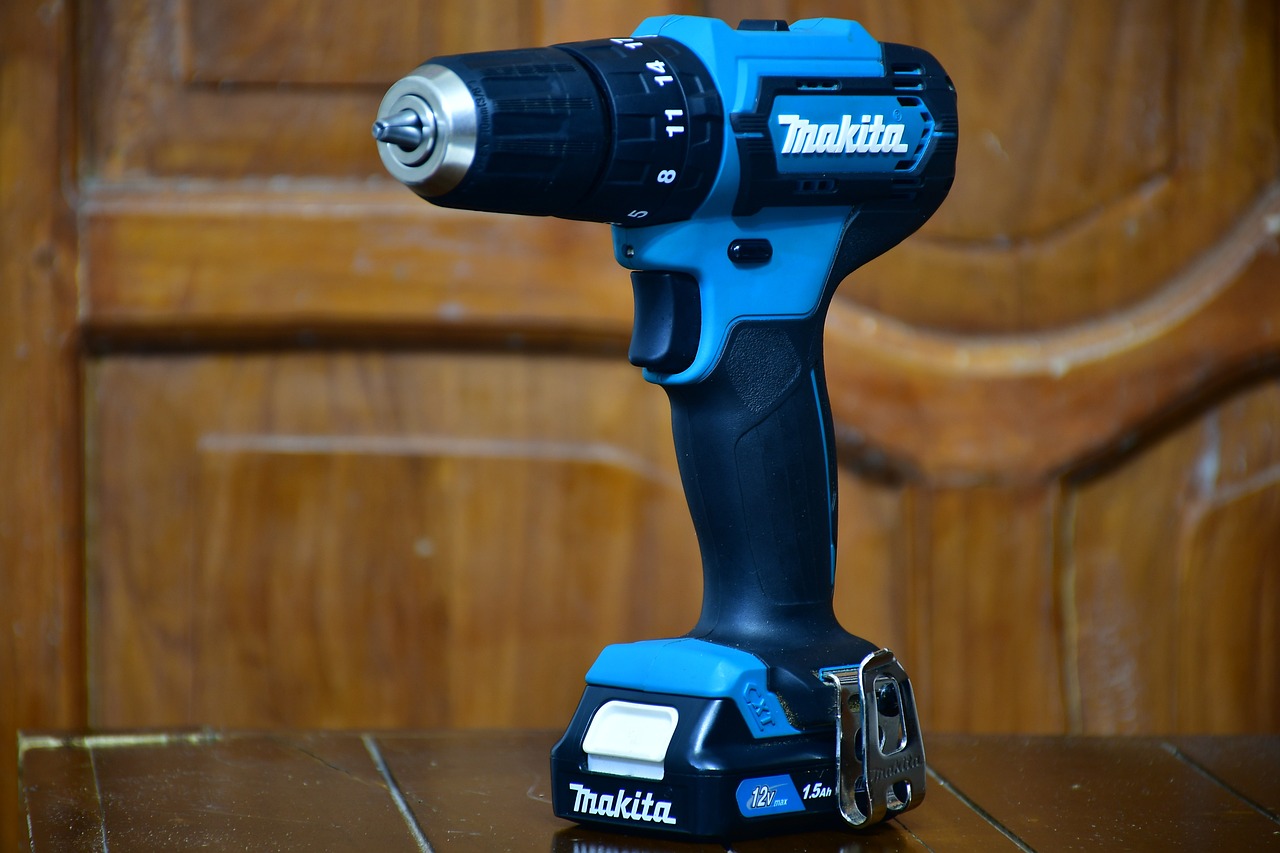
The chuck is the part of the power drill that is located at the business end of the power drill and holds the drill bit. The chuck consists of three jaws made of hardened steel that tighten around the shank of the drill bit that you insert into the chuck. If the power drill has a keyless chuck, you can tighten the chuck by hand.
If the power drill is an older model with a manual chuck, you must use a chuck key to tighten the chuck. The security with which the drill bit is held to the chuck is more important than many people admit. Using a drill with a loose drill bit will result in the drill bit slipping while the power drill is in operation.
Furthermore, slipping drill bits will ruin the hole that you create in the materials with which you are drilling and may even break the drill bit. The metal collar of the chuck is a part of the power drill that you can turn independently of the rest of the power drill. This metal collar allows the user to grip it while the motor of the power drill turns.
By taking a second to ensure that the chuck is properly tightened before you begin to drill into a project with the power drill, you will avoid much of the frustration that you may otherwise feel while using the power drill.
2. The Torque Clutch Switch
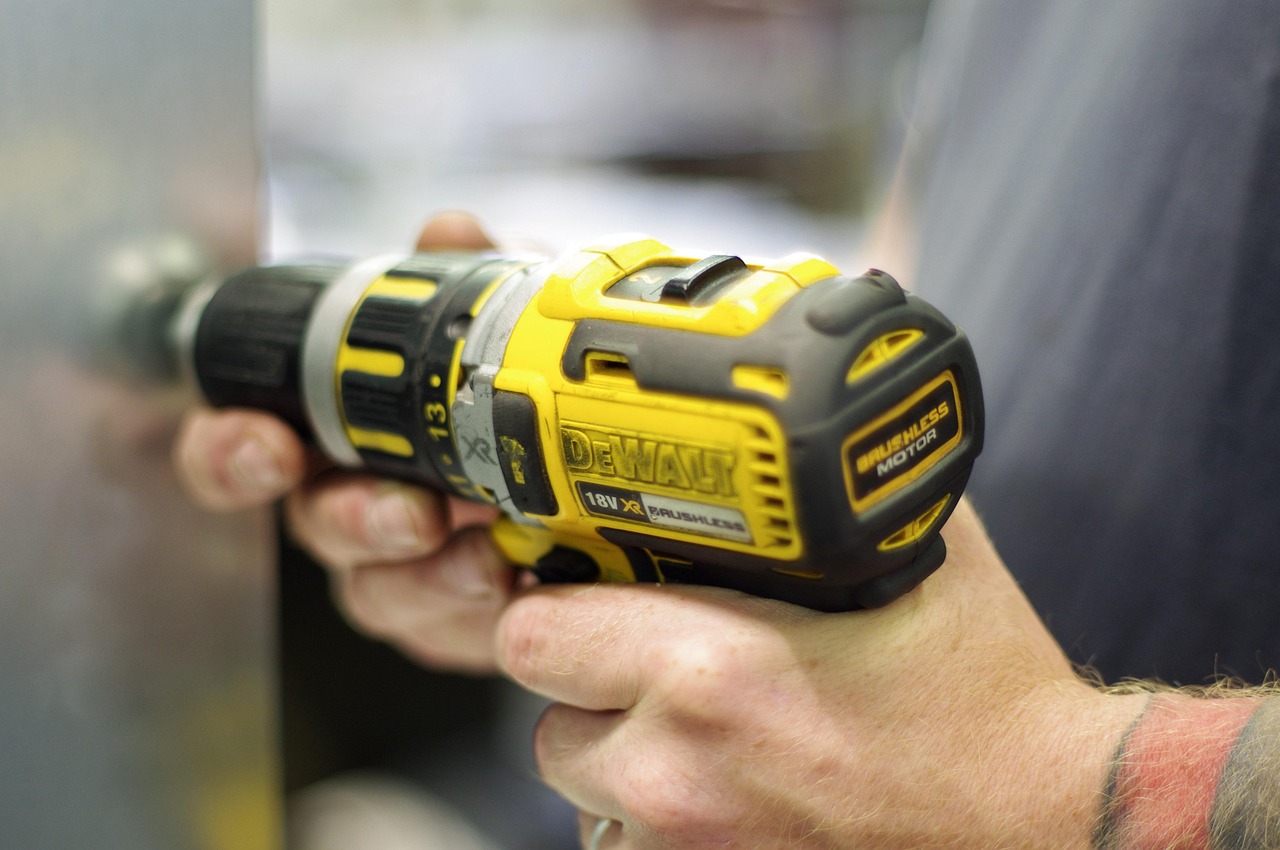
The torque clutch switch is located directly behind the chuck of the power drill. When you turn the torque clutch switch on a power drill, it will make clicking sounds.
This part of the power drill will disengage the drive shaft of the power drill when the drive shaft reaches a certain level of resistance. If you use a low setting on the torque clutch switch, you will allow the drill bit to slip slightly when it encounters a screw head so that you do not strip the screw head or break the drill bit when you are working with a small drill bit. At higher numbers on the torque clutch switch, the power drill will provide full power to the drill bit until the motor of the power drill stalls.
The torque switch is the reason that you can drive screws with the power drill without stripping them or driving them too deep into the wood. This part of a power drill is often ignored until something creaks and metal begins to rub against metal. When you understand how to properly use the torque clutch switch on the power drill, the power drill will perform well for your projects.
Using the torque switch incorrectly will leave you fighting with the power drill as it performs your tasks. The next part of the power drill to study is the speed selector switch.
3. The Speed Selector Switch
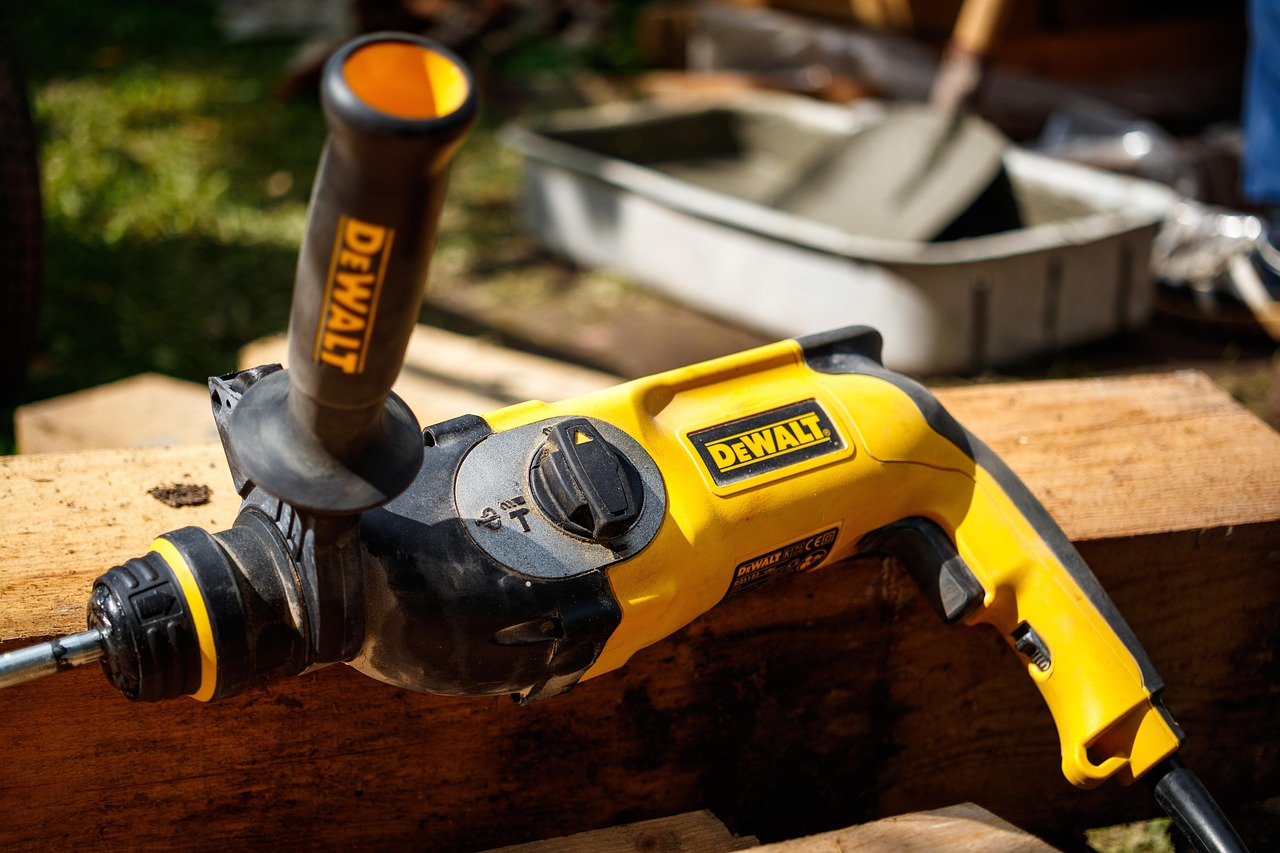
The speed selector switch is a sliding switch located on the top of the power drill.
This part of the drill allows you to select between low speed and high speed on the power drill. Low speed settings allow you to generate high torque that can help you to drive in large screws or to mix paint. At high speed on the power drill, the power drill can reach high revolutions per minute (RPM) that will allow it to drill fast clean holes into metal or plastic projects.
Many users of power drills will leave the speed switch in only one position. When this happens, many users will feel frustrated with the power drill, as they will feel as if the power drill does not have enough power to complete their tasks. If you take the time to understand how to correctly use the speed selector switch on the power drill to match the tasks that you are performing with the power drill, you will find that the motor of the power drill operates in it’s designed range.
The speed selector switch is a small part of the power drill, but it effectively doubles the usefulness of the power tool. The motor is the heart of the power drill. The power drill with a motor will be the heaviest part of the power drill.
4. The Motor
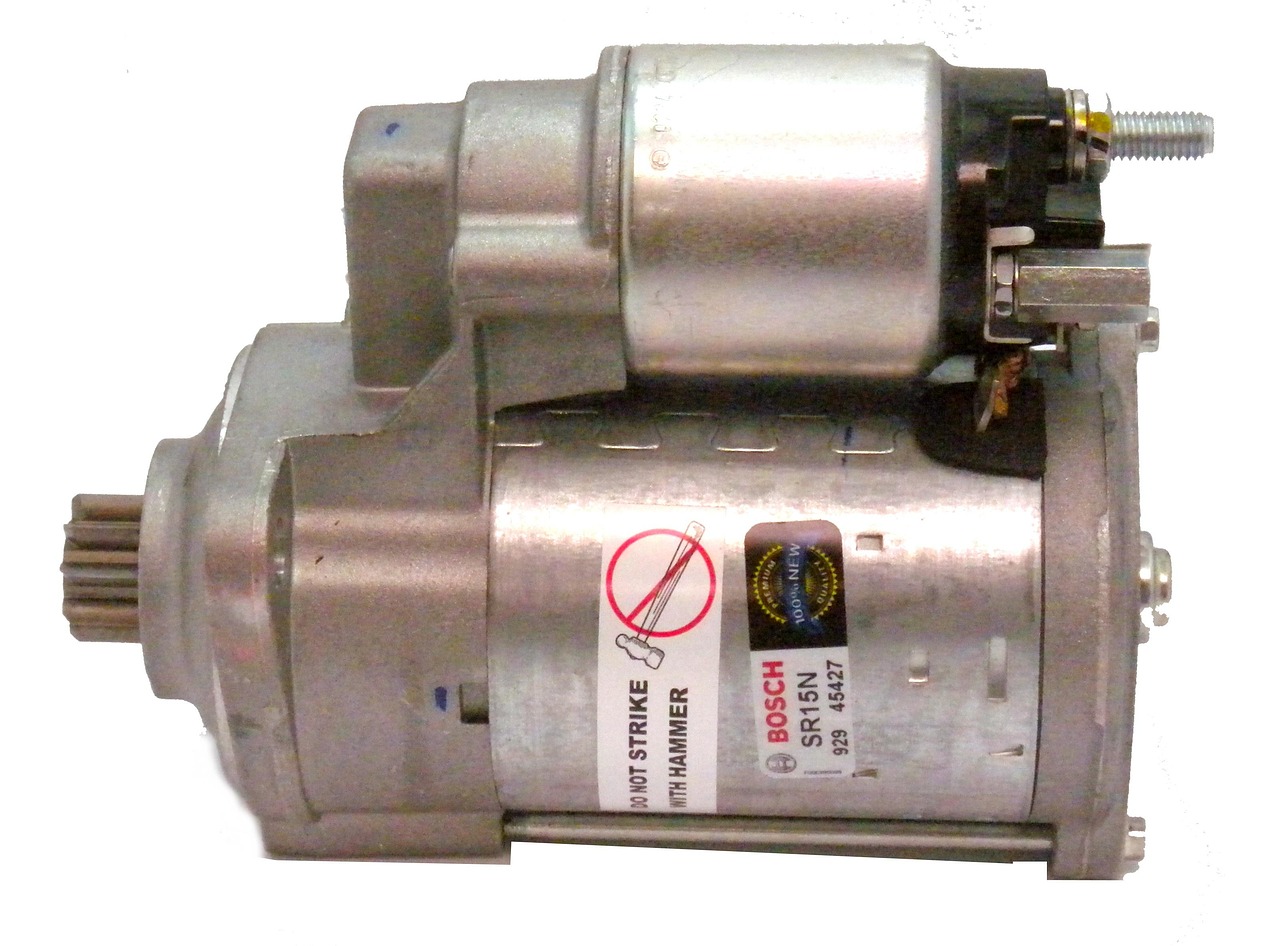
Corded power drills use a universal motor that can reach thousands of revolutions per minute (RPM). Manufacturers use brushless motors in cordless power drills. The reason that many manufacturers produce cordless power drills with brushless motors is that brushless motors run cooler during operation, draw less current from the battery, and require almost no maintenance.
The motor will convert the electricity that is supplied to the power drill into rotation, regardless of the type of motor that is used in the power drill. If you use the power drill on a project that contains hard wood like oak, you may find that the motor of your power drill is either struggling or bogging down. The quality of the motor will determine whether the power drill can maintain its speed when completing these tasks.
If your motor is strong, you will not have to apply as much pressure with your muscles as you do when using a drill with a weaker motor. With a weaker motor, you may find that your arms shake after you have drilled into ten pieces of wood with the power drill. The quality of the motor you choose for your power drill will save you money in the long term because it will last longer.
5. The Gearbox
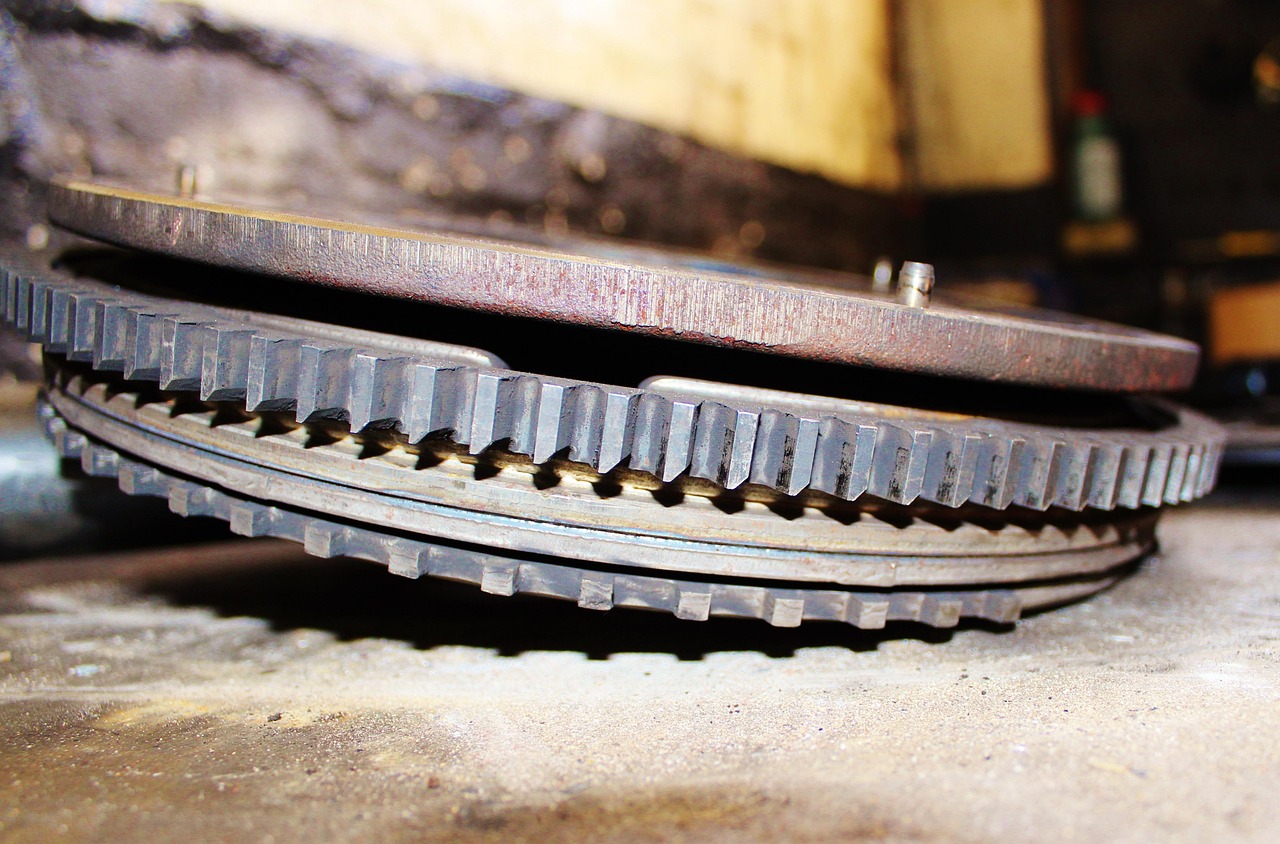
The gearbox is the component of the power drill that lies between the motor and the chuck of the power drill. This part of the power drill will either multiply the torque that is created by the motor or it will increase the speed of the power drill. Many power drills use plastic gears to reduce the weight of the power drill.
Metal gears that are used in the gearbox will last longer during extensive use of the power drill. If you switch the speed of the power drill from low to high, you may hear a loud clunk from the gearbox as it changes the ratio of the speed of the power drill. The gearbox cannot be overlooked when purchasing a power drill.
If the power drill did not have a gearbox, it would either spin at such a high rate that the user would not have the control over the power drill or it would not be able to provide the torque necessary to drill into a piece of wood and drive a screw. The gears allow a compact power drill to both stir a bucket of concrete while it is mixing the cement and drill a precise hole into a piece of wood. The gears are what allow the power drill to have different speeds.
When the speed selector switch of the power drill is changed, it is essentially the gears that are changing the function of the power drill to emphasize one task over the other. The trigger switch of a power drill does more than just turn the power drill on and off. On power drills that have a variable speed trigger switch, the further you squeeze the trigger, the higher the RPMs that the power drill will reach.
6. The Trigger Switch
If you squeeze the trigger lightly, it will allow the power drill to start drilling into the project. A full squeeze on the trigger will release the power of the power drill completely. Many power drills will feature a lock-on button on the trigger switch of the power drill for the user to hold the power drill in continuous running mode without having to squeeze the trigger.
The lock-on button is helpful for using accessories to the power drill, like a sanding drum or a hole saw. Some power drills will feature a brake on the trigger switch such that if you release the trigger switch with your finger, the drill bit will stop almost instantly. This feature will prevent the drill from spinning in a dangerous fashion while you are placing it down.
7. The Handle
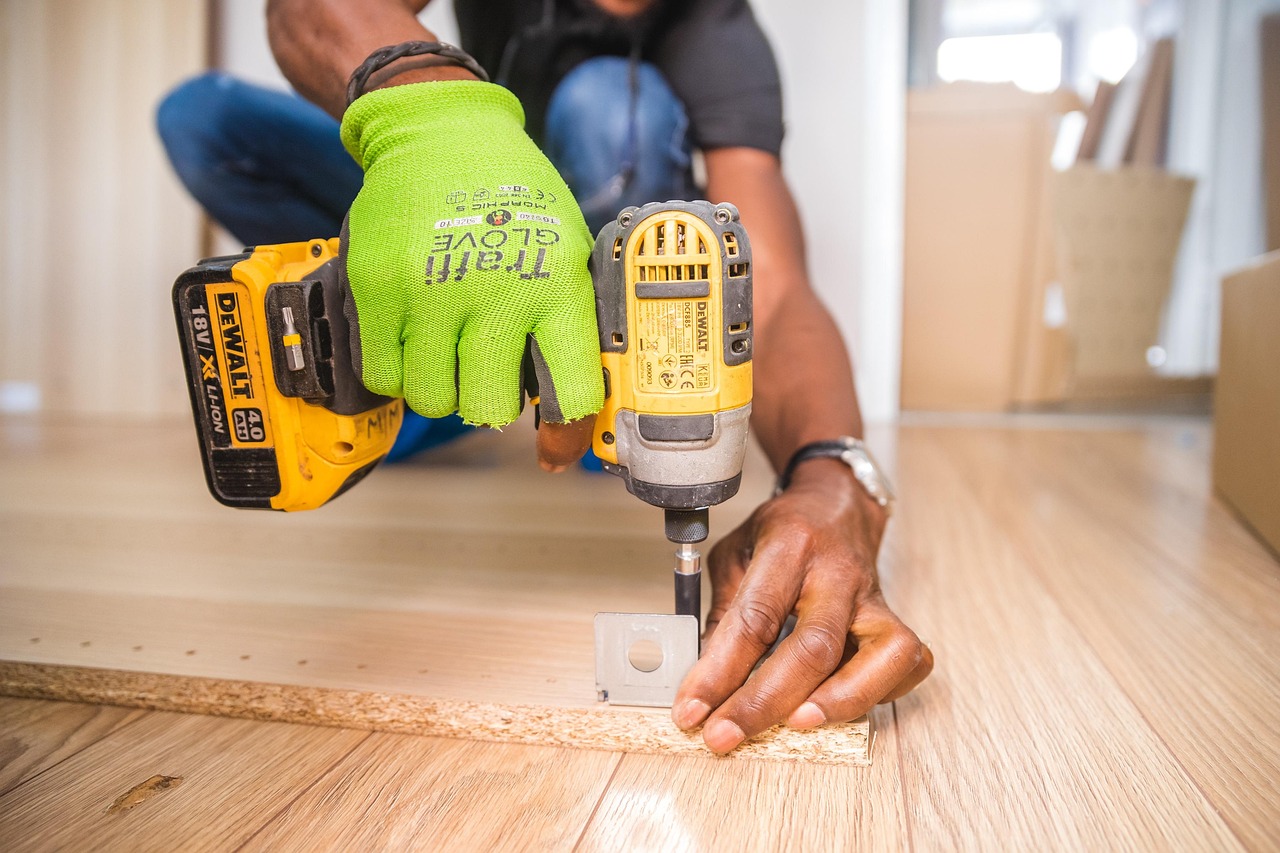
The handle of the power drill is the part of the power drill that you hold while in operation. This part and the grip area may seem unimportant until you are spending an afternoon drilling into a ceiling. The handle of a power drill will feature areas of textured rubber that will grip your hand, even if your hand is sweaty or covered in sawdust.
The handle will also be angled so that your wrist does not strain while you are using the power drill for long periods of time. Some power drills will have a secondary handle that can be screwed into the front housing of the power drill. This secondary handle will allow you to have better control over the power drill if it tends to twist within your grip.
If the handle is uncomfortable for you to hold while using the power drill, the power drill will become uncomfortable to use. This comfort while holding the power drill is an essential part of the engineering of the power drill. If you use a cordless power drill, the batteries that power the drill have more features than just the cells that contain the power for the power drill.
8. Battery Packs
Cordless power drills use battery packs that contain the cells for the power drill, charge indicators to show when the battery is needing to be charged, and features to prevent the battery from overheating during operation. The voltage of the battery is the pushing power of the drill while it is in operation. The amp-hour ratings for the battery will indicate for you how long the battery will work before it will need to be charged.
The higher the voltage of the battery for the power drill, the more power that the power drill will have. However, higher voltage batteries will also add to the weight of the power drill. You must find the perfect balance between the life of the battery and the endurance of your wrist.
The battery will slide off the power drill to allow you to swap batteries while working on your project. The clip that holds the battery to the power drill has allowed cordless power drills to go from toys to essential construction tools. Inside power drills will have cooling vents.
9. Cooling Vents
The motor will generate a great deal of heat while the power drill is in operation. Cooling vents on the power drill will allow fresh air to enter the power drill, allowing the hot air to exit the power drill. If you block the cooling vents or if the intakes get clogged with dust, your power drill will overheat, it will lose power, and it will eventually fail to continue to operate on your project.
A blast of compressed air after each few uses of the power drill will keep the cooling vents open and allow your power drill to function properly. Using compressed air will extend the life of your power drill. Many users will not think of the cooling vents until the power drill begins to emit the smell of burnt insulation.
10. The Forward Reverse Switch
The forward-reverse switch for a power drill may seem unimportant, but it is essential. This switch is a lever that is located above the trigger switch on the power drill. This switch will reverse the direction of the motor that is within the power drill.
This is helpful if you encounter difficulties with a screw or a drill bit that becomes stuck in the project that you are working on. This switch also acts as a safety lock that is centered between the forward and reverse positions of the power drill so that your power drill will not be triggered accidentally while you are carrying the power drill or changing bits. This feature will prevent many instances where someone will smash the knuckle on the trigger switch of the power drill.
Furthermore, should you forget that this switch exists, you may find yourself frustrated with the power drill. When all of the parts of the power drill are used correctly, it will transform the electricity that is supplied to the power drill into rotation that allows the chuck of the power drill to make precise and controllable holes into your project. When you learn the parts of the power drill, you will have a feeling of familiarity with every power drill that you encounter after this one.
The next time you are working on a project that requires you to drive screws into tight spaces or drill holes into metal, you will know which lever to flip on the power drill, which numbers to select for your settings, and how hard to squeeze the trigger. Your knowledge of the parts of a power drill is what will separate you from others who just appear to own one.
