Truss Rigging Calculator
Estimate hoist reactions, bridle leg tension, distributed fixture loading, point load effects, deflection ratio, and load share before a qualified rigger checks the final plot.
⚙Rigging Presets
📏Truss, Hoists, and Loads
📊Rigging Results
Formula Breakdown
🛠Current Truss / Hoist Spec Grid
📚Reference Tables
| Truss type | Self weight | Planning UDL | Typical use |
|---|---|---|---|
| Mini box, 9-10 in | 4-6 lb/ft | 35-55 lb/ft | Decor, light scenic |
| 12 in box truss | 7-10 lb/ft | 70-120 lb/ft | Front light, small spans |
| 20.5 in box truss | 12-18 lb/ft | 140-240 lb/ft | Lighting and video bars |
| 30.5 in heavy box | 25-38 lb/ft | 260-420 lb/ft | Audio, long lighting spans |
| Pre-rig lighting truss | 38-58 lb/ft | 300-520 lb/ft | Touring fixture carts |
| Bridle angle | Tension factor | Field meaning | Planning note |
|---|---|---|---|
| 90 deg | 0.50 per leg | Vertical 2-leg pick | Lowest leg tension |
| 60 deg | 0.58 per leg | Common target | Good rigging geometry |
| 45 deg | 0.71 per leg | Higher tension | Check hardware carefully |
| 30 deg | 1.00 per leg | Severe angle | Avoid unless engineered |
| Hoist size | Approx WLL | Best range | Watch item |
|---|---|---|---|
| 1/4 ton | 500 lb | Small decor points | Limited overhead margin |
| 1/2 ton | 1000 lb | Common light truss | Peak share imbalance |
| 1 ton | 2000 lb | Audio or video points | Roof beam capacity |
| 2 ton | 4000 lb | Mother grid picks | Hardware and venue limits |
| Load share check | Spread | What it suggests | Adjustment |
|---|---|---|---|
| Excellent | 0-10% | Hoists are well balanced | Maintain trim sequence |
| Normal | 10-15% | Usable with review | Fine tune chain lengths |
| Uneven | 15-25% | One point carries more | Move heavy fixtures inward |
| High risk | 25%+ | Reactions need redesign | Add point or revise plot |
💡Rigging Tips
When hanging a lighting grid or video wall over a stage, the load on the stage hoists must be considered. The load on the truss dont necessarily have to be considered for riggers; instead, the load on each of the stage’s hoist should be considered. It is possible for each hoist to not carry the same amount of the total load of the truss; one of the hoists could be required to carry more of the load than the other hoists.
If this is true of the stage truss, it will be difficult to perform a load-in of the truss, so a calculator can be used to determine the differences in the load that each of the stage’s hoists will carry prior to attaching any slings to the truss. The distribution of the load of a truss is a critical element of truss rigging. Each pick point on a truss does not necessarily carry the same amount of the total load of that truss; the position of the load will affect the amount of load that is placed on each pick point.
How to Use a Truss Rigging Calculator
For instance, a load placed in the middle of a truss with four pick points will distribute half of the load to each of the two opposite pick points; however, if the load is moved off of the center of the truss, one of the pick points will carry more of the load than the other pick point. A calculator can determine the amount of load to be placed on each pick point given the length of the truss span, the number of pick points, and the positions of the loads on the truss. Based off this information, the calculator can distribute the loads to each of the nearest pick points.
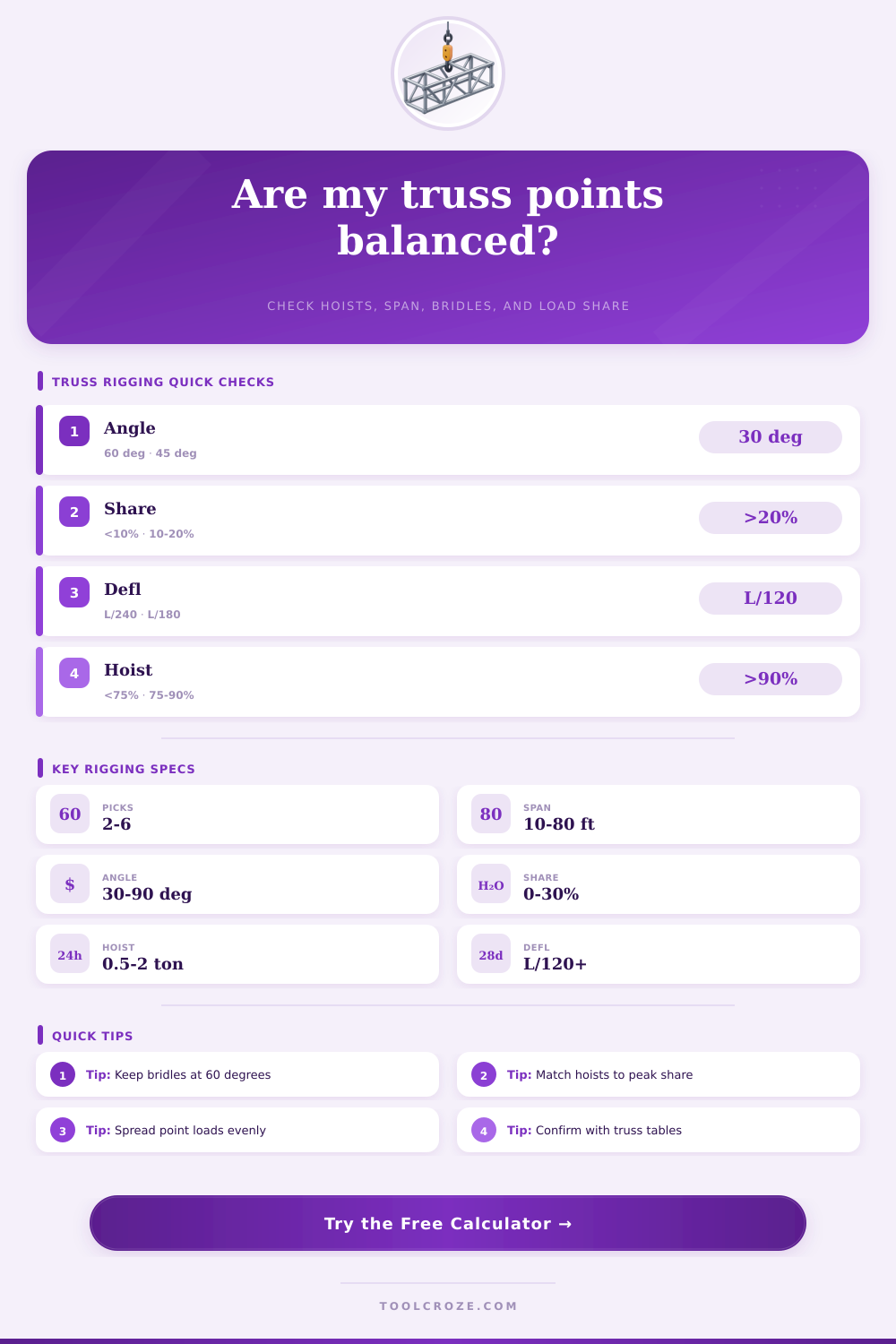
Another critical consideration in the rigging of a truss is the angle of the bridle that is attached to the truss. A sixty degree angle is often targeted for the angle of the bridle. A sixty degree angle will allow for even tension in each of the bridle legs.
If the angle of the bridle is decreased to forty-five degrees, the tension in each of the bridle legs will increase. The formula for calculating the tension in each of the bridle legs is the reaction load divided by twice the sine of the angle of the bridle legs. As the angle of the bridle legs decreases, the value of the sine of that angle also decreases, leading to an increase in the tension of each of the bridle legs.
The calculator automatically calculates this tension value if the angle of the bridle is changed or if the reaction load is changed. Another factor that contributes to the load on the truss is the distributed load. Distributed load is any load that is not placed on the truss by the rigging itself; distributed load can include LED bars, cables, and even soft goods.
The distributed load will be less than the load of a video wall, but it will add to the weight of the truss at each of the reaction points. The distributed load will be distributed even to each of the pick points to which the load is distributed. The distributed load is multiplied by a dynamic factor that accounts for the difference between the static weight of the load and the movement of the truss.
For indoor trusses, a dynamic factor of 1.15 may be used. For outdoor trusses, a factor of 1.25 or higher can be used. One final factor to consider when rigging a truss is deflection.
Deflection is the amount that a truss will bend when under load. If a truss is under a load, the truss will bend, which may result in a sag in the middle of the truss span. A calculator can estimate the amount of deflection that will occur in the truss if the length of the span of the truss is entered, the stiffness of the truss is entered, and the load that is placed on the truss is entered.
Based upon these values, the calculator can also estimate the deflection that is permitted on the truss; this value could be, for instance, the ratio of the length of the span of the truss divided by 180. If the deflection calculations come out to be more than the allowable deflection, a warning flag will be present on the calculator. A warning flag indicates that the truss or the truss spacing might need to be adjusted, but it isnt a replacement for the manufacturer’s tables of allowable deflections.
The load share tolerance will allow for the weight distribution to be adjusted. With all the added weight of the fixtures that will be attached to a truss, it is hard to even come close to perfectly balancing a four-point pick. Many riggers will allow for a percentage of 10-15% between the highest reaction point of a truss and the lowest reaction point.
If the difference between the highest and lowest reaction point is beyond the load share tolerance, it is likely that one of the hoists will have to move some of the heavy fixtures towards the lighter points of the truss. The reference tables will provide information regarding the common hardware for rigging. These tables will include the self-weight of a truss, planning for uniform distributed loads, the point-load capacities for various truss profiles, the bridle tension factors for the angles of the bridle, and the working load limits for certain sizes of hoists.
These tables are to assist with the plotting of the truss and are not a replacement for the engineering drawing of that truss. Some of the most common mistakes with rigging involve the distributed load, the bridle angle, and the dynamic factor. Many people who rig trusses without experience with truss engineering may not account for the distributed load only landing on the center points of the truss.
Other people may make a mistake with the angle of the bridle allowing for the tension of the bridle to be too high. Finally, some people may ignore the dynamic factor until the truss is in the air. The rigging calculator for trusses can help people to avoid these mistakes.
A truss rigging calculator cannot account for all of the factors that may impact the rigging of a truss. For instance, the calculator cannot see the capacity of a roof beam, any specifications of the hardware that will be used to attach the truss to the roof beams, or the rules that may exist for a fire marshal with regard to the rigging of a truss. Additionally, the calculator cannot see in what order the truss will be raised.
Each motor of a truss system may have different power to raise the truss at a given rate, so if one motor raises the truss at a faster rate than the other motors, it is possible that the structure may experience a momentary overload of that component of the truss. Thus, a truss rigging calculator is not a replacement for a qualified rigger to review and plot the truss that is to be utilized during the performance. The goal of the truss rigging calculator is to provide you with numbers that can assist you prior to beginning to rig the truss.
If the load share tolerance, the bridle tension, and the deflection calculations all pass, you will have a plan of attack to rig the truss to accommodate the distributed load. If any of the calculations fail, the calculator will warn you that the plot of the truss needs to be reexamined. The calculator will assist with the calculations so that you can make informed decisions regarding the rigging of the truss.