Rigging Truss Load Calculator
Estimate total truss load, left and right pickup reactions, peak bending moment, allowable load utilization, and hardware checks from span, support spacing, point loads, distributed loads, and dynamic factor.
⚙Real Rigging Truss Presets
📏Truss Span and Load Inputs
🧰Truss, Hardware, and Spec Comparison Grid
📐Formula Breakdown Reference
| Check | Formula used | What it means | Practical limit |
|---|---|---|---|
| Truss self-load | Span x truss weight | Dead load across the full length | Use actual truss weight per foot or meter |
| Live point load | Point weight x dynamic factor | Fixture, speaker, screen, or banner node load | Place loads at real hanging points |
| Live distributed load | Load rate x loaded length x dynamic factor | Cable, drape, tape, small repeated fixtures | Do not hide concentrated loads inside UDL |
| Reaction balance | R1 + R2 = total load | Vertical load carried by pickups | Each pickup hardware must pass |
| Moment balance | R2 x support spacing = sum load moments | Finds left and right support reactions | Offset loads can overload one motor |
| Peak moment | Max absolute sampled moment along span | Compares bending demand to chart capacity | Use the manufacturer load table first |
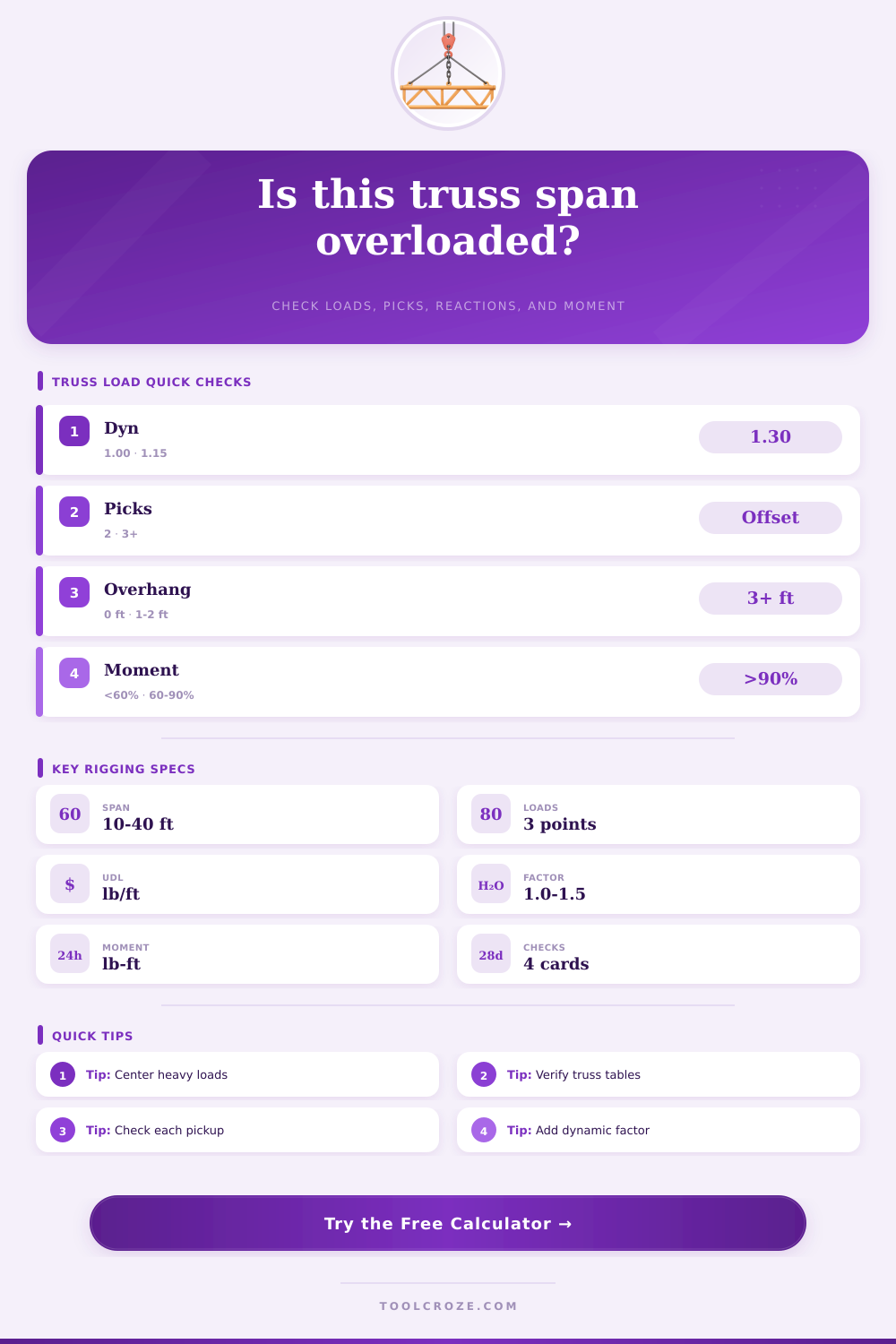
📊Span and Support Planning Table
| Span condition | Typical setup | Load behavior | Calculator action |
|---|---|---|---|
| No overhang | Support spacing equals span | Cleanest simple span model | Use full support spacing |
| Short overhang | 1 ft to 2 ft each side | Usually manageable with balanced loading | Check reactions and negative moment |
| Long overhang | 3 ft or more each side | End loads can create uplift or reverse moment | Move pickups outward or add supports |
| Offset payload | Screen or cluster near one end | One pickup can control before total load | Watch the highest reaction card |
| Distributed payload | Drape, cable, scenic strip | Acts at loaded zone centroid | Set start and end positions accurately |
🏗Truss and Hardware Spec Comparison
| Item | Common use | What controls | Verification needed |
|---|---|---|---|
| 290 mm box truss | Booths, DJ rigs, short lighting spans | Allowable load often controls first | Exact manufacturer span table |
| 12 in box truss | Small stages and corporate headers | Point load position and pickup spacing | Chord, diagonal, and coupler ratings |
| 400 mm box truss | Video, scenic, and longer lighting spans | Bending moment and node loads | Load table for the exact series |
| 20.5 in heavy truss | Concert roof and high-load bays | Support hardware and bracing system | Engineer-approved system drawings |
| Half coupler | Fixture attachment to chord tube | Clamp WLL and tube contact | Rated coupler, bolt, and tube size |
| Motor or hoist | Pickup point support | Highest reaction plus dynamics | Chain hoist rating and bridle geometry |
| Shackle / sling | Connection between motor and truss | Lowest component WLL | Tag, pin orientation, and side loading |
⚡Dynamic Factor and Load Type Reference
| Factor | Use case | Applied to | Planning note |
|---|---|---|---|
| 1.00 | Static paper check | Live loads only | Not enough reserve for many shows |
| 1.05 | Careful indoor trim | Fixtures and soft goods | Only for controlled motion |
| 1.10 | Normal indoor rigging | Most show payload | Common quick screening value |
| 1.15 | Moving hoist or show reserve | Payload that may move during trim | Default in this calculator |
| 1.25 | Vibration or active movement | Moving scenic or automated fixtures | Qualified review strongly advised |
| 1.30+ | Outdoor screen or wind-sensitive load | Screen, banner, and sail-like surfaces | Wind engineering may control |
💡Rigging Truss Calculation Tips
A load calculator is a tool that helps a person to determine if a truss span can safely carry a specific weight. A load calculator is useful in that it can turn the assumptions about a load into specific numbers that can be compared to the manufacturers table of the load that the truss can handles. Finally, using a load calculator is important because it is possible for a truss to appear to be strong enough to handle a specific load, but it may fail under the effects of motion, wind, or weights that are not evenly distribute along the truss itself.
To use the load calculator, a person must enter the total length of the truss, as well as the distance between the two pick points of the truss. These two measurement are required to determine how much of the truss spans beyond the supports of the truss. If the total length of the truss that extends beyond the supports is more than ten percent of the total length of the truss, the bending moment that is created at the center of the truss may be too great for the truss, and the reactions at the pick points may be unevenly.
How to Use a Truss Load Calculator
The load calculator automatically accounts for this measurement. In addition to entering the total length and distance between pick points, the self-weight of the truss must be entered into the calculator. The self-weight is the dead load that is always present along the truss; the load calculator calculates the self-weight of the truss as the initial load that is placed on the truss, and then calculates the point loads and distributed payloads are add to the truss.
Each of the point loads can be multiplied by a dynamic factor, which allows the load calculator to immediately change the results by adjust that factor. The dynamic factor is used to adjust for the movement of the load or the environmental forces acting upon the truss. Static loads may have a dynamic factor of only 1.10, but dynamic factors of 1.25 may be required for loads that is moving or are affected by wind.
Thus, the load calculator can help to determine at what factor the truss will pass or fail. The load calculator will return several values related to the truss and the load. For instance, the load calculator can observe the highest reaction, which will tell a person if there is a risk of one of the motors or shackles of the truss is carrying more than it’s working load limit.
The load calculator can determine the peak bending moment, which will tell a person if the truss is near the bending strength of the truss as listed in the manufacturer’s specifications. Finally, the worst-case utilization percentage will return which of these limits may be reached by the truss. A person can make a mistake in using the load calculator if they only consider the total weight of the load that is to be lifted by the truss.
The load may be within the limits of the total weight the truss can handle, but it may be a failure of the bending moment of the truss if the loads is concentrated in the center of the truss. Another potential mistake is to ignore the working load limit of the hardware components of the truss; the load calculator will indicate if any of the reactions of the truss are too high relative to the working load limit of the hardware, but the working load limit must be entered into the load calculator for such determination to be make. The load calculator cannot determine if the truss is physically damaged, if the bridle will land at an angle on a roof beam, or if there will be issues related to the temperature of the truss or if the connections to the hardware are loose.
Thus, even if the load calculator shows that the truss is safe and the utilization percentages are within limits, an experienced rigger should visually inspect the truss and hardware to ensure that there are no issue. When any of the inputs into the load calculator are adjusted, the results will automatically update. Thus, a person can determine how any change to any of the loads or dynamic factors will affect the utilization percentage of the truss.
Thus, the load calculator allows a person to efficiently determine the results of the truss and load without having to manually calculate the various mathematical variations of the truss components. However, the load calculator is not a replacement for a qualified rigger. The load calculator makes assumptions about the truss and hardware; it assumes that the truss is not damaged and that the building points can handle the reactions of the load.
Thus, the load calculator is only as accurate as the individual entering the loads into the calculator. For instance, if a person enters a load of moving lights as a single point load, the result will be different than if the same load is entered as separate individual loads. Regardless of these potential errors, there is value of using a load calculator in determining the safety of the truss.
The numbers indicate any potential problems with the truss prior to the load is lifted. For instance, the load calculator may reveal that one of the pick points is carrying more load than the others, or that the working load limit of the hardware will be reached. Thus, the person can make any changes to the rigging plan according to the load calculator to ensure the safety of the rigging and to meet the schedule of the lighting installation.