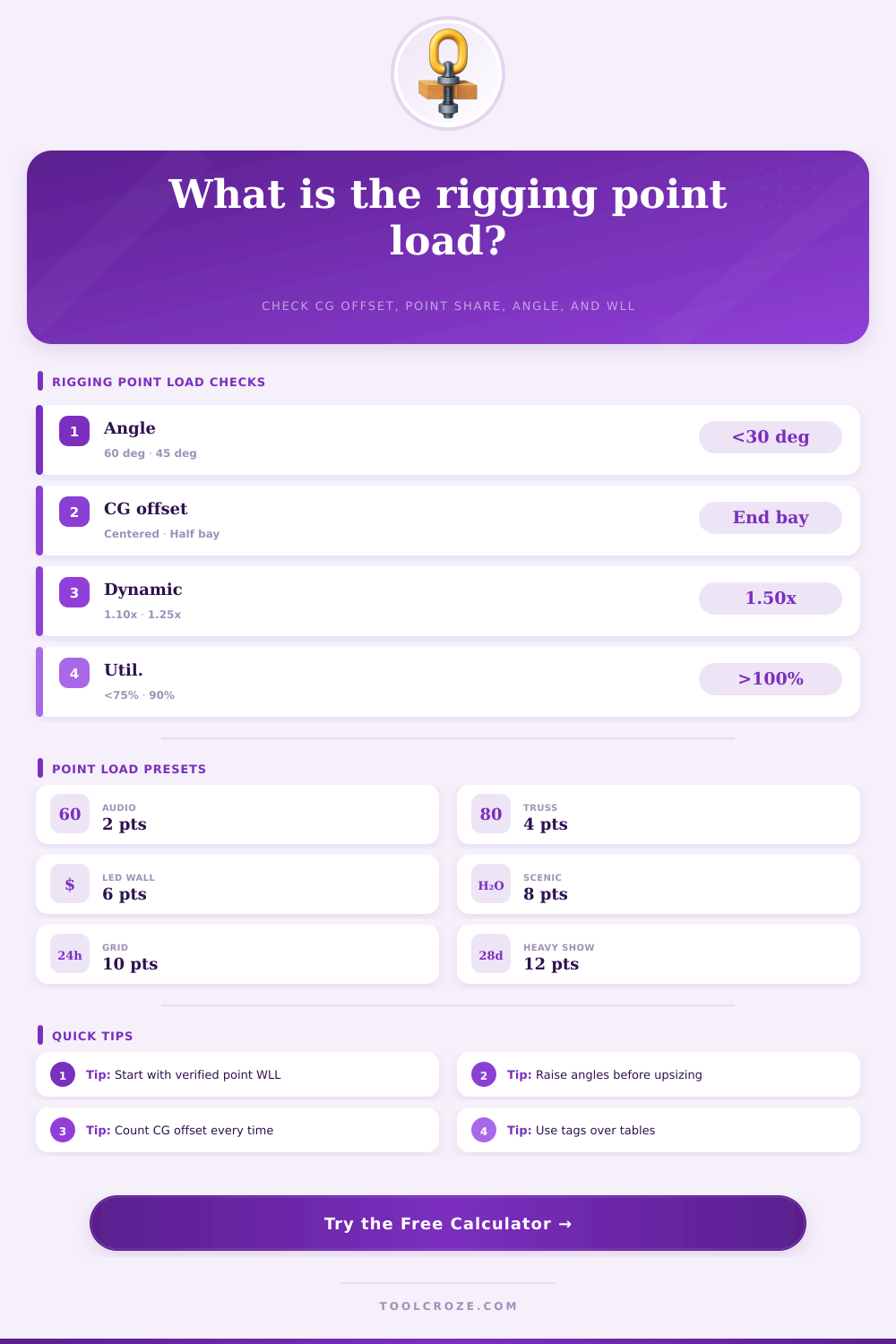
Rigging Point Load Calculator
Estimate overhead rigging point reactions from total suspended load, number of points, spacing, center-of-gravity offset, bridle angle, unequal load share, dynamic factor, safety factor, and point WLL.
⚙Real Rigging Point Presets
📏Rigging Point Inputs
🔗Rigging Point / Hardware Spec Grid
📐Bridle Angle Reference
| Angle from horizontal | Vertical factor sin(angle) | Tension multiplier | Horizontal side load per vertical lb |
|---|---|---|---|
| 90° | 1.000 | 1.00 | 0.00 lb |
| 75° | 0.966 | 1.04 | 0.27 lb |
| 60° | 0.866 | 1.15 | 0.58 lb |
| 45° | 0.707 | 1.41 | 1.00 lb |
| 30° | 0.500 | 2.00 | 1.73 lb |
| 20° | 0.342 | 2.92 | 2.75 lb |
📊Dynamic and Load Share Reference
| Condition | Typical factor | Where it appears | Planning note |
|---|---|---|---|
| Static dead hang | 1.00 | Dynamic factor | Load is still and verified before occupancy or show use. |
| Controlled hoist trim | 1.10 | Dynamic factor | Common allowance for slow lifting and normal take-up. |
| Show movement or bounce | 1.25 | Dynamic factor | Use for repeated motion, vibration, or audience-visible motion. |
| Unequal bridles | 1.20 to 1.50 | Worst point share | Short legs, tight trim, and field tolerances shift load to one point. |
| Planning reserve | 1.10 to 2.00 | Required WLL | Extra screening margin beyond calculated dynamic load. |
🏗Point Spacing and CG Offset Reference
| Layout condition | Example | Expected effect | Action |
|---|---|---|---|
| Centered CG | Offset 0 ft | Points start close to equal share | Still apply unequal share allowance. |
| Half-bay offset | CG offset half the point spacing | End-adjacent points become noticeably higher | Check individual point loads, not only average load. |
| End-bay offset | CG near one outside point | One point may approach a large share of load | Move the pick, add a point, or rebalance ballast. |
| Wide spacing | Long truss or mother grid | Small CG errors can create large reaction changes | Survey points and load positions before lifting. |
| Single point | One chandelier or motor | One point carries 100% plus factors | Use the full load path WLL and bridle angle if any. |
🛠Common Rigging Hardware Reference
| Hardware / point item | Input to use | Common check | Important limit |
|---|---|---|---|
| Rated building point | Point WLL per point | Structural tag, venue plot, engineer letter | Do not assume beam capacity from size alone. |
| Shackle or master link | Hardware WLL per point | WLL marking, pin size, side loading | Side load and angle can derate hardware sharply. |
| Wire rope sling / span set | Hardware WLL per point | Vertical WLL, basket/choker rating, edge protection | Use the exact hitch rating on the tag. |
| Chain hoist or motor | Hardware WLL per point | Motor rating, chain condition, control group | Do not exceed motor, hook, chain, or clutch rating. |
| Beam clamp / trolley | Lowest hardware WLL | Beam flange fit, lock pins, manufacturer chart | Check flange, side pull, and installation limits. |
| Bridle leg | Bridle leg tension result | Sling tension, horizontal force, angle | Low angles increase both tension and side pull. |
💡Rigging Point Load Tips
A point load calculator will allow you to understand how the weight of your rigging are distributed across the rigging points. Rigging point loads are difficult to calculate due to the way that teh center of gravity of the load can shift. However, a point load calculator can help you understand the relationship between the load that you are rigging, the geometry of your rigging points, and the various multipliers that will affect the load at each attachment point.
You must calculate the total suspended load and include every object that is hanging from the rigging points. These loads may include the truss, the cables, the motors, the fixtures, the scenery, and all of the hardware that travel with the rigging components. Once you calculate the total load, the number of attachment points and the spacing between those points becomes important.
How to Use a Point Load Calculator
The spacing of the rigging points and the number of points will impact how the total load is divided between each attachment point. If the points are equally spaced, the load will be distributed even to each point. However, because of the possibility of unevenly distributed scenery or audio arrays, the load is often not even between each attachment point.
The offset of each rigging point from the geometric center of the rigging points can be entered into the calculator to account for this. The angle of the bridle legs, known as the bridle angle, is another important variable in the equation for determining point load. If the angle of the bridle legs are at 90 degrees from the horizontal (known as a vertical pick), the tension in each leg will equal the load that is being suspended from the bridle.
However, if the angle of the bridle legs is less than 90 degrees from the horizontal, the tension in each leg will be greater than the load being suspended from the bridle. The lower the angle of the bridle legs from the horizontal, the greater the tension and side load on those bridle legs. In rigging, it is preferred that the angle of the bridle legs is as steep as possible to reduce the tension on the legs.
The tension on the rigging components is reflected in the tension multiplier which can help you determine if your slings, shackles and motors will be within their working load limit. The dynamic factor is used to account for the difference between static and dynamic load on the rigging points. A static load is one that does not move, while a dynamic load is one that moves from one location to another within a performance.
A dynamic factor must be applied to the load to account for this movement. The dynamic factor is applied to the worst-case point share of the total load rather than the average share of the load at each point. This is due to the fact that each point already has a share of the static load that is being applied to the rigging points, so each point will have an even more larger share of the load when it begins to move.
The unequal load share allowance is another setting that allows for the reality of rigging to be factored into the calculations. The load will not perfectly even out between each of the rigging points. The allowance for this inequality in load can be set to a higher or lower percentage.
A higher percentage is a more conservative selection of the allowance, but it may require the use of larger hardware to handle the increased load. A lower percentage of load inequality allows for the possibility of determining the exact load share that each point will carry once the load is hanging from the rigging. The result of the point load calculator is the required working load limit for each rigging point.
The required working load limit already includes the safety factor for the rigging that is entered into the calculator. This value can be compared to the structural point rating (determined through the rigging calculations) and the hardware working load limit. The smaller of these two values is the limiting factor for each rigging point.
The spacing between the rigging points and the offset of the load from the geometric center of the points interact with one another. The interaction of these two variables can be difficult to account for in planning. The layout model option on the calculator can help to account for different geometric layouts of the rigging points.
The limits of the hardware often limits the load that can be applied to each rigging point. Each point and component of the rigging has different strength and load limits. For instance, the load limit of the building point may be higher than that of the shackle, or the motors may have higher load limits than the span sets.
The lowest limiting load for any component of the rigging will determine the load limits for each individual point. The reference tables provide context for the calculations performed by the calculator. The bridle angle table can be used to determine the load and side load for different bridle angles.
The dynamic and load share tables are used to help the users understand the relationship between the variables and the multipliers that should be applied to those variables. The spacing and center of gravity table can help to show the types of loads that can be created with different offsets of the center of gravity from the center of the rigging points. These tables can help to reduce the amount of mental calculations that are required during rigging.
Finally, it is important to read the safety note located at the bottom of the calculator. While the point load calculator can help riggers understand the load at each point, it is not a complete replacement for the engineering knowledge and planning that is required for rigging to be safe. The calculator does not take into account the side loading of the rigging points, shock loading to the rigging components, or the physical condition of the structure upon which the rigging is placed.
These factors a qualified rigger must still account for prior to any load being placed into the air by the rigging components. The point load calculator makes the trade-offs for rigging visible to the user. Each trade-off involves increasing one parameter at the expense of another.
For instance, raising the bridle angle will reduce the tension in each bridle leg. Moving the load closer to the center of the rigging points will reduce the point load on each attachment point. Using a higher dynamic load factor will lead to an increased required working load limit for the rigging components.
Each of these factors will help show the user the load that each point will experience, and help the user to make a decision prior to beginning to hang the steel.